OM
                               O T.C
                        G SP
                .B LO
         A LM
    RE
  QS
WINDOWS XP
Concepts
            Powerpoint Templates
                                          Page 1
Operating System


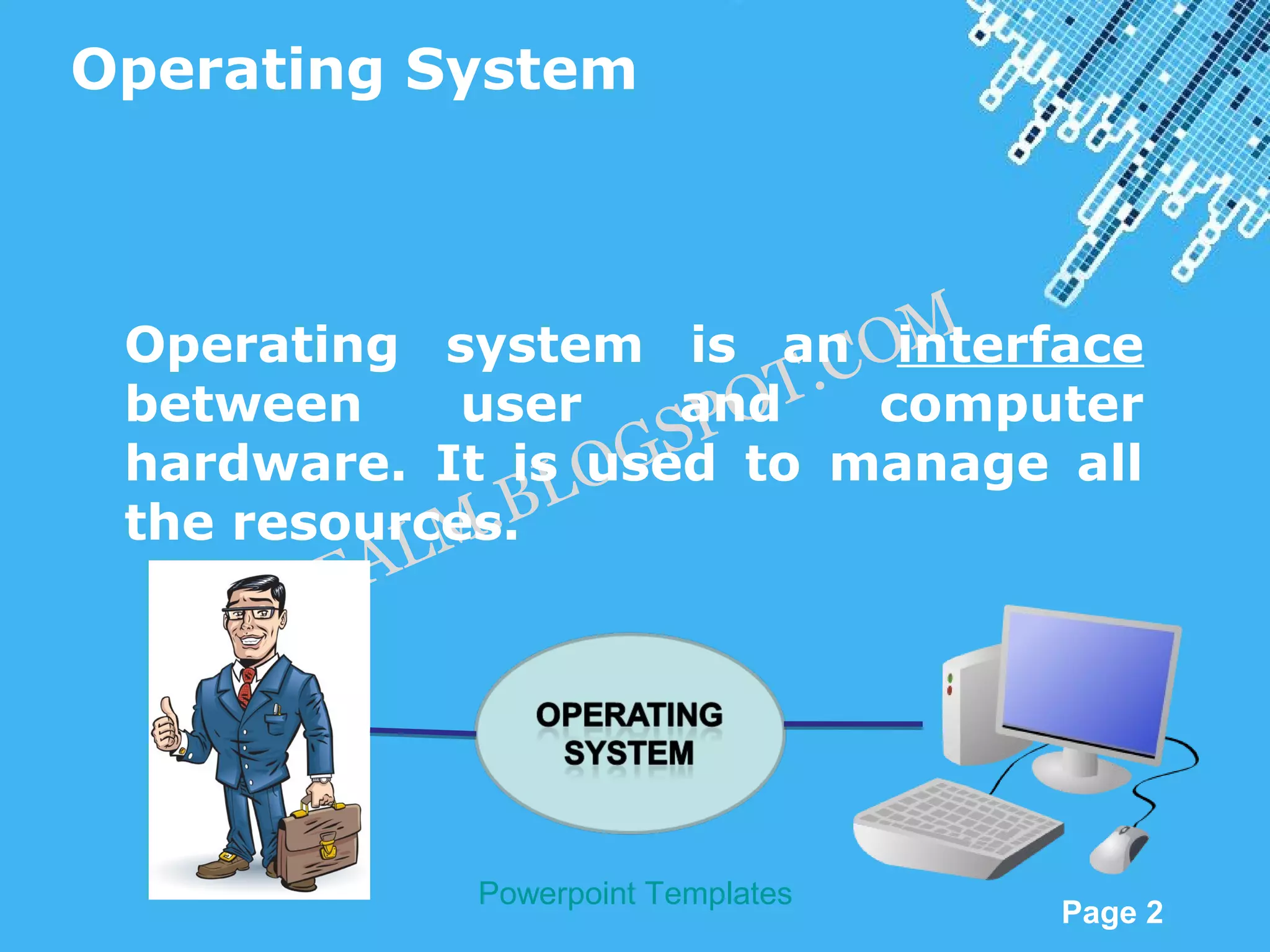
 Operating system is an OM  C interface
                          T. computer
 between     user      PO
                      and
 hardware. It is O  GS to manage all
                   used
              .B L
 the resources.
            M
           E AL
    Q SR


                  Powerpoint Templates
                                         Page 2
OM
                             O T.C
                      G SP
              .B LO
       A LM
  RE
QS


          Powerpoint Templates
                                        Page 3
Windows Versions


                             OM are:
                         T.C
 Different versions of Windows
                      PO
 Windows 95 LO    GS
 Windows M    .B
            L 97
      SR EA
 Windows 98
    Q
 Windows NT
 Windows XP
 Windows Vista
 Windows 7
             Powerpoint Templates
                                    Page 4
Windows


                             M
                            Osoftware
 Microsoft Windows is .a
                         TC
 tool that allows SPO to perform
                     you
                  OG
 many of the tasks according to your
              .B L
 need.     LM
      SR
 Windows EA uses Graphical User
    Q
 Interface (GUI) which includes
 Windows, boxes, icons, buttons,
 shortcuts, cursor, menus, etc.

             Powerpoint Templates
                                    Page 5
Features of Windows


                                      M
                              . CO
 Windows uses GUI. So, instead of typing
 lengthy commands, the OT P user clicks the
 Icon to run a command.GS
                 .B LO
 It provides multi-tasking capabilities to
             LM
      SR  EA at a time.
 the computer. Windows can run more than
 one program
    Q
 Creating, copying, and deleting files is
 easier in Windows. This can be done by
 right clicking on the file and seleting the
 option.
               Powerpoint Templates
                                          Page 6
M
Every application in Windows O run in a
                             .C is
                         OT
separate window (A ‘window’ is a box of
                      SP
                   OG
frame on the screen).
                 BL
New software .can be easily installed on
            LM
     SR  EA
the Windows.
Windows has multimedia capability for
   Q
audio,    video,   and    MIDI     (Musical
Instrument Digital Interface).
Windows has the feature of ‘drag-and –
drop’ for some applications.
              Powerpoint Templates
                                         Page 7
Windows XP


                                      M
                             . CO
 Indroduced by Microsoft in 2001
                          SP OT
                   OG
 The letters "XP" stand for "eXPerience",
               .B L
 meaning the operating system is meant to
          A LM
 be a new type of user experience.
      RE
    QS
 Windows XP is an operating system
 produced by Microsoft for use on personal
 computers.

               Powerpoint Templates
                                          Page 8
Two editions of Windows XP


                                     M
 Windows XP Professional:  . CO
                         OT
     For business desktop users.
                       P
                     GS
               .B LO
 Windows XP Home Edition:
            LM
         EA
      For home desktop users.
      SR
    Q


              Powerpoint Templates
                                         Page 9

Windows XP concepts

  • 1.
    OM O T.C G SP .B LO A LM RE QS WINDOWS XP Concepts Powerpoint Templates Page 1
  • 2.
    Operating System Operatingsystem is an OM C interface T. computer between user PO and hardware. It is O GS to manage all used .B L the resources. M E AL Q SR Powerpoint Templates Page 2
  • 3.
    OM O T.C G SP .B LO A LM RE QS Powerpoint Templates Page 3
  • 4.
    Windows Versions OM are: T.C Different versions of Windows PO Windows 95 LO GS Windows M .B L 97 SR EA Windows 98 Q Windows NT Windows XP Windows Vista Windows 7 Powerpoint Templates Page 4
  • 5.
    Windows M Osoftware Microsoft Windows is .a TC tool that allows SPO to perform you OG many of the tasks according to your .B L need. LM SR Windows EA uses Graphical User Q Interface (GUI) which includes Windows, boxes, icons, buttons, shortcuts, cursor, menus, etc. Powerpoint Templates Page 5
  • 6.
    Features of Windows M . CO Windows uses GUI. So, instead of typing lengthy commands, the OT P user clicks the Icon to run a command.GS .B LO It provides multi-tasking capabilities to LM SR EA at a time. the computer. Windows can run more than one program Q Creating, copying, and deleting files is easier in Windows. This can be done by right clicking on the file and seleting the option. Powerpoint Templates Page 6
  • 7.
    M Every application inWindows O run in a .C is OT separate window (A ‘window’ is a box of SP OG frame on the screen). BL New software .can be easily installed on LM SR EA the Windows. Windows has multimedia capability for Q audio, video, and MIDI (Musical Instrument Digital Interface). Windows has the feature of ‘drag-and – drop’ for some applications. Powerpoint Templates Page 7
  • 8.
    Windows XP M . CO Indroduced by Microsoft in 2001 SP OT OG The letters "XP" stand for "eXPerience", .B L meaning the operating system is meant to A LM be a new type of user experience. RE QS Windows XP is an operating system produced by Microsoft for use on personal computers. Powerpoint Templates Page 8
  • 9.
    Two editions ofWindows XP M Windows XP Professional: . CO OT For business desktop users. P GS .B LO Windows XP Home Edition: LM EA For home desktop users. SR Q Powerpoint Templates Page 9