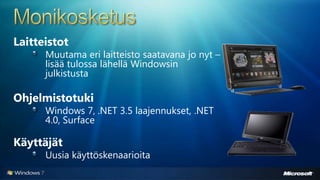
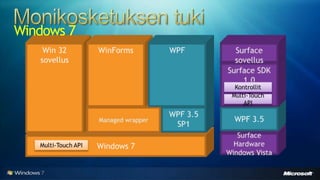
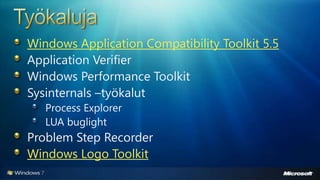
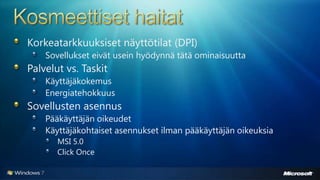
Tässä presentaatiossa esitellään Windows 7 ominaisuuksia. Esityksessä käydään läpi mm. hakupalvelut, kirjastot (libraries), monikosketustuki, sovellusyhteensopivuus, työkalut, taustaprosessit ja paljon muuta
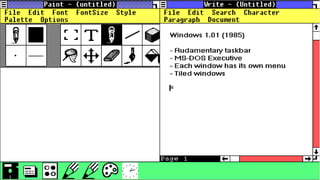
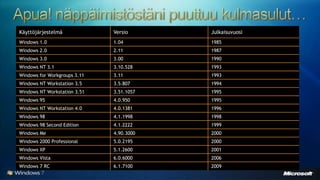
#10 This is Windows 1.01 the year is 1985Note the taskbar: This is already quite close to Windows 7 But the notion of having a single simple surface to launch application is important. These icons represents Windows
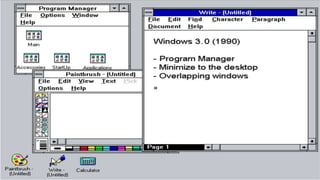
#11 Moving to Windows 3.0, Minimizing Windows into icon on the desktop,But we gave up on the TaskbarAnd we got overlapping windows
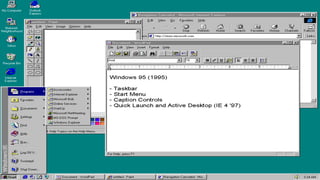
#12 Windows 95, We see the Taskbar again. And this time there is a real notion of a taskbar. It has a taskbar, a start menu, quick launch, notification area, and basically it is the same familiar we have today.The start menu lot you launch application Quick launch a taskband to quick launch application…
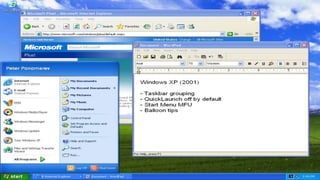
#13 Windows XPThe taskbar introduced taskbar grouping, making the taskbar more space concision. Notice IE is grouped as we have 9 IE running. Start menu introduce the frequent menu.And we added tooltips to the notification area, either you love them or hate them….
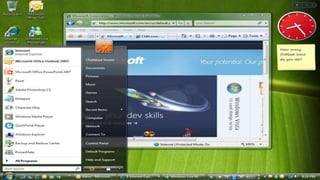
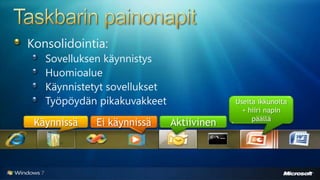
#14 And finally we are looking at Windows Vista taskbar and desktop Start menu introduce search which is very coolQuick launch as defaultAnd we add gadgets.Count Outlook icons – how many launch surfaces? Well, desktop, notification area, quick launch, start menu MFU. And then there’s the Outlook taskbar button. There are 6 different ways to launch and switch to outlook. It is very redundant and cumbersome and the quick launch is not really launching if outlook is already running. With this short history review we have some additional improvementsToo many launch surfecinfSwitching windows is error-proneRedundancy Too much noiseGrouping and controlling groupsThe media quick access taskbar takes valuable space Arranging Windows is not easy
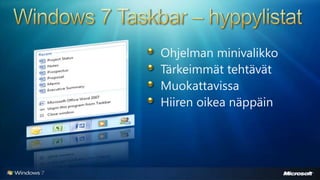
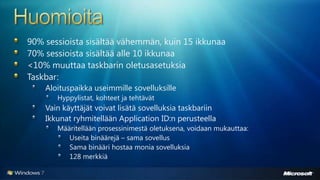
#16 [TDM, DEV][Windows 7 Taskbar Details – Important enough to not hide]Jump Lists are a new feature of the Windows 7 taskbar that accomplish just this. Think of this feature as a mini Start Menu for each program or an evolved version of the system menu. First, the you don’t need to even start the program to quickly launch a file or access a task. Second, destinations don’t take up valuable space on the taskbar; they are automatically organized by their respective program in a simple list. Should one have ten programs pinned or running on her taskbar, this means she could have quick access to over 150 destinations she uses all the time, without even the need to customize the UI! Since the Jump List shows lots of text for each of its items, gone are the days of having identical icons on your taskbar that are indistinguishable without a tooltip. Should you wish to keep a specific destination around, you can simply pin it to the list.
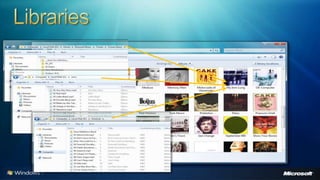
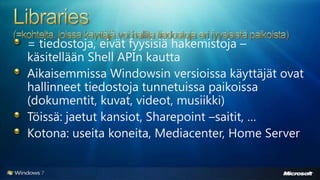
#19 [TDM, DEV][Why - Windows 7 Libraries overview]People want rich and custom visualization of their files, regardless of how it is stored in foldersPeople store data all over the computer54% of digital content (documents, pictures, music, etc.) lives outside of the user profileMost users do bothLibraries are destinations where users can find and organize their data as collections of items that may span multiple location libraries offer rich pivots of your data. look at this, these aren't folders, we’re looking at a rich metadata backed view of all of my albums. Just as performant and useful as my folder view I don’t keep all my files in the ‘my music folder’ so check this out. This library is the aggregate of all the folders I care about. External drive, second partition.
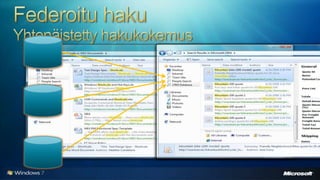
#26 [TDM, DEV] federated search offers the same rich explorer experience for remote providers. In this case SharePoint consistent experience for different providers. 1) sharepoint, 2) a people data base and 3) a CRM application …search quotes.Possibilities are endless here. Lets take a look.
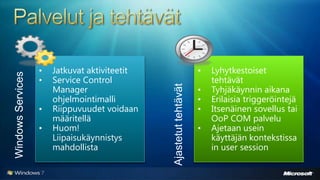
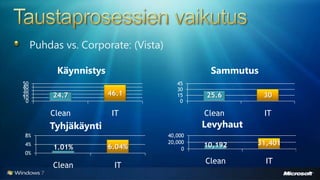
#34 [DEV][SCM details – Tasks Vs. Services highly important for developers coming from XP!!! ]
#35 [TDM, DEV][SCM High level overview – services importance illustration (also relevant for power)]