16:9 1024 x 576Widescreen PresentationTips and tools for creating and presenting wide format slides
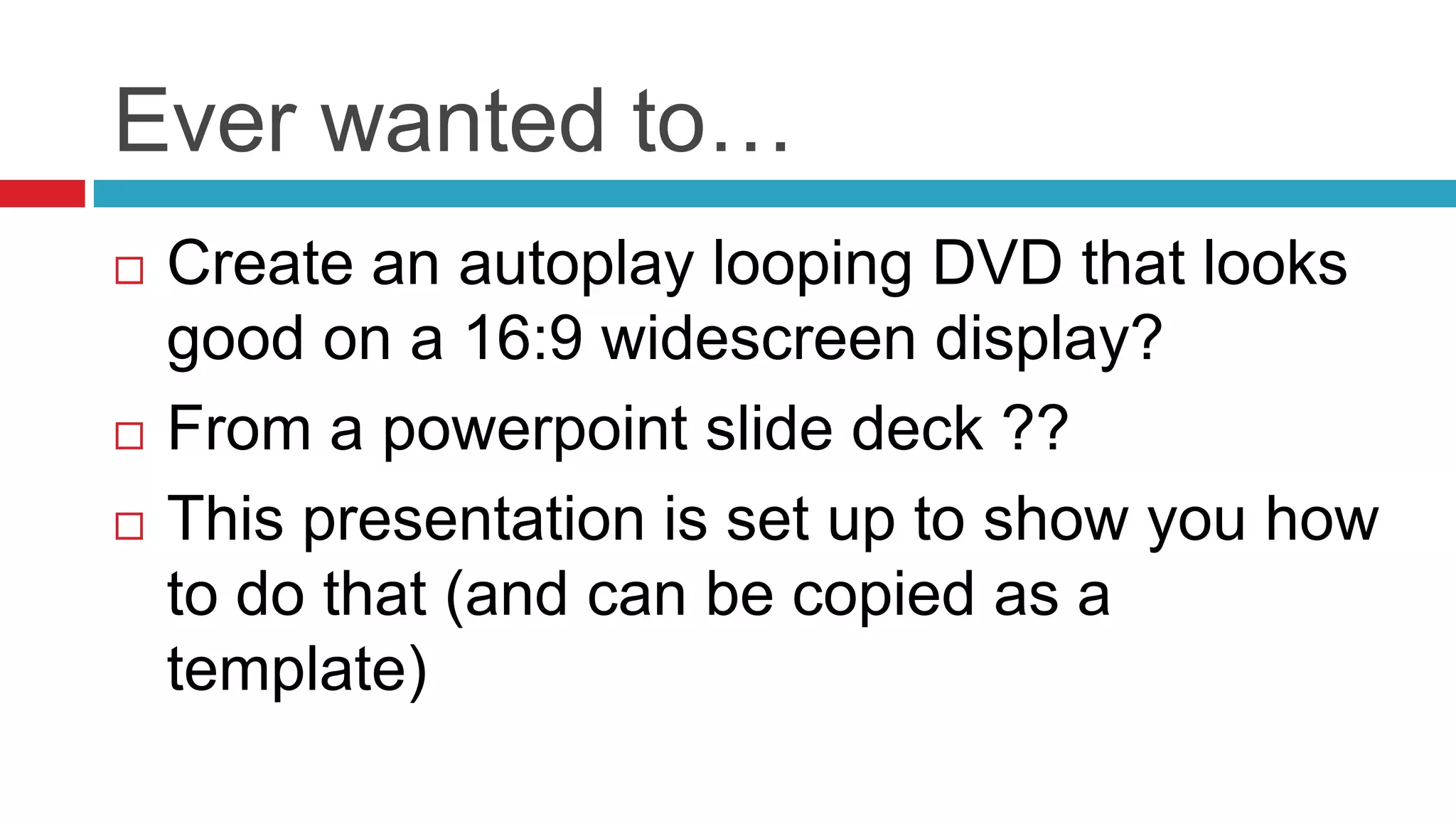
Ever wanted to…Create an autoplay looping DVD that looks good on a 16:9 widescreen display?From a powerpoint slide deck ??This presentation is set up to show you how to do that (and can be copied as a template)
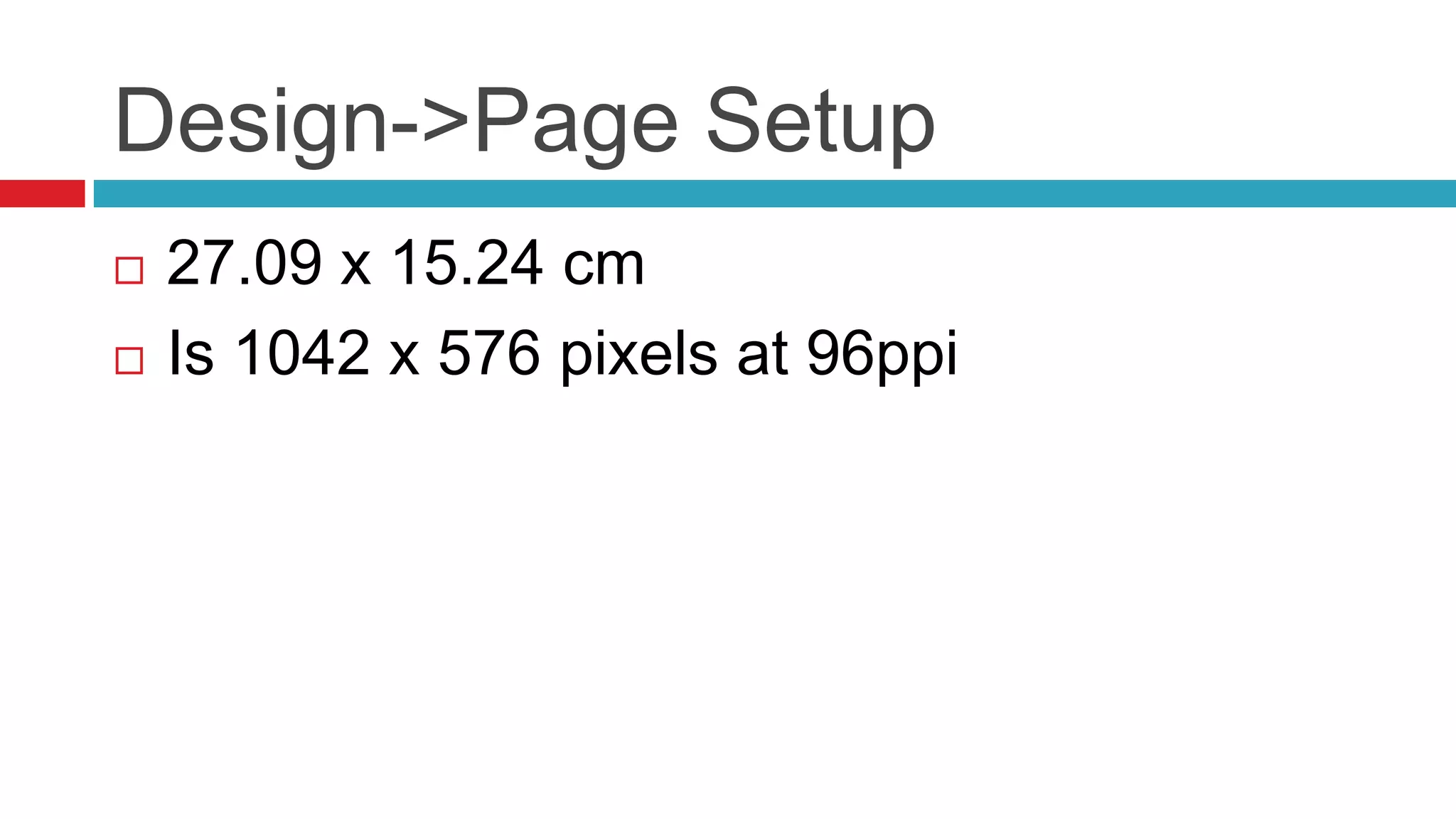
Design->Page Setup27.09 x 15.24 cmIs 1042 x 576 pixels at 96ppi
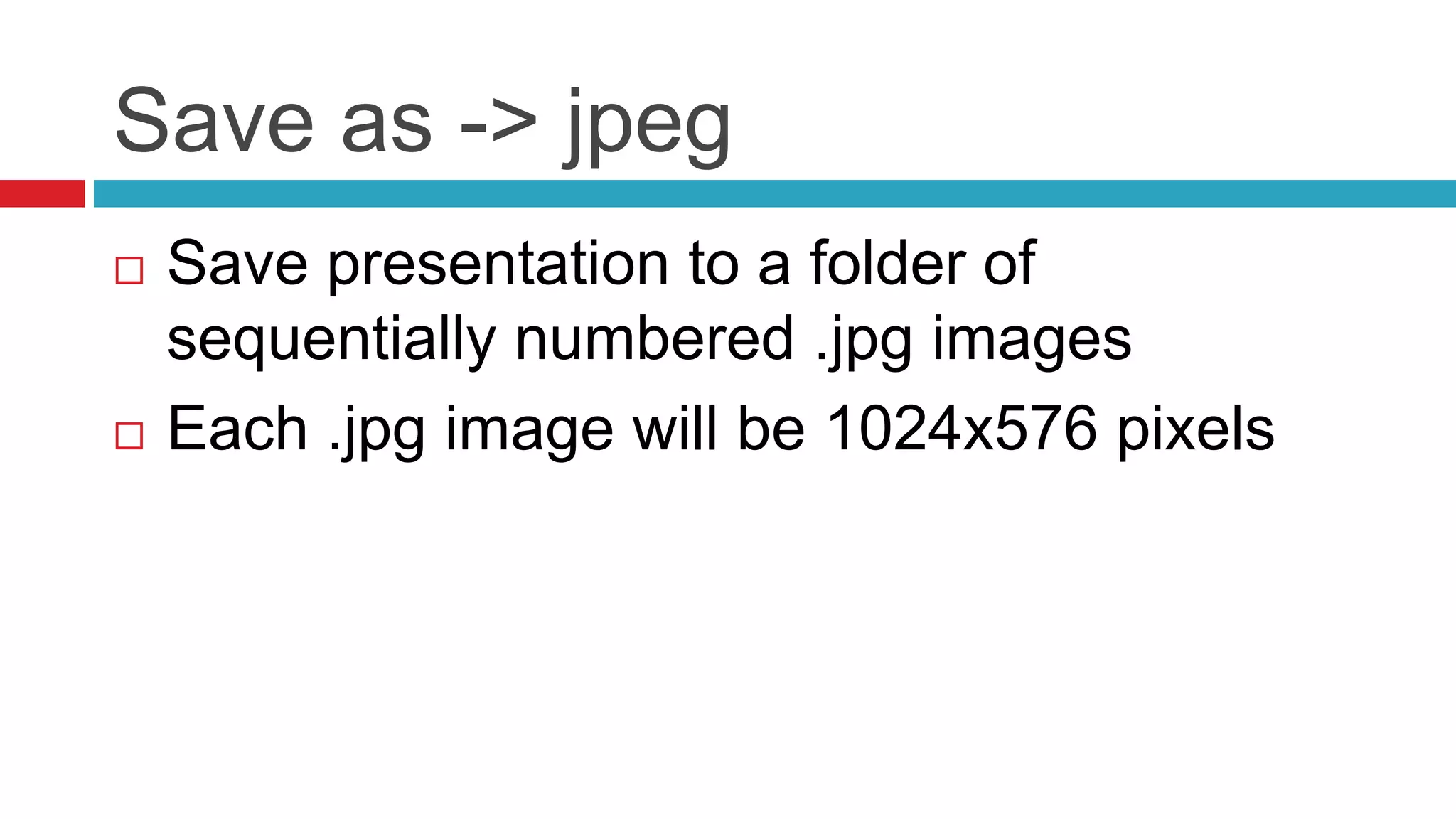
Save as -> jpegSave presentation to a folder of sequentially numbered .jpg imagesEach .jpg image will be 1024x576 pixels
Quicktime PlayerFile->Open image sequenceChoose first .jpg in sequence10 seconds per frameSave as quicktime .mov movie
iDVD (Mac Only)New project default theme widescreen formatProperties – choose PAL or NTSCQuality -> ProfessionalDrag .mov to autoplay box of map view and selectOptions – Loop Movie

Wide Screen Presentation16by901024x576 instructions

  • 1.
    16:9 1024 x576Widescreen PresentationTips and tools for creating and presenting wide format slides
  • 2.
    Ever wanted to…Createan autoplay looping DVD that looks good on a 16:9 widescreen display?From a powerpoint slide deck ??This presentation is set up to show you how to do that (and can be copied as a template)
  • 3.
    Design->Page Setup27.09 x15.24 cmIs 1042 x 576 pixels at 96ppi
  • 4.
    Save as ->jpegSave presentation to a folder of sequentially numbered .jpg imagesEach .jpg image will be 1024x576 pixels
  • 5.
    Quicktime PlayerFile->Open imagesequenceChoose first .jpg in sequence10 seconds per frameSave as quicktime .mov movie
  • 6.
    iDVD (Mac Only)Newproject default theme widescreen formatProperties – choose PAL or NTSCQuality -> ProfessionalDrag .mov to autoplay box of map view and selectOptions – Loop Movie