Welcome to Arduino
Pete Prodoehl
Milwaukee Makerspace
Hello!
• Pete Prodoehl
• Maker / Artist / Designer
• Milwaukee Makerspace
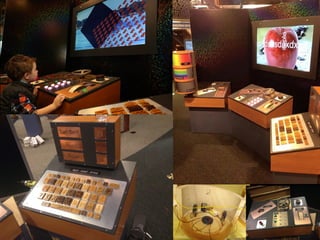
• Betty Brinn Children’s Museum
• Maker Faire Milwaukee
• UWM PCOMP
• Technical Editor
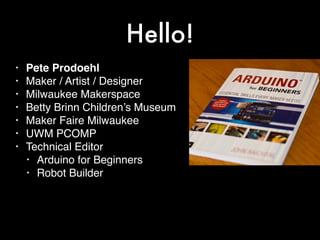
• Arduino for Beginners
• Robot Builder
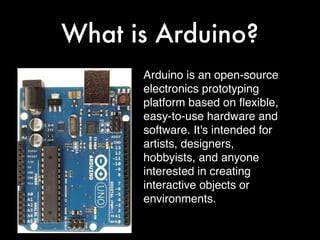
What is Arduino?
Arduino is an open-source
electronics prototyping
platform based on flexible,
easy-to-use hardware and
software. It's intended for
artists, designers,
hobbyists, and anyone
interested in creating
interactive objects or
environments.
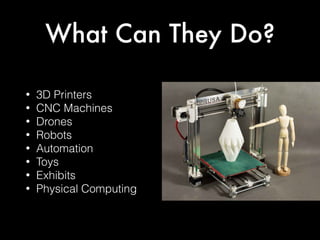
What Can They Do?
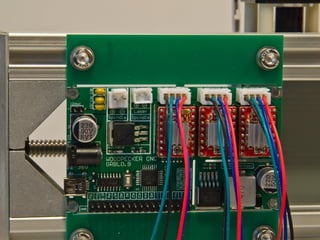
• 3D Printers
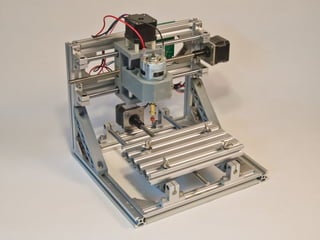
• CNC Machines
• Drones
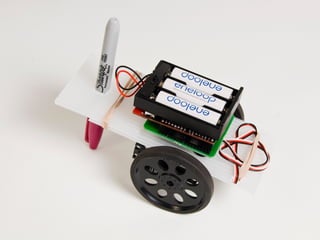
• Robots
• Automation
• Toys
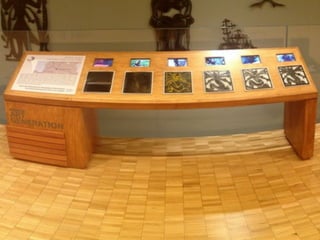
• Exhibits
• Physical Computing
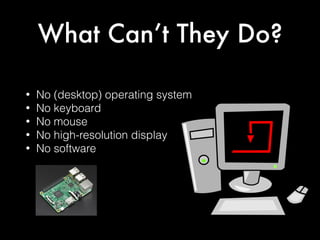
What Can’t They Do?
• No (desktop) operating system
• No keyboard
• No mouse
• No high-resolution display
• No software
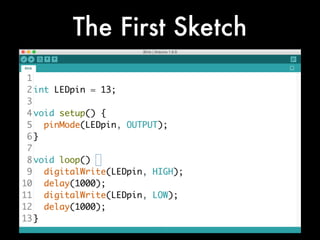
The First Sketch
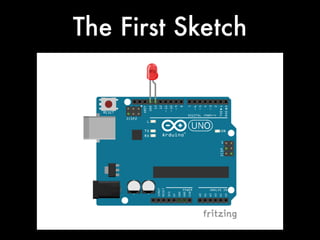
The First Sketch
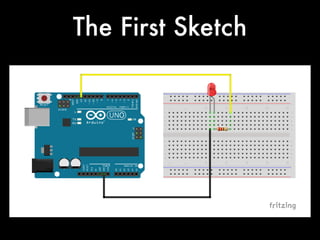
The First Sketch
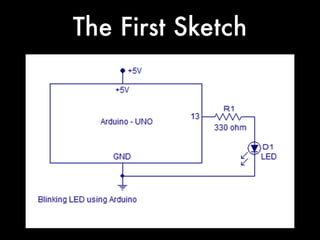
The First Sketch
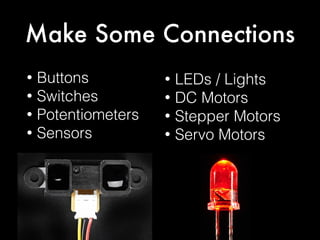
Make Some Connections
• Buttons
• Switches
• Potentiometers
• Sensors
• LEDs / Lights
• DC Motors
• Stepper Motors
• Servo Motors
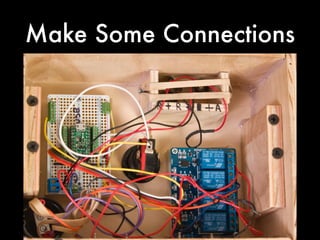
Make Some Connections
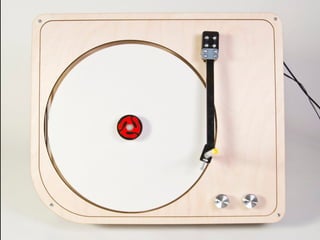
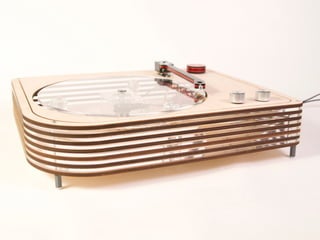
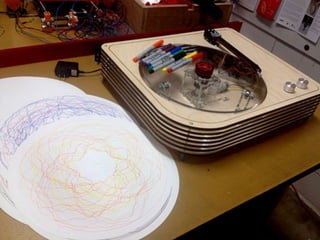
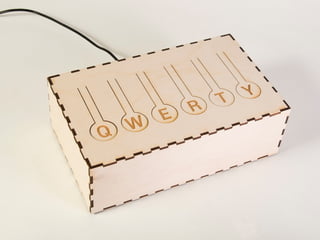
Projects
(and Products)
Where to Buy
• Adafruit // adafruit.com
• SparkFun // sparkfun.com
• Amazon // amazon.com
• eBay // ebay.com
• Seeed Studio // seeedstudio.com
• Pololu // pololu.com
• PJRC // pjrc.com
Where to Learn
• Arduino // arduino.cc
• Adafruit // learn.adafruit.com
• SparkFun // learn.sparkfun.com
• Instructables // instructables.com
• YouTube // youtube.com
• Books, user groups, makerspaces,
etc…
Thanks
See you at Maker Faire!
Wisconsin Expo Center
State Fair Park
Sept 23 & 24, 2017

Welcome to Arduino

  • 1.
    Welcome to Arduino PeteProdoehl Milwaukee Makerspace
  • 2.
    Hello! • Pete Prodoehl •Maker / Artist / Designer • Milwaukee Makerspace • Betty Brinn Children’s Museum • Maker Faire Milwaukee • UWM PCOMP • Technical Editor • Arduino for Beginners • Robot Builder
  • 3.
    What is Arduino? Arduinois an open-source electronics prototyping platform based on flexible, easy-to-use hardware and software. It's intended for artists, designers, hobbyists, and anyone interested in creating interactive objects or environments.
  • 4.
    What Can TheyDo? • 3D Printers • CNC Machines • Drones • Robots • Automation • Toys • Exhibits • Physical Computing
  • 5.
    What Can’t TheyDo? • No (desktop) operating system • No keyboard • No mouse • No high-resolution display • No software
  • 6.
  • 7.
  • 8.
  • 9.
  • 10.
    Make Some Connections •Buttons • Switches • Potentiometers • Sensors • LEDs / Lights • DC Motors • Stepper Motors • Servo Motors
  • 11.
  • 12.
  • 33.
    Where to Buy •Adafruit // adafruit.com • SparkFun // sparkfun.com • Amazon // amazon.com • eBay // ebay.com • Seeed Studio // seeedstudio.com • Pololu // pololu.com • PJRC // pjrc.com
  • 34.
    Where to Learn •Arduino // arduino.cc • Adafruit // learn.adafruit.com • SparkFun // learn.sparkfun.com • Instructables // instructables.com • YouTube // youtube.com • Books, user groups, makerspaces, etc…
  • 35.
    Thanks See you atMaker Faire! Wisconsin Expo Center State Fair Park Sept 23 & 24, 2017