Speaking in Code


Intro to the Internet


Brian Lee

Carolynn Vu (TA)
Speaking in Code


Intro: What is this Course?

• Improve Literacy: Programming is a foreign language

• Introduce Coding: Learn by doing not just reading

• Practicality: Ability to build!!!
Speaking in Code


Intro: What this course isn’t!

• A formal “computer-science” course

• A lecture
Speaking in Code


Intro: Course Organization

• 9 weeks

• Weekly Codecademy lesson (in class)

• Session structure:
   – Presentation and intro to concepts
   – Codecademy lesson
   – Sync-up and Recap
Speaking in Code


Intro: Contact Info

• Feel free to contact us!
   – Me: brian.g.lee89@gmail.com
   – Carolynn: cv655@nyu.edu
   – Liel: ll80@nyu.edu

• Please join the Codecademy Group to post questions
   – http://bit.ly/speaking-in-code
Speaking in Code


Intro: Basic Course Layout

• Web Fundamentals/Basics: HTML/CSS (4 weeks)

• Intro to Programming: JavaScript (3 weeks)

• Another Programming Language: Python (2 weeks)
Speaking in Code


Intro: Prerequisites

• No formal prerequisites

• Familiarity with the Internet

• LAPTOPS!
Speaking in Code


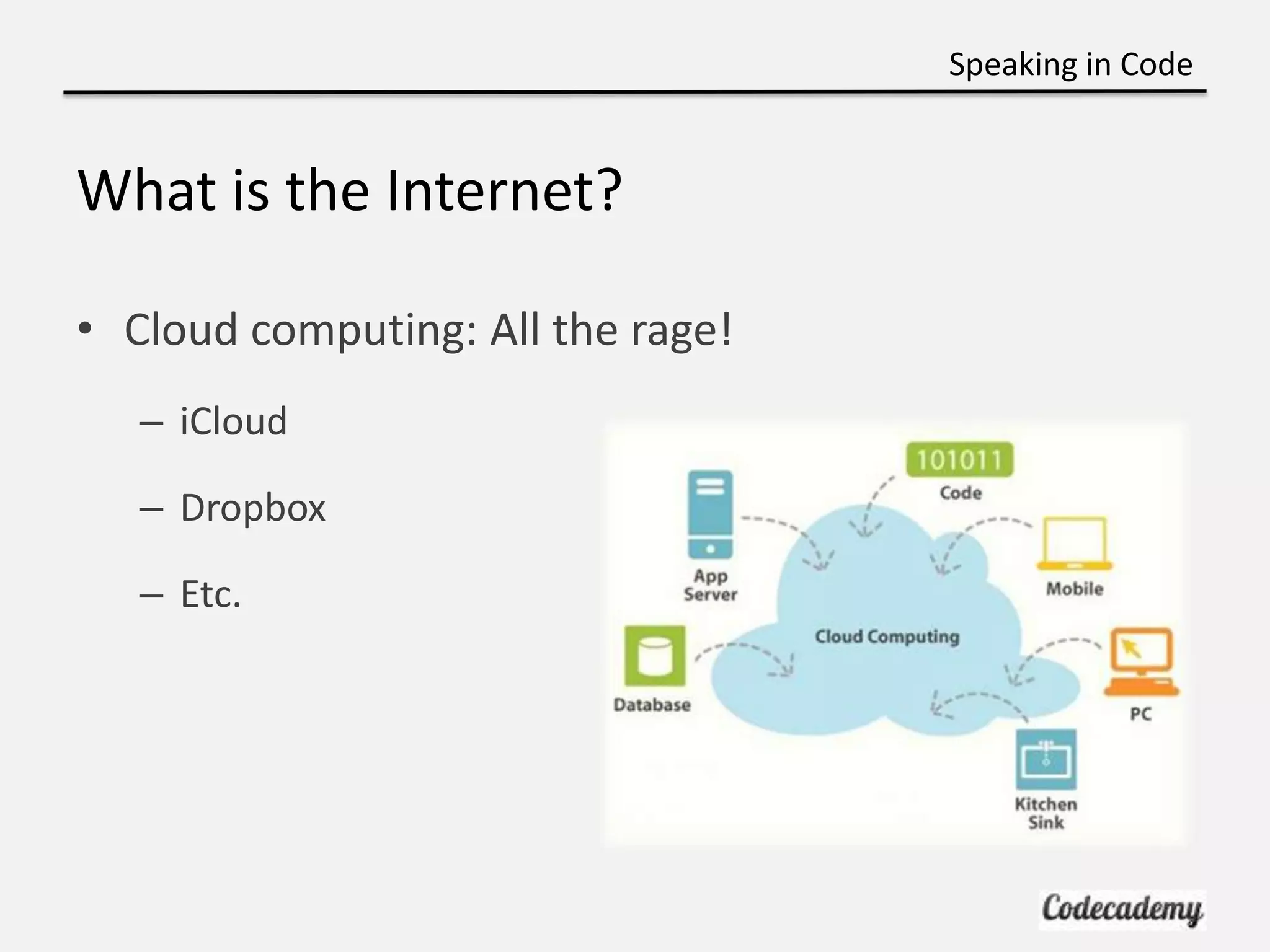
What is the Internet?

• Cloud computing: All the rage!
   – iCloud

   – Dropbox

   – Etc.
Speaking in Code


What the Internet is Actually

• “Series of Tubes”

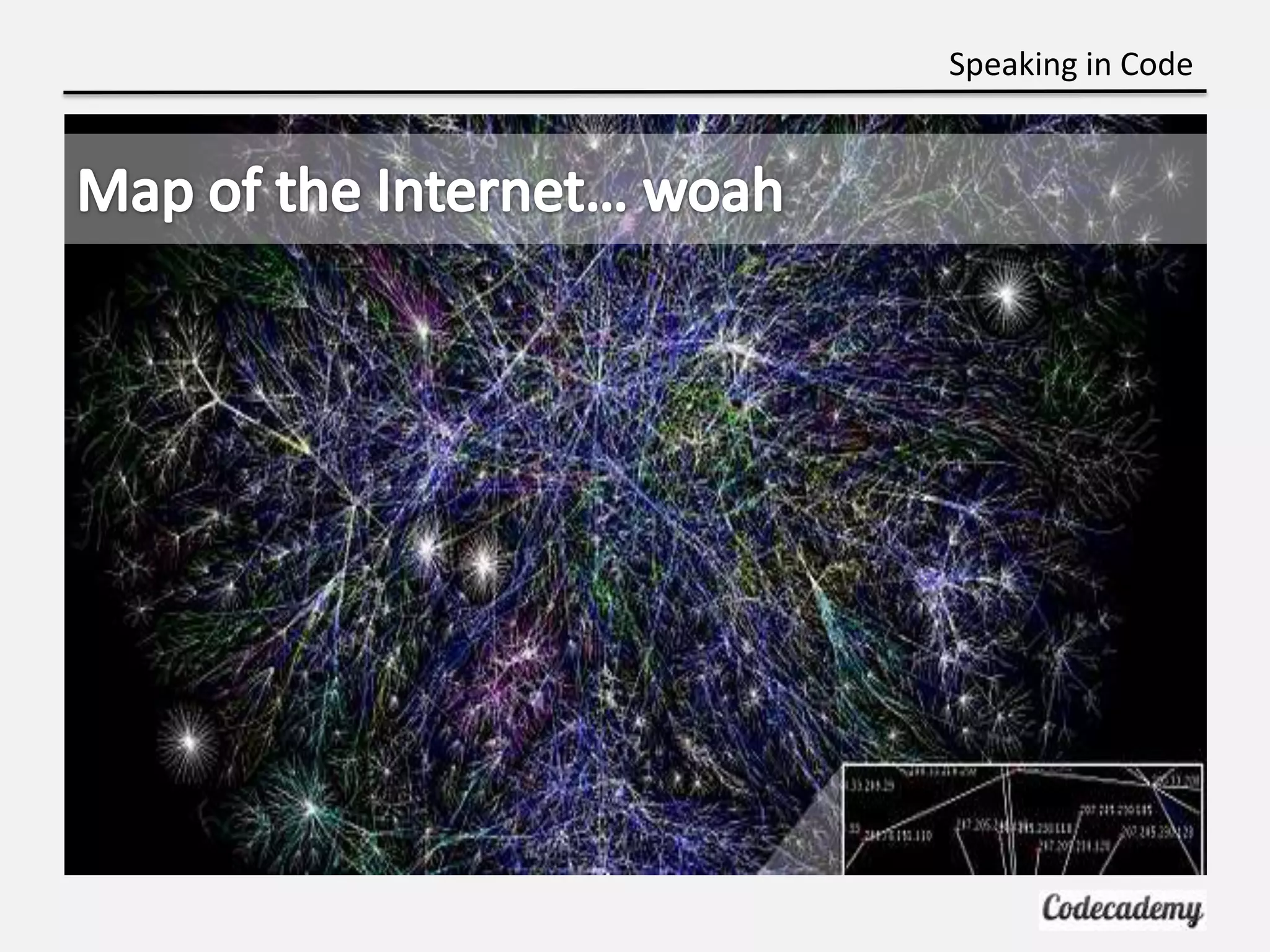
• Network of networks

• Not some mysterious enigma: just a bunch of wires
  and computers, Inter – “network”
Speaking in Code
Speaking in Code
Speaking in Code


The Internet AND the Web?

• The Internet is NOT the World Wide Web (www)

• Internet is a network

• Web is a set of documents, images, etc AKA files

• So how do they talk?
Speaking in Code


So how do these networks communicate?


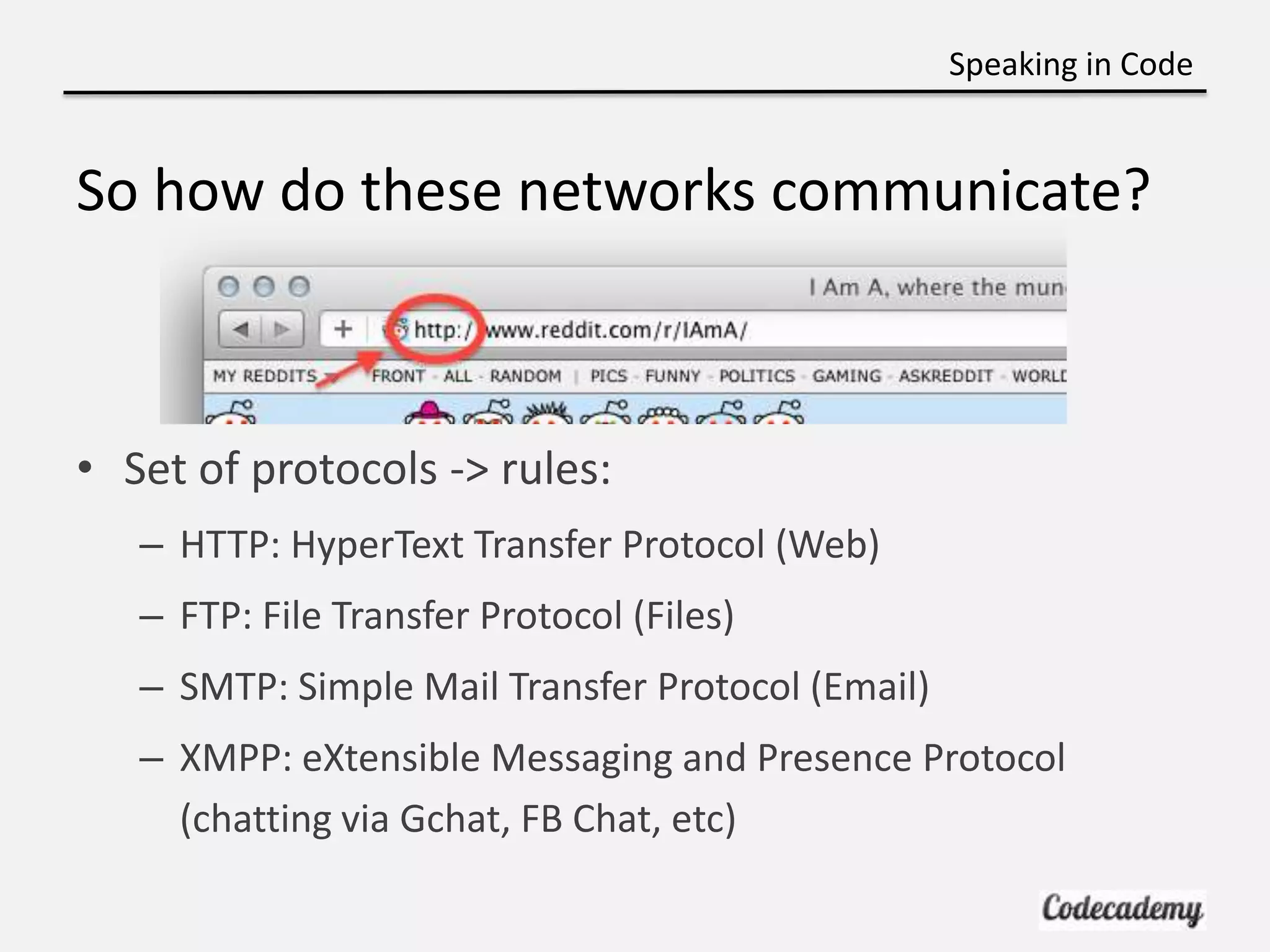
• Set of protocols -> rules:
   – HTTP: HyperText Transfer Protocol (Web)
   – FTP: File Transfer Protocol (Files)
   – SMTP: Simple Mail Transfer Protocol (Email)
   – XMPP: eXtensible Messaging and Presence Protocol
     (chatting via Gchat, FB Chat, etc)
Speaking in Code


Why Learn HTML?

• Skeleton or Outline

• Organizes Content

• Webpages are written in HTML
Speaking in Code


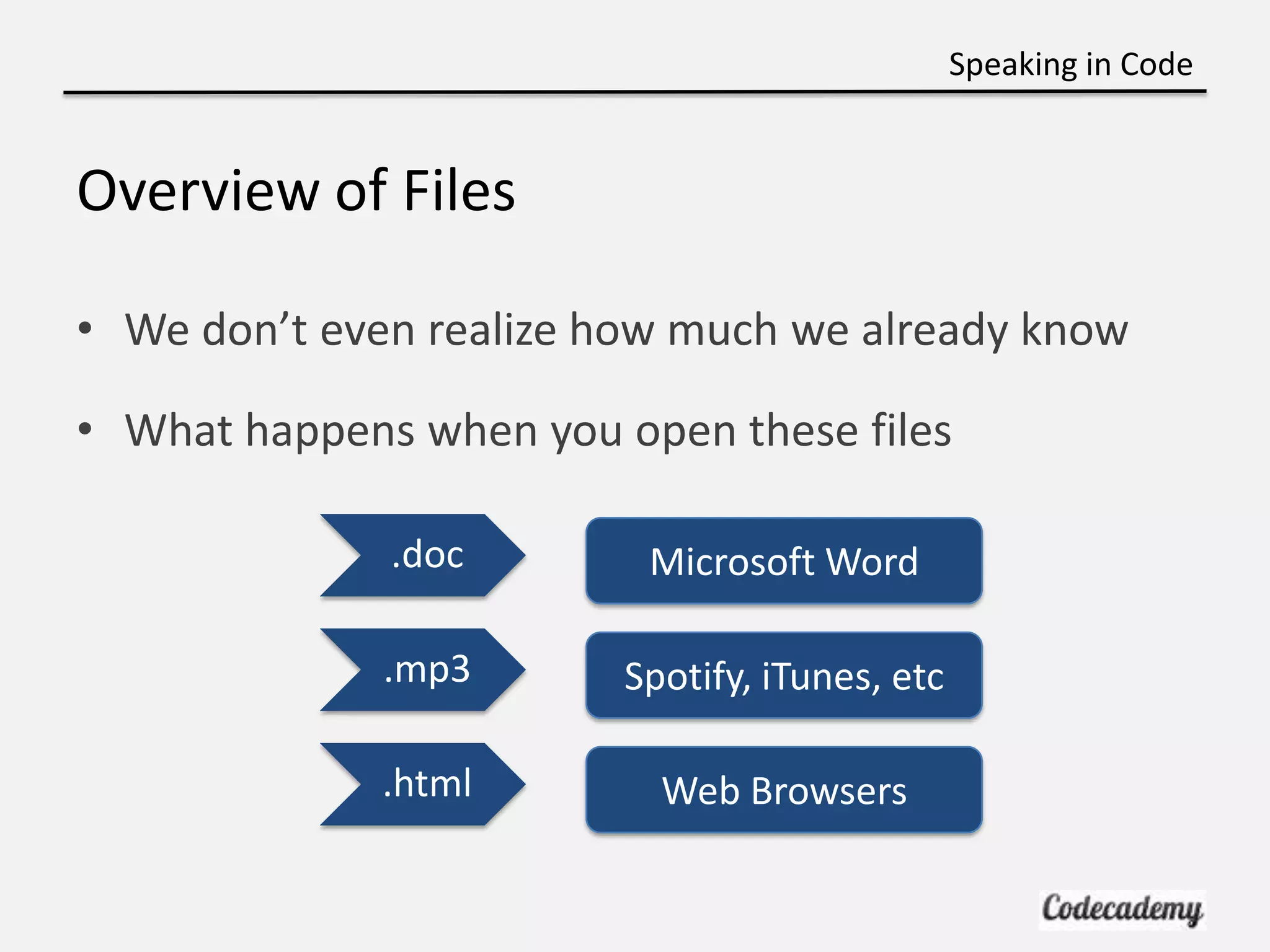
Overview of Files

• We don’t even realize how much we already know

• What happens when you open these files

              .doc        Microsoft Word

              .mp3       Spotify, iTunes, etc

             .html         Web Browsers
Speaking in Code


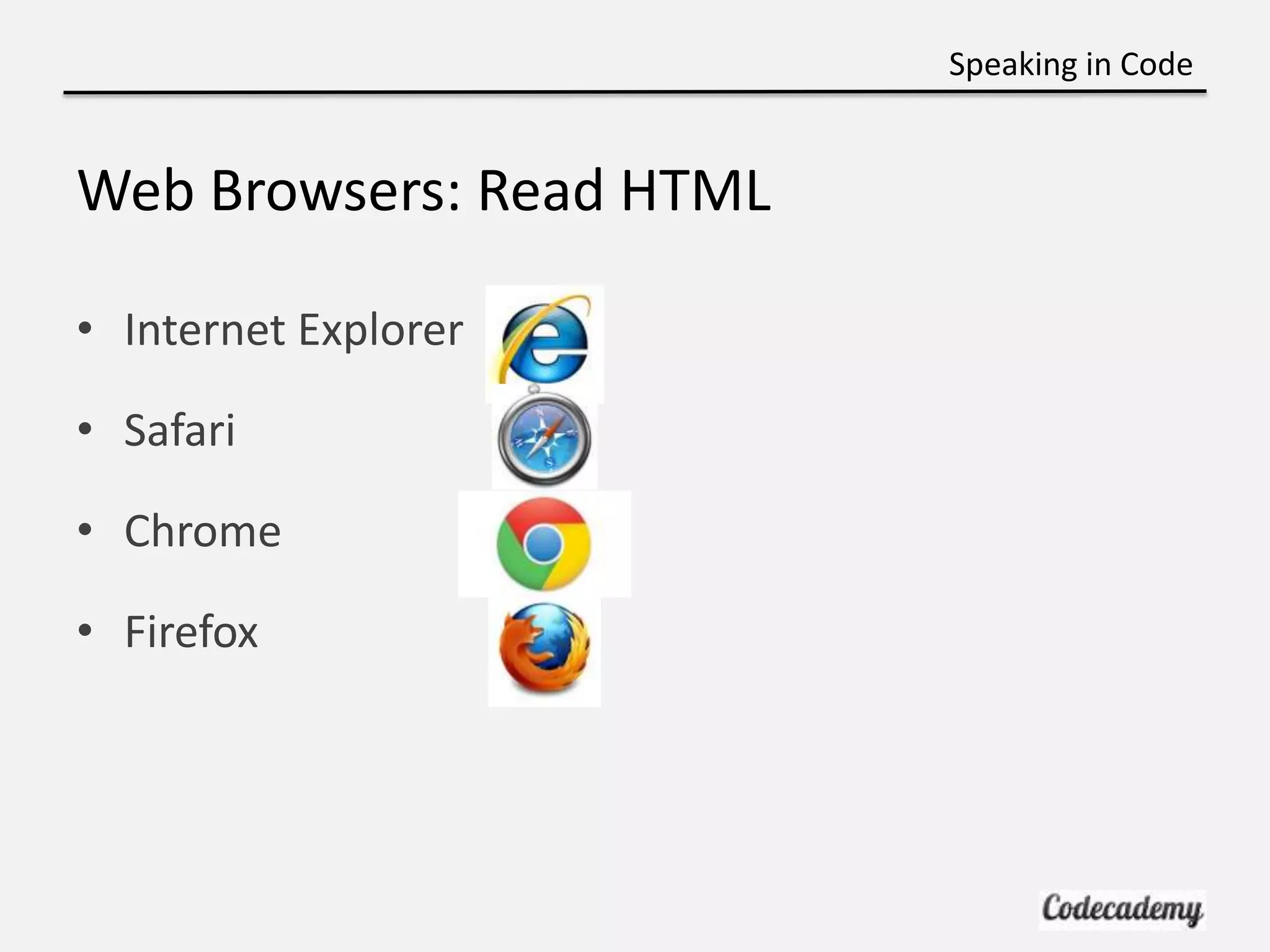
Web Browsers: Read HTML

• Internet Explorer

• Safari

• Chrome

• Firefox
Speaking in Code


Brief Intro to Front-End and Back-End

• Front-End: In the browser
   – While you are typing on your blog

   – Styling, arrangement, etc.

• Back-End: In the server or “back”
   – What happens when you save a blog post?

   – Create an account?
Speaking in Code


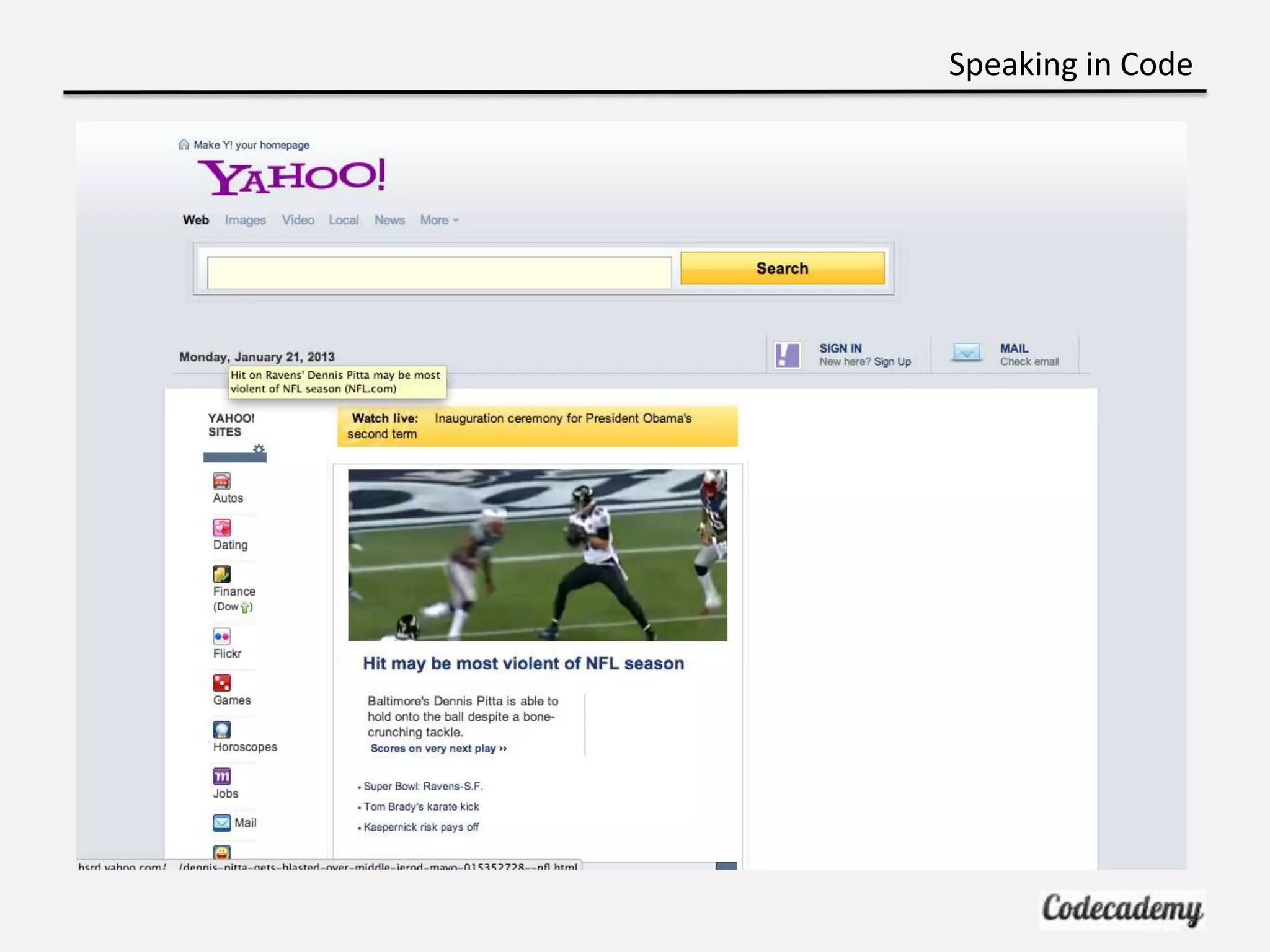
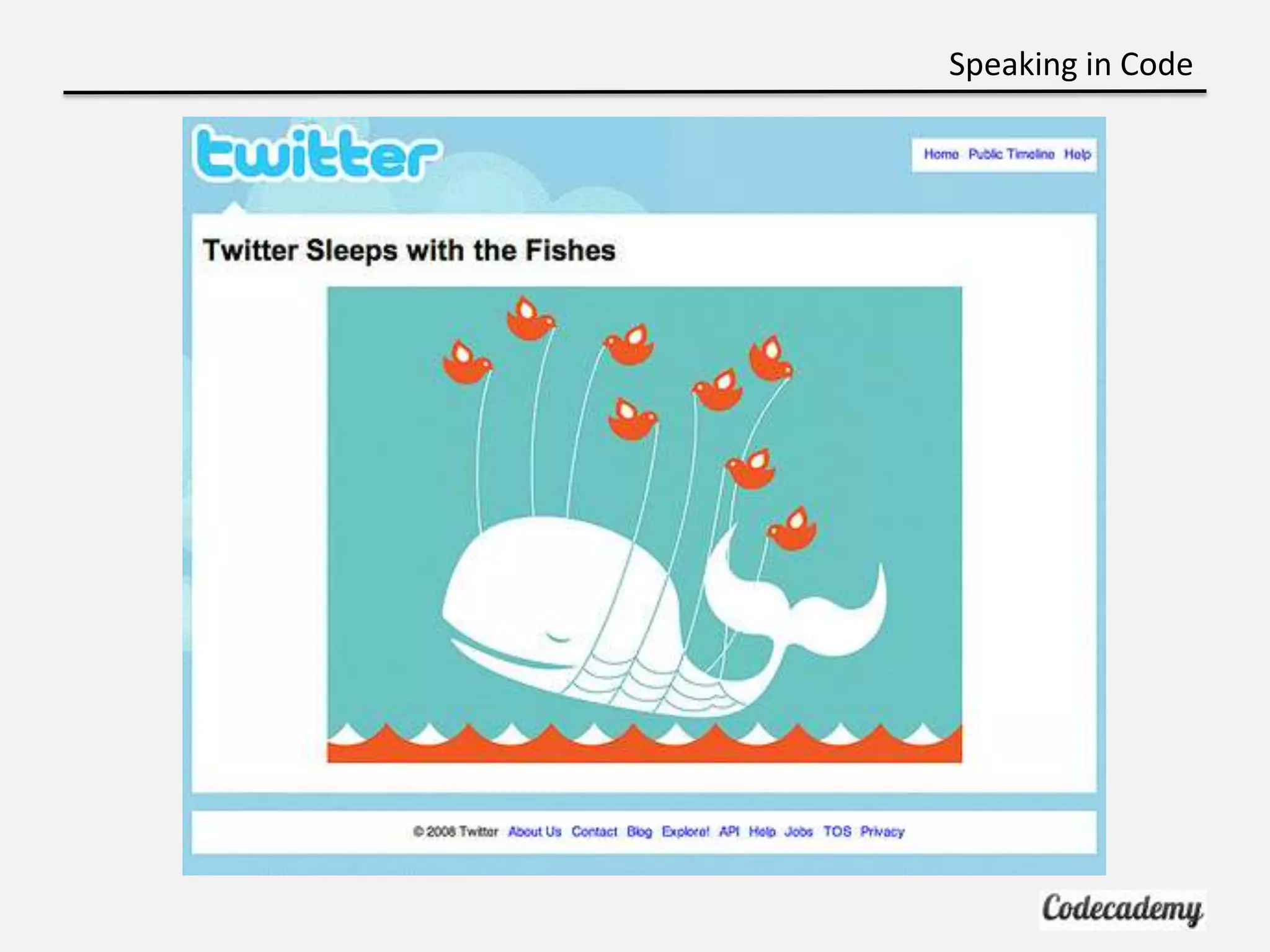
Where did these go wrong?

• Front-End or Back-End?
Speaking in Code
Speaking in Code
Speaking in Code


Ready to Try It Yourself?

• http://codecademy.com/tracks/nyu

• http://bit.ly/htmlbasics
Speaking in Code


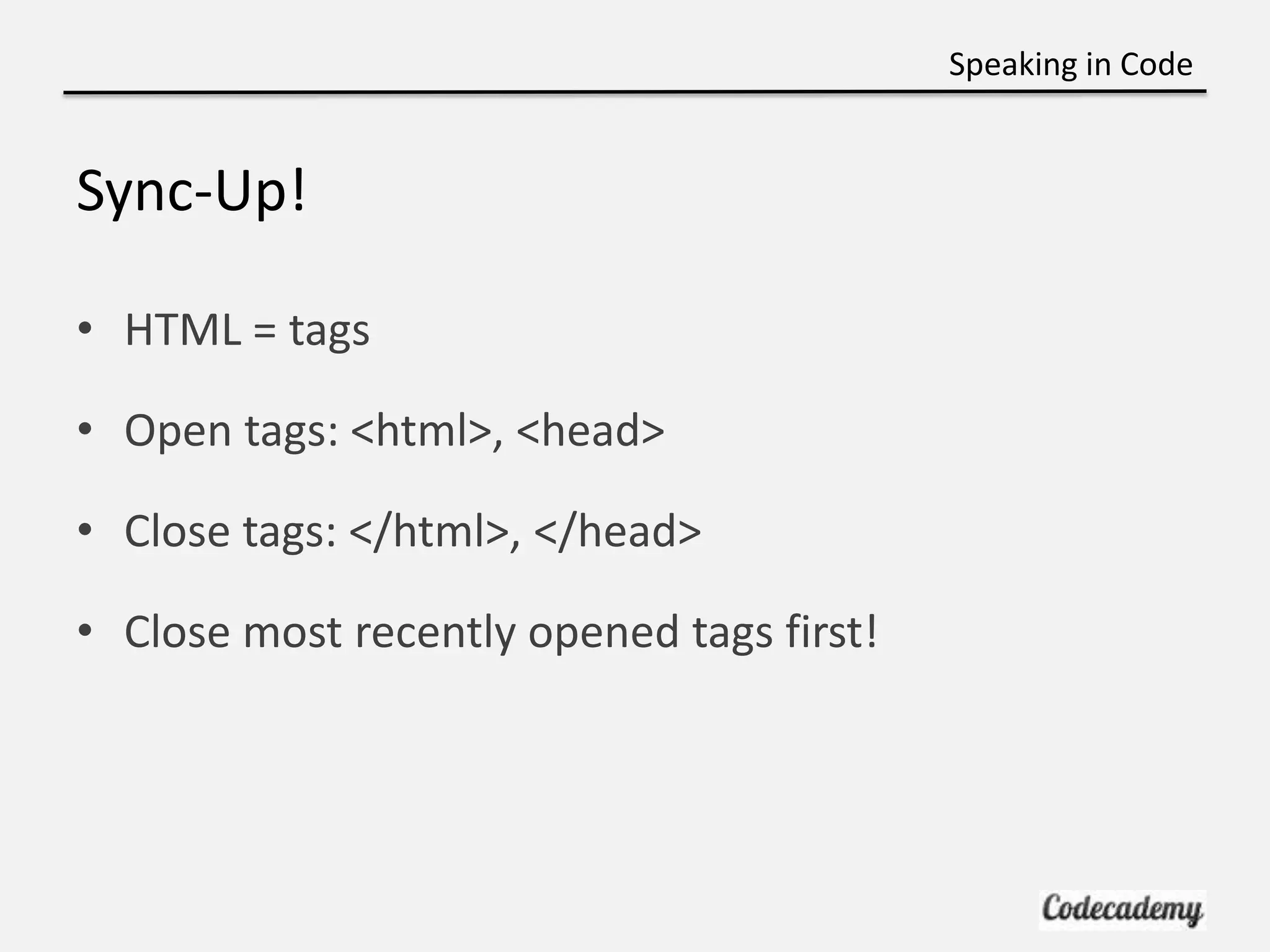
Sync-Up!

• HTML = tags

• Open tags: <html>, <head>

• Close tags: </html>, </head>

• Close most recently opened tags first!

Week 1 - Intro to the Internet

  • 1.
    Speaking in Code Introto the Internet Brian Lee Carolynn Vu (TA)
  • 2.
    Speaking in Code Intro:What is this Course? • Improve Literacy: Programming is a foreign language • Introduce Coding: Learn by doing not just reading • Practicality: Ability to build!!!
  • 3.
    Speaking in Code Intro:What this course isn’t! • A formal “computer-science” course • A lecture
  • 4.
    Speaking in Code Intro:Course Organization • 9 weeks • Weekly Codecademy lesson (in class) • Session structure: – Presentation and intro to concepts – Codecademy lesson – Sync-up and Recap
  • 5.
    Speaking in Code Intro:Contact Info • Feel free to contact us! – Me: brian.g.lee89@gmail.com – Carolynn: cv655@nyu.edu – Liel: ll80@nyu.edu • Please join the Codecademy Group to post questions – http://bit.ly/speaking-in-code
  • 6.
    Speaking in Code Intro:Basic Course Layout • Web Fundamentals/Basics: HTML/CSS (4 weeks) • Intro to Programming: JavaScript (3 weeks) • Another Programming Language: Python (2 weeks)
  • 7.
    Speaking in Code Intro:Prerequisites • No formal prerequisites • Familiarity with the Internet • LAPTOPS!
  • 8.
    Speaking in Code Whatis the Internet? • Cloud computing: All the rage! – iCloud – Dropbox – Etc.
  • 9.
    Speaking in Code Whatthe Internet is Actually • “Series of Tubes” • Network of networks • Not some mysterious enigma: just a bunch of wires and computers, Inter – “network”
  • 10.
  • 11.
  • 12.
    Speaking in Code TheInternet AND the Web? • The Internet is NOT the World Wide Web (www) • Internet is a network • Web is a set of documents, images, etc AKA files • So how do they talk?
  • 13.
    Speaking in Code Sohow do these networks communicate? • Set of protocols -> rules: – HTTP: HyperText Transfer Protocol (Web) – FTP: File Transfer Protocol (Files) – SMTP: Simple Mail Transfer Protocol (Email) – XMPP: eXtensible Messaging and Presence Protocol (chatting via Gchat, FB Chat, etc)
  • 14.
    Speaking in Code WhyLearn HTML? • Skeleton or Outline • Organizes Content • Webpages are written in HTML
  • 15.
    Speaking in Code Overviewof Files • We don’t even realize how much we already know • What happens when you open these files .doc Microsoft Word .mp3 Spotify, iTunes, etc .html Web Browsers
  • 16.
    Speaking in Code WebBrowsers: Read HTML • Internet Explorer • Safari • Chrome • Firefox
  • 17.
    Speaking in Code BriefIntro to Front-End and Back-End • Front-End: In the browser – While you are typing on your blog – Styling, arrangement, etc. • Back-End: In the server or “back” – What happens when you save a blog post? – Create an account?
  • 18.
    Speaking in Code Wheredid these go wrong? • Front-End or Back-End?
  • 19.
  • 20.
  • 21.
    Speaking in Code Readyto Try It Yourself? • http://codecademy.com/tracks/nyu • http://bit.ly/htmlbasics
  • 22.
    Speaking in Code Sync-Up! •HTML = tags • Open tags: <html>, <head> • Close tags: </html>, </head> • Close most recently opened tags first!

Editor's Notes

  • #3 Remember learning Spanish – analogyStudents have been able to make great projects, such as Zombie Poetry generator, Choose your own adventure games, etc