WebSurvey is the Answer
    What was the Question?
What is WebSurvey?
• Online tool that allows users to quickly:
   • Build a survey from a variety of question types.
   •   Publish survey to the World Wide Web.
   •   Limit the users who may access the survey.
   •   Assign administrative privileges to other users.
   •   Quickly access a summary of data collected.
   •   Export results to an external application for further
       processing.
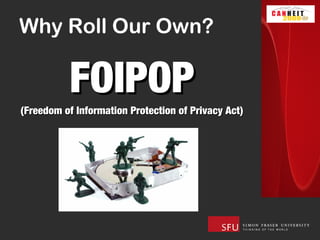
Why Roll Our Own?

          FOIPOP
(Freedom of Information Protection of Privacy Act)
FOI / POP
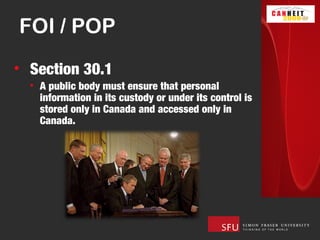
• Section 30.1   
  • A public body must ensure that personal
    information in its custody or under its control is
    stored only in Canada and accessed only in
    Canada.
Marching Orders
• Create an application that is:
  •   Locally Hosted
  •   Easy to Use
  •   Self Serve
  •   Flexible
  •   Scalable
  •   Robust
  •   Secure
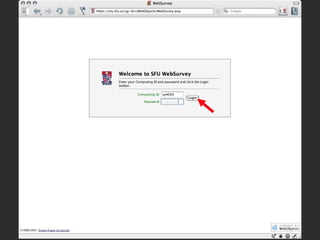
LOGIN PAGE
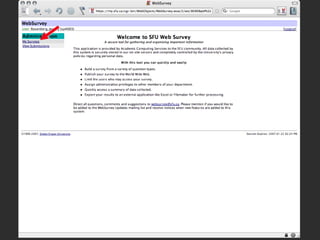
WELCOME PAGE
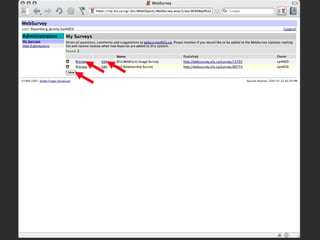
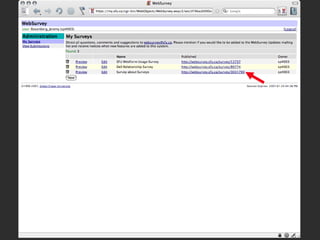
MY SURVEYS
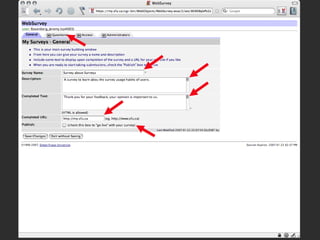
GENERAL TAB
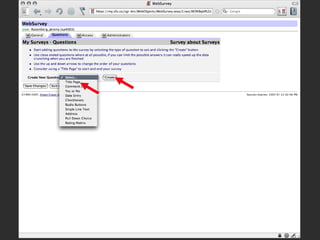
QUESTIONS
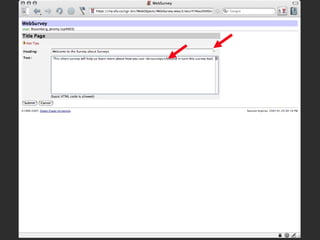
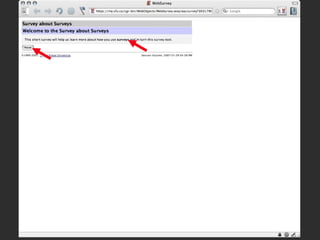
TITLE PAGE
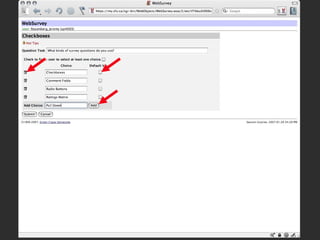
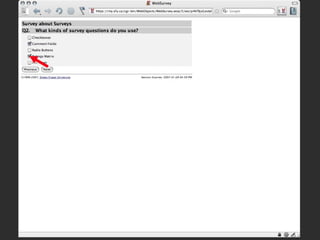
CHECKBOXES
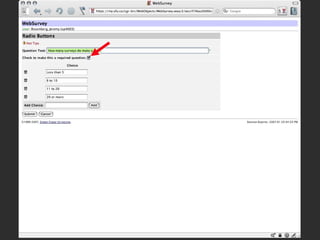
RADIO BUTTONS
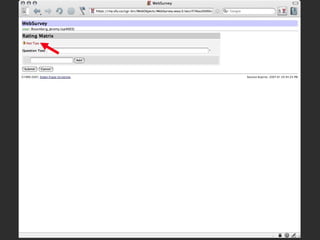
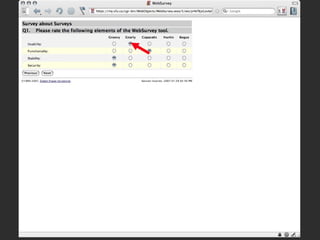
RATINGS MATRIX
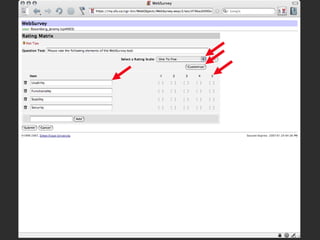
RATINGS MATRIX 1 TO 5
CUSTOM RATING
MATRIX GROOVY
QUESTIONS FILLED
QUESTIONS FILLED REORD
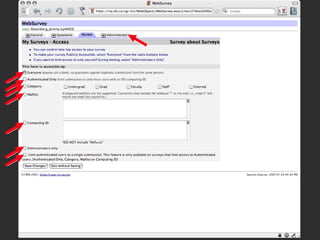
ACCESS
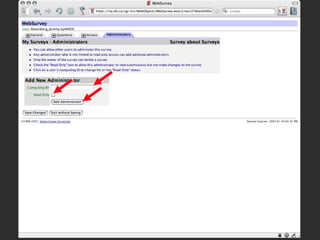
ADMINISTRATOR
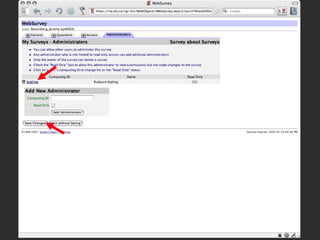
ADMINISTRATOR KIPLING
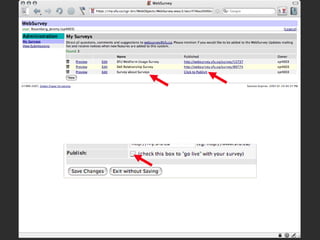
MY SURVEYS WITH NEW
MY SURVEYS PUBLISHED
FILL TITLE
FILL MATRIX
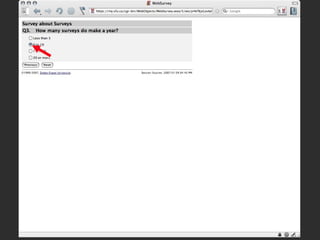
FILL CHECK BOX
FILL RADIO
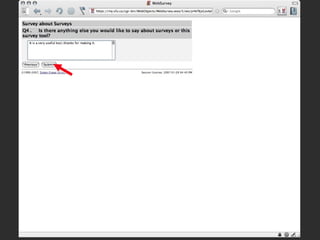
FILL COMMENT
FILL THANK YOU
MY SURVEYS FILLED
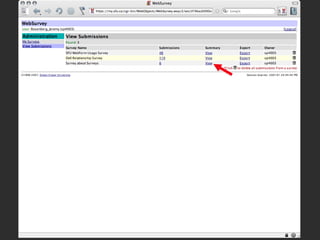
VIEW SUBMISSIONS
VIEW IND SUB
VIEW SUBMISSIONS
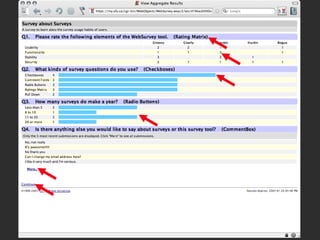
VIEW SUMMARY
VIEW SUBMISSIONS
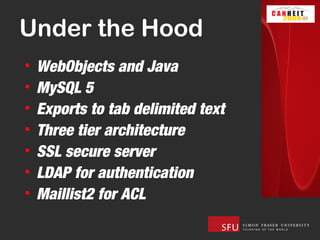
Under the Hood
•   WebObjects and Java
•   MySQL 5
•   Exports to tab delimited text
•   Three tier architecture
•   SSL secure server
•   LDAP for authentication
•   Maillist2 for ACL
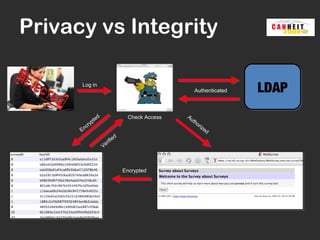
Privacy vs Integrity

      Log in
                                                             Authenticated   LDAP
                   ed                     Check Access   Au
               t                                            th
            yp                                                 o
         cr                                                        riz
      En                                                              ed
                                    d
                            if   ie
                        Ver


                                        Encrypted
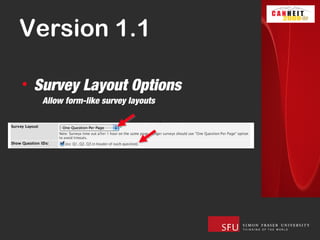
Version 1.1

• Survey Layout Options
  Allow form-like survey layouts
Version 1.1

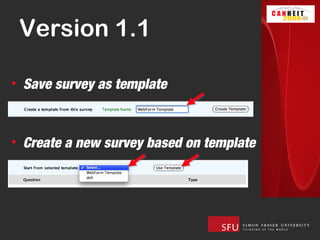
• Save survey as template


• Create a new survey based on template
Version 1.1
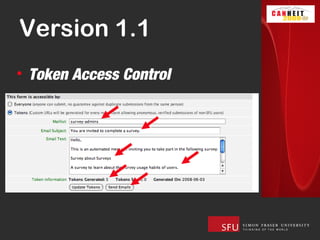
• Token Access Control
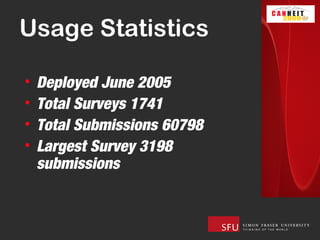
Usage Statistics

•   Deployed June 2005
•   Total Surveys 1741
•   Total Submissions 60798
•   Largest Survey 3198
    submissions
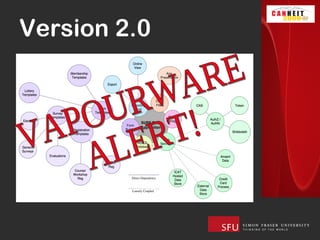
Version 2.0
Version 2.0

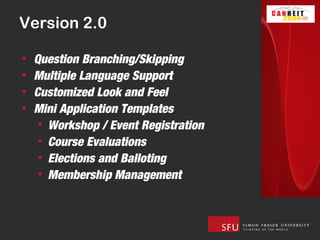
•   Question Branching/Skipping
•   Multiple Language Support
•   Customized Look and Feel
•   Mini Application Templates
     • Workshop / Event Registration
     • Course Evaluations
     • Elections and Balloting
     • Membership Management
Version 2.0
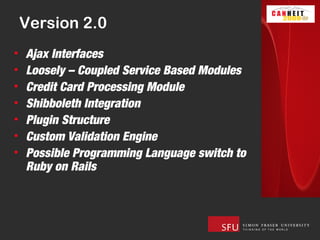
•   Ajax Interfaces
•   Loosely – Coupled Service Based Modules
•   Credit Card Processing Module
•   Shibboleth Integration
•   Plugin Structure
•   Custom Validation Engine
•   Possible Programming Language switch to
    Ruby on Rails
Warnings
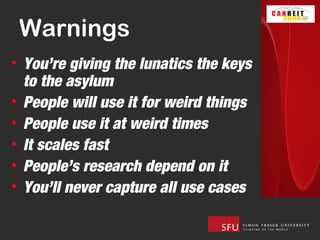
• You’re giving the lunatics the keys
  to the asylum
• People will use it for weird things
• People use it at weird times
• It scales fast
• People’s research depend on it
• You’ll never capture all use cases
Questions?
      Jeremy_rosenberg@sfu.ca

Websurvey

Editor's Notes

  • #2 Who has heard of WebSurvey? That’s a traditional survey, easy to deploy just ask, difficult to tabulate, count hands This is the new way to do surveys -Research, Evaluations, Elections
  • #8 -why websurvey was created the criteria
  • #9 -why websurvey was created the criteria http://www.istockphoto.com/file_closeup/object/5814500_data_security_green_army_men.php?id=5814500
  • #10 -why websurvey was created the criteria
  • #11 -why websurvey was created the criteria
  • #12 -login -must have an active sfu computing id to create a survey
  • #13 Welcome page tells you about the tool Click My Surveys to get started
  • #14 Displays your existing surveys, Preview or edit them Click NEW to start building a new survey
  • #15 Give it a name An internal description Completed text for when you are finished Completed url, usually your departments website or a contest page Publish to go live, more on this later Move on to setting up questions
  • #16 Choose the question type from the pull down menu Good to start with a title page (not technically a question) Click create
  • #17 Two simple fields, the title to appear on the page and a paragraph of text Note that these fields accept HTML so you can customize your display, I’ll just BOLD the word surveys
  • #18 Adding more questions, here is a checkbox Again the question text Add choice Set defaults Delete if wrong
  • #19 Radio buttons are similar but mutually exclusive, no default but can be required
  • #20 Rating matrix is a little different, might want to use Hot Tips here
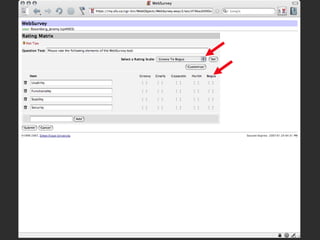
  • #21 Add items the same as a checkbox Select a rating scale, 1 to 5 by default Don’t like it, choose customize
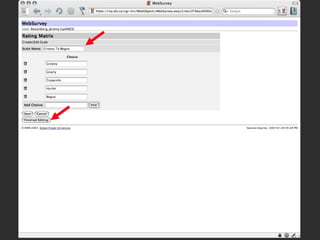
  • #22 Create your own rating scale, save and finish
  • #23 Custom rating scales will be available to you any time you go in to create a survey
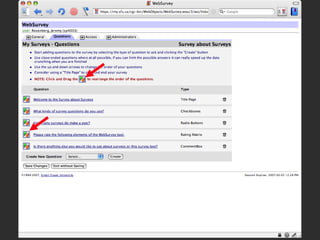
  • #24 Back to questions page. Notice I added a comment box as well Want to reorder the questions Just click the icon and drag and drop Lets move the rating matrix question up
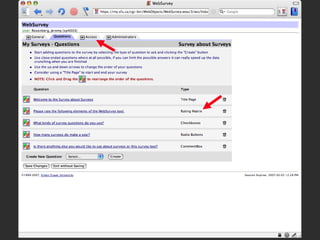
  • #25 Now rating matrix is second question Move on to set access control for the survey
  • #26 Everyone - anyone with an internet connection Authenticated Only - must have sfu computing ID (includes external and sponsored accounts) Broad category, only undergrads, only faculty Maillist - good for course evaluations etc Computing ID - small number of specific people, more than 20 should use maillist Administrators only - basically for testing Limit authenticated users to one - if you choose any access control BUT everyone, you can limit submissions to one per person Set up administrators
  • #27 Enter the computing ID Determine if read only (meaning can only see submissions, can’t change survey) Add
  • #28 Good old Rudyard is now an admin in this survey will appear under “My Surveys” when he logs in from beyond the grave…. Finished with Survey, save changes.
  • #29 Back to My Surveys display, now we see the Survey about Surveys is in the list. Note Click to Publish link this is basically a shortcut to the Publish checkbox on the General tab
  • #30 There is the custom URL you give users to direct them to your survey Clicking on it will spawn a new window
  • #31 And there is our title page, notice the HTML in the text field is preserved and the word surveys is in bold Click next
  • #32 There is our rating matrix with our custom scale Choose Gnarly, Copacetic, Groovy, Groovy Next
  • #33 Check boxes, I like Comment Fields and Ratings Matrix questions Next
  • #34 6 to 10 Next
  • #35 Final comment and notice the submit button to complete the survey
  • #36 Continue will take me to the URL that was specified in the General tab, usually your department’s page etc.
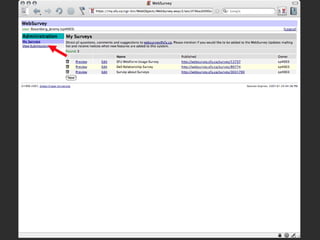
  • #37 Now to view the submissions
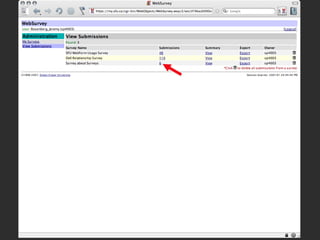
  • #38 I filled in five more surveys to beef up the stats a little Clicking the survey count
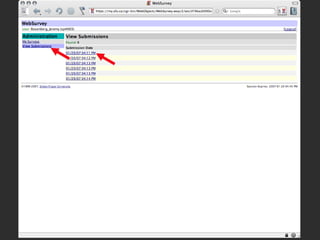
  • #39 Gives me a list of the submissions by time and allows me to view each one individually View Submissions takes me back
  • #40 This is more valuable, it gives you a summary of all the submissions
  • #41 For each question, the question text and type are displayed For a ratings matrix question, the number of choices for each item is displayed in a grid Checkbox and radio button choices are displayed with a relative bar graph Notice the number of Radio button answers must equal the number of submissions if it was required Text answers and comments display the last five, you can click more to see the rest in another window, click continue to return the WebSurvey
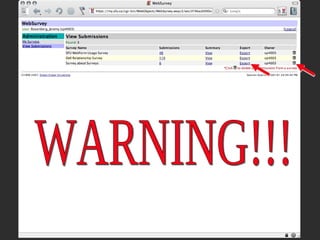
  • #42 From the Submissions manager you can also Export the files to a tab delimited text file for importing into Excel etc. Finally, see this little trash can? That will delete all submissions. WARNING! This can not be reversed, it is a privacy issue, administrators must have the power to irreversibly destroy submissions when they are finished with them
  • #43 So what’s under the hood
  • #44 The big issue we need to overcome was privacy versus integrity Here is a description of the logic flow.
  • #45 So what’s under the hood
  • #46 So what’s under the hood
  • #47 So what’s under the hood
  • #48 Stats, without any promotion
  • #49 What the future holds
  • #52 It’s like giving the lunatics the keys to the asylum
  • #53 Try it yourself