




Enterprise Blockchain Simplified
with Truffle and Kaleido
Nick Gaski & Cruz Molina
Introductions
Cruz Molina
Blockchain Tools Engineer at Truffle
Nick Gaski
Client Enablement at Kaleido
A CRASH COURSE
INTRODUCTION TO TRUFFLE
Cruz Molina
Truffle Suite
AGENDA
● Truffle Suite Introduction
● Truffle CLI Crash Course
○ Truffle: The Blockchain Development Framework
■ Key Truffle Features:
● Truffle Boxes
● Compiling Smart Contracts
● Testing Smart Contracts
● Deploying Projects
● Frontend Integration
TRUFFLE SUITE INTRODUCTION
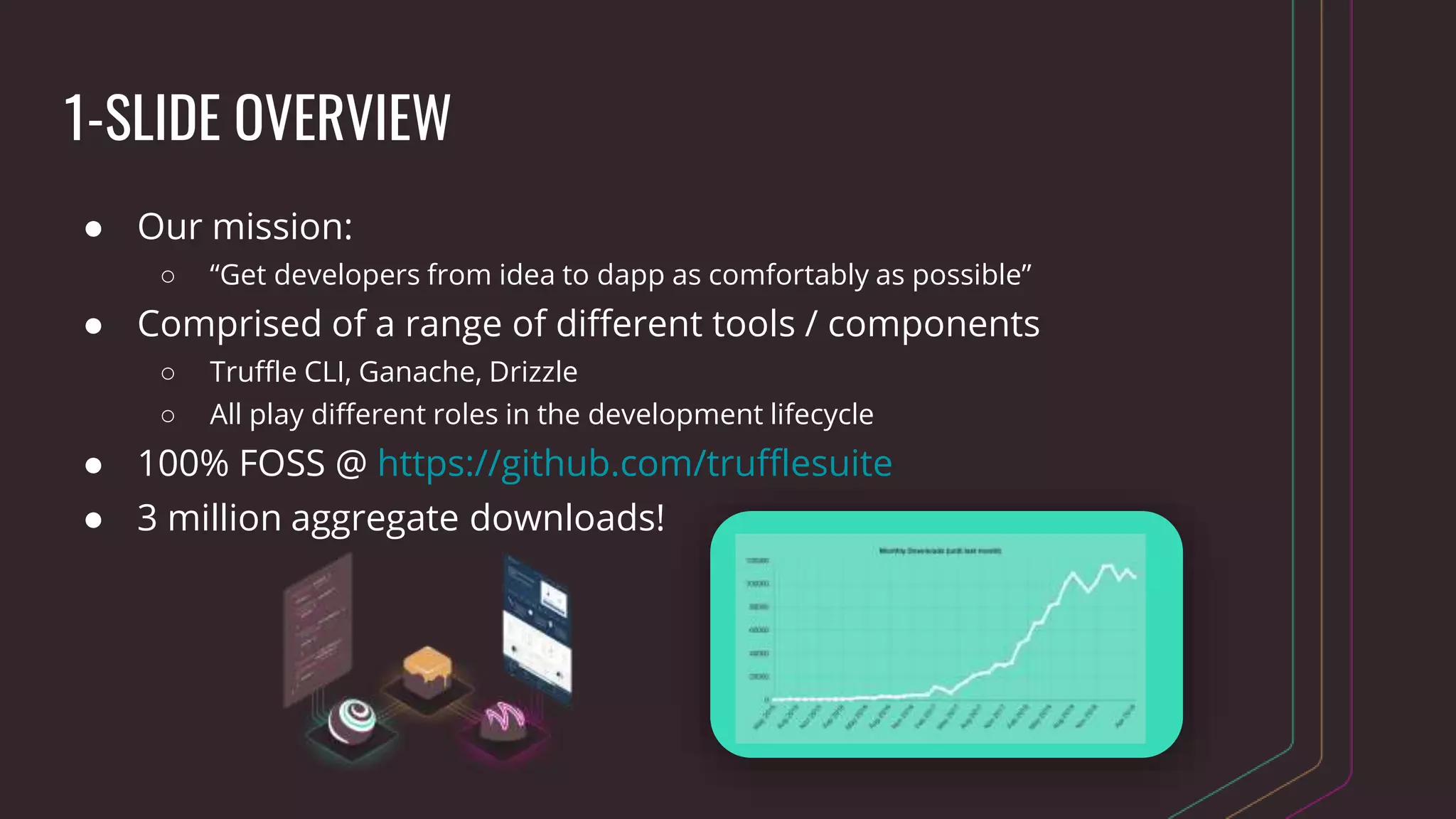
1-SLIDE OVERVIEW
● Our mission:
○ “Get developers from idea to dapp as comfortably as possible”
● Comprised of a range of different tools / components
○ Truffle CLI, Ganache, Drizzle
○ All play different roles in the development lifecycle
● 100% FOSS @ https://github.com/trufflesuite
● 3 million aggregate downloads!
WHO’S USING TRUFFLE?
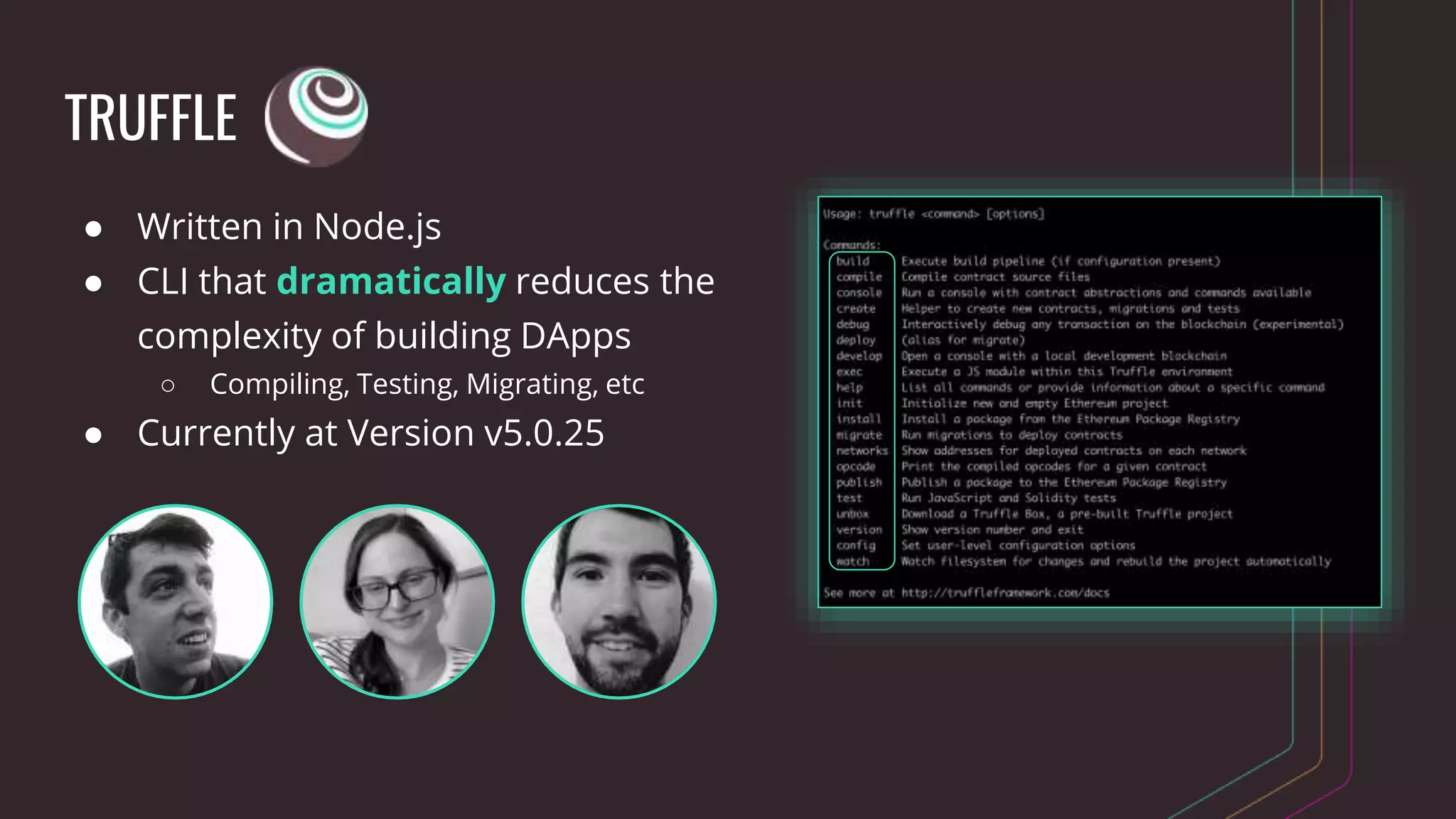
TRUFFLE
● Written in Node.js
● CLI that dramatically reduces the
complexity of building DApps
○ Compiling, Testing, Migrating, etc
● Currently at Version v5.0.25
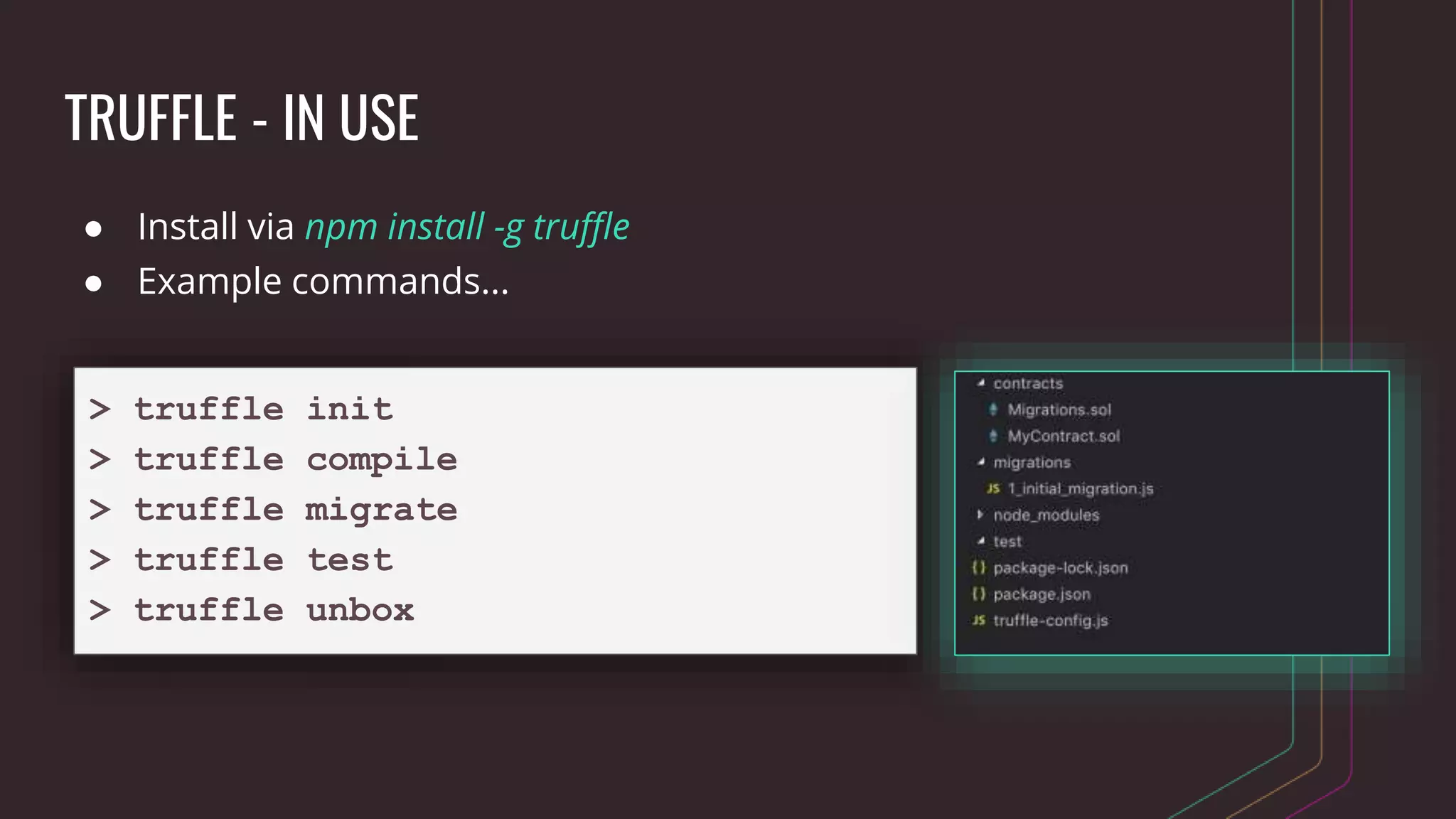
TRUFFLE - IN USE
● Install via npm install -g truffle
● Example commands...
> truffle init
> truffle compile
> truffle migrate
> truffle test
> truffle unbox
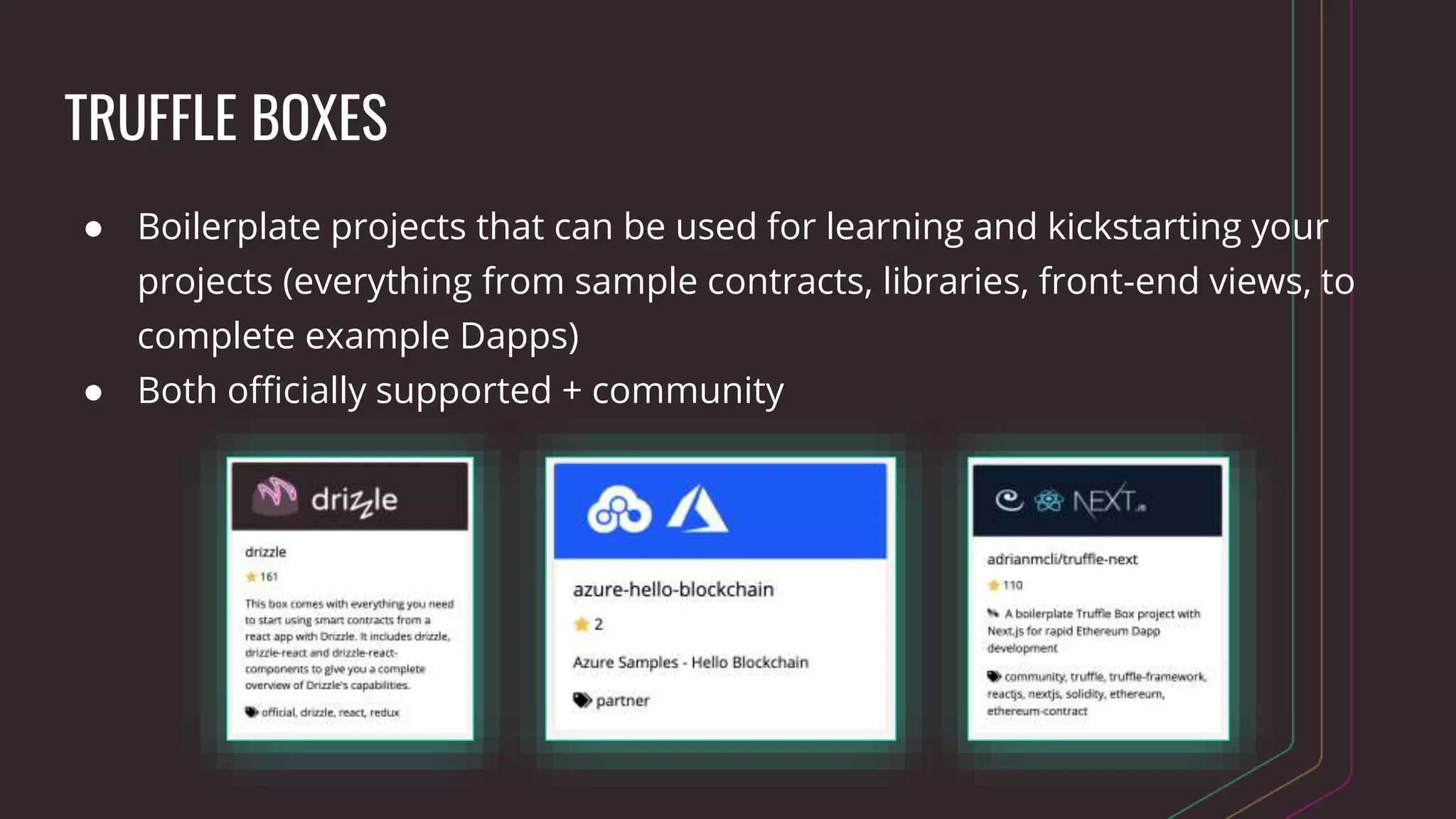
TRUFFLE BOXES
● Boilerplate projects that can be used for learning and kickstarting your
projects (everything from sample contracts, libraries, front-end views, to
complete example Dapps)
● Both officially supported + community
GANACHE
● “Your personal blockchain for ethereum development”
● Creates a local ethereum network for development, testing, etc
● Two flavors - Ganache & ganache-cli
○ Ganache is UI-based
○ ganache-cli is a command line tool used for automated testing
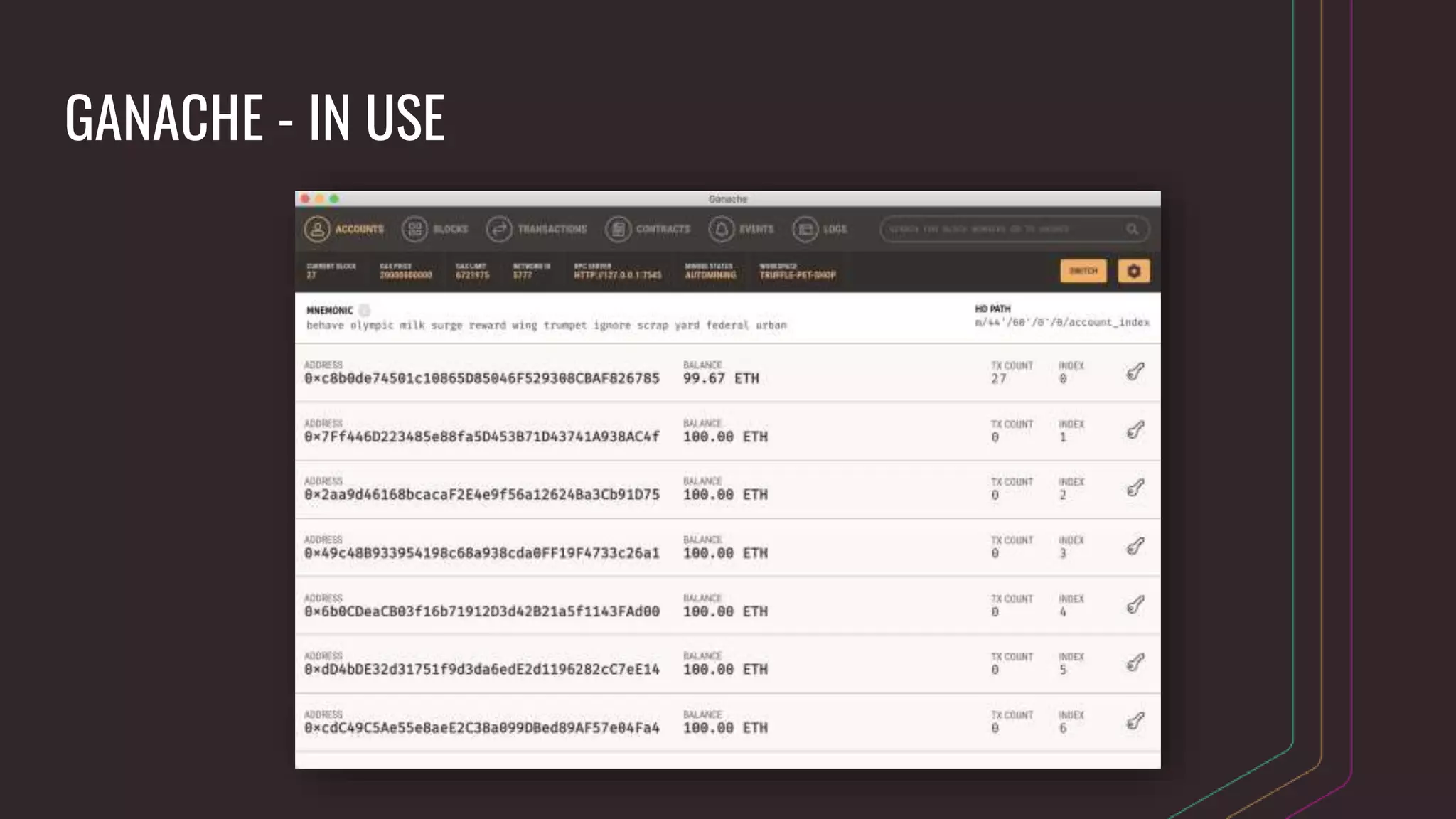
● Version 2.0 allows you to visually explore contract state, events, etc
GANACHE - IN USE
DRIZZLE
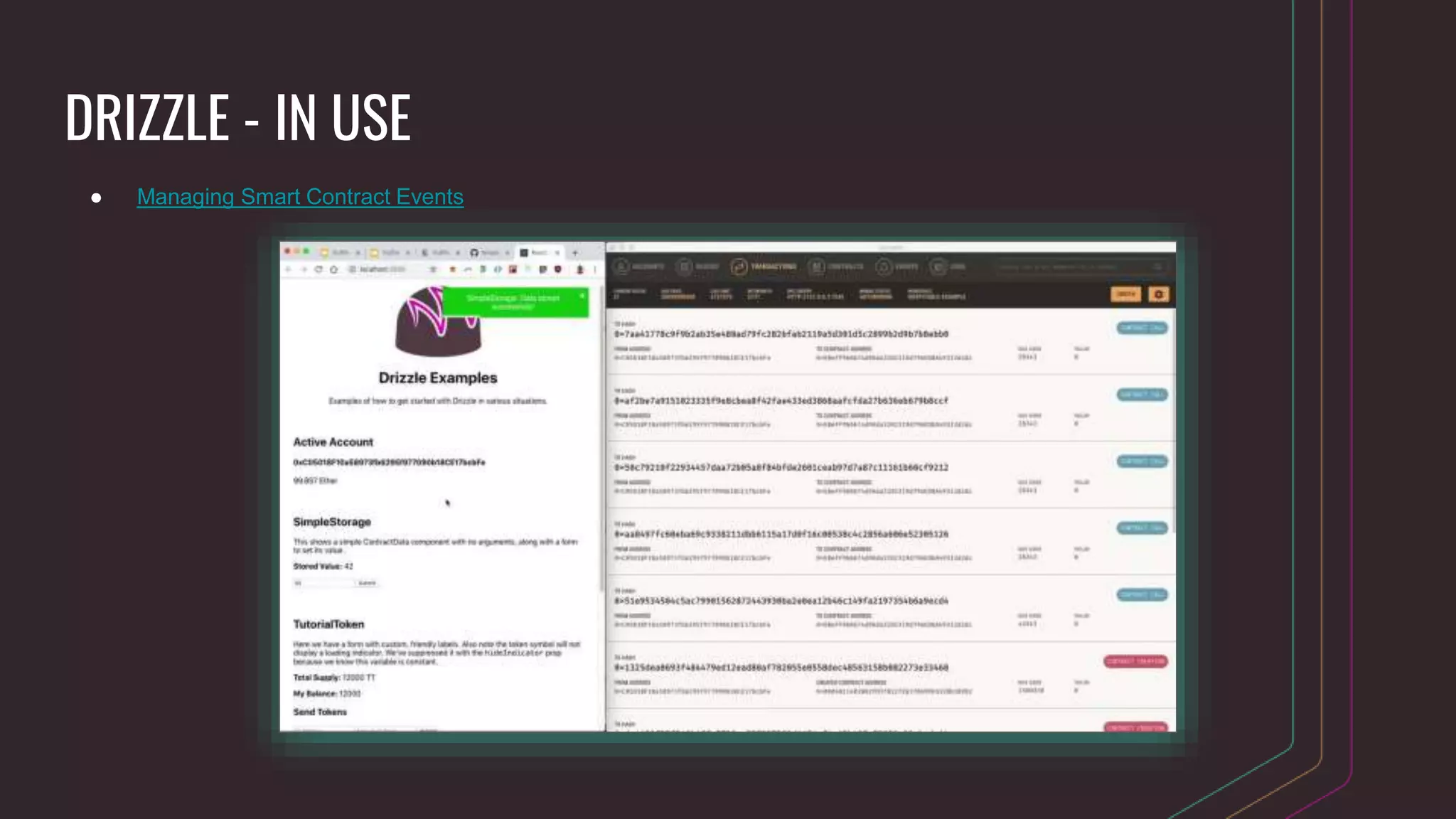
● React.js library for building web UIs for DApps
○ Installable via npm
● Reduces the amount of code you need to write than were you to
just use web3.js (although it does trade some flexibility)
● Handles the synchronization of your contract and transaction data
(and more) to a local Redux store
DRIZZLE - IN USE
● Managing Smart Contract Events
TRUFFLE CLI CRASH COURSE
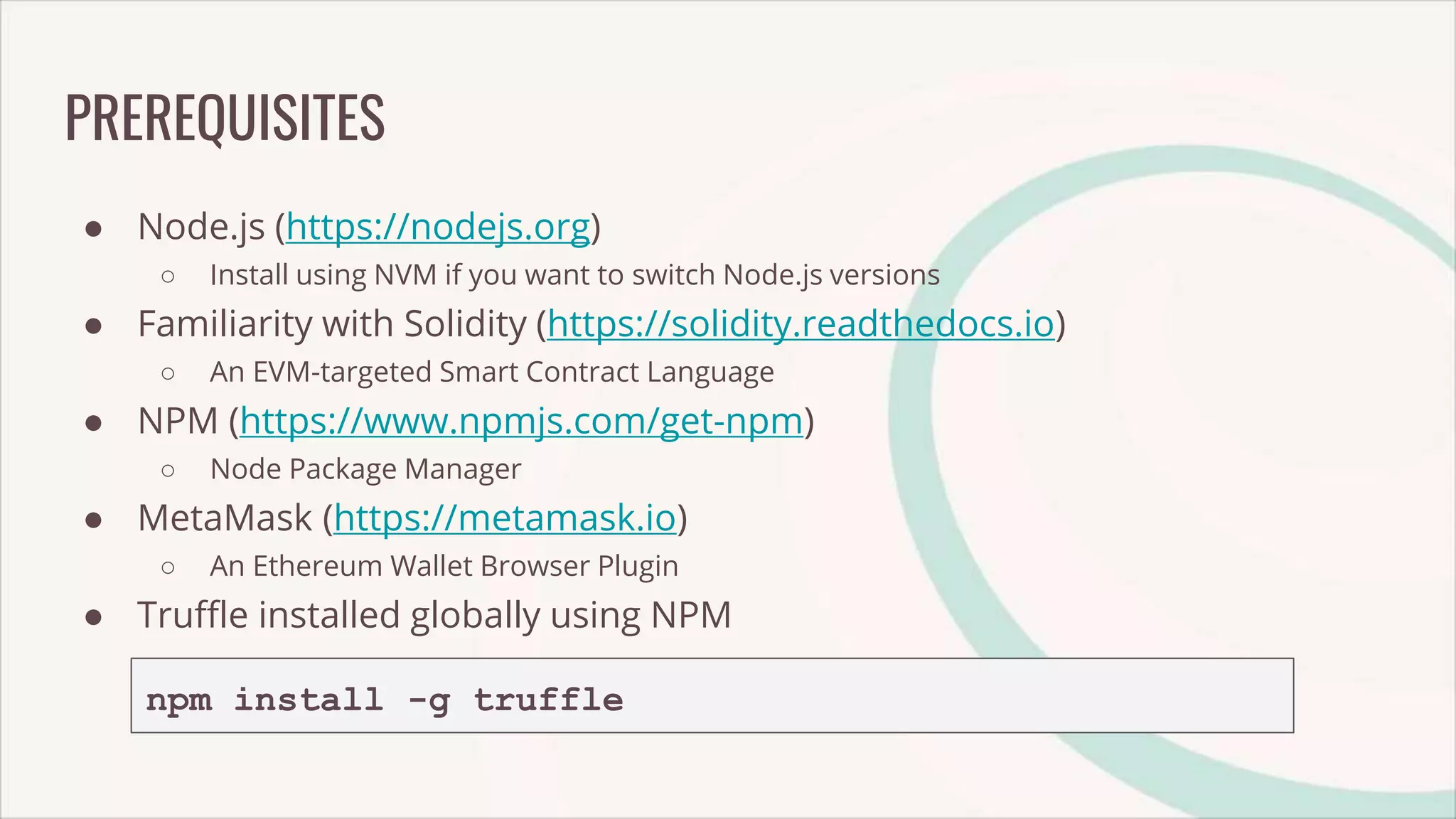
PREREQUISITES
● Node.js (https://nodejs.org)
○ Install using NVM if you want to switch Node.js versions
● Familiarity with Solidity (https://solidity.readthedocs.io)
○ An EVM-targeted Smart Contract Language
● NPM (https://www.npmjs.com/get-npm)
○ Node Package Manager
● MetaMask (https://metamask.io)
○ An Ethereum Wallet Browser Plugin
● Truffle installed globally using NPM
npm install -g truffle
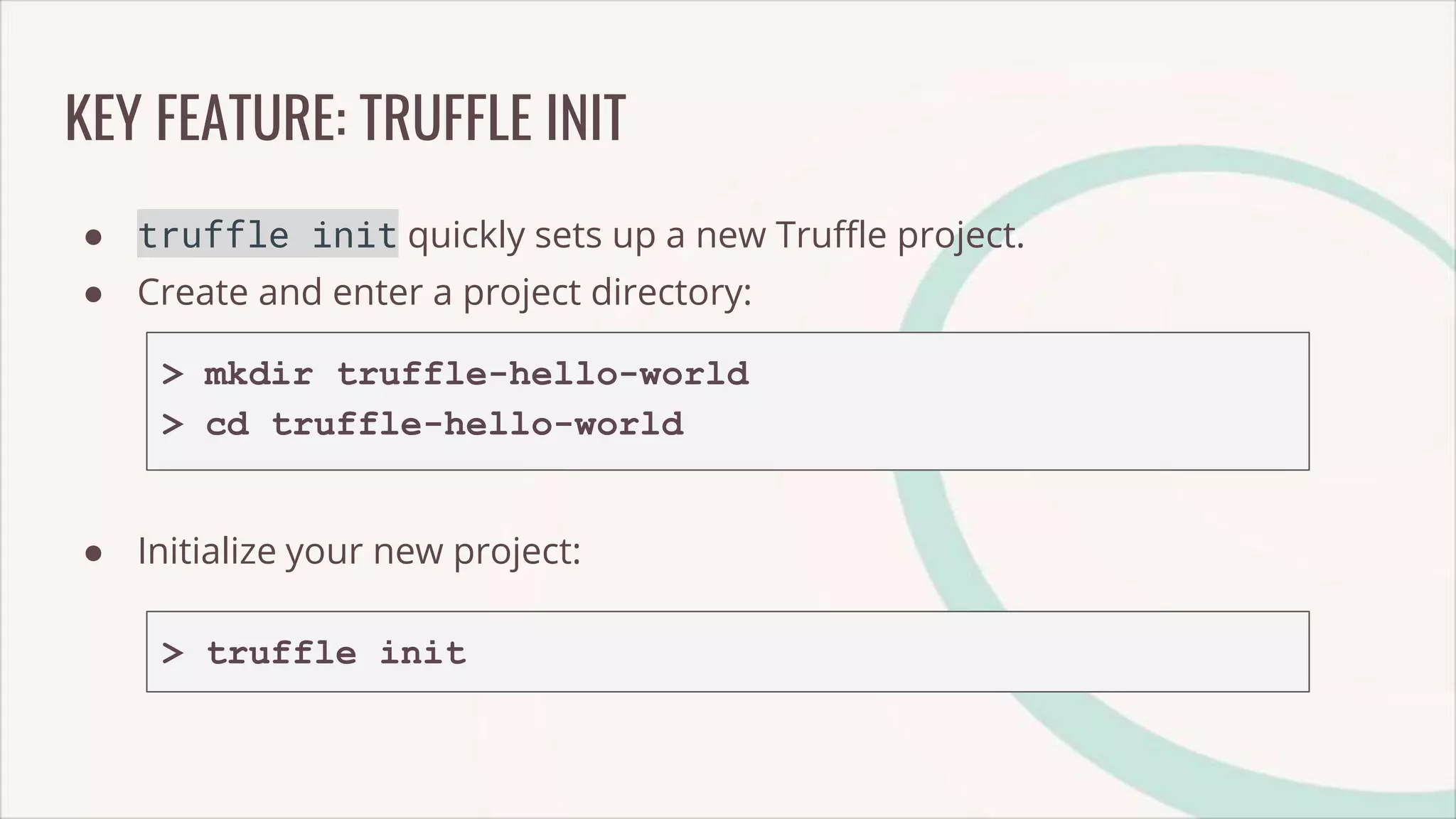
KEY FEATURE: TRUFFLE INIT
● truffle init quickly sets up a new Truffle project.
● Create and enter a project directory:
> mkdir truffle-hello-world
> cd truffle-hello-world
● Initialize your new project:
> truffle init
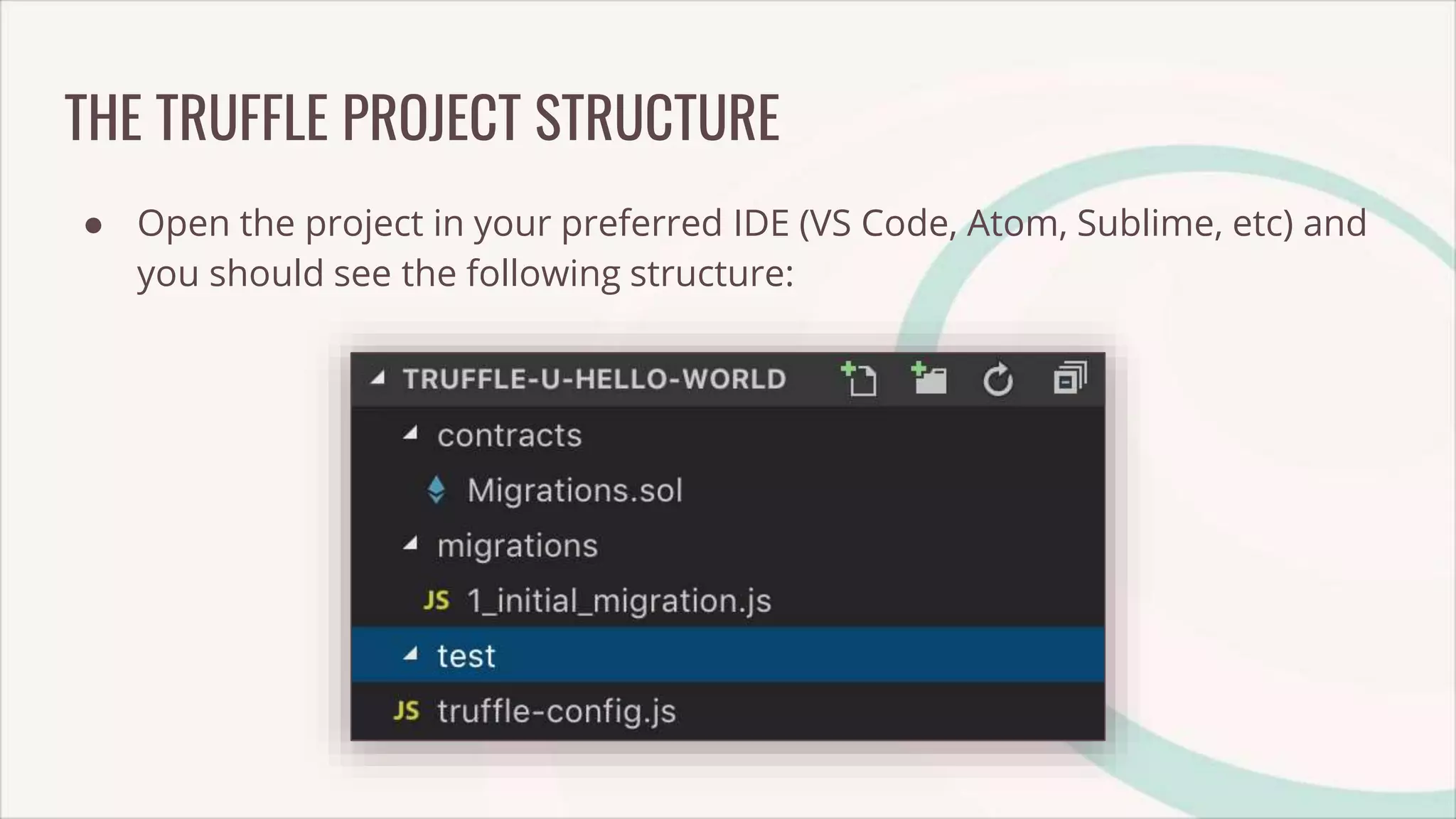
THE TRUFFLE PROJECT STRUCTURE
● Open the project in your preferred IDE (VS Code, Atom, Sublime, etc) and
you should see the following structure:
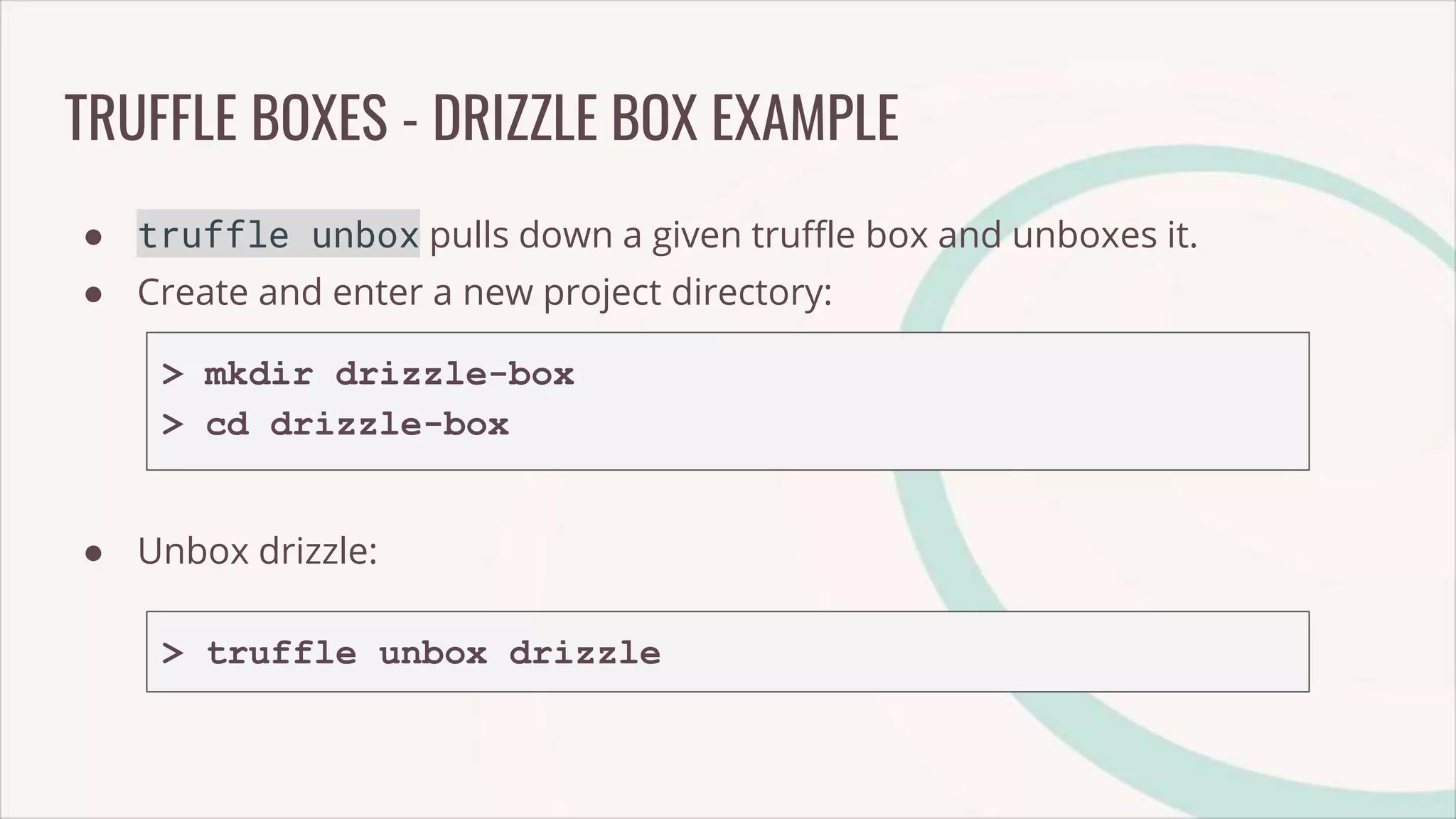
TRUFFLE BOXES - DRIZZLE BOX EXAMPLE
● truffle unbox pulls down a given truffle box and unboxes it.
● Create and enter a new project directory:
> mkdir drizzle-box
> cd drizzle-box
● Unbox drizzle:
> truffle unbox drizzle
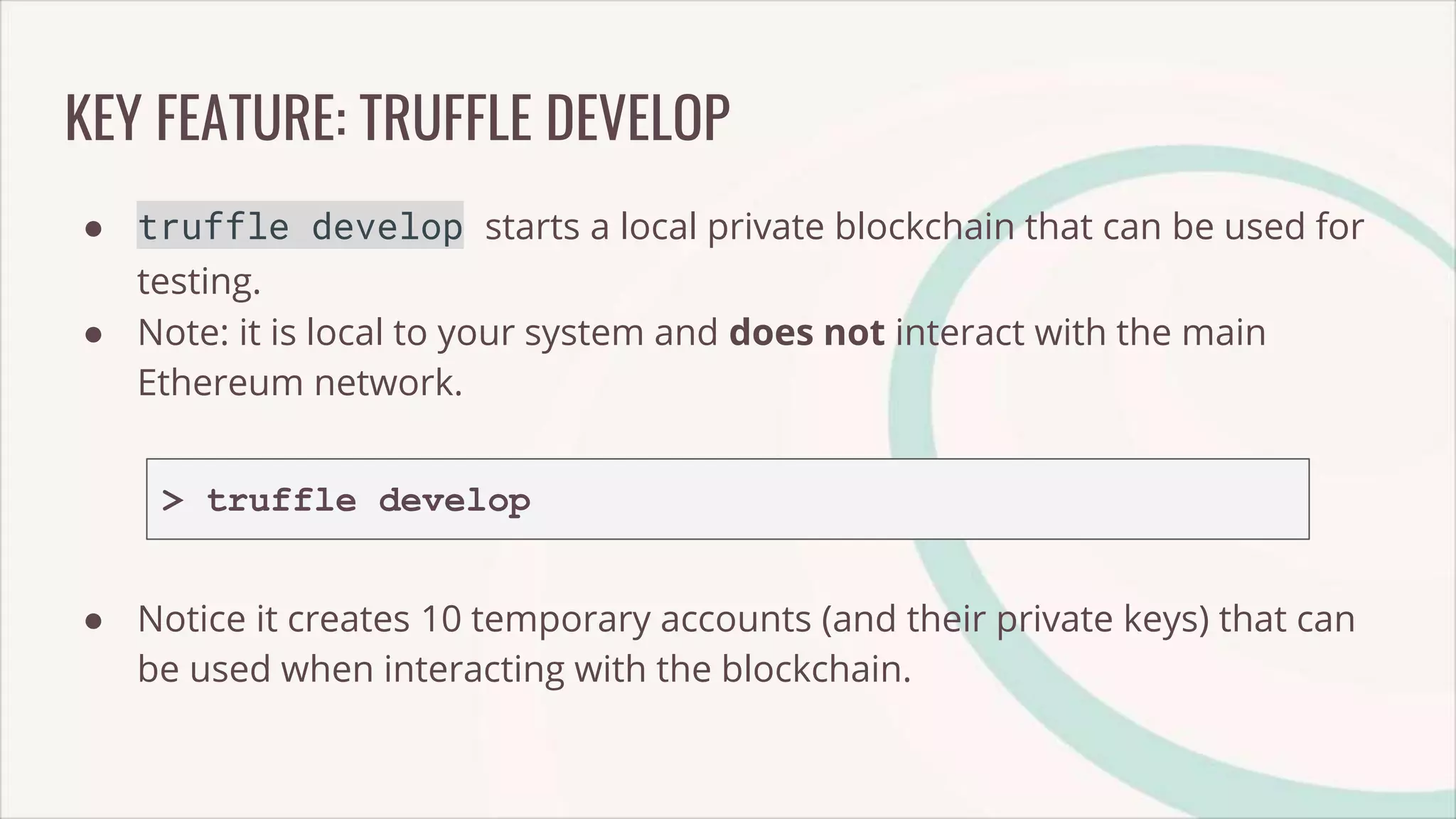
KEY FEATURE: TRUFFLE DEVELOP
● truffle develop starts a local private blockchain that can be used for
testing.
● Note: it is local to your system and does not interact with the main
Ethereum network.
> truffle develop
● Notice it creates 10 temporary accounts (and their private keys) that can
be used when interacting with the blockchain.
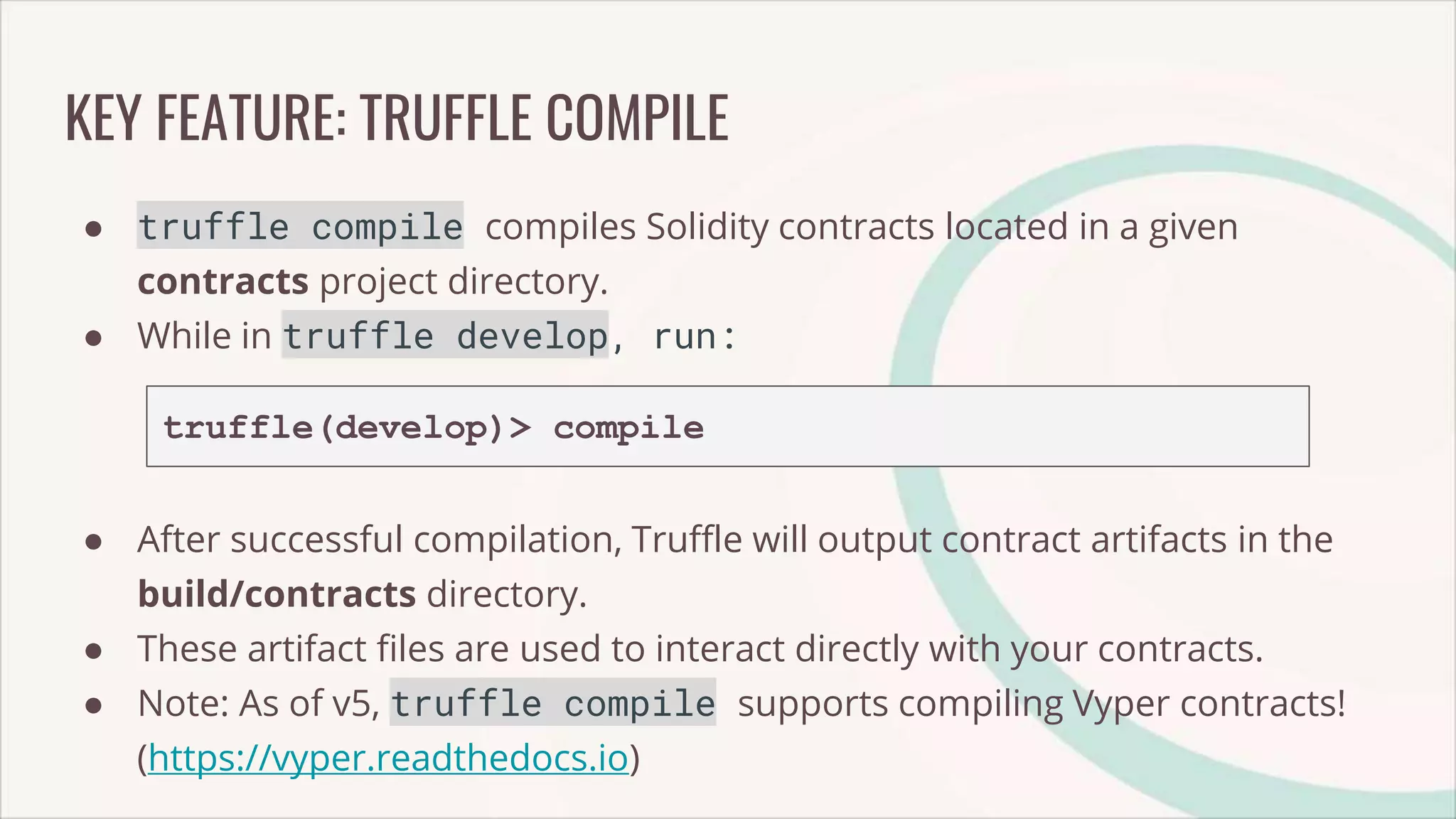
KEY FEATURE: TRUFFLE COMPILE
● truffle compile compiles Solidity contracts located in a given
contracts project directory.
● While in truffle develop, run:
truffle(develop)> compile
● After successful compilation, Truffle will output contract artifacts in the
build/contracts directory.
● These artifact files are used to interact directly with your contracts.
● Note: As of v5, truffle compile supports compiling Vyper contracts!
(https://vyper.readthedocs.io)
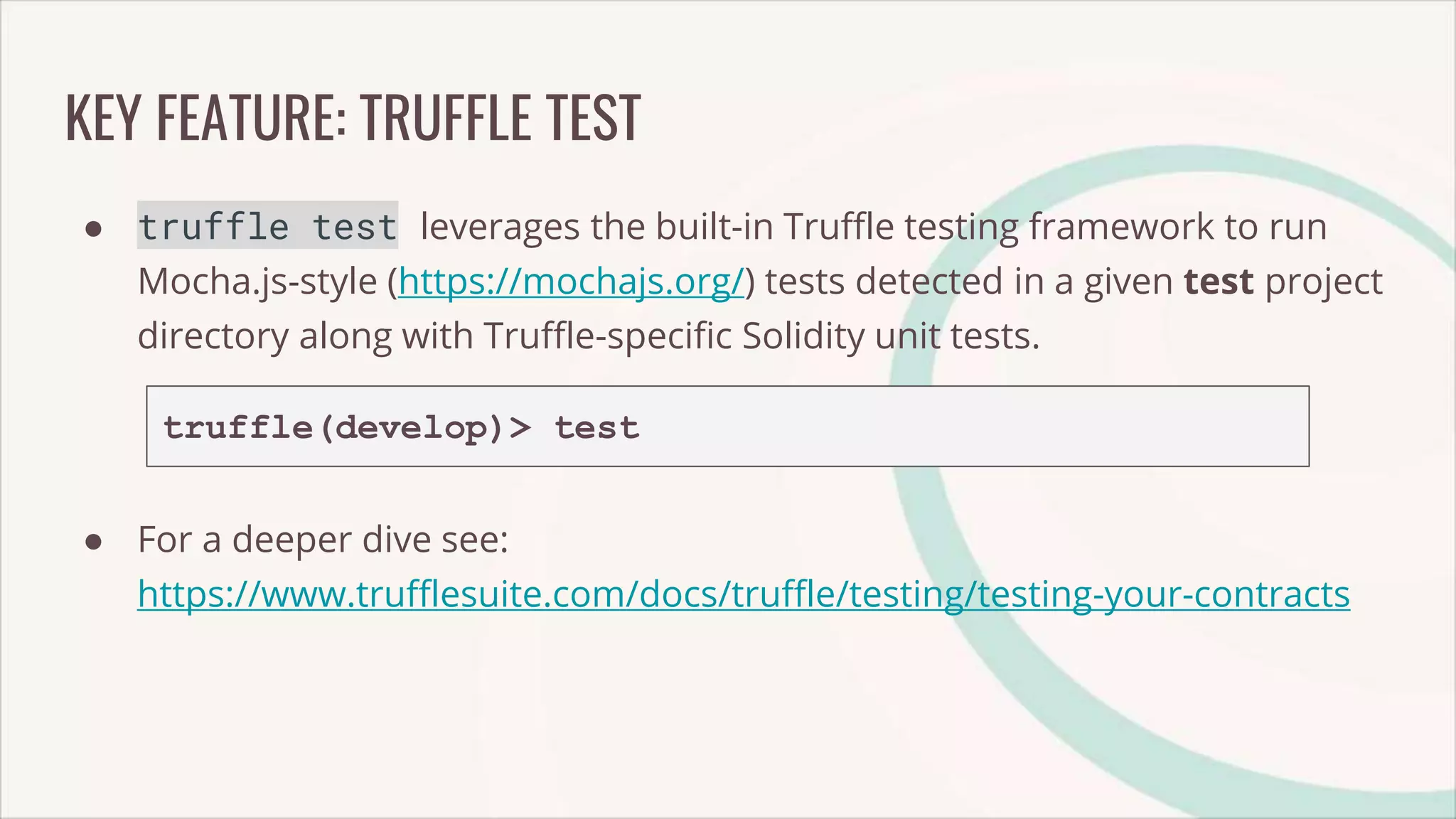
KEY FEATURE: TRUFFLE TEST
● truffle test leverages the built-in Truffle testing framework to run
Mocha.js-style (https://mochajs.org/) tests detected in a given test project
directory along with Truffle-specific Solidity unit tests.
truffle(develop)> test
● For a deeper dive see:
https://www.trufflesuite.com/docs/truffle/testing/testing-your-contracts
KEY FEATURE: TRUFFLE MIGRATE
● truffle migrate runs migration files detected in the migrations
directory to deploy contracts to a given network.
● In truffle develop we’ll migrate to the local develop network:
truffle(develop)> migrate
● For more insight into the migrations system:
https://www.trufflesuite.com/docs/truffle/getting-started/running-
migrations
FRONTEND INTEGRATION — DRIZZLE
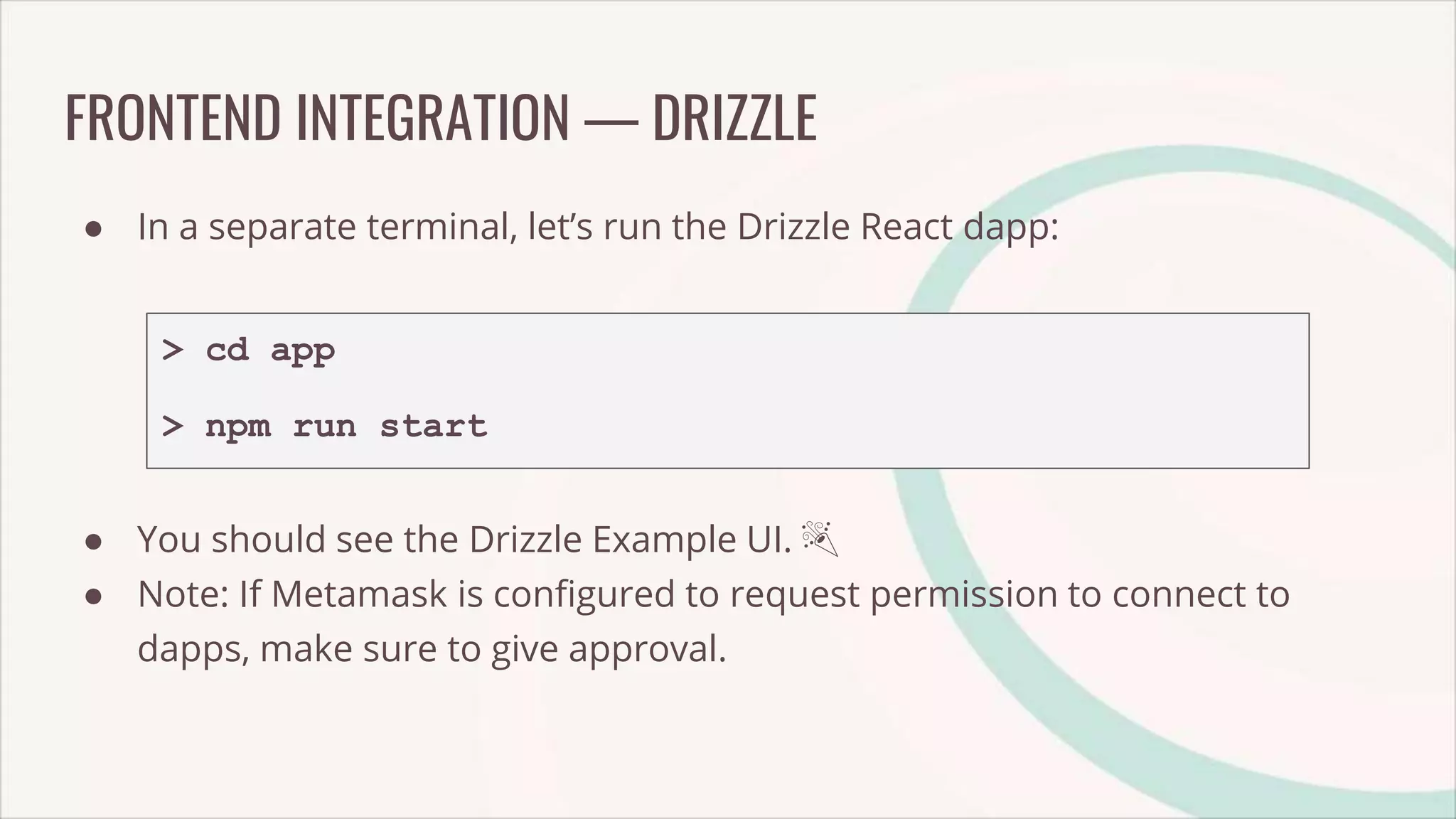
● In a separate terminal, let’s run the Drizzle React dapp:
> cd app
> npm run start
● You should see the Drizzle Example UI. 🎉
● Note: If Metamask is configured to request permission to connect to
dapps, make sure to give approval.
THANK YOU :)
TRUFFLECON 2019 | AUG 2-4 | MICROSOFT CAMPUS, REDMOND, WA
● Want to know more? Come to Trufflecon 2019!
● Thanks to our sponsors, tickets are now only $99!
○ https://www.trufflesuite.com/trufflecon2019
● A taste of some of the scheduled talks:
○ How to Build Secure Smart Contracts: A Deep Dive into Automated Tools, with Josselin
Feist (Security Engineer, TrueBit)
○ Dapp Development for the Rest of Us, with Adrian Li (Blockchain Tools Developer, Truffle)
○ Taste the Difference: Have some Truffle with your Kaleido (Kaleido & Truffle Dev Team)

Webinar: Enterprise Blockchain Radically Simplified with Truffle and Kaleido

  • 1.
    Enterprise Blockchain Simplified withTruffle and Kaleido Nick Gaski & Cruz Molina
  • 2.
    Introductions Cruz Molina Blockchain ToolsEngineer at Truffle Nick Gaski Client Enablement at Kaleido
  • 3.
    A CRASH COURSE INTRODUCTIONTO TRUFFLE Cruz Molina Truffle Suite
  • 4.
    AGENDA ● Truffle SuiteIntroduction ● Truffle CLI Crash Course ○ Truffle: The Blockchain Development Framework ■ Key Truffle Features: ● Truffle Boxes ● Compiling Smart Contracts ● Testing Smart Contracts ● Deploying Projects ● Frontend Integration
  • 5.
  • 6.
    1-SLIDE OVERVIEW ● Ourmission: ○ “Get developers from idea to dapp as comfortably as possible” ● Comprised of a range of different tools / components ○ Truffle CLI, Ganache, Drizzle ○ All play different roles in the development lifecycle ● 100% FOSS @ https://github.com/trufflesuite ● 3 million aggregate downloads!
  • 7.
  • 8.
    TRUFFLE ● Written inNode.js ● CLI that dramatically reduces the complexity of building DApps ○ Compiling, Testing, Migrating, etc ● Currently at Version v5.0.25
  • 9.
    TRUFFLE - INUSE ● Install via npm install -g truffle ● Example commands... > truffle init > truffle compile > truffle migrate > truffle test > truffle unbox
  • 10.
    TRUFFLE BOXES ● Boilerplateprojects that can be used for learning and kickstarting your projects (everything from sample contracts, libraries, front-end views, to complete example Dapps) ● Both officially supported + community
  • 11.
    GANACHE ● “Your personalblockchain for ethereum development” ● Creates a local ethereum network for development, testing, etc ● Two flavors - Ganache & ganache-cli ○ Ganache is UI-based ○ ganache-cli is a command line tool used for automated testing ● Version 2.0 allows you to visually explore contract state, events, etc
  • 12.
  • 13.
    DRIZZLE ● React.js libraryfor building web UIs for DApps ○ Installable via npm ● Reduces the amount of code you need to write than were you to just use web3.js (although it does trade some flexibility) ● Handles the synchronization of your contract and transaction data (and more) to a local Redux store
  • 14.
    DRIZZLE - INUSE ● Managing Smart Contract Events
  • 15.
  • 16.
    PREREQUISITES ● Node.js (https://nodejs.org) ○Install using NVM if you want to switch Node.js versions ● Familiarity with Solidity (https://solidity.readthedocs.io) ○ An EVM-targeted Smart Contract Language ● NPM (https://www.npmjs.com/get-npm) ○ Node Package Manager ● MetaMask (https://metamask.io) ○ An Ethereum Wallet Browser Plugin ● Truffle installed globally using NPM npm install -g truffle
  • 17.
    KEY FEATURE: TRUFFLEINIT ● truffle init quickly sets up a new Truffle project. ● Create and enter a project directory: > mkdir truffle-hello-world > cd truffle-hello-world ● Initialize your new project: > truffle init
  • 18.
    THE TRUFFLE PROJECTSTRUCTURE ● Open the project in your preferred IDE (VS Code, Atom, Sublime, etc) and you should see the following structure:
  • 19.
    TRUFFLE BOXES -DRIZZLE BOX EXAMPLE ● truffle unbox pulls down a given truffle box and unboxes it. ● Create and enter a new project directory: > mkdir drizzle-box > cd drizzle-box ● Unbox drizzle: > truffle unbox drizzle
  • 20.
    KEY FEATURE: TRUFFLEDEVELOP ● truffle develop starts a local private blockchain that can be used for testing. ● Note: it is local to your system and does not interact with the main Ethereum network. > truffle develop ● Notice it creates 10 temporary accounts (and their private keys) that can be used when interacting with the blockchain.
  • 21.
    KEY FEATURE: TRUFFLECOMPILE ● truffle compile compiles Solidity contracts located in a given contracts project directory. ● While in truffle develop, run: truffle(develop)> compile ● After successful compilation, Truffle will output contract artifacts in the build/contracts directory. ● These artifact files are used to interact directly with your contracts. ● Note: As of v5, truffle compile supports compiling Vyper contracts! (https://vyper.readthedocs.io)
  • 22.
    KEY FEATURE: TRUFFLETEST ● truffle test leverages the built-in Truffle testing framework to run Mocha.js-style (https://mochajs.org/) tests detected in a given test project directory along with Truffle-specific Solidity unit tests. truffle(develop)> test ● For a deeper dive see: https://www.trufflesuite.com/docs/truffle/testing/testing-your-contracts
  • 23.
    KEY FEATURE: TRUFFLEMIGRATE ● truffle migrate runs migration files detected in the migrations directory to deploy contracts to a given network. ● In truffle develop we’ll migrate to the local develop network: truffle(develop)> migrate ● For more insight into the migrations system: https://www.trufflesuite.com/docs/truffle/getting-started/running- migrations
  • 24.
    FRONTEND INTEGRATION —DRIZZLE ● In a separate terminal, let’s run the Drizzle React dapp: > cd app > npm run start ● You should see the Drizzle Example UI. 🎉 ● Note: If Metamask is configured to request permission to connect to dapps, make sure to give approval.
  • 25.
  • 40.
    TRUFFLECON 2019 |AUG 2-4 | MICROSOFT CAMPUS, REDMOND, WA ● Want to know more? Come to Trufflecon 2019! ● Thanks to our sponsors, tickets are now only $99! ○ https://www.trufflesuite.com/trufflecon2019 ● A taste of some of the scheduled talks: ○ How to Build Secure Smart Contracts: A Deep Dive into Automated Tools, with Josselin Feist (Security Engineer, TrueBit) ○ Dapp Development for the Rest of Us, with Adrian Li (Blockchain Tools Developer, Truffle) ○ Taste the Difference: Have some Truffle with your Kaleido (Kaleido & Truffle Dev Team)

Editor's Notes

  • #2 Start with poll: Have you used Truffle suite with Kaledio?
  • #11 Partnered with MS to provide these boxes...contain necessary configuration, etc for working with Azure Blockchain Workbench