WEBD 162
Week 8: display property, Float and Clear
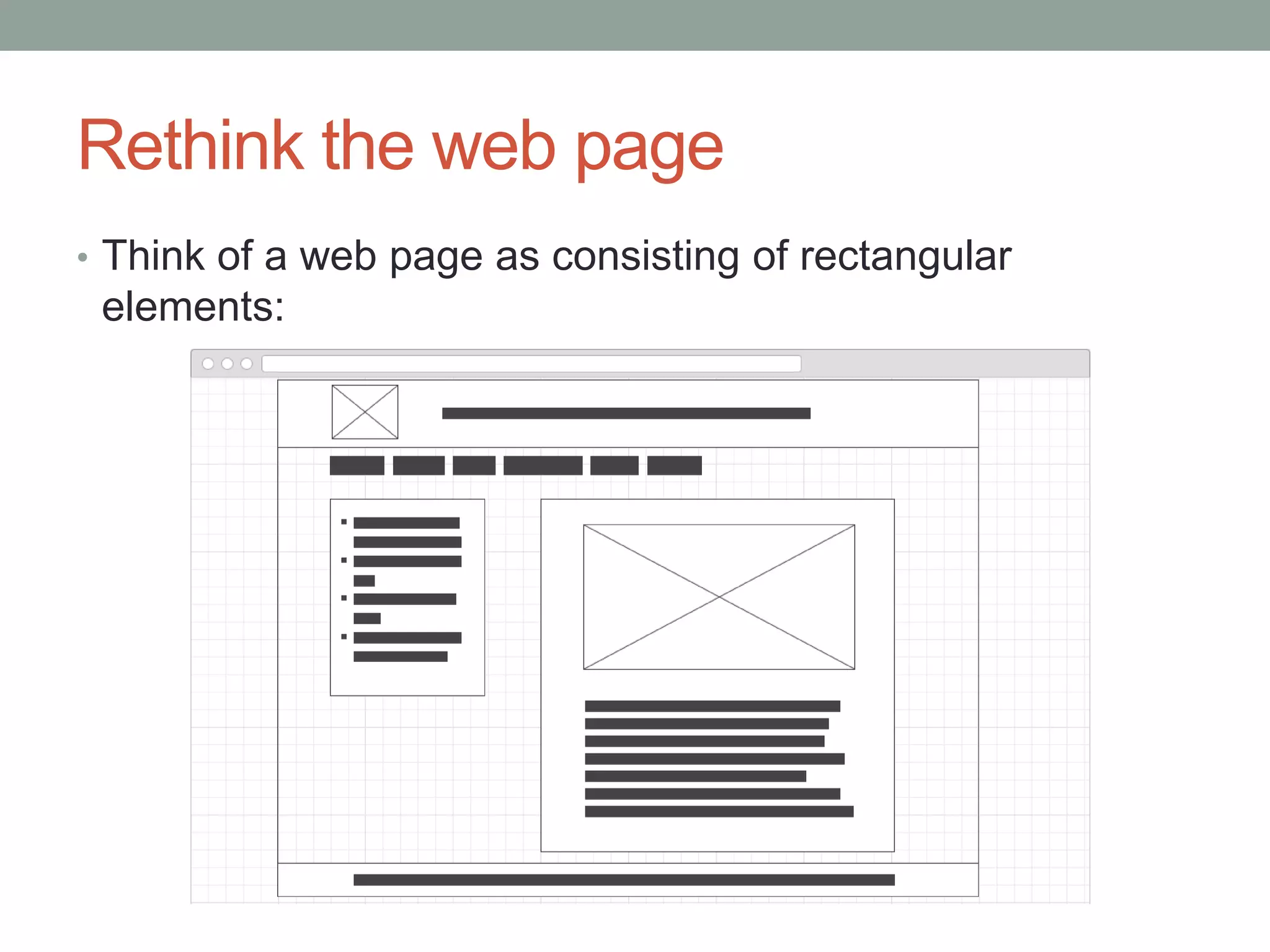
Rethink the web page
• Think of a web page as consisting of rectangular
elements:
Block-level elements
• May only be used within a body element
• If no width is set, will expand to fill the entire space of its
parent element (container)
• If no height is set, will expand to fit its child elements
• As long as child elements are not floated or positioned
• Can have margins and padding
• Will be placed below previous elements in the markup
• If surrounding elements are not floated or positioned
• Typically has a newline before and after the element
• "Ignores" the vertical-align property
• Parent container height may be undefined
• Various workarounds for this design challenge
Block-level elements (learned so far)
address
article
aside
blockquote
dd
div
dl
figcaption
figure
footer
h1
h2
h3
h4
h5
h6
header
hgroup
hr
main
nav
ol
output
p
pre
section
ul
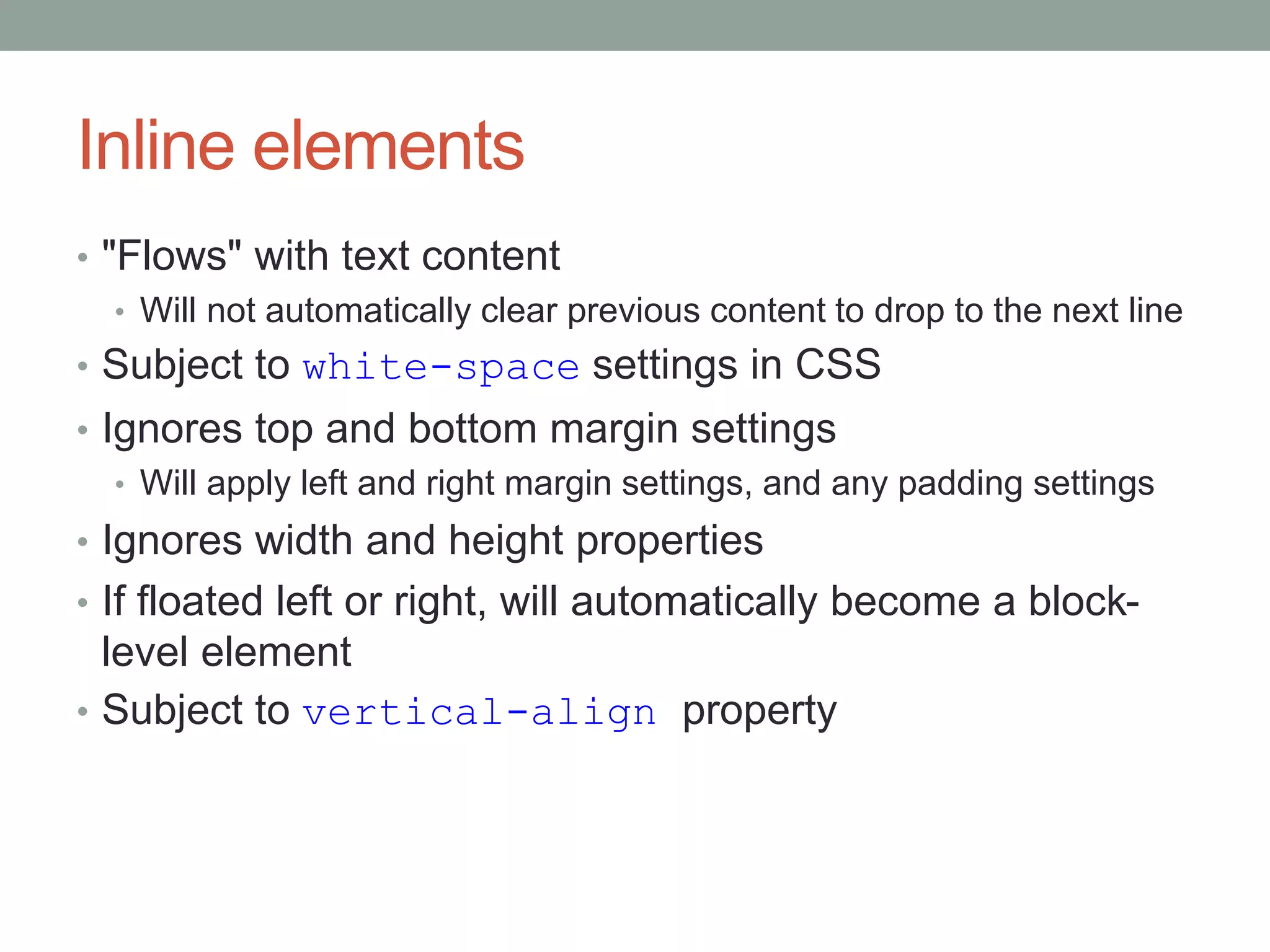
Inline elements
• "Flows" with text content
• Will not automatically clear previous content to drop to the next line
• Subject to white-space settings in CSS
• Ignores top and bottom margin settings
• Will apply left and right margin settings, and any padding settings
• Ignores width and height properties
• If floated left or right, will automatically become a block-
level element
• Subject to vertical-align property
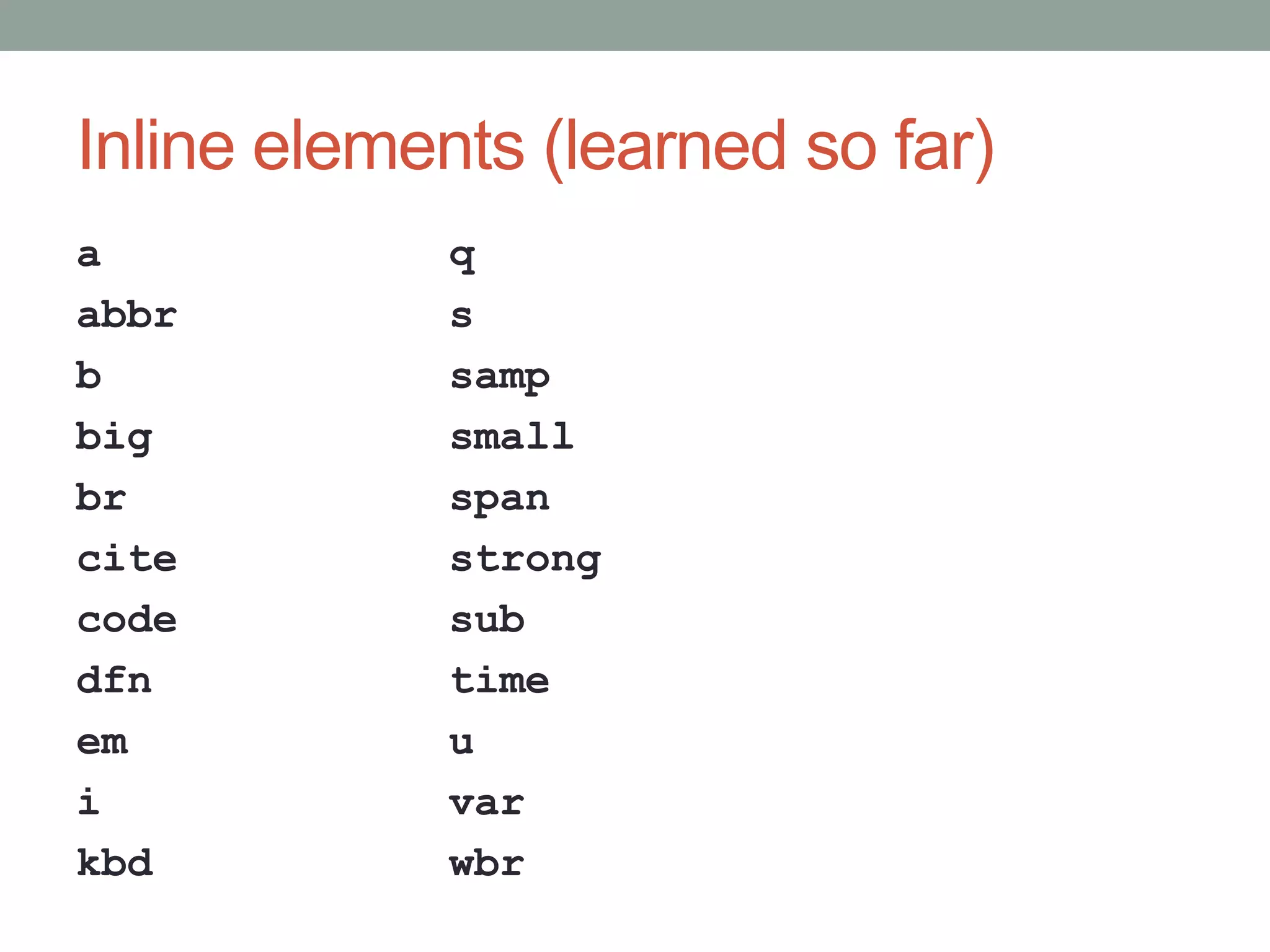
Inline elements (learned so far)
a
abbr
b
big
br
cite
code
dfn
em
i
kbd
q
s
samp
small
span
strong
sub
time
u
var
wbr
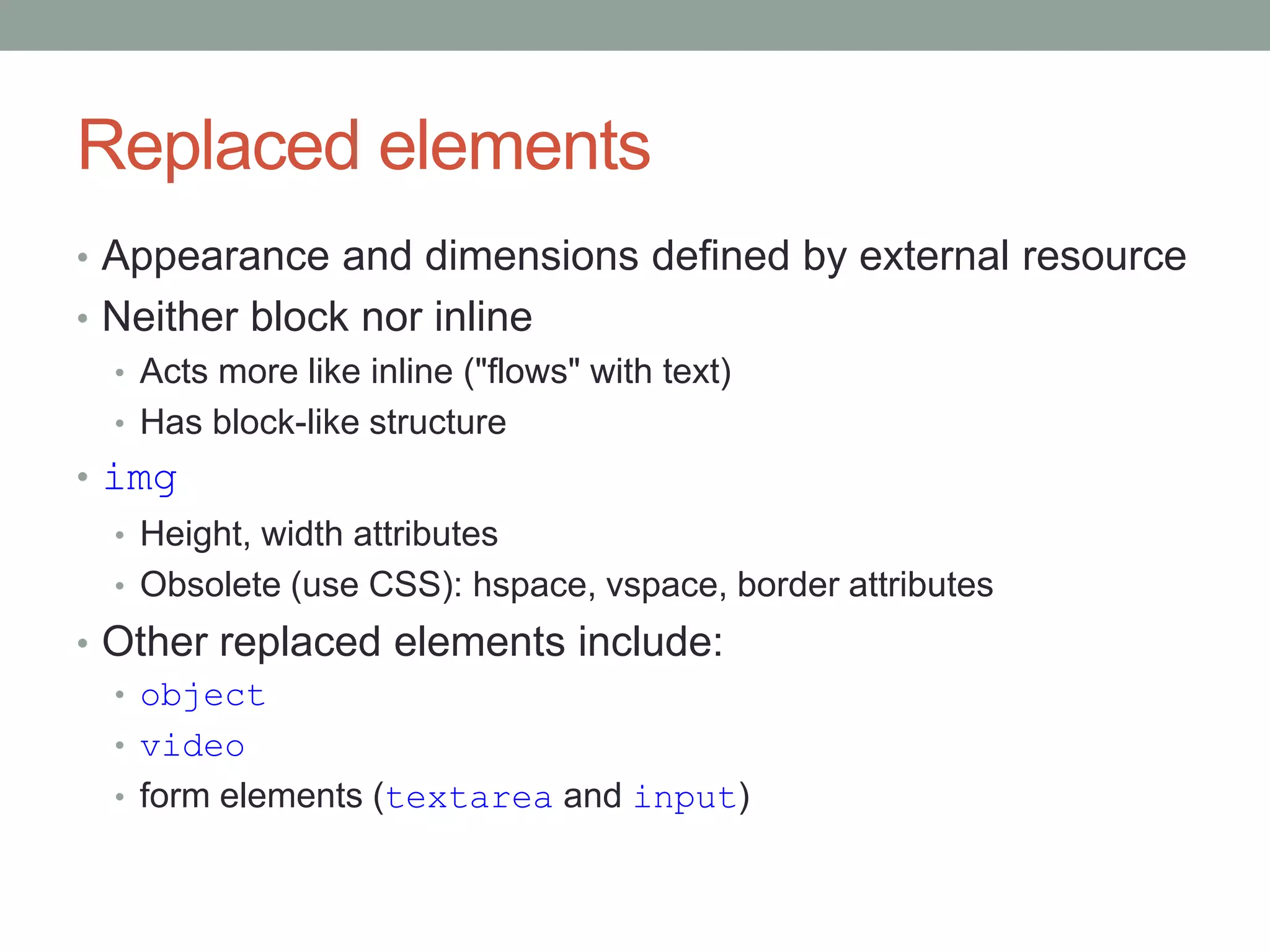
Replaced elements
• Appearance and dimensions defined by external resource
• Neither block nor inline
• Acts more like inline ("flows" with text)
• Has block-like structure
• img
• Height, width attributes
• Obsolete (use CSS): hspace, vspace, border attributes
• Other replaced elements include:
• object
• video
• form elements (textarea and input)
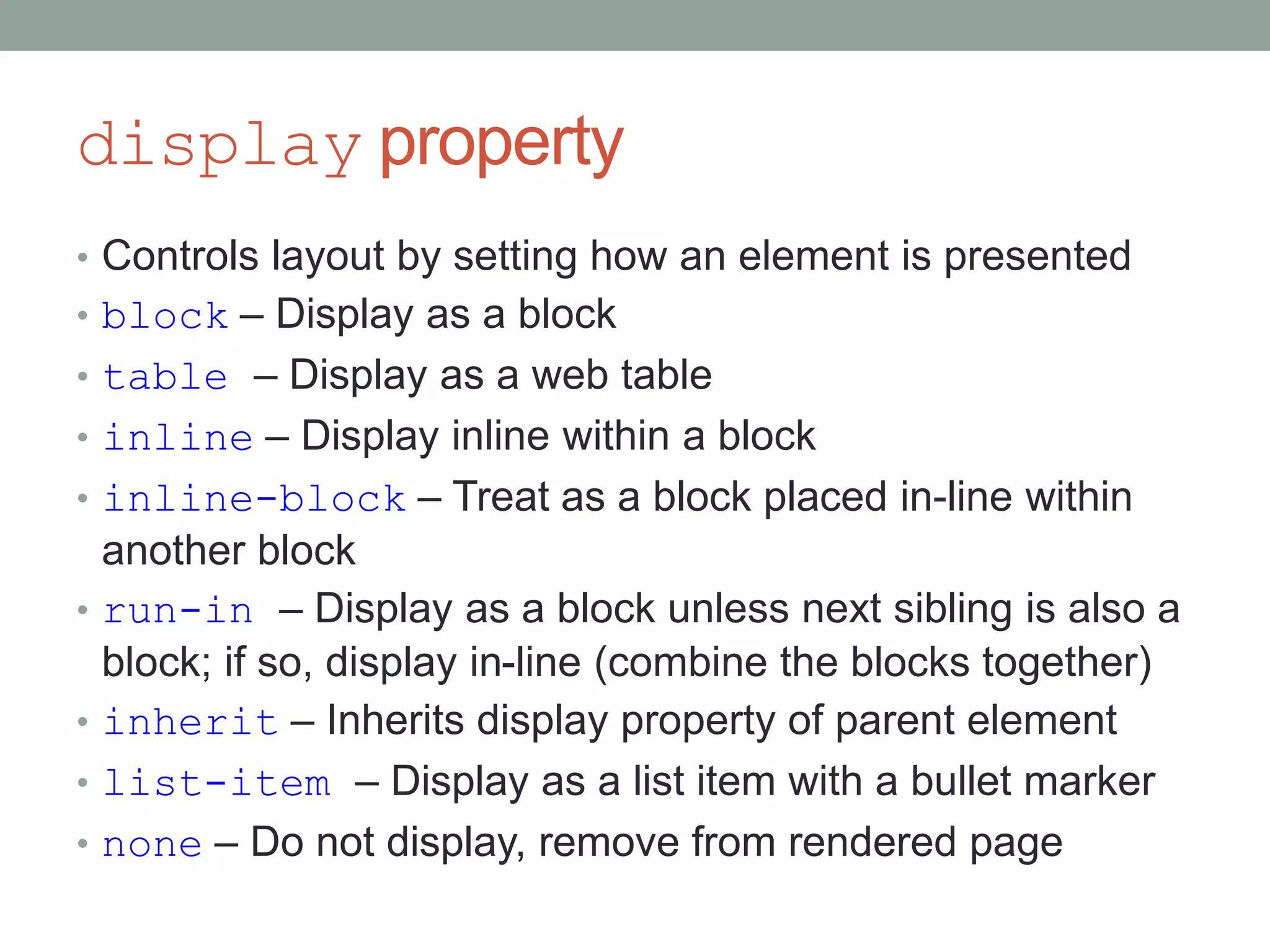
display property
• Controls layout by setting how an element is presented
• block – Display as a block
• table – Display as a web table
• inline – Display inline within a block
• inline-block – Treat as a block placed in-line within
another block
• run-in – Display as a block unless next sibling is also a
block; if so, display in-line (combine the blocks together)
• inherit – Inherits display property of parent element
• list-item – Display as a list item with a bullet marker
• none – Do not display, remove from rendered page
display properties info
• quirksmode
• http://quirksmode.org/css/css2/display.html
• Shows how the different display properties look
• Lists which browsers support the display property
• CSS-Tricks
• https://css-tricks.com/almanac/properties/d/display/
Float
• Primarily used to flow text around images
• Also a way to create multi-column layout
• Float pulls an element out of the normal document flow
• Pushes element as far to the left (or right) as possible
within its containing element
• Floated element must appear directly before, or be nested
at the start of, the non-floated element
• Undimensioned surrounding text will flow around the
floated element
• Dimensioned text will be beside the floated element, if
there is room (columns)
http://www.w3.org/TR/CSS2/visuren.html#floats
Clear
• Used to prevent an element from moving up next to a
floated element
• Keeps the element below the floated element
• To clear a previous float without requiring extra markup
• 4 options:
• left
• right
• both
• none
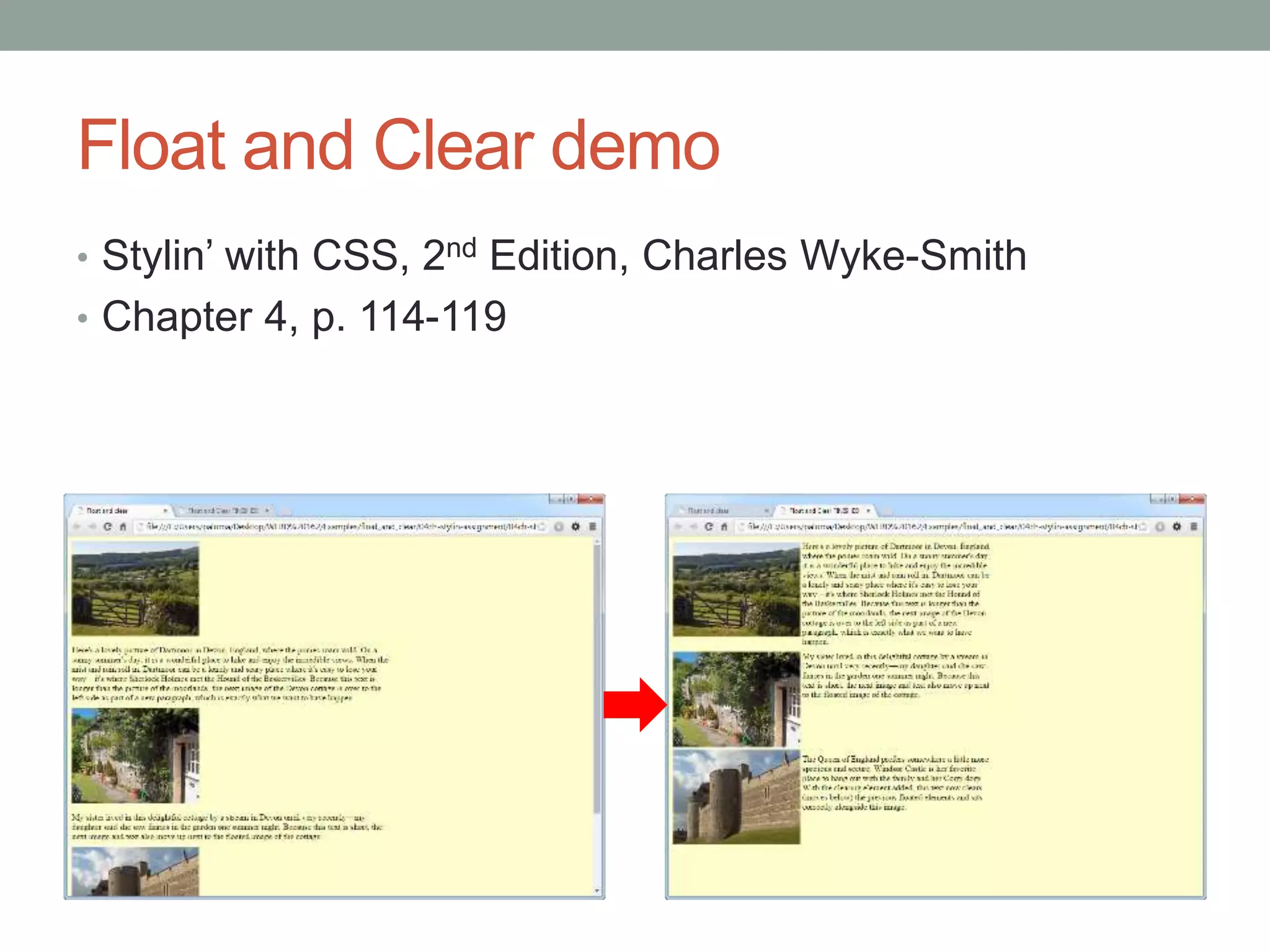
Float and Clear demo
• Stylin’ with CSS, 2nd Edition, Charles Wyke-Smith
• Chapter 4, p. 114-119
Float and Clear Tutorials
• http://css-tricks.com/all-about-floats/
• http://alistapart.com/article/css-floats-101
• http://www.quirksmode.org/css/clearing.html
• http://stackoverflow.com/questions/12871710/why-clear-
both-css
• http://phrogz.net/css/understandingfloats.html

WEBD 162: display property, Float and Clear

  • 1.
    WEBD 162 Week 8:display property, Float and Clear
  • 2.
    Rethink the webpage • Think of a web page as consisting of rectangular elements:
  • 3.
    Block-level elements • Mayonly be used within a body element • If no width is set, will expand to fill the entire space of its parent element (container) • If no height is set, will expand to fit its child elements • As long as child elements are not floated or positioned • Can have margins and padding • Will be placed below previous elements in the markup • If surrounding elements are not floated or positioned • Typically has a newline before and after the element • "Ignores" the vertical-align property • Parent container height may be undefined • Various workarounds for this design challenge
  • 4.
    Block-level elements (learnedso far) address article aside blockquote dd div dl figcaption figure footer h1 h2 h3 h4 h5 h6 header hgroup hr main nav ol output p pre section ul
  • 5.
    Inline elements • "Flows"with text content • Will not automatically clear previous content to drop to the next line • Subject to white-space settings in CSS • Ignores top and bottom margin settings • Will apply left and right margin settings, and any padding settings • Ignores width and height properties • If floated left or right, will automatically become a block- level element • Subject to vertical-align property
  • 6.
    Inline elements (learnedso far) a abbr b big br cite code dfn em i kbd q s samp small span strong sub time u var wbr
  • 7.
    Replaced elements • Appearanceand dimensions defined by external resource • Neither block nor inline • Acts more like inline ("flows" with text) • Has block-like structure • img • Height, width attributes • Obsolete (use CSS): hspace, vspace, border attributes • Other replaced elements include: • object • video • form elements (textarea and input)
  • 8.
    display property • Controlslayout by setting how an element is presented • block – Display as a block • table – Display as a web table • inline – Display inline within a block • inline-block – Treat as a block placed in-line within another block • run-in – Display as a block unless next sibling is also a block; if so, display in-line (combine the blocks together) • inherit – Inherits display property of parent element • list-item – Display as a list item with a bullet marker • none – Do not display, remove from rendered page
  • 9.
    display properties info •quirksmode • http://quirksmode.org/css/css2/display.html • Shows how the different display properties look • Lists which browsers support the display property • CSS-Tricks • https://css-tricks.com/almanac/properties/d/display/
  • 10.
    Float • Primarily usedto flow text around images • Also a way to create multi-column layout • Float pulls an element out of the normal document flow • Pushes element as far to the left (or right) as possible within its containing element • Floated element must appear directly before, or be nested at the start of, the non-floated element • Undimensioned surrounding text will flow around the floated element • Dimensioned text will be beside the floated element, if there is room (columns) http://www.w3.org/TR/CSS2/visuren.html#floats
  • 11.
    Clear • Used toprevent an element from moving up next to a floated element • Keeps the element below the floated element • To clear a previous float without requiring extra markup • 4 options: • left • right • both • none
  • 12.
    Float and Cleardemo • Stylin’ with CSS, 2nd Edition, Charles Wyke-Smith • Chapter 4, p. 114-119
  • 13.
    Float and ClearTutorials • http://css-tricks.com/all-about-floats/ • http://alistapart.com/article/css-floats-101 • http://www.quirksmode.org/css/clearing.html • http://stackoverflow.com/questions/12871710/why-clear- both-css • http://phrogz.net/css/understandingfloats.html

Editor's Notes

  • #11 http://www.smashingmagazine.com/2009/10/19/the-mystery-of-css-float-property/