

















INTRODUCTION
TO WEB CONTENT
MANAGEMENT
SYSTEM
Kunal Vashist
CMS Expert
WEB
CONTENT
MANAGEMEN
T SYSTEM
BENEFITS OF WEB
CONTENT MANAGEMENT
SYSTEM
•
•
•
•
•
•
WHY USE LARAVEL FOR
BUILDING A WEB
CONTENT MANAGEMENT
SYSTEM
•
•
•
•
•
•
SETTING UP
THE
DEVELOPMENT
ENVIRONMENT
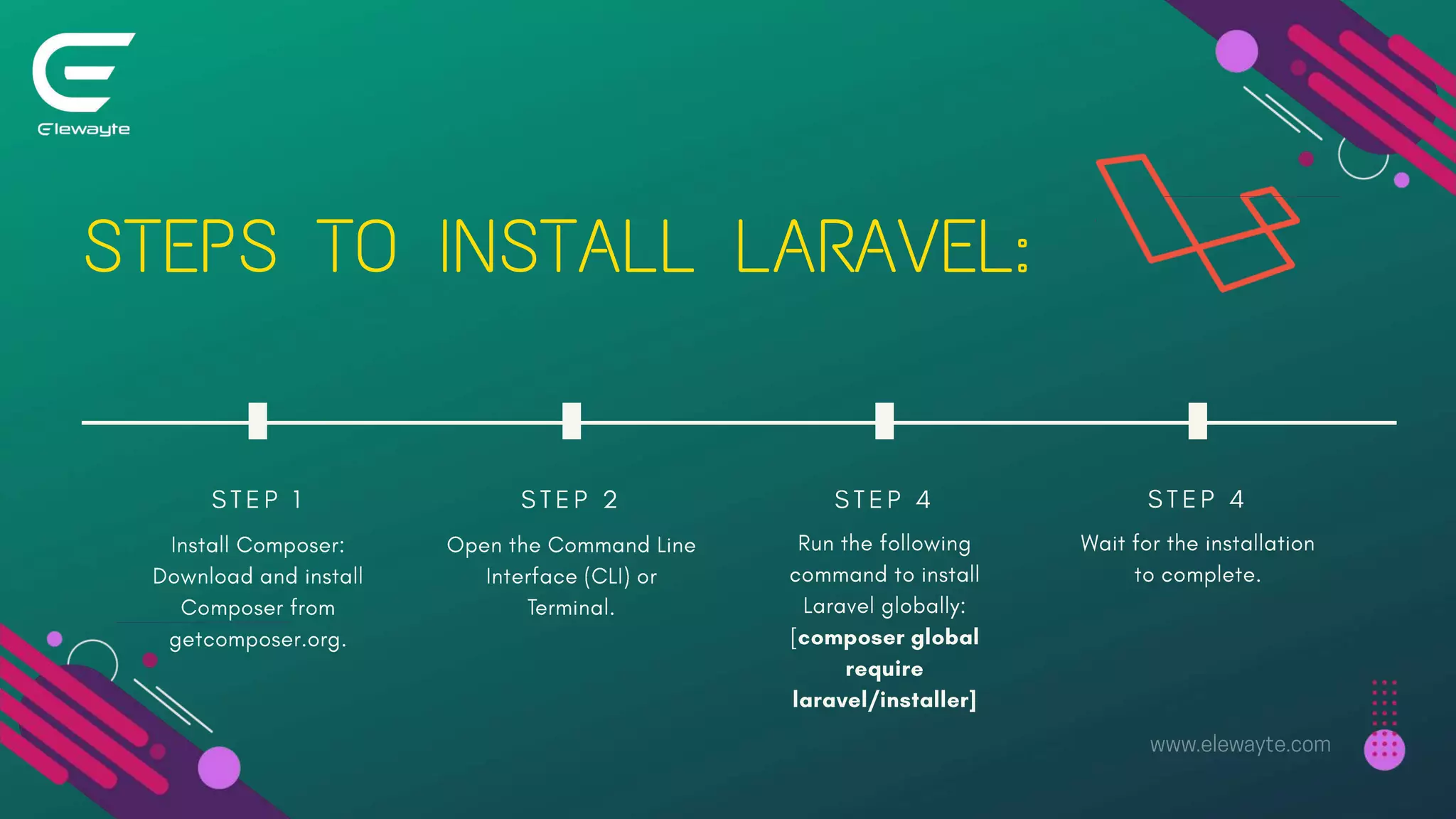
INSTALLING
LARAVEL
Requirements -
STEPS TO INSTALL LARAVEL:
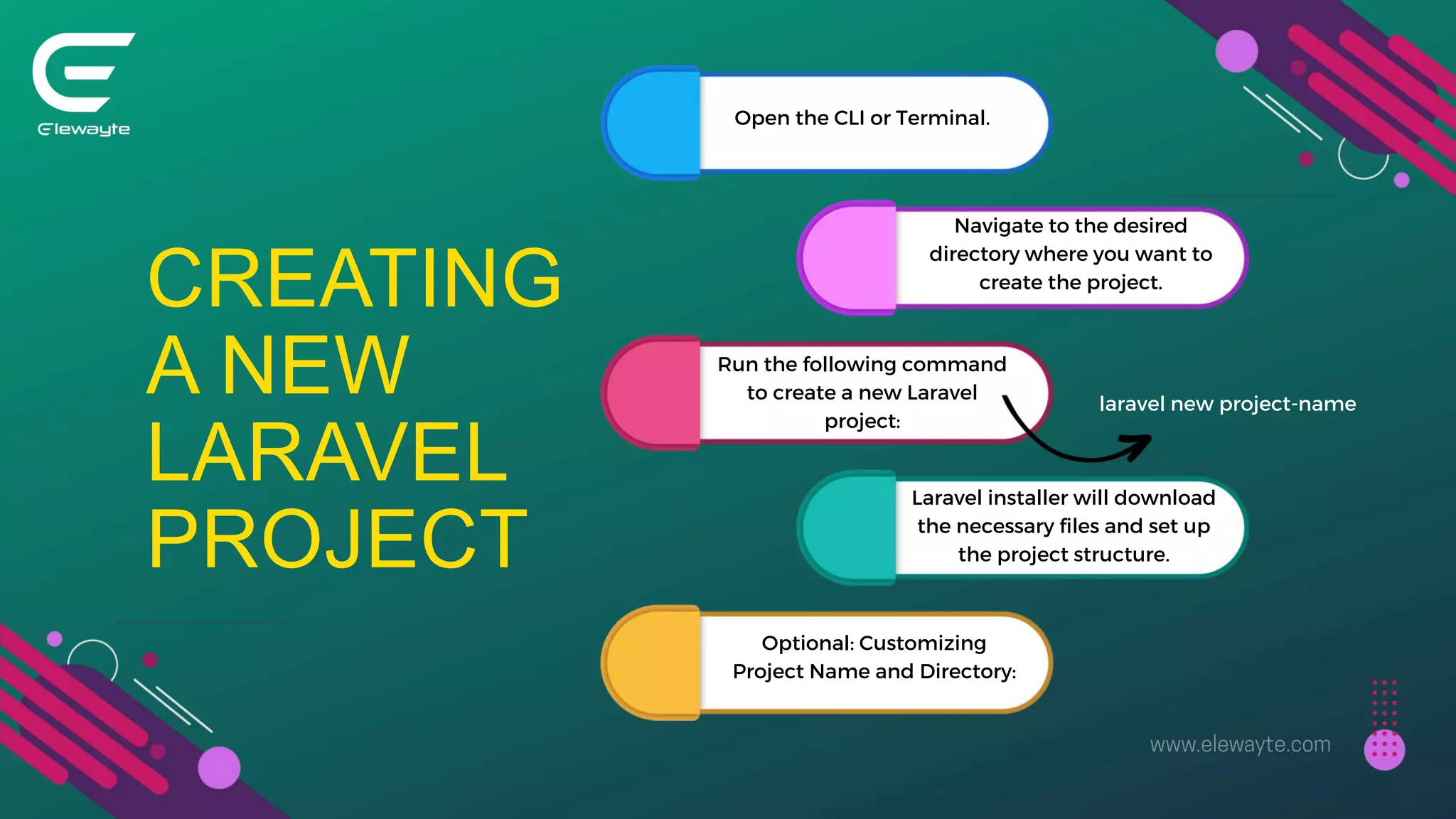
CREATING
A NEW
LARAVEL
PROJECT
Open the CLI or Terminal.
Navigate to the desired
directory where you want to
create the project.
Run the following command
to create a new Laravel
project:
Laravel installer will download
the necessary files and set up
the project structure.
Optional: Customizing
Project Name and Directory:
laravel new project-name
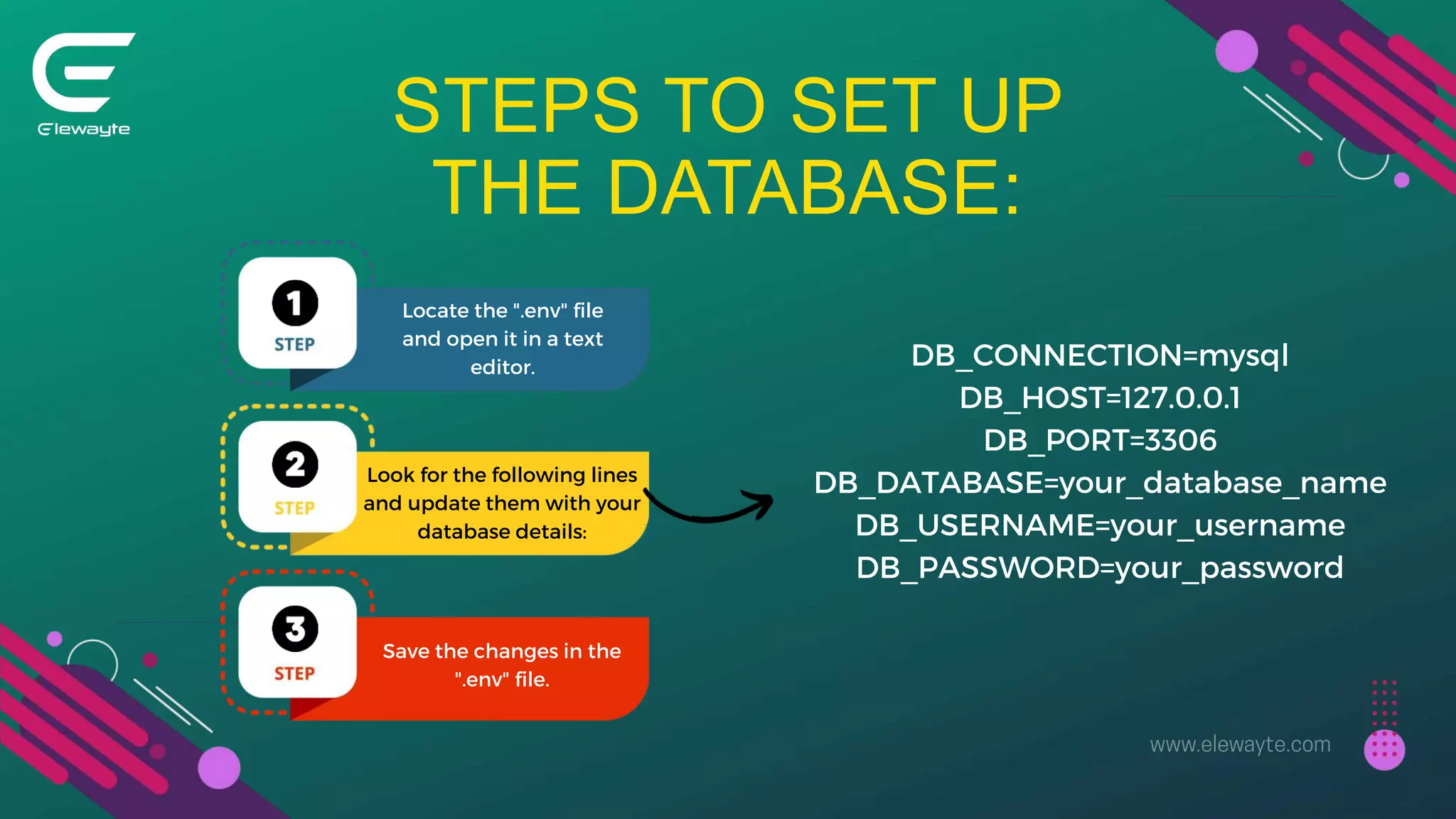
STEPS TO SET UP
THE DATABASE:
Locate the ".env" file
and open it in a text
editor.
Look for the following lines
and update them with your
database details:
Save the changes in the
".env" file.
DB_CONNECTION=mysql
DB_HOST=127.0.0.1
DB_PORT=3306
DB_DATABASE=your_database_name
DB_USERNAME=your_username
DB_PASSWORD=your_password
BUILDING THE
DATABASE
SCHEMA
UNDERSTANDING
DATABASE
REQUIREMENTS
Identify the entities,
relationships, and attributes
needed for your web content
management system.
ANALYSING
FUNCTIONAL
REQUIREMENTS:
Create an Entity-Relationship
Diagram (ERD) to visualise the
database structure.
Define the tables, columns,
primary keys, foreign keys, and
any necessary constraints.
DESIGNING THE
DATABASE SCHEMA:
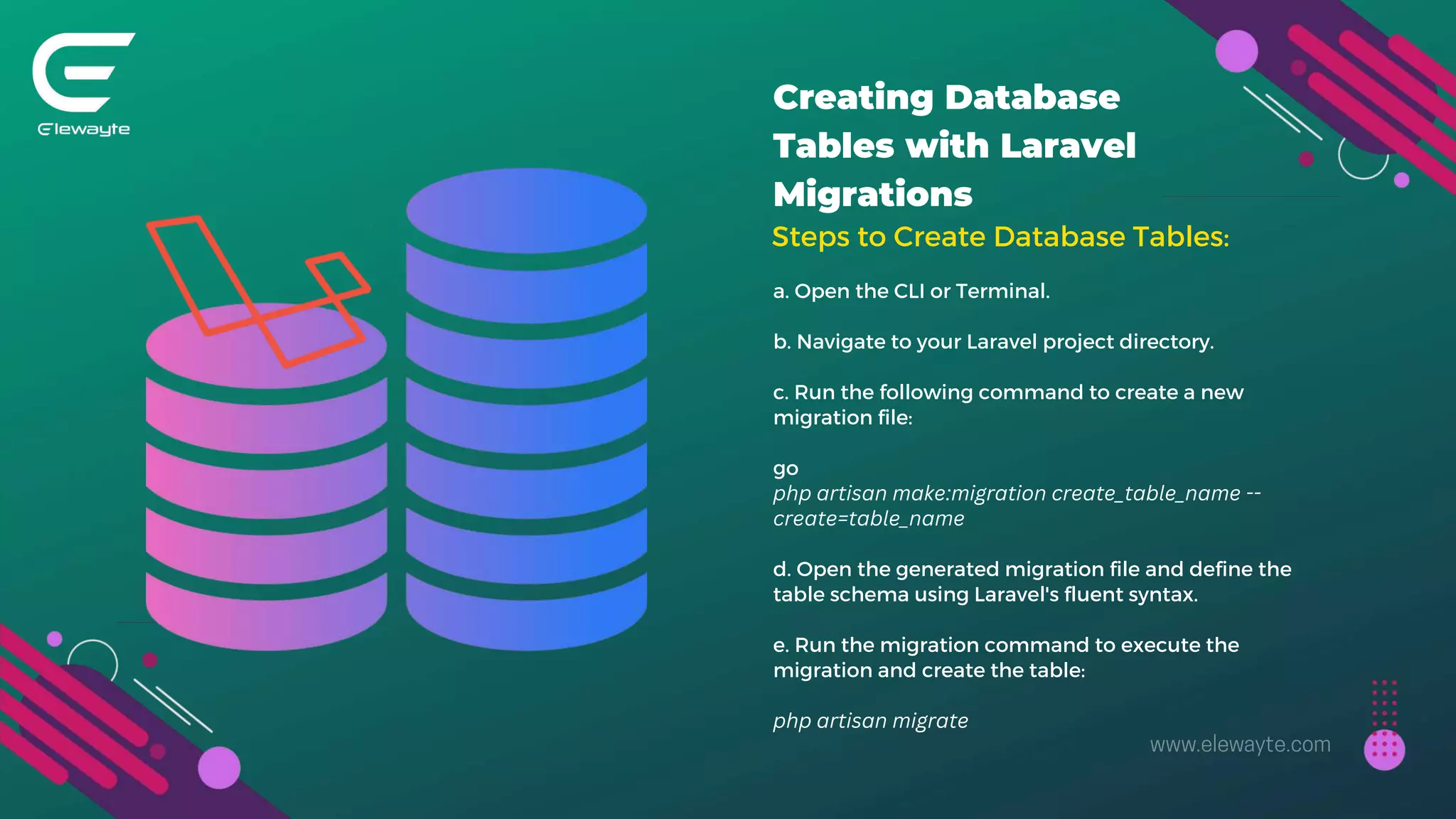
Creating Database
Tables with Laravel
Migrations
Steps to Create Database Tables:
a. Open the CLI or Terminal.
b. Navigate to your Laravel project directory.
c. Run the following command to create a new
migration file:
go
php artisan make:migration create_table_name --
create=table_name
d. Open the generated migration file and define the
table schema using Laravel's fluent syntax.
e. Run the migration command to execute the
migration and create the table:
php artisan migrate
SEEDING THE
DATABASE
WITH TEST
DATA
•
•
•
•
•
•
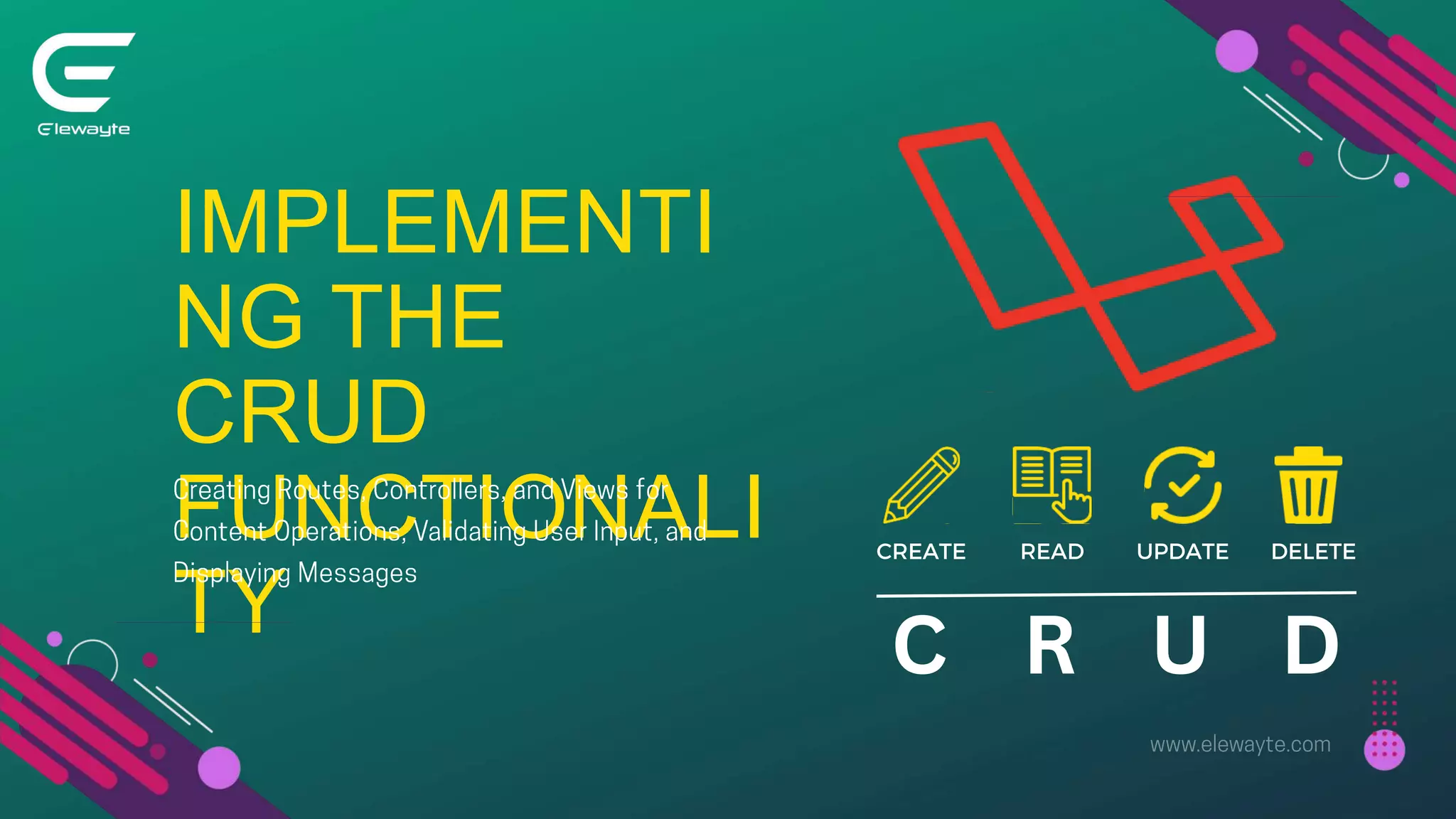
IMPLEMENTI
NG THE
CRUD
FUNCTIONALI
TY
CREATE READ UPDATE DELETE
C R U D
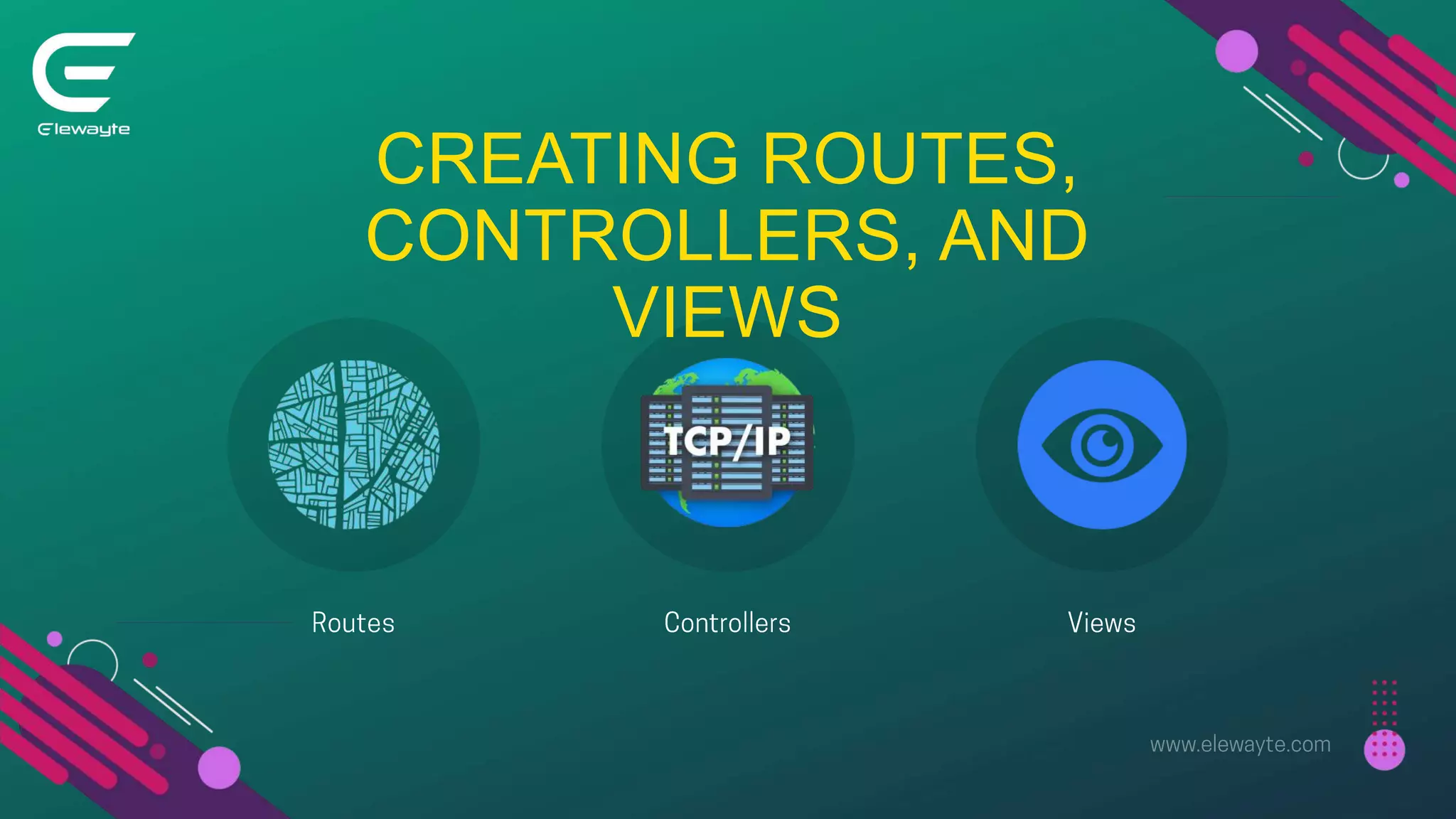
CREATING ROUTES,
CONTROLLERS, AND
VIEWS
VALIDATION
IN LARAVEL
Steps for Validation:
IMPLEMENTING
USER
AUTHENTICATION
AND
AUTHORIZATION
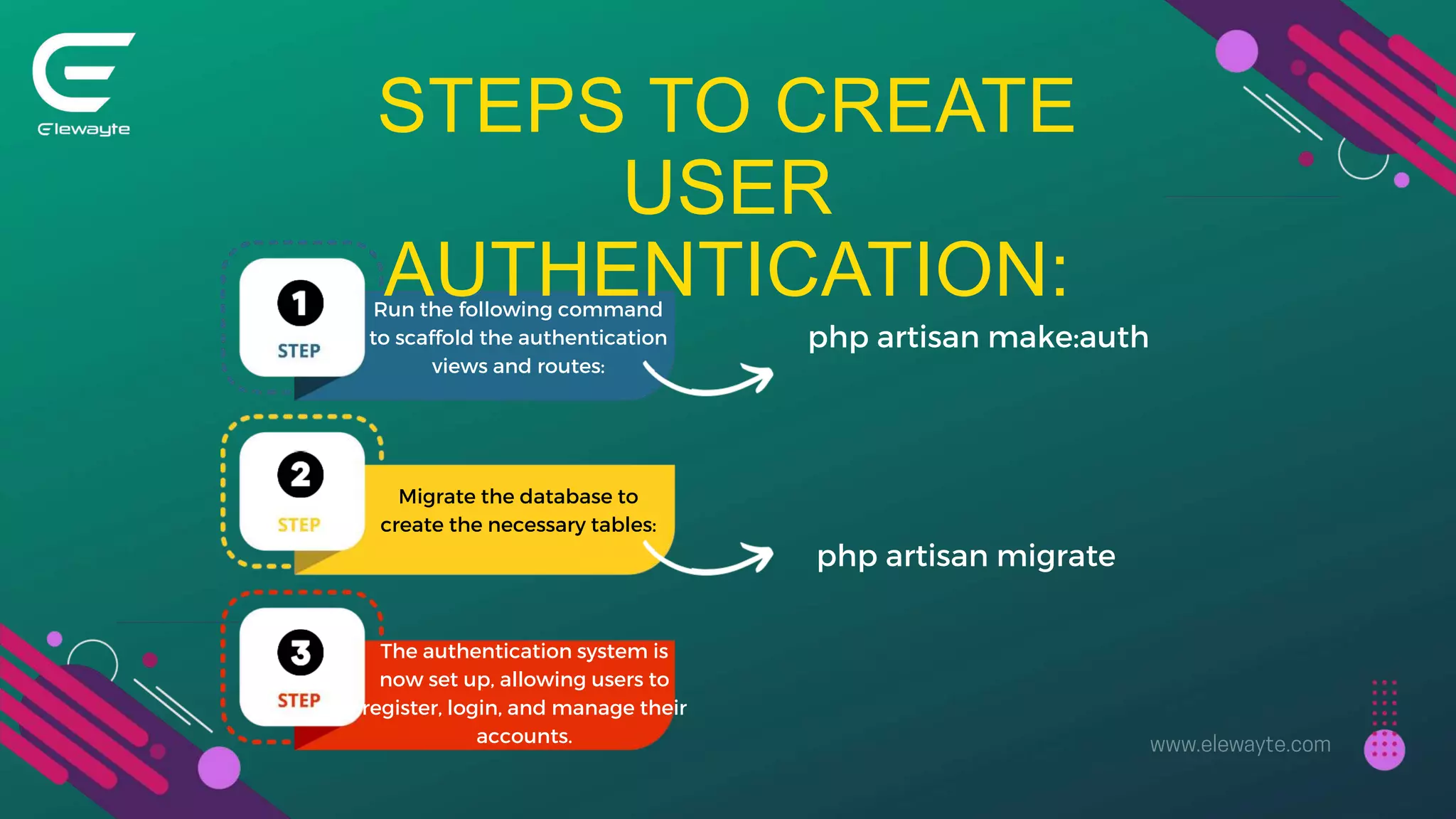
STEPS TO CREATE
USER
AUTHENTICATION:
Run the following command
to scaffold the authentication
views and routes:
Migrate the database to
create the necessary tables:
The authentication system is
now set up, allowing users to
register, login, and manage their
accounts.
php artisan make:auth
php artisan migrate
RESTRICTING
ACCESS BASED
ON ROLES AND
PERMISSIONS
BUILDING A DASHBOARD
FOR CONTENT
MANAGEMENT
Creating a
User-Friendly
Dashboard
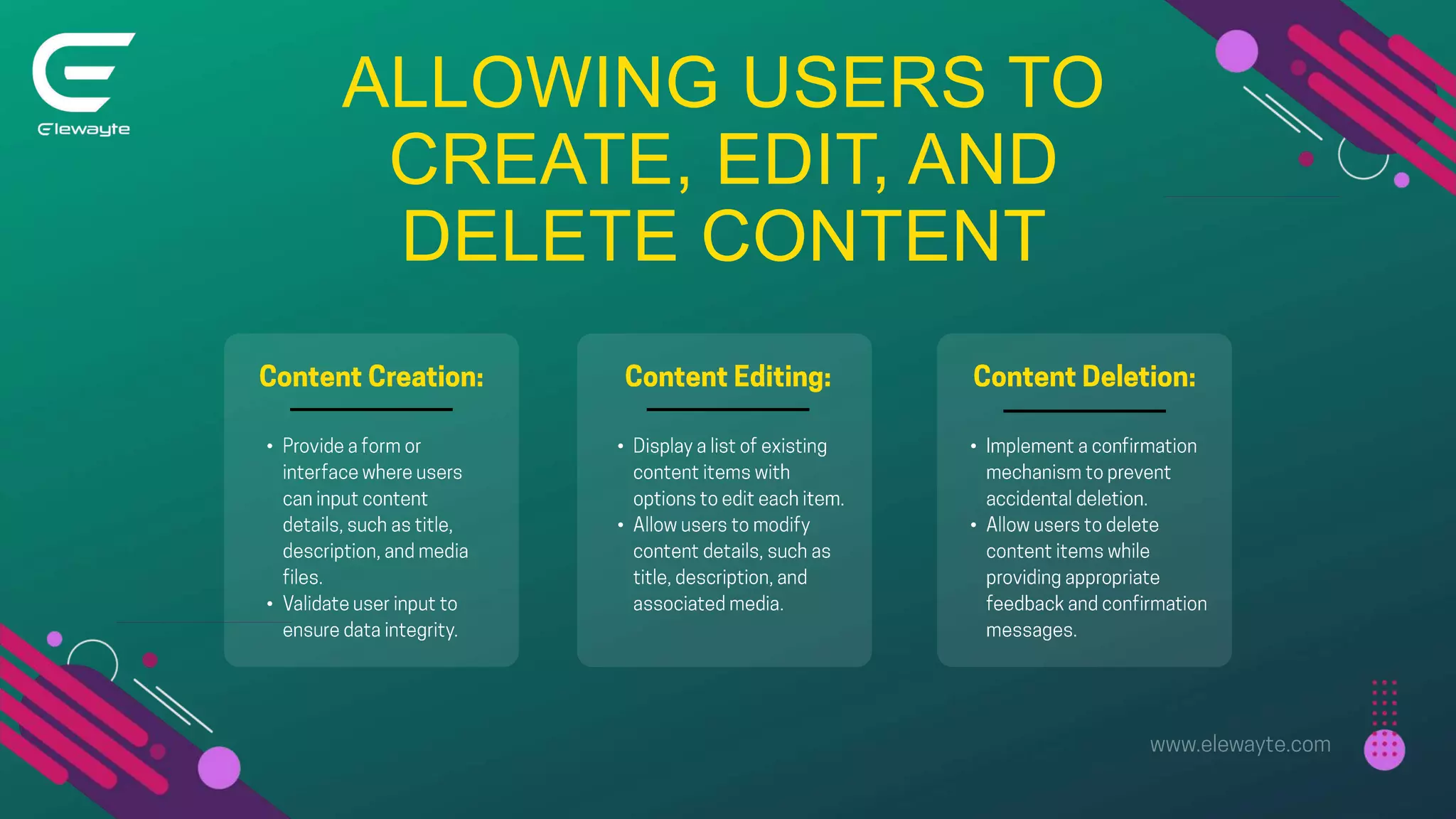
ALLOWING USERS TO
CREATE, EDIT, AND
DELETE CONTENT
•
•
•
•
•
•
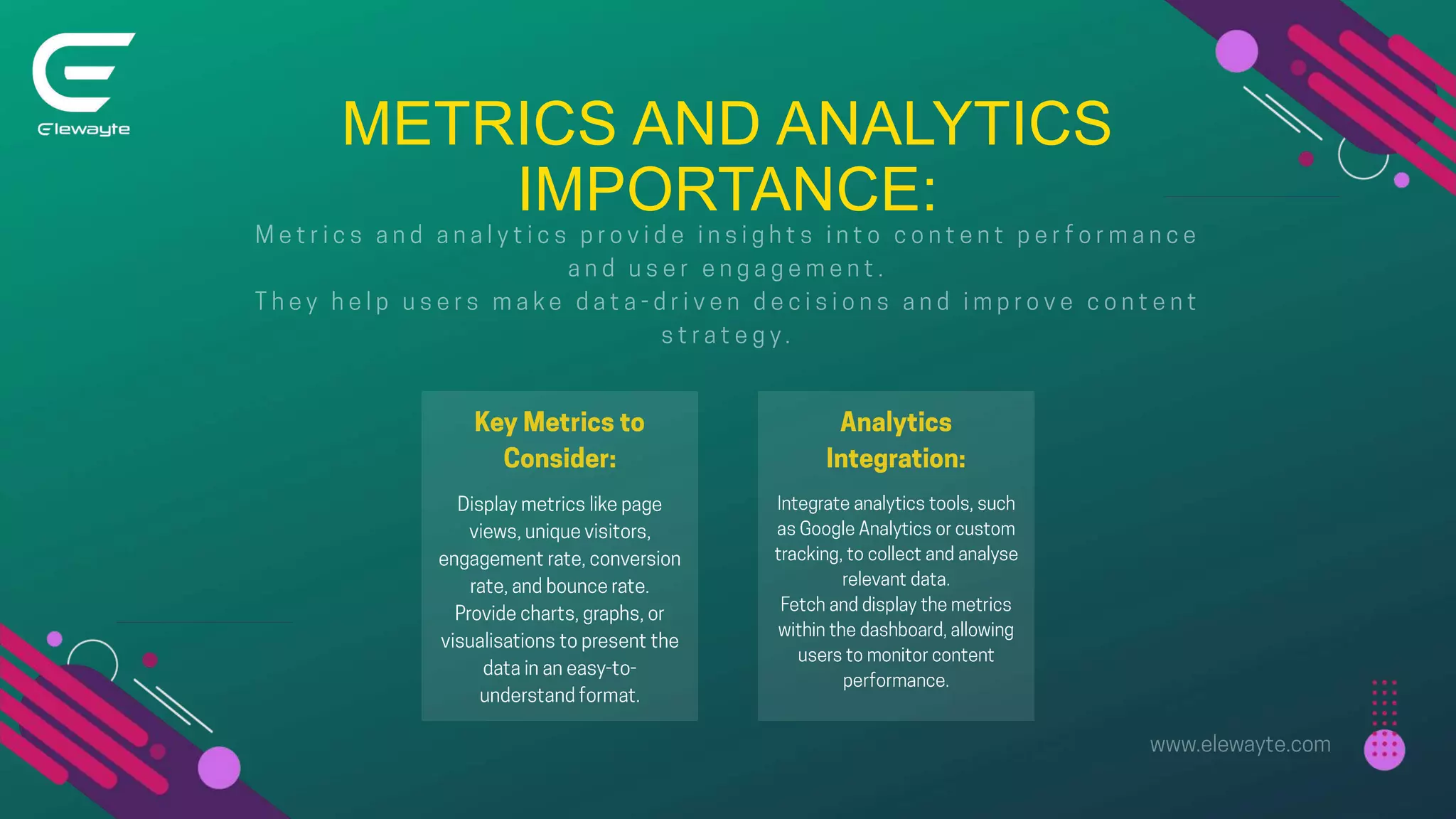
METRICS AND ANALYTICS
IMPORTANCE:
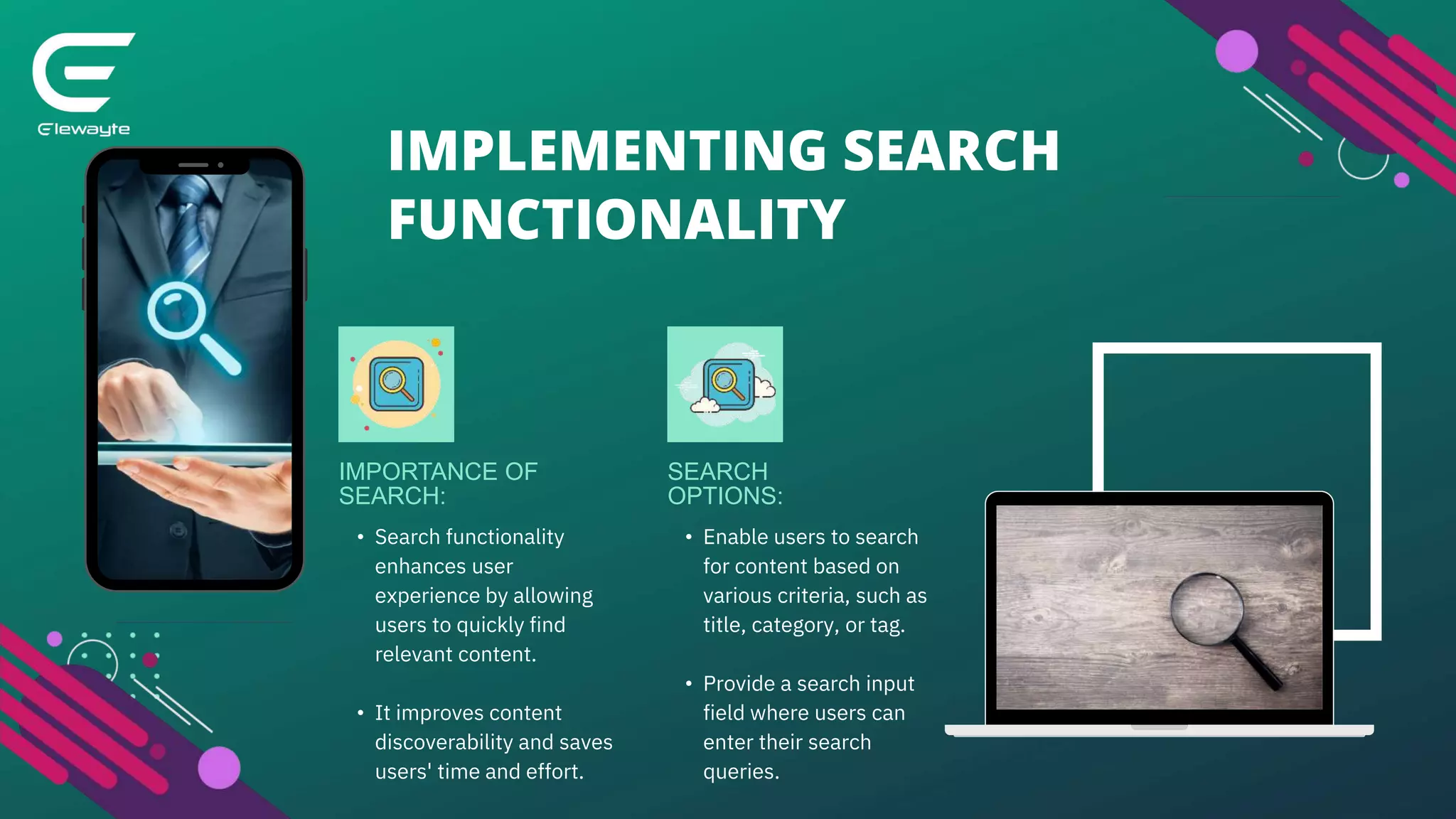
IMPLEMENTING SEARCH
FUNCTIONALITY
• Search functionality
enhances user
experience by allowing
users to quickly find
relevant content.
• It improves content
discoverability and saves
users' time and effort.
IMPORTANCE OF
SEARCH:
• Enable users to search
for content based on
various criteria, such as
title, category, or tag.
• Provide a search input
field where users can
enter their search
queries.
SEARCH
OPTIONS:
Enable users to upload various
file types, such as images,
videos, and documents.
Provide a file input field or drag-
and-drop functionality for file
selection.
USER FILE UPLOADS:
Define the maximum file size
allowed for uploads.
Specify the acceptable file
types or restrict uploads to
specific file extensions.
FILE SIZE AND TYPE LIMITATIONS:
IMPLEMENTING
FILE UPLOADS
ALLOWING USERS TO UPLOAD
FILES, VALIDATING UPLOADS,
AND STORING FILES
APPROPRIATELY
• Determine the
appropriate storage
location for uploaded
files.
• Options include local
storage, cloud storage
(e.g., AWS S3), or a
combination of both.
• Use Laravel's built-in file
storage system for
seamless file
management.
• Configure the storage
disk in Laravel's
configuration files.
• Upon successful
validation, move the
uploaded files to the
designated storage
location.
• Assign unique file names
or generate file paths to
avoid naming conflicts.
IMPLEMENTI
NG SEO
BEST
PRACTICES
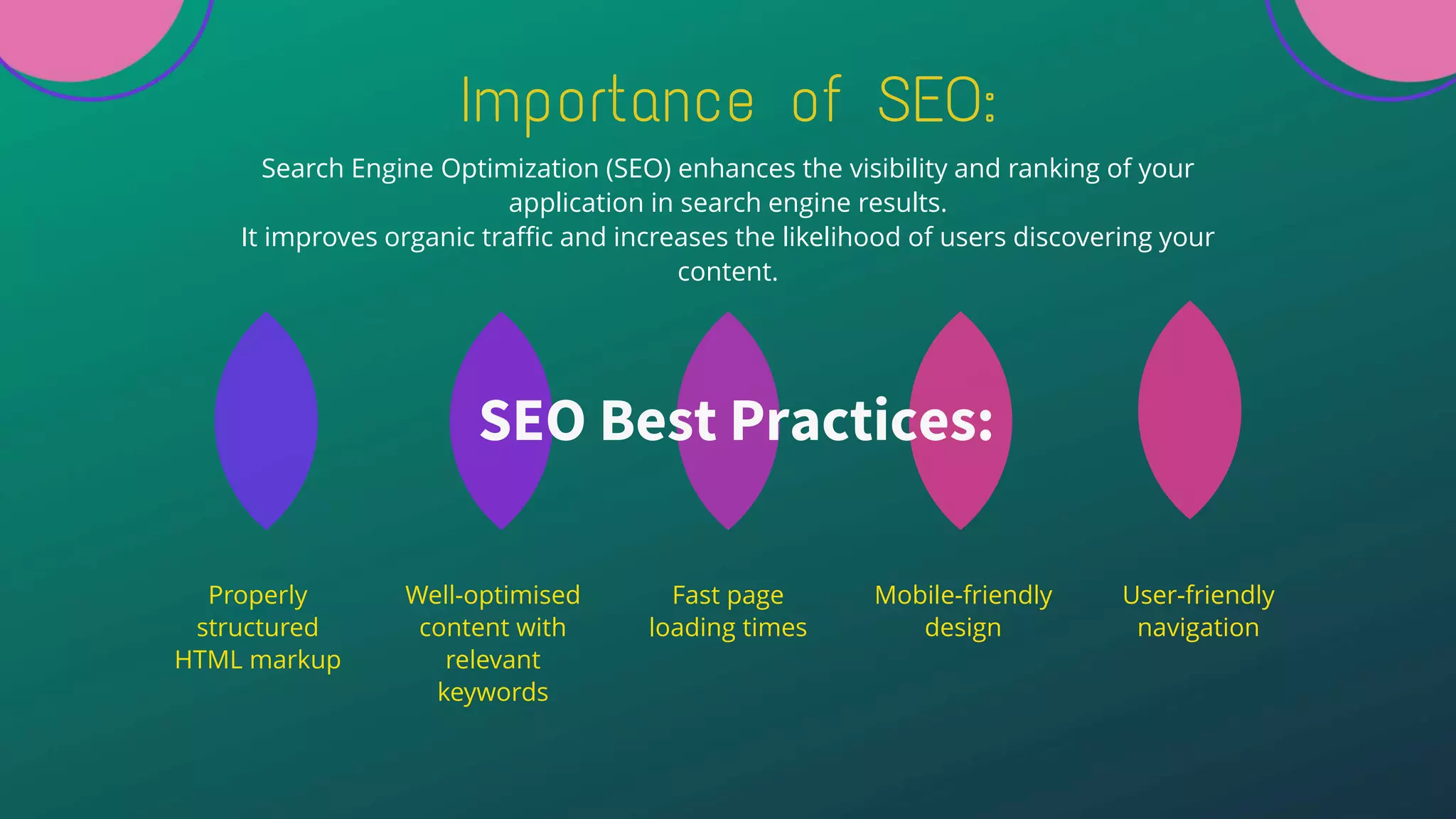
SEO Best Practices:
Importance of SEO:
Properly
structured
HTML markup
Search Engine Optimization (SEO) enhances the visibility and ranking of your
application in search engine results.
It improves organic traffic and increases the likelihood of users discovering your
content.
Well-optimised
content with
relevant
keywords
Fast page
loading times
Mobile-friendly
design
User-friendly
navigation
Meta tags are snippets of text
that describe a page’s content;
the meta tags don’t appear on
the page itself, but only in the
page’s source code. Meta tags
are essentially little content
descriptors that help tell search
engines what a web page is
about.
TAGS
Meta
ANY
QUESTIONS.??
GET IN
TOUCH
SOON
THANK'S FOR
YOUR
ATTENTION

Web Content Management System