VI Workshop
ObjectiveSoftware/Hardware OverviewLatest updatesQuestions
Types of VI Assistive TechFull Screen ReadingScreen MagnifierPortable Reading SolutionsHandheld Devices
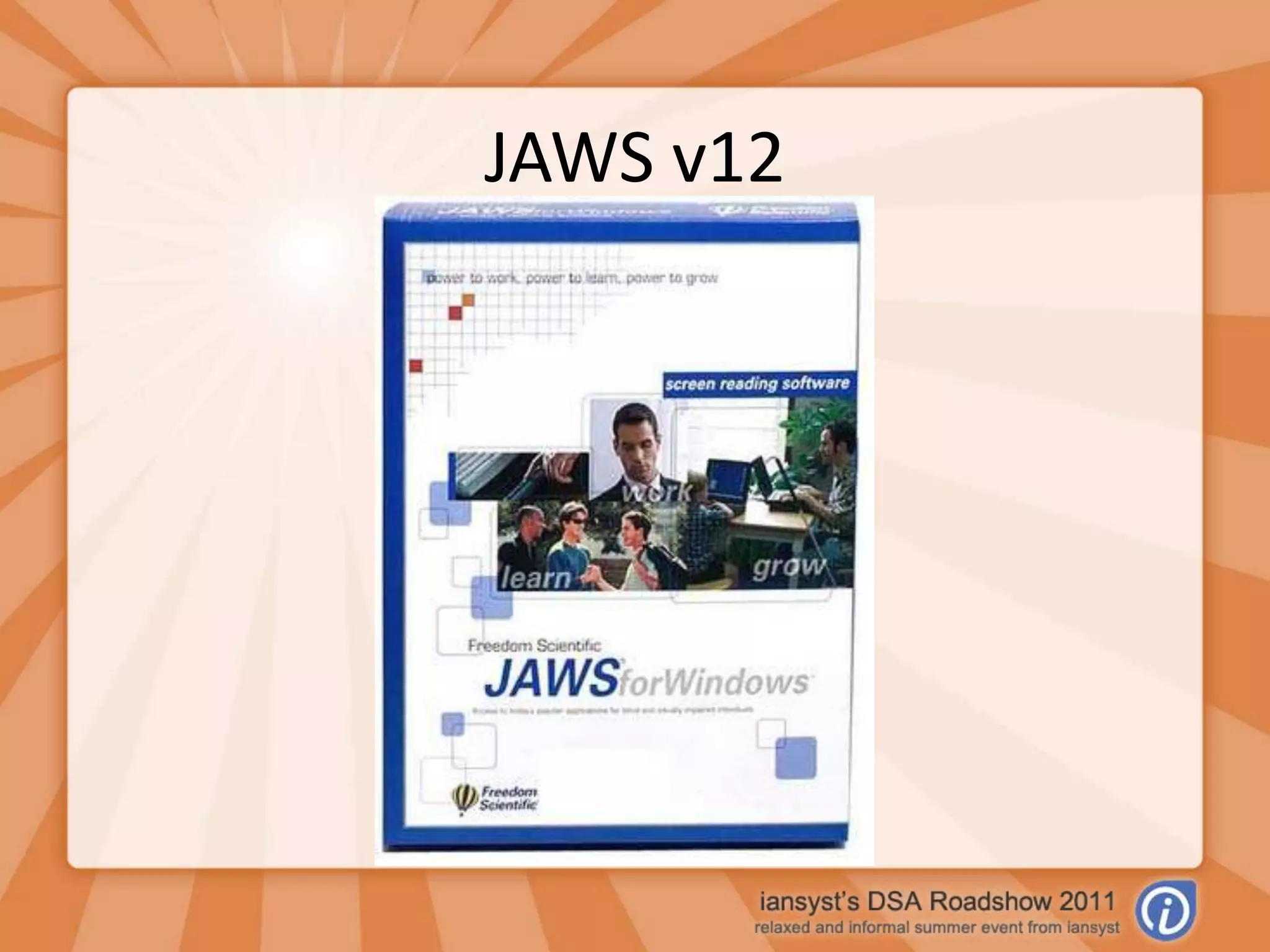
JAWS v12
SuperNova
ZoomText v9.1
Kurzweil 1000 v12
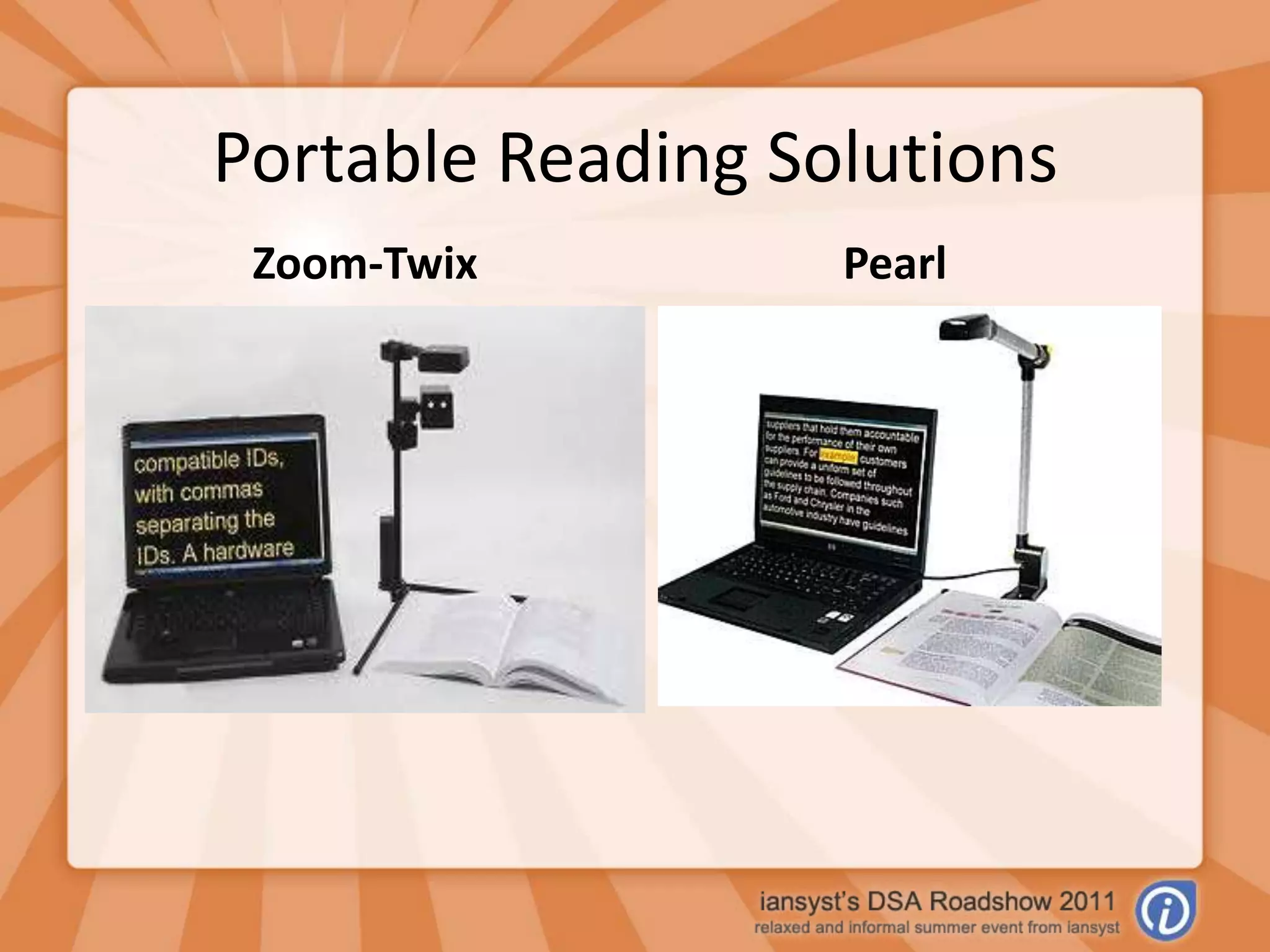
Portable Reading SolutionsZoom-Twix Pearl
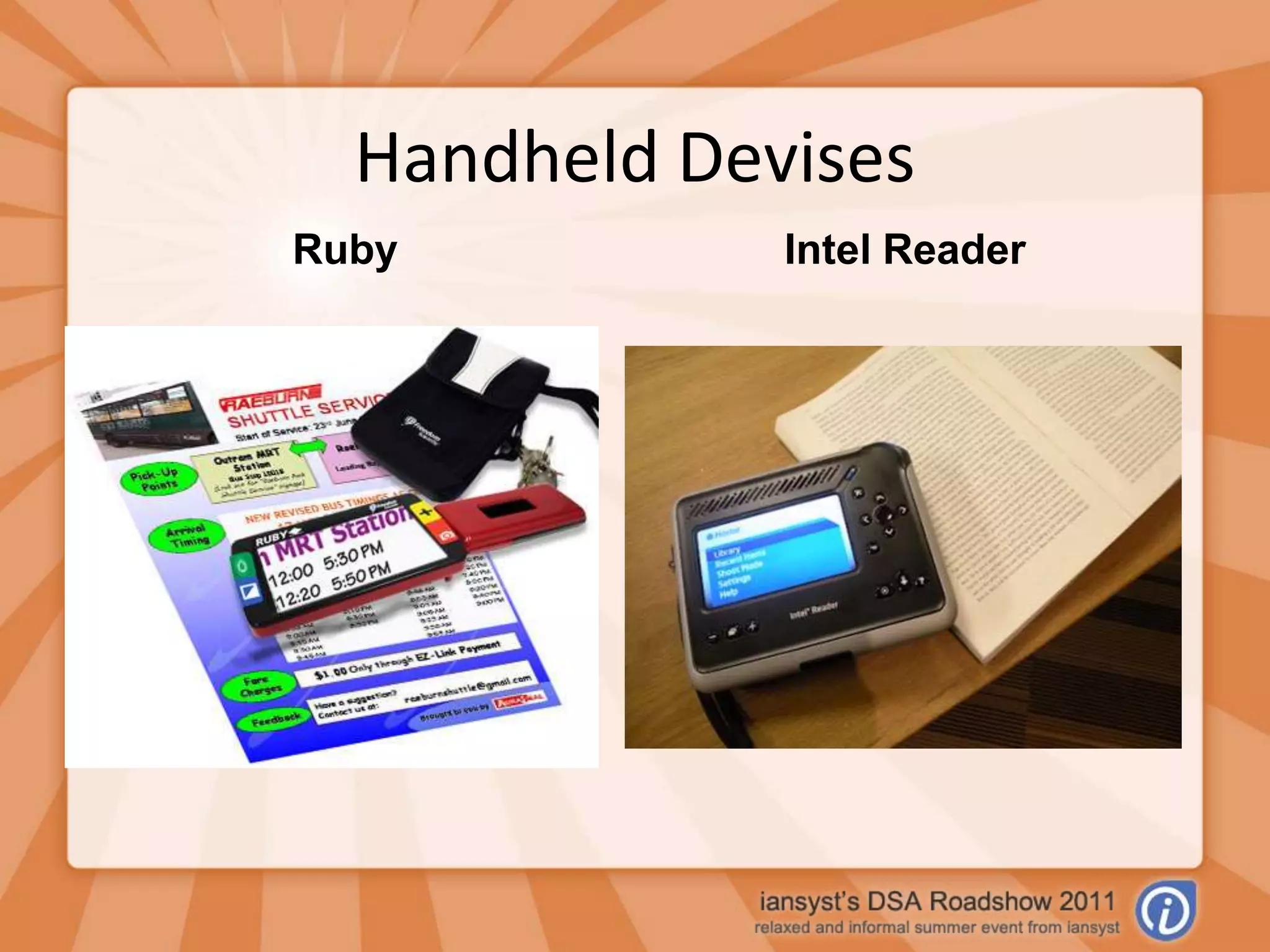
Handheld DevisesRubyIntel Reader
Latest Updates
What’s New in JAWS 12?Supports multi-monitor setups in Windows 7 & Vista.Microsoft Office 10 supportFSReader (JAWS’ Daisy Reader) now included free.Advanced Settings easier to navigate.Text Analyser – picks up formatting errors.Virtual Ribbon
What’s New in SuperNova?Support for W7 + 64-bit CitrixBetter Microsoft Office support.Improved HelpImproved SpeechEnhanced Control PanelBetter Hotkey support for laptops.Faster to start up.Braille Input.
What’s New in Zoomtext v9.1?Windows 7 support.Smooth Panning.Support for Scripting.Better support for Windows Vista.More application support.Visual enhancements.
What’s New in Kurzweil 1000?Now works with the Zoom-Twix camera as well as the traditional flat bed scanner.Advantages;Speed of the Zoom-Ex cameraAdvanced features of Kurzweil 1000 (calendar, word processor, etc)
Any Questions?Demonstrations?

Visual Impairment Assistive Technology

Editor's Notes

  • #2 Hi Everyone, My name’s……... Thank you all for coming, and welcome to the VI Workshop.
  • #3 The idea of this workshop is that it’s an opportunity for you to ask questions about the various VI software that’s out there. I also have a presentation detailing some of the more popular software &, for those more familiar with the field, some slides detailing updates to the latest versions of the software.
  • #5 JAWSby Freedom ScientificComplete Screen ReaderVery comprehensive & customizableIdeal for blind users or those with very low visionFull Braille support
  • #6 SuperNova by DolphineReader - formally HalIncludes: Some Visual Features - highlighting curser options Basic and Advances Screen Reading Features Brail input and OutputMagnifier – formally LunarIncludes : Visual Features Advance magnification features 1x - 60x Item finderReader Magnifier– formal Lunar Plus Includes: the same as the reader and magnifier except for some advance screen reading featuresAccess Suite – Includes: All features availableDolphin Pen: any version on pen and also now includes a CD to put on one PC.
  • #7 ZoomText byZoomText Magnifier Includes: Magnification 1x - x36Colour FilteringTalking setup ProgramZoomText Magnifier & ReaderIncludes: Magnification 1x - x36Colour Filtering Reading – ScreenReading, DocReader & AppReader Talking setup Program
  • #8 Kurzweil 1000 by KurzweilFor low vision usersMagnification and highlighting functionsDocument Reader – text files (Neo Speech & ETI-EloquenceTM voices from Nuance) Send audio to hand held devises such as (Braille NoteTM, Book PortTM, Book Courier, MaestroTM) scanning OCR - engines (ScanSoft© OCR 16.2 and ABBYYTM FineReader 9)Able to send files to - Braille note takers and embossers. to portable devices such as DAISY and MP3 audio players.Word Processer - ability to write and edit complete simple forms. note taking bookmarks summarizing content outlining text.Diary - add, edit, and delete entries audible reminders Search and Retrieve - example: e-books, magazines, encyclopedias, and the Merriam-Webster medical dictionary.
  • #9 Zoom-Twix - by AbiSeeInstantlyTakes a picture of a document -Scan 20 pages per minutesReads the document out loudZoomable long distance camera - capture what’s on a WhitboardDisplays it on screen in different ways.Saves documents in various formats. Pearl –by Freedom ScientificTakes Pictures of books docs etc - Scan 20 pages per minutesReads AllowedLive video magnification - to help fill forms outEnlarge and reformat textAdd comments and highlightsExport to other applications – Word or NotepadPortable access – fold up and carry.
  • #10 Rubyby Freedom ScientificMagnification - 2x to 14x with handle extended 5x to 10x flat on the paperDifferent colours and contrasts modesUses 4 AAA rechargeable batteries - 2 hours continuous use 2 hour charge timeWeighs only 7.7 ouncesIntel reader by IntelCaptures Text and reads allowedStore space 4GB - can hold up to 600 processed pages (images and text) with up to 20 pages waiting to be processed or up to 500,000 text-only pagesUpload - Digital books and Daisy BooksRechargeable 6-cell lithium-ion DC7.4V, 3300 mAhCharging time approx. 150 minutesThe Intel Reader can - Play over 4 hours of text-to-speech or .mp3 audio with full charge
  • #11 Only use if there are people who are familiar with the old software
  • #13 Also supports Skype.Improved help – task based app sensitive help. Improved Speech – 4 improved verbosity schemes / separate speed for spelling / improved options for capital annoucement / fixed bug in word echoVisual – grayscale scheme / new mouse schemes / magnify opengl & dd3d apps Hotkeys – better laptop support / updated competitor hotkey emulationBraille input with HIMS Braille Sense Plus – write text directly into Windows apps incl. Contractions.
  • #14 7 supportSmooth mouse panning in large magnificationAbility to write or download scripts which will allow more customisation.Vista support – improved stability / works at logon screenMore application support – office 2007 / Acrobat + Reader 8 / Firefox 2 + / Internet Explorer 8Visual enhancements – more colour schemes / preview window to see cursor enhancements
  • #16 Any more questions, we’re around this afternoon so please feel free to harass us!