VBA Training Contents
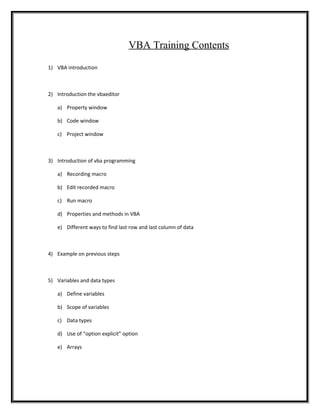
1) VBA introduction
2) Introduction the vbaeditor
a) Property window
b) Code window
c) Project window
3) Introduction of vba programming
a) Recording macro
b) Edit recorded macro
c) Run macro
d) Properties and methods in VBA
e) Different ways to find last row and last column of data
4) Example on previous steps
5) Variables and data types
a) Define variables
b) Scope of variables
c) Data types
d) Use of “option explicit” option
e) Arrays
6) Use of select property
a) Select a cell
b) Select a range
c) Select sheet
7) Procedure and Function
a) Create user defined function
b) use user defined function in excel
c) Excel add-ins
d) Return multiple values in function
e) Create procedure
f) Difference between function and procedure
g) Scope of function and procedure
h) Call function and procedure
8) Debugging vba code
a) F5
b) F8 – Step by step
c) Immediate window
d) Using breakpoint
9) Error handling in vba
a) On error resume next
b) On error goto label
10) Decision making statements
a) If statement
b) Nested if statements
11) Looping statements
a) For – Next
b) Do – while
c) Do – until
d) Example of looping process
12) Different VBA option
a) Label
b) Exit sub
c) Exit function
d) Goto option
e) Msgbox option
f) Inputbox option
13) Different VBA option
g) Label
h) Exit sub
i) Exit function
j) Goto option
k) Msgbox option
l) Inputbox option
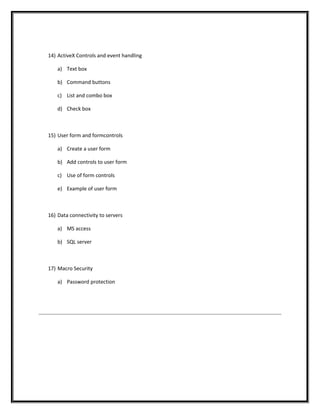
14) ActiveX Controls and event handling
a) Text box
b) Command buttons
c) List and combo box
d) Check box
15) User form and formcontrols
a) Create a user form
b) Add controls to user form
c) Use of form controls
e) Example of user form
16) Data connectivity to servers
a) MS access
b) SQL server
17) Macro Security
a) Password protection

VBA Training Contents

  • 1.
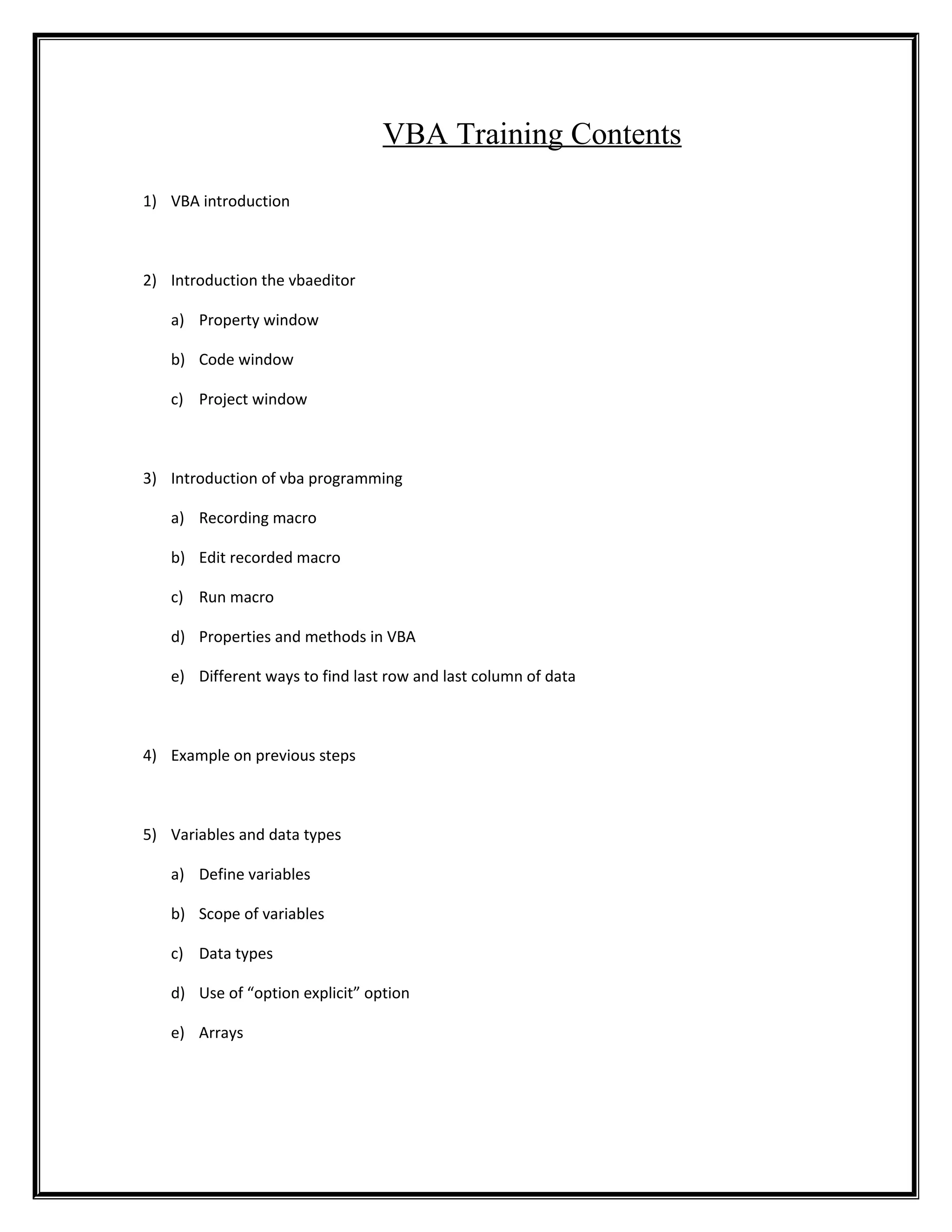
    VBA Training Contents 1)VBA introduction 2) Introduction the vbaeditor a) Property window b) Code window c) Project window 3) Introduction of vba programming a) Recording macro b) Edit recorded macro c) Run macro d) Properties and methods in VBA e) Different ways to find last row and last column of data 4) Example on previous steps 5) Variables and data types a) Define variables b) Scope of variables c) Data types d) Use of “option explicit” option e) Arrays
  • 2.
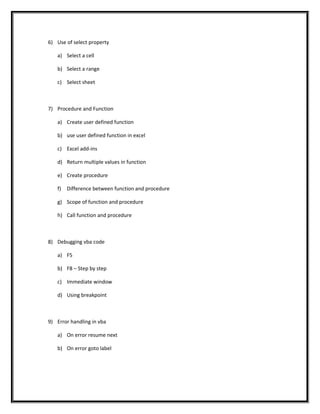
    6) Use ofselect property a) Select a cell b) Select a range c) Select sheet 7) Procedure and Function a) Create user defined function b) use user defined function in excel c) Excel add-ins d) Return multiple values in function e) Create procedure f) Difference between function and procedure g) Scope of function and procedure h) Call function and procedure 8) Debugging vba code a) F5 b) F8 – Step by step c) Immediate window d) Using breakpoint 9) Error handling in vba a) On error resume next b) On error goto label
  • 3.
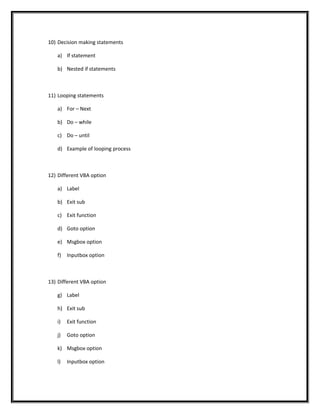
    10) Decision makingstatements a) If statement b) Nested if statements 11) Looping statements a) For – Next b) Do – while c) Do – until d) Example of looping process 12) Different VBA option a) Label b) Exit sub c) Exit function d) Goto option e) Msgbox option f) Inputbox option 13) Different VBA option g) Label h) Exit sub i) Exit function j) Goto option k) Msgbox option l) Inputbox option
  • 4.
    14) ActiveX Controlsand event handling a) Text box b) Command buttons c) List and combo box d) Check box 15) User form and formcontrols a) Create a user form b) Add controls to user form c) Use of form controls e) Example of user form 16) Data connectivity to servers a) MS access b) SQL server 17) Macro Security a) Password protection