Using Specflow for BDD
Specflow Installation 
Demo
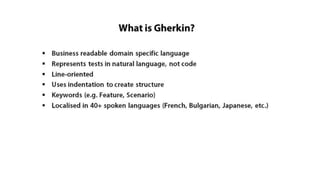
Gherkin Language
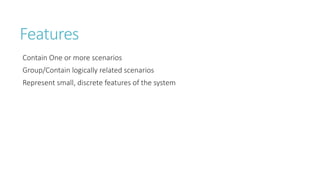
Features 
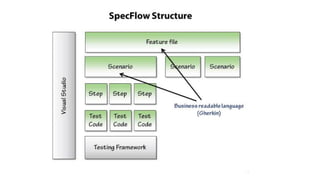
Contain One or more scenarios 
Group/Contain logically related scenarios 
Represent small, discrete features of the system
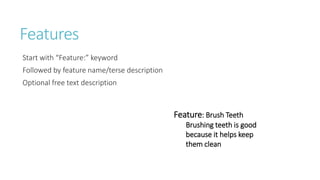
Features 
Start with “Feature:” keyword 
Followed by feature name/terse description 
Optional free text description 
Feature: Brush Teeth 
Brushing teeth is good 
because it helps keep 
them clean
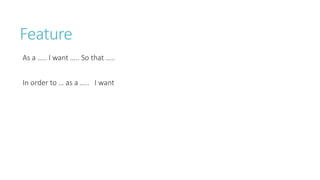
Feature 
As a ….. I want ….. So that ….. 
In order to … as a ….. I want
Scenarios 
Concrete examples of expected system behaviour 
Each scenario describes a particular situation 
Each scenario should be independent and isolated from other scenarios 
Can represent 
- Happy Paths 
- Error Paths 
- Edge Cases 
Start with “Scenario:” keyword 
Followed by title 
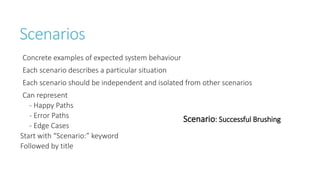
Scenario: Successful Brushing
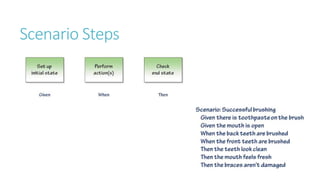
Scenario Steps
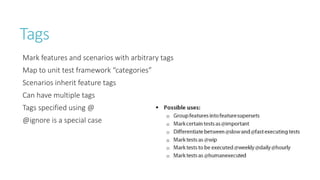
Tags 
Mark features and scenarios with arbitrary tags 
Map to unit test framework “categories” 
Scenarios inherit feature tags 
Can have multiple tags 
Tags specified using @ 
@ignore is a special case
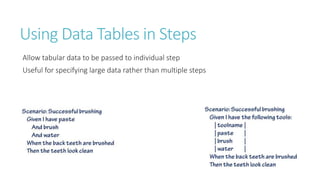
Using Data Tables in Steps 
Allow tabular data to be passed to individual step 
Useful for specifying large data rather than multiple steps
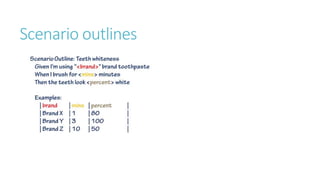
Scenario outlines
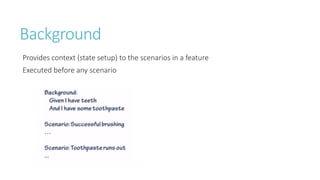
Background 
Provides context (state setup) to the scenarios in a feature 
Executed before any scenario
Coding the Automated 
Steps 
Demos
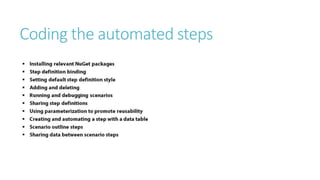
Coding the automated steps
Linking TFS with 
SpecFlow
Using Specflow for BDD

Using Specflow for BDD