• Limitations ofHadoop
• Hadoop can perform only batch processing, and data will be accessed only in
a sequential manner. That means one has to search the entire dataset even
for the simplest of jobs.
• A huge dataset when processed results in another huge data set, which
should also be processed sequentially. At this point, a new solution is needed
to access any point of data in a single unit of time (random access).
• Hadoop Random Access Databases
• Applications such as HBase, Cassandra, couchDB, Dynamo, and MongoDB are
some of the databases that store huge amounts of data and access the data
in a random manner.
3.
What is HBase?
HBaseis a distributed column-oriented database built on top of the Hadoop file system. It
is an open-source project and is horizontally scalable.
HBase is a data model that is similar to Google’s big table designed to provide quick
random access to huge amounts of structured data. It leverages the fault tolerance
provided by the Hadoop File System (HDFS).
It is a part of the Hadoop ecosystem that provides random real-time read/write access to
data in the Hadoop File System.
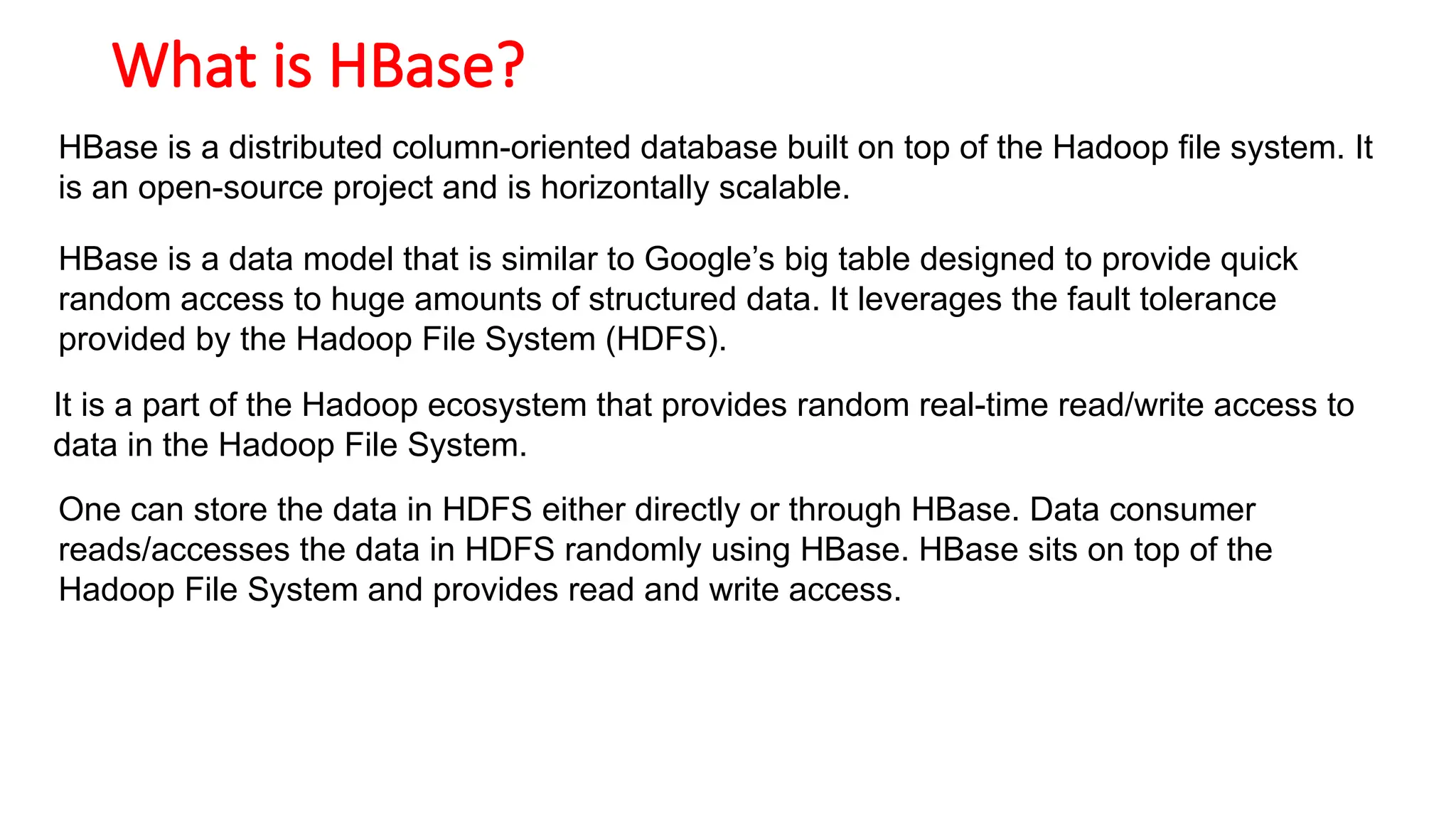
One can store the data in HDFS either directly or through HBase. Data consumer
reads/accesses the data in HDFS randomly using HBase. HBase sits on top of the
Hadoop File System and provides read and write access.
5.
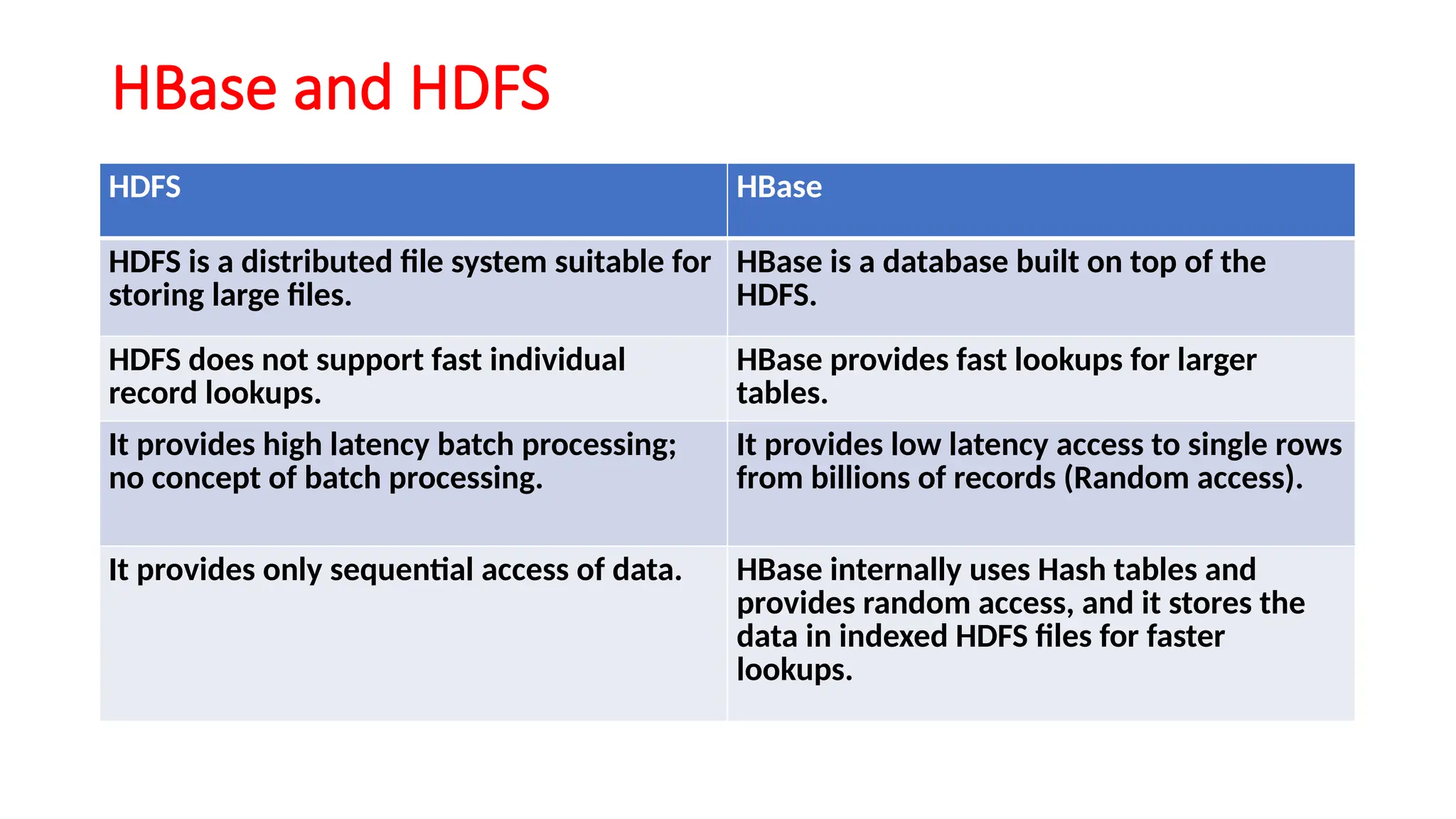
HBase and HDFS
HDFSHBase
HDFS is a distributed file system suitable for
storing large files.
HBase is a database built on top of the
HDFS.
HDFS does not support fast individual
record lookups.
HBase provides fast lookups for larger
tables.
It provides high latency batch processing;
no concept of batch processing.
It provides low latency access to single rows
from billions of records (Random access).
It provides only sequential access of data. HBase internally uses Hash tables and
provides random access, and it stores the
data in indexed HDFS files for faster
lookups.
6.
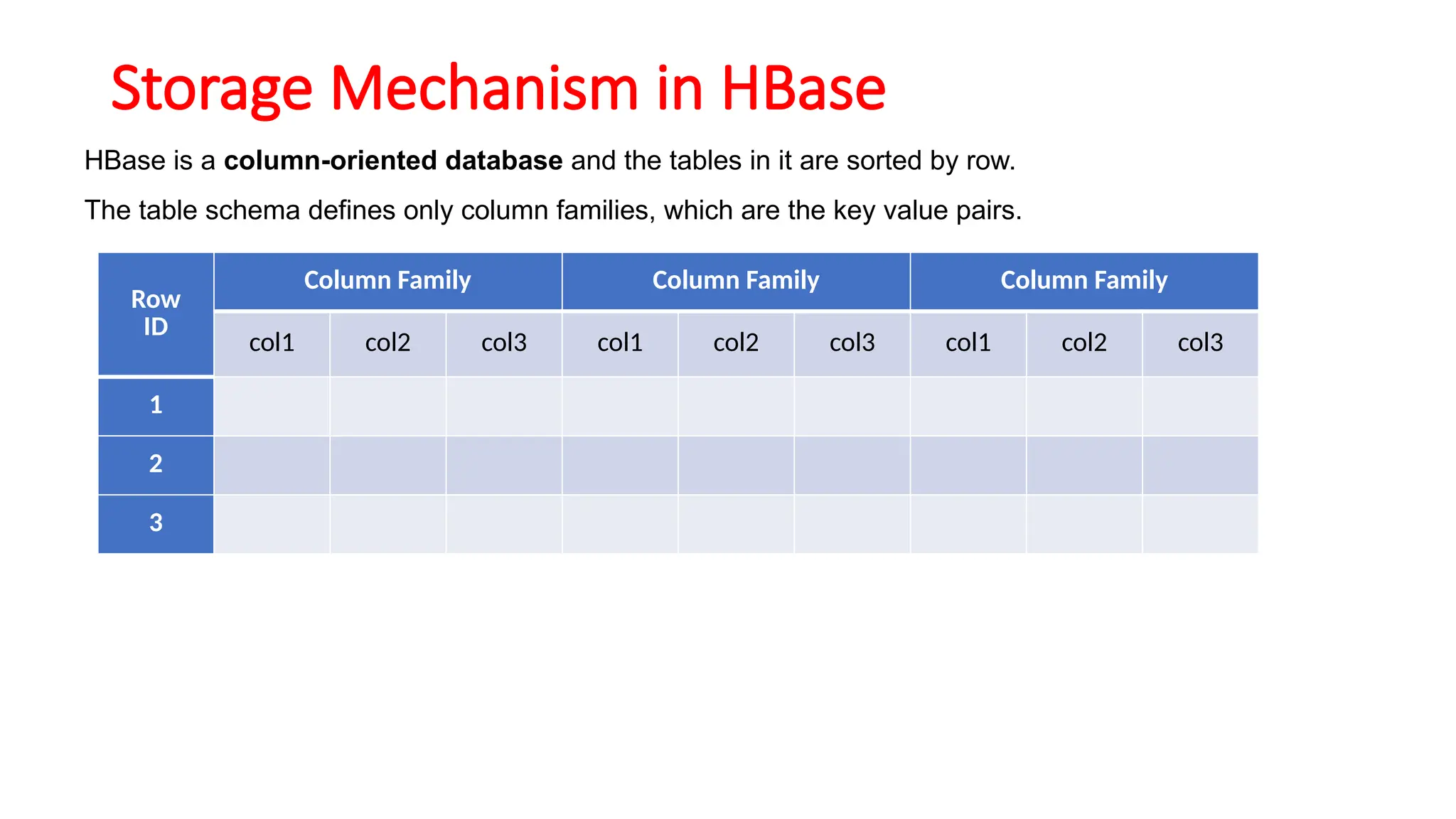
Storage Mechanism inHBase
HBase is a column-oriented database and the tables in it are sorted by row.
The table schema defines only column families, which are the key value pairs.
Row
ID
Column Family Column Family Column Family
col1 col2 col3 col1 col2 col3 col1 col2 col3
1
2
3
7.
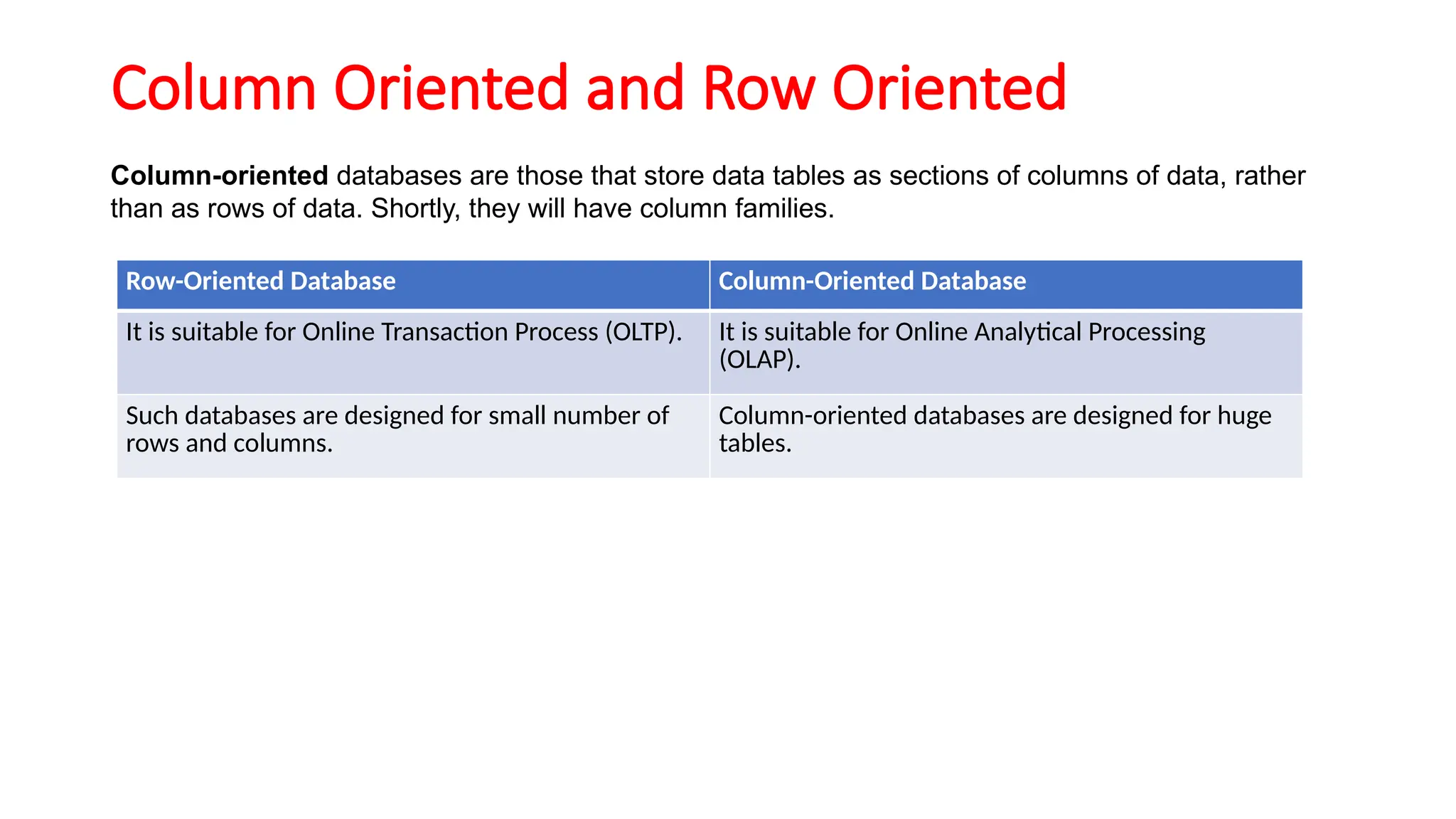
Column Oriented andRow Oriented
Column-oriented databases are those that store data tables as sections of columns of data, rather
than as rows of data. Shortly, they will have column families.
Row-Oriented Database Column-Oriented Database
It is suitable for Online Transaction Process (OLTP). It is suitable for Online Analytical Processing
(OLAP).
Such databases are designed for small number of
rows and columns.
Column-oriented databases are designed for huge
tables.
9.
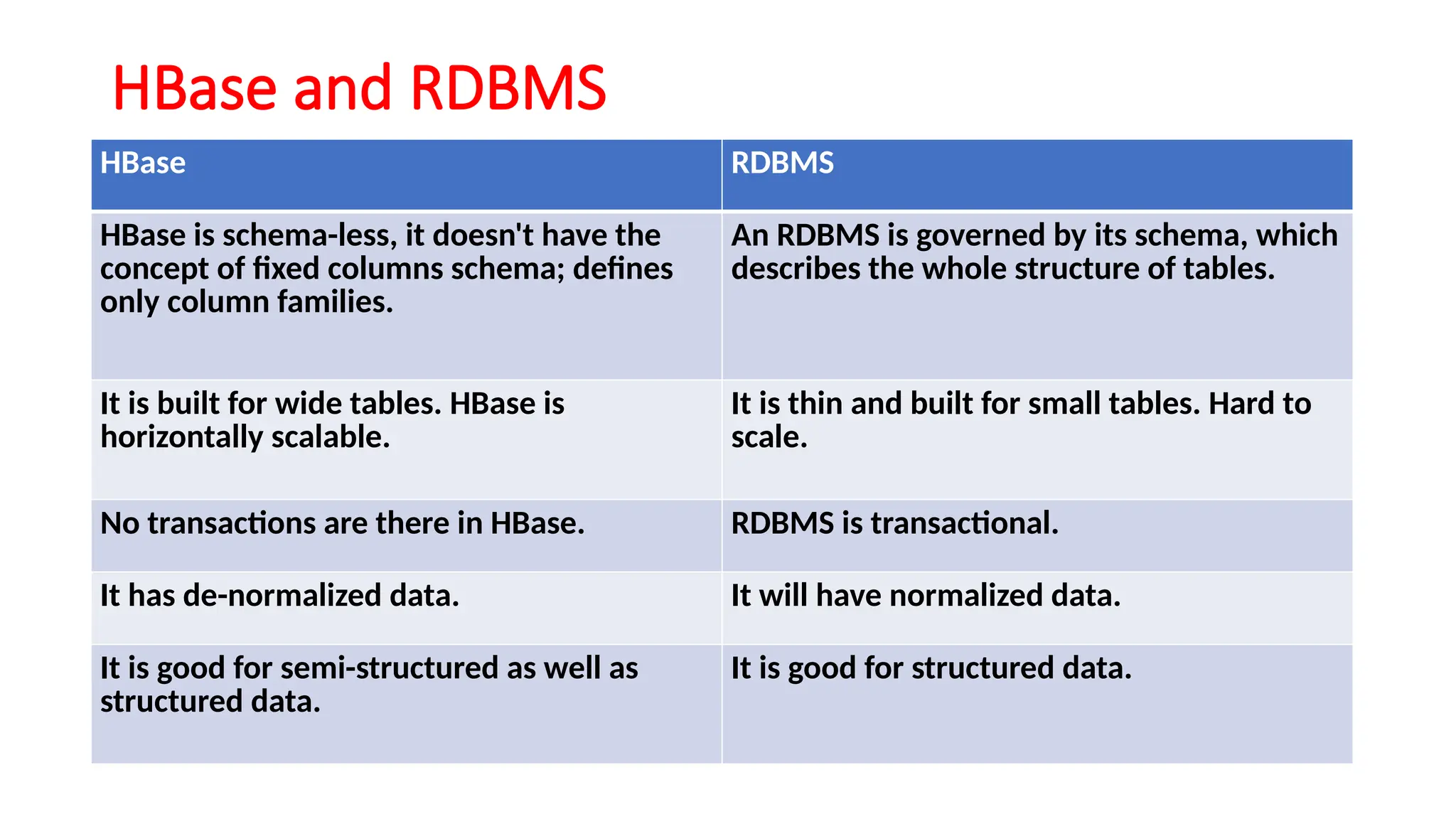
HBase and RDBMS
HBaseRDBMS
HBase is schema-less, it doesn't have the
concept of fixed columns schema; defines
only column families.
An RDBMS is governed by its schema, which
describes the whole structure of tables.
It is built for wide tables. HBase is
horizontally scalable.
It is thin and built for small tables. Hard to
scale.
No transactions are there in HBase. RDBMS is transactional.
It has de-normalized data. It will have normalized data.
It is good for semi-structured as well as
structured data.
It is good for structured data.
10.
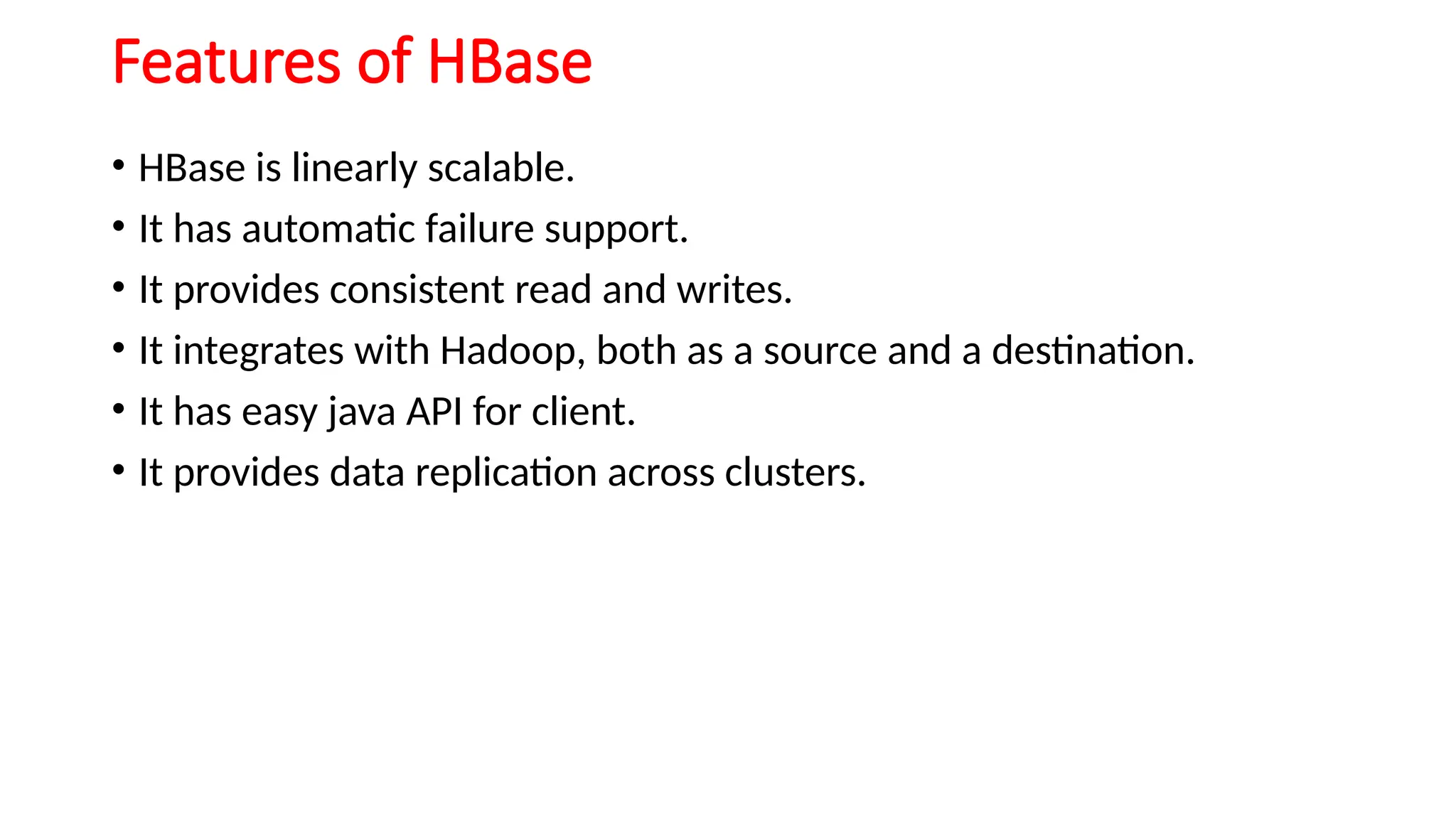
Features of HBase
•HBase is linearly scalable.
• It has automatic failure support.
• It provides consistent read and writes.
• It integrates with Hadoop, both as a source and a destination.
• It has easy java API for client.
• It provides data replication across clusters.
11.
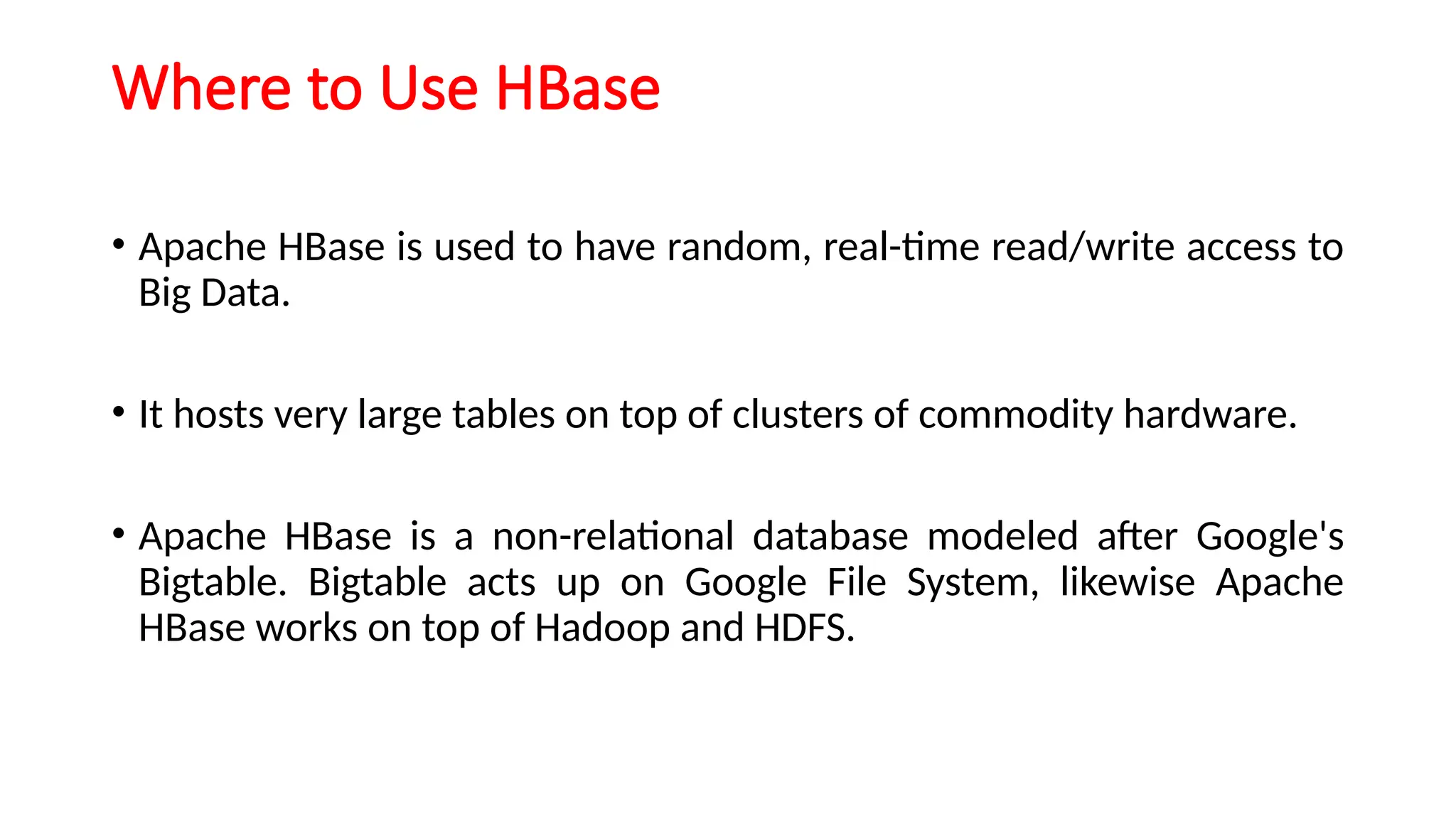
Where to UseHBase
• Apache HBase is used to have random, real-time read/write access to
Big Data.
• It hosts very large tables on top of clusters of commodity hardware.
• Apache HBase is a non-relational database modeled after Google's
Bigtable. Bigtable acts up on Google File System, likewise Apache
HBase works on top of Hadoop and HDFS.
12.
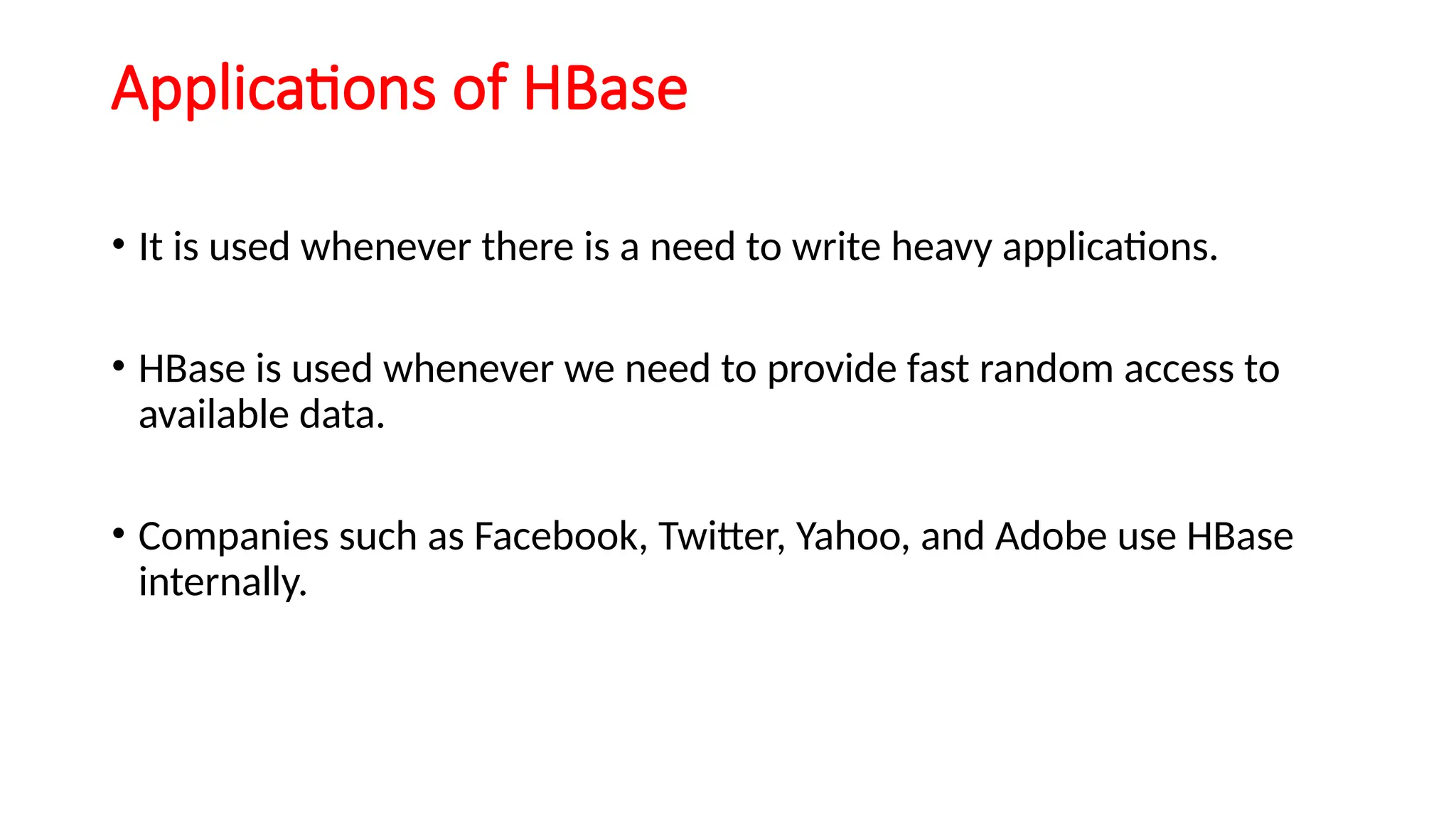
Applications of HBase
•It is used whenever there is a need to write heavy applications.
• HBase is used whenever we need to provide fast random access to
available data.
• Companies such as Facebook, Twitter, Yahoo, and Adobe use HBase
internally.
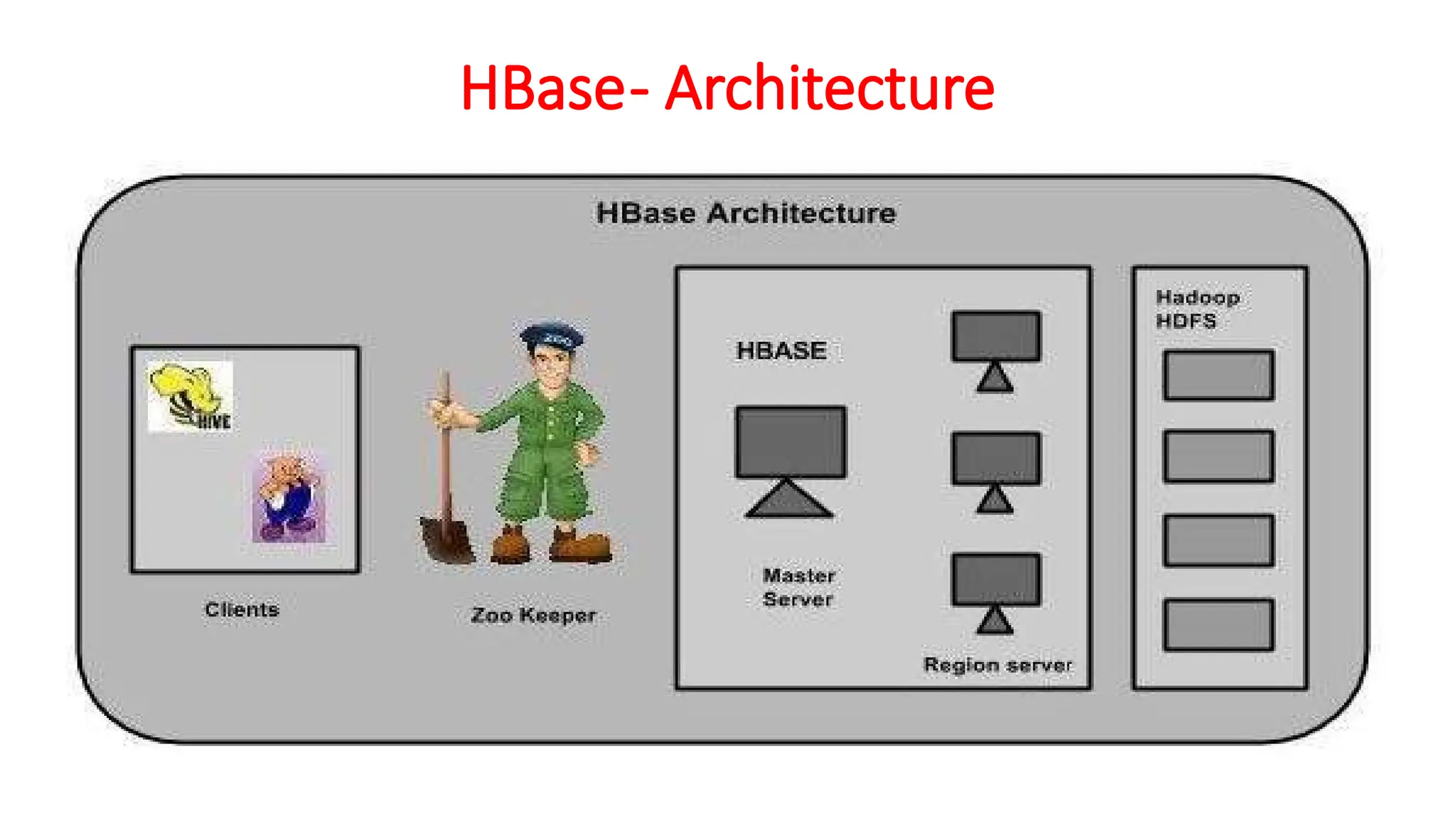
MasterServer
Assigns regions tothe region servers and takes the help of Apache ZooKeeper
for this task.
Handles load balancing of the regions across region servers. It unloads the
busy servers and shifts the regions to less occupied servers.
Maintains the state of the cluster by negotiating the load balancing.
Is responsible for schema changes and other metadata operations such as
creation of tables and column families.
15.
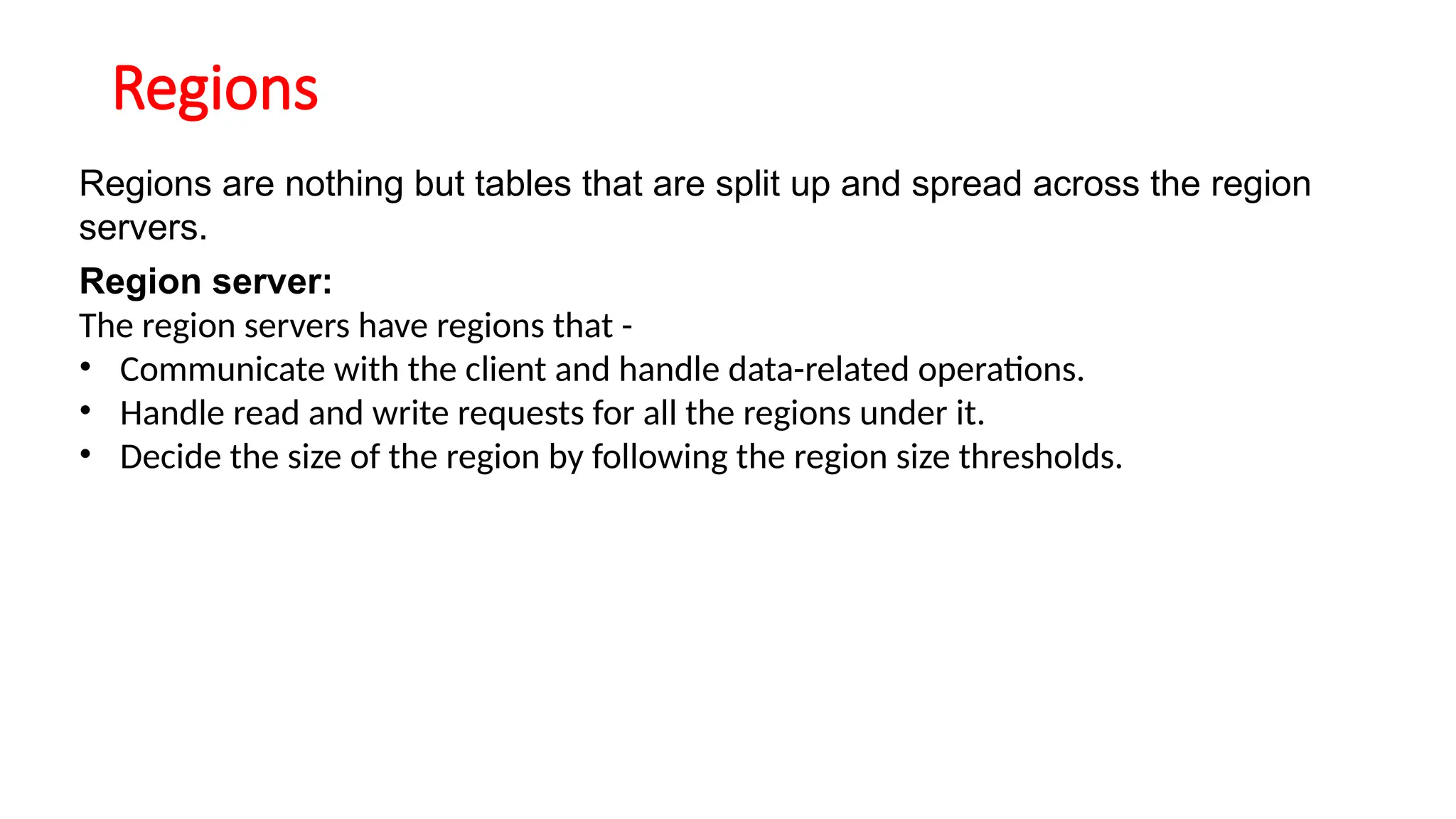
Regions
Regions are nothingbut tables that are split up and spread across the region
servers.
Region server:
The region servers have regions that -
• Communicate with the client and handle data-related operations.
• Handle read and write requests for all the regions under it.
• Decide the size of the region by following the region size thresholds.
16.
When we takea deeper look into the region server,
it contain regions and stores as shown below:
17.
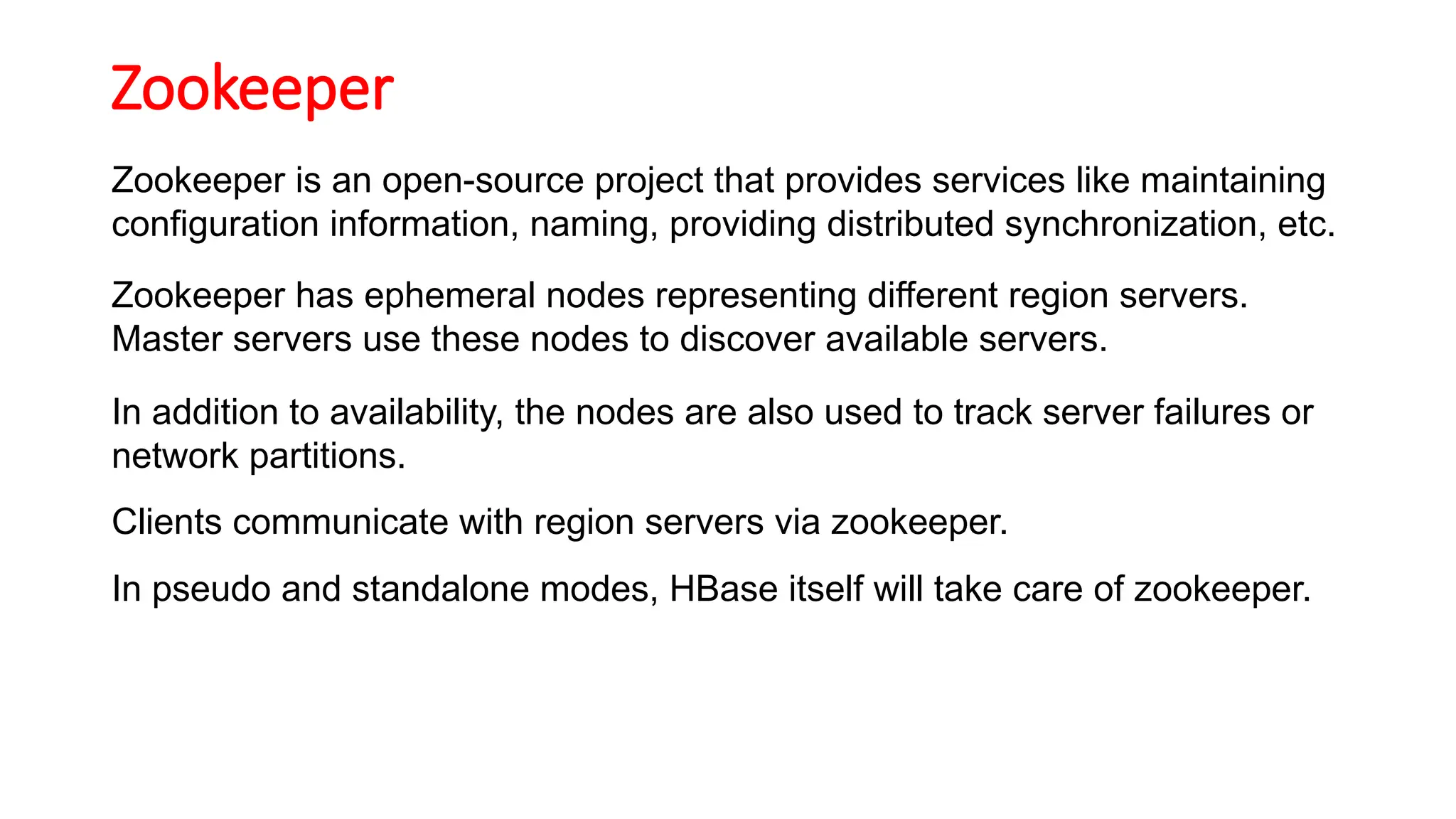
Zookeeper
Zookeeper is anopen-source project that provides services like maintaining
configuration information, naming, providing distributed synchronization, etc.
Zookeeper has ephemeral nodes representing different region servers.
Master servers use these nodes to discover available servers.
In addition to availability, the nodes are also used to track server failures or
network partitions.
Clients communicate with region servers via zookeeper.
In pseudo and standalone modes, HBase itself will take care of zookeeper.
18.
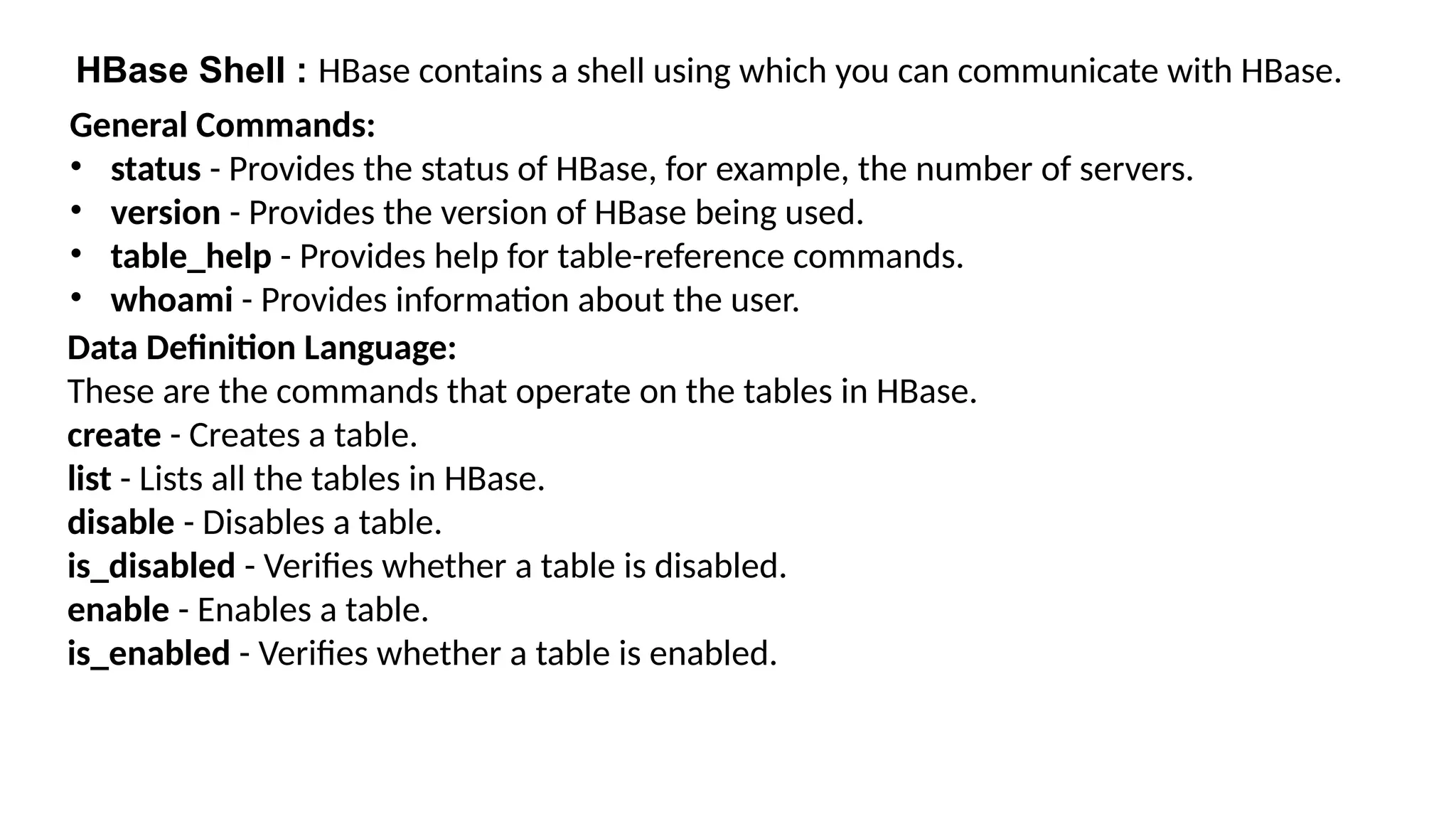
HBase Shell :HBase contains a shell using which you can communicate with HBase.
General Commands:
• status - Provides the status of HBase, for example, the number of servers.
• version - Provides the version of HBase being used.
• table_help - Provides help for table-reference commands.
• whoami - Provides information about the user.
Data Definition Language:
These are the commands that operate on the tables in HBase.
create - Creates a table.
list - Lists all the tables in HBase.
disable - Disables a table.
is_disabled - Verifies whether a table is disabled.
enable - Enables a table.
is_enabled - Verifies whether a table is enabled.
19.
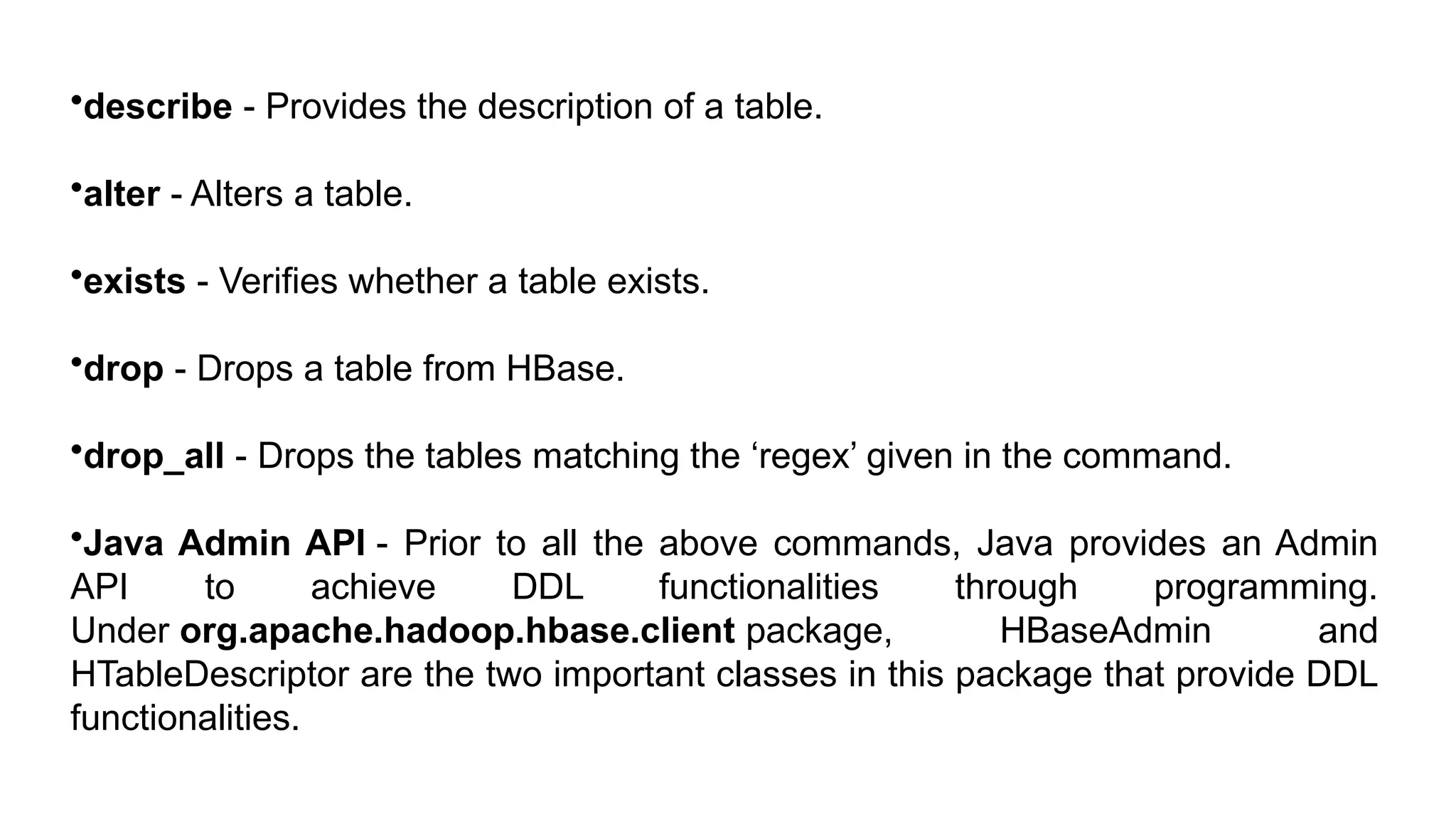
•describe - Providesthe description of a table.
•alter - Alters a table.
•exists - Verifies whether a table exists.
•drop - Drops a table from HBase.
•drop_all - Drops the tables matching the ‘regex’ given in the command.
•Java Admin API - Prior to all the above commands, Java provides an Admin
API to achieve DDL functionalities through programming.
Under org.apache.hadoop.hbase.client package, HBaseAdmin and
HTableDescriptor are the two important classes in this package that provide DDL
functionalities.
20.
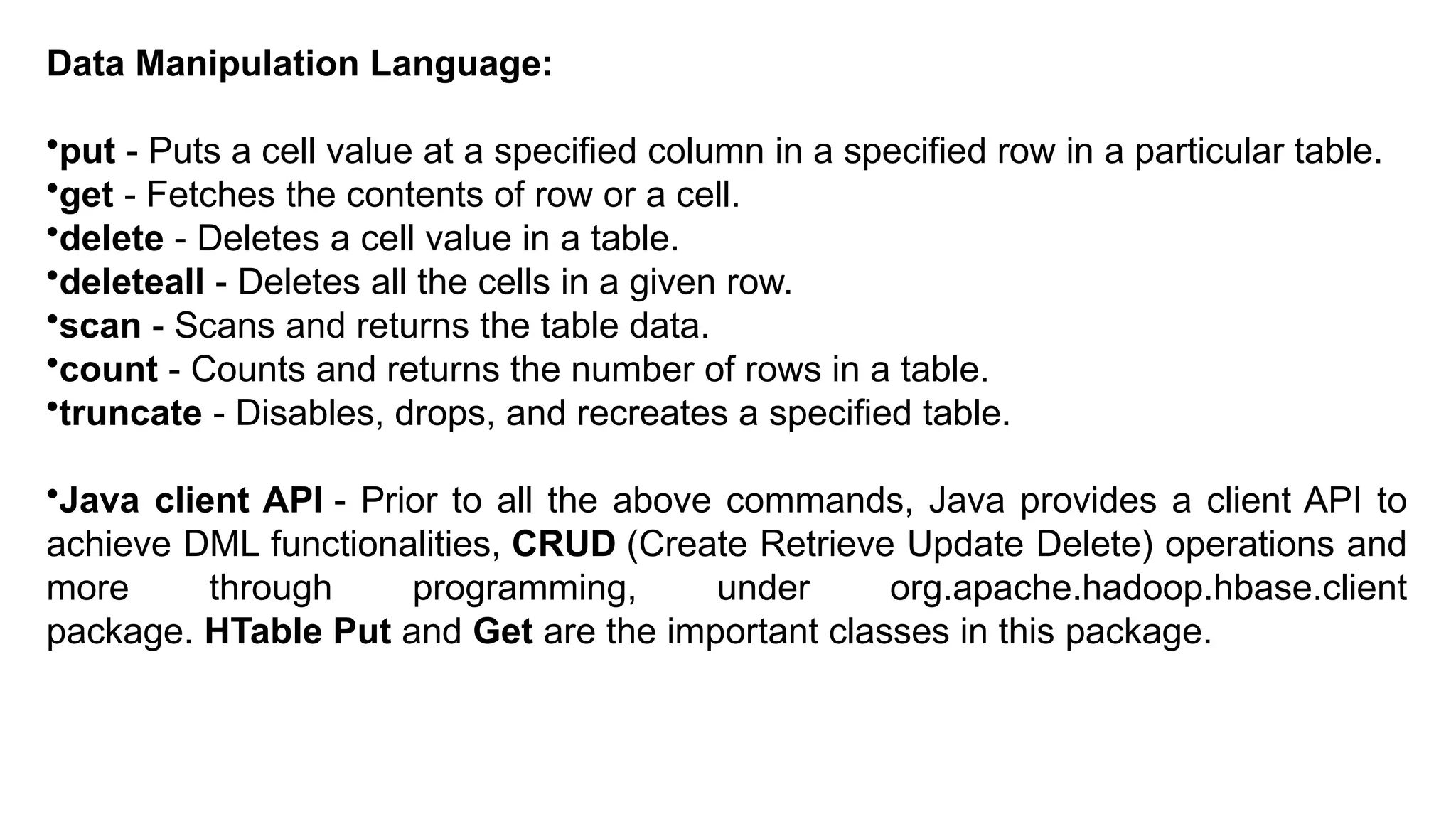
Data Manipulation Language:
•put- Puts a cell value at a specified column in a specified row in a particular table.
•get - Fetches the contents of row or a cell.
•delete - Deletes a cell value in a table.
•deleteall - Deletes all the cells in a given row.
•scan - Scans and returns the table data.
•count - Counts and returns the number of rows in a table.
•truncate - Disables, drops, and recreates a specified table.
•Java client API - Prior to all the above commands, Java provides a client API to
achieve DML functionalities, CRUD (Create Retrieve Update Delete) operations and
more through programming, under org.apache.hadoop.hbase.client
package. HTable Put and Get are the important classes in this package.
21.
Table Creation inHBase
Creating a Table using HBase Shell
Creating a Table Using java API
22.
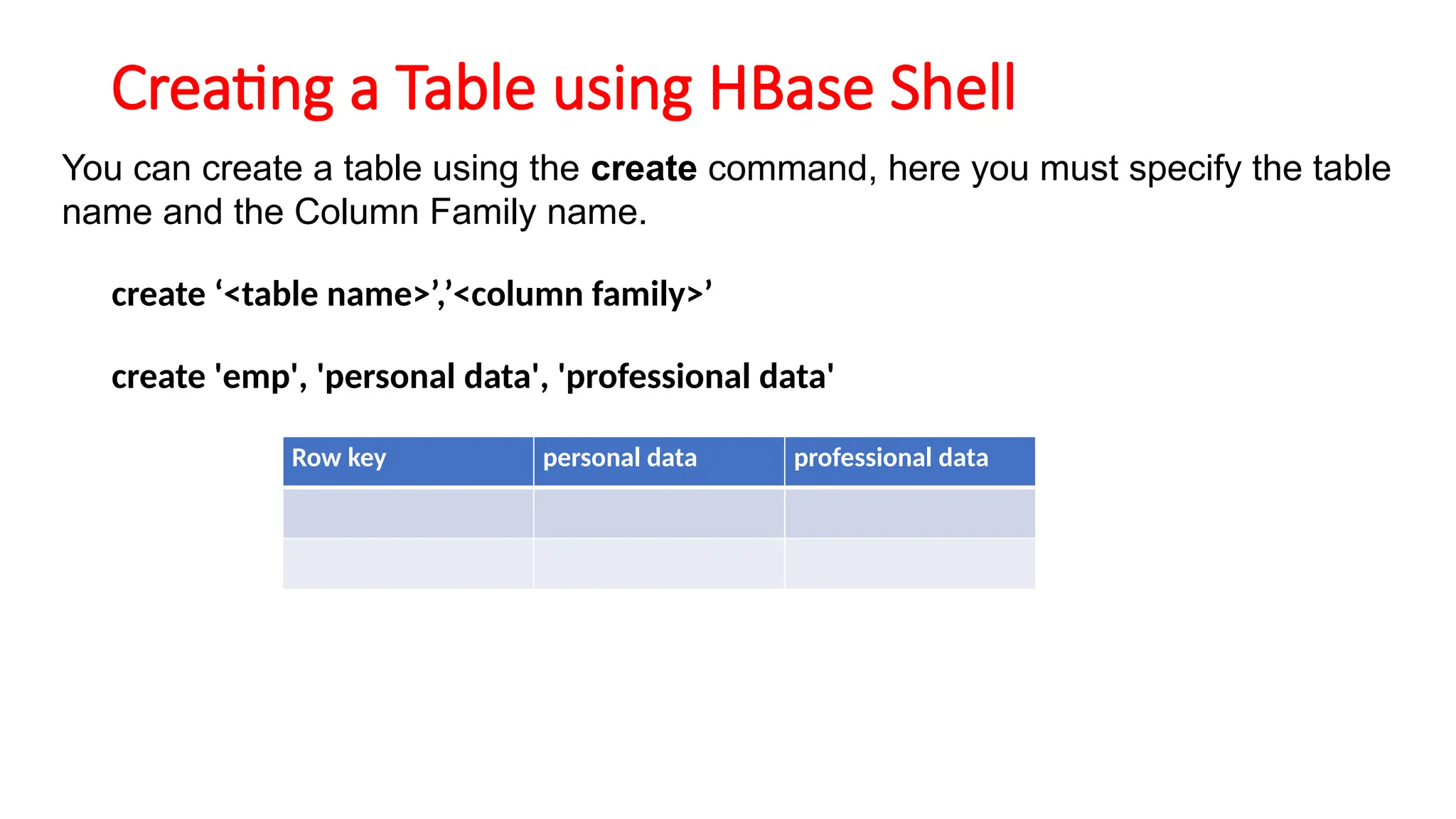
Creating a Tableusing HBase Shell
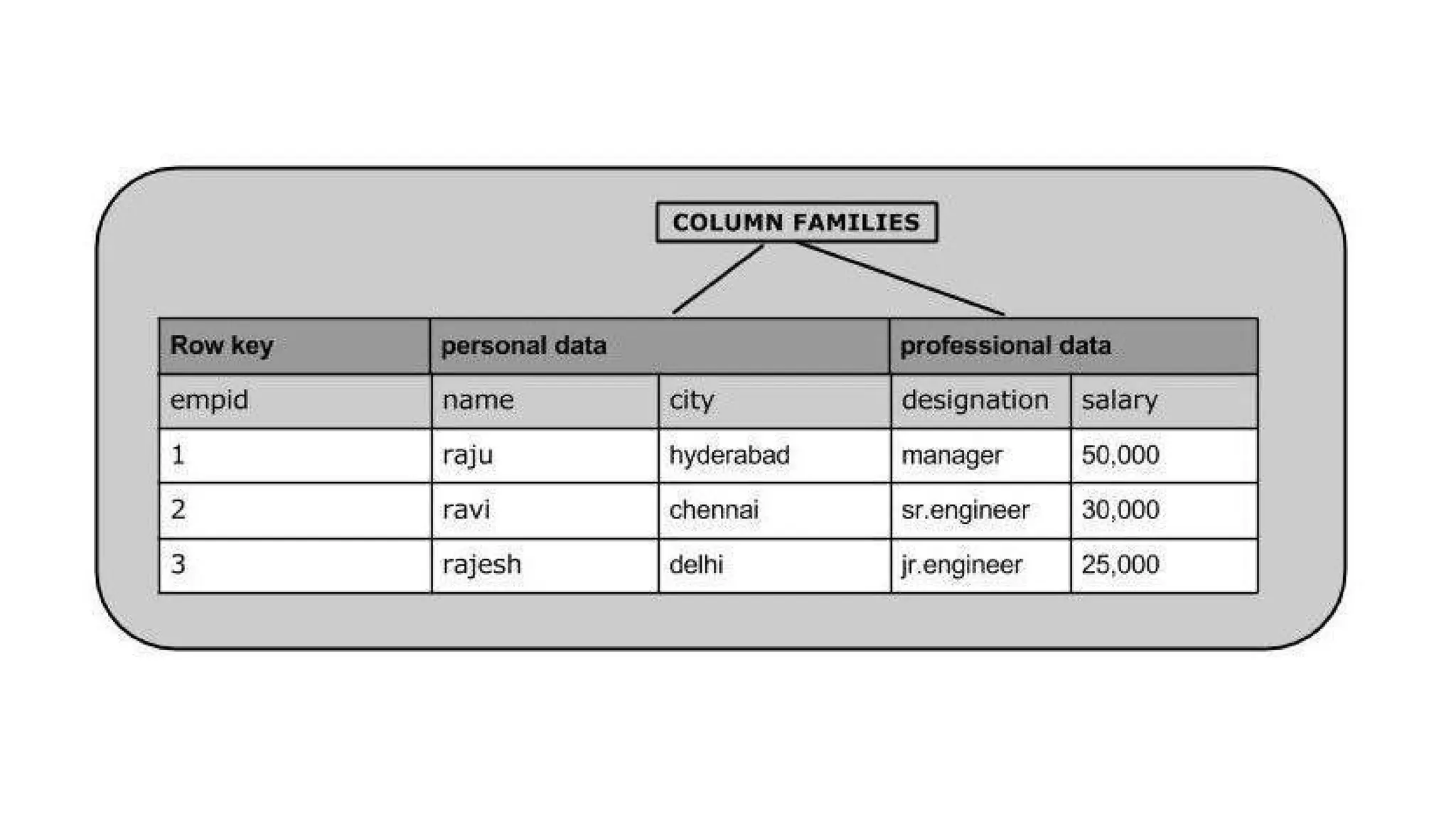
You can create a table using the create command, here you must specify the table
name and the Column Family name.
create ‘<table name>’,’<column family>’
create 'emp', 'personal data', 'professional data'
Row key personal data professional data
Language Bindings forNoSQL
• NoSQL = databases designed for scalability, flexibility, and
performance.
• Language Binding = an interface or library that lets developers interact
with the database in their preferred programming language.
• Example: Instead of using raw queries, developers use APIs or SDKs.
25.
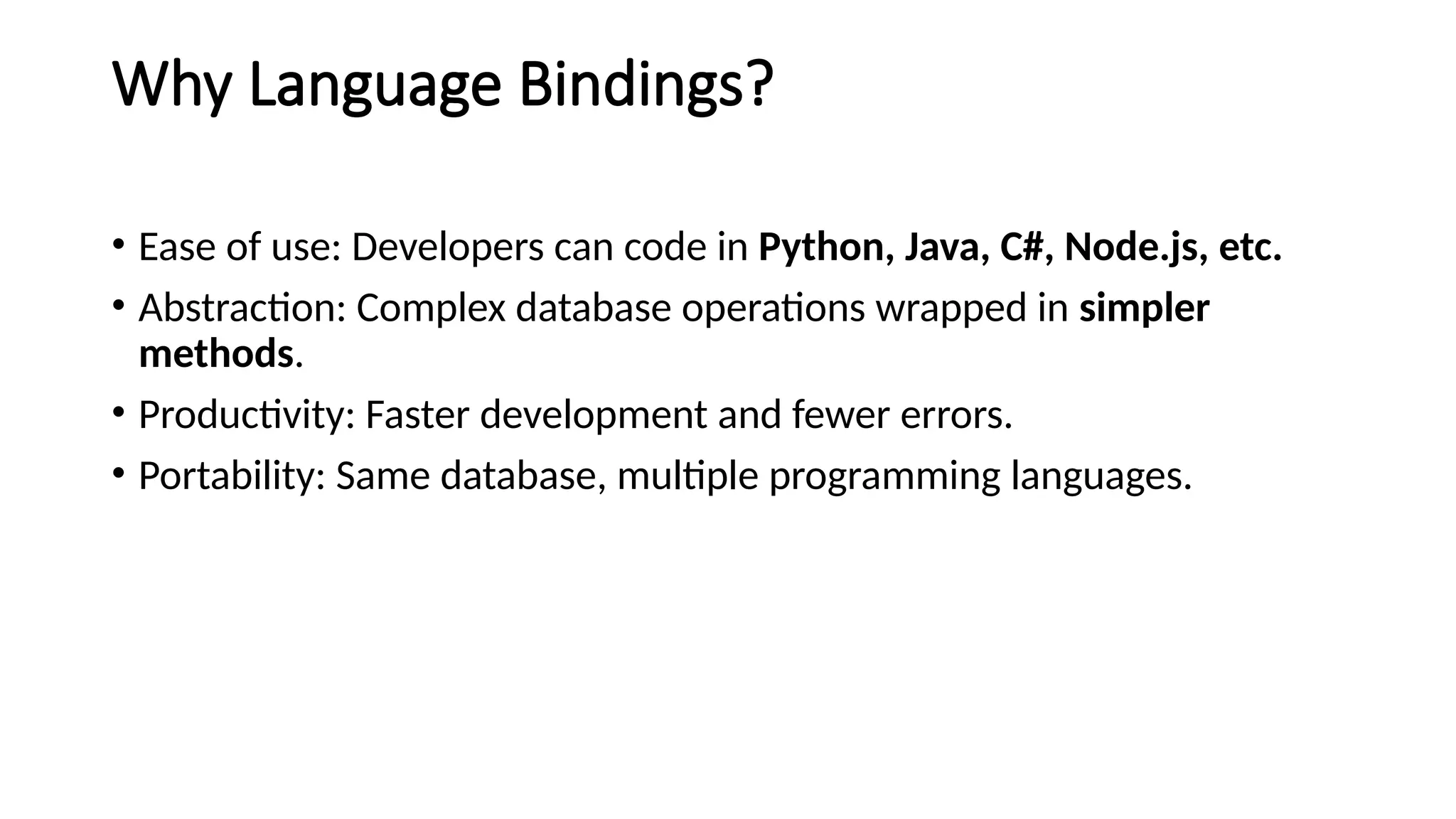
Why Language Bindings?
•Ease of use: Developers can code in Python, Java, C#, Node.js, etc.
• Abstraction: Complex database operations wrapped in simpler
methods.
• Productivity: Faster development and fewer errors.
• Portability: Same database, multiple programming languages.
26.
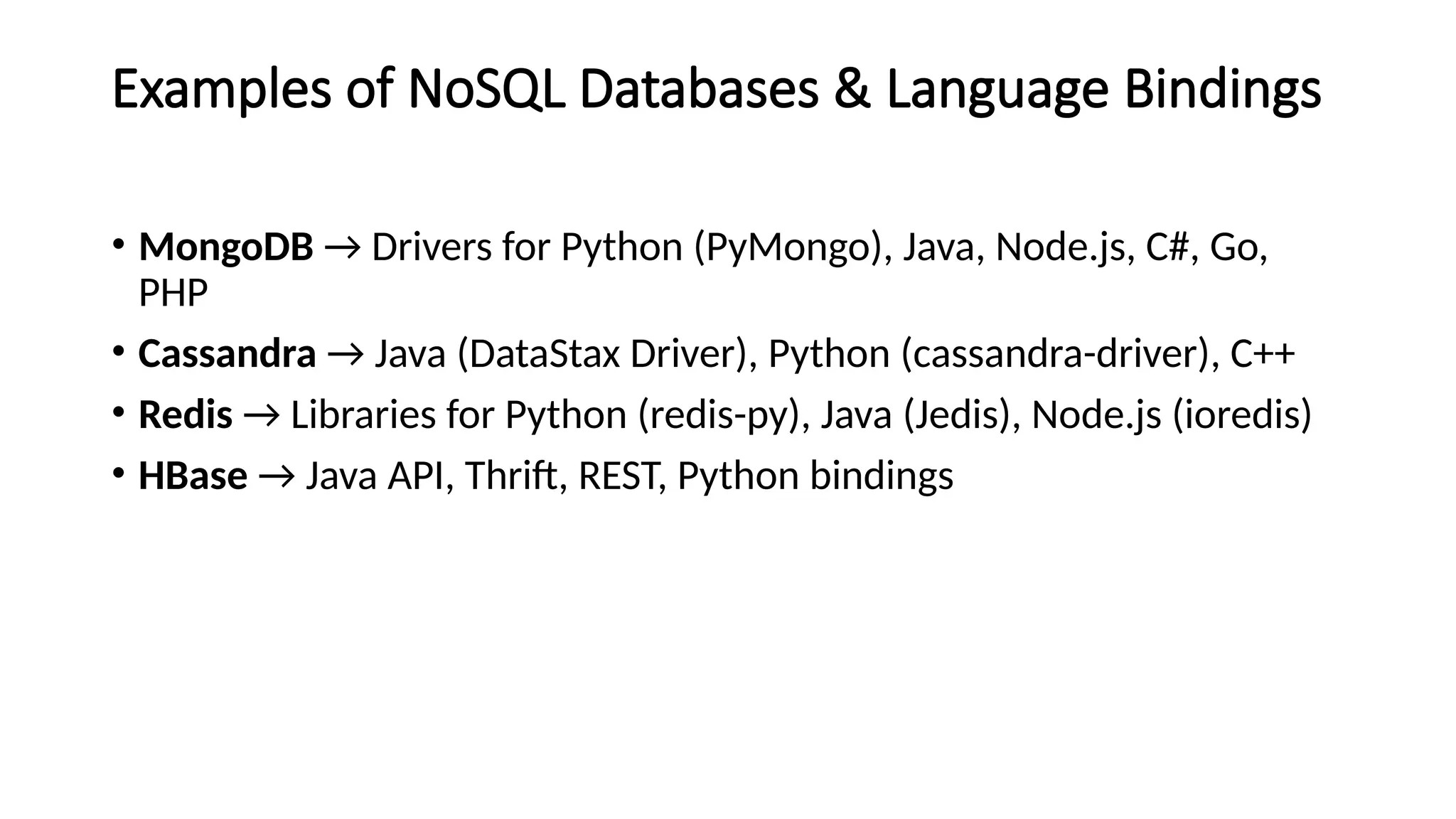
Examples of NoSQLDatabases & Language Bindings
• MongoDB → Drivers for Python (PyMongo), Java, Node.js, C#, Go,
PHP
• Cassandra → Java (DataStax Driver), Python (cassandra-driver), C++
• Redis → Libraries for Python (redis-py), Java (Jedis), Node.js (ioredis)
• HBase → Java API, Thrift, REST, Python bindings
27.
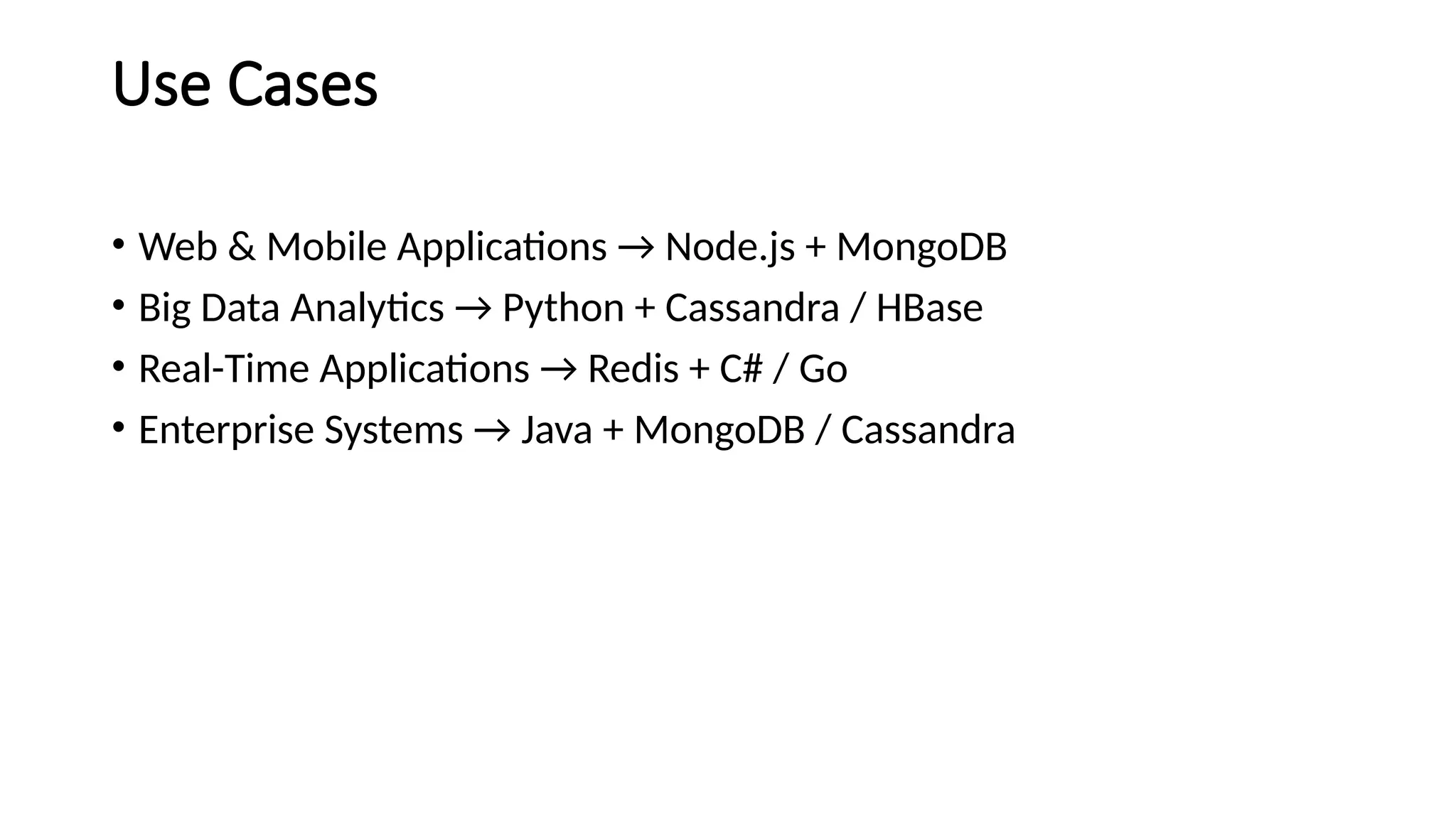
Use Cases
• Web& Mobile Applications → Node.js + MongoDB
• Big Data Analytics → Python + Cassandra / HBase
• Real-Time Applications → Redis + C# / Go
• Enterprise Systems → Java + MongoDB / Cassandra
28.
Prerequisites
• Install MongoDBlocally or use a
cloud service like MongoDB
Atlas.Install the Python driver:
• pip install pymongo
• from pymongo import MongoClient
• # -----------------------------
• # 1) Connect to MongoDB
• # -----------------------------
• client =
MongoClient("mongodb://localhost:27017/")
# Change if using Atlas
• db = client["schoolDB"] # Database
• collection = db["students"] # Collection
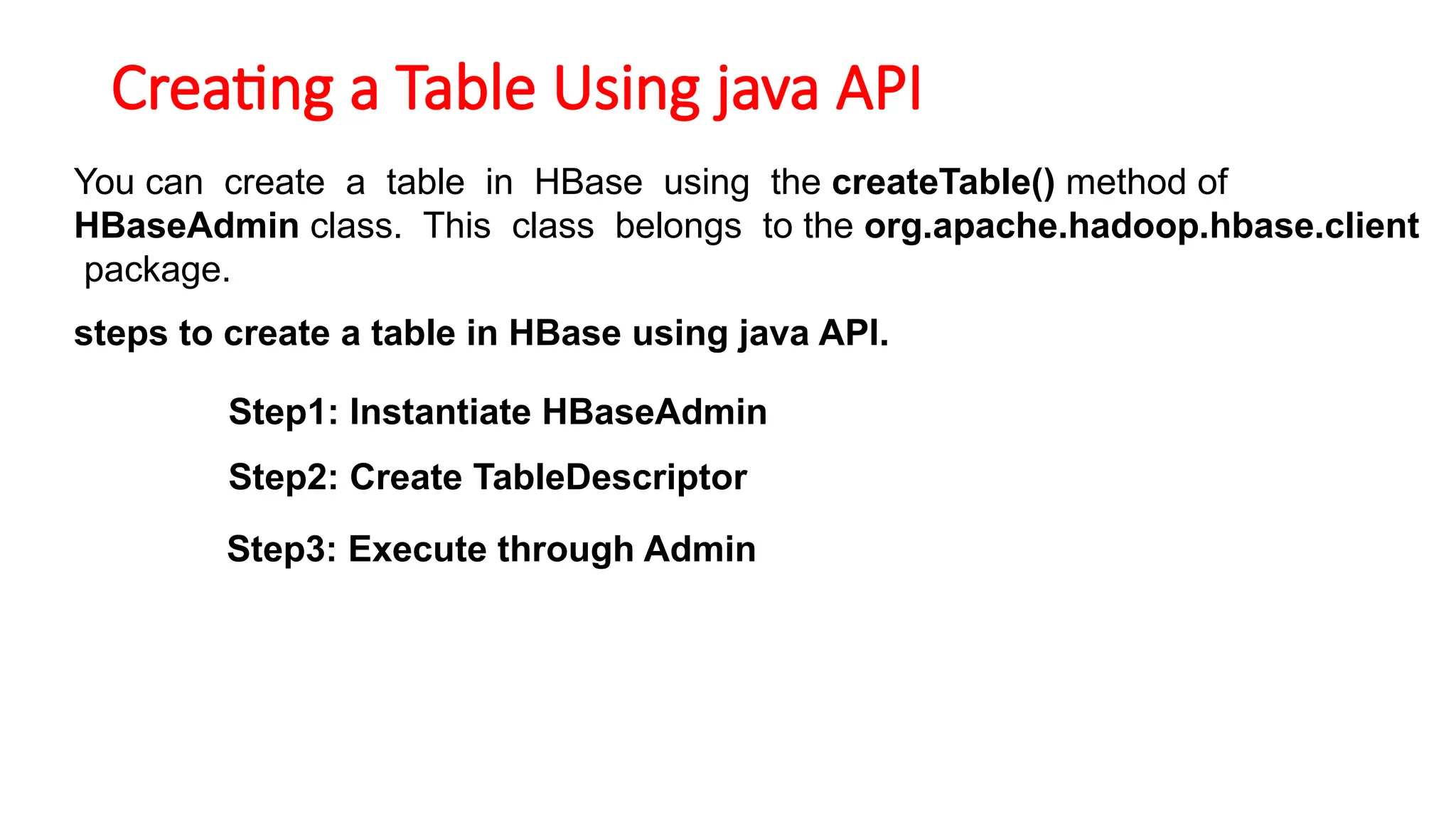
Creating a TableUsing java API
You can create a table in HBase using the createTable() method of
HBaseAdmin class. This class belongs to the org.apache.hadoop.hbase.client
package.
steps to create a table in HBase using java API.
Step1: Instantiate HBaseAdmin
Step2: Create TableDescriptor
Step3: Execute through Admin
32.
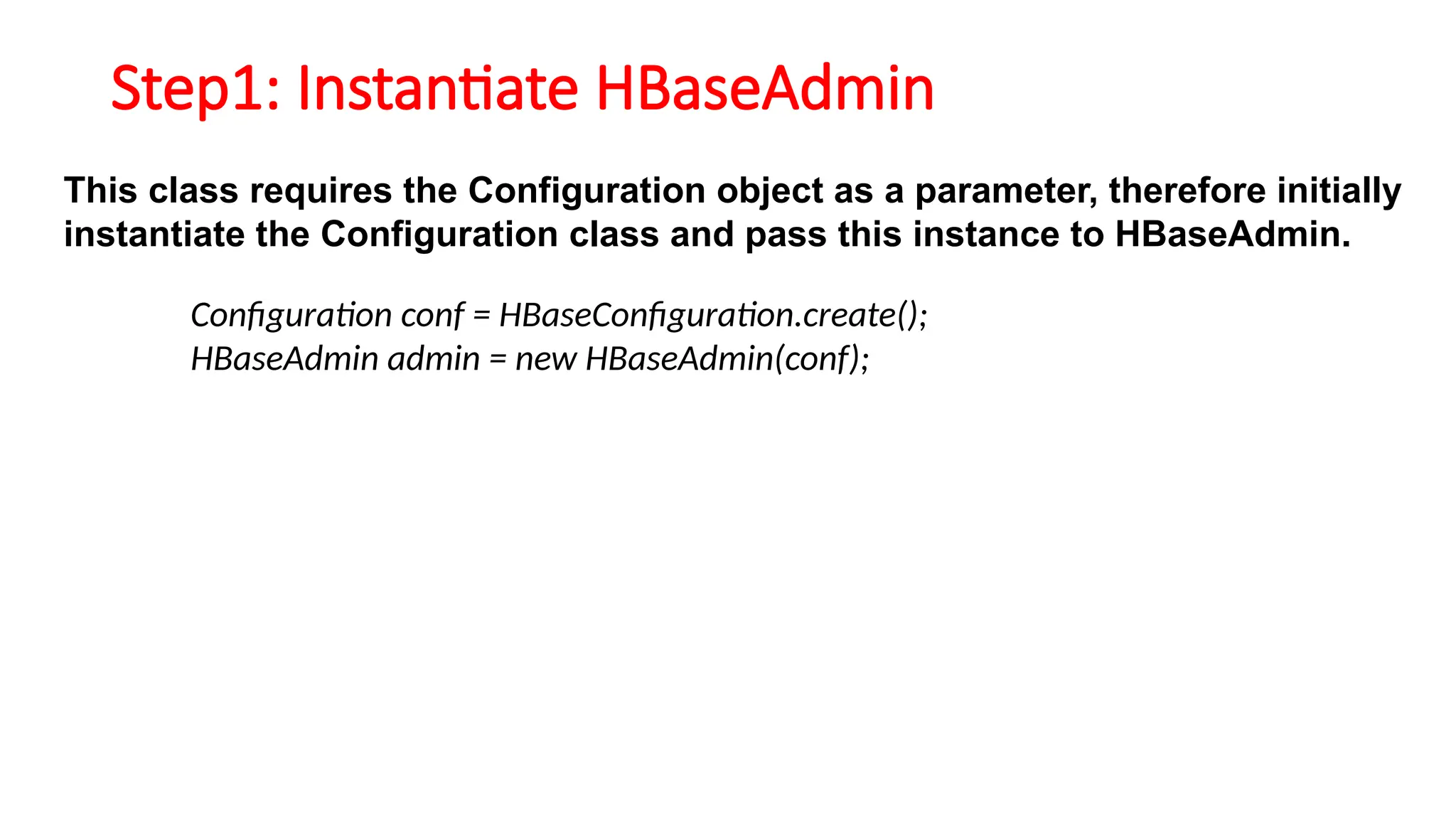
Step1: Instantiate HBaseAdmin
Thisclass requires the Configuration object as a parameter, therefore initially
instantiate the Configuration class and pass this instance to HBaseAdmin.
Configuration conf = HBaseConfiguration.create();
HBaseAdmin admin = new HBaseAdmin(conf);
33.
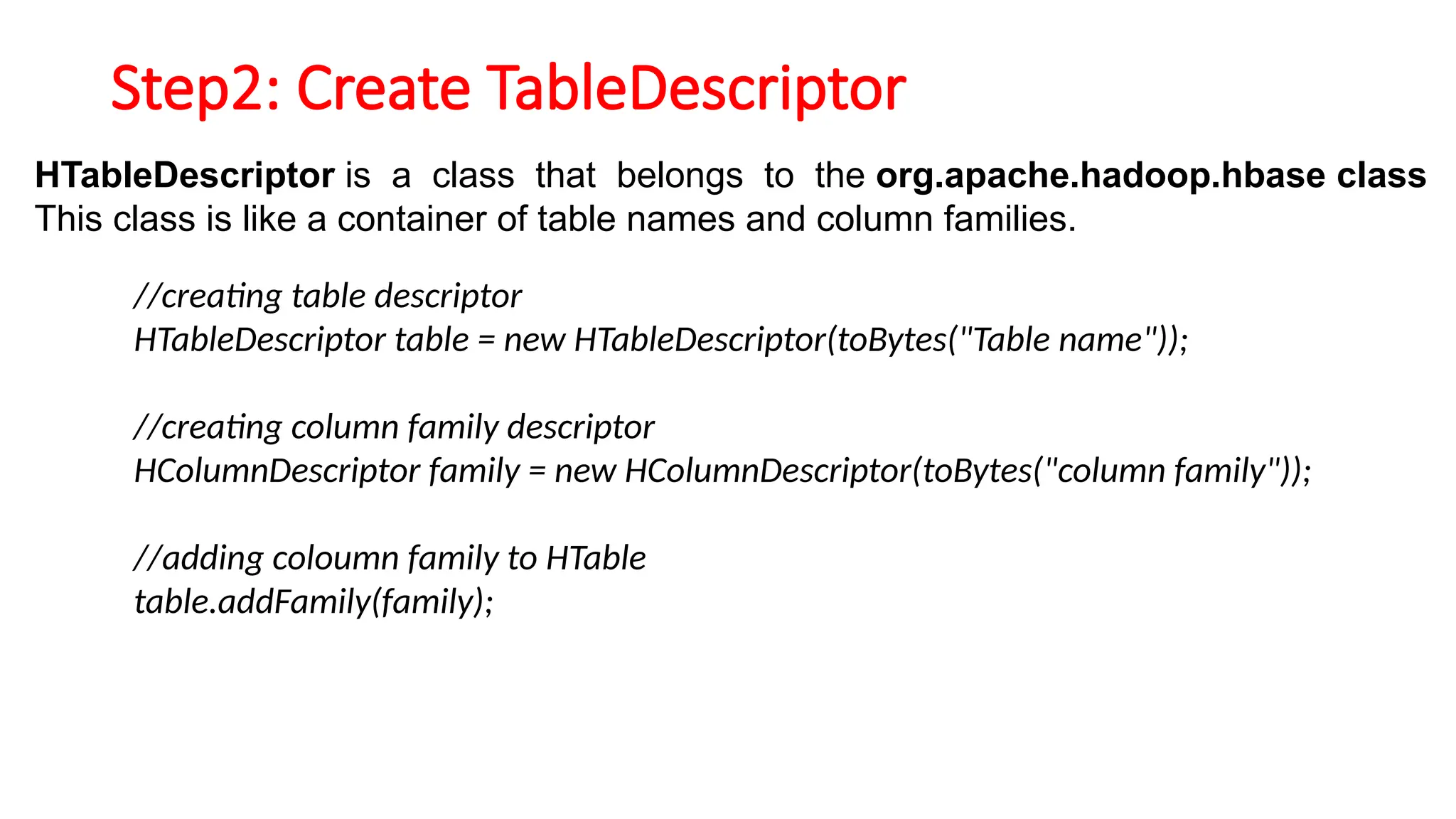
Step2: Create TableDescriptor
HTableDescriptoris a class that belongs to the org.apache.hadoop.hbase class
This class is like a container of table names and column families.
//creating table descriptor
HTableDescriptor table = new HTableDescriptor(toBytes("Table name"));
//creating column family descriptor
HColumnDescriptor family = new HColumnDescriptor(toBytes("column family"));
//adding coloumn family to HTable
table.addFamily(family);
34.
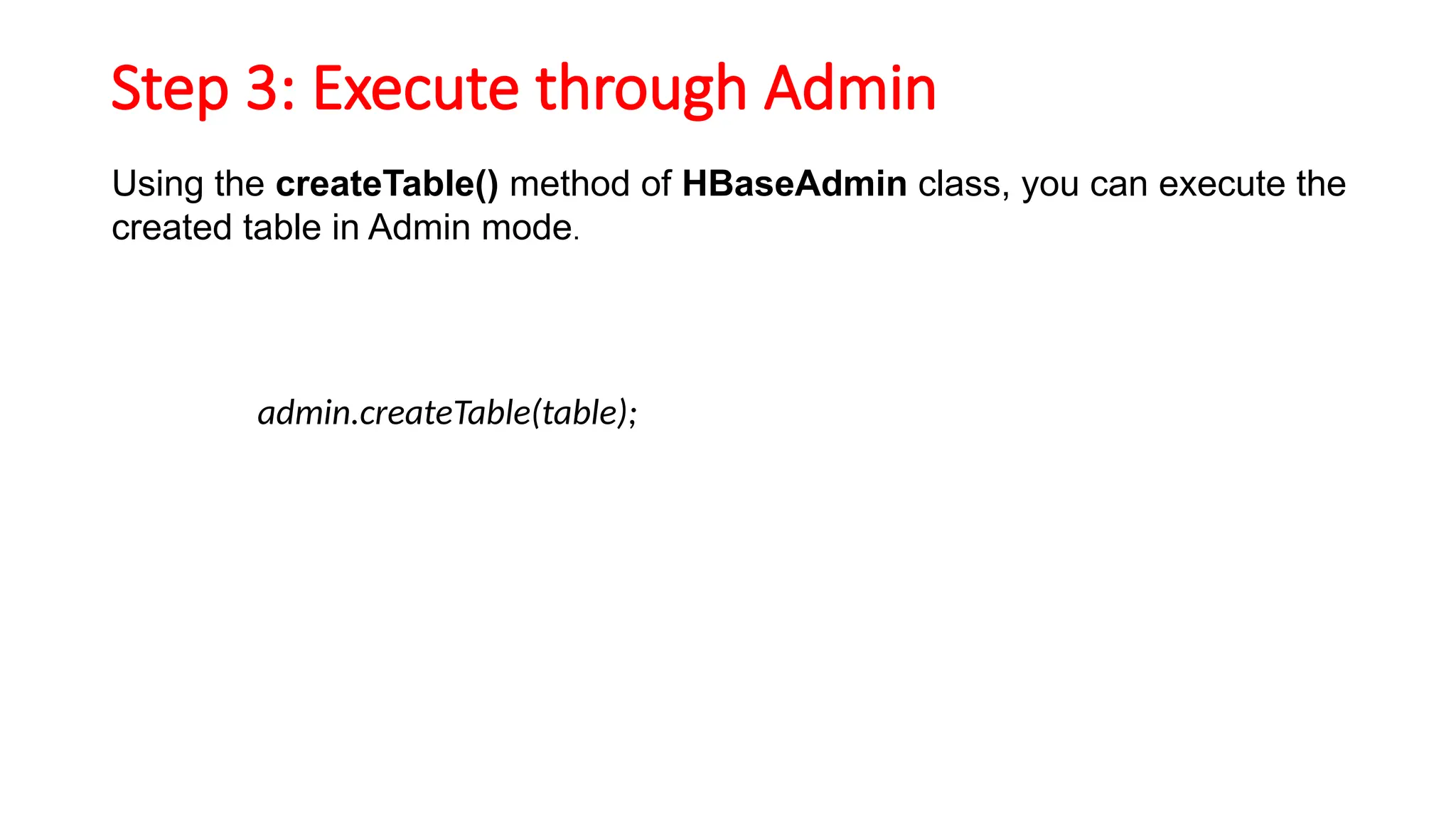
Step 3: Executethrough Admin
Using the createTable() method of HBaseAdmin class, you can execute the
created table in Admin mode.
admin.createTable(table);
35.
import java.io.IOException;
import org.apache.hadoop.hbase.HBaseConfiguration;
importorg.apache.hadoop.hbase.HColumnDescriptor;
import org.apache.hadoop.hbase.HTableDescriptor;
import org.apache.hadoop.hbase.client.HBaseAdmin;
import org.apache.hadoop.hbase.TableName;
import org.apache.hadoop.conf.Configuration;
public class CreateTable {
public static void main(String[] args) throws IOException {
// Instantiating configuration class
Configuration con = HBaseConfiguration.create();
// Instantiating HbaseAdmin class
HBaseAdmin admin = new HBaseAdmin(con);
// Instantiating table descriptor class
HTableDescriptor tableDescriptor = new HTableDescriptor(TableName.valueOf("emp"));
// Adding column families to table descriptor
tableDescriptor.addFamily(new HColumnDescriptor("personal"));
tableDescriptor.addFamily(new HColumnDescriptor("professional"));
// Execute the table through admin
admin.createTable(tableDescriptor);
System.out.println(" Table created ");
} }
![Prerequisites
• Install MongoDB locally or use a
cloud service like MongoDB
Atlas.Install the Python driver:
• pip install pymongo
• from pymongo import MongoClient
• # -----------------------------
• # 1) Connect to MongoDB
• # -----------------------------
• client =
MongoClient("mongodb://localhost:27017/")
# Change if using Atlas
• db = client["schoolDB"] # Database
• collection = db["students"] # Collection](https://image.slidesharecdn.com/unit2hbaselastpart-250908045416-a72f8028/75/unit-2-hbase-last-part-pptxddcdcdcdcdcxfd-28-2048.jpg)
![• 2) CREATE - Insert documents
• # -----------------------------
• student1 = {"name": "Alice", "age": 21,
"course": "Computer Science"}
• student2 = {"name": "Bob", "age": 22,
"course": "Mathematics"}
• insert_result =
collection.insert_many([student1,
student2])
• print("Inserted IDs:",
insert_result.inserted_ids)
• # 3) READ - Fetch documents
• # -----------------------------
• print("nAll Students:")
• for student in collection.find():
• print(student)
• print("nFind one student:")
• print(collection.find_one({"name
": "Alice"}))](https://image.slidesharecdn.com/unit2hbaselastpart-250908045416-a72f8028/75/unit-2-hbase-last-part-pptxddcdcdcdcdcxfd-29-2048.jpg)
![import java.io.IOException;
import org.apache.hadoop.hbase.HBaseConfiguration;
import org.apache.hadoop.hbase.HColumnDescriptor;
import org.apache.hadoop.hbase.HTableDescriptor;
import org.apache.hadoop.hbase.client.HBaseAdmin;
import org.apache.hadoop.hbase.TableName;
import org.apache.hadoop.conf.Configuration;
public class CreateTable {
public static void main(String[] args) throws IOException {
// Instantiating configuration class
Configuration con = HBaseConfiguration.create();
// Instantiating HbaseAdmin class
HBaseAdmin admin = new HBaseAdmin(con);
// Instantiating table descriptor class
HTableDescriptor tableDescriptor = new HTableDescriptor(TableName.valueOf("emp"));
// Adding column families to table descriptor
tableDescriptor.addFamily(new HColumnDescriptor("personal"));
tableDescriptor.addFamily(new HColumnDescriptor("professional"));
// Execute the table through admin
admin.createTable(tableDescriptor);
System.out.println(" Table created ");
} }](https://image.slidesharecdn.com/unit2hbaselastpart-250908045416-a72f8028/75/unit-2-hbase-last-part-pptxddcdcdcdcdcxfd-35-2048.jpg)


