
Understanding
AWS CodePipeline
Vaibhav Kumar
Software Consultant
Lack of etiquette and manners is a huge turn off.
KnolX Etiquettes
 Punctuality
Join the session 5 minutes prior to the session start time. We start on
time and conclude on time!
 Feedback
Make sure to submit a constructive feedback for all sessions as it is very
helpful for the presenter.
 Silent Mode
Keep your mobile devices in silent mode, feel free to move out of session
in case you need to attend an urgent call.
 Avoid Disturbance
Avoid unwanted chit chat during the session.
 Comprehending CI / CD
 Introduction to AWS Code Pipeline
 Terminology
 Types
 Tools Integration
 Alternatives
 Demo
01
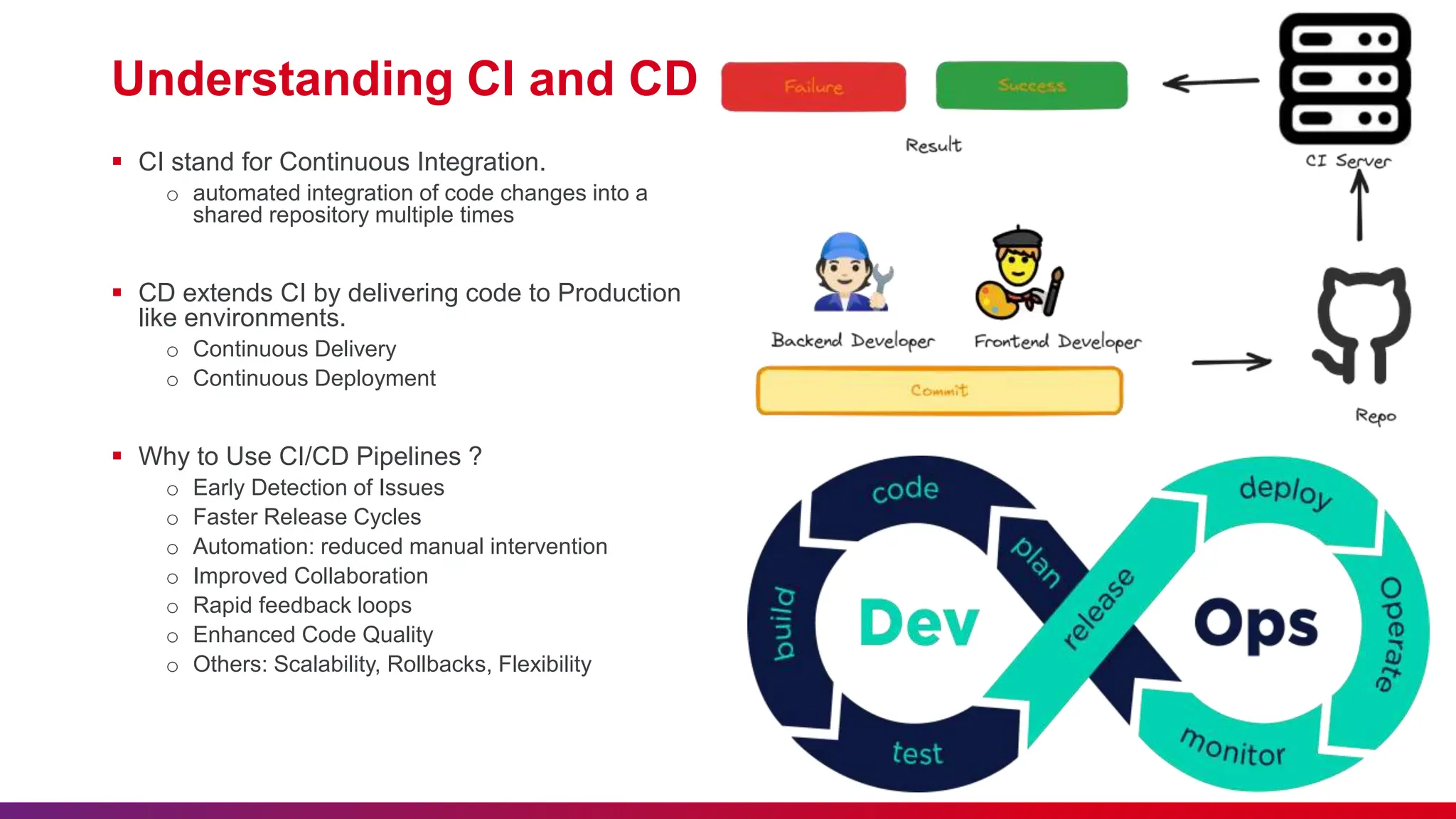
Understanding CI and CD
 CI stand for Continuous Integration.
o automated integration of code changes into a
shared repository multiple times
 CD extends CI by delivering code to Production
like environments.
o Continuous Delivery
o Continuous Deployment
 Why to Use CI/CD Pipelines ?
o Early Detection of Issues
o Faster Release Cycles
o Automation: reduced manual intervention
o Improved Collaboration
o Rapid feedback loops
o Enhanced Code Quality
o Others: Scalability, Rollbacks, Flexibility
02
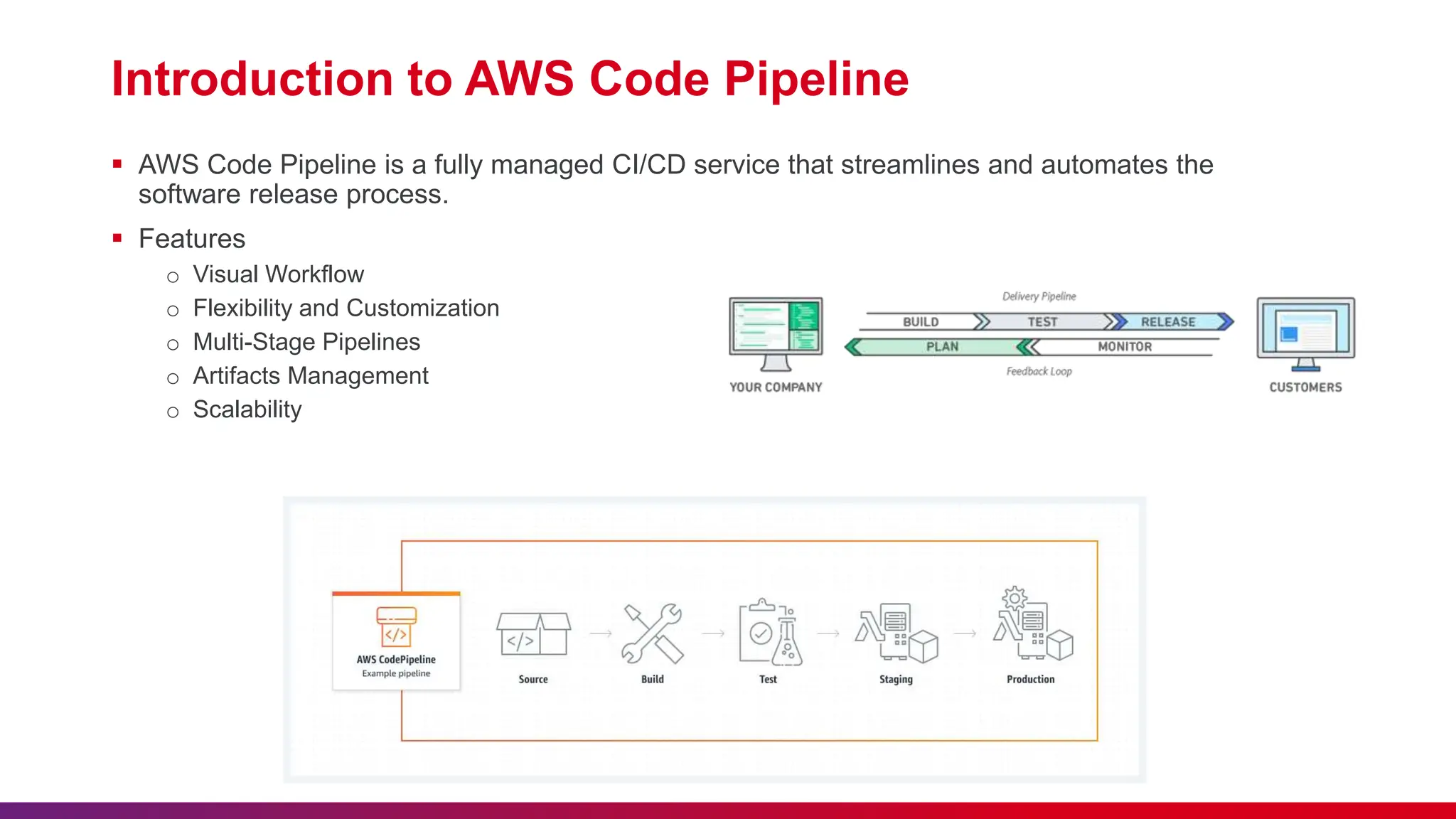
Introduction to AWS Code Pipeline
 AWS Code Pipeline is a fully managed CI/CD service that streamlines and automates the
software release process.
 Features
o Visual Workflow
o Flexibility and Customization
o Multi-Stage Pipelines
o Artifacts Management
o Scalability
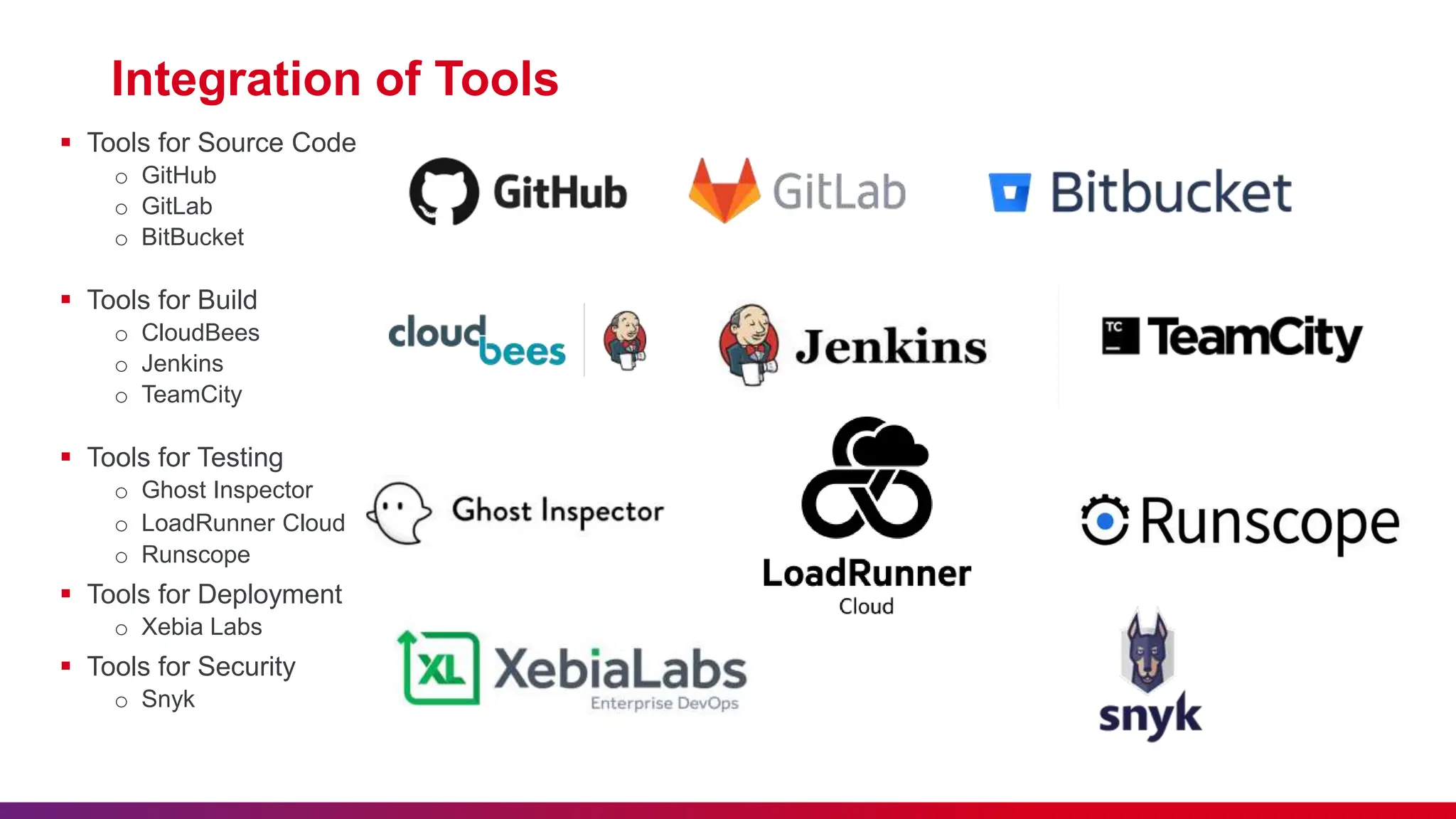
Integration of Tools
 Tools for Source Code
o GitHub
o GitLab
o BitBucket
 Tools for Build
o CloudBees
o Jenkins
o TeamCity
 Tools for Testing
o Ghost Inspector
o LoadRunner Cloud
o Runscope
 Tools for Deployment
o Xebia Labs
 Tools for Security
o Snyk
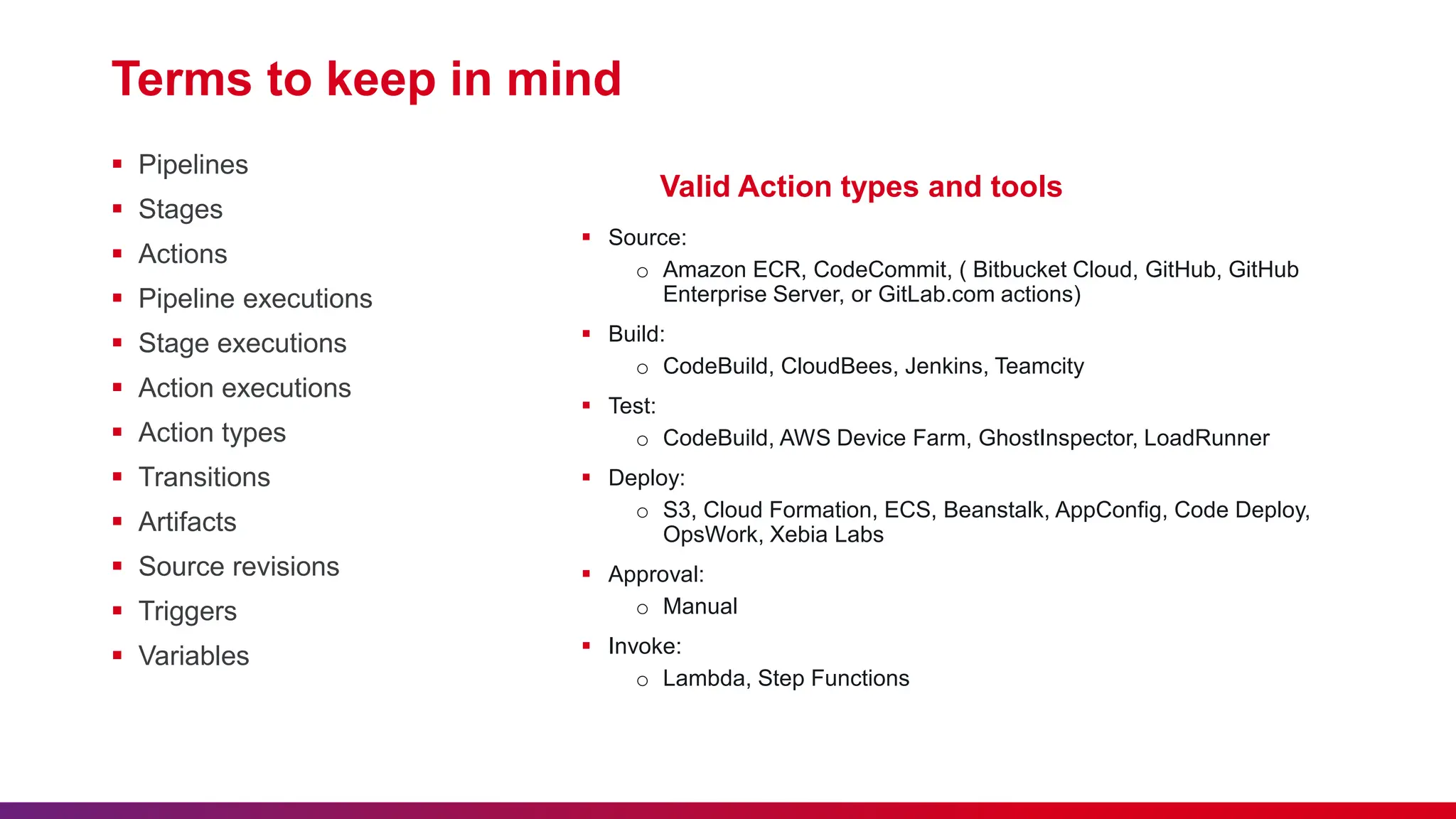
Terms to keep in mind
 Pipelines
 Stages
 Actions
 Pipeline executions
 Stage executions
 Action executions
 Action types
 Transitions
 Artifacts
 Source revisions
 Triggers
 Variables
Valid Action types and tools
 Source:
o Amazon ECR, CodeCommit, ( Bitbucket Cloud, GitHub, GitHub
Enterprise Server, or GitLab.com actions)
 Build:
o CodeBuild, CloudBees, Jenkins, Teamcity
 Test:
o CodeBuild, AWS Device Farm, GhostInspector, LoadRunner
 Deploy:
o S3, Cloud Formation, ECS, Beanstalk, AppConfig, Code Deploy,
OpsWork, Xebia Labs
 Approval:
o Manual
 Invoke:
o Lambda, Step Functions
03
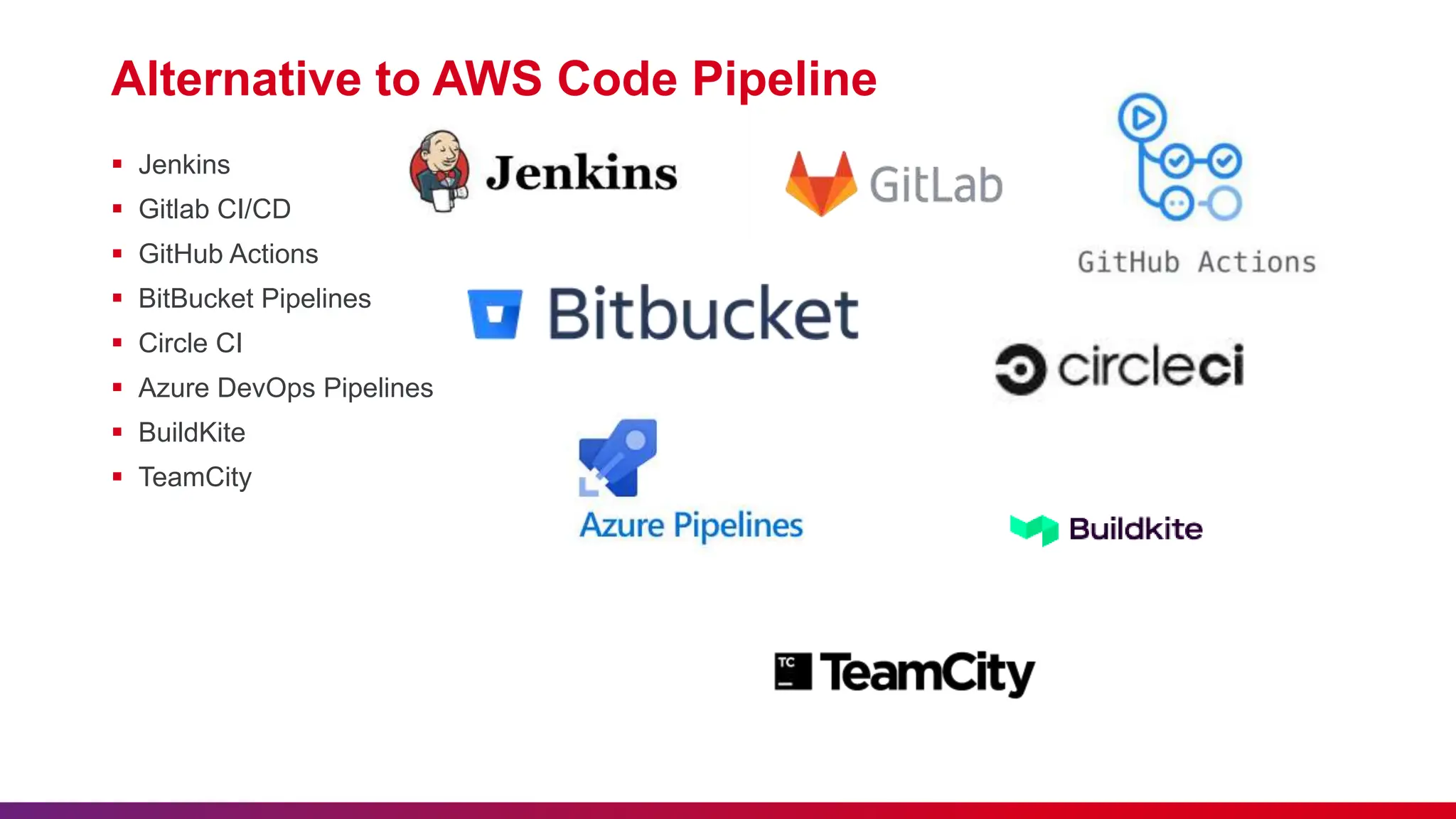
Alternative to AWS Code Pipeline
 Jenkins
 Gitlab CI/CD
 GitHub Actions
 BitBucket Pipelines
 Circle CI
 Azure DevOps Pipelines
 BuildKite
 TeamCity
04
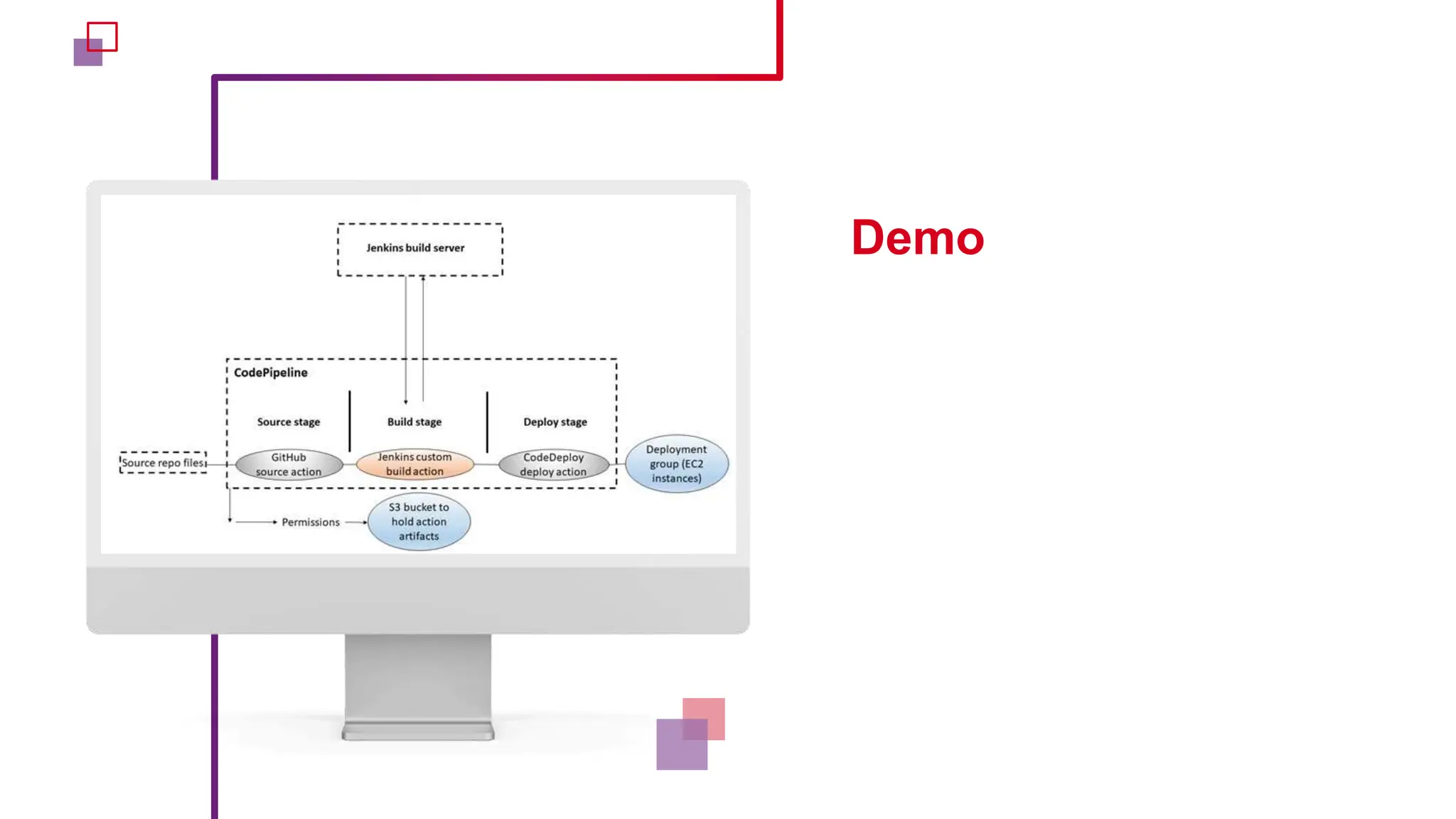
Demo
Mail: vaibhav.kumar@nashtechglobal.com
GitHub: https://github.com/vaibhavkumar779

Understanding AWS CodePipeline Presentation

  • 1.
  • 2.
    Lack of etiquetteand manners is a huge turn off. KnolX Etiquettes  Punctuality Join the session 5 minutes prior to the session start time. We start on time and conclude on time!  Feedback Make sure to submit a constructive feedback for all sessions as it is very helpful for the presenter.  Silent Mode Keep your mobile devices in silent mode, feel free to move out of session in case you need to attend an urgent call.  Avoid Disturbance Avoid unwanted chit chat during the session.
  • 3.
     Comprehending CI/ CD  Introduction to AWS Code Pipeline  Terminology  Types  Tools Integration  Alternatives  Demo
  • 4.
  • 5.
    Understanding CI andCD  CI stand for Continuous Integration. o automated integration of code changes into a shared repository multiple times  CD extends CI by delivering code to Production like environments. o Continuous Delivery o Continuous Deployment  Why to Use CI/CD Pipelines ? o Early Detection of Issues o Faster Release Cycles o Automation: reduced manual intervention o Improved Collaboration o Rapid feedback loops o Enhanced Code Quality o Others: Scalability, Rollbacks, Flexibility
  • 6.
  • 7.
    Introduction to AWSCode Pipeline  AWS Code Pipeline is a fully managed CI/CD service that streamlines and automates the software release process.  Features o Visual Workflow o Flexibility and Customization o Multi-Stage Pipelines o Artifacts Management o Scalability
  • 8.
    Integration of Tools Tools for Source Code o GitHub o GitLab o BitBucket  Tools for Build o CloudBees o Jenkins o TeamCity  Tools for Testing o Ghost Inspector o LoadRunner Cloud o Runscope  Tools for Deployment o Xebia Labs  Tools for Security o Snyk
  • 9.
    Terms to keepin mind  Pipelines  Stages  Actions  Pipeline executions  Stage executions  Action executions  Action types  Transitions  Artifacts  Source revisions  Triggers  Variables Valid Action types and tools  Source: o Amazon ECR, CodeCommit, ( Bitbucket Cloud, GitHub, GitHub Enterprise Server, or GitLab.com actions)  Build: o CodeBuild, CloudBees, Jenkins, Teamcity  Test: o CodeBuild, AWS Device Farm, GhostInspector, LoadRunner  Deploy: o S3, Cloud Formation, ECS, Beanstalk, AppConfig, Code Deploy, OpsWork, Xebia Labs  Approval: o Manual  Invoke: o Lambda, Step Functions
  • 10.
  • 11.
    Alternative to AWSCode Pipeline  Jenkins  Gitlab CI/CD  GitHub Actions  BitBucket Pipelines  Circle CI  Azure DevOps Pipelines  BuildKite  TeamCity
  • 12.
  • 13.
  • 14.