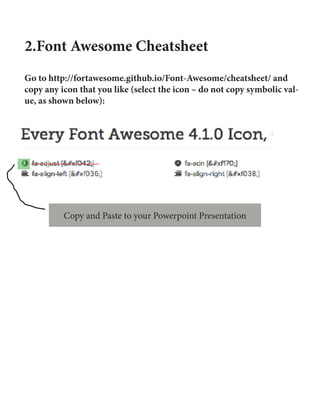
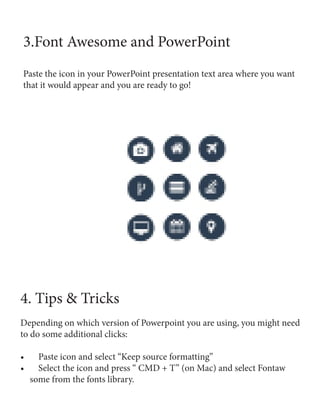
This document provides instructions for adding Font Awesome icons to PowerPoint presentations. It explains that Font Awesome is a suite of 439 vector icons that are free to use commercially. To use the icons in PowerPoint, you need to download and install the Font Awesome font, then copy icons from the cheatsheet webpage and paste them into PowerPoint slides. The pasted icons can then be formatted and styled within PowerPoint. Using Font Awesome icons can enhance presentations and make infographic design easier.