©2017 ScaleArc. All Rights Reserved. 1
Top 5 Challenges to Moving to SQL Server 2016
And how to overcome them
©2017 ScaleArc. All Rights Reserved. 2
Everyone Wants to Move to Modern SQL
• Scale out for more capacity
• Auto failover with AlwaysOn
• Enhanced security with Always Encrypted
• Comprehensive BI capabilities
• Fast In-Memory technology
• Accelerated hybrid cloud scenarios
• PolyBase technology for structured and unstructured data
©2017 ScaleArc. All Rights Reserved. 3
But Upgrading is Tough
• Application impact
• Operational issues
• Cost implications
©2017 ScaleArc. All Rights Reserved. 4
Challenge 1: Load Balancing and Read/Write Split
• AlwaysOn advantages:
– Secondary servers not idle; read traffic
– Improved hardware utilization
– More traffic; faster responses
• AlwaysOn challenges:
– Requires specific application changes
– Random, inconsistent load sharing; not true
balancing
– Time consuming, expensive appdev work required
– No access with off-the-shelf apps
©2017 ScaleArc. All Rights Reserved. 5
Challenge 2: Replication-aware Load Balancing
• Constant challenges of moving data between primary and
secondary servers:
– Replication rates
– Agreed-upon tolerance threshold
– Data accuracy
– Modify applications
©2017 ScaleArc. All Rights Reserved. 6
Challenge 3: Core-based Licensing Costs
• SQL's licensing model proves change isn't cheap
– Per-core fees
– More cores per socket
– More licenses per processor
– Secondary servers need licenses, too
©2017 ScaleArc. All Rights Reserved. 7
Challenge 4: Lack of Visibility and Control at a Cluster Level
• Multi-server structures require easy, accurate diagnostics –
but how?
– No real-time insight
– No comprehensive view
– Mediocre analytics
©2017 ScaleArc. All Rights Reserved. 8
Challenge 5: Downtime and Failover
• Critical components won't failover beyond one data center
• Advantage of multiple environments is lost
– Virtual Network Name (VNN, or Active Group Listener)
itself can failover only within a
single data center
©2017 ScaleArc. All Rights Reserved. 9
Enter Database Load Balancing
It works at the SQL networking layer
and offers simple ways to take
advantage of AlwaysOn
without the hassles that
usually come with it.
©2017 ScaleArc. All Rights Reserved. 10
Load Balancing and Read/Write Split
• Secondary Servers are Powerful!
Use them to empower read/write split
– No need to modify applications with
read-intent strings
– ScaleArc’s software automatically
directs reads and writes appropriately
– Enables fast throughput
©2017 ScaleArc. All Rights Reserved. 11
Replication-aware Load Balancing
• Understand replication status
– Monitors replication lag
– Avoids sending traffic to a node that has fallen
behind your defined threshold for delay
– Never serve stale data again!
©2017 ScaleArc. All Rights Reserved. 12
Maximize Asset Utilization for Better Cost Efficiency
• Leverage all deployed servers with no app changes
– No more idle secondaries
• Use app-transparent caching to reduce database load
©2017 ScaleArc. All Rights Reserved. 13
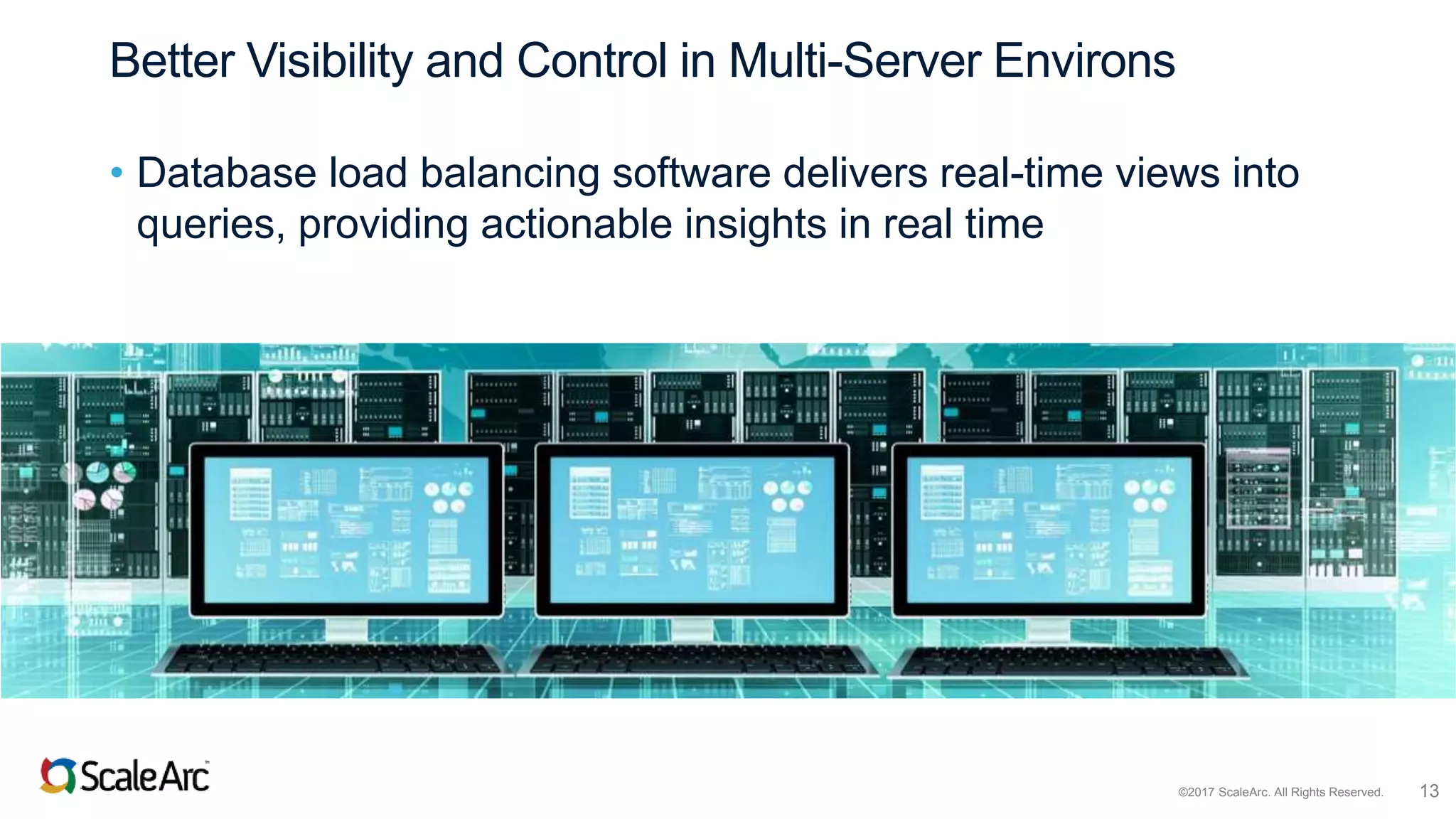
Better Visibility and Control in Multi-Server Environs
• Database load balancing software delivers real-time views into
queries, providing actionable insights in real time
©2017 ScaleArc. All Rights Reserved. 14
A Better Failover Strategy
• Database load balancing software handles
failovers effectively in one data center, across
multiple locations, or to the cloud
– Queues writes once a failover has begun
– Automatically drains the queue once the secondary
server is operating as the new primary
– Routes read queries to other secondary servers for
higher availability and continuity of service
– Avoids application errors during failover, making the
“outage” invisible to users
©2017 ScaleArc. All Rights Reserved. 15
The Numbers Don’t Lie
Customers results using ScaleArc + modern database:
• $188K in savings, in just three minutes
– from avoiding application downtime during database failover
• $2M in increased revenue, every year
– from avoiding downtime from maintenance windows
• $3M in increased revenue, every year
– from doubling website performance
• $320K in savings
– from avoiding dev time recoding for database scaling
• 2x faster app rollout – from dev time avoided
©2017 ScaleArc. All Rights Reserved. 16
Overcoming the Top 5 Challenges to Moving to
SQL Server 2016
Want to learn more? Click here.

Top 5 Challenges to Upgrading to SQL Server 2016

  • 1.
    ©2017 ScaleArc. AllRights Reserved. 1 Top 5 Challenges to Moving to SQL Server 2016 And how to overcome them
  • 2.
    ©2017 ScaleArc. AllRights Reserved. 2 Everyone Wants to Move to Modern SQL • Scale out for more capacity • Auto failover with AlwaysOn • Enhanced security with Always Encrypted • Comprehensive BI capabilities • Fast In-Memory technology • Accelerated hybrid cloud scenarios • PolyBase technology for structured and unstructured data
  • 3.
    ©2017 ScaleArc. AllRights Reserved. 3 But Upgrading is Tough • Application impact • Operational issues • Cost implications
  • 4.
    ©2017 ScaleArc. AllRights Reserved. 4 Challenge 1: Load Balancing and Read/Write Split • AlwaysOn advantages: – Secondary servers not idle; read traffic – Improved hardware utilization – More traffic; faster responses • AlwaysOn challenges: – Requires specific application changes – Random, inconsistent load sharing; not true balancing – Time consuming, expensive appdev work required – No access with off-the-shelf apps
  • 5.
    ©2017 ScaleArc. AllRights Reserved. 5 Challenge 2: Replication-aware Load Balancing • Constant challenges of moving data between primary and secondary servers: – Replication rates – Agreed-upon tolerance threshold – Data accuracy – Modify applications
  • 6.
    ©2017 ScaleArc. AllRights Reserved. 6 Challenge 3: Core-based Licensing Costs • SQL's licensing model proves change isn't cheap – Per-core fees – More cores per socket – More licenses per processor – Secondary servers need licenses, too
  • 7.
    ©2017 ScaleArc. AllRights Reserved. 7 Challenge 4: Lack of Visibility and Control at a Cluster Level • Multi-server structures require easy, accurate diagnostics – but how? – No real-time insight – No comprehensive view – Mediocre analytics
  • 8.
    ©2017 ScaleArc. AllRights Reserved. 8 Challenge 5: Downtime and Failover • Critical components won't failover beyond one data center • Advantage of multiple environments is lost – Virtual Network Name (VNN, or Active Group Listener) itself can failover only within a single data center
  • 9.
    ©2017 ScaleArc. AllRights Reserved. 9 Enter Database Load Balancing It works at the SQL networking layer and offers simple ways to take advantage of AlwaysOn without the hassles that usually come with it.
  • 10.
    ©2017 ScaleArc. AllRights Reserved. 10 Load Balancing and Read/Write Split • Secondary Servers are Powerful! Use them to empower read/write split – No need to modify applications with read-intent strings – ScaleArc’s software automatically directs reads and writes appropriately – Enables fast throughput
  • 11.
    ©2017 ScaleArc. AllRights Reserved. 11 Replication-aware Load Balancing • Understand replication status – Monitors replication lag – Avoids sending traffic to a node that has fallen behind your defined threshold for delay – Never serve stale data again!
  • 12.
    ©2017 ScaleArc. AllRights Reserved. 12 Maximize Asset Utilization for Better Cost Efficiency • Leverage all deployed servers with no app changes – No more idle secondaries • Use app-transparent caching to reduce database load
  • 13.
    ©2017 ScaleArc. AllRights Reserved. 13 Better Visibility and Control in Multi-Server Environs • Database load balancing software delivers real-time views into queries, providing actionable insights in real time
  • 14.
    ©2017 ScaleArc. AllRights Reserved. 14 A Better Failover Strategy • Database load balancing software handles failovers effectively in one data center, across multiple locations, or to the cloud – Queues writes once a failover has begun – Automatically drains the queue once the secondary server is operating as the new primary – Routes read queries to other secondary servers for higher availability and continuity of service – Avoids application errors during failover, making the “outage” invisible to users
  • 15.
    ©2017 ScaleArc. AllRights Reserved. 15 The Numbers Don’t Lie Customers results using ScaleArc + modern database: • $188K in savings, in just three minutes – from avoiding application downtime during database failover • $2M in increased revenue, every year – from avoiding downtime from maintenance windows • $3M in increased revenue, every year – from doubling website performance • $320K in savings – from avoiding dev time recoding for database scaling • 2x faster app rollout – from dev time avoided
  • 16.
    ©2017 ScaleArc. AllRights Reserved. 16 Overcoming the Top 5 Challenges to Moving to SQL Server 2016 Want to learn more? Click here.

Editor's Notes

  • #5 To fully embrace AlwaysOn with its ideal utilization of secondary servers, developers must modify applications support the read-intent string as part of the SQL connection parameters for that traffic to connect to a secondary. let your application know which queries can be sent to a secondary server, Does not support true load balancing within AlwaysOn Redirects a read-intent connection to a random secondary server in the availability group. the database doesn’t know which server is the least loaded or closest to the application asking to make the connection, which really matters when the secondary servers are located across separate networks for disaster recovery (DR) or high availability (HA). All this intelligence is very hard to code into the application and requires considerable maintenance whenever you add or remove servers to the availability group. Because these application modifications represent fundamental architectural changes, they can take hundreds of hours of application developer time to complete. They also require extensive testing to validate how the code works in the complicated AlwaysOn environment. Unfortunately, proprietary off-the-shelf applications can’t be optimized at all in this way, since you typically don’t get source code access to those applications.
  • #10 Enter database load balancing software. It works at the SQL networking layer and offers simple ways to take advantage of AlwaysOn without the hassles that usually come with it.   How to hit the happy medium:
  • #11 Don't allow your secondary servers to play second fiddle. They should be processing read traffic -- and without modifying apps first. Load balancing sw sits between apps and the db and requires no mods to apps. It knows the difference between read and write queries and shares the load between servers making traffic fast and efficient.
  • #12 Replication lag is an unavoidable fact that creates data inconsistencies and applications don't make it easy to fix. Primary and secondary servers are never exactly in sync. But db load balancing sw monitors replication and load balancing and even notifies admins of the cause.
  • #13 Core-based licensing makes modern SQL expensive. But load balancing sw means companies need fewer cores. Secondary servers are made to work harder and repetitive queries are cached so db servers process fewer of them.
  • #14 Modern SQL's multi-server environment makes visibility even more challenging. Want a comprehensive picture of what's happening across a system? Good luck. But db load balancing sw offers real-time views into queries and analytics allowing ops teams to react accordingly in real time.
  • #15 If your 'failover architecture' is failing you because it doesn't go beyond one data center, migrate load from one center to another with seamless db load bearing sw. Get true and fast read/write split that's easier and more effective.  --