Downloaded 15 times
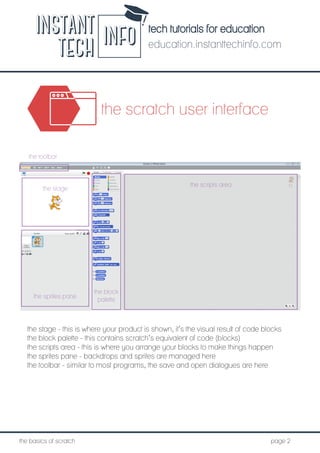
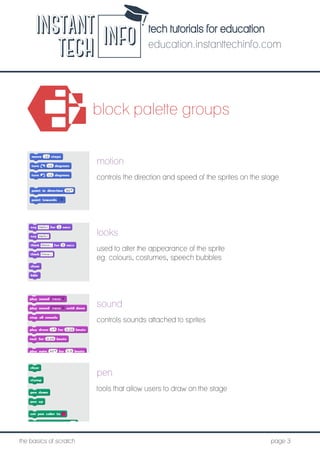
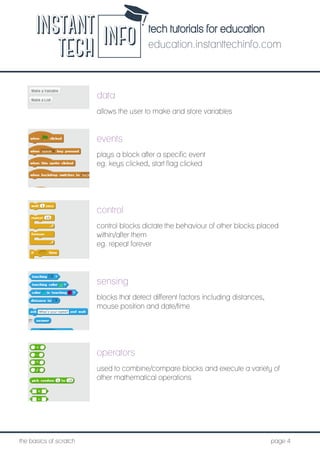

The document provides an overview of the Scratch programming environment, detailing its user interface components such as the stage, block palette, scripts area, sprites pane, and toolbar. It also explains various block types including looks, motion, sound, control, events, and operators that facilitate programming and manipulation of sprites. The resource serves as a foundational guide for users new to Scratch, emphasizing its educational application.


![Getting Started with Apache Spark: Big Data Made Simple [Free Meetup]](https://cdn.slidesharecdn.com/ss_thumbnails/apachesparkgettingstarted-260203175547-8361bcc3-thumbnail.jpg?width=640&height=640&fit=bounds)


