The Secret Sauce Behind
{Binding} in XAML
Brendon Page
{Overview}
• What is binding
• Why is it difficult
• Adding some Context
• Behind the scenes
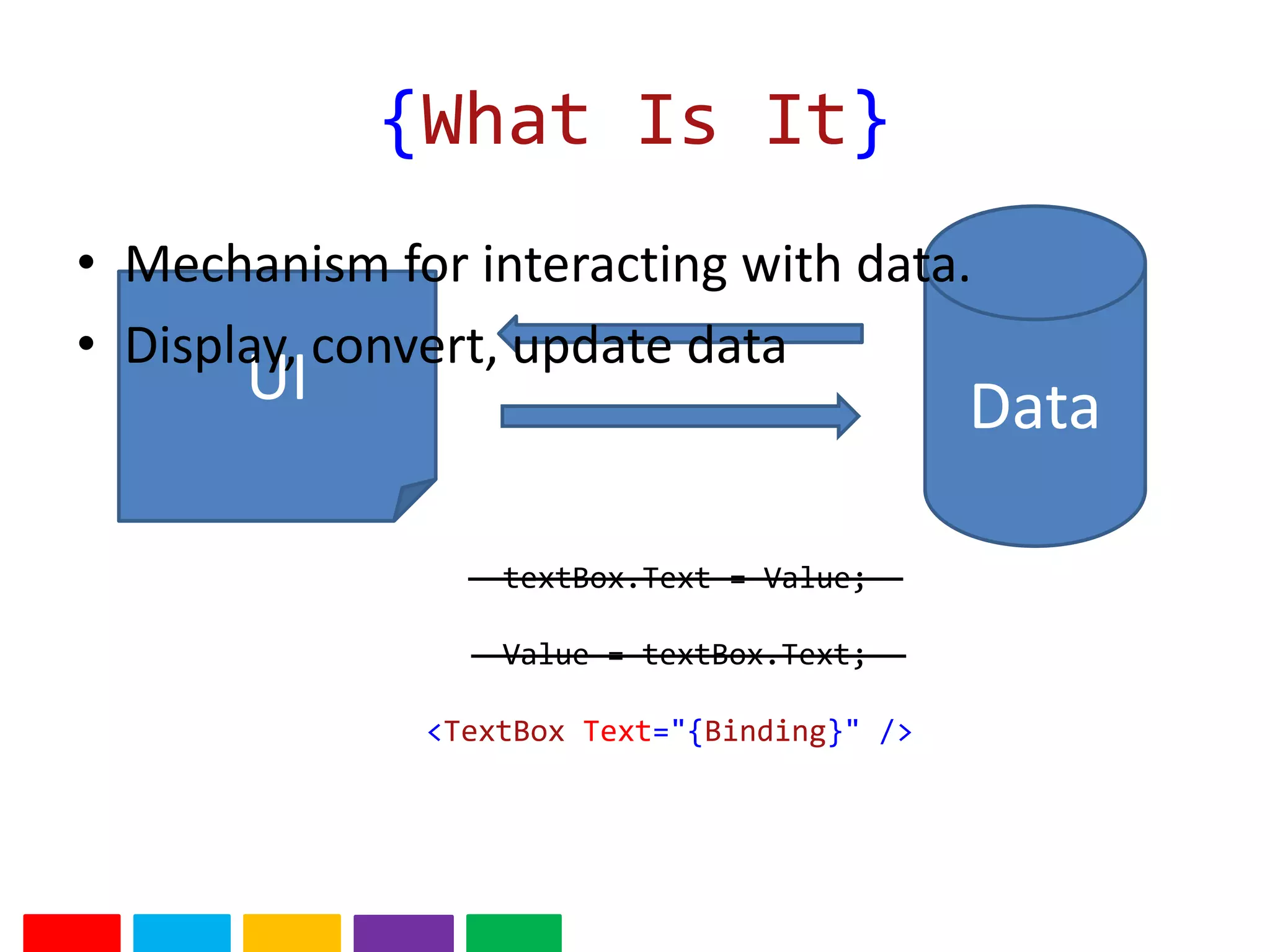
{What Is It}
DataUI
textBox.Text = Value;
Value = textBox.Text;
<TextBox Text="{Binding}" />
• Mechanism for interacting with data.
• Display, convert, update data
{Quick Demo}
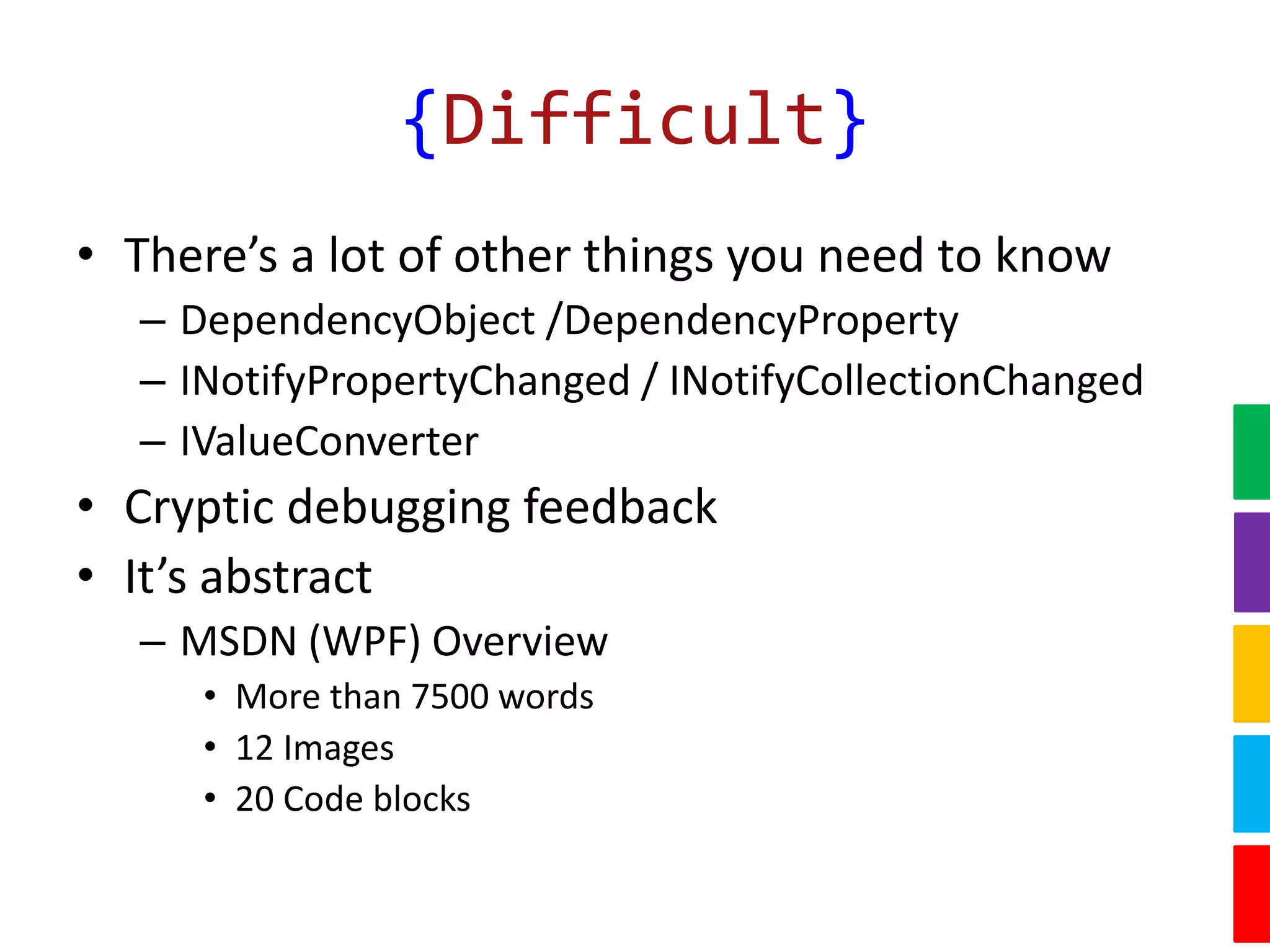
{Difficult}
• There’s a lot of other things you need to know
– DependencyObject /DependencyProperty
– INotifyPropertyChanged / INotifyCollectionChanged
– IValueConverter
• Cryptic debugging feedback
• It’s abstract
– MSDN (WPF) Overview
• More than 7500 words
• 12 Images
• 20 Code blocks
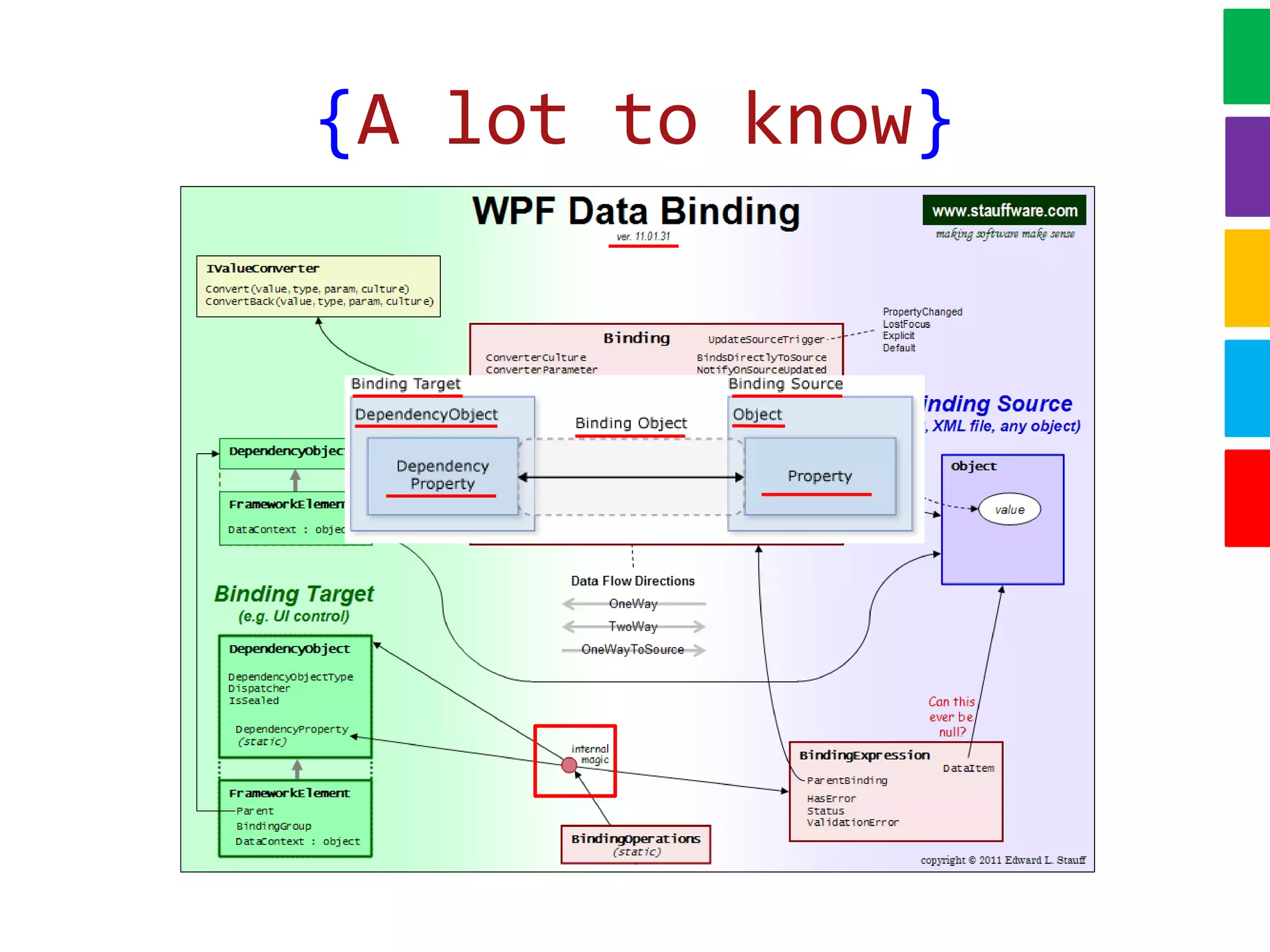
{A lot to know}
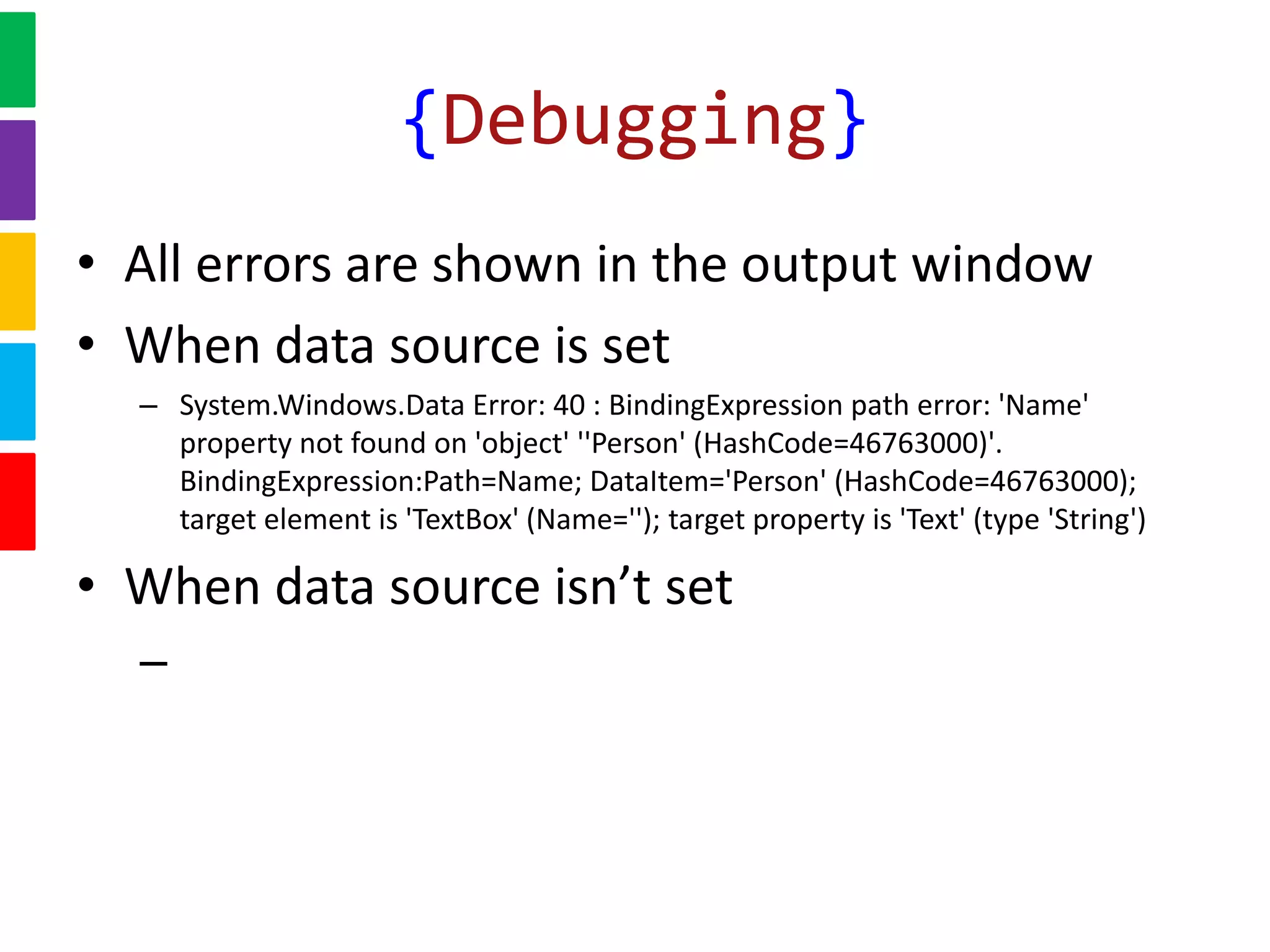
• All errors are shown in the output window
• When data source is set
– System.Windows.Data Error: 40 : BindingExpression path error: 'Name'
property not found on 'object' ''Person' (HashCode=46763000)'.
BindingExpression:Path=Name; DataItem='Person' (HashCode=46763000);
target element is 'TextBox' (Name=''); target property is 'Text' (type 'String')
• When data source isn’t set
–
{Debugging}
{Quick Demo}
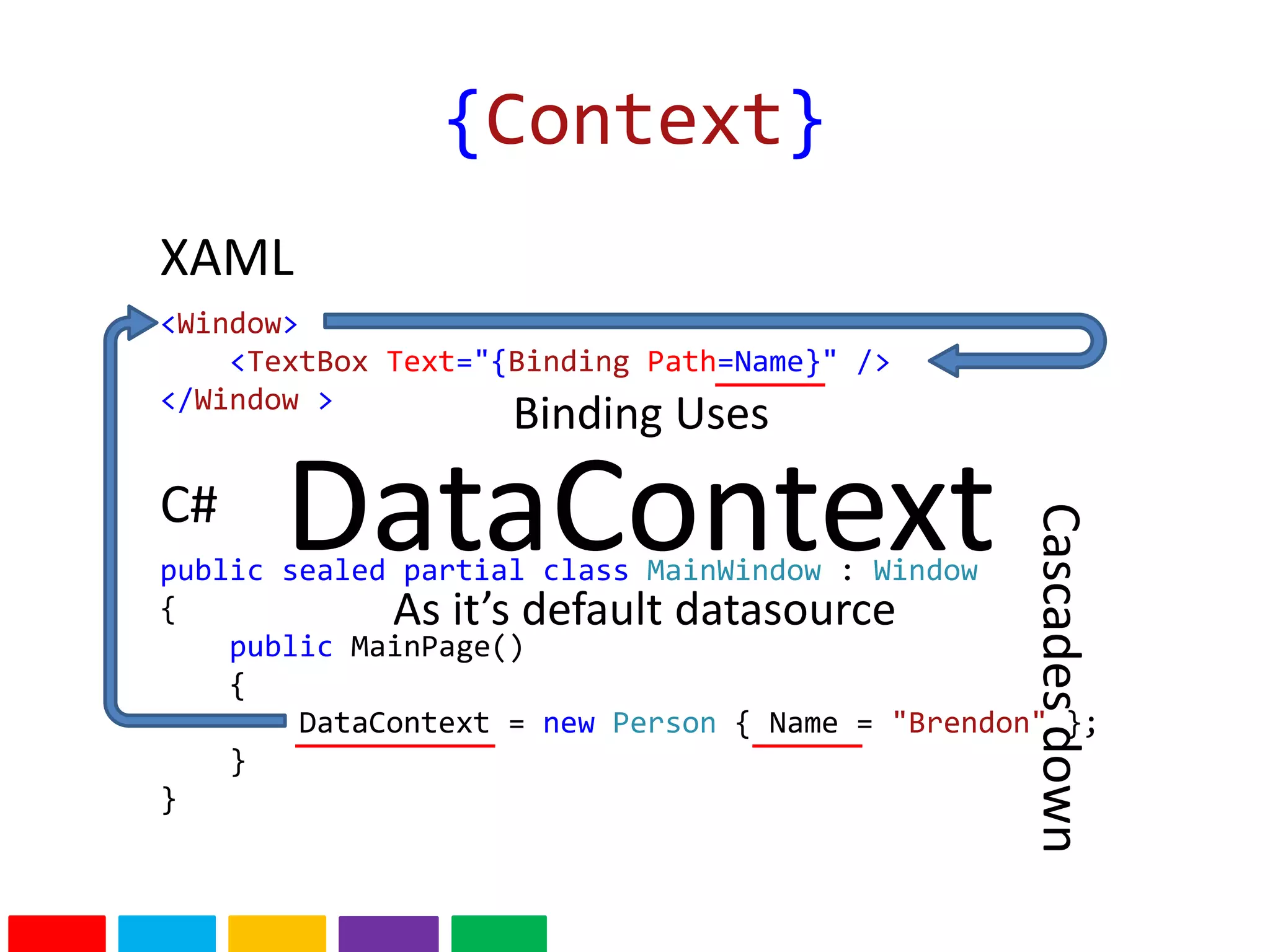
{Context}
<Window>
<TextBox Text="{Binding Path=Name}" />
</Window >
public sealed partial class MainWindow : Window
{
public MainPage()
{
DataContext = new Person { Name = "Brendon" };
}
}
XAML
C# DataContext
Binding Uses
As it’s default datasource
Cascadesdown
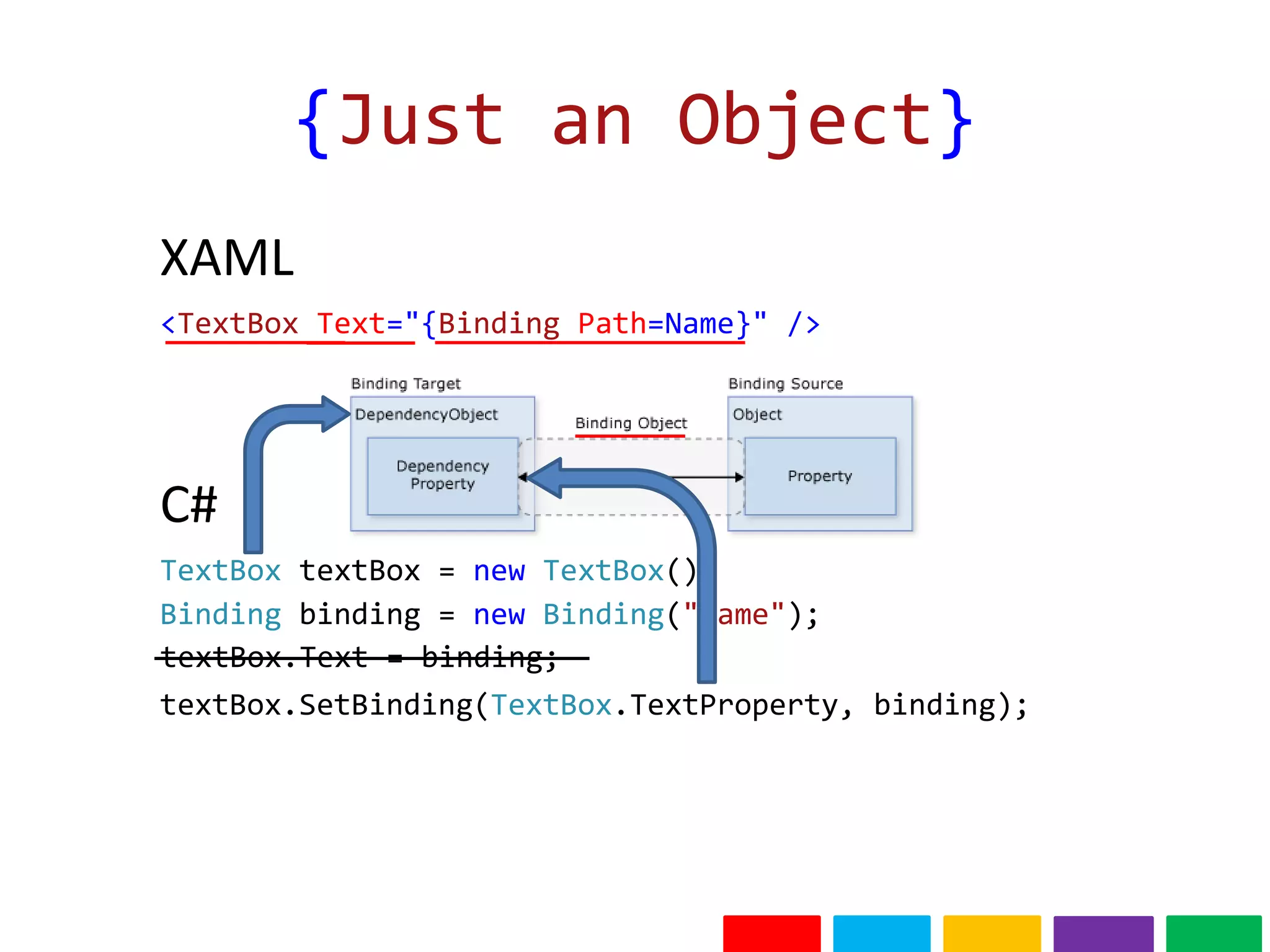
{Just an Object}
<TextBox Text="{Binding Path=Name}" />
XAML
TextBox textBox = new TextBox();
C#
Binding binding = new Binding("Name");
textBox.SetBinding(TextBox.TextProperty, binding);
textBox.Text = binding;
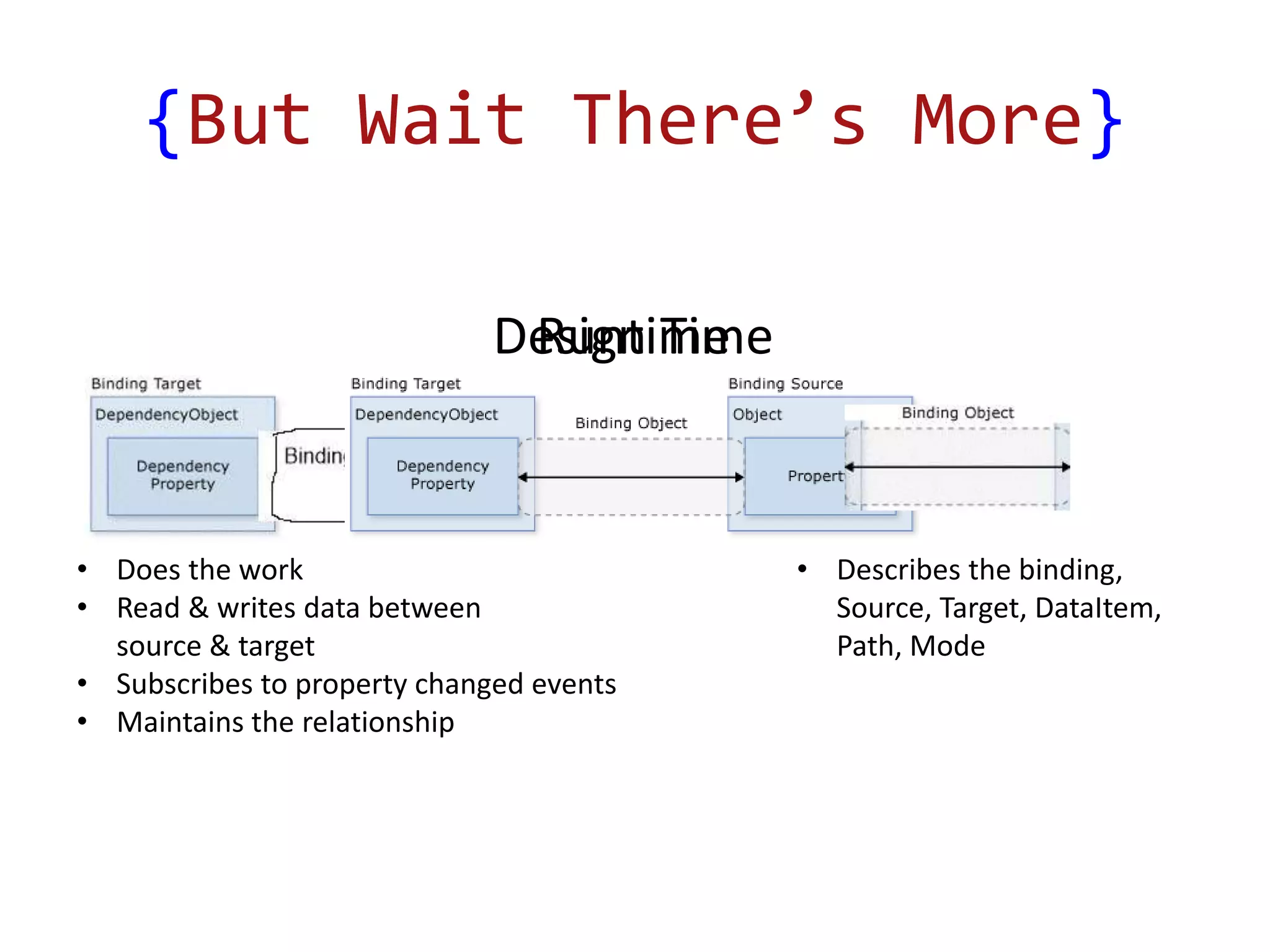
Design Time
{But Wait There’s More}
Runtime
• Does the work
• Read & writes data between
source & target
• Subscribes to property changed events
• Maintains the relationship
• Describes the binding,
Source, Target, DataItem,
Path, Mode
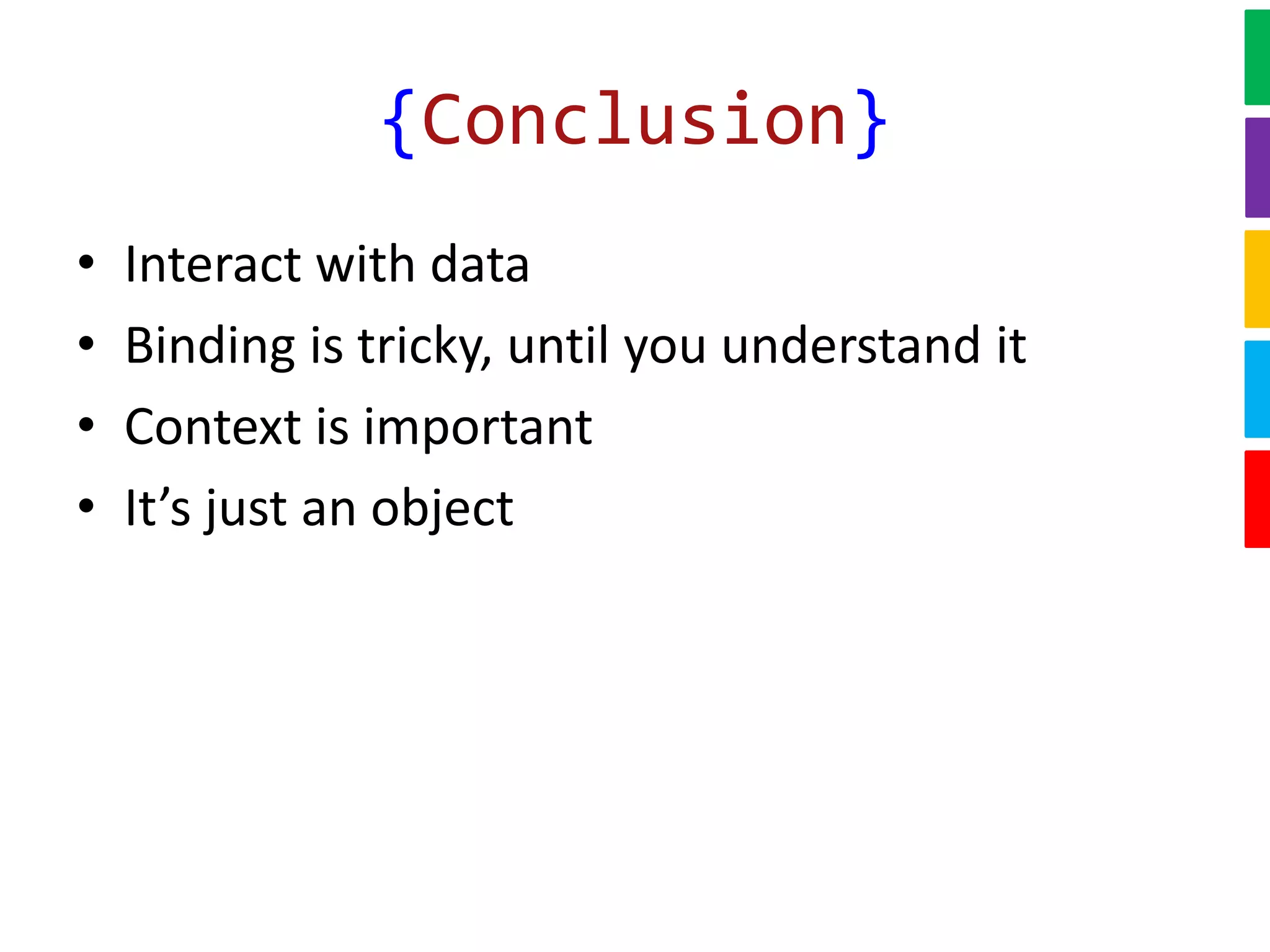
{Conclusion}
• Interact with data
• Binding is tricky, until you understand it
• Context is important
• It’s just an object

The secret sauce behind {binding} in xaml

  • 1.
    The Secret SauceBehind {Binding} in XAML Brendon Page
  • 2.
    {Overview} • What isbinding • Why is it difficult • Adding some Context • Behind the scenes
  • 3.
    {What Is It} DataUI textBox.Text= Value; Value = textBox.Text; <TextBox Text="{Binding}" /> • Mechanism for interacting with data. • Display, convert, update data
  • 4.
  • 5.
    {Difficult} • There’s alot of other things you need to know – DependencyObject /DependencyProperty – INotifyPropertyChanged / INotifyCollectionChanged – IValueConverter • Cryptic debugging feedback • It’s abstract – MSDN (WPF) Overview • More than 7500 words • 12 Images • 20 Code blocks
  • 6.
    {A lot toknow}
  • 7.
    • All errorsare shown in the output window • When data source is set – System.Windows.Data Error: 40 : BindingExpression path error: 'Name' property not found on 'object' ''Person' (HashCode=46763000)'. BindingExpression:Path=Name; DataItem='Person' (HashCode=46763000); target element is 'TextBox' (Name=''); target property is 'Text' (type 'String') • When data source isn’t set – {Debugging}
  • 8.
  • 9.
    {Context} <Window> <TextBox Text="{Binding Path=Name}"/> </Window > public sealed partial class MainWindow : Window { public MainPage() { DataContext = new Person { Name = "Brendon" }; } } XAML C# DataContext Binding Uses As it’s default datasource Cascadesdown
  • 10.
    {Just an Object} <TextBoxText="{Binding Path=Name}" /> XAML TextBox textBox = new TextBox(); C# Binding binding = new Binding("Name"); textBox.SetBinding(TextBox.TextProperty, binding); textBox.Text = binding;
  • 11.
    Design Time {But WaitThere’s More} Runtime • Does the work • Read & writes data between source & target • Subscribes to property changed events • Maintains the relationship • Describes the binding, Source, Target, DataItem, Path, Mode
  • 12.
    {Conclusion} • Interact withdata • Binding is tricky, until you understand it • Context is important • It’s just an object

Editor's Notes

  • #4 How you’d do it manually. Notice how NO value is specified.
  • #6 Abstract? Code path isn’t clear unless you know how it works.
  • #7 Just to give you an idea of the “other” things you need to know.
  • #11 Take a look at what happening behind the scenes. Markup extension.