The Gamut of
Agenda
• Google—searching and “collections”
• Google tools
• Applying Google tools day to day
• Collaborating with Google
• Resources
Google like a Librarian
“Google well. Google Knowledgably. Google
  creatively. Google like a Librarian.”
                       --Jill Cirasella, 2008
Googling like a librarian involves:
• Knowing when to use Google
• Choosing the appropriate Google tool
• Using that tool effectively and efficiently
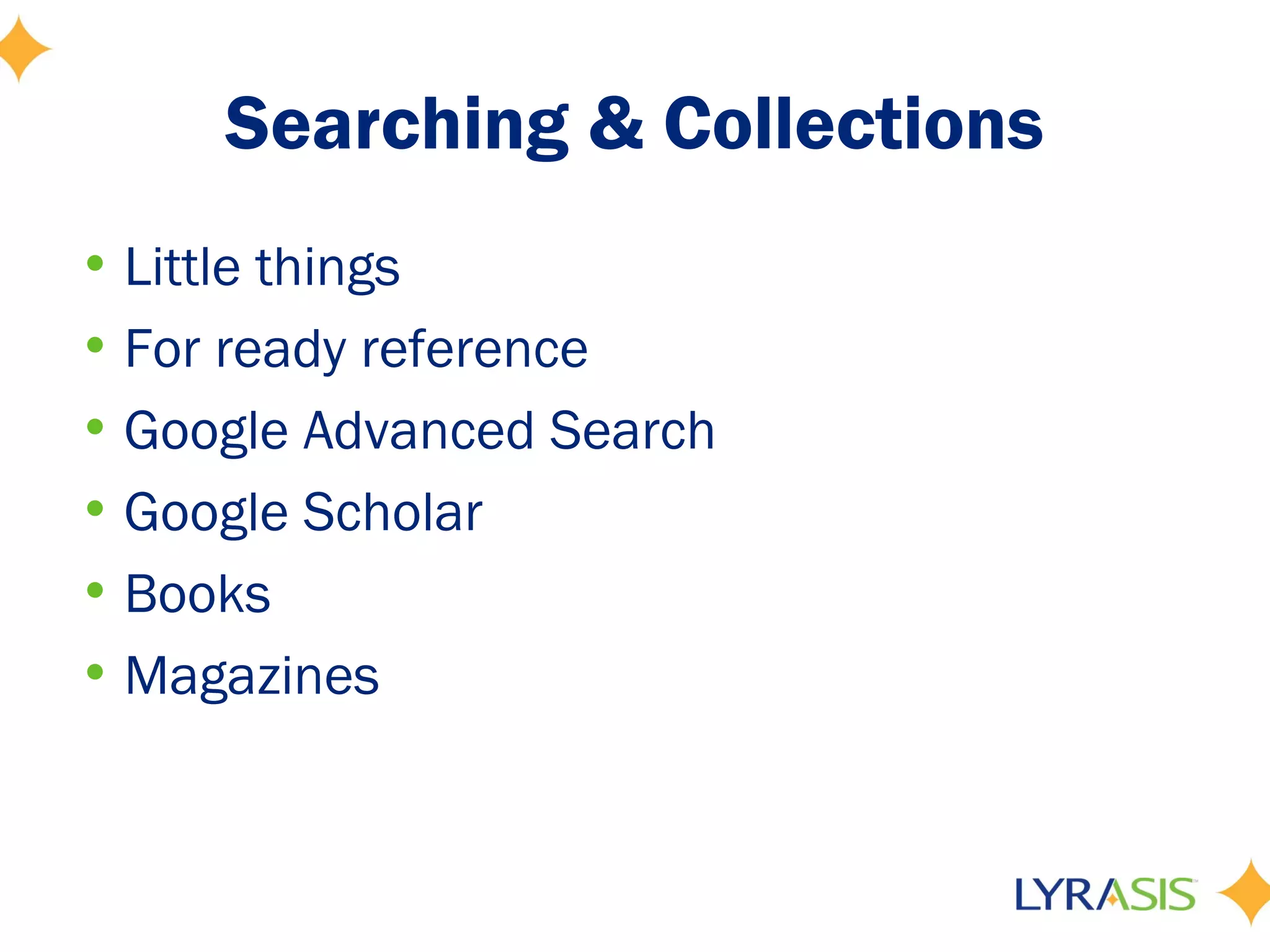
Searching & Collections
• Little things
• For ready reference
• Google Advanced Search
• Google Scholar
• Books
• Magazines
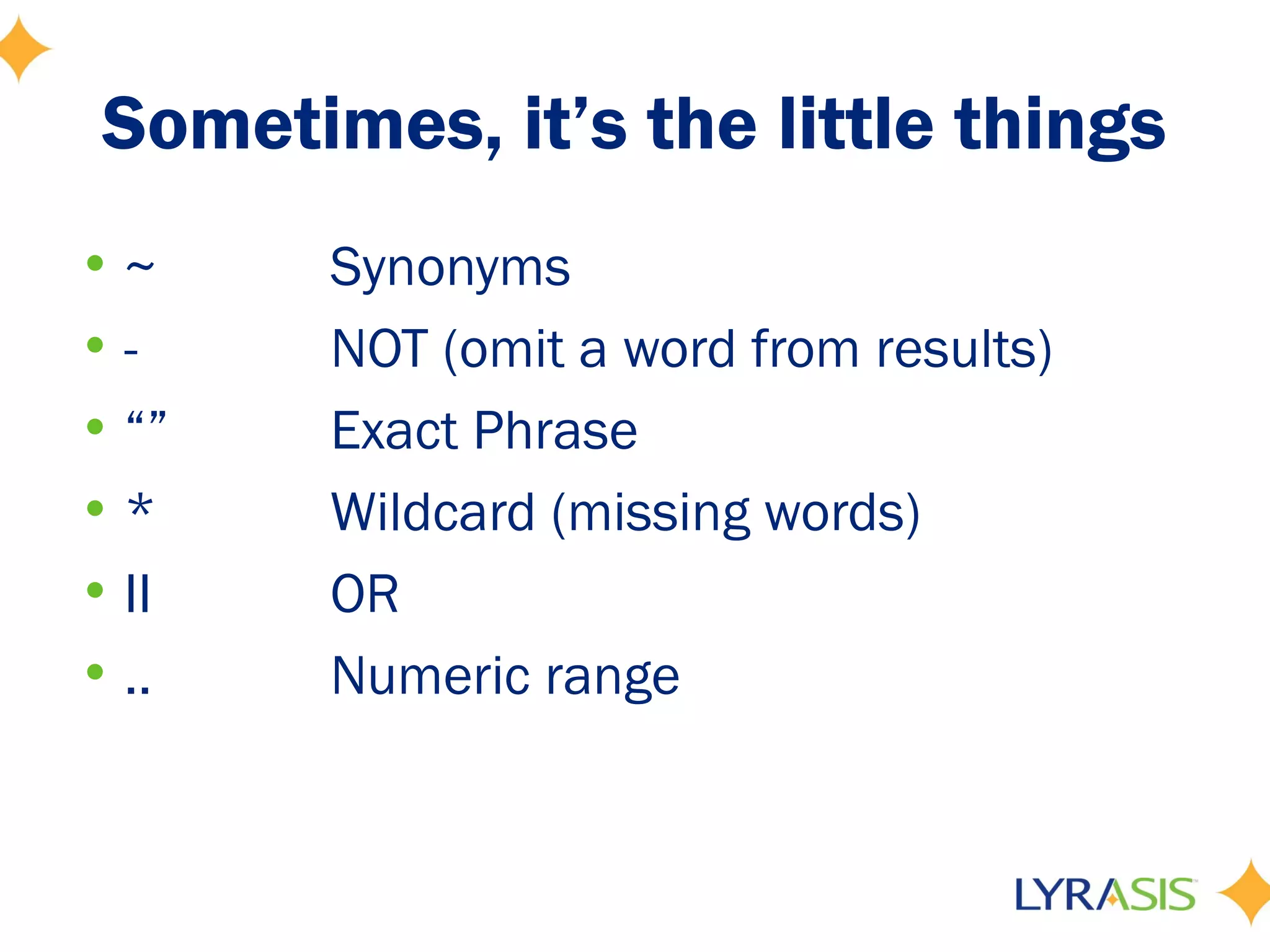
Sometimes, it’s the little things
•~      Synonyms
•-      NOT (omit a word from results)
• “”    Exact Phrase
•*      Wildcard (missing words)
• II    OR
• ..    Numeric range
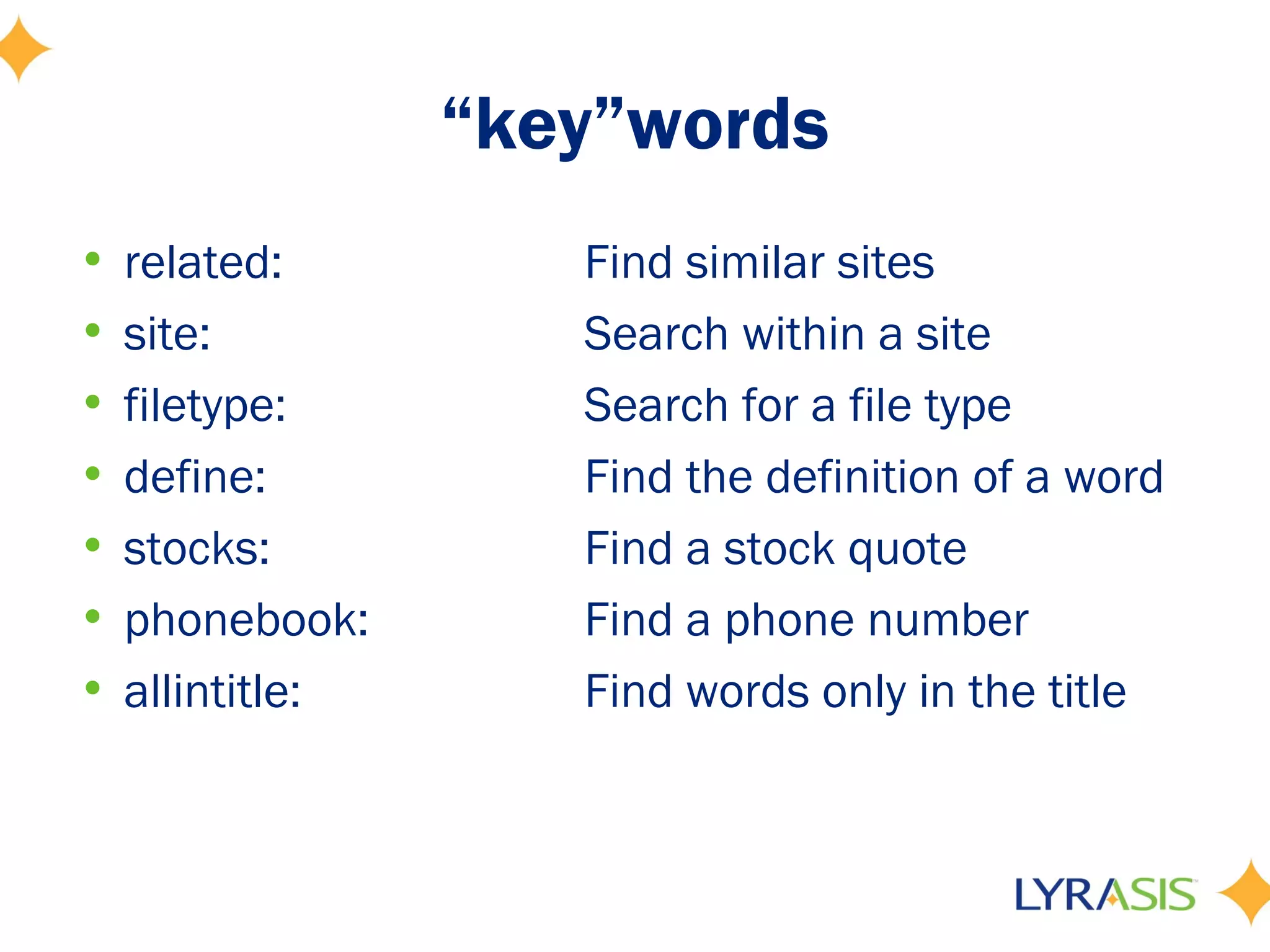
“key”words
• related:         Find similar sites
• site:            Search within a site
• filetype:        Search for a file type
• define:          Find the definition of a word
• stocks:          Find a stock quote
• phonebook:       Find a phone number
• allintitle:      Find words only in the title
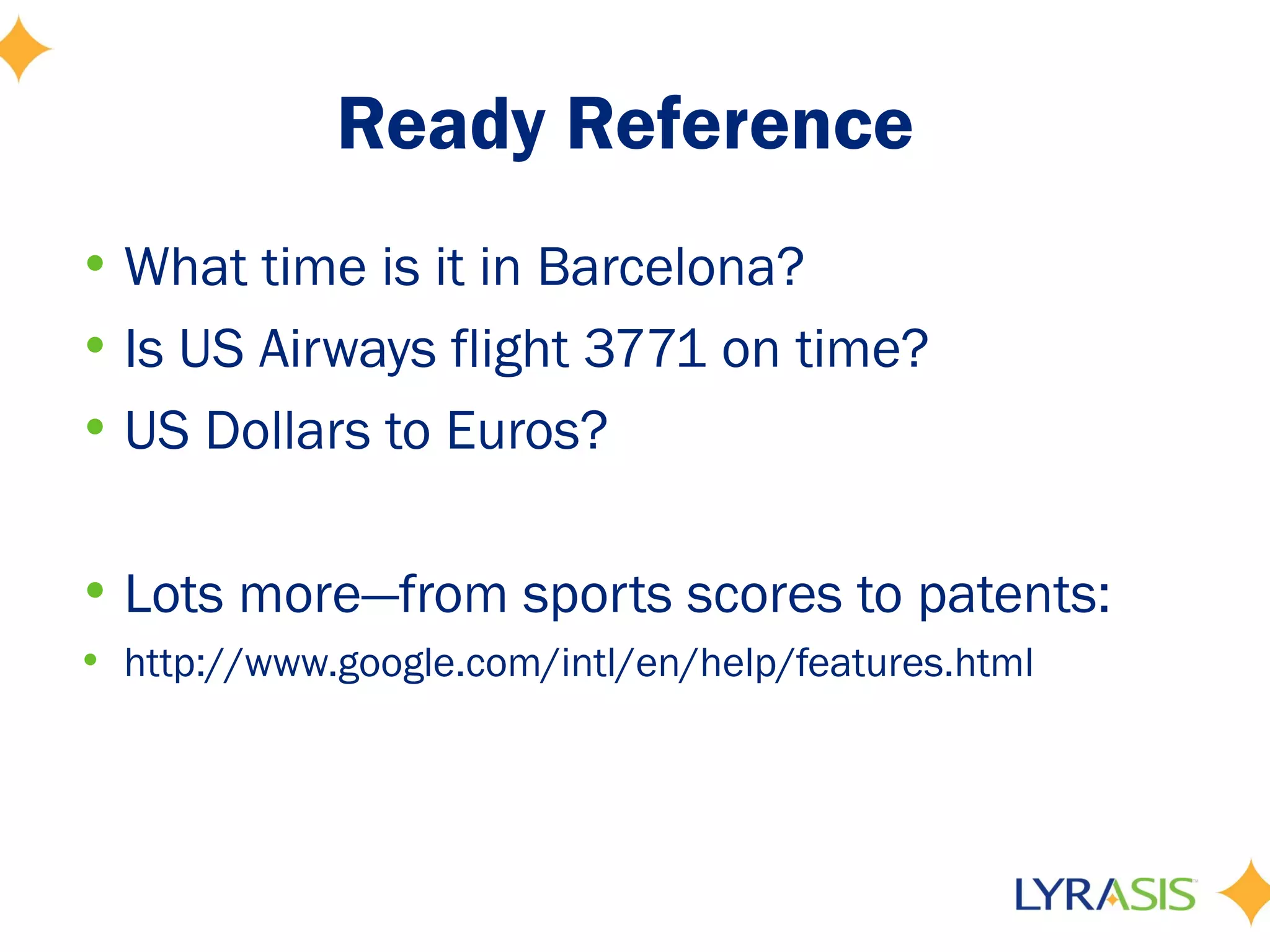
Ready Reference
• What time is it in Barcelona?
• Is US Airways flight 3771 on time?
• US Dollars to Euros?

• Lots more—from sports scores to patents:
• http://www.google.com/intl/en/help/features.html
Google Advanced Search
• “My biology teacher wants me to find out
  more about the government’s
  nanotechnology research initiatives”

• Limit to government information
Google Books
• For that last minute reading need-
• “I really need to read Dante’s Inferno by 3
  PM tomorrow. All your copies are out, and it
  isn’t at the bookstore anymore!”
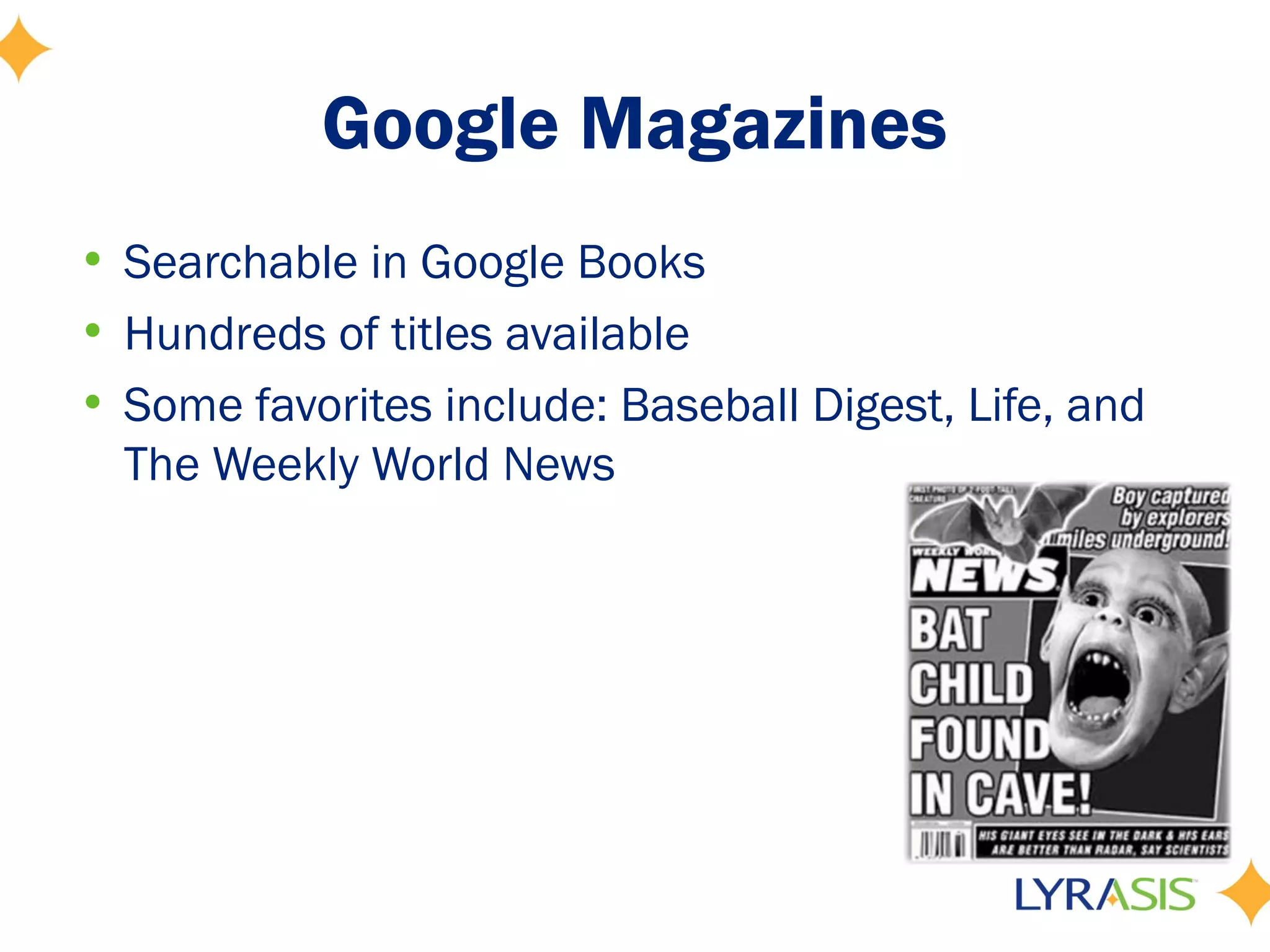
Google Magazines
• Searchable in Google Books
• Hundreds of titles available
• Some favorites include: Baseball Digest, Life, and
  The Weekly World News
Google Scholar
• “My book manuscript is due to the publisher today!
  Can you please help me find this citation—the
  article is by Lanting and its something to do with
  dating cremated bone!”

• Sound familiar?
• Google Scholar
• http://www.google.com/scholar
Google News & Genealogy
• Google News Search
• http://news.google.com/
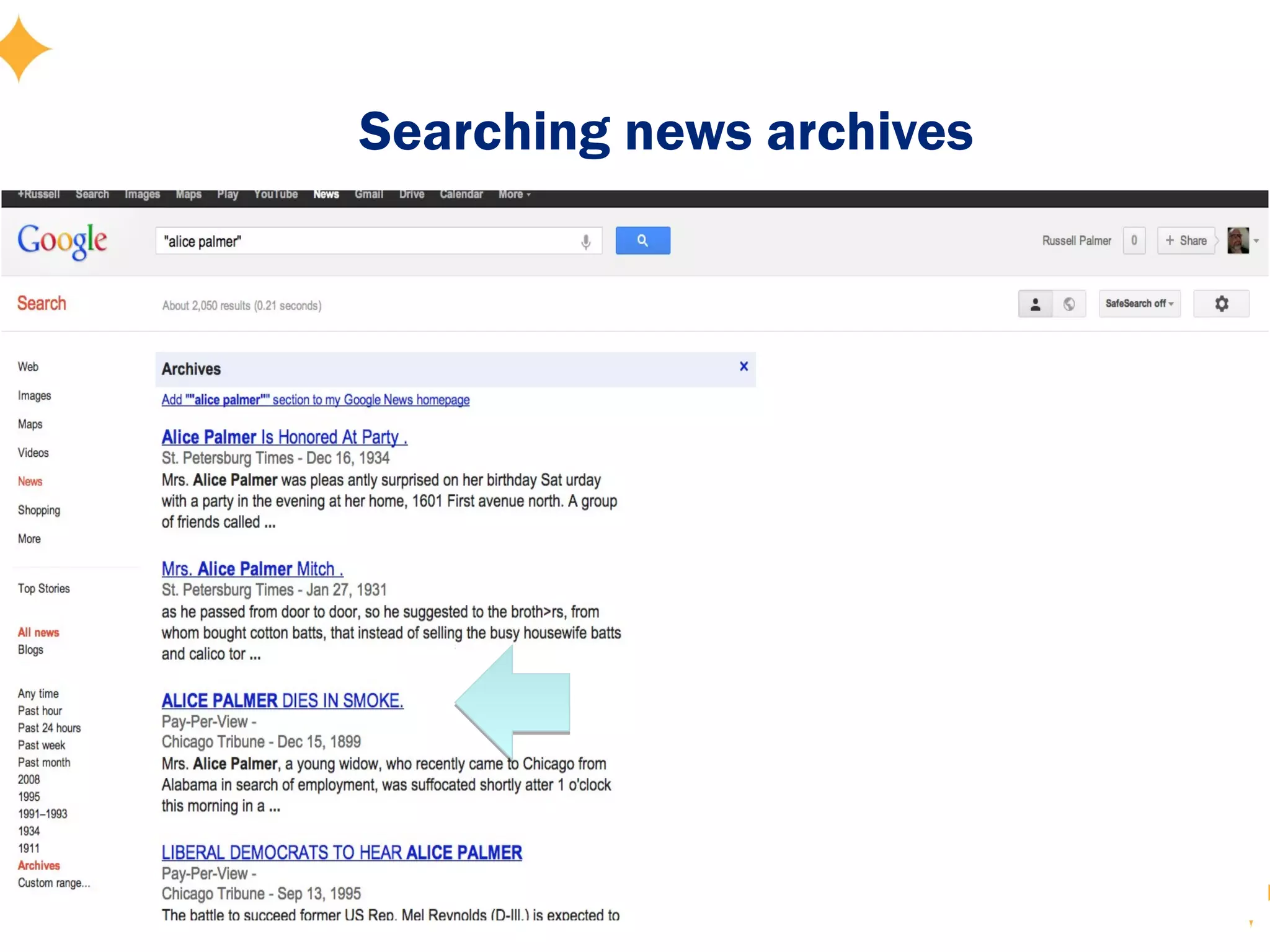
• Has a news archive functionality

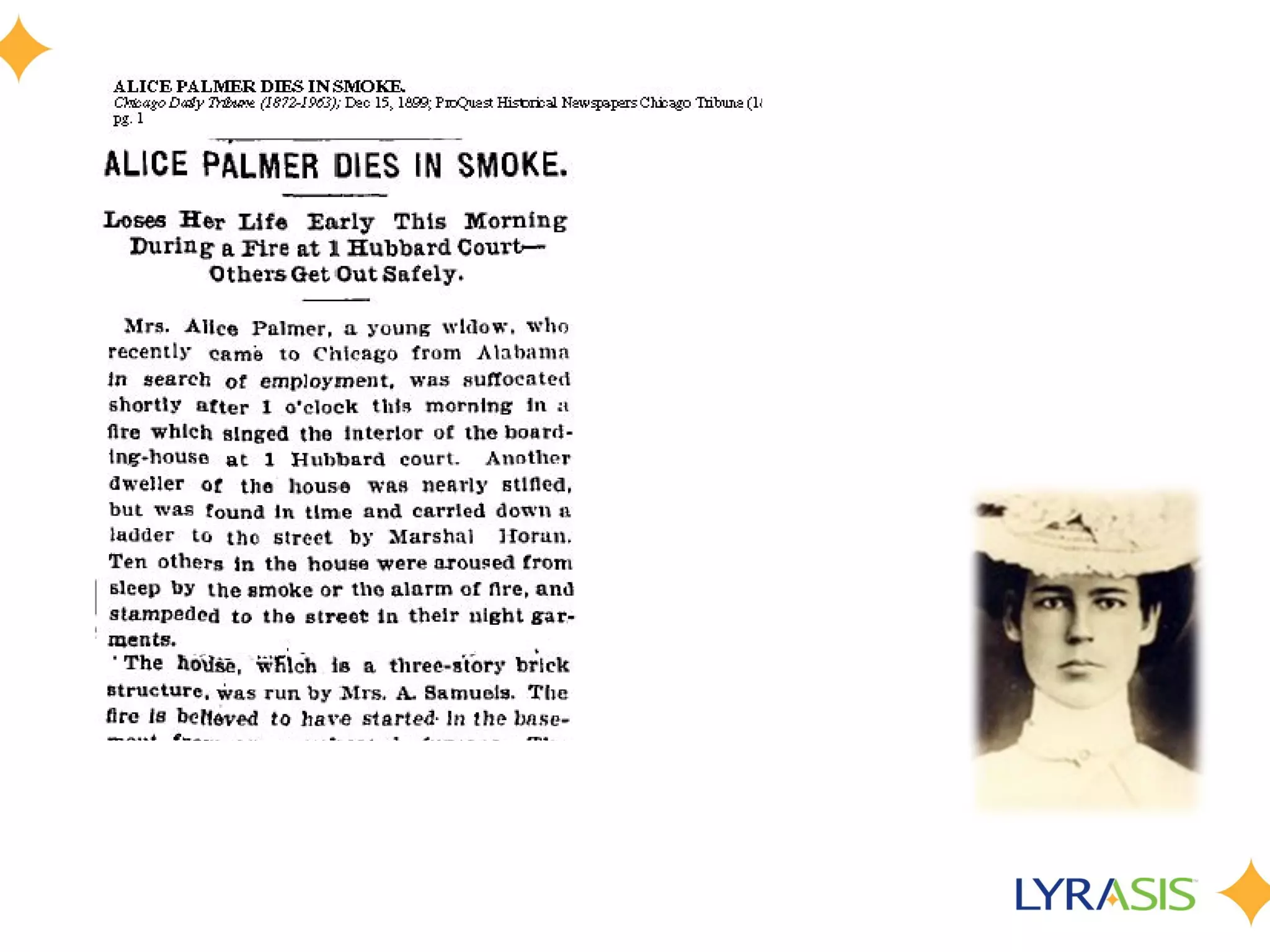
• “My dear Great, Great Grandmother Alice
  sadly met her death in a fire in Chicago in
  the 1890’s. Can you help me find
  information about that fire?”
Searching news archives


        Relative!


                          14
Testimonials
• Let’s share some “Google saved the day”
  searching stories!
Some Google tools
•    http://www.google.com/intl/en/about/products/index.html

• What are you using already?
• What haven’t you seen before? Take 15 minutes and explore this url.
  Look at 3 Google tools that are new to you. Place your comments in the
  chat.
Google tools
•   Books             •   Trends
•   Calendar          •   News
•   Chat              •   Reader
•   Chrome            •   Plus
•   Docs              •   Scholar
•   Earth             •   Magazines
•   Finance           •   Drive
•   Gmail             •   igoogle
Google tools for collaboration
• Back office operations
• Collaborating at a distance
• Sharing or surveying patrons
• With other librarians, teachers, professors,
  faculty, community
Google Drive
• Store files in multiple formats
  – 5GB free, 25 GB, $2.50/mo.
• Download Google Drive software to manage
  files between PC and Drive
• Manage and share files and documents “in
  the cloud”
• Collaborate
Google Documents
• Create, edit and store:
• Forms
• Spreadsheets
• Documents
• Presentations
Communicating with Google
• Google Chat
• Google Voice
• Google +
• Google Meet Up
Google Forms for surveys and
          assessments
• Quick and easy to create
• Multiple question/response formats
• Aggregates data in both visual and
  spreadsheet formats
Questions? Comments?
The bigger picture-Google for
           Non-Profits
• Non profits must apply
• Benefits:
• Free or discounted version of Google Apps for your
  organization
• Free Adwords advertising
• Premium branding and increased uploads on
  YouTube
• Free licensing for Google Earth and Maps API
• http://www.google.com/nonprofits/
Keeping up with Google
• The Official Google Blog
• http://googleblog.blogspot.com/

• Lifehacker
• http://lifehacker.com/
  – A general technology blog, with good articles on
    Google
Keeping up with Google
• Wired
  – http://www.wired.com/
• Often has Google related columns and
  features

• Google InsideSearch
  – http://www.google.com/insidesearch/
Thank You for Attending!
        • Questions?
        • Educational Services
        • 1.800.999.8558
        • e-mail:
          russell.palmer@lyrasis.org
        • Web: http://www.lyrasis.org

The Gamut of Google (AFPL)

  • 1.
  • 2.
    Agenda • Google—searching and“collections” • Google tools • Applying Google tools day to day • Collaborating with Google • Resources
  • 3.
    Google like aLibrarian “Google well. Google Knowledgably. Google creatively. Google like a Librarian.” --Jill Cirasella, 2008
  • 4.
    Googling like alibrarian involves: • Knowing when to use Google • Choosing the appropriate Google tool • Using that tool effectively and efficiently
  • 5.
    Searching & Collections •Little things • For ready reference • Google Advanced Search • Google Scholar • Books • Magazines
  • 6.
    Sometimes, it’s thelittle things •~ Synonyms •- NOT (omit a word from results) • “” Exact Phrase •* Wildcard (missing words) • II OR • .. Numeric range
  • 7.
    “key”words • related: Find similar sites • site: Search within a site • filetype: Search for a file type • define: Find the definition of a word • stocks: Find a stock quote • phonebook: Find a phone number • allintitle: Find words only in the title
  • 8.
    Ready Reference • Whattime is it in Barcelona? • Is US Airways flight 3771 on time? • US Dollars to Euros? • Lots more—from sports scores to patents: • http://www.google.com/intl/en/help/features.html
  • 9.
    Google Advanced Search •“My biology teacher wants me to find out more about the government’s nanotechnology research initiatives” • Limit to government information
  • 10.
    Google Books • Forthat last minute reading need- • “I really need to read Dante’s Inferno by 3 PM tomorrow. All your copies are out, and it isn’t at the bookstore anymore!”
  • 11.
    Google Magazines • Searchablein Google Books • Hundreds of titles available • Some favorites include: Baseball Digest, Life, and The Weekly World News
  • 12.
    Google Scholar • “Mybook manuscript is due to the publisher today! Can you please help me find this citation—the article is by Lanting and its something to do with dating cremated bone!” • Sound familiar? • Google Scholar • http://www.google.com/scholar
  • 13.
    Google News &Genealogy • Google News Search • http://news.google.com/ • Has a news archive functionality • “My dear Great, Great Grandmother Alice sadly met her death in a fire in Chicago in the 1890’s. Can you help me find information about that fire?”
  • 14.
  • 16.
    Testimonials • Let’s sharesome “Google saved the day” searching stories!
  • 17.
    Some Google tools • http://www.google.com/intl/en/about/products/index.html • What are you using already? • What haven’t you seen before? Take 15 minutes and explore this url. Look at 3 Google tools that are new to you. Place your comments in the chat.
  • 18.
    Google tools • Books • Trends • Calendar • News • Chat • Reader • Chrome • Plus • Docs • Scholar • Earth • Magazines • Finance • Drive • Gmail • igoogle
  • 19.
    Google tools forcollaboration • Back office operations • Collaborating at a distance • Sharing or surveying patrons • With other librarians, teachers, professors, faculty, community
  • 20.
    Google Drive • Storefiles in multiple formats – 5GB free, 25 GB, $2.50/mo. • Download Google Drive software to manage files between PC and Drive • Manage and share files and documents “in the cloud” • Collaborate
  • 21.
    Google Documents • Create,edit and store: • Forms • Spreadsheets • Documents • Presentations
  • 22.
    Communicating with Google •Google Chat • Google Voice • Google + • Google Meet Up
  • 23.
    Google Forms forsurveys and assessments • Quick and easy to create • Multiple question/response formats • Aggregates data in both visual and spreadsheet formats
  • 24.
  • 25.
    The bigger picture-Googlefor Non-Profits • Non profits must apply • Benefits: • Free or discounted version of Google Apps for your organization • Free Adwords advertising • Premium branding and increased uploads on YouTube • Free licensing for Google Earth and Maps API • http://www.google.com/nonprofits/
  • 26.
    Keeping up withGoogle • The Official Google Blog • http://googleblog.blogspot.com/ • Lifehacker • http://lifehacker.com/ – A general technology blog, with good articles on Google
  • 27.
    Keeping up withGoogle • Wired – http://www.wired.com/ • Often has Google related columns and features • Google InsideSearch – http://www.google.com/insidesearch/
  • 28.
    Thank You forAttending! • Questions? • Educational Services • 1.800.999.8558 • e-mail: russell.palmer@lyrasis.org • Web: http://www.lyrasis.org

Editor's Notes

  • #4 Jill Cirasella is a computational sciences specialist at brooklyn college library with a great interest in libraries and research and has published and presented extensively on using google for reference work in libraries.
  • #7 Wildcard, missing words not truncation OR Google automatically ANDS ~library miami –dolphins “she walks in beauty like the night” nancy and the * boys “google search” || “yahoo search” “:”
  • #8 Related: www.imdb.com site:akc.org jack russell filetype: pdf coca cola annual report define:irony stocks:aapl phonebook:dennis palmer 678 all in title:theres no place like home
  • #9 What time is it in barcelona -- us airways 3771 --us dollar to euro
  • #10 Nantechnology cancer treatment
  • #13 Lanting cremated bone
  • #18 http://www.google.com/intl/en/options/