What is Text?
Accordingto Rose (2015), a text is any
“human-readable sequence of characters or
even glyphs which are associated with ancient
writing culture. Text, when used in information
technology, is distinct from “noncharacter
encoded data, such as graphics images in the
form of bitmaps and program code.”
3.
What is Text?
TheTextual medium offers an easier and more
flexible use in terms of content production, which is
why it is ideal for learning. Text is one of the
elements of multimedia products that can then be
combined with several other elements to present
information and create an impression or impact
(Parekh, 2006).
4.
Types of Texts“Categorization of Text”
(Parekh, 2006)
Plaintext – Consisting of fixed sized characters having
essentially the same type of appearance.
Formatted text – appearance can be changed using
font parameters
Hypertext – serve to link different electronic documents
and enable users to jump from one to the other in a
nonlinear way.
The Anatomy ofFonts
Before we delve into the world of font types and font
styles, it can be helpful to understand a few things about
the anatomy of type. All fonts sit on an invisible plane
called a baseline—think of it as the blue lines on your
loose leaf paper—and have an invisible center line
called a mean line.
7.
The Anatomy ofFonts
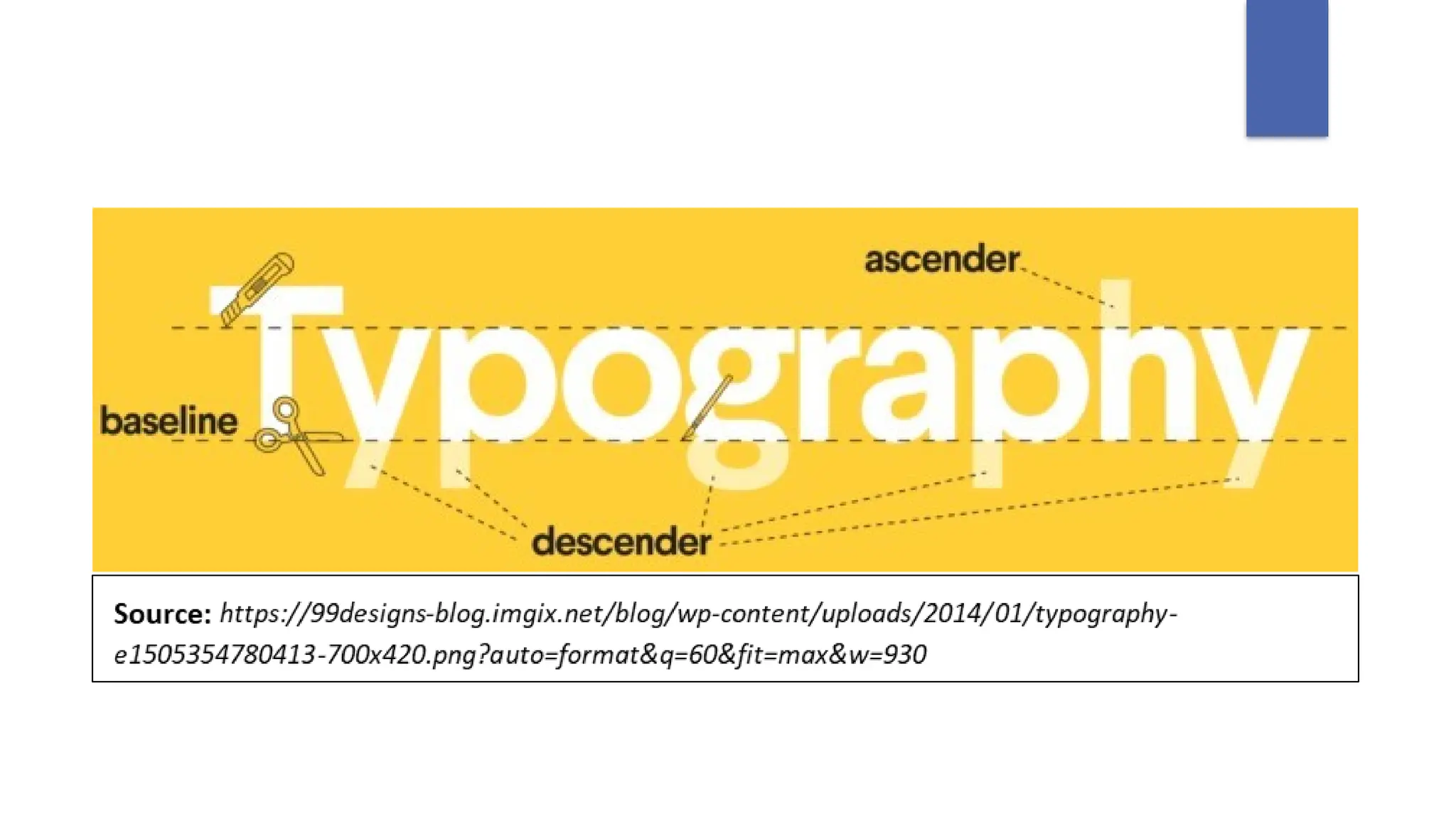
The cap height is the top plane of a capital letter, like
the straight line on the top of a capital T. The cross bar is
the line in the center that crosses a capital H or A. Some
letters, like a lowercase h or b have what’s called an
ascender, a line that crosses above the mean line.
Others have descenders, which—you guessed it!—drop
below the baseline. Classic descenders are the little loop
on a lowercase g or the lower half of a y.
FIVE (5) TYPESOF FONTS
Serif fonts
Serif fonts are the most classic, original fonts. They are named for
the little feet at the top and bottom of the letterforms. Serifs date
back to the Romans who flared their brushstrokes out at the
top and bottom, creating what we now know as serifs. Serif
typefaces came into vogue in the 15th century and held court for
three hundred years. Even within this one designation, there are
tons of smaller classifications (Old Style, Classical,
NeoClassical, Transitional, to name a few).
11.
FIVE (5) TYPESOF FONTS
Slab Serif fonts
Slab serifs are the fonts with the most impressive, large serifs.
They are the louder cousins of the classic, quiet serifs,
that rose to prominence in the billboards, posters, and
pamphlets of the 19th century, designed to yell their
message from a good distance. Later they evolved into
some more genteel forms like the ever-popular Clarendon, that
could work for longer paragraphs of text.
12.
FIVE (5) TYPESOF FONTS
Sans Serif fonts
Sans serifs are fonts that lack the little serifed feet. They
started popping up in the mid-19th century but truly
hit the big time in what’s known as the “Modern”
era, in the twenties and thirties. They were considered
new and flashy, like shorter skirts and the Charleston
dance craze.
13.
FIVE (5) TYPESOF FONTS
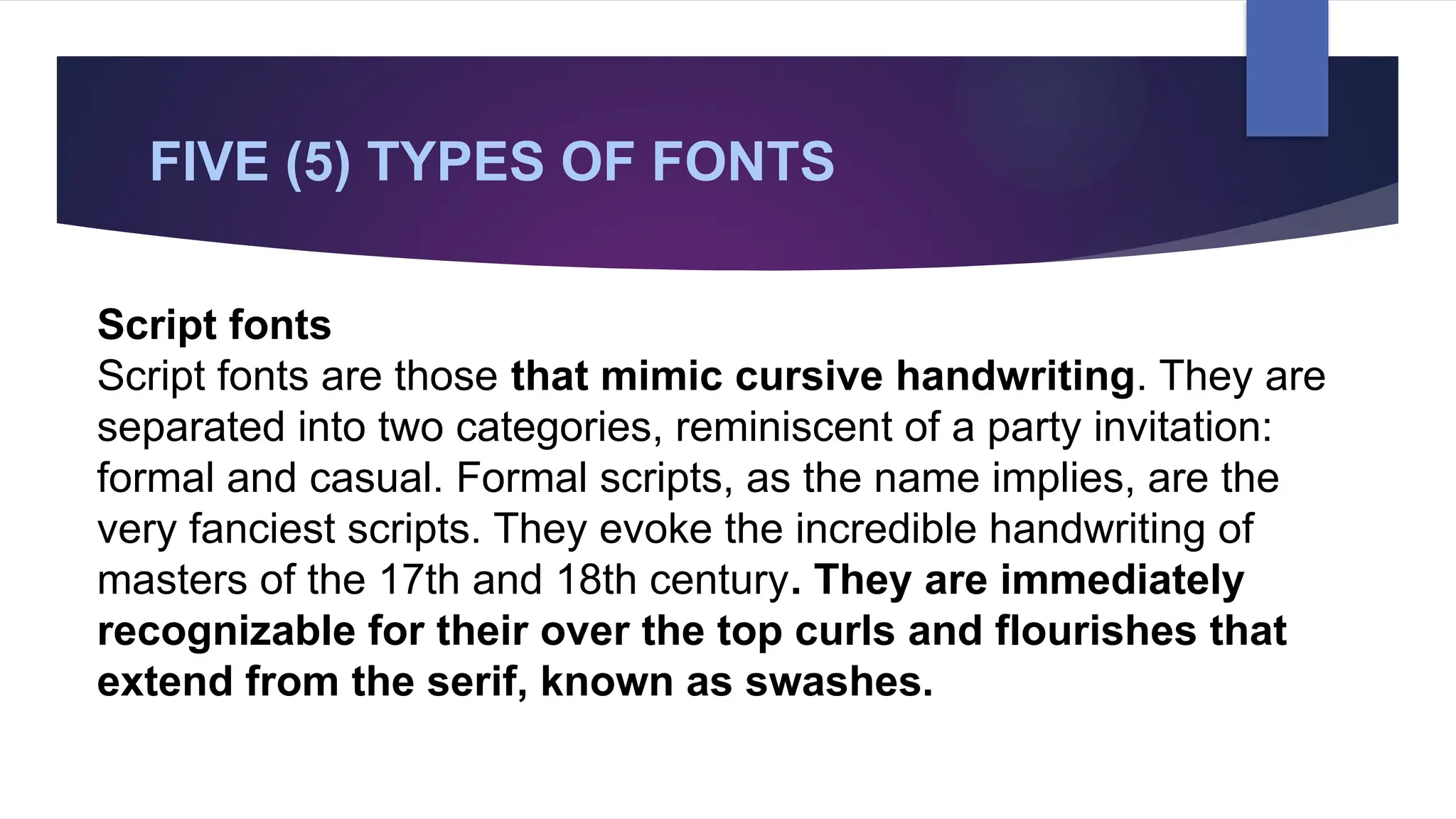
Script fonts
Script fonts are those that mimic cursive handwriting. They are
separated into two categories, reminiscent of a party invitation:
formal and casual. Formal scripts, as the name implies, are the
very fanciest scripts. They evoke the incredible handwriting of
masters of the 17th and 18th century. They are immediately
recognizable for their over the top curls and flourishes that
extend from the serif, known as swashes.
14.
FIVE (5) TYPESOF FONTS
Handwritten fonts
Different from formal or casual scripts, handwritten fonts were
difficult to find even ten years ago. Handwritten fonts often lack the
structure and definition of the letterforms in a traditional script,
instead mimicking the loop and flow of natural handwriting.
Design Principles andElements of Text
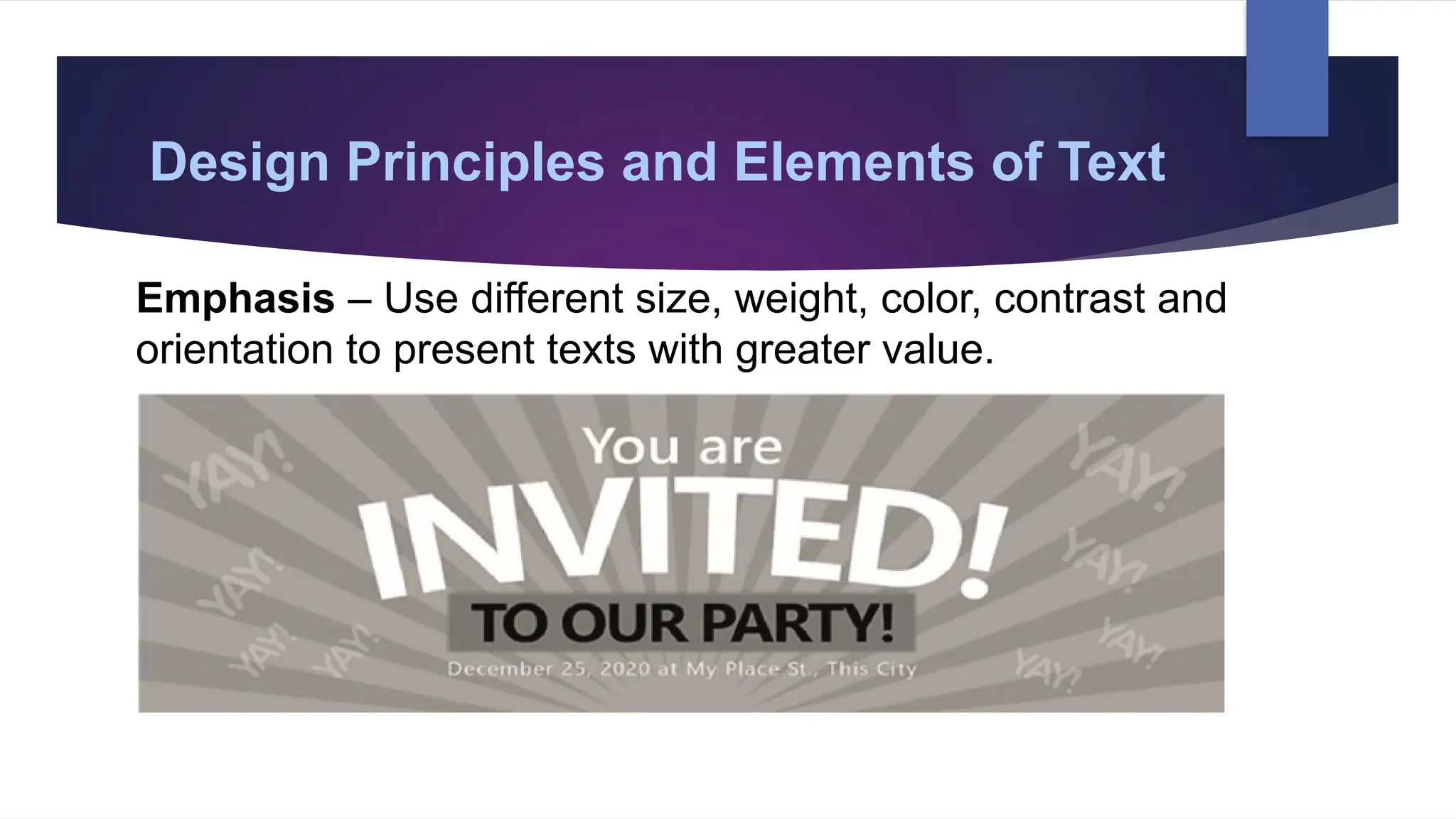
Emphasis – Use different size, weight, color, contrast and
orientation to present texts with greater value.
17.
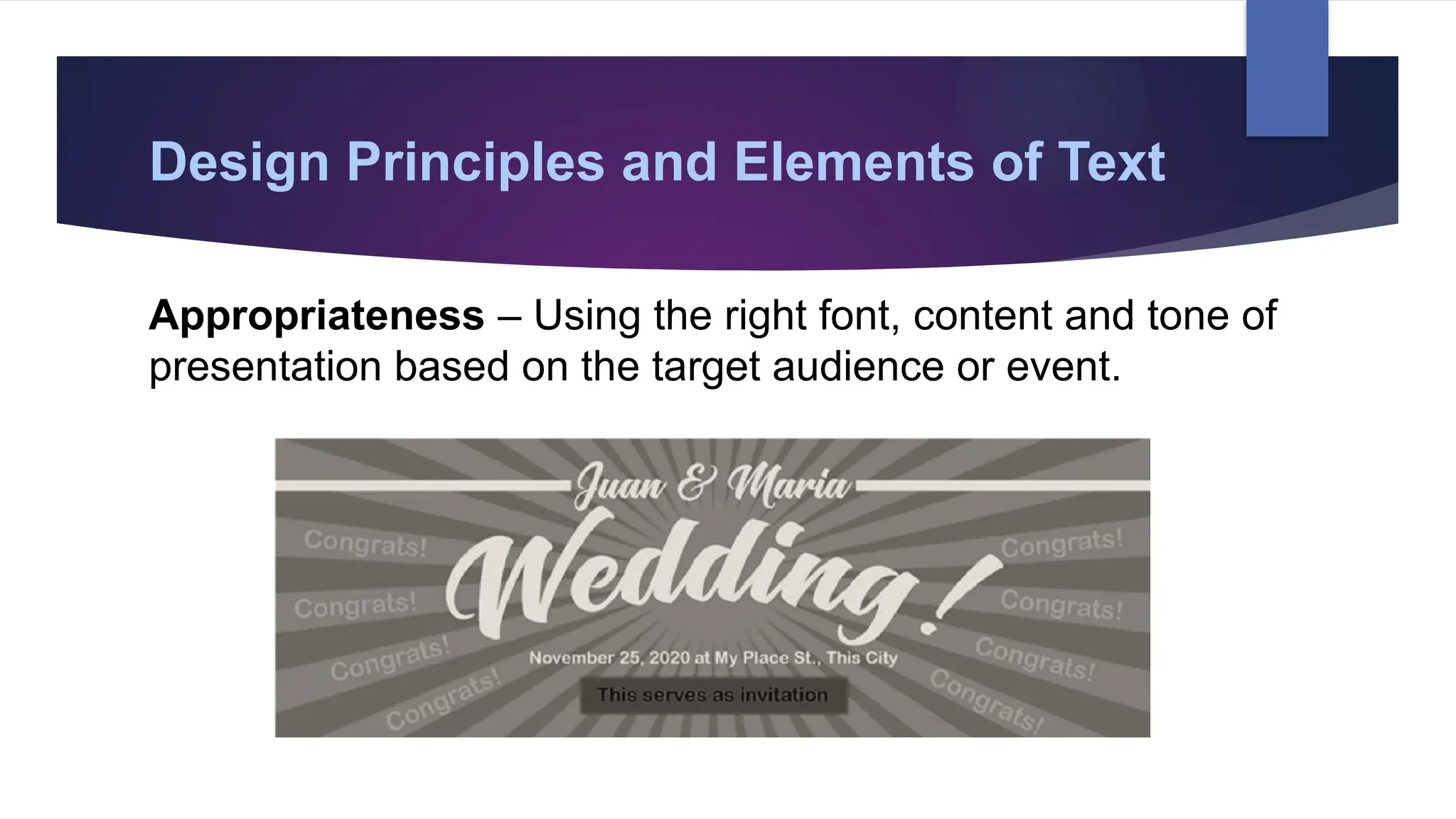
Design Principles andElements of Text
Appropriateness – Using the right font, content and tone of
presentation based on the target audience or event.
18.
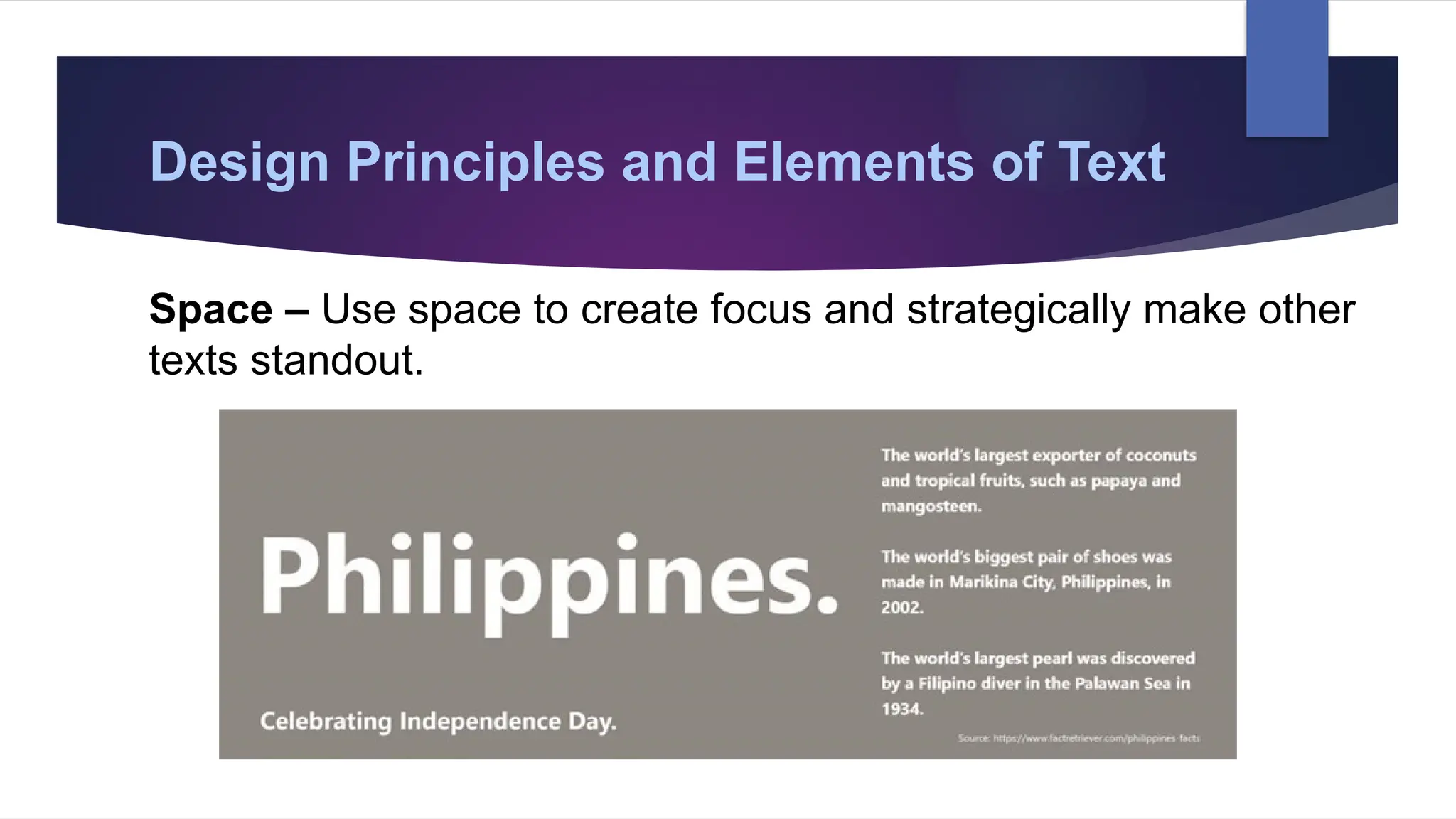
Design Principles andElements of Text
Space – Use space to create focus and strategically make other
texts standout.
19.
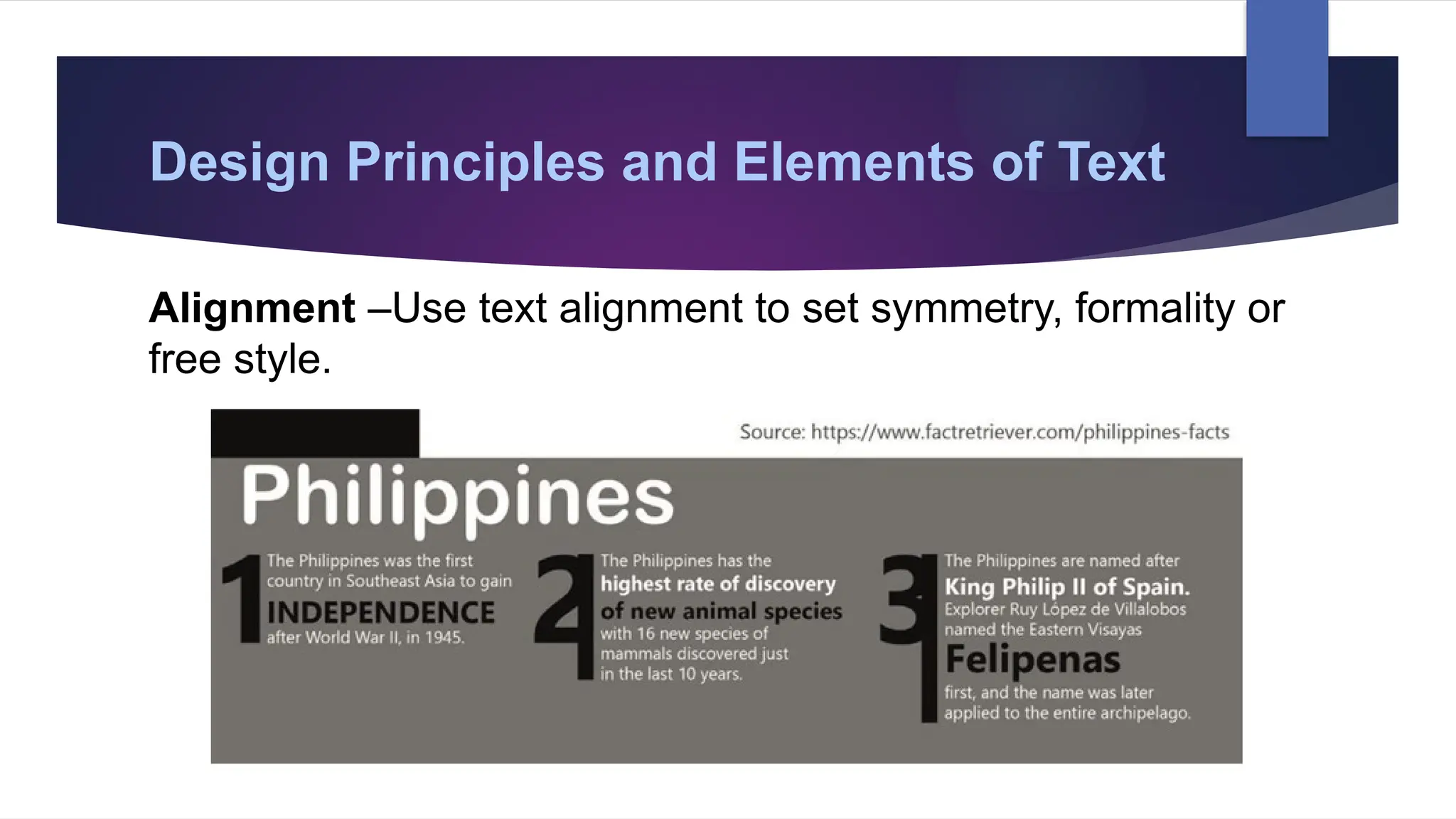
Design Principles andElements of Text
Alignment –Use text alignment to set symmetry, formality or
free style.
20.
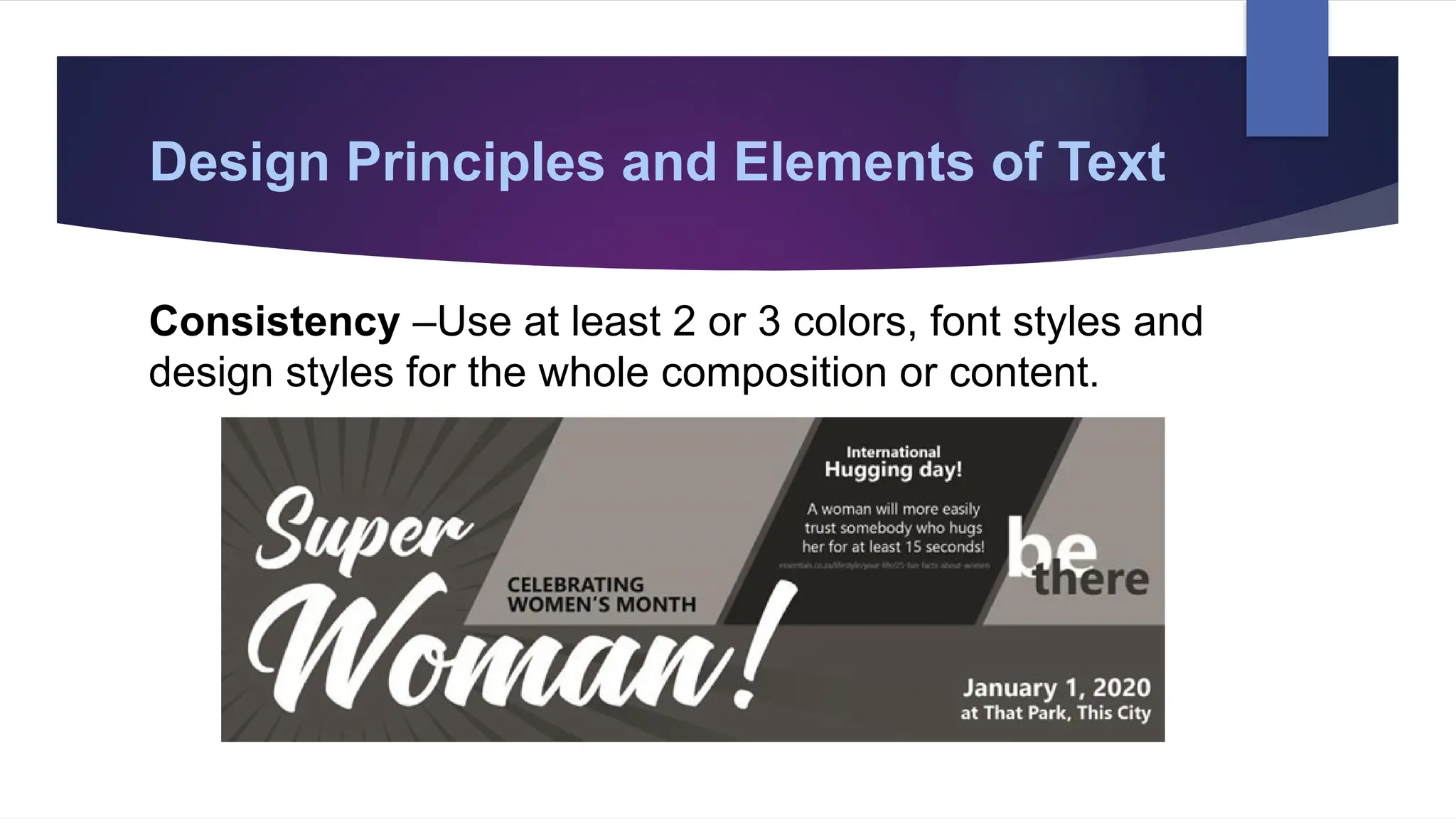
Design Principles andElements of Text
Consistency –Use at least 2 or 3 colors, font styles and
design styles for the whole composition or content.
21.
Formatted Text
Formatted textis text that is displayed in a special,
specified style. In computer applications, formatting data may
be associated with text data to create formatted text. How
formatted text is created and displayed is dependent on the
operating system and application software used on the
computer.
22.
Formatted Text
Text formattingdata may be qualitative (e.g., font family),
or quantitative (e.g., font size, or color). It may also indicate a
style of emphasis (e.g., boldface, or italics), or a style of
notation (e.g., strikethrough, or superscript).
Copying Formatted Text
Whenyou copy formatted text to your clipboard, formatting
information may or may not be copied with the text data.
For example, if you select text in one application that is
boldface, you can copy it to your clipboard by pressing Ctrl+C.
The formatting data is also copied to the clipboard, saying "this
text is bold." When you paste it (Ctrl+V) into a program that
also supports formatted text, that formatting data is included,
and the pasted text should appear bold.
33.
Copying Formatted Text
However,if you paste the text into an application that does
not support bold text, such as Microsoft Notepad, the pasted
text is unformatted. Notepad ignores the formatting information,
because it doesn't understand it. However, the plain text is
pasted correctly.
The same is true if you paste the formatted text into a text
field, such as the address bar in your web browser. Formatting
data is stripped, but the plain text is pasted.
34.
Unformatted Text
Unformatted textis any text that is not associated with any
formatting information. It is plain text, containing only
printable characters, white space, and line breaks.
35.
Unformatted Text
It correspondsto a set of characters in the American
Standard Code for Information Interchange (ASCII) is a
standard table of seven-bit designations for digital
representation of uppercase and lowercase Roman letters,
numbers and special control characters in teletype, computer
and word processor systems. When you type a particular letter
using a word processor, the letter actually has an equivalent
set of characters when translated into a computer program.
36.
Hypertext
The principle ofa hypertext makes use of linking a text to
another text “in such a way that the user can navigate non-
sequentially form one document to the other for cross-
references.”
37.
Hypertext
The World WideWeb (WWW) combines computer
networking (the Internet) and Hypertext MarkUp Language
(HTML) into an easy to use system by which people can
access information around the world from a desktop
computer. Hypertext is the medium used to transmit the
information in a non-linear fashion via computer by clicking on a
"link" using a mouse.
38.
Hypertext
The World WideWeb (WWW) combines computer
networking (the Internet) and Hypertext MarkUp Language
(HTML) into an easy to use system by which people can
access information around the world from a desktop
computer. Hypertext is the medium used to transmit the
information in a non-linear fashion via computer by clicking on a
"link" using a mouse.
39.
Common File Extensions
Creatingtext files and using a word processor is one of the most
common tasks on a computer. Below are the most common file
extensions used with text files and documents.
• .doc and .docx - Microsoft Word file
• .odt - OpenOffice Writer document file
• .pdf - PDF file (Portable Document Format)
• .rtf - Rich Text Format
• .tex - A LaTeX document file
• .txt - Plain text file
• .wpd - WordPerfect document
40.
Example of TextApplication Software
1. Word processing software - It is focused on line-by-line
creation of text documents.
2. Desktop publishing- It is a software that allows complex
pages of text and graphics to be laid out for publications such
as newspapers, magazines, brochures and books.
41.
Standard features ofWord Processing
All word processing applications allow
you to: enter and edit text, save, print,
cut/copy/paste, check your spelling.
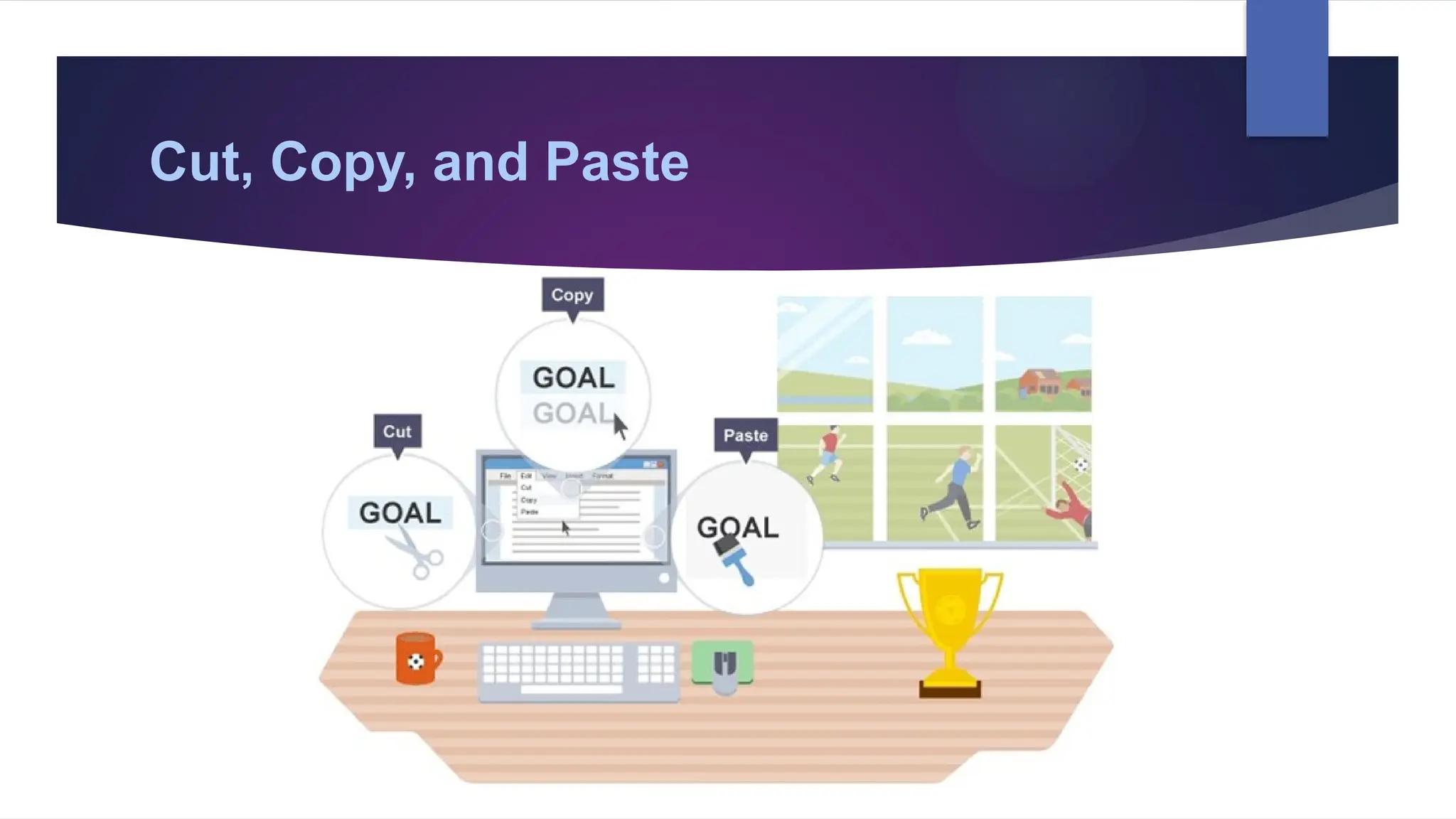
Cut, Copy, andPaste
Cut and copy work in a similar way. Highlighting a piece of
text, right-clicking and selecting copy/cut will store the text in
memory. The difference is that copy leaves the highlighted
text behind whereas cut removes it.
44.
Cut, Copy, andPaste
Cut and copy work in a similar way. Highlighting a piece
of text, right-clicking and selecting copy/cut will store the text in
memory. The difference is that copy leaves the highlighted
text behind whereas cut removes it.
45.
Cut, Copy, andPaste
To insert the copied/cut text into a different area of the
document, a different document, or an entirely different
application altogether, right-click and select paste. The use
of cut, copy, and paste is not necessarily limited to text.
46.
Formatting text makesa document
easier to read. You can:
• change font type and size
• change the alignment of text (left, centre, right or justified)
• bold text
• underline text
• italicise text
• create bulleted or numbered lists
47.
Other features thatmay be expected
include find and replace, which replaces
one word with another, and the ability to
importgraphics, eg from a clip art library.
Headers and footers and page numbering
are also very useful.
48.
Text information isconsidered the main
mode of communication from which other
media modalities are based from. You have a
better understanding of the other modalities if
you first appreciate the text and be more
acquainted to the effective and efficient use of
it for communicative purpose.