Home  Tips  Android Security: Issues & Solutions
Android Security: Issues &
Solutions
BY GUEST AUTHOR MAY 15, 2020
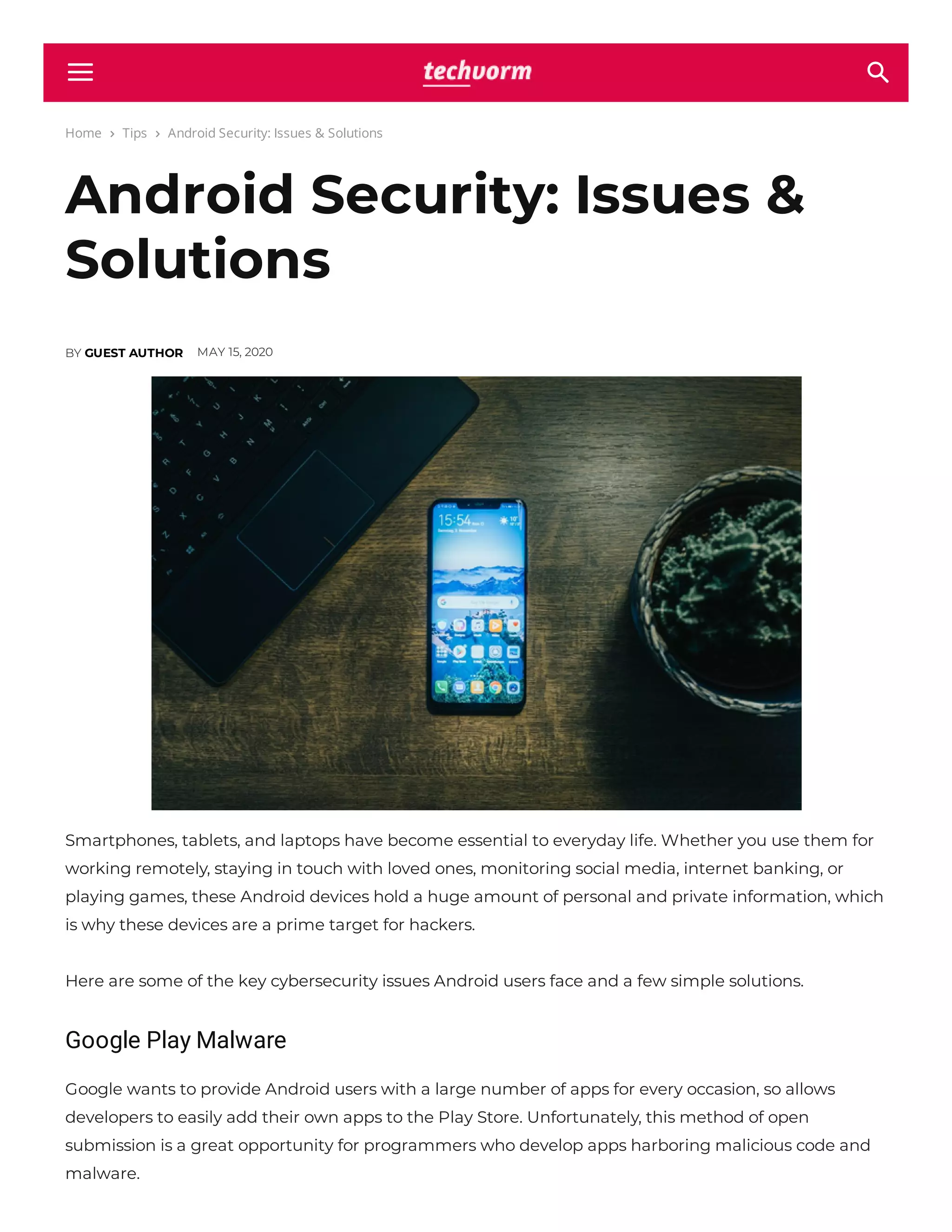
Smartphones, tablets, and laptops have become essential to everyday life. Whether you use them for
working remotely, staying in touch with loved ones, monitoring social media, internet banking, or
playing games, these Android devices hold a huge amount of personal and private information, which
is why these devices are a prime target for hackers.
Here are some of the key cybersecurity issues Android users face and a few simple solutions.
Google Play Malware
Google wants to provide Android users with a large number of apps for every occasion, so allows
developers to easily add their own apps to the Play Store. Unfortunately, this method of open
submission is a great opportunity for programmers who develop apps harboring malicious code and
malware.
 
These rogue apps claim to be anything from anti-virus utilities and barcode scanners to games and
tness trackers. In September 2019, Google identi ed 172 harmful apps on the Play Store but not
before they had been installed 335 million times.
Lack of Security Updates
Google Android devices are built on a secure Linux operating system. However, after it released so
many versions in quick succession, providing security updates for each one has proved impossible.
Older devices that are still available for purchase are no longer receiving updates. Research suggests
that more than one billion Android devices, especially phones, are prone to hacking and threats due to
a lack of security support.
Advanced SMS Phishing
Phishing attacks are nothing new. A scammer sends an email that appears to be from a reputable
company and encourages the recipient to reveal private information or click on a link that triggers the
download of malicious software.
But emails aren’t the only concern; 2019 saw an increase in advanced SMS phishing attacks targeting
Android smartphones. Users are tricked into accepting new phone settings which allow hackers to
route all internet traf c through a proxy controlled by them.
Exploitation of IoT
The Internet of Things (IoT) is making our lives easier and providing maximum convenience.
Everything in the home can now be connected from home assistants and gaming consoles to security
cameras and hand-held Android devices. But with this convenience comes with an increased risk of
hacking, as criminals have more potential entry points to a home network.
Protecting Android Devices
Google works hard on its cybersecurity measures, though some would say not hard enough. There are
additional steps users can take to minimize the risk of hackers accessing their Android devices.
Install A VPN
Setting up and enabling a VPN on an Android device helps keep data private and secure by
encrypting all internet traf c that passes through it. A VPN will also help protect your privacy when
using public wi . Download a VPN to encrypt your mobile device from a reputable company and
avoid free VPNs, which are notorious for selling data. If you have a number of devices connected to the
same wi network, protect them by using a VPN router.
Keep Devices Updated
Keeping your device’s operating system and apps up to date with the latest software patches makes it
harder for hackers to gain entry. Most updates contain bug xes and security improvements to
combat new cyber threats. When a developer or manufacturer announces a new update, install it
without delay.
Install Genuine Apps
Google monitors apps uploaded onto its Play Store and removes anything suspicious, but harmful
apps will always make it through the net. Where possible, check apps are genuine:
Access the app via the company’s website
Check the app and developer’s name are correct
Look for a high download count
Read reviews, both good and bad
Always Lock Your Device
Many users consider it a hassle to constantly lock and unlock a device when they get up to make a
coffee or take a bathroom break. But this simple practice could prevent a hacker from accessing your
entire life story. Use strong passcodes and passwords and, if possible, take the extra step of using two-
factor authentication to give an extra level of protection.
Hackers and fraudsters are constantly looking for new ways to target Android devices to get their
hands on information that they can exploit. Being aware of the risks and taking precautions will keep
you, your data, and your money as safe and protected as possible.
TOPICS Android Devices Android Security Security Issues
Facebook Twitter Pinterest WhatsApp
Previous article
Hero Electric Announces 3 Day Return Offer on its
Products; Extends Online Offer till 31 May
Next article
itel To Foray Into Mobile Accessory Segment
   
RELATED ARTICLES
Use Microsoft 70-764 Exam to Secure Your Position as
Infrastructure Analyst! How Can Practice Tests Help?
Bene ts of NCERT Solutions for Students
RedBus Introduces Pre-registration Feature For Tracking
Resumption of Bus Routes
Is 1 Crore Enough for You? Know This While Buying a Term Plan
Flipkart Launches Poll-Based Kya Bolti Public Game Show;
Participate and Win Rewards
PUBG MOBILE Releases Ranked Arena Mode
LEAVE A REPLY
Name:*
Email:*
Website:
Save my name, email, and website in this browser for the next time I comment.
Post Comment
Comment:
Notify me of follow-up comments by email.
RECENT ARTICLES
3,031
Fans
0
Followers
32,600
Followers
2,434
Followers
18,400
Subscribers
HiSense Tornado 55
inch 4K TV with JBL
6 Speaker System &
Dolby Atmos
Launched in India at
Rs. 44,990
TECNO SPARK 6 Go
with 6.52”
HD+Display,
5000mAh Battery
Launched at Rs.
8499
Studds Cub D4 Decor
Helmet Launched at
Rs. 1175
Yamaha PSR-E373
Music Keyboard
Launched at Rs.
13,990
© 2017 - 2020 TechVorm

Techvorm com-android-security-issues-solutions

  • 1.
    Home  Tips Android Security: Issues & Solutions Android Security: Issues & Solutions BY GUEST AUTHOR MAY 15, 2020 Smartphones, tablets, and laptops have become essential to everyday life. Whether you use them for working remotely, staying in touch with loved ones, monitoring social media, internet banking, or playing games, these Android devices hold a huge amount of personal and private information, which is why these devices are a prime target for hackers. Here are some of the key cybersecurity issues Android users face and a few simple solutions. Google Play Malware Google wants to provide Android users with a large number of apps for every occasion, so allows developers to easily add their own apps to the Play Store. Unfortunately, this method of open submission is a great opportunity for programmers who develop apps harboring malicious code and malware.  
  • 2.
    These rogue appsclaim to be anything from anti-virus utilities and barcode scanners to games and tness trackers. In September 2019, Google identi ed 172 harmful apps on the Play Store but not before they had been installed 335 million times. Lack of Security Updates Google Android devices are built on a secure Linux operating system. However, after it released so many versions in quick succession, providing security updates for each one has proved impossible. Older devices that are still available for purchase are no longer receiving updates. Research suggests that more than one billion Android devices, especially phones, are prone to hacking and threats due to a lack of security support. Advanced SMS Phishing Phishing attacks are nothing new. A scammer sends an email that appears to be from a reputable company and encourages the recipient to reveal private information or click on a link that triggers the download of malicious software. But emails aren’t the only concern; 2019 saw an increase in advanced SMS phishing attacks targeting Android smartphones. Users are tricked into accepting new phone settings which allow hackers to route all internet traf c through a proxy controlled by them. Exploitation of IoT The Internet of Things (IoT) is making our lives easier and providing maximum convenience. Everything in the home can now be connected from home assistants and gaming consoles to security cameras and hand-held Android devices. But with this convenience comes with an increased risk of hacking, as criminals have more potential entry points to a home network. Protecting Android Devices Google works hard on its cybersecurity measures, though some would say not hard enough. There are additional steps users can take to minimize the risk of hackers accessing their Android devices. Install A VPN Setting up and enabling a VPN on an Android device helps keep data private and secure by encrypting all internet traf c that passes through it. A VPN will also help protect your privacy when using public wi . Download a VPN to encrypt your mobile device from a reputable company and
  • 3.
    avoid free VPNs,which are notorious for selling data. If you have a number of devices connected to the same wi network, protect them by using a VPN router. Keep Devices Updated Keeping your device’s operating system and apps up to date with the latest software patches makes it harder for hackers to gain entry. Most updates contain bug xes and security improvements to combat new cyber threats. When a developer or manufacturer announces a new update, install it without delay. Install Genuine Apps Google monitors apps uploaded onto its Play Store and removes anything suspicious, but harmful apps will always make it through the net. Where possible, check apps are genuine: Access the app via the company’s website Check the app and developer’s name are correct Look for a high download count Read reviews, both good and bad Always Lock Your Device Many users consider it a hassle to constantly lock and unlock a device when they get up to make a coffee or take a bathroom break. But this simple practice could prevent a hacker from accessing your entire life story. Use strong passcodes and passwords and, if possible, take the extra step of using two- factor authentication to give an extra level of protection. Hackers and fraudsters are constantly looking for new ways to target Android devices to get their hands on information that they can exploit. Being aware of the risks and taking precautions will keep you, your data, and your money as safe and protected as possible. TOPICS Android Devices Android Security Security Issues Facebook Twitter Pinterest WhatsApp Previous article Hero Electric Announces 3 Day Return Offer on its Products; Extends Online Offer till 31 May Next article itel To Foray Into Mobile Accessory Segment    
  • 4.
    RELATED ARTICLES Use Microsoft70-764 Exam to Secure Your Position as Infrastructure Analyst! How Can Practice Tests Help? Bene ts of NCERT Solutions for Students RedBus Introduces Pre-registration Feature For Tracking Resumption of Bus Routes Is 1 Crore Enough for You? Know This While Buying a Term Plan Flipkart Launches Poll-Based Kya Bolti Public Game Show; Participate and Win Rewards PUBG MOBILE Releases Ranked Arena Mode
  • 5.
    PUBG MOBILE ReleasesRanked Arena Mode LEAVE A REPLY Name:* Email:* Website: Save my name, email, and website in this browser for the next time I comment. Post Comment Comment: Notify me of follow-up comments by email. RECENT ARTICLES
  • 6.
    3,031 Fans 0 Followers 32,600 Followers 2,434 Followers 18,400 Subscribers HiSense Tornado 55 inch4K TV with JBL 6 Speaker System & Dolby Atmos Launched in India at Rs. 44,990 TECNO SPARK 6 Go with 6.52” HD+Display, 5000mAh Battery Launched at Rs. 8499 Studds Cub D4 Decor Helmet Launched at Rs. 1175 Yamaha PSR-E373 Music Keyboard Launched at Rs. 13,990 © 2017 - 2020 TechVorm