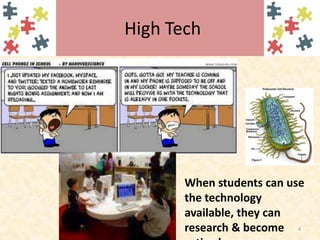
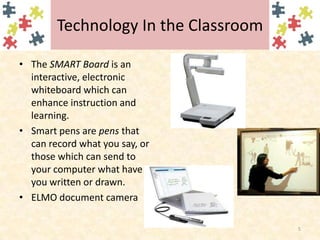
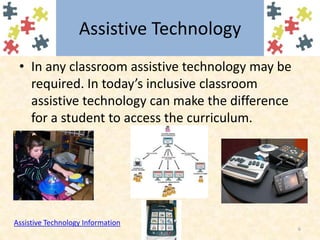
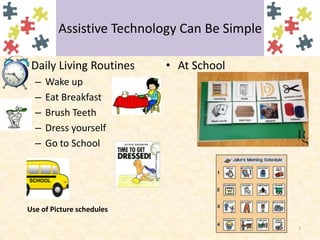
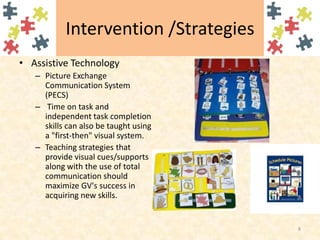
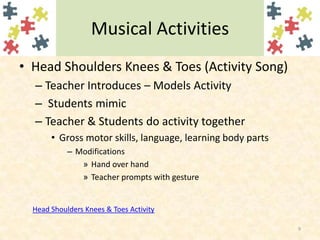
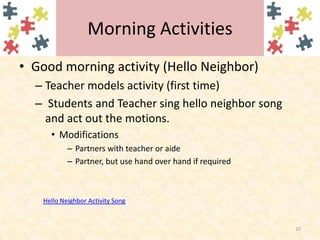
This document discusses using technology in K-12 classrooms. It mentions using tools like SMART Boards, smart pens, document cameras, and assistive technology to engage students, promote collaboration, and help students learn technical skills. Assistive technology, in particular, can help students with disabilities access the curriculum. Examples of simple assistive technologies include visual schedules and picture communication systems. The document also provides examples of classroom activities that use songs and motions to teach concepts like body parts and greetings, with modifications for students who need assistance.