Lecture# 12
Ms. Rabia Shaukat
E-mail: hayat.ujala@gmail.com
TECHNICAL
REPORT
WRITING
Previous Lecture
• Basics of Resumé
• Basics of CV
• CV and Resumé Comparison
• CV and Resumé Guidelines
2
Email Writing
3
 Electronic Correspondence
• Correspondence through “Internet”
o The information superhighway
o Global information system
• A system of sending messages from one individual to another
person/group via telecom links between computers using
dedicated software (Dictionary.com).
Email Writing
4
 About Email
• electronic + mail = Email
• Electronic version of letter
• Most used and popular services on Internet
• Enables messages to be transferred from an individual (sender) to
another individual (receiver) or from an individual to a group of
people (receiver)
• Documents (audio, video, pictures, etc.) can also be attached
Email Writing
5
 Categories: Objective-wise
• Self-Fulfilling Email: Information/Compliment, no reply is necessary
• Inquiries: Advice or Answer required from the audience. Reply is the
desired outcome
• Open-Ended Dialogue: Keeping communication lines open for
improved future results
• Action Email: Action on the part of receiver is required
Email Writing
6
 Advantages
• Can be sent to anyone anywhere
• Cost-effective and quick
• Convenient
Email Writing
7
 Important Assumptions – Our goal is to construct email
that:
• will actually be read
• will actually be understood
• will not annoy the receiver
• does not take up too much time on the receiver’s end
Email Writing
8
 Understanding a Receiver
• May/may not be getting a lot of emails
• May/may not be receiving a regular set of standard questions
• May/may not have free time
• Does/does not mind helping others
Email Writing
9
 Steps of Effective Email Writing [1/3]
• Determine your desired outcome
• Jumping to the point
o Use as few words as possible, introduce who you are, context
if necessary, and why you are emailing, etc.
• State the incentives and benefits of receivers rather than the
sender
• Keep it simple
• Stick to the facts
Email Writing
10
 Steps of Effective Email Writing [2/3]
• Pretend first face to face introduction
• Pretend you are using a mobile device or tab for communication
• Add friendly comment (e.g., enjoying weekend)
• Be authentic and realistic with conversational English
• Font size and style makes a difference
Email Writing
11
 Steps of Effective Email Writing [3/3]
• Format matters (bullets, list, short paragraphs, bold, italics)
• Minimize questions (not more than 1 or 2)
• If needed, ask specific (close ended questions) rather than
confusing questions
• Rephrase: Trim sentences to avoid unnecessary details
Email Writing
12
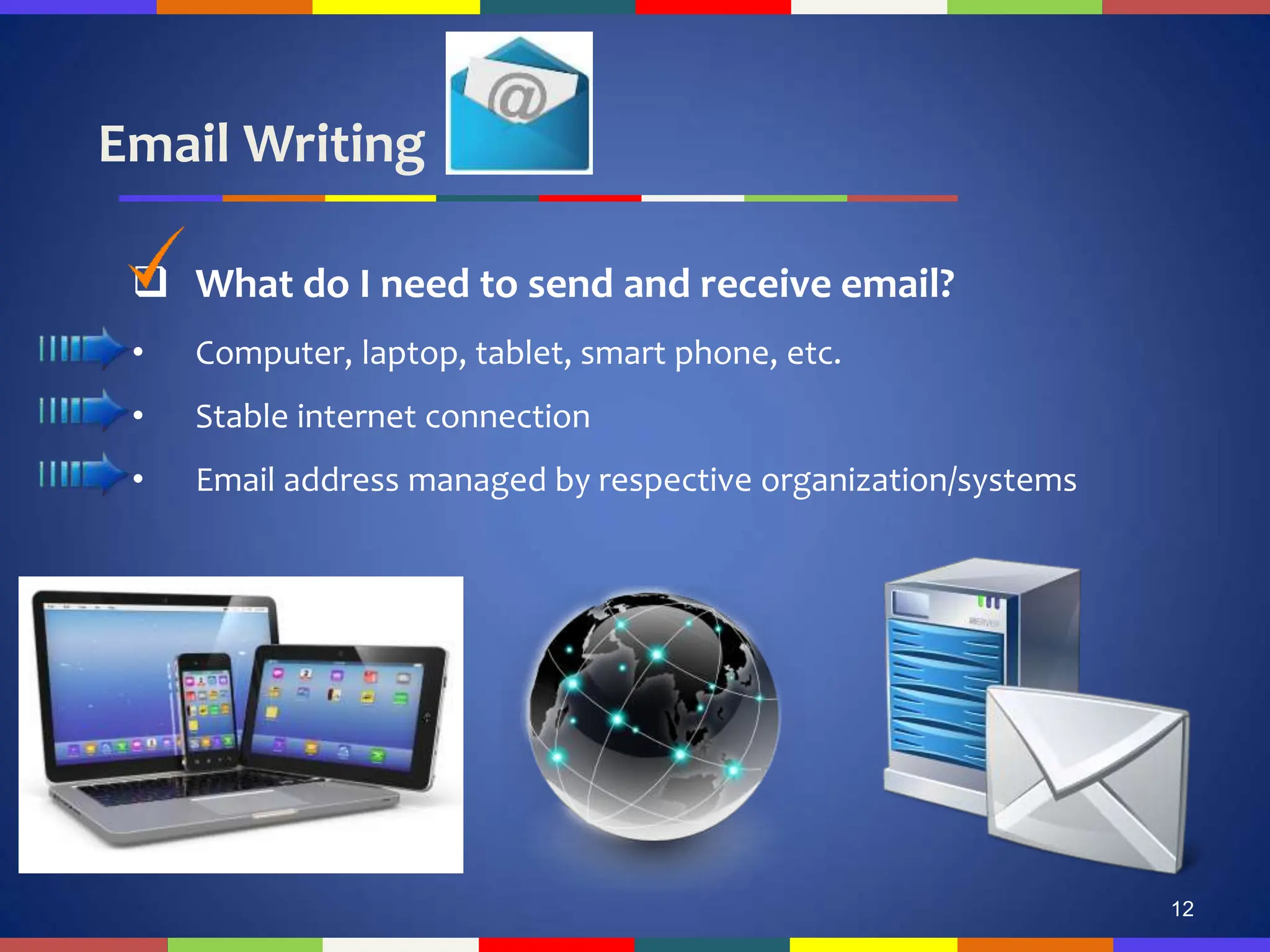
 What do I need to send and receive email?
• Computer, laptop, tablet, smart phone, etc.
• Stable internet connection
• Email address managed by respective organization/systems
Email Writing
13
 Popular Email Service Providers
• Gmail
• Hotmail
• Yahoo
• Juno
• Excite
14
Email Writing
15
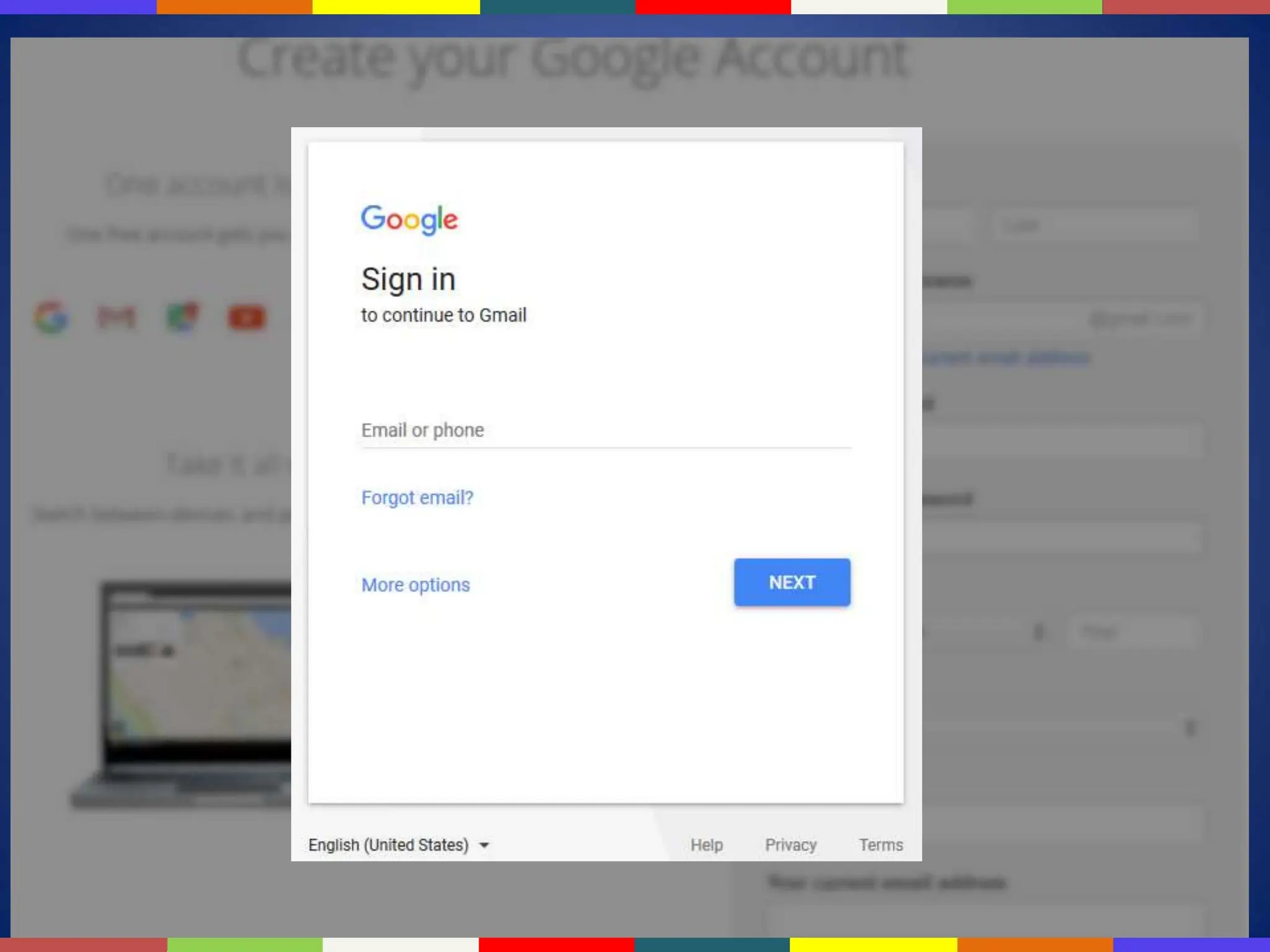
 How to make an effective email address?
• Signing Up
• Adding personal information, number, address for verification
• Selecting a Username and Password
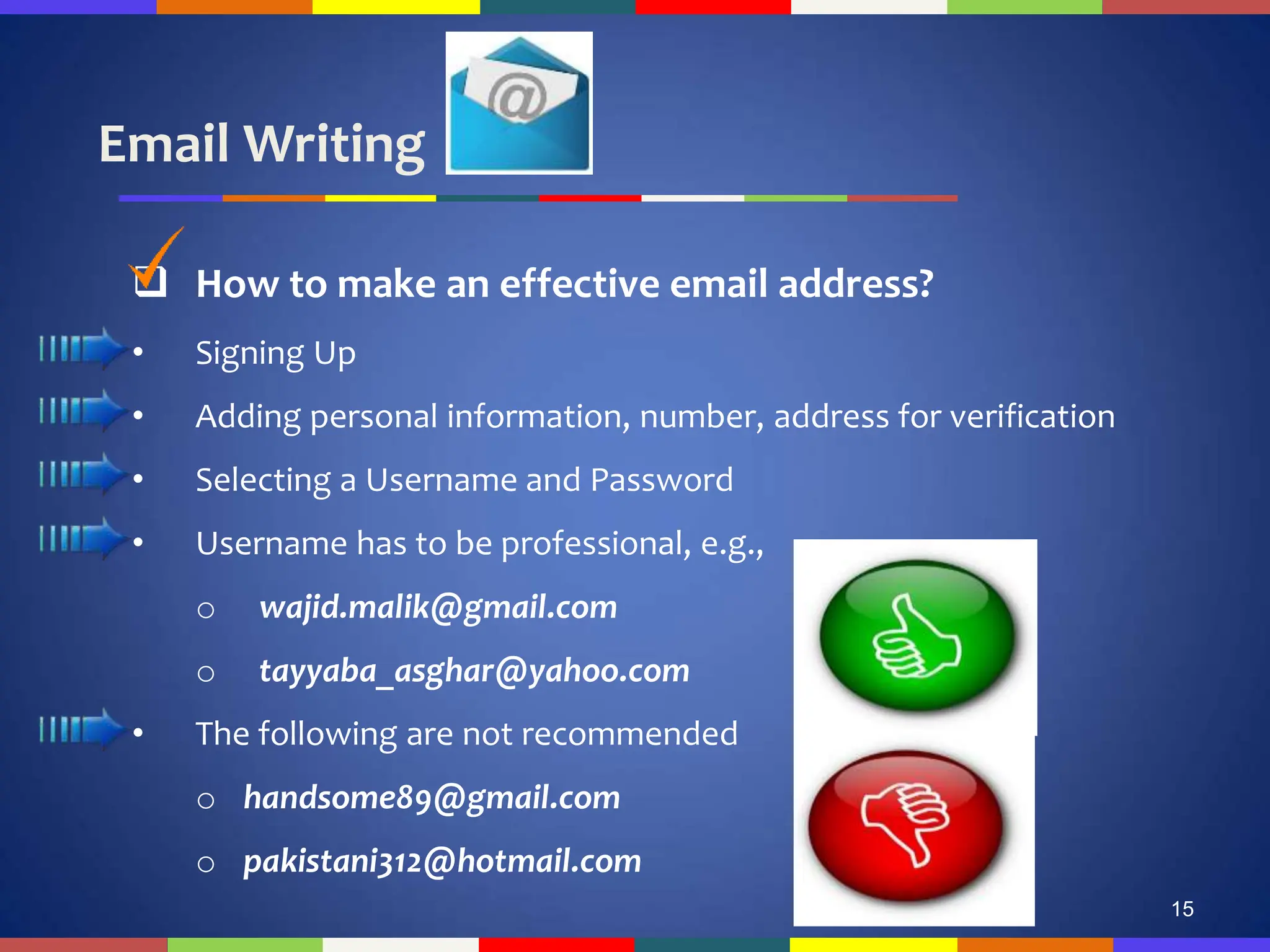
• Username has to be professional, e.g.,
o wajid.malik@gmail.com
o tayyaba_asghar@yahoo.com
• The following are not recommended
o handsome89@gmail.com
o pakistani312@hotmail.com
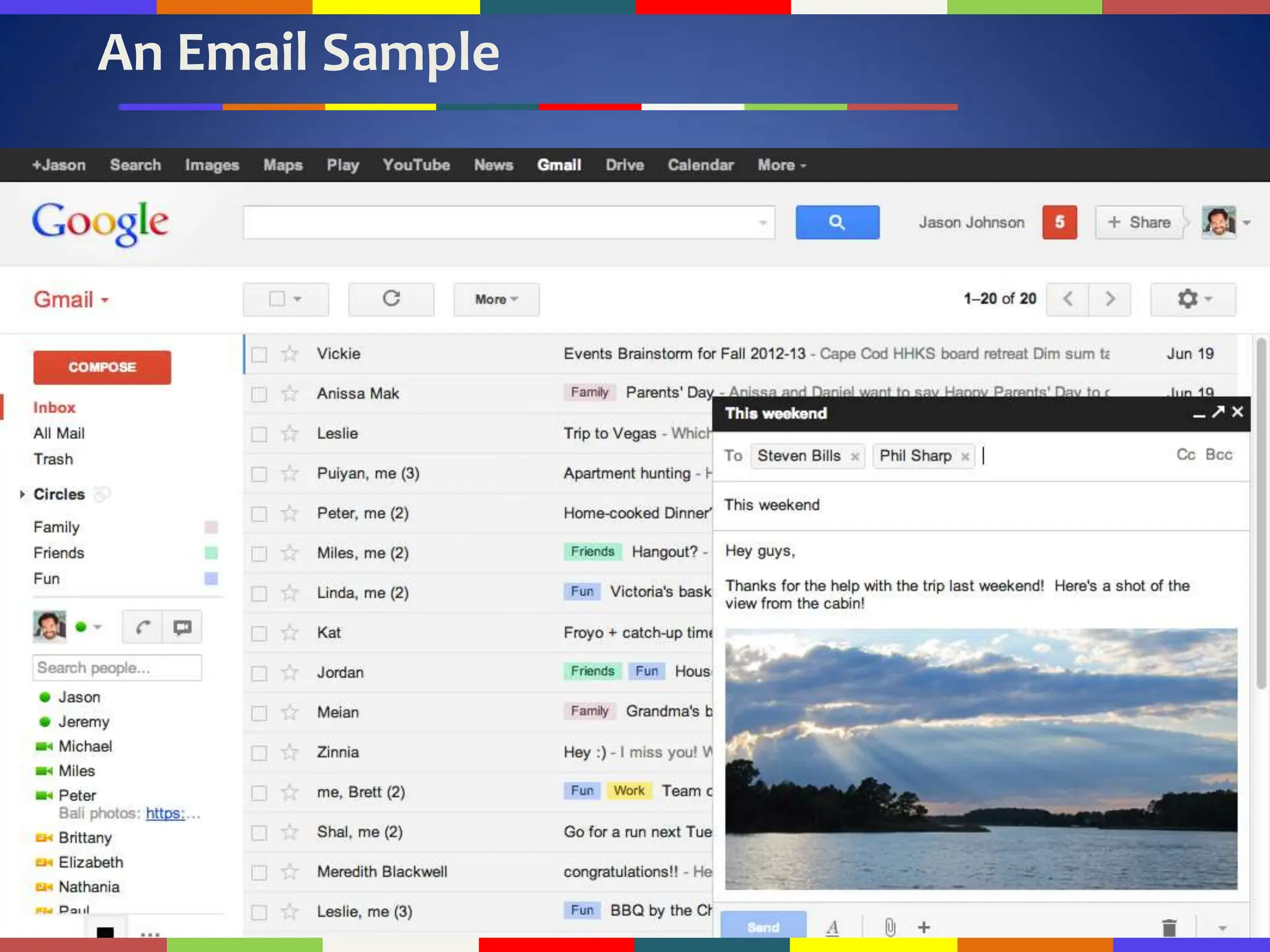
An Email Sample
16
Email Writing
17
Audience
Email • Generally multiple readers with various
levels of knowledge
• Could include instructors
• Company supervisors
• Subordinates as well as family and friends
Topic
Email • A wide range of diverse topics determined
by audience
Email Writing
18
 General Format and Tone
• An email in general has two parts: Head + Body
• Typically one viewable screen with 60-70 characters per line
• Beyond these parameters, a reader must scroll
• 12-14 lines per screen
• Usually informal
• Due to the “conversational” nature of electronic communication
Email Writing
19
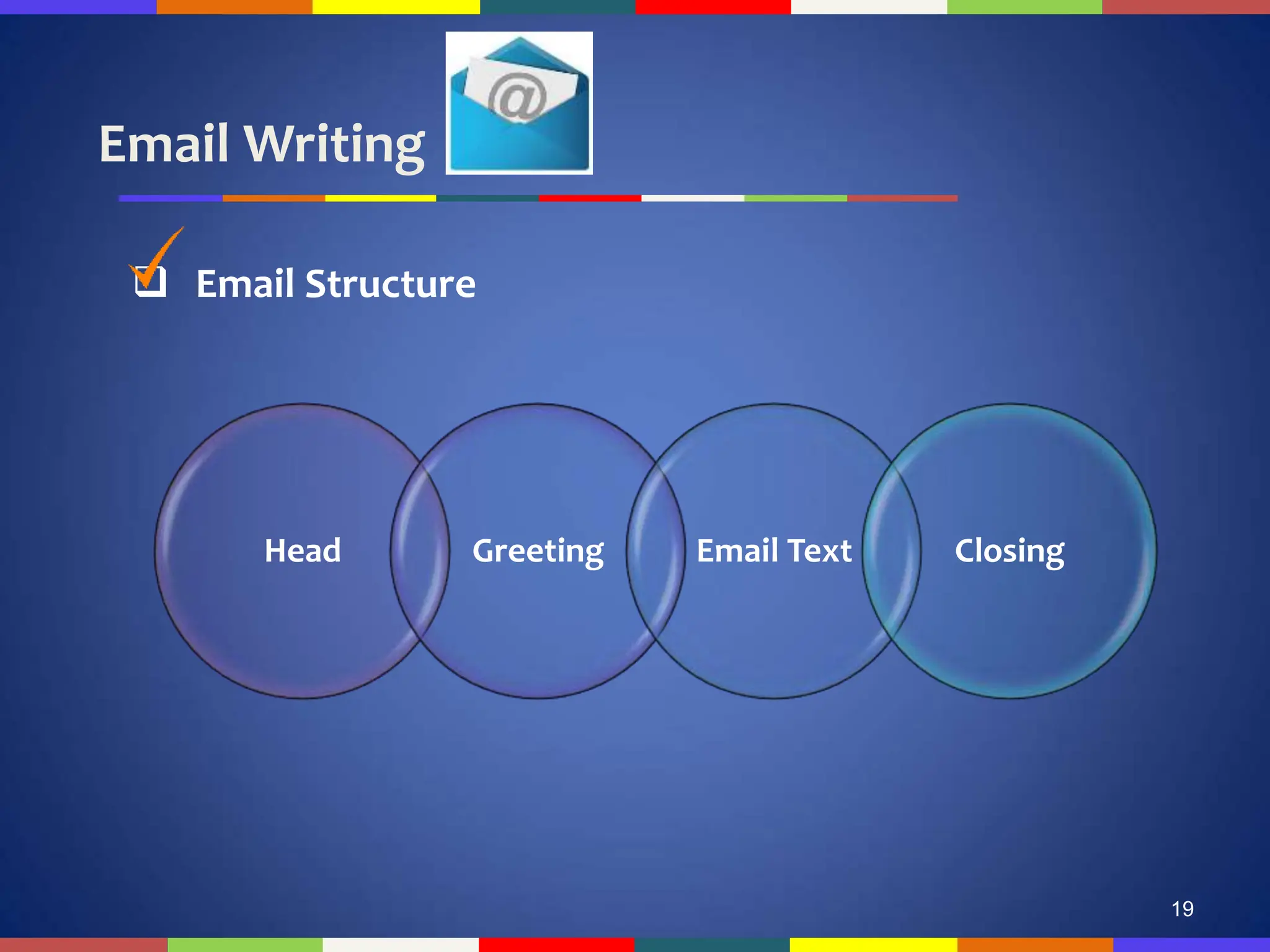
 Email Structure
Head Greeting Email Text Closing
Email Writing
20
 Email Structure: Head [1/2]
• Identification lines include:
• To (reader's name and email address)
• Cc (Carbon Copy)
• Bcc (Blind Carbon Copy)
• Subject
Email Writing
21
 Email Structure: Head [2/2]
• The header always contains a clear subject line.
• This is a very important part of the message and you should always
include a subject line.
• Some folks sort their messages by subject, so it is rude to not
include a subject!
• The subject line indicates the purpose or content of the message.
Email Writing
22
 Email Structure: Subject Line as Head Line [1/4]
• Never leave the subject line empty
• It should briefly introduce the topic of the email
Email Writing
23
 Email Structure: Subject Line as Head Line [2/4]
• Grabbing the Attention
• Getting to the Point
• Bad Example*
• Subject: Meeting
• Good Example*
• Subject: Reminder of 10am Meeting Sched. 10/05 on PASS
Process
*Source: http://www.mindtools.com/CommSkll/EmailCommunication.htm
Email Writing
24
 Email Structure: Subject Line as Head Line [3/4]
• Focused, Clear and Informative
• Correct Subjects
o Invitation to the ABC Conference, Nov 2009
o Application for Account Manager Position #413 – Jane Smith CV
o Agenda for the meeting on Monday, 10am
o Party Invitation for John, Sally and Martin
o Updates on the building plans
o Meeting scheduled for Oct 15, Thursday @ 10am
o Great craft ideas using recyclable materials
*Source: http://www.qgroupplc.com/?catid={C07567E5-9742-4A9F-8940-261D1E629EC5}#{4FB078D9-DD5A-4058-
9FB1-B635C84261FB
Email Writing
25
 Email Structure: Subject Line as Head Line [4/4]
• Weak Subjects
o [blank]
o Hi, Hello, How are you?
o First line of the email message
o Whole Email in Subject Line (Most Common Error)
o Words to avoid: Help, Percent Off, Reminder, Free
*Source: http://www.qgroupplc.com/?catid={C07567E5-9742-4A9F-8940-261D1E629EC5}#{4FB078D9-DD5A-4058-
9FB1-B635C84261FB
Email Writing
26
 Email Structure: Greetings [1/3]
• If you are unsure about the addressee’s gender or name, use their
designation for addressing the greeting.
• For Example:
o Dear Professor Madani
o Dear CEO Telenor Pvt. Ltd
o Dear Director CIIT
Email Writing
27
 Email Structure: Greetings [2/3]
• If you are ONLY sure about the addressee’s gender and NOT their
designation, then use that information.
• For Example:
o Dear Sir
o Dear Madam
Email Writing
28
 Email Structure: Greetings [3/3]
• Examples*
o Dear [name],
o Hi [name],
o Hi,
o Hello [name],
o Hello,
o To whom it may concern,
*Source: http://www.qgroupplc.com/?catid={C07567E5-9742-4A9F-8940-261D1E629EC5}#{4FB078D9-DD5A-4058-
9FB1-B635C84261FB
Conclusions
• Basics of Email
• Steps of Effective Email Writing
• Email Structure (to be continued…)
29

Technical report writing of English communication.pdf

  • 1.
    Lecture# 12 Ms. RabiaShaukat E-mail: hayat.ujala@gmail.com TECHNICAL REPORT WRITING
  • 2.
    Previous Lecture • Basicsof Resumé • Basics of CV • CV and Resumé Comparison • CV and Resumé Guidelines 2
  • 3.
    Email Writing 3  ElectronicCorrespondence • Correspondence through “Internet” o The information superhighway o Global information system • A system of sending messages from one individual to another person/group via telecom links between computers using dedicated software (Dictionary.com).
  • 4.
    Email Writing 4  AboutEmail • electronic + mail = Email • Electronic version of letter • Most used and popular services on Internet • Enables messages to be transferred from an individual (sender) to another individual (receiver) or from an individual to a group of people (receiver) • Documents (audio, video, pictures, etc.) can also be attached
  • 5.
    Email Writing 5  Categories:Objective-wise • Self-Fulfilling Email: Information/Compliment, no reply is necessary • Inquiries: Advice or Answer required from the audience. Reply is the desired outcome • Open-Ended Dialogue: Keeping communication lines open for improved future results • Action Email: Action on the part of receiver is required
  • 6.
    Email Writing 6  Advantages •Can be sent to anyone anywhere • Cost-effective and quick • Convenient
  • 7.
    Email Writing 7  ImportantAssumptions – Our goal is to construct email that: • will actually be read • will actually be understood • will not annoy the receiver • does not take up too much time on the receiver’s end
  • 8.
    Email Writing 8  Understandinga Receiver • May/may not be getting a lot of emails • May/may not be receiving a regular set of standard questions • May/may not have free time • Does/does not mind helping others
  • 9.
    Email Writing 9  Stepsof Effective Email Writing [1/3] • Determine your desired outcome • Jumping to the point o Use as few words as possible, introduce who you are, context if necessary, and why you are emailing, etc. • State the incentives and benefits of receivers rather than the sender • Keep it simple • Stick to the facts
  • 10.
    Email Writing 10  Stepsof Effective Email Writing [2/3] • Pretend first face to face introduction • Pretend you are using a mobile device or tab for communication • Add friendly comment (e.g., enjoying weekend) • Be authentic and realistic with conversational English • Font size and style makes a difference
  • 11.
    Email Writing 11  Stepsof Effective Email Writing [3/3] • Format matters (bullets, list, short paragraphs, bold, italics) • Minimize questions (not more than 1 or 2) • If needed, ask specific (close ended questions) rather than confusing questions • Rephrase: Trim sentences to avoid unnecessary details
  • 12.
    Email Writing 12  Whatdo I need to send and receive email? • Computer, laptop, tablet, smart phone, etc. • Stable internet connection • Email address managed by respective organization/systems
  • 13.
    Email Writing 13  PopularEmail Service Providers • Gmail • Hotmail • Yahoo • Juno • Excite
  • 14.
  • 15.
    Email Writing 15  Howto make an effective email address? • Signing Up • Adding personal information, number, address for verification • Selecting a Username and Password • Username has to be professional, e.g., o wajid.malik@gmail.com o tayyaba_asghar@yahoo.com • The following are not recommended o handsome89@gmail.com o pakistani312@hotmail.com
  • 16.
  • 17.
    Email Writing 17 Audience Email •Generally multiple readers with various levels of knowledge • Could include instructors • Company supervisors • Subordinates as well as family and friends Topic Email • A wide range of diverse topics determined by audience
  • 18.
    Email Writing 18  GeneralFormat and Tone • An email in general has two parts: Head + Body • Typically one viewable screen with 60-70 characters per line • Beyond these parameters, a reader must scroll • 12-14 lines per screen • Usually informal • Due to the “conversational” nature of electronic communication
  • 19.
    Email Writing 19  EmailStructure Head Greeting Email Text Closing
  • 20.
    Email Writing 20  EmailStructure: Head [1/2] • Identification lines include: • To (reader's name and email address) • Cc (Carbon Copy) • Bcc (Blind Carbon Copy) • Subject
  • 21.
    Email Writing 21  EmailStructure: Head [2/2] • The header always contains a clear subject line. • This is a very important part of the message and you should always include a subject line. • Some folks sort their messages by subject, so it is rude to not include a subject! • The subject line indicates the purpose or content of the message.
  • 22.
    Email Writing 22  EmailStructure: Subject Line as Head Line [1/4] • Never leave the subject line empty • It should briefly introduce the topic of the email
  • 23.
    Email Writing 23  EmailStructure: Subject Line as Head Line [2/4] • Grabbing the Attention • Getting to the Point • Bad Example* • Subject: Meeting • Good Example* • Subject: Reminder of 10am Meeting Sched. 10/05 on PASS Process *Source: http://www.mindtools.com/CommSkll/EmailCommunication.htm
  • 24.
    Email Writing 24  EmailStructure: Subject Line as Head Line [3/4] • Focused, Clear and Informative • Correct Subjects o Invitation to the ABC Conference, Nov 2009 o Application for Account Manager Position #413 – Jane Smith CV o Agenda for the meeting on Monday, 10am o Party Invitation for John, Sally and Martin o Updates on the building plans o Meeting scheduled for Oct 15, Thursday @ 10am o Great craft ideas using recyclable materials *Source: http://www.qgroupplc.com/?catid={C07567E5-9742-4A9F-8940-261D1E629EC5}#{4FB078D9-DD5A-4058- 9FB1-B635C84261FB
  • 25.
    Email Writing 25  EmailStructure: Subject Line as Head Line [4/4] • Weak Subjects o [blank] o Hi, Hello, How are you? o First line of the email message o Whole Email in Subject Line (Most Common Error) o Words to avoid: Help, Percent Off, Reminder, Free *Source: http://www.qgroupplc.com/?catid={C07567E5-9742-4A9F-8940-261D1E629EC5}#{4FB078D9-DD5A-4058- 9FB1-B635C84261FB
  • 26.
    Email Writing 26  EmailStructure: Greetings [1/3] • If you are unsure about the addressee’s gender or name, use their designation for addressing the greeting. • For Example: o Dear Professor Madani o Dear CEO Telenor Pvt. Ltd o Dear Director CIIT
  • 27.
    Email Writing 27  EmailStructure: Greetings [2/3] • If you are ONLY sure about the addressee’s gender and NOT their designation, then use that information. • For Example: o Dear Sir o Dear Madam
  • 28.
    Email Writing 28  EmailStructure: Greetings [3/3] • Examples* o Dear [name], o Hi [name], o Hi, o Hello [name], o Hello, o To whom it may concern, *Source: http://www.qgroupplc.com/?catid={C07567E5-9742-4A9F-8940-261D1E629EC5}#{4FB078D9-DD5A-4058- 9FB1-B635C84261FB
  • 29.
    Conclusions • Basics ofEmail • Steps of Effective Email Writing • Email Structure (to be continued…) 29