HOW DID YOU USE MEDIA TECHNOLOGIES
IN THE CONSTRUCTION AND RESEARCH
PLANNING AND EVALUATION STAGES?
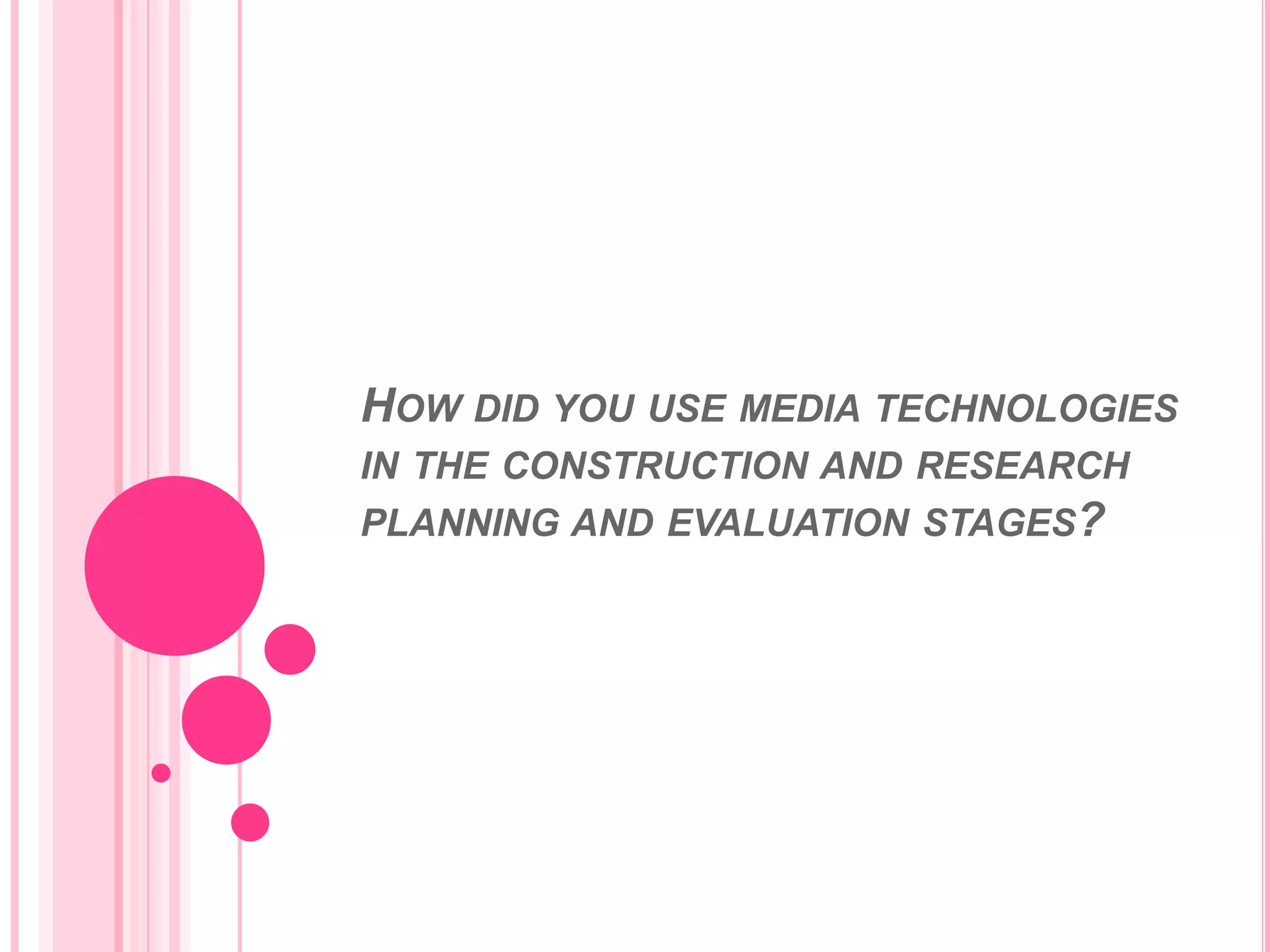
Throughout the course we produced all our work on a Mac
computer. Although I never had much knowledge in working
with Mac I soon learned from help from my teacher and
practice on different programmes that I would be using on the
Mac computers. By using these computers it allowed us to have
access to high quality programmes such as final cut in order to
make our music videos look as professional as possible and also
helped widen our skills in this area. By using these Mac
computers it also meant I had access to internet which allowed
me to research into other professional POP music videos to
help me pick out any key ideas I wanted to use in my music
video.
By using the Mac computers it meant we were able to use a program called Final
Cut. By having access to this program it meant we was able to edit our videos and
make the look a lot more professional than if we was to use a different program
such as Windows movie maker. Final cut also allows us to add a lot more different
effects and editing which makes the video look much more professional.
This program also allowed me to edit clips in my video to help with the lip sync.
This helped me greatly as I had problems where the miming of my actor was
either to slow or too fast compared to the lyrics of the song. I was able to select
scenes I wanted then go into modify then into speed and the if I wanted to speed
up the clip I would put it over a 100% to the correct speed and if I wanted it lower
then I would put it below 100% to the correct speed.
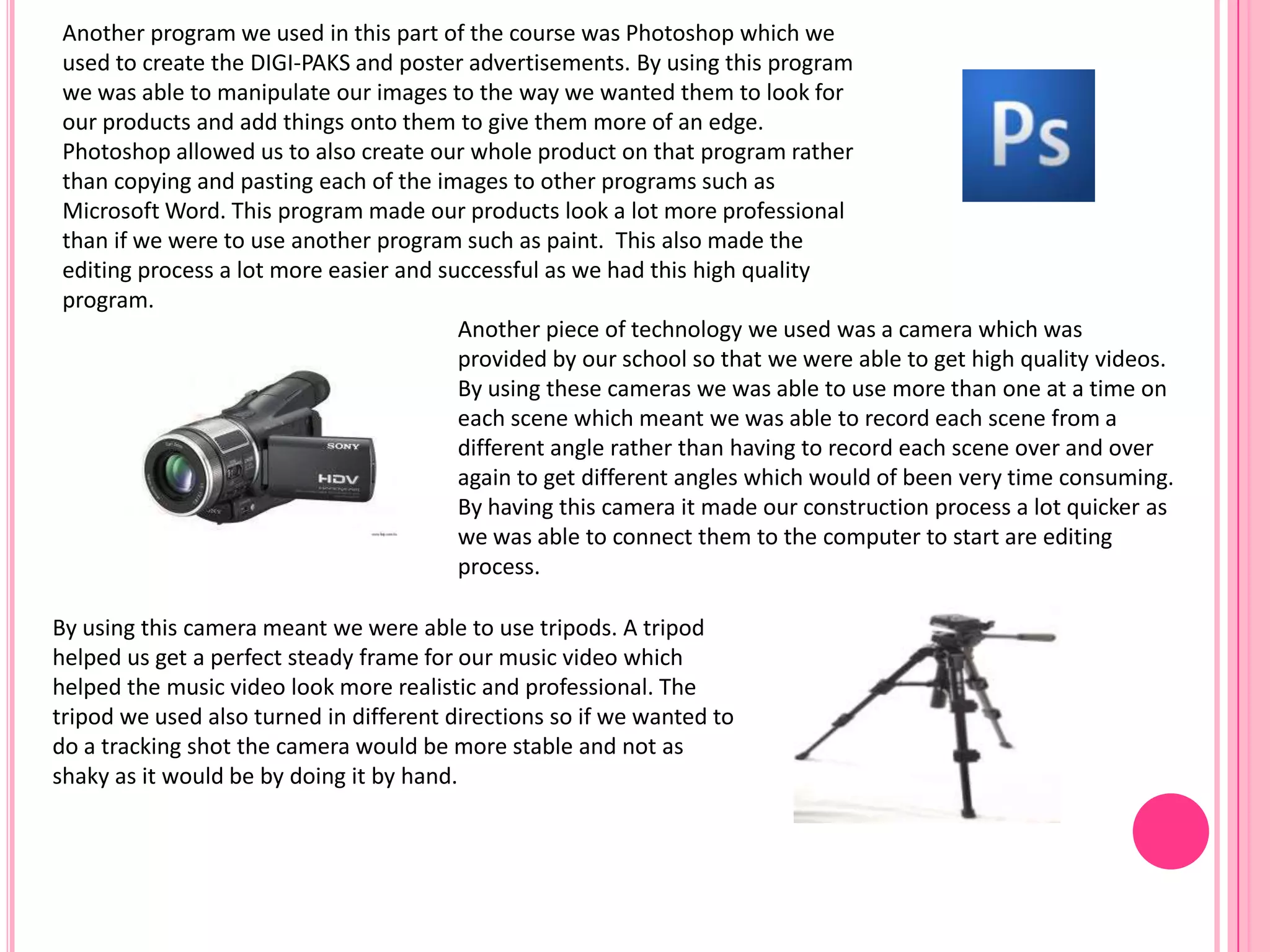
Another piece of technology we used was a camera which was
provided by our school so that we were able to get high quality videos.
By using these cameras we was able to use more than one at a time on
each scene which meant we was able to record each scene from a
different angle rather than having to record each scene over and over
again to get different angles which would of been very time consuming.
By having this camera it made our construction process a lot quicker as
we was able to connect them to the computer to start are editing
process.
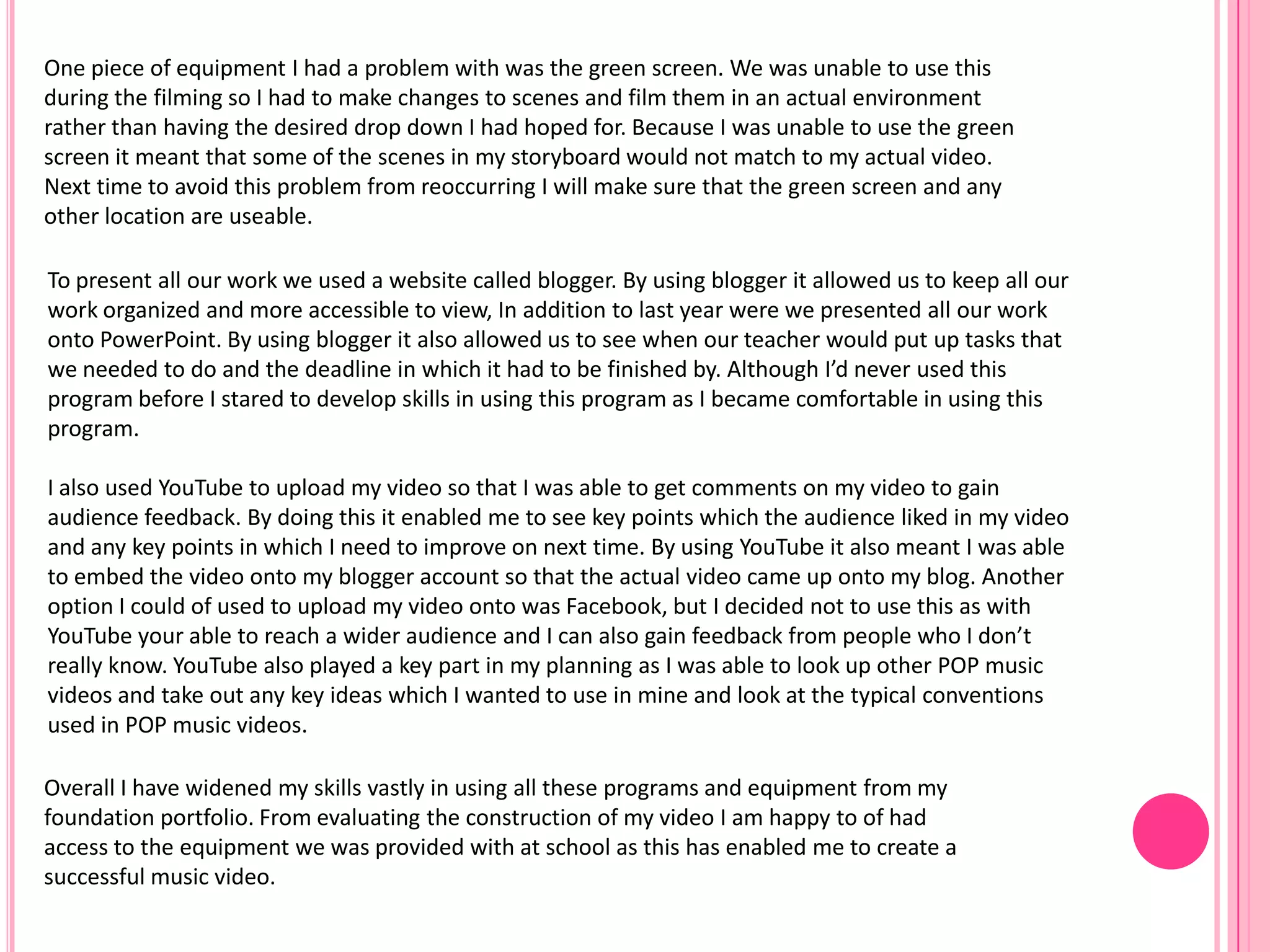
By using this camera meant we were able to use tripods. A tripod
helped us get a perfect steady frame for our music video which
helped the music video look more realistic and professional. The
tripod we used also turned in different directions so if we wanted to
do a tracking shot the camera would be more stable and not as
shaky as it would be by doing it by hand.
Another program we used in this part of the course was Photoshop which we
used to create the DIGI-PAKS and poster advertisements. By using this program
we was able to manipulate our images to the way we wanted them to look for
our products and add things onto them to give them more of an edge.
Photoshop allowed us to also create our whole product on that program rather
than copying and pasting each of the images to other programs such as
Microsoft Word. This program made our products look a lot more professional
than if we were to use another program such as paint. This also made the
editing process a lot more easier and successful as we had this high quality
program.
To present all our work we used a website called blogger. By using blogger it allowed us to keep all our
work organized and more accessible to view, In addition to last year were we presented all our work
onto PowerPoint. By using blogger it also allowed us to see when our teacher would put up tasks that
we needed to do and the deadline in which it had to be finished by. Although I’d never used this
program before I stared to develop skills in using this program as I became comfortable in using this
program.
I also used YouTube to upload my video so that I was able to get comments on my video to gain
audience feedback. By doing this it enabled me to see key points which the audience liked in my video
and any key points in which I need to improve on next time. By using YouTube it also meant I was able
to embed the video onto my blogger account so that the actual video came up onto my blog. Another
option I could of used to upload my video onto was Facebook, but I decided not to use this as with
YouTube your able to reach a wider audience and I can also gain feedback from people who I don’t
really know. YouTube also played a key part in my planning as I was able to look up other POP music
videos and take out any key ideas which I wanted to use in mine and look at the typical conventions
used in POP music videos.
One piece of equipment I had a problem with was the green screen. We was unable to use this
during the filming so I had to make changes to scenes and film them in an actual environment
rather than having the desired drop down I had hoped for. Because I was unable to use the green
screen it meant that some of the scenes in my storyboard would not match to my actual video.
Next time to avoid this problem from reoccurring I will make sure that the green screen and any
other location are useable.
Overall I have widened my skills vastly in using all these programs and equipment from my
foundation portfolio. From evaluating the construction of my video I am happy to of had
access to the equipment we was provided with at school as this has enabled me to create a
successful music video.

Steph stafford question 4 evaluation

  • 1.
    HOW DID YOUUSE MEDIA TECHNOLOGIES IN THE CONSTRUCTION AND RESEARCH PLANNING AND EVALUATION STAGES?
  • 2.
    Throughout the coursewe produced all our work on a Mac computer. Although I never had much knowledge in working with Mac I soon learned from help from my teacher and practice on different programmes that I would be using on the Mac computers. By using these computers it allowed us to have access to high quality programmes such as final cut in order to make our music videos look as professional as possible and also helped widen our skills in this area. By using these Mac computers it also meant I had access to internet which allowed me to research into other professional POP music videos to help me pick out any key ideas I wanted to use in my music video. By using the Mac computers it meant we were able to use a program called Final Cut. By having access to this program it meant we was able to edit our videos and make the look a lot more professional than if we was to use a different program such as Windows movie maker. Final cut also allows us to add a lot more different effects and editing which makes the video look much more professional. This program also allowed me to edit clips in my video to help with the lip sync. This helped me greatly as I had problems where the miming of my actor was either to slow or too fast compared to the lyrics of the song. I was able to select scenes I wanted then go into modify then into speed and the if I wanted to speed up the clip I would put it over a 100% to the correct speed and if I wanted it lower then I would put it below 100% to the correct speed.
  • 3.
    Another piece oftechnology we used was a camera which was provided by our school so that we were able to get high quality videos. By using these cameras we was able to use more than one at a time on each scene which meant we was able to record each scene from a different angle rather than having to record each scene over and over again to get different angles which would of been very time consuming. By having this camera it made our construction process a lot quicker as we was able to connect them to the computer to start are editing process. By using this camera meant we were able to use tripods. A tripod helped us get a perfect steady frame for our music video which helped the music video look more realistic and professional. The tripod we used also turned in different directions so if we wanted to do a tracking shot the camera would be more stable and not as shaky as it would be by doing it by hand. Another program we used in this part of the course was Photoshop which we used to create the DIGI-PAKS and poster advertisements. By using this program we was able to manipulate our images to the way we wanted them to look for our products and add things onto them to give them more of an edge. Photoshop allowed us to also create our whole product on that program rather than copying and pasting each of the images to other programs such as Microsoft Word. This program made our products look a lot more professional than if we were to use another program such as paint. This also made the editing process a lot more easier and successful as we had this high quality program.
  • 4.
    To present allour work we used a website called blogger. By using blogger it allowed us to keep all our work organized and more accessible to view, In addition to last year were we presented all our work onto PowerPoint. By using blogger it also allowed us to see when our teacher would put up tasks that we needed to do and the deadline in which it had to be finished by. Although I’d never used this program before I stared to develop skills in using this program as I became comfortable in using this program. I also used YouTube to upload my video so that I was able to get comments on my video to gain audience feedback. By doing this it enabled me to see key points which the audience liked in my video and any key points in which I need to improve on next time. By using YouTube it also meant I was able to embed the video onto my blogger account so that the actual video came up onto my blog. Another option I could of used to upload my video onto was Facebook, but I decided not to use this as with YouTube your able to reach a wider audience and I can also gain feedback from people who I don’t really know. YouTube also played a key part in my planning as I was able to look up other POP music videos and take out any key ideas which I wanted to use in mine and look at the typical conventions used in POP music videos. One piece of equipment I had a problem with was the green screen. We was unable to use this during the filming so I had to make changes to scenes and film them in an actual environment rather than having the desired drop down I had hoped for. Because I was unable to use the green screen it meant that some of the scenes in my storyboard would not match to my actual video. Next time to avoid this problem from reoccurring I will make sure that the green screen and any other location are useable. Overall I have widened my skills vastly in using all these programs and equipment from my foundation portfolio. From evaluating the construction of my video I am happy to of had access to the equipment we was provided with at school as this has enabled me to create a successful music video.