Berlin, October 16-17 2018
Stabilising a Large IBM
Connections Environment
Martijn de Jong
@martdj
PLATINUM	SPONSORS
GOLD	SPONSORS
BRONZE	SPONSORS
SILVER	SPONSORS
Please	update	this	slide	
before	the	event.	We	will	
send	you	an	updated	
template	with	all	sponsors.	
Thank	you.
PLATINUM SPONSORS
GOLD SPONSORS
BRONZE SPONSORS
SILVER SPONSORS
SPEEDSPONSORING BEER SPONSOR
Social Connections 14 Berlin, October 16-17 2018
Who am I
• M.Sc. Electrical Engineering at the University of Delft, The Netherlands
• Psychology & Ergonomics at the University of Stellenbosch, South Africa
• Worked with IBM Domino in development, administration and as an instructor since 2000
• Working for ilionx since 2004
• Worked with IBM Connections since 2012 with 2 of top 3 largest accounts in the Netherlands
Martijn de Jong
mdejong@ilionx.com
twitter.com/martdj
nl.linkedin.com/in/martdj
blog.martdj.nl
Social Connections 14 Berlin, October 16-17 2018
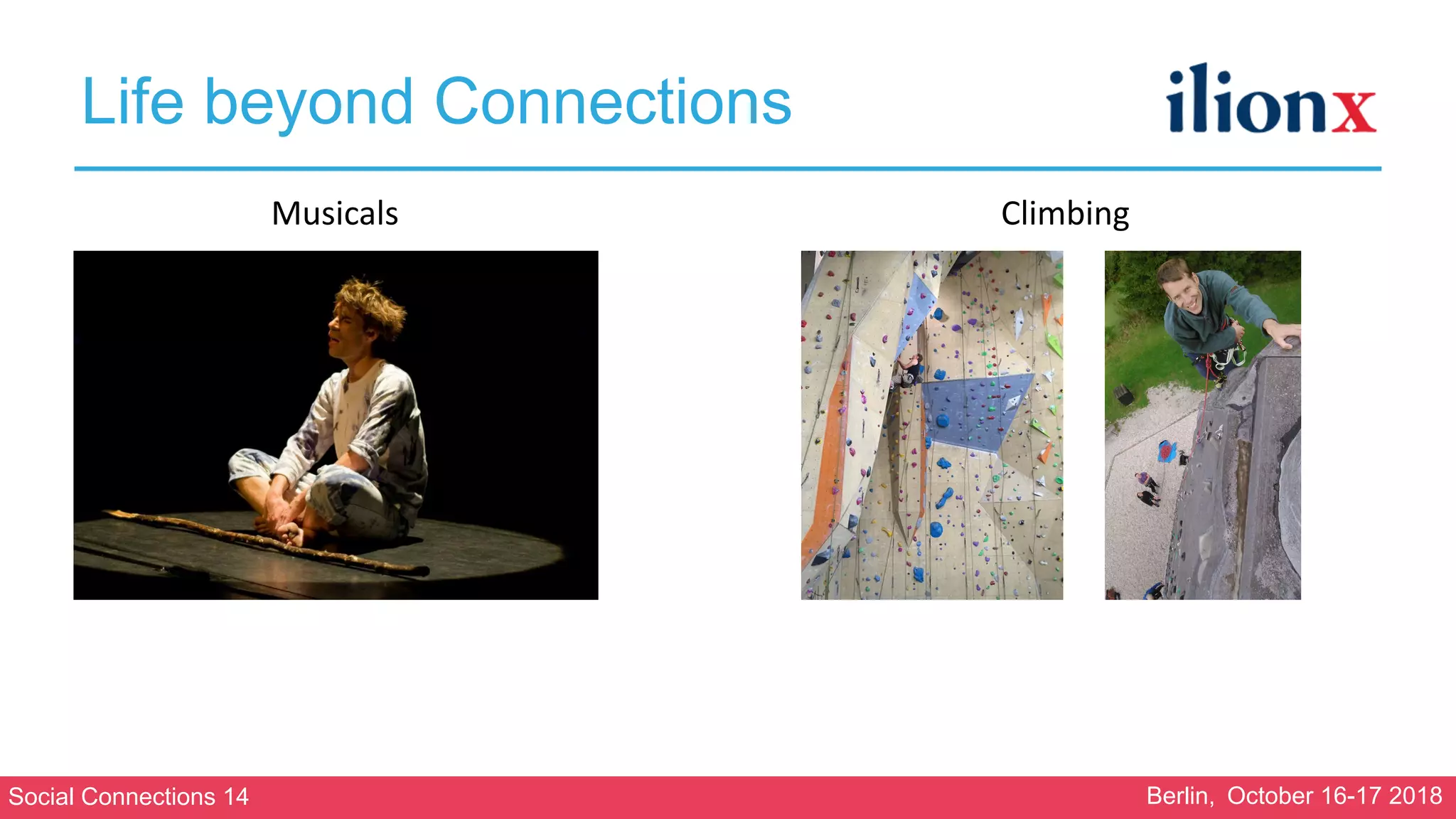
Life beyond Connections
ClimbingMusicals
Social Connections 14 Berlin, October 16-17 2018
The Case
• Client with 22K employees (7K of which added 3 months prior to my arrival)
• IBM Connections 5.5 CR3
• Everything installed on Windows 2012
• In a private cloud on MS Azure
• MS SQL 2012 as SQL server
• 7 WebSphere servers (1 Dmgr/Cognos/Analytics, 4 Connections applications, 2 Docs
viewer/conversion)
• Connections clustered. 2 servers per cluster
• 4 - 10 IHS servers
• IBM Engagement center is the homepage/startpage for all employees
• Next to standard applications and ICEC, Communities Surveys, Cognos, Kudos
Boards, Kudos Analytics, DomainPatrol Social and ConnectionsExpert are installed
Social Connections 14 Berlin, October 16-17 2018
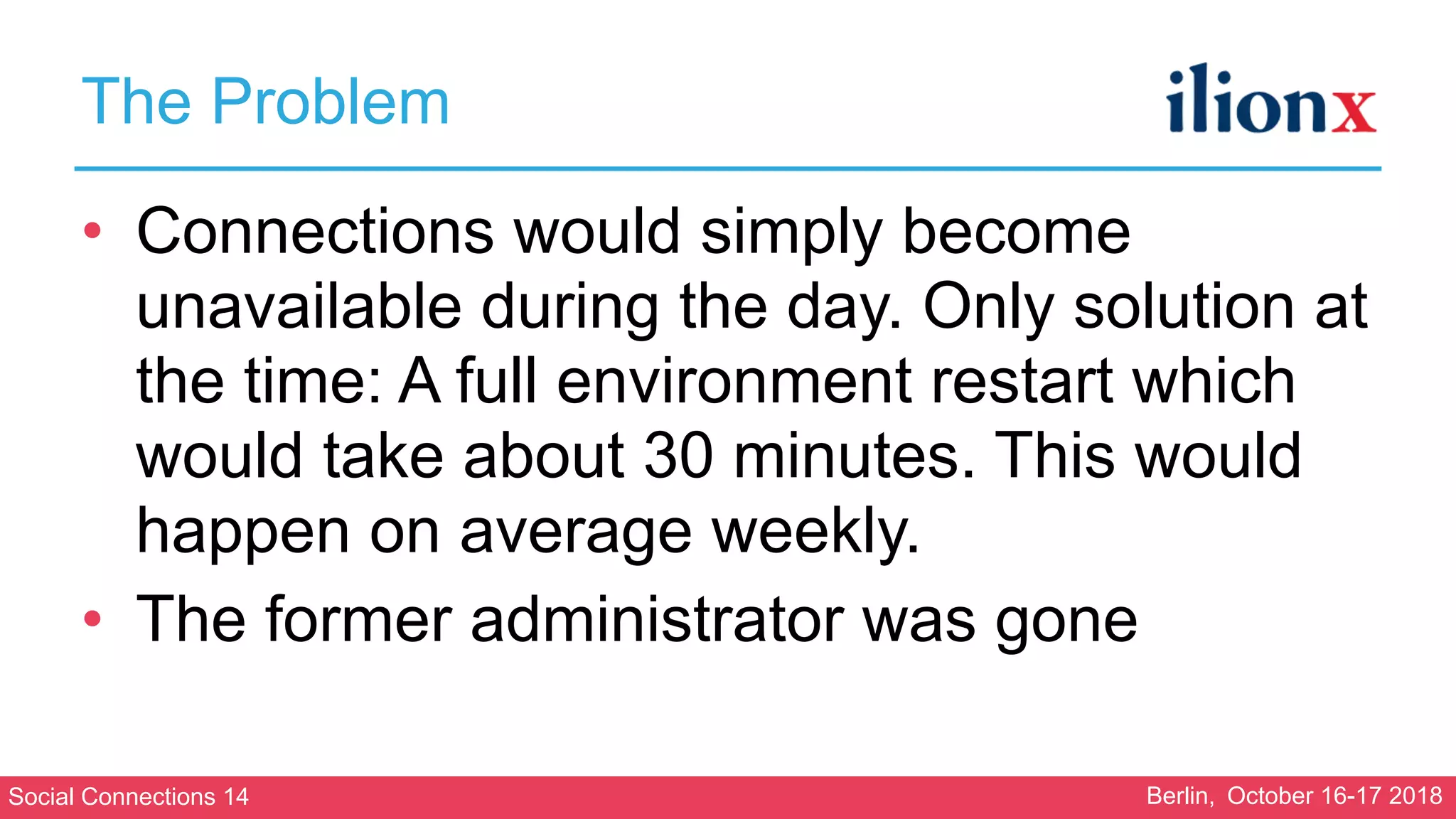
The Problem
• Connections would simply become
unavailable during the day. Only solution at
the time: A full environment restart which
would take about 30 minutes. This would
happen on average weekly.
• The former administrator was gone
Social Connections 14 Berlin, October 16-17 2018
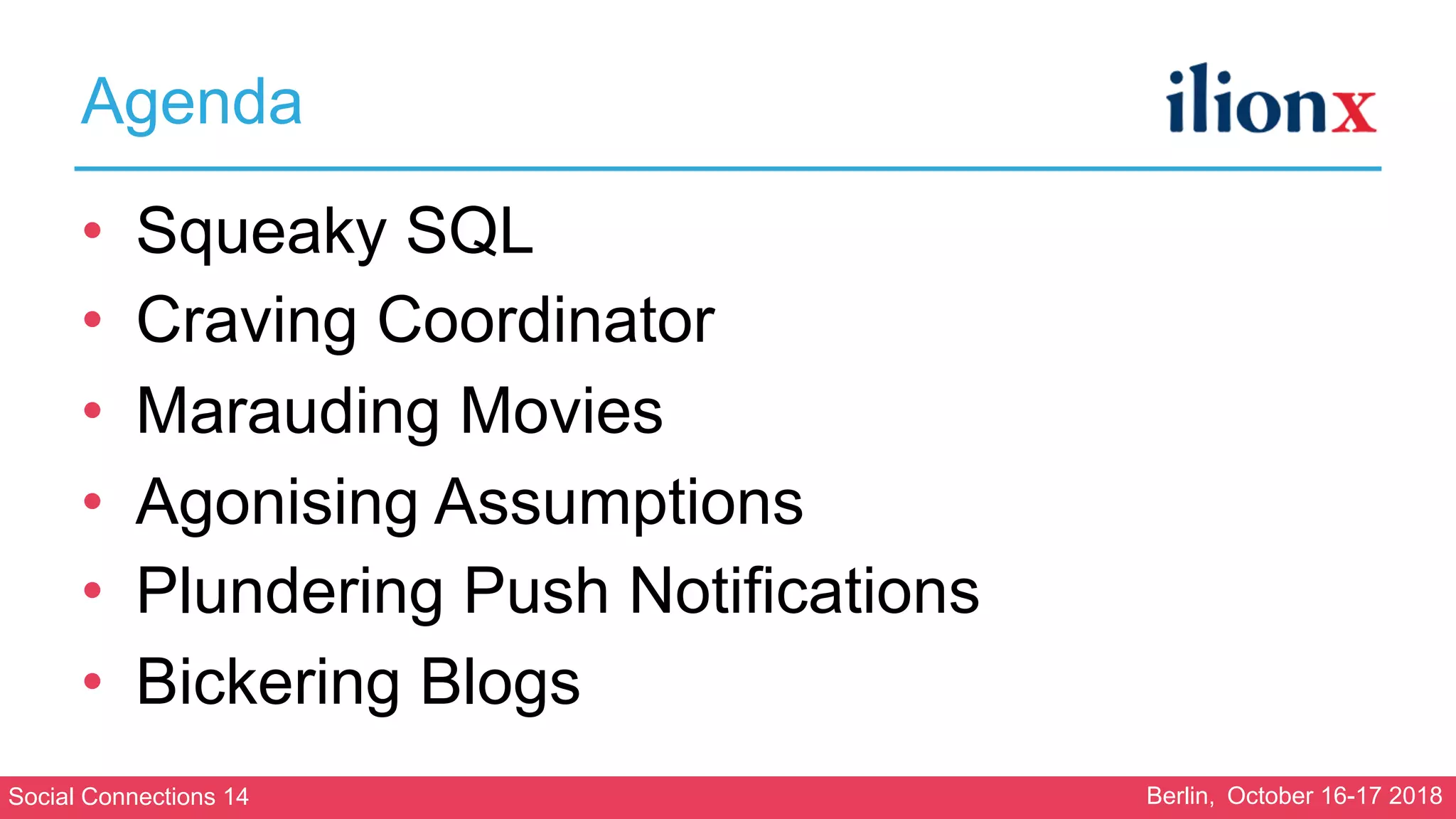
Agenda
• Squeaky SQL
• Craving Coordinator
• Marauding Movies
• Agonising Assumptions
• Plundering Push Notifications
• Bickering Blogs
Social Connections 14 Berlin, October 16-17 2018
Squeaky SQL
Social Connections 14 Berlin, October 16-17 2018
Squeaky SQL
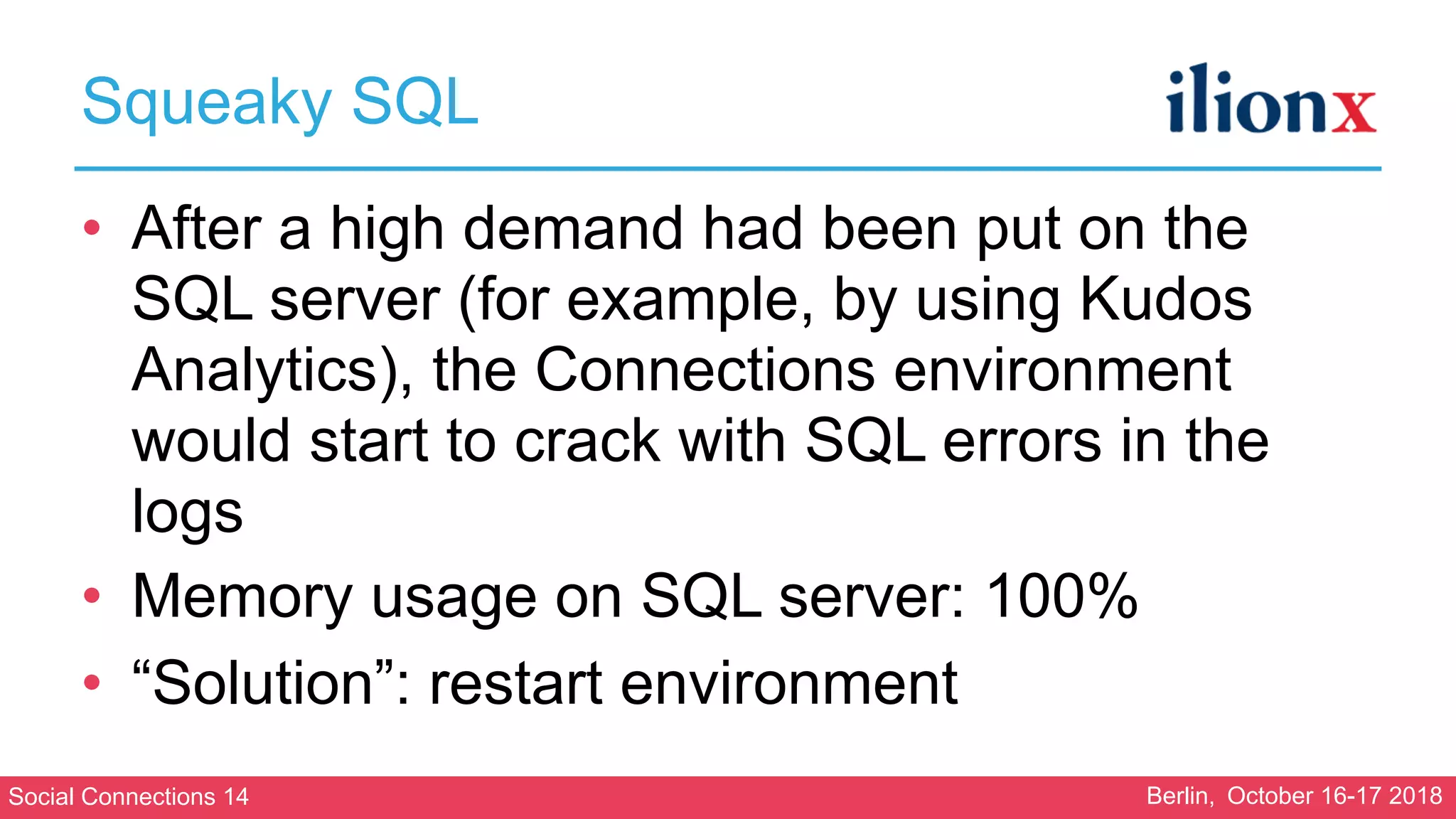
• After a high demand had been put on the
SQL server (for example, by using Kudos
Analytics), the Connections environment
would start to crack with SQL errors in the
logs
• Memory usage on SQL server: 100%
• “Solution”: restart environment
Social Connections 14 Berlin, October 16-17 2018
Squeaky SQL
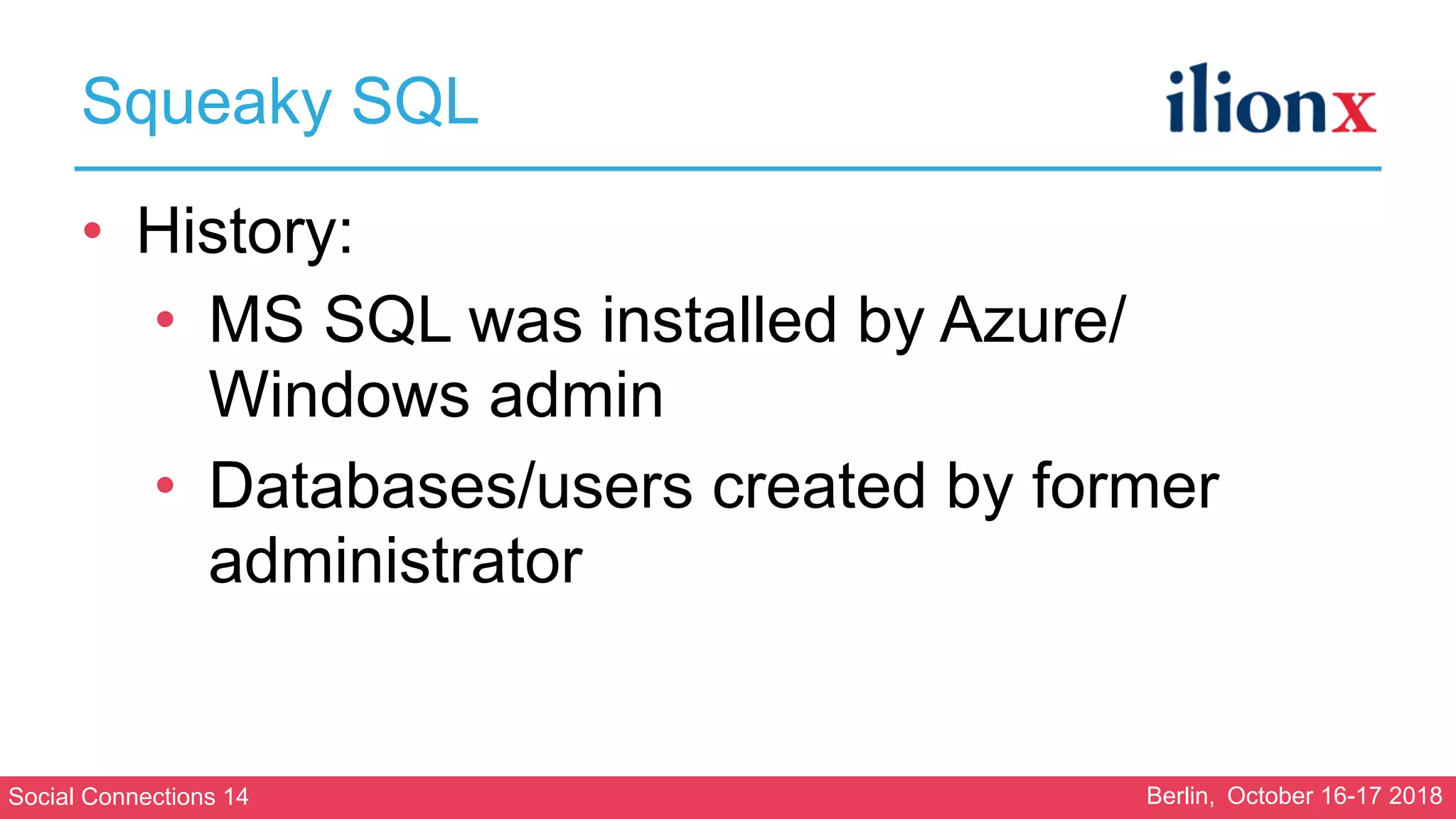
• History:
• MS SQL was installed by Azure/
Windows admin
• Databases/users created by former
administrator
Social Connections 14 Berlin, October 16-17 2018
Squeaky SQL
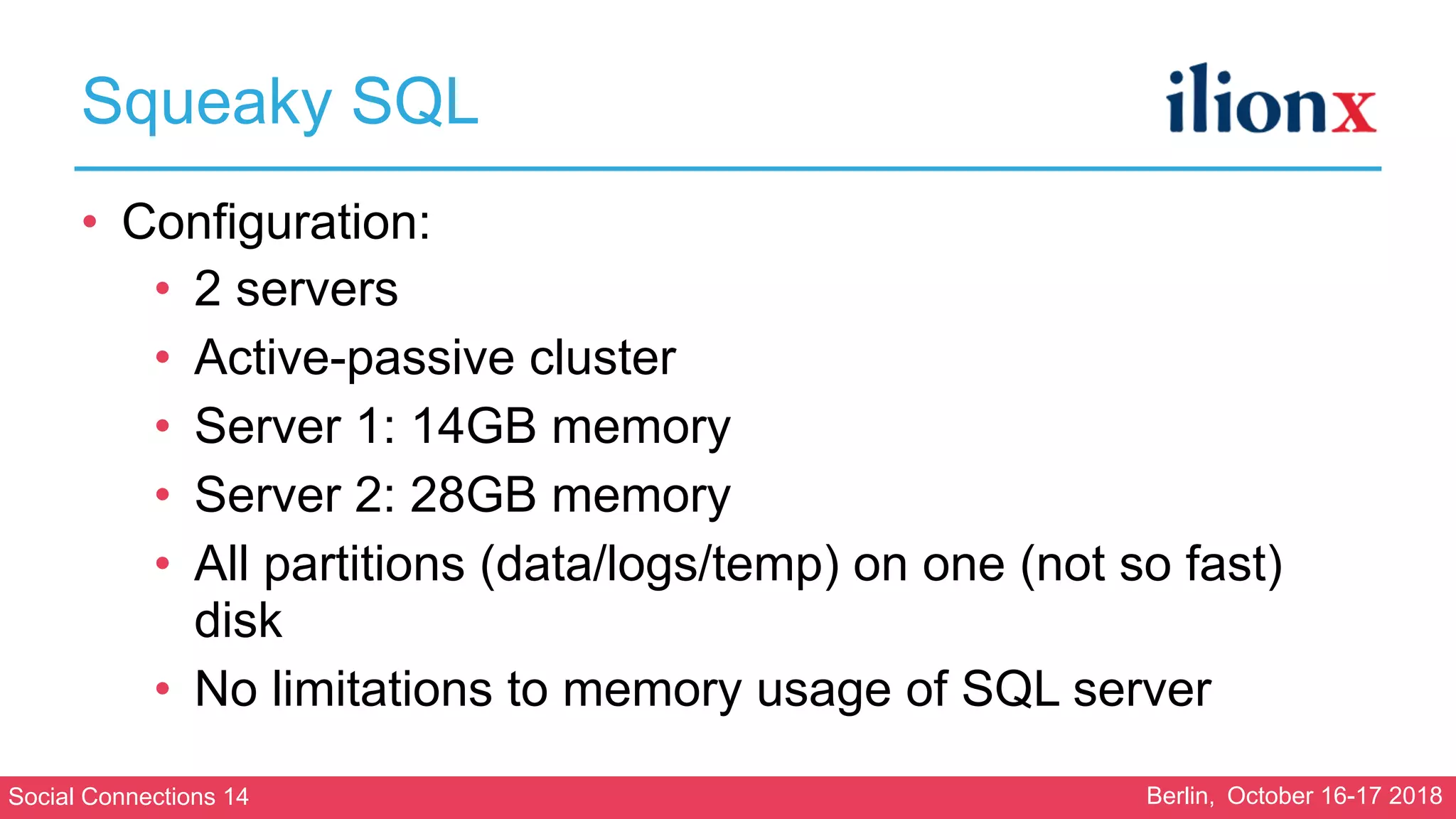
• Configuration:
• 2 servers
• Active-passive cluster
• Server 1: 14GB memory
• Server 2: 28GB memory
• All partitions (data/logs/temp) on one (not so fast)
disk
• No limitations to memory usage of SQL server
Social Connections 14 Berlin, October 16-17 2018
Squeaky SQL
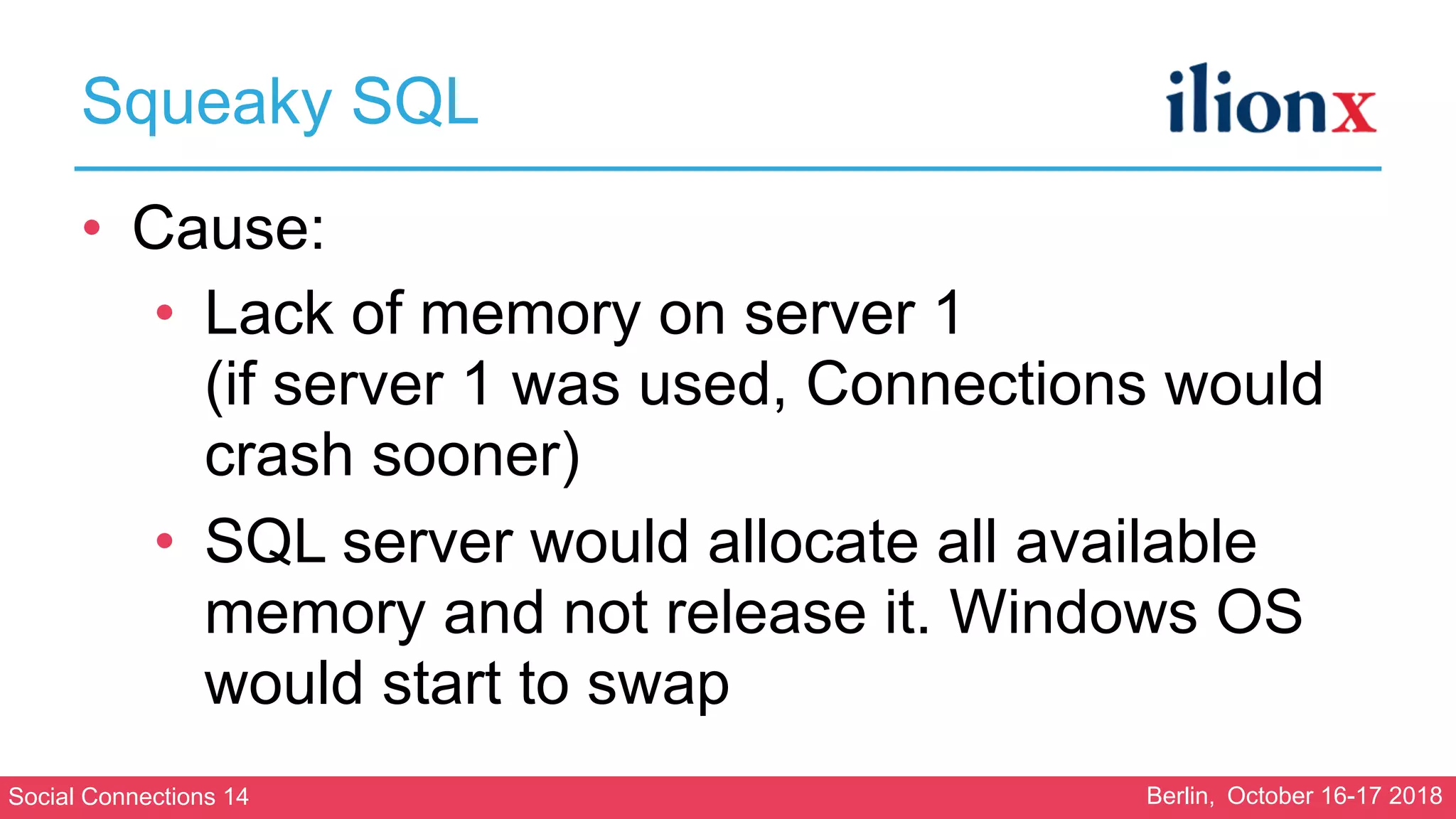
• Cause:
• Lack of memory on server 1

(if server 1 was used, Connections would
crash sooner)
• SQL server would allocate all available
memory and not release it. Windows OS
would start to swap
Social Connections 14 Berlin, October 16-17 2018
Squeaky SQL
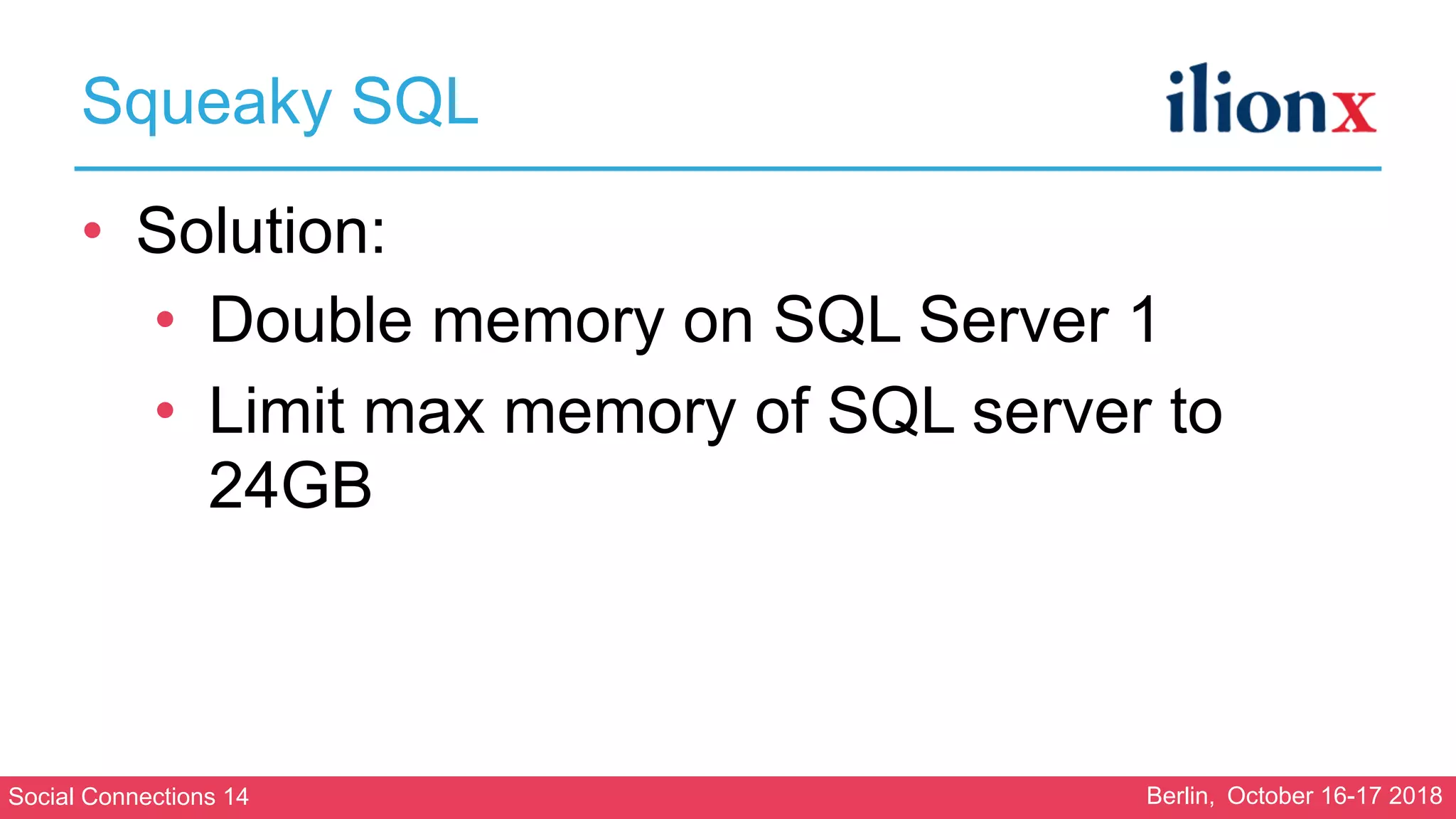
• Solution:
• Double memory on SQL Server 1
• Limit max memory of SQL server to
24GB
Social Connections 14 Berlin, October 16-17 2018
Lesson learned:
Get a DBA to help you with the configuration of
your SQL backend
Social Connections 14 Berlin, October 16-17 2018
Craving Coordinator
Social Connections 14 Berlin, October 16-17 2018
Craving Coordinator
• Next problem I noticed were problems with
clustering
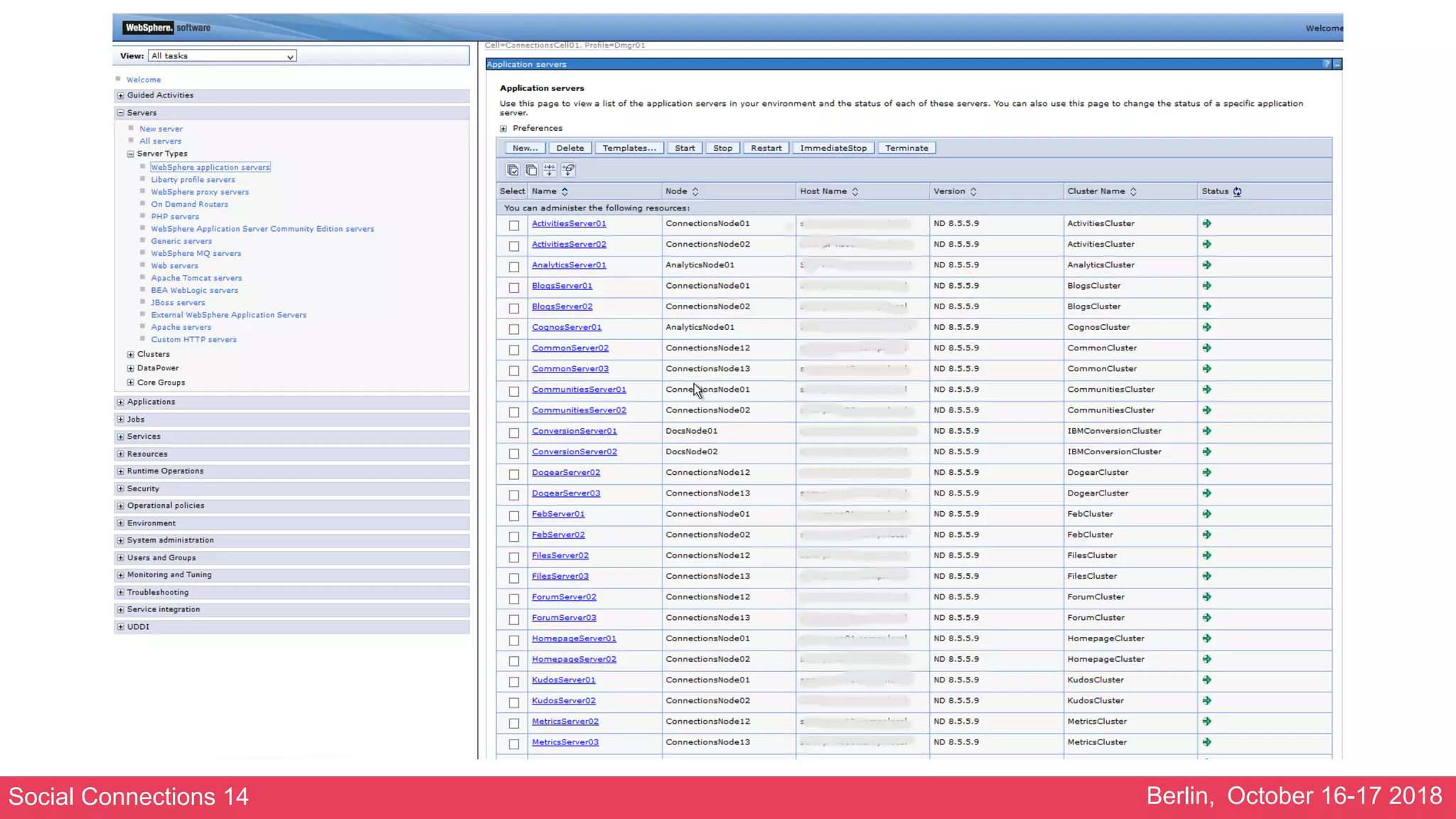
• The WebSphere Application Servers view
looked like this:
Social Connections 14 Berlin, October 16-17 2018
Craving Coordinator
• Next problem I noticed were problems with
clustering
• The WebSphere Application Servers view
looked like this:
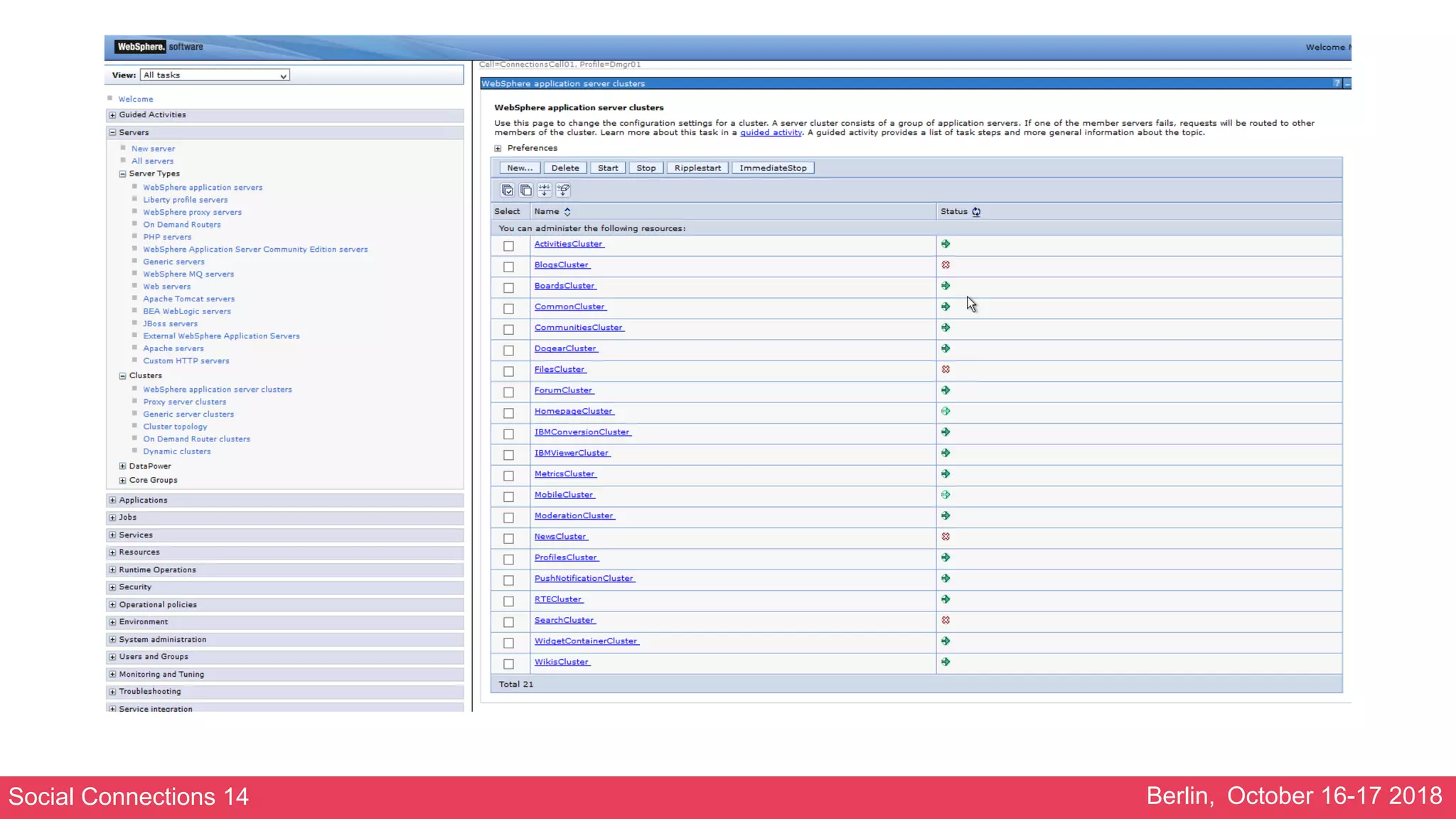
• The WebSphere Application Clusters view
looked like this:
Social Connections 14 Berlin, October 16-17 2018
Craving Coordinator
• A lot of these errors in SystemOut.logs:
AgentClassImp W HMGR1001W: An attempt to receive a message of type GrowAgentRequest for Agent Agent: :
[_ham.serverid:ConnectionsCell01ConnectionsNode11SearchServer01]
[drs_inst_name:ic/services/cache/OAuth20DBClientCache][drs_inst_id: 1512698926654][ibm_agent.seq:1227]
[drs_mode:0][drs_agent_id:
CommunitiesServer01ic/services/cache/OAuth20DBClientCache9266541] in AgentClass AgentClass :
[policy:DefaultNOOPPolicy][drs_grp_id:
ConnectionsReplicationDomain] failed. The exception is
com.ibm.wsspi. hamanager.HAGroupMemberAlreadyExistsException: The member already exists
at com.ibm.ws.hamanager.impl.HAManagerImpl.joinGroup(HAManagerImpl.java:179)
at com.ibm.ws.hamanager.agent.AgentImpl.<init>(AgentImpl.java:174)
at com.ibm.ws.hamanager.agent.AgentClassImpl.onMessage(AgentClassImpl.java:429)
at com.ibm.ws.hamanager.impl.HAGroupImpl.doOnMessage(HAGroupImpl.java:794)
at com.ibm.ws.hamanager.impl.HAGroupImpl$HAGroupUserCallback.doCallback(HAGroupImpl.java:1382)
at com.ibm.ws.hamanager.impl.Worker.run(Worker.java:64)
at com.ibm.ws.util.ThreadPool$Worker.run(ThreadPool.java:1881)
Social Connections 14 Berlin, October 16-17 2018
Craving Coordinator
• Both the cluster viewer and the error message show problems
with the High Availability Manager (HAM)
• The WebSphere HAM is the component that is responsible for the
automatic failover support.
• The error message would occur in case the HA manager is not
able to obtain a communications thread from the thread pool
• The location of the services that depend on the HAM is managed
by the core group coordinator
• The core group coordinator can’t manage these services properly
if it is craving for resources…
Social Connections 14 Berlin, October 16-17 2018
Craving Coordinator
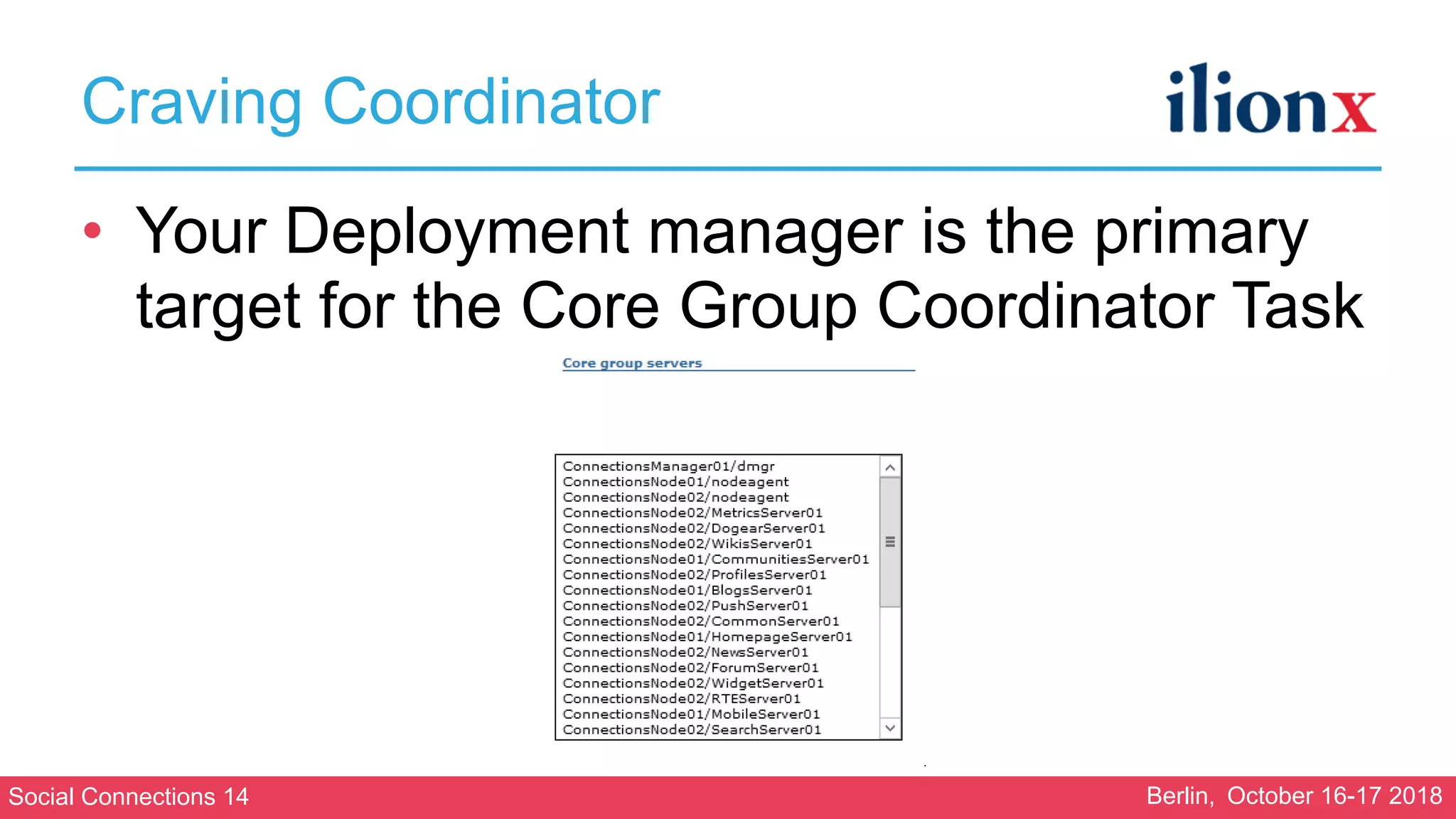
• Your Deployment manager is the primary
target for the Core Group Coordinator Task
Social Connections 14 Berlin, October 16-17 2018
Craving Coordinator
• History:
• Kudos Analytics was previously installed on same
servers as half the Connections applications
• Former administrator had had an outage when
Analytics was heavily used
• He moved Kudos Analytics to an Appserver on
Dmgr machine
• Together with Cognos
Social Connections 14 Berlin, October 16-17 2018
Craving Coordinator
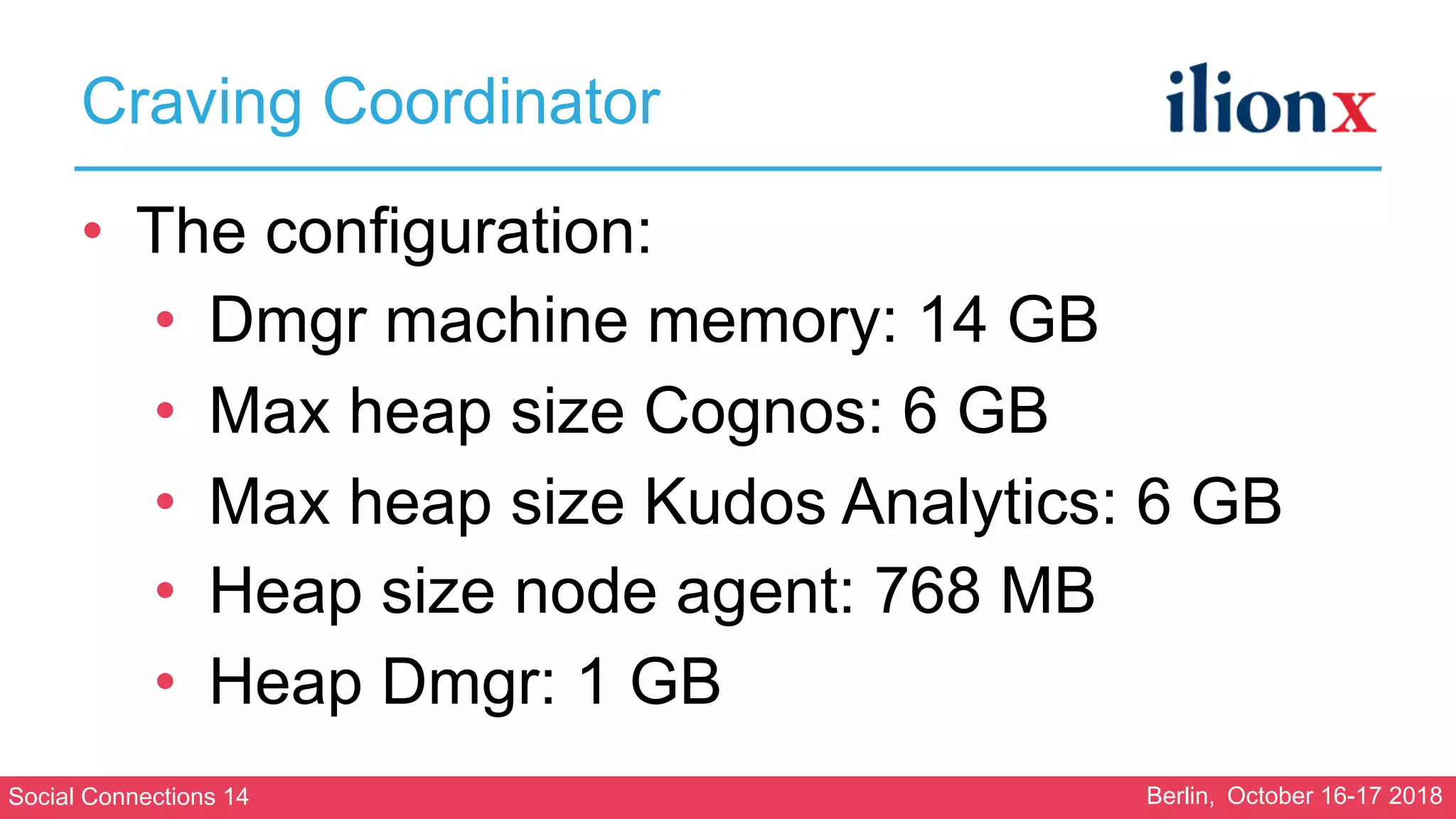
• The configuration:
• Dmgr machine memory: 14 GB
• Max heap size Cognos: 6 GB
• Max heap size Kudos Analytics: 6 GB
• Heap size node agent: 768 MB
• Heap Dmgr: 1 GB
Social Connections 14 Berlin, October 16-17 2018
Craving Coordinator
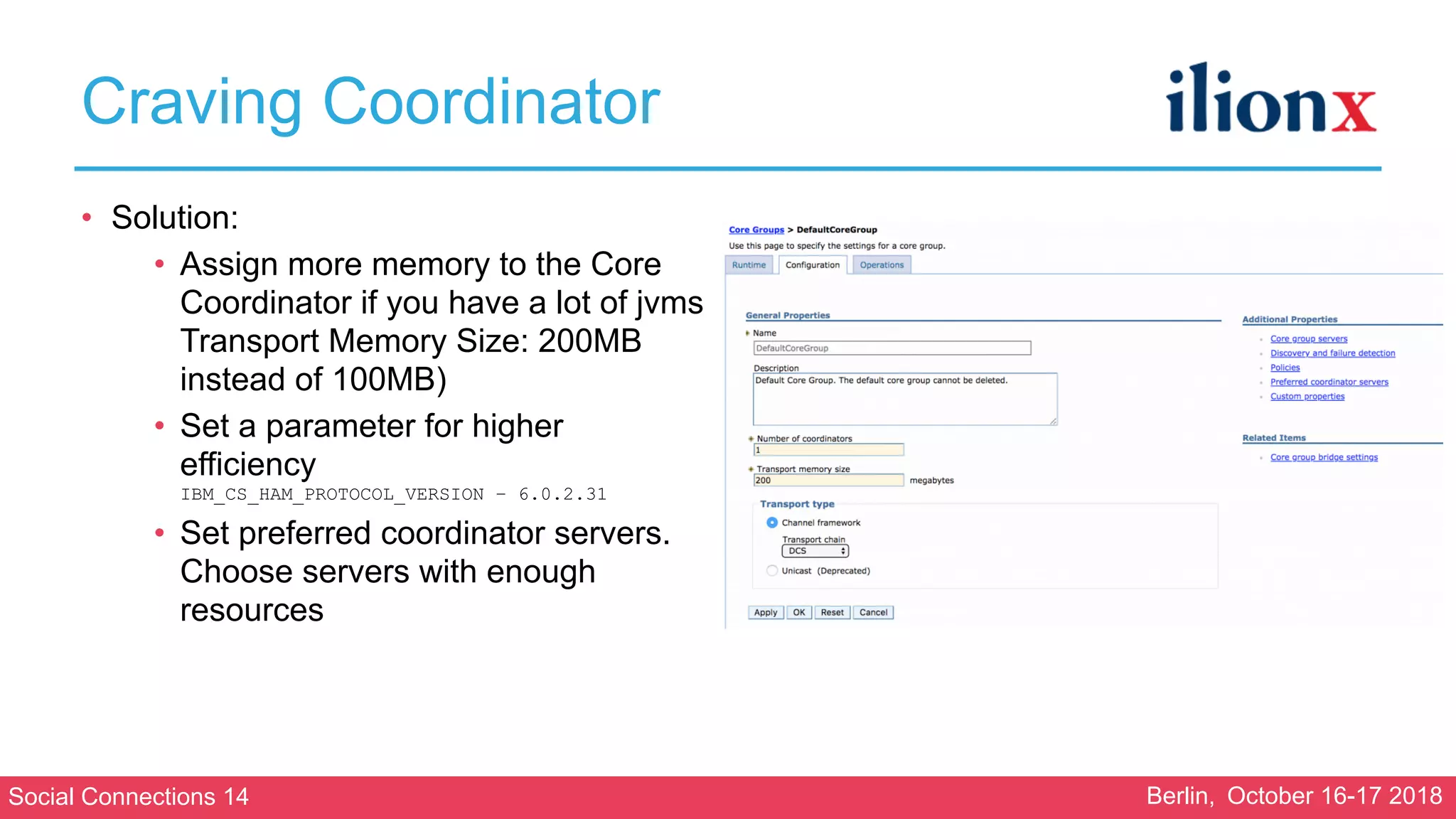
• Solution:
• Assign more memory to the Core
Coordinator if you have a lot of jvms

Transport Memory Size: 200MB
instead of 100MB)
• Set a parameter for higher
efficiency

IBM_CS_HAM_PROTOCOL_VERSION – 6.0.2.31
• Set preferred coordinator servers.
Choose servers with enough
resources

Social Connections 14 Berlin, October 16-17 2018
Lesson learned:
Don’t underestimate the importance of your Deployment
Manager. Make sure your Deployment Manager always has
enough resources!
Social Connections 14 Berlin, October 16-17 2018
Marauding Movies
Social Connections 14 Berlin, October 16-17 2018
Marauding Movies
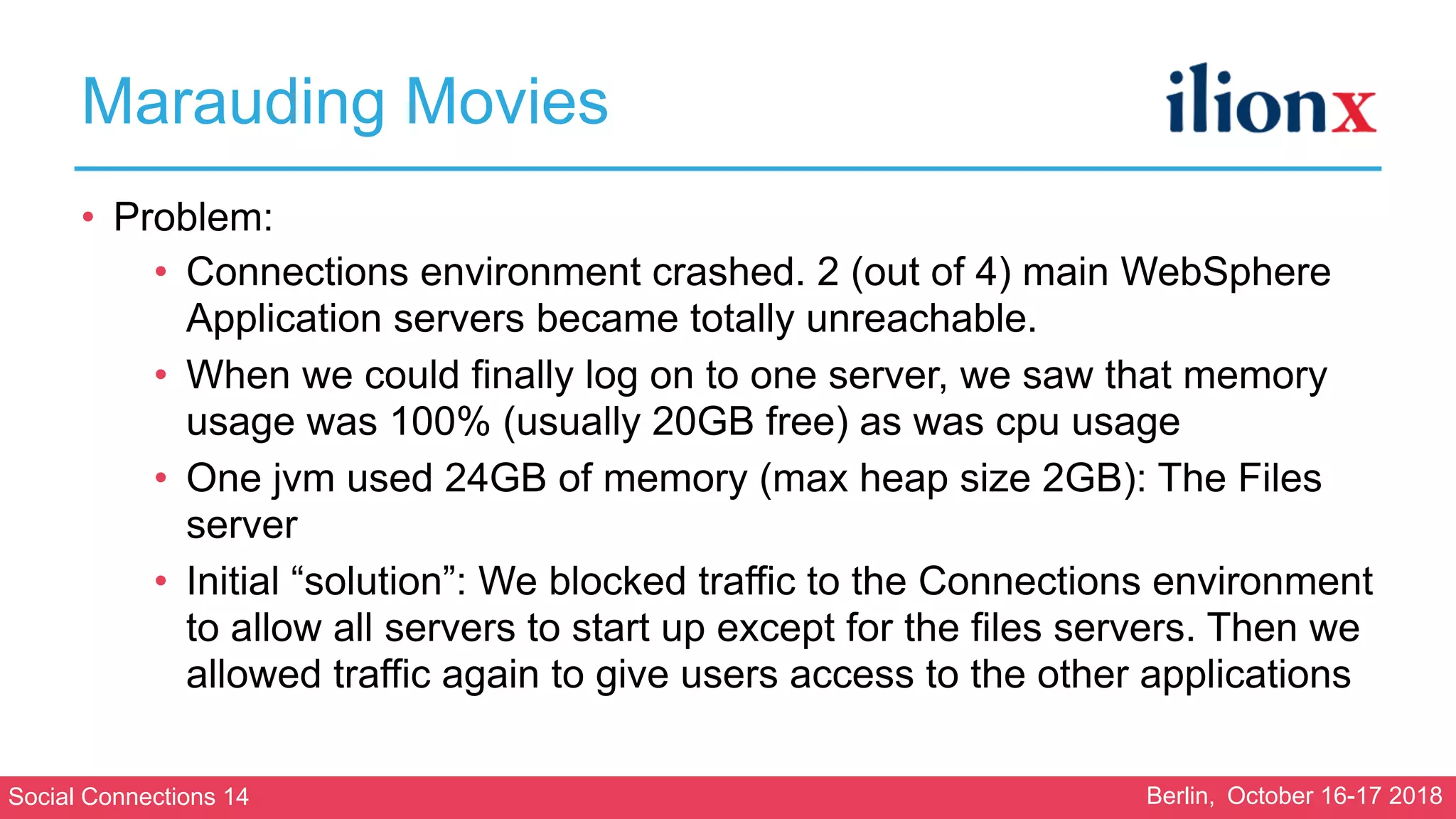
• Problem:
• Connections environment crashed. 2 (out of 4) main WebSphere
Application servers became totally unreachable.
• When we could finally log on to one server, we saw that memory
usage was 100% (usually 20GB free) as was cpu usage
• One jvm used 24GB of memory (max heap size 2GB): The Files
server
• Initial “solution”: We blocked traffic to the Connections environment
to allow all servers to start up except for the files servers. Then we
allowed traffic again to give users access to the other applications
Social Connections 14 Berlin, October 16-17 2018
Marauding Movies
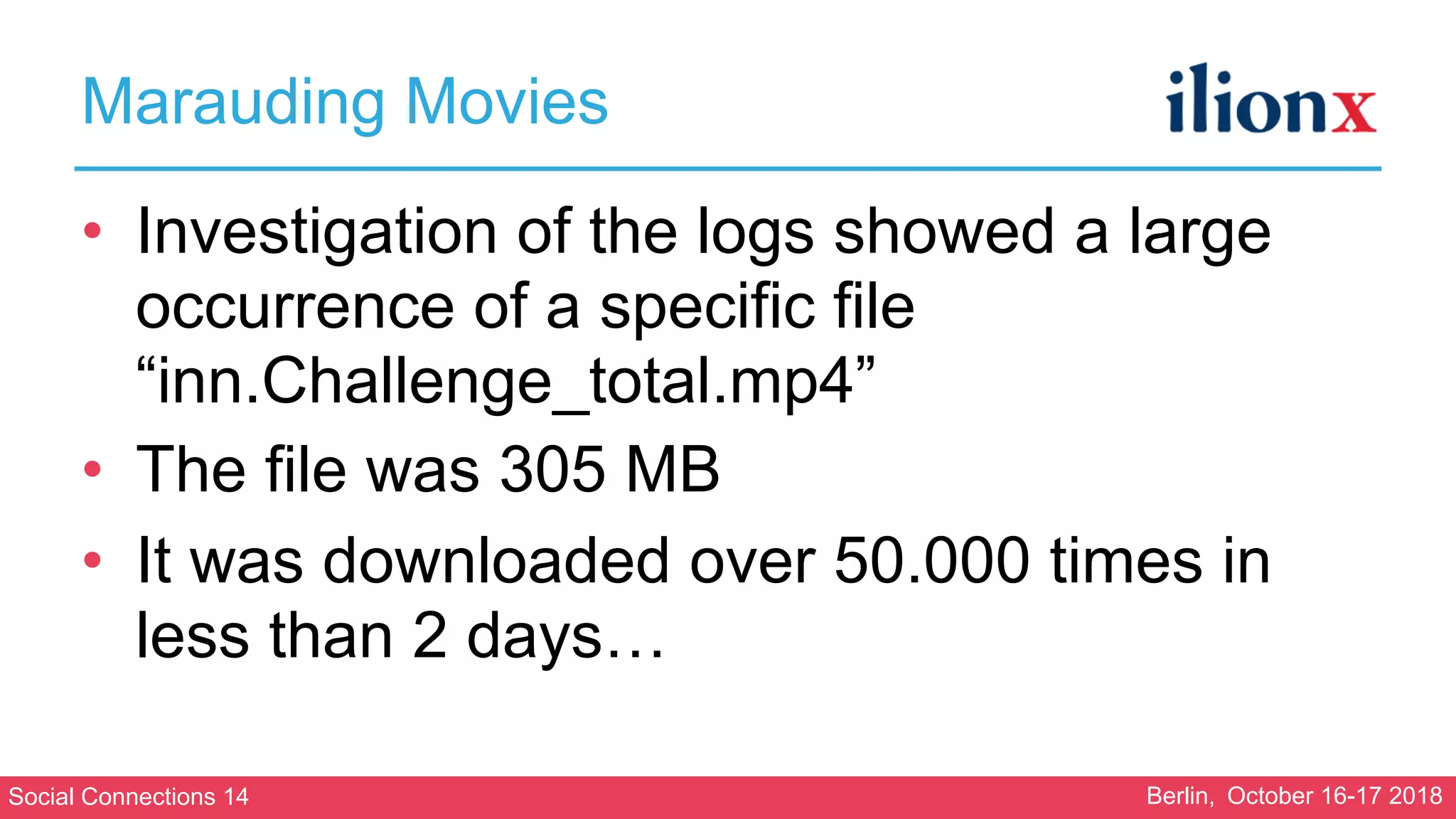
• Investigation of the logs showed a large
occurrence of a specific file
“inn.Challenge_total.mp4”
• The file was 305 MB
• It was downloaded over 50.000 times in
less than 2 days…
Social Connections 14 Berlin, October 16-17 2018
Marauding Movies
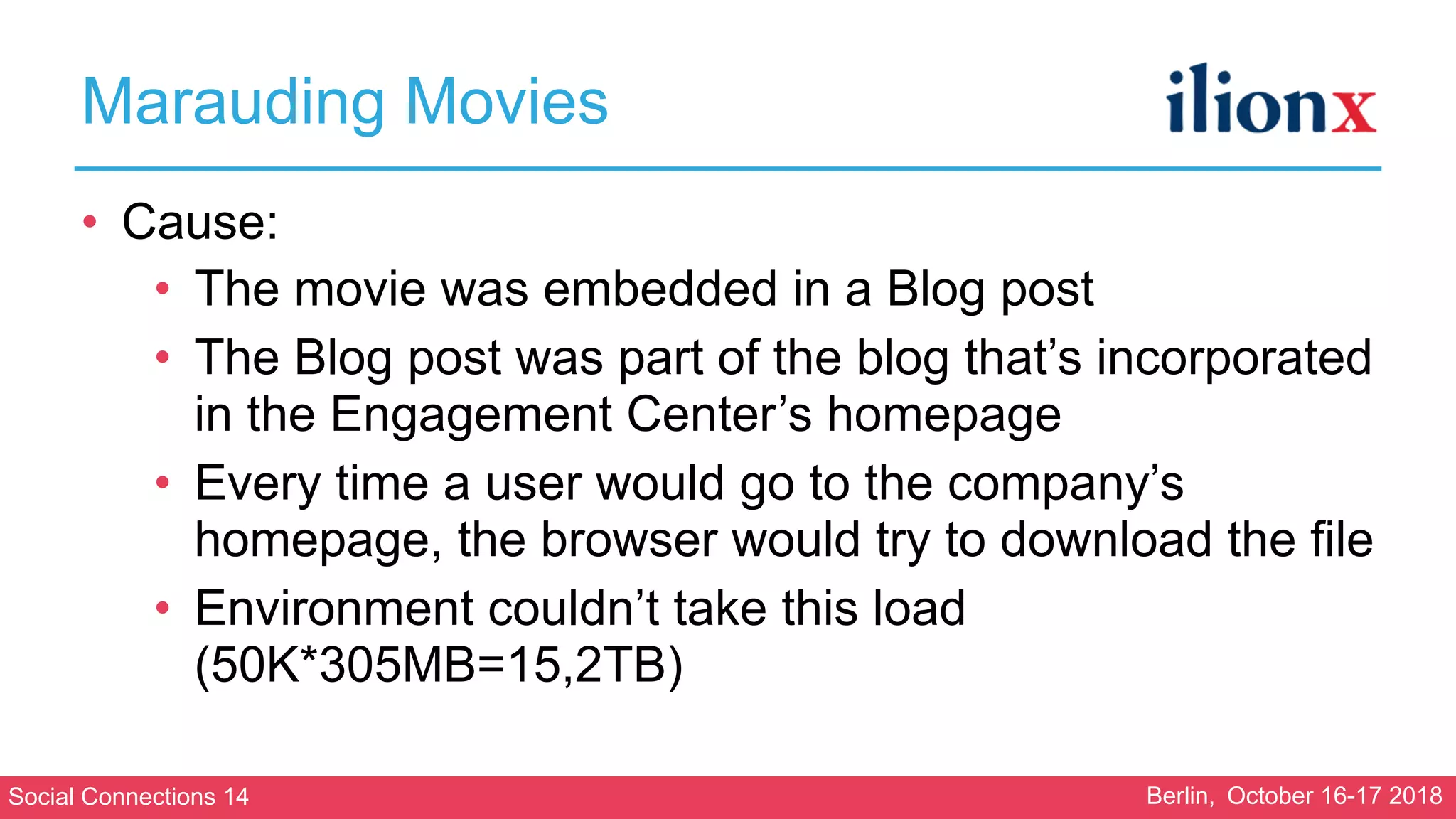
• Cause:
• The movie was embedded in a Blog post
• The Blog post was part of the blog that’s incorporated
in the Engagement Center’s homepage
• Every time a user would go to the company’s
homepage, the browser would try to download the file
• Environment couldn’t take this load
(50K*305MB=15,2TB)
Social Connections 14 Berlin, October 16-17 2018
Marauding Movies
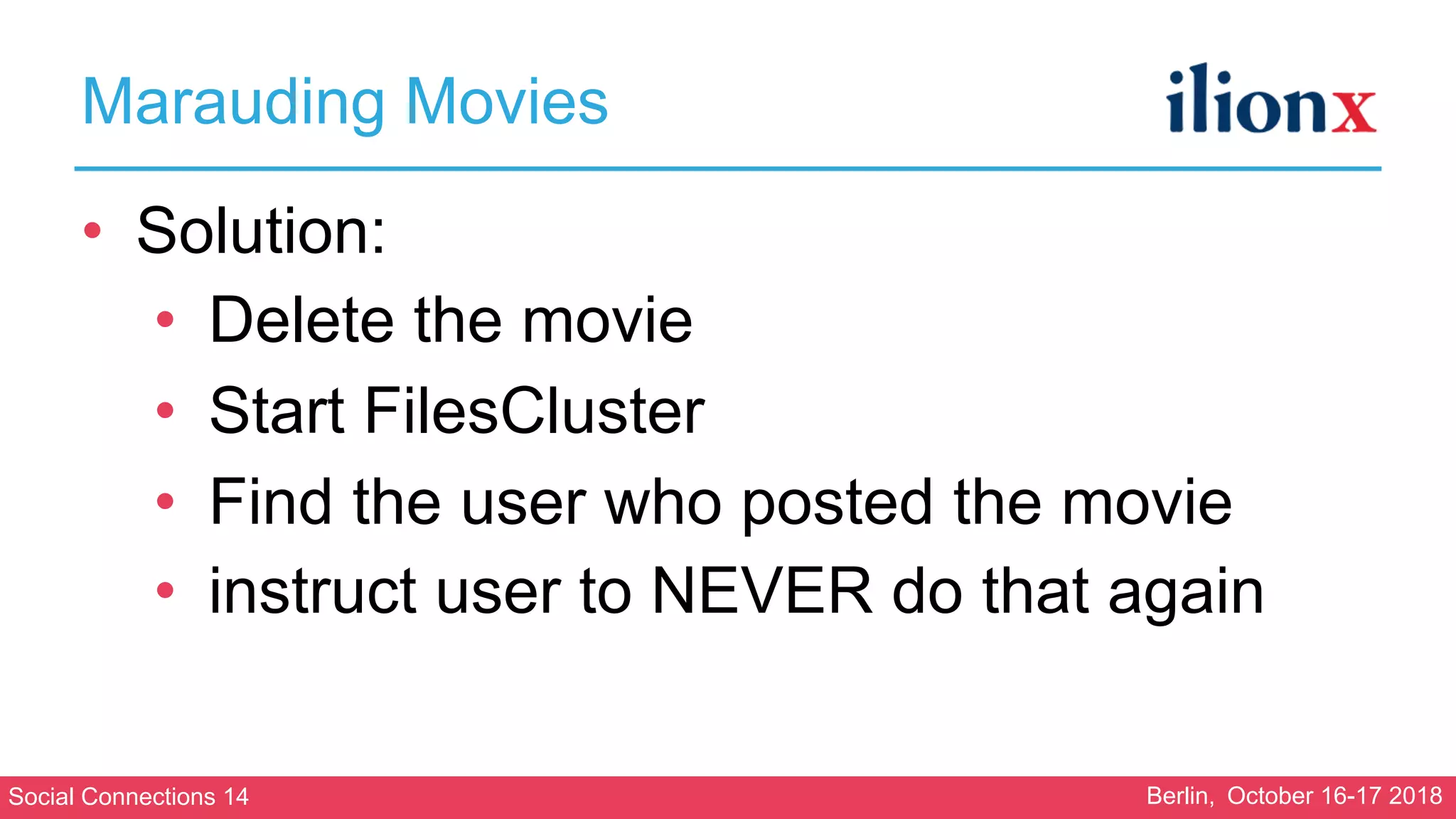
• Solution:
• Delete the movie
• Start FilesCluster
• Find the user who posted the movie
• instruct user to NEVER do that again
Social Connections 14 Berlin, October 16-17 2018
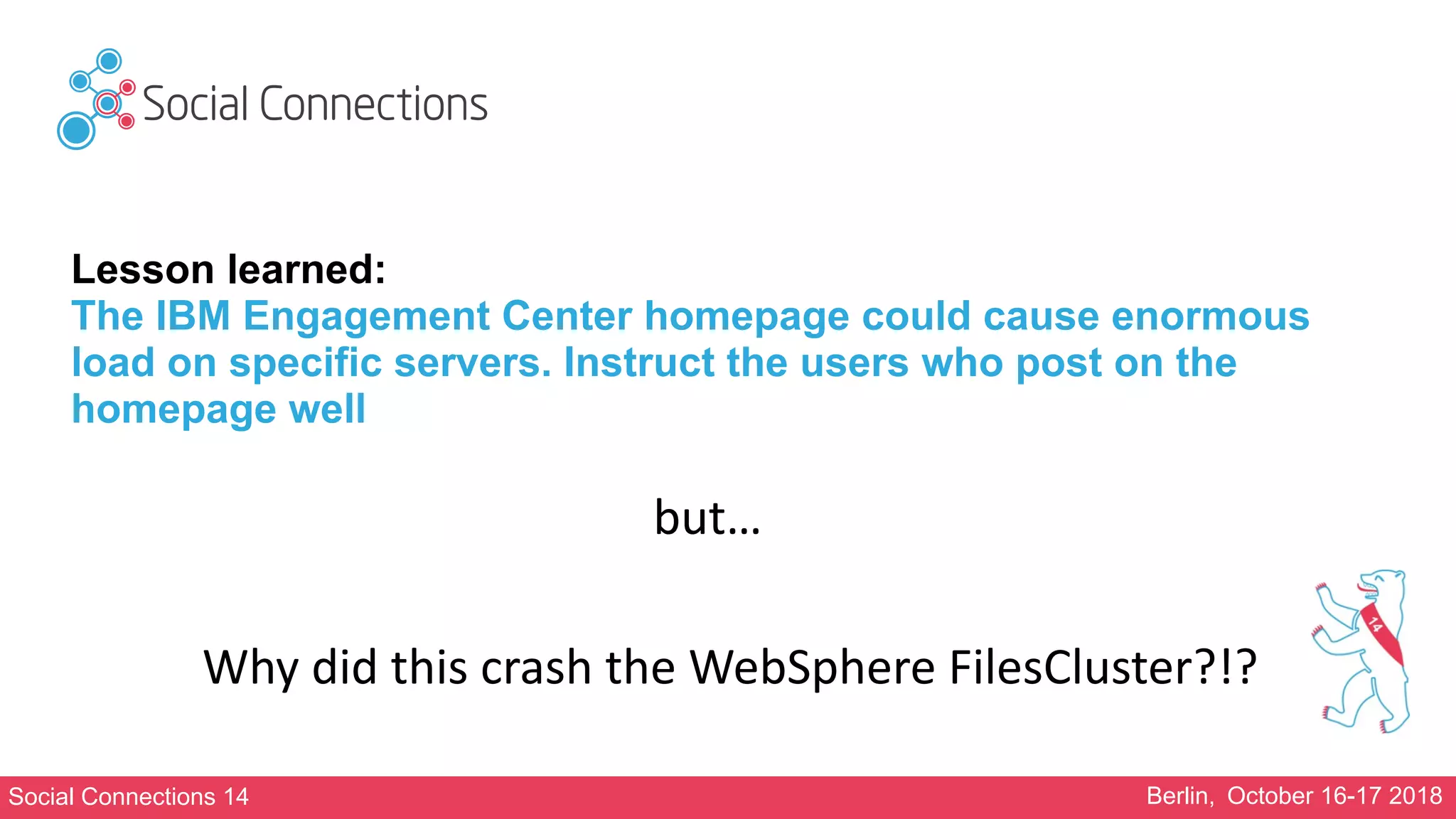
Lesson learned:
The IBM Engagement Center homepage could cause enormous
load on specific servers. Instruct the users who post on the
homepage well
but…
Why	did	this	crash	the	WebSphere	FilesCluster?!?
Social Connections 14 Berlin, October 16-17 2018
Agonising Assumptions
Social Connections 14 Berlin, October 16-17 2018
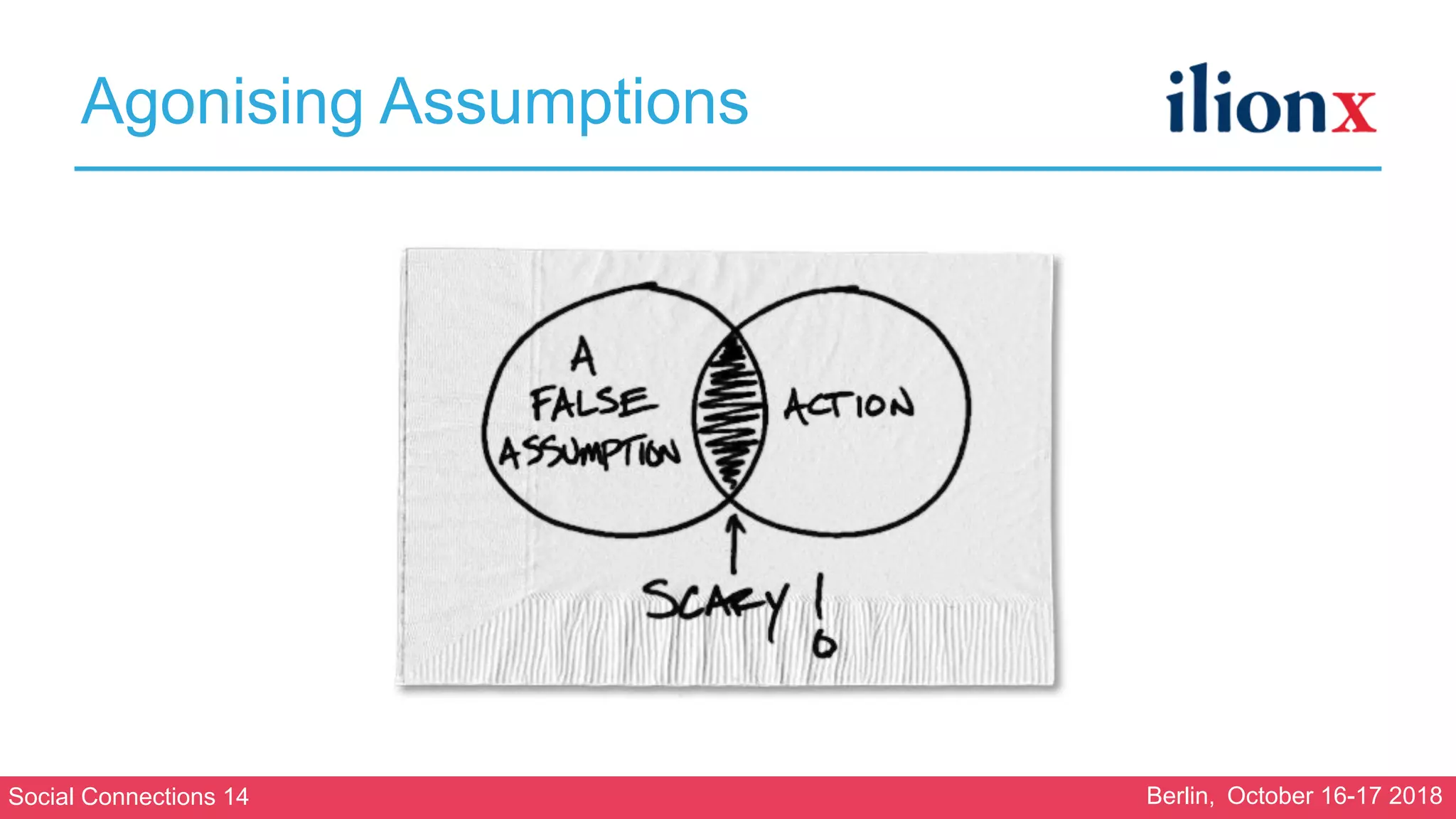
Agonising Assumptions
• “Assumption is the mother
of all fuckups…”

— Travis Dane
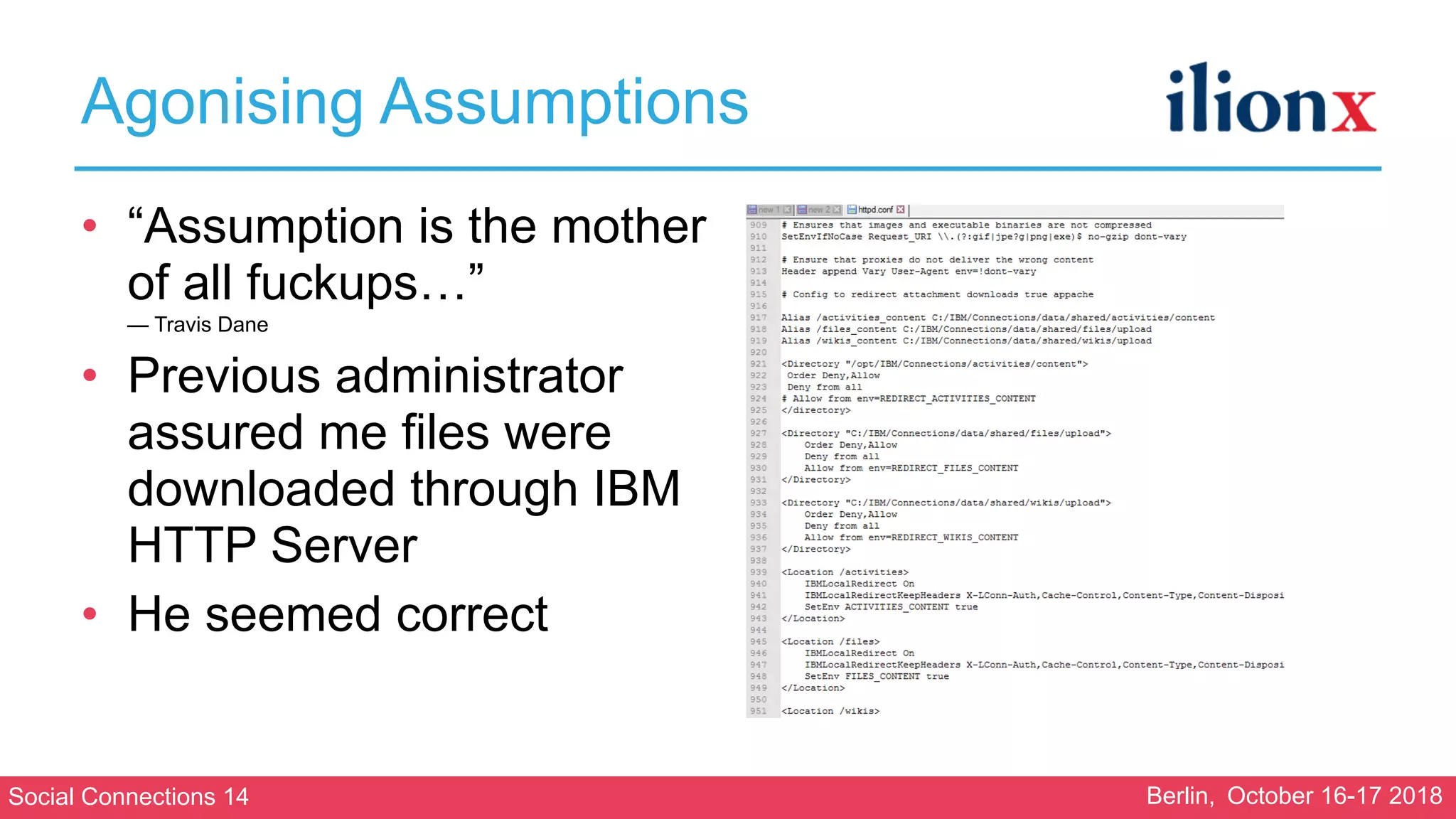
• Previous administrator
assured me files were
downloaded through IBM
HTTP Server
• He seemed correct
•
Social Connections 14 Berlin, October 16-17 2018
Agonising Assumptions
• “Assumption is the mother
of all fuckups…”

— Travis Dane
• Previous administrator
assured me files were
downloaded through IBM
HTTP Server
• He seemed correct
• But…
Social Connections 14 Berlin, October 16-17 2018
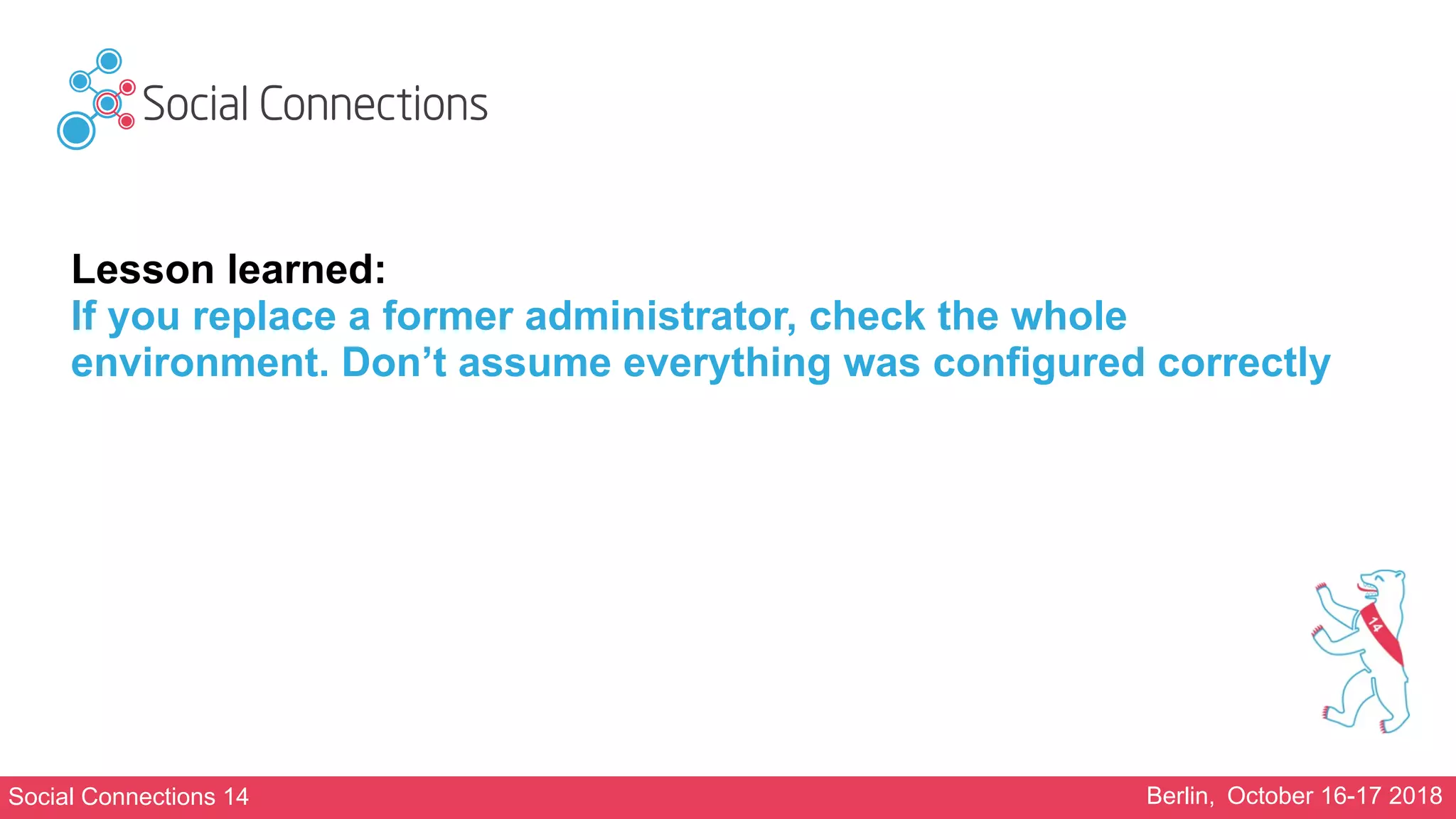
Lesson learned:
If you replace a former administrator, check the whole
environment. Don’t assume everything was configured correctly
Social Connections 14 Berlin, October 16-17 2018
Plundering Push Notifications
Social Connections 14 Berlin, October 16-17 2018
Plundering Push Notifications
• This happened before I came in
• The Connections environment had become very slow
• Investigation showed that the web servers had run
out of threads
• Most threads were used by the Push notification
application
• The previous administrator had solved this by
disabling this application
Social Connections 14 Berlin, October 16-17 2018
Plundering Push Notifications
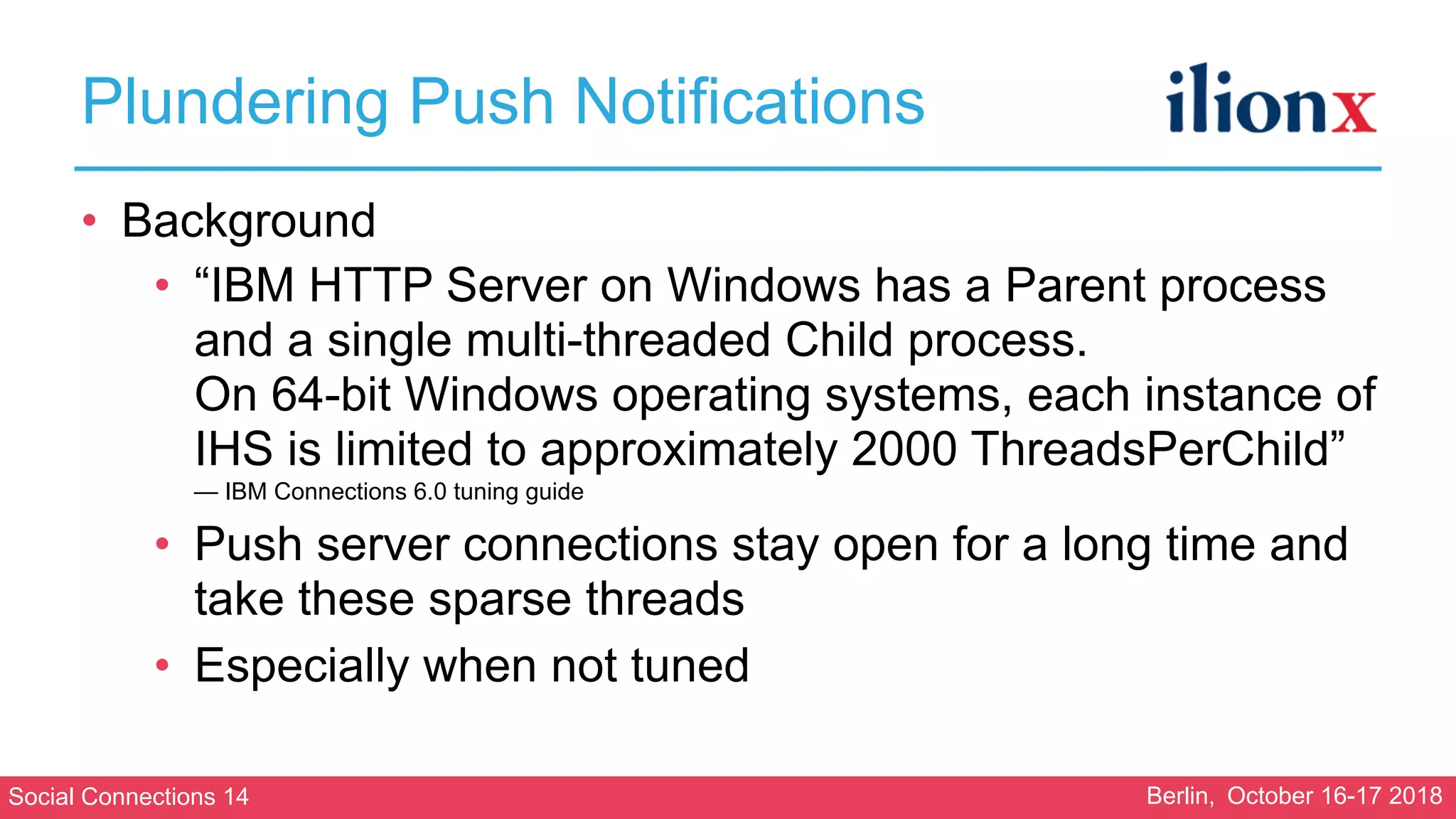
• Background
• “IBM HTTP Server on Windows has a Parent process
and a single multi-threaded Child process.

On 64-bit Windows operating systems, each instance of
IHS is limited to approximately 2000 ThreadsPerChild”

— IBM Connections 6.0 tuning guide
• Push server connections stay open for a long time and
take these sparse threads
• Especially when not tuned
Social Connections 14 Berlin, October 16-17 2018
Plundering Push Notifications
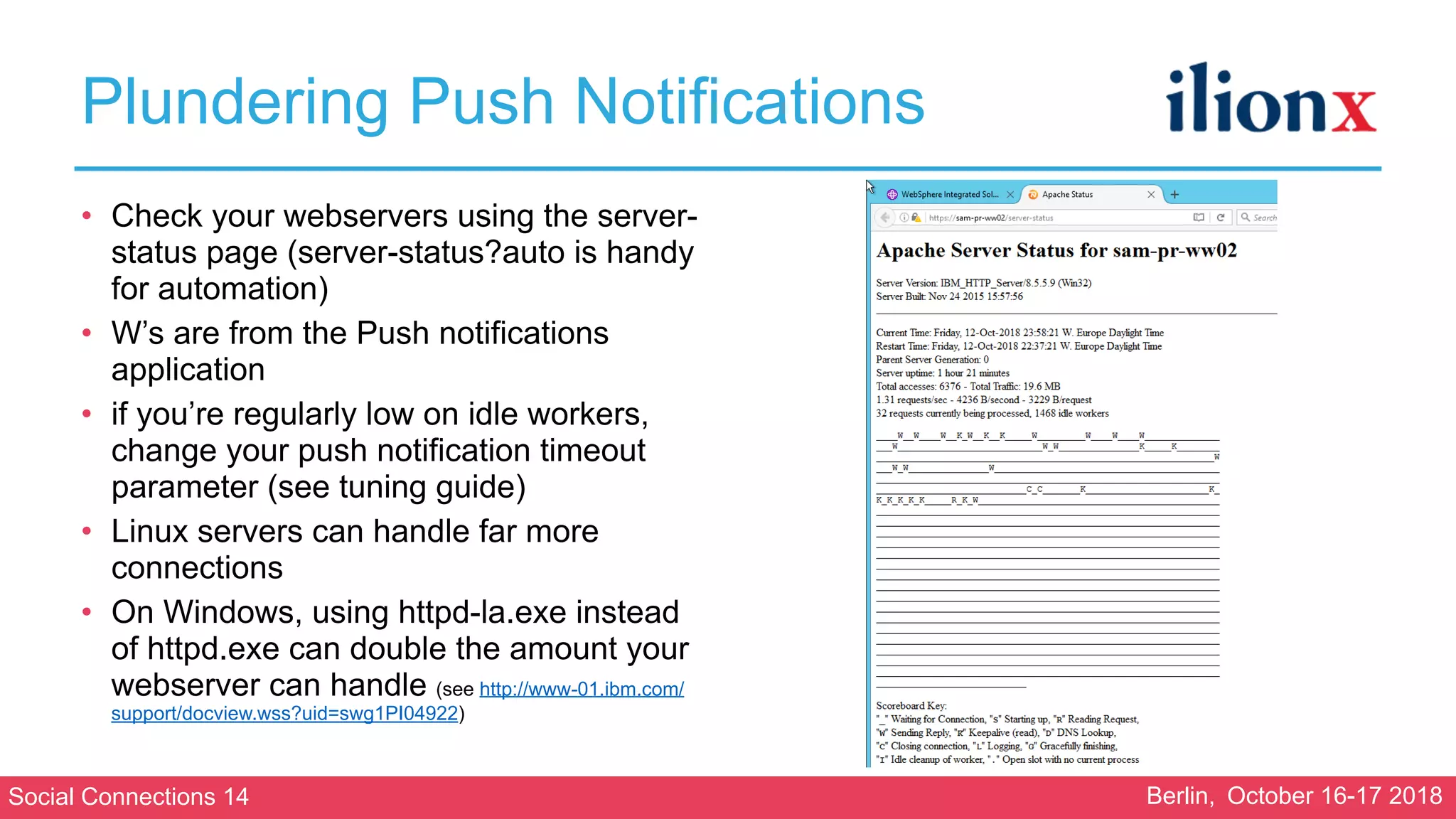
• Check your webservers using the server-
status page (server-status?auto is handy
for automation)
• W’s are from the Push notifications
application
• if you’re regularly low on idle workers,
change your push notification timeout
parameter (see tuning guide)
• Linux servers can handle far more
connections
• On Windows, using httpd-la.exe instead
of httpd.exe can double the amount your
webserver can handle (see http://www-01.ibm.com/
support/docview.wss?uid=swg1PI04922)
Social Connections 14 Berlin, October 16-17 2018
Plundering Push Notifications
• Chosen solution
• Moving to Linux was not an option
• Timeout parameter 40000
• Configure 10(!) webservers
• Of which 4 are on by default
• Others are started as needed (using a runbook on Azure)
• With this configuration, the push notification application
was successfully re-enabled
Social Connections 14 Berlin, October 16-17 2018
Lesson Learned:
Windows is not a suitable platform for IBM HTTP Server in a large environment
If you have to use it, watch out for your Push Notification application. Tune it if
necessary
Social Connections 14 Berlin, October 16-17 2018
Bickering Blogs
Social Connections 14 Berlin, October 16-17 2018
Bickering Blogs
• The problem:
• The blogs application would become
slow and then unavailable
• As the ICEC homepage shows blogs on
the homepage, this problem is highly
visible for the client
Social Connections 14 Berlin, October 16-17 2018
Bickering Blogs
• The cause:
• Certain actions (updating the hit counter, updating the likes counter)
would create a deadlock between the individual blog servers and the
blogs database
• This would result in hung threads in the blogs application
• The number of hung threads would rise to the maximum available
threads in about an hour
• When this happens the Blogs application would become unavailable

[13-3-18 9:38:13:696 CET] 000000f4 ThreadMonitor W   WSVR0605W: Thread "WebContainer :
1" (00000162) has been active for 711627 milliseconds and may be hung.  There is/are 11 thread(s)
in total in the server that may be hung.
Social Connections 14 Berlin, October 16-17 2018
Bickering Blogs
• The solution:
• We pmr’d this problem with IBM.
Despite multiple fixes, the problem
remains till this day
• So no solution yet!
Social Connections 14 Berlin, October 16-17 2018
Bickering Blogs
• The workaround:
• We use a powershell script to monitor the
SystemOut.log of the blogs servers for the
occurrence of the hung threads
• If they are found, a mail is sent to the
administrators
• We log on and hard kill the Blog server process
(stopping the blogs servers nicely does not work)
Social Connections 14 Berlin, October 16-17 2018
Where are we now?
• The Connections environment has been
stable this entire year with no major
outages
• Usage of the Connections environment is
still rising
• And the customer is happy :-)
Social Connections 14 Berlin, October 16-17 2018
For more technical details, check my blog

https://blog.martdj.nl
Technical details
Social Connections 14 Berlin, October 16-17 2018
Questions
PLATINUM	SPONSORS
GOLD	SPONSORS
BRONZE	SPONSORS
SILVER	SPONSORS
Please	update	this	slide	
before	the	event.	We	will	
send	you	an	updated	
template	with	all	sponsors.	
Thank	you.
PLATINUM SPONSORS
GOLD SPONSORS
BRONZE SPONSORS
SILVER SPONSORS
SPEEDSPONSORING BEER SPONSOR

Stabilising a large ibm connections environment

  • 1.
    Berlin, October 16-172018 Stabilising a Large IBM Connections Environment Martijn de Jong @martdj
  • 2.
  • 3.
    Social Connections 14Berlin, October 16-17 2018 Who am I • M.Sc. Electrical Engineering at the University of Delft, The Netherlands • Psychology & Ergonomics at the University of Stellenbosch, South Africa • Worked with IBM Domino in development, administration and as an instructor since 2000 • Working for ilionx since 2004 • Worked with IBM Connections since 2012 with 2 of top 3 largest accounts in the Netherlands Martijn de Jong mdejong@ilionx.com twitter.com/martdj nl.linkedin.com/in/martdj blog.martdj.nl
  • 4.
    Social Connections 14Berlin, October 16-17 2018 Life beyond Connections ClimbingMusicals
  • 5.
    Social Connections 14Berlin, October 16-17 2018 The Case • Client with 22K employees (7K of which added 3 months prior to my arrival) • IBM Connections 5.5 CR3 • Everything installed on Windows 2012 • In a private cloud on MS Azure • MS SQL 2012 as SQL server • 7 WebSphere servers (1 Dmgr/Cognos/Analytics, 4 Connections applications, 2 Docs viewer/conversion) • Connections clustered. 2 servers per cluster • 4 - 10 IHS servers • IBM Engagement center is the homepage/startpage for all employees • Next to standard applications and ICEC, Communities Surveys, Cognos, Kudos Boards, Kudos Analytics, DomainPatrol Social and ConnectionsExpert are installed
  • 6.
    Social Connections 14Berlin, October 16-17 2018 The Problem • Connections would simply become unavailable during the day. Only solution at the time: A full environment restart which would take about 30 minutes. This would happen on average weekly. • The former administrator was gone
  • 7.
    Social Connections 14Berlin, October 16-17 2018 Agenda • Squeaky SQL • Craving Coordinator • Marauding Movies • Agonising Assumptions • Plundering Push Notifications • Bickering Blogs
  • 8.
    Social Connections 14Berlin, October 16-17 2018 Squeaky SQL
  • 9.
    Social Connections 14Berlin, October 16-17 2018 Squeaky SQL • After a high demand had been put on the SQL server (for example, by using Kudos Analytics), the Connections environment would start to crack with SQL errors in the logs • Memory usage on SQL server: 100% • “Solution”: restart environment
  • 10.
    Social Connections 14Berlin, October 16-17 2018 Squeaky SQL • History: • MS SQL was installed by Azure/ Windows admin • Databases/users created by former administrator
  • 11.
    Social Connections 14Berlin, October 16-17 2018 Squeaky SQL • Configuration: • 2 servers • Active-passive cluster • Server 1: 14GB memory • Server 2: 28GB memory • All partitions (data/logs/temp) on one (not so fast) disk • No limitations to memory usage of SQL server
  • 12.
    Social Connections 14Berlin, October 16-17 2018 Squeaky SQL • Cause: • Lack of memory on server 1
 (if server 1 was used, Connections would crash sooner) • SQL server would allocate all available memory and not release it. Windows OS would start to swap
  • 13.
    Social Connections 14Berlin, October 16-17 2018 Squeaky SQL • Solution: • Double memory on SQL Server 1 • Limit max memory of SQL server to 24GB
  • 14.
    Social Connections 14Berlin, October 16-17 2018 Lesson learned: Get a DBA to help you with the configuration of your SQL backend
  • 15.
    Social Connections 14Berlin, October 16-17 2018 Craving Coordinator
  • 16.
    Social Connections 14Berlin, October 16-17 2018 Craving Coordinator • Next problem I noticed were problems with clustering • The WebSphere Application Servers view looked like this:
  • 17.
    Social Connections 14Berlin, October 16-17 2018
  • 18.
    Social Connections 14Berlin, October 16-17 2018 Craving Coordinator • Next problem I noticed were problems with clustering • The WebSphere Application Servers view looked like this: • The WebSphere Application Clusters view looked like this:
  • 19.
    Social Connections 14Berlin, October 16-17 2018
  • 20.
    Social Connections 14Berlin, October 16-17 2018 Craving Coordinator • A lot of these errors in SystemOut.logs: AgentClassImp W HMGR1001W: An attempt to receive a message of type GrowAgentRequest for Agent Agent: : [_ham.serverid:ConnectionsCell01ConnectionsNode11SearchServer01] [drs_inst_name:ic/services/cache/OAuth20DBClientCache][drs_inst_id: 1512698926654][ibm_agent.seq:1227] [drs_mode:0][drs_agent_id: CommunitiesServer01ic/services/cache/OAuth20DBClientCache9266541] in AgentClass AgentClass : [policy:DefaultNOOPPolicy][drs_grp_id: ConnectionsReplicationDomain] failed. The exception is com.ibm.wsspi. hamanager.HAGroupMemberAlreadyExistsException: The member already exists at com.ibm.ws.hamanager.impl.HAManagerImpl.joinGroup(HAManagerImpl.java:179) at com.ibm.ws.hamanager.agent.AgentImpl.<init>(AgentImpl.java:174) at com.ibm.ws.hamanager.agent.AgentClassImpl.onMessage(AgentClassImpl.java:429) at com.ibm.ws.hamanager.impl.HAGroupImpl.doOnMessage(HAGroupImpl.java:794) at com.ibm.ws.hamanager.impl.HAGroupImpl$HAGroupUserCallback.doCallback(HAGroupImpl.java:1382) at com.ibm.ws.hamanager.impl.Worker.run(Worker.java:64) at com.ibm.ws.util.ThreadPool$Worker.run(ThreadPool.java:1881)
  • 21.
    Social Connections 14Berlin, October 16-17 2018 Craving Coordinator • Both the cluster viewer and the error message show problems with the High Availability Manager (HAM) • The WebSphere HAM is the component that is responsible for the automatic failover support. • The error message would occur in case the HA manager is not able to obtain a communications thread from the thread pool • The location of the services that depend on the HAM is managed by the core group coordinator • The core group coordinator can’t manage these services properly if it is craving for resources…
  • 22.
    Social Connections 14Berlin, October 16-17 2018 Craving Coordinator • Your Deployment manager is the primary target for the Core Group Coordinator Task
  • 23.
    Social Connections 14Berlin, October 16-17 2018 Craving Coordinator • History: • Kudos Analytics was previously installed on same servers as half the Connections applications • Former administrator had had an outage when Analytics was heavily used • He moved Kudos Analytics to an Appserver on Dmgr machine • Together with Cognos
  • 24.
    Social Connections 14Berlin, October 16-17 2018 Craving Coordinator • The configuration: • Dmgr machine memory: 14 GB • Max heap size Cognos: 6 GB • Max heap size Kudos Analytics: 6 GB • Heap size node agent: 768 MB • Heap Dmgr: 1 GB
  • 25.
    Social Connections 14Berlin, October 16-17 2018 Craving Coordinator • Solution: • Assign more memory to the Core Coordinator if you have a lot of jvms
 Transport Memory Size: 200MB instead of 100MB) • Set a parameter for higher efficiency
 IBM_CS_HAM_PROTOCOL_VERSION – 6.0.2.31 • Set preferred coordinator servers. Choose servers with enough resources

  • 26.
    Social Connections 14Berlin, October 16-17 2018 Lesson learned: Don’t underestimate the importance of your Deployment Manager. Make sure your Deployment Manager always has enough resources!
  • 27.
    Social Connections 14Berlin, October 16-17 2018 Marauding Movies
  • 28.
    Social Connections 14Berlin, October 16-17 2018 Marauding Movies • Problem: • Connections environment crashed. 2 (out of 4) main WebSphere Application servers became totally unreachable. • When we could finally log on to one server, we saw that memory usage was 100% (usually 20GB free) as was cpu usage • One jvm used 24GB of memory (max heap size 2GB): The Files server • Initial “solution”: We blocked traffic to the Connections environment to allow all servers to start up except for the files servers. Then we allowed traffic again to give users access to the other applications
  • 29.
    Social Connections 14Berlin, October 16-17 2018 Marauding Movies • Investigation of the logs showed a large occurrence of a specific file “inn.Challenge_total.mp4” • The file was 305 MB • It was downloaded over 50.000 times in less than 2 days…
  • 30.
    Social Connections 14Berlin, October 16-17 2018 Marauding Movies • Cause: • The movie was embedded in a Blog post • The Blog post was part of the blog that’s incorporated in the Engagement Center’s homepage • Every time a user would go to the company’s homepage, the browser would try to download the file • Environment couldn’t take this load (50K*305MB=15,2TB)
  • 31.
    Social Connections 14Berlin, October 16-17 2018 Marauding Movies • Solution: • Delete the movie • Start FilesCluster • Find the user who posted the movie • instruct user to NEVER do that again
  • 32.
    Social Connections 14Berlin, October 16-17 2018 Lesson learned: The IBM Engagement Center homepage could cause enormous load on specific servers. Instruct the users who post on the homepage well but… Why did this crash the WebSphere FilesCluster?!?
  • 33.
    Social Connections 14Berlin, October 16-17 2018 Agonising Assumptions
  • 34.
    Social Connections 14Berlin, October 16-17 2018 Agonising Assumptions • “Assumption is the mother of all fuckups…”
 — Travis Dane • Previous administrator assured me files were downloaded through IBM HTTP Server • He seemed correct •
  • 35.
    Social Connections 14Berlin, October 16-17 2018 Agonising Assumptions • “Assumption is the mother of all fuckups…”
 — Travis Dane • Previous administrator assured me files were downloaded through IBM HTTP Server • He seemed correct • But…
  • 36.
    Social Connections 14Berlin, October 16-17 2018 Lesson learned: If you replace a former administrator, check the whole environment. Don’t assume everything was configured correctly
  • 37.
    Social Connections 14Berlin, October 16-17 2018 Plundering Push Notifications
  • 38.
    Social Connections 14Berlin, October 16-17 2018 Plundering Push Notifications • This happened before I came in • The Connections environment had become very slow • Investigation showed that the web servers had run out of threads • Most threads were used by the Push notification application • The previous administrator had solved this by disabling this application
  • 39.
    Social Connections 14Berlin, October 16-17 2018 Plundering Push Notifications • Background • “IBM HTTP Server on Windows has a Parent process and a single multi-threaded Child process.
 On 64-bit Windows operating systems, each instance of IHS is limited to approximately 2000 ThreadsPerChild”
 — IBM Connections 6.0 tuning guide • Push server connections stay open for a long time and take these sparse threads • Especially when not tuned
  • 40.
    Social Connections 14Berlin, October 16-17 2018 Plundering Push Notifications • Check your webservers using the server- status page (server-status?auto is handy for automation) • W’s are from the Push notifications application • if you’re regularly low on idle workers, change your push notification timeout parameter (see tuning guide) • Linux servers can handle far more connections • On Windows, using httpd-la.exe instead of httpd.exe can double the amount your webserver can handle (see http://www-01.ibm.com/ support/docview.wss?uid=swg1PI04922)
  • 41.
    Social Connections 14Berlin, October 16-17 2018 Plundering Push Notifications • Chosen solution • Moving to Linux was not an option • Timeout parameter 40000 • Configure 10(!) webservers • Of which 4 are on by default • Others are started as needed (using a runbook on Azure) • With this configuration, the push notification application was successfully re-enabled
  • 42.
    Social Connections 14Berlin, October 16-17 2018 Lesson Learned: Windows is not a suitable platform for IBM HTTP Server in a large environment If you have to use it, watch out for your Push Notification application. Tune it if necessary
  • 43.
    Social Connections 14Berlin, October 16-17 2018 Bickering Blogs
  • 44.
    Social Connections 14Berlin, October 16-17 2018 Bickering Blogs • The problem: • The blogs application would become slow and then unavailable • As the ICEC homepage shows blogs on the homepage, this problem is highly visible for the client
  • 45.
    Social Connections 14Berlin, October 16-17 2018 Bickering Blogs • The cause: • Certain actions (updating the hit counter, updating the likes counter) would create a deadlock between the individual blog servers and the blogs database • This would result in hung threads in the blogs application • The number of hung threads would rise to the maximum available threads in about an hour • When this happens the Blogs application would become unavailable
 [13-3-18 9:38:13:696 CET] 000000f4 ThreadMonitor W   WSVR0605W: Thread "WebContainer : 1" (00000162) has been active for 711627 milliseconds and may be hung.  There is/are 11 thread(s) in total in the server that may be hung.
  • 46.
    Social Connections 14Berlin, October 16-17 2018 Bickering Blogs • The solution: • We pmr’d this problem with IBM. Despite multiple fixes, the problem remains till this day • So no solution yet!
  • 47.
    Social Connections 14Berlin, October 16-17 2018 Bickering Blogs • The workaround: • We use a powershell script to monitor the SystemOut.log of the blogs servers for the occurrence of the hung threads • If they are found, a mail is sent to the administrators • We log on and hard kill the Blog server process (stopping the blogs servers nicely does not work)
  • 48.
    Social Connections 14Berlin, October 16-17 2018 Where are we now? • The Connections environment has been stable this entire year with no major outages • Usage of the Connections environment is still rising • And the customer is happy :-)
  • 49.
    Social Connections 14Berlin, October 16-17 2018 For more technical details, check my blog
 https://blog.martdj.nl Technical details
  • 50.
    Social Connections 14Berlin, October 16-17 2018 Questions
  • 52.