ローカル実行
• sam local
•ローカル環境でサーバーレスア
プリケーションの実行が可能
• dockerを利用して動作
• 実行する単位
• sam local start-api
• APIとしてサーバーを起動
• sam local start-lambda
• Lambda関数としてサーバーを起
動
• sam local invoke
• その場で実行
$ sam local start-api
2018-12-14 11:32:52 Mounting
HelloWorldFunction at
http://127.0.0.1:3000/hello [GET]
2018-12-14 11:32:52 You can now browse to the
above endpoints to invoke your functions. You
do not need to restart/reload SAM CLI while
working on your functions changes will be
reflected instantly/automatically. You only
need to restart SAM CLI if you update your
AWS SAM template
2018-12-14 11:32:52 * Running on
http://127.0.0.1:3000/ (Press CTRL+C to quit)
$ curl.exe http://127.0.0.1:3000/hello
{"message":"hello
world","location":"210.172.0.33"}
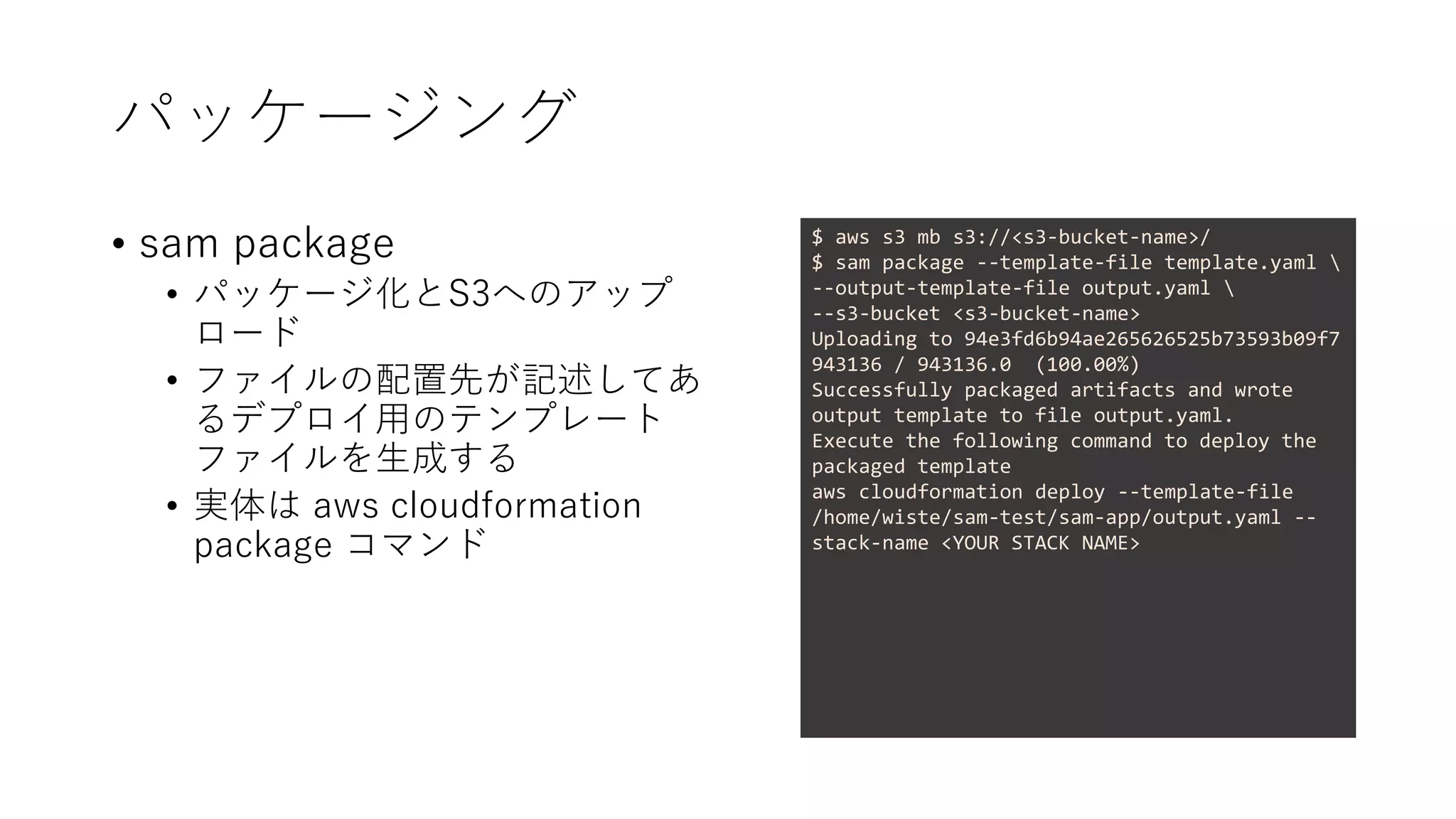
パッケージング
• sam package
•パッケージ化とS3へのアップ
ロード
• ファイルの配置先が記述してあ
るデプロイ用のテンプレート
ファイルを生成する
• 実体は aws cloudformation
package コマンド
$ aws s3 mb s3://<s3-bucket-name>/
$ sam package --template-file template.yaml
--output-template-file output.yaml
--s3-bucket <s3-bucket-name>
Uploading to 94e3fd6b94ae265626525b73593b09f7
943136 / 943136.0 (100.00%)
Successfully packaged artifacts and wrote
output template to file output.yaml.
Execute the following command to deploy the
packaged template
aws cloudformation deploy --template-file
/home/wiste/sam-test/sam-app/output.yaml --
stack-name <YOUR STACK NAME>
10.
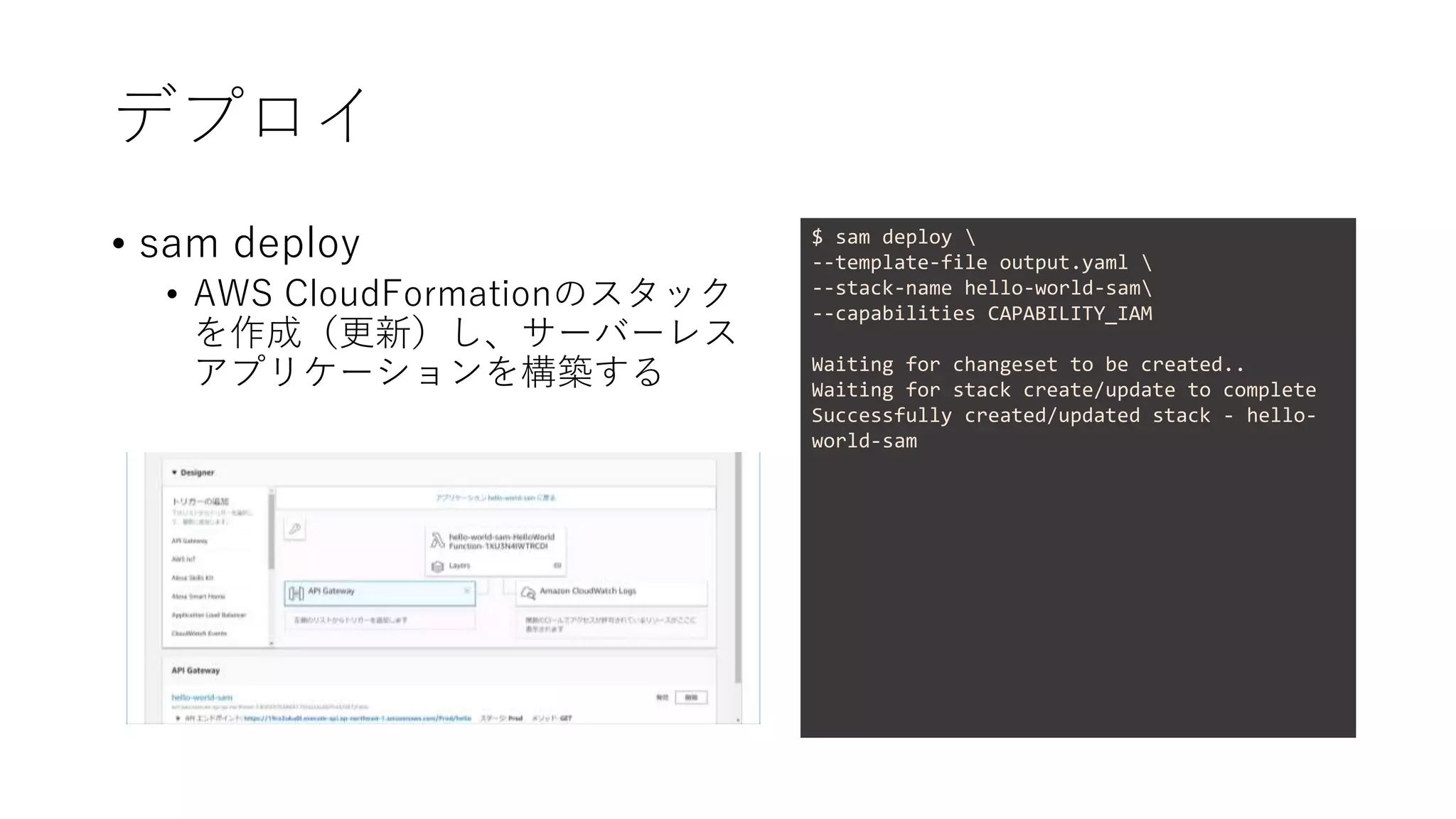
デプロイ
• sam deploy
•AWS CloudFormationのスタック
を作成(更新)し、サーバーレス
アプリケーションを構築する
$ sam deploy
--template-file output.yaml
--stack-name hello-world-sam
--capabilities CAPABILITY_IAM
Waiting for changeset to be created..
Waiting for stack create/update to complete
Successfully created/updated stack - hello-
world-sam
11.
Rubyでも書けます
• sam init
•runtimeにruby2.5を指定する
• sam-cli 0.9.0で確認
• sam-cliが古いとruby2.5が指定できな
い
• サンプルはJS版と一緒
• HTTP ClientはHTTPartyだった
• When you HTTParty, you must party
hard!
$ sam init --name hello-world-ruby-app
--runtime ruby2.5
$ tree
.
├── Gemfile
├── hello_world
│ └── app.rb
├── README.md
├── template.yaml
└── tests
└── unit
└── test_handler.rb


![ローカル実行
• sam local
• ローカル環境でサーバーレスア
プリケーションの実行が可能
• dockerを利用して動作
• 実行する単位
• sam local start-api
• APIとしてサーバーを起動
• sam local start-lambda
• Lambda関数としてサーバーを起
動
• sam local invoke
• その場で実行
$ sam local start-api
2018-12-14 11:32:52 Mounting
HelloWorldFunction at
http://127.0.0.1:3000/hello [GET]
2018-12-14 11:32:52 You can now browse to the
above endpoints to invoke your functions. You
do not need to restart/reload SAM CLI while
working on your functions changes will be
reflected instantly/automatically. You only
need to restart SAM CLI if you update your
AWS SAM template
2018-12-14 11:32:52 * Running on
http://127.0.0.1:3000/ (Press CTRL+C to quit)
$ curl.exe http://127.0.0.1:3000/hello
{"message":"hello
world","location":"210.172.0.33"}](https://image.slidesharecdn.com/sam-181214095453/75/slide-7-2048.jpg)



![Serverless Ninja Warriors [panel]](https://cdn.slidesharecdn.com/ss_thumbnails/20170908cross-170908151608-thumbnail.jpg?width=640&height=640&fit=bounds)


