




Shopping Online
Terry Ratoff
Skokie Public Library
November 10, 2011
Overview
•Advantages of shopping online
•Shop smart, shop safe
•Sites for safe shopping information
•Product reviews and price comparisons
•Great shopping sites
• Save money – find coupons and
discounts
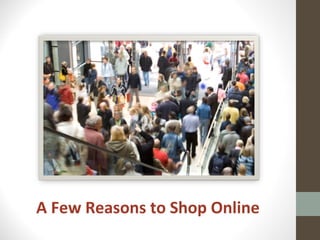
A Few Reasons to Shop Online
Reasons to shop online
• It’s fun!
• It’s convenient – save time!
• Save money!
• It’s green – save gas!
• Can buy new, used or hard to find items.
• Can get professional reviews and other
shoppers’ opinions before you buy!
• It’s easy to comparison shop!
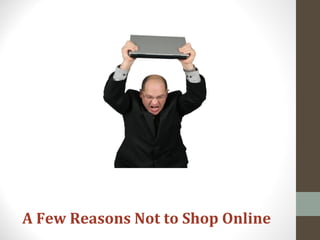
A Few Reasons Not to Shop Online
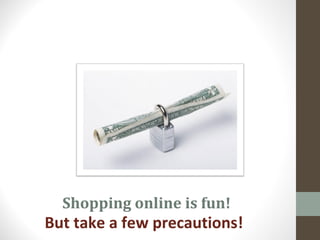
Shopping online is fun!
But take a few precautions!
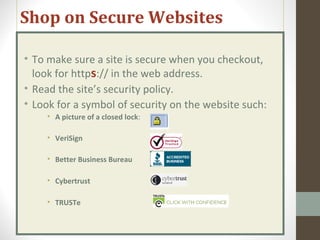
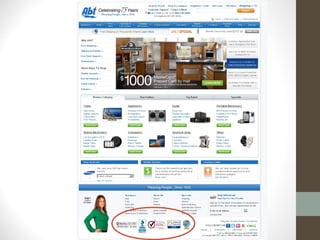
Shop on Secure Websites
• To make sure a site is secure when you checkout,
look for https:// in the web address.
• Read the site’s security policy.
• Look for a symbol of security on the website such:
• A picture of a closed lock:
• VeriSign
• Better Business Bureau
• Cybertrust
• TRUSTe
Follow your instincts!
If the site looks amateurish, has spelling or
grammatical errors, be suspicious.
Safe Shopping Tips
•FTC Consumer Advice
•SafeShopping.org
•Better Business Bureau
•Payment Precautions and
Options
Expert Safe Shopping Tips
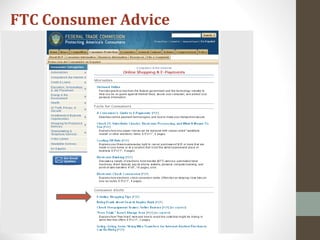
FTC Consumer Advice
FTC Consumer Advice
• Know who you’re dealing with & what you’re
buying.
• Be stingy with personal information.
• Check the privacy policy. Really.
• Shop around.
• Pay by credit or charge card. They offer best
consumer protection. Wiring money or using
cash equivalents can be risky.
• Monitor your financial accounts.
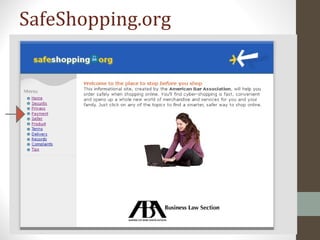
SafeShopping.org
SafeShopping.org
Reasons to pay with a credit card
•It is safer than paying with cash equivalents.
•It helps in a dispute.
•You may save money by using a credit card if
you pay it off in full when the bill arrives.
•Credit card issuers may grant extended
warranties or other advantages for purchases
made with the card.
BBB.org: Additional safe shopping tips
• Check out unfamiliar merchants using their physical
address & phone number if you can find one.
• Before you order:
• Determine the company’s refund & return policy.
• Understand all charges; price, shipping & handling.
• Find out how long it will take to receive your order.
• Choose your password wisely.
• Use different passwords for different sites.
• Don’t use established numbers like birthdays, addresses,
telephone or social security.
• Keep a paper trail.
• Note the URL (web address.)
• Keep a copy of the order & confirmation number.
Payment Precautions & Options
• Never send your credit card number in an
Email. Email is not secure.
• Use a credit card or a prepaid credit card.
Don’t use a debit card.
• Print a copy of your receipt for your
records.
• Monitor your financial accounts.
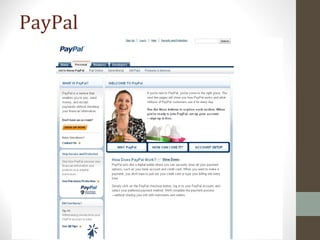
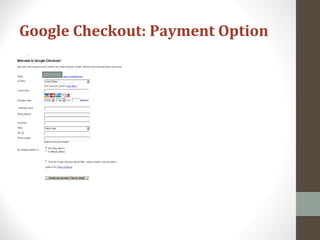
• Sign up for an account that processes
online payments, such as Paypal, Google
Checkout, or Bill Me Later.
Payment Precautions & Options
PayPal
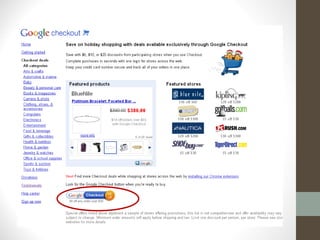
Google Checkout: Payment Option
Protect Your Privacy Online
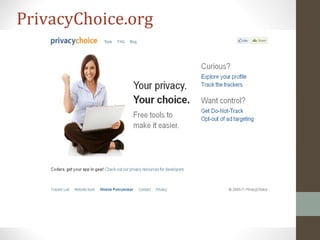
• PrivacyChoice.org explains how web sites
share information and how recipients of your
information safeguard it.
• Beware any add-ons following a legitimate
purchase, even on a reputable web site.
• Read a website’s privacy policy to see how it
shares information with other sites. A seller's
privacy policy should indicate:
• What information the seller is gathering about you
• How the seller will use this information
• If and how you can "opt out" of these practices
PrivacyChoice.org
Where to Shop?
Brick & Mortar Stores, Online Retailers, Local Retailers
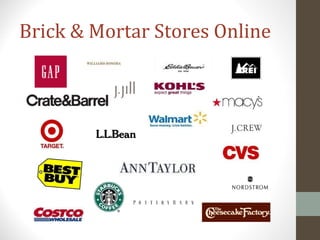
Brick & Mortar Stores Online
Online Retailers
• Amazon.com
• BarnesandNoble.com
• Zappos.com
• Beauty.com
• Etsy
• Red Envelope
• Overstock
• Bluefly
• Bluenile
• eBay
• Threadless
• Cooking.com
• Peapod
• Wine.com
Don’t forget local retailers!
What are other people saying
about this site or this
product?
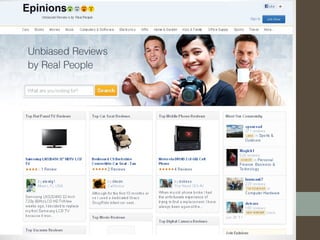
• Epinions
• Consumer Reports
• Better Business Bureau
• Amazon. Com
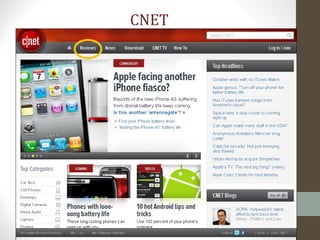
• Cnet.com
• Consumer Search
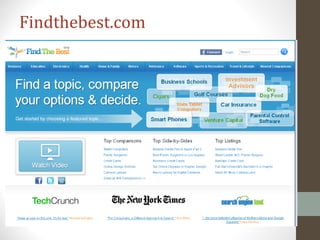
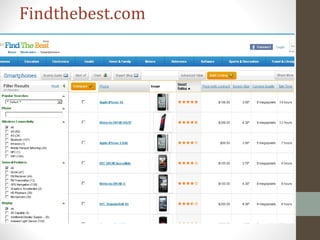
• Findthebest.com
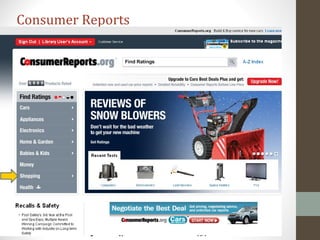
Consumer Reports
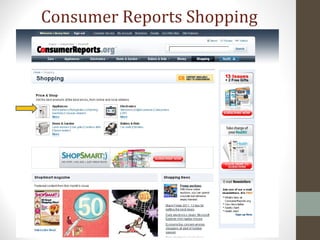
Consumer Reports Shopping
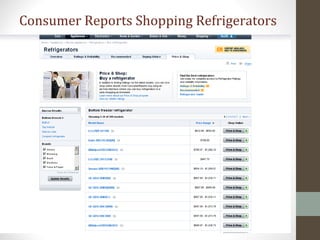
Consumer Reports Shopping Refrigerators
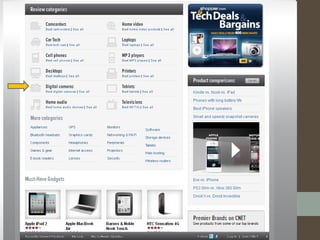
CNET
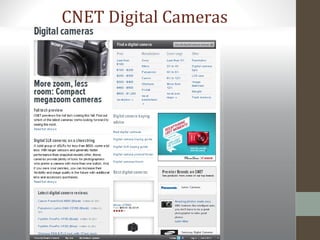
CNET Digital Cameras
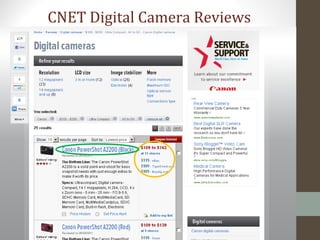
CNET Digital Camera Reviews
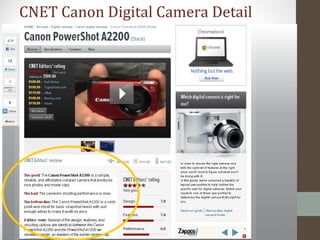
CNET Canon Digital Camera Detail
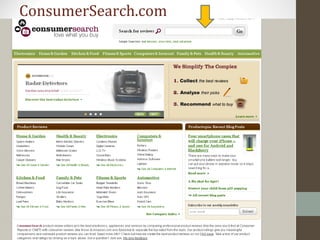
ConsumerSearch.com
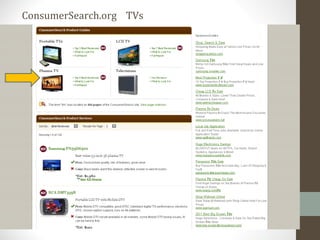
ConsumerSearch.org TVs
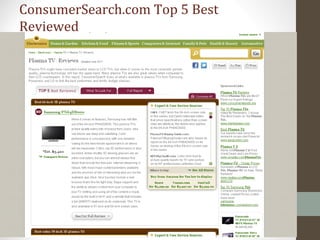
ConsumerSearch.com Top 5 Best
Reviewed
Findthebest.com
Findthebest.com
Price & Product Comparisons
•Consumer Reports
•Google
•Shopzilla
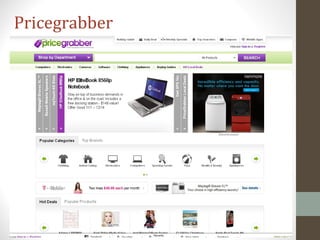
•Pricegrabber.com
•Yahoo shopping
•Bizrate.com
•MySimon
Pricegrabber
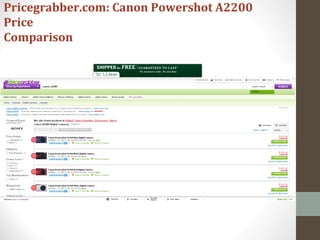
Pricegrabber.com: Canon Powershot A2200
Price
Comparison
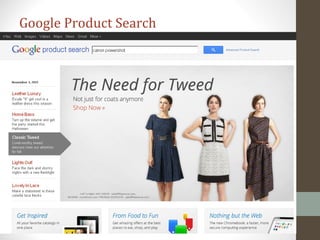
Google Product Search
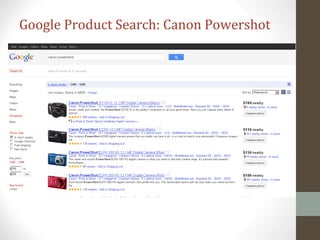
Google Product Search: Canon Powershot
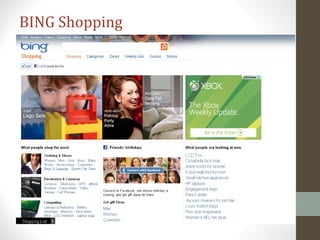
BING Shopping
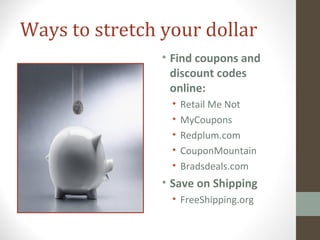
Ways to stretch your dollar
• Find coupons and
discount codes
online:
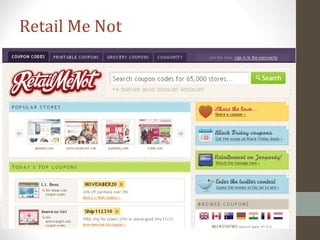
• Retail Me Not
• MyCoupons
• Redplum.com
• CouponMountain
• Bradsdeals.com
• Save on Shipping
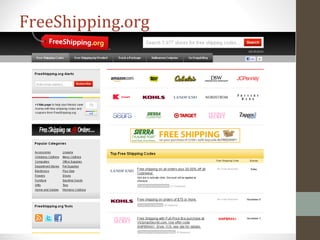
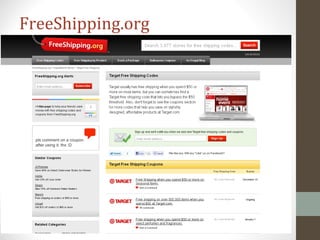
• FreeShipping.org
Retail Me Not
FreeShipping.org
FreeShipping.org
Have we got a deal for you! Daily Deal
Websites
• Groupon
• Daily deals from local
businesses sent to your
email box.
• LivingSocial.com
• Daily deal for discounts at
local restaurants, bars,
spas, theaters.
• Buy.com
• Computer and tech items.
Offers daily and weekly
deals.
Happy Shopping!

Spl shopping without notes

  • 1.
    Shopping Online Terry Ratoff SkokiePublic Library November 10, 2011
  • 2.
    Overview •Advantages of shoppingonline •Shop smart, shop safe •Sites for safe shopping information •Product reviews and price comparisons •Great shopping sites • Save money – find coupons and discounts
  • 3.
    A Few Reasonsto Shop Online
  • 4.
    Reasons to shoponline • It’s fun! • It’s convenient – save time! • Save money! • It’s green – save gas! • Can buy new, used or hard to find items. • Can get professional reviews and other shoppers’ opinions before you buy! • It’s easy to comparison shop!
  • 5.
    A Few ReasonsNot to Shop Online
  • 6.
    Shopping online isfun! But take a few precautions!
  • 7.
    Shop on SecureWebsites • To make sure a site is secure when you checkout, look for https:// in the web address. • Read the site’s security policy. • Look for a symbol of security on the website such: • A picture of a closed lock: • VeriSign • Better Business Bureau • Cybertrust • TRUSTe
  • 9.
    Follow your instincts! Ifthe site looks amateurish, has spelling or grammatical errors, be suspicious.
  • 10.
  • 11.
    •FTC Consumer Advice •SafeShopping.org •BetterBusiness Bureau •Payment Precautions and Options Expert Safe Shopping Tips
  • 12.
  • 13.
    FTC Consumer Advice •Know who you’re dealing with & what you’re buying. • Be stingy with personal information. • Check the privacy policy. Really. • Shop around. • Pay by credit or charge card. They offer best consumer protection. Wiring money or using cash equivalents can be risky. • Monitor your financial accounts.
  • 14.
  • 15.
    SafeShopping.org Reasons to paywith a credit card •It is safer than paying with cash equivalents. •It helps in a dispute. •You may save money by using a credit card if you pay it off in full when the bill arrives. •Credit card issuers may grant extended warranties or other advantages for purchases made with the card.
  • 16.
    BBB.org: Additional safeshopping tips • Check out unfamiliar merchants using their physical address & phone number if you can find one. • Before you order: • Determine the company’s refund & return policy. • Understand all charges; price, shipping & handling. • Find out how long it will take to receive your order. • Choose your password wisely. • Use different passwords for different sites. • Don’t use established numbers like birthdays, addresses, telephone or social security. • Keep a paper trail. • Note the URL (web address.) • Keep a copy of the order & confirmation number.
  • 17.
  • 18.
    • Never sendyour credit card number in an Email. Email is not secure. • Use a credit card or a prepaid credit card. Don’t use a debit card. • Print a copy of your receipt for your records. • Monitor your financial accounts. • Sign up for an account that processes online payments, such as Paypal, Google Checkout, or Bill Me Later. Payment Precautions & Options
  • 19.
  • 20.
  • 22.
  • 23.
    Protect Your PrivacyOnline • PrivacyChoice.org explains how web sites share information and how recipients of your information safeguard it. • Beware any add-ons following a legitimate purchase, even on a reputable web site. • Read a website’s privacy policy to see how it shares information with other sites. A seller's privacy policy should indicate: • What information the seller is gathering about you • How the seller will use this information • If and how you can "opt out" of these practices
  • 24.
  • 25.
    Where to Shop? Brick& Mortar Stores, Online Retailers, Local Retailers
  • 26.
    Brick & MortarStores Online
  • 27.
    Online Retailers • Amazon.com •BarnesandNoble.com • Zappos.com • Beauty.com • Etsy • Red Envelope • Overstock • Bluefly • Bluenile • eBay • Threadless • Cooking.com • Peapod • Wine.com
  • 28.
  • 29.
    What are otherpeople saying about this site or this product? • Epinions • Consumer Reports • Better Business Bureau • Amazon. Com • Cnet.com • Consumer Search • Findthebest.com
  • 30.
  • 31.
  • 32.
  • 34.
  • 36.
  • 37.
  • 38.
    CNET Canon DigitalCamera Detail
  • 39.
  • 40.
  • 41.
  • 42.
  • 43.
  • 44.
    Price & ProductComparisons •Consumer Reports •Google •Shopzilla •Pricegrabber.com •Yahoo shopping •Bizrate.com •MySimon
  • 45.
  • 46.
    Pricegrabber.com: Canon PowershotA2200 Price Comparison
  • 47.
  • 48.
    Google Product Search:Canon Powershot
  • 49.
  • 50.
    Ways to stretchyour dollar • Find coupons and discount codes online: • Retail Me Not • MyCoupons • Redplum.com • CouponMountain • Bradsdeals.com • Save on Shipping • FreeShipping.org
  • 51.
  • 52.
  • 53.
  • 54.
    Have we gota deal for you! Daily Deal Websites • Groupon • Daily deals from local businesses sent to your email box. • LivingSocial.com • Daily deal for discounts at local restaurants, bars, spas, theaters. • Buy.com • Computer and tech items. Offers daily and weekly deals.
  • 55.

Editor's Notes

  • #23 Keep Personal Information Secure