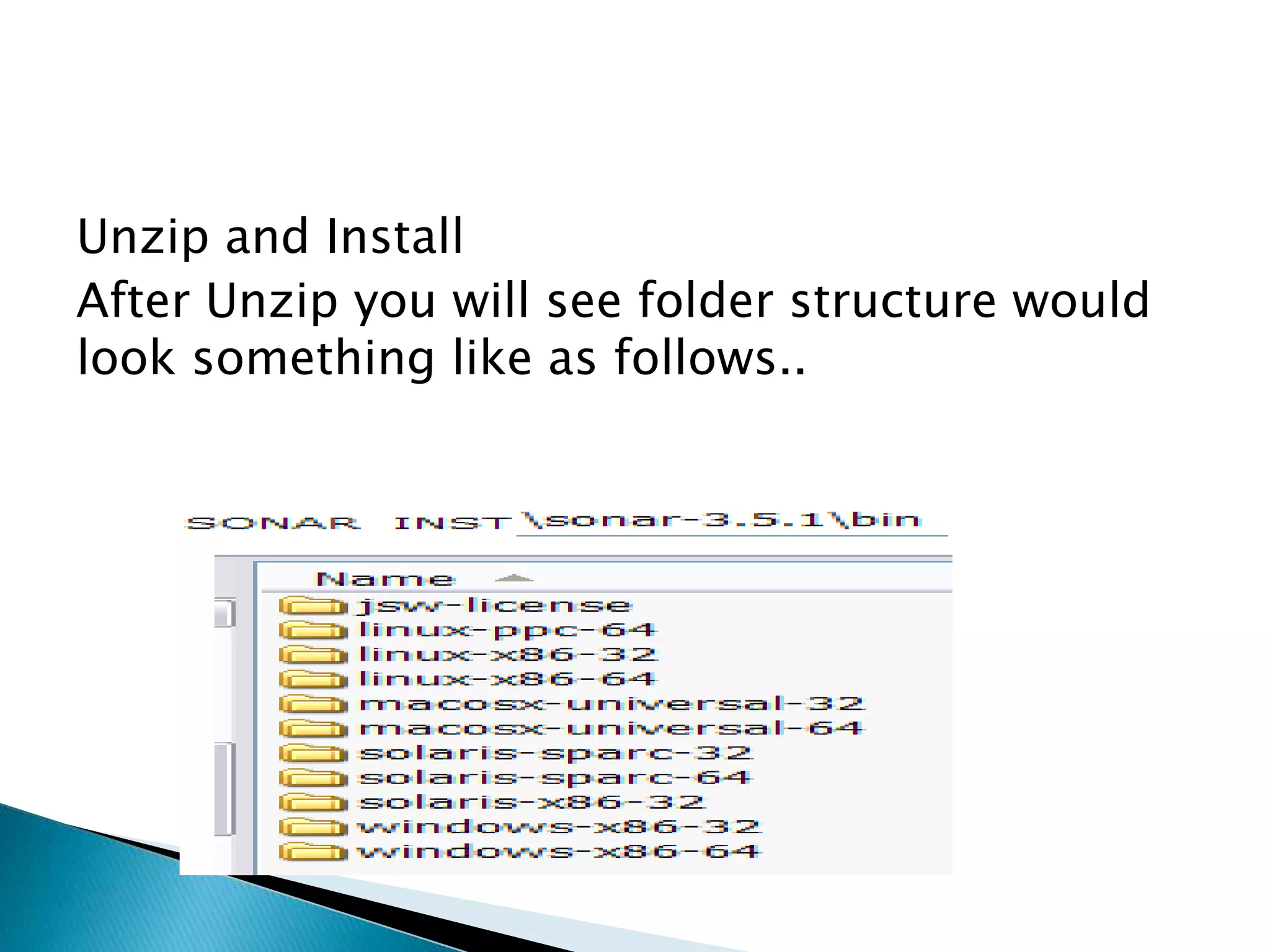
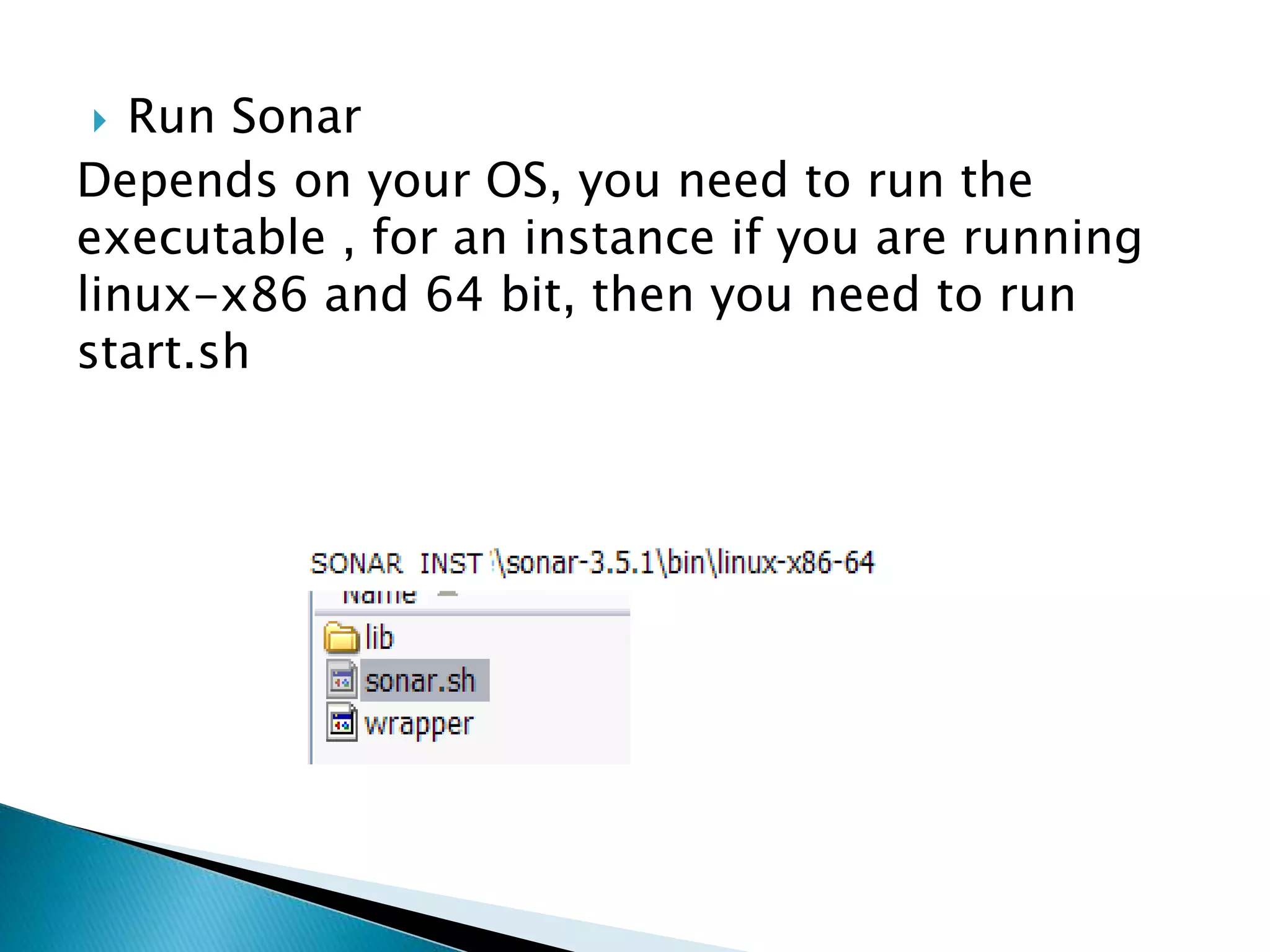
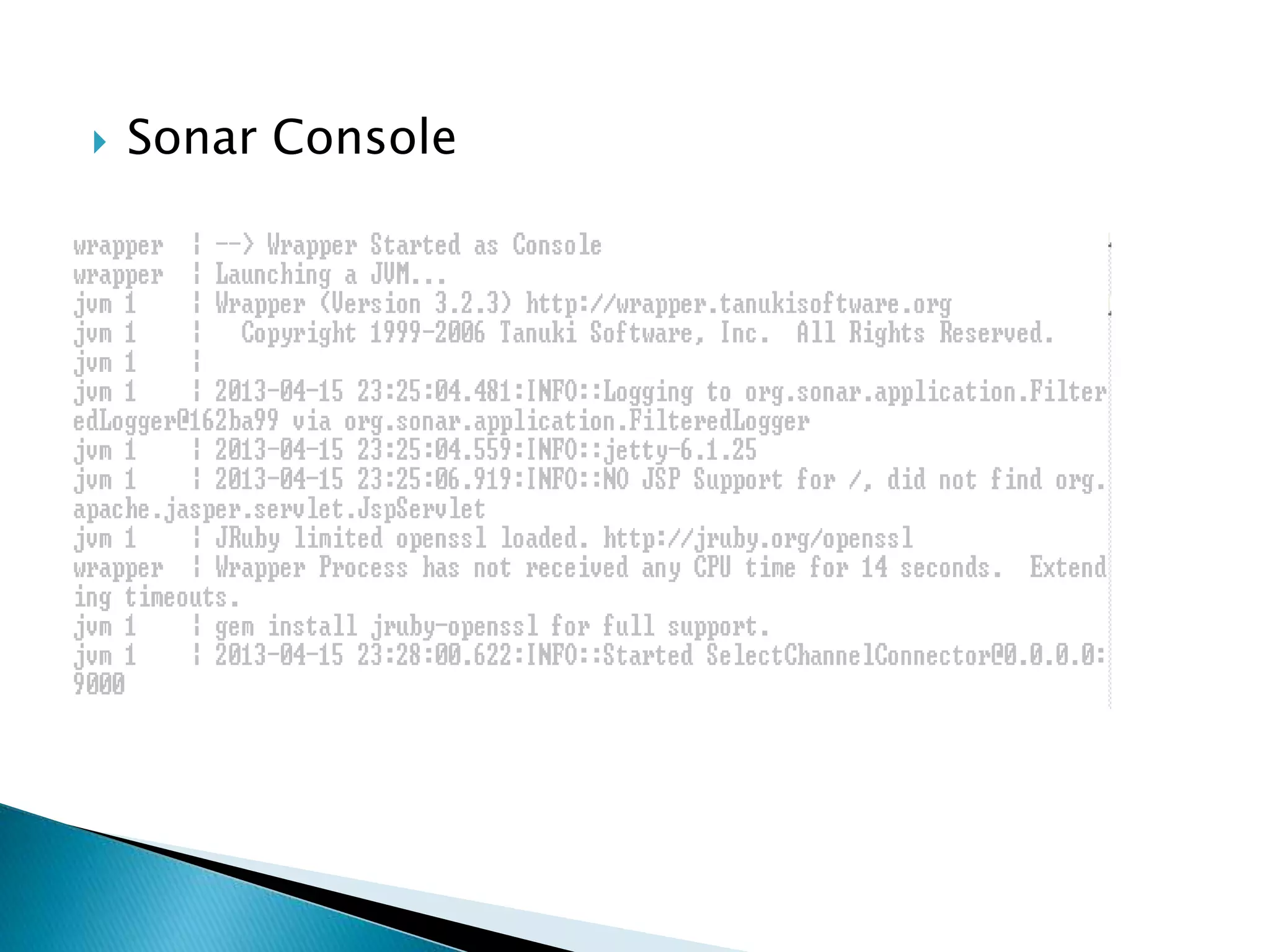
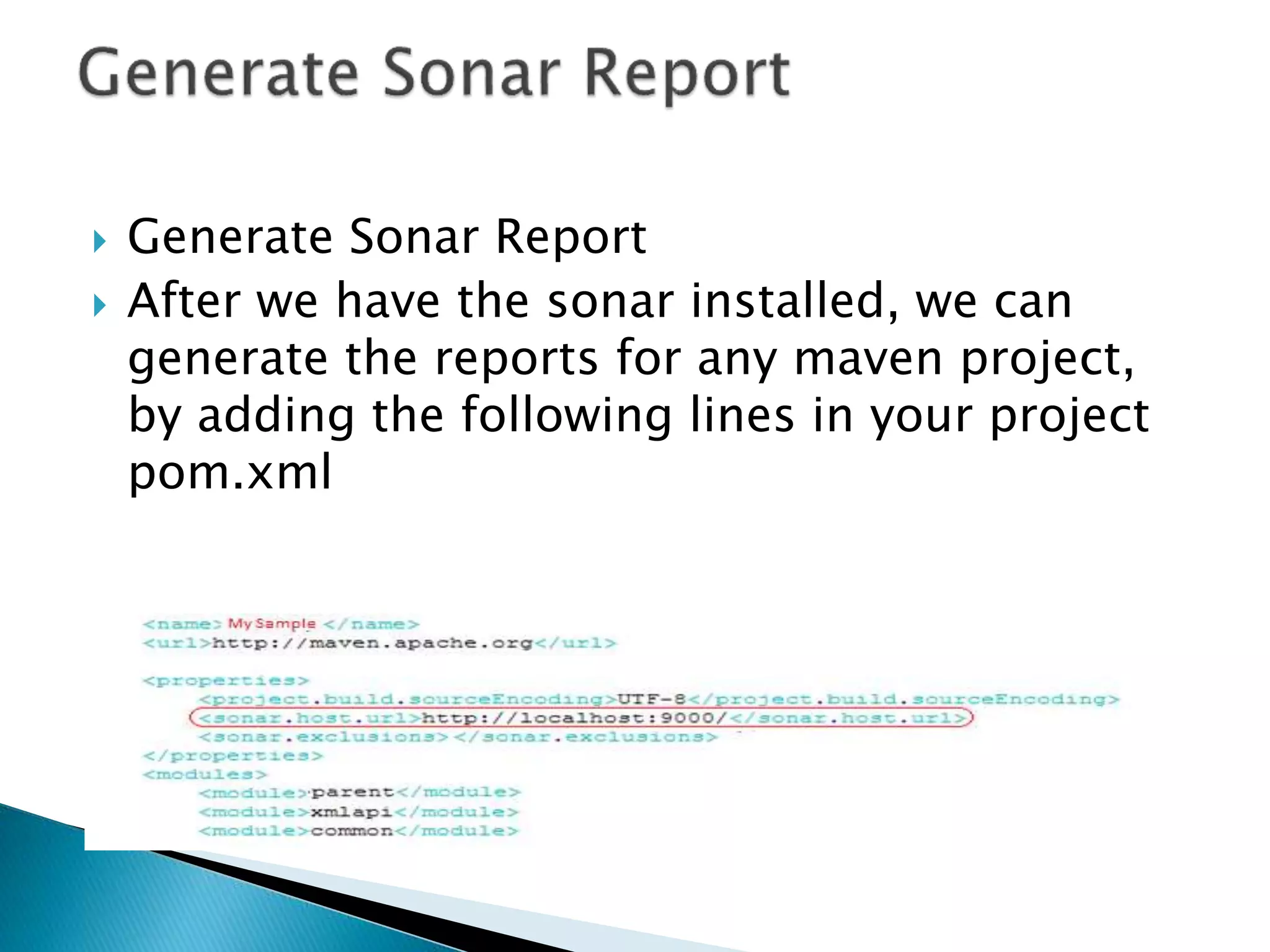
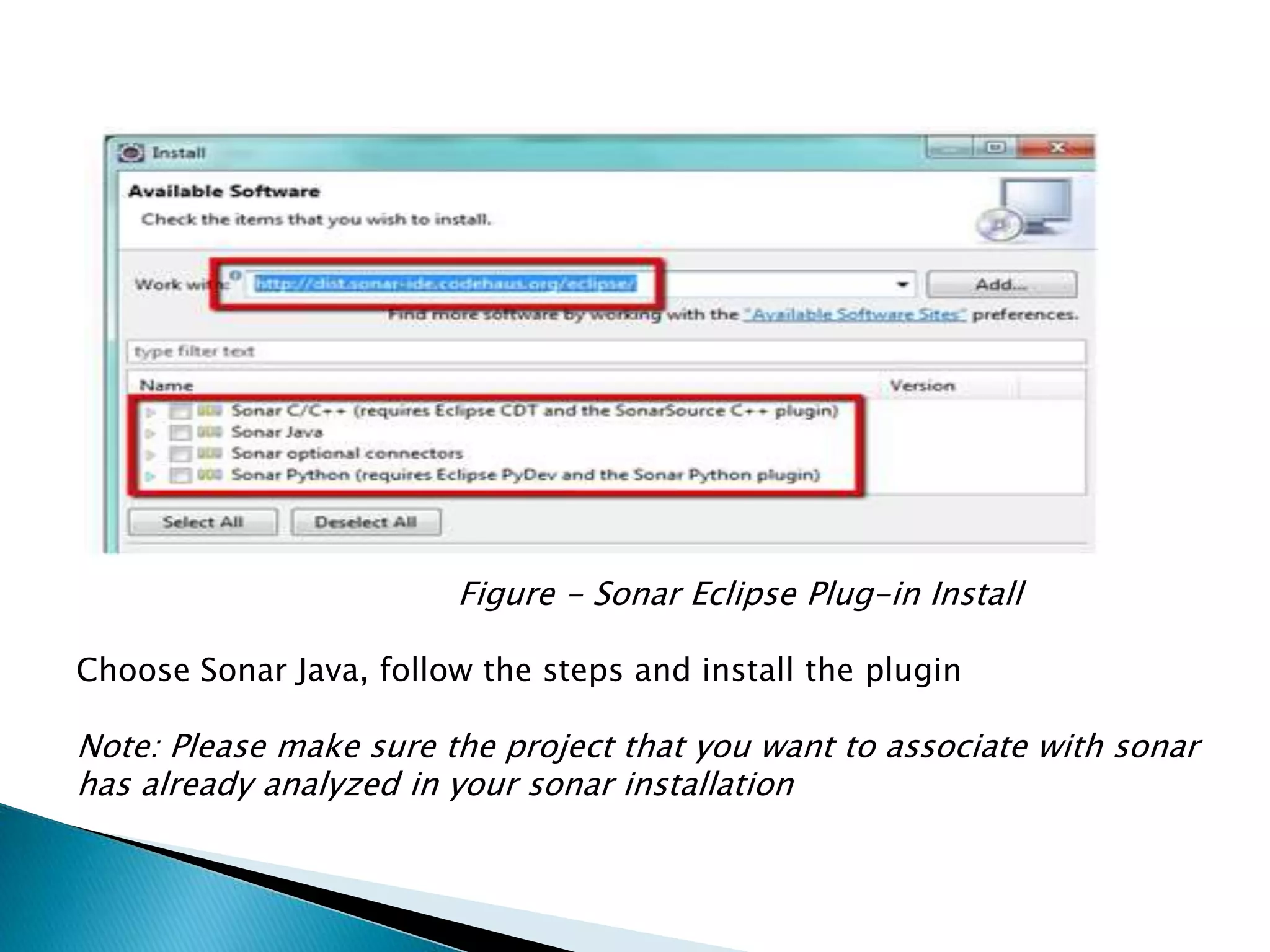
This document provides instructions for installing and configuring SonarQube to analyze code quality and generate reports. It describes how to download and unzip SonarQube, run the executable to start it, and access the Sonar console at http://localhost:9000. It also explains how to integrate SonarQube with Eclipse and Anypoint Studio by installing plugins, configuring Sonar servers, and associating projects to run analysis and view results.





![[DOC] Java - Code Analysis using SonarQube](https://cdn.slidesharecdn.com/ss_thumbnails/codeanalysisusingsonarqubev0slideshare-140622093347-phpapp01-thumbnail.jpg?width=640&height=640&fit=bounds)


