Solr Security: Tips, Tricks
and Things You Really
Ought to Know
Kevin Cowan / Steve Harris
Lucidworks
Agenda
•  Solr Security Backstory
•  A Plug for Fusion
•  The Two ‘A’s
Authentication
Basic Auth
Kerberos
Authorization
Roles
Permissions
Creating an effective Permission Matrix
Do’s and Don’t’s
Troubleshooting permissions
Important Tips and Tricks
•  Q & A
Solr Security Backstory
As of release 5.2, Solr comes out-of-the-box with both
authentication and authorization APIs, allowing you to define
users, roles and permissions, using the
RuleBasedAuthorizationPlugin and the BasicAuthPlugin. That’s
the good news. The not-as-good-news is that these plug-ins,
while powerful, are a bit counter-intuitive when it comes to
configuration. Thus I took it upon myself to spend some quality
time with the Solr security architecture and understand a) just
how this framework operates; and b) to identify it’s various
idiosyncrasies. To that end, We’ve compiled a handy list of
things to keep in mind when setting up and/or managing your
Solr security.
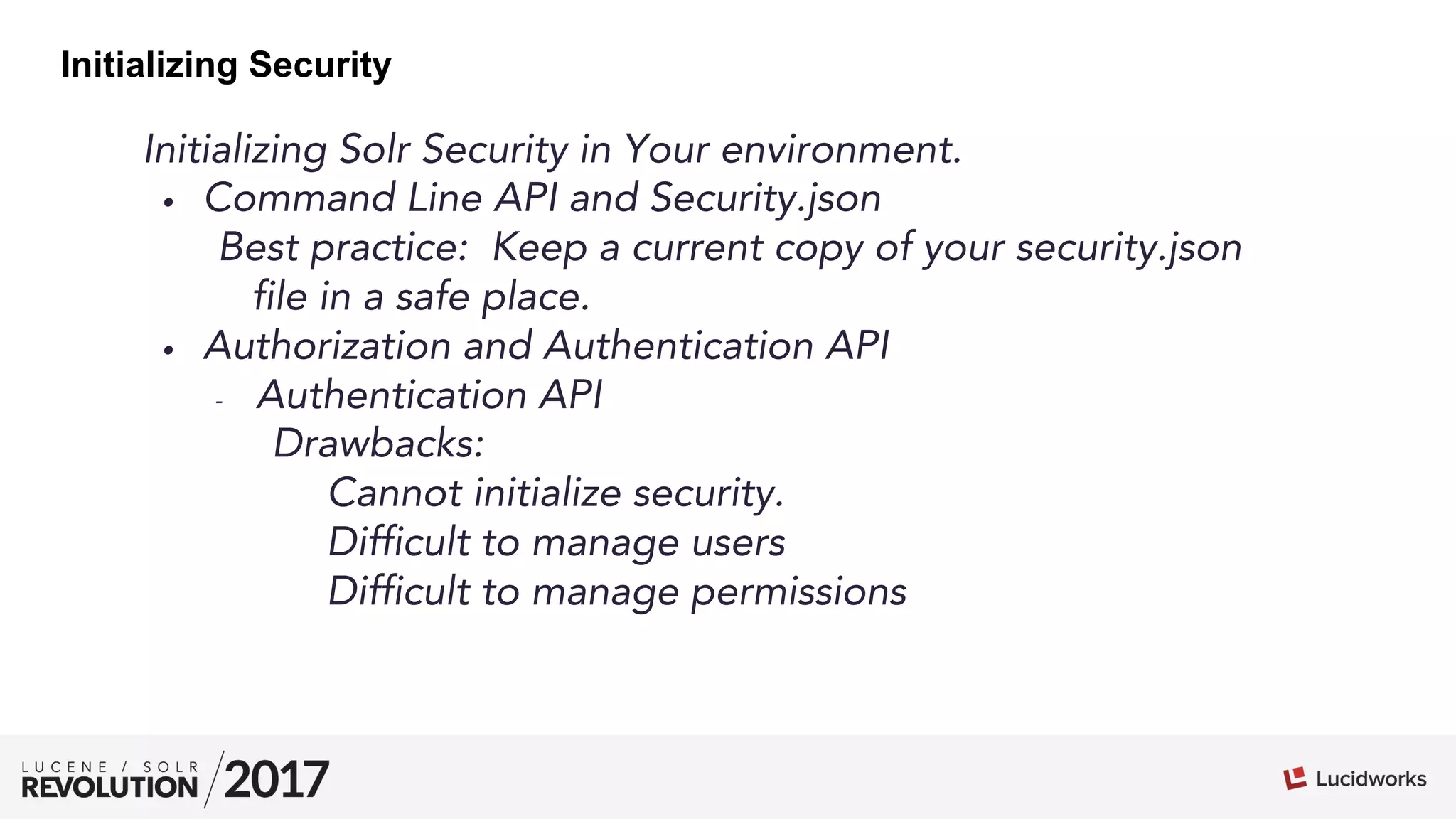
Initializing Solr Security in Your environment.
•  Command Line API and Security.json
Best practice: Keep a current copy of your security.json
file in a safe place.
•  Authorization and Authentication API
-  Authentication API
Drawbacks:
Cannot initialize security.
Difficult to manage users
Difficult to manage permissions
Initializing Security
Initializing Solr Security, Pt. II
From the command line:
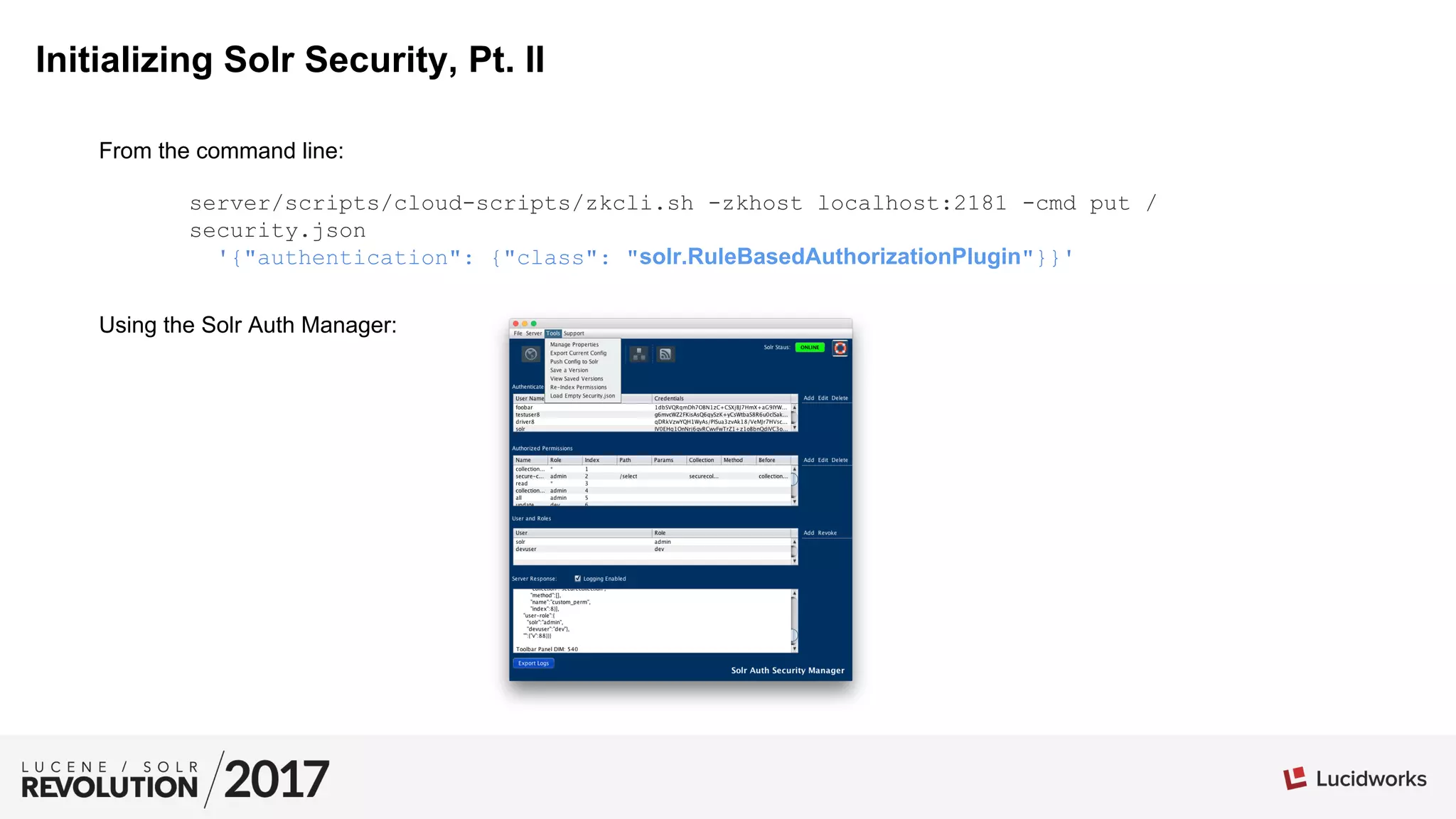
Using the Solr Auth Manager:
server/scripts/cloud-scripts/zkcli.sh -zkhost localhost:2181 -cmd put /
security.json
'{"authentication": {"class": "solr.RuleBasedAuthorizationPlugin"}}'
A Sample Security JSON File:
{
"authorization": {
"class": "solr.RuleBasedAuthorizationPlugin",
"permissions": [{
"role": "*",
"name": "collection-admin-read",
"index": 1
}, {
"path": "/select",
"role": "admin",
"before": "collection-admin-read",
"name": "secure-collection1-permission",
"index": 2,
"collection": "securecollection"
}, {
"role": "*",
"name": "read",
"index": 3
}, {
"role": "admin",
"name": "collection-admin-edit",
"index": 4
}],
"user-role": {
"foobar": "[dev, foobrole]",
"solr": "admin",
"devuser": "dev"
}
},
"authentication": {
"class": "solr.BasicAuthPlugin",
"credentials": {
"solr": "IV0EHq1OnNrj6gvRCwvFwTrZ1+z1oBbnQdiVC3otuq0= Ndd7LKvVBAaZIF0QAVi1ekCfAJXr1GGfLtRUXhgrF8c=",
"testuser": "7oBNYcOwAY1WHlUHqrXtHPxxNKxk2FHy+dBZQiK09Lc= 81G4YPKSOQcHXdM65rh+as41qWSqiYd9Xh+Xe5eNJ1s=",
"devuser": "IV0EHq1OnNrj6gvRCwvFwTrZ1+z1oBbnQdiVC3otuq0= Ndd7LKvVBAaZIF0QAVi1ekCfAJXr1GGfLtRUXhgrF8c="
}
}
}
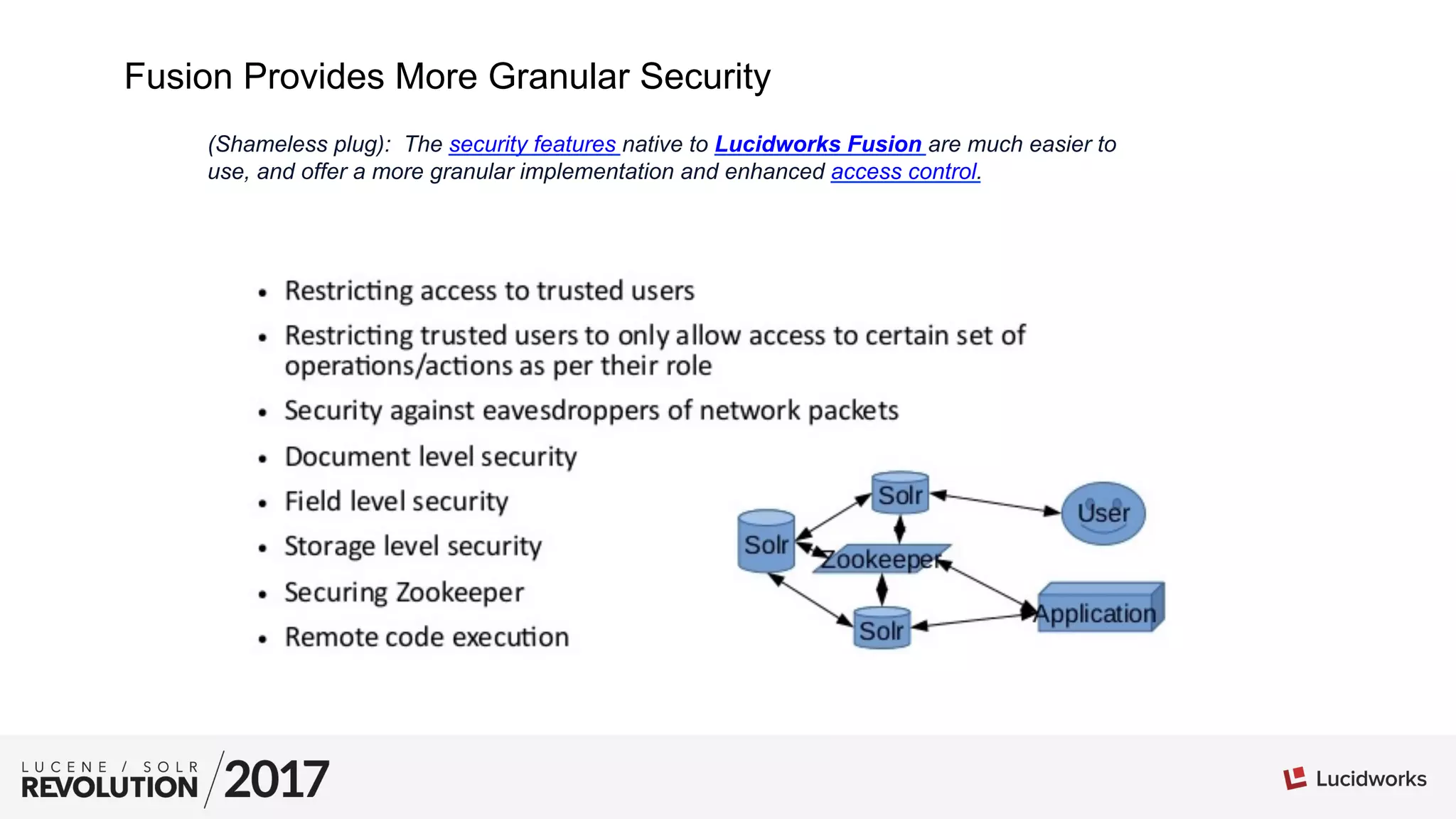
Fusion Provides More Granular Security
(Shameless plug): The security features native to Lucidworks Fusion are much easier to
use, and offer a more granular implementation and enhanced access control.
01
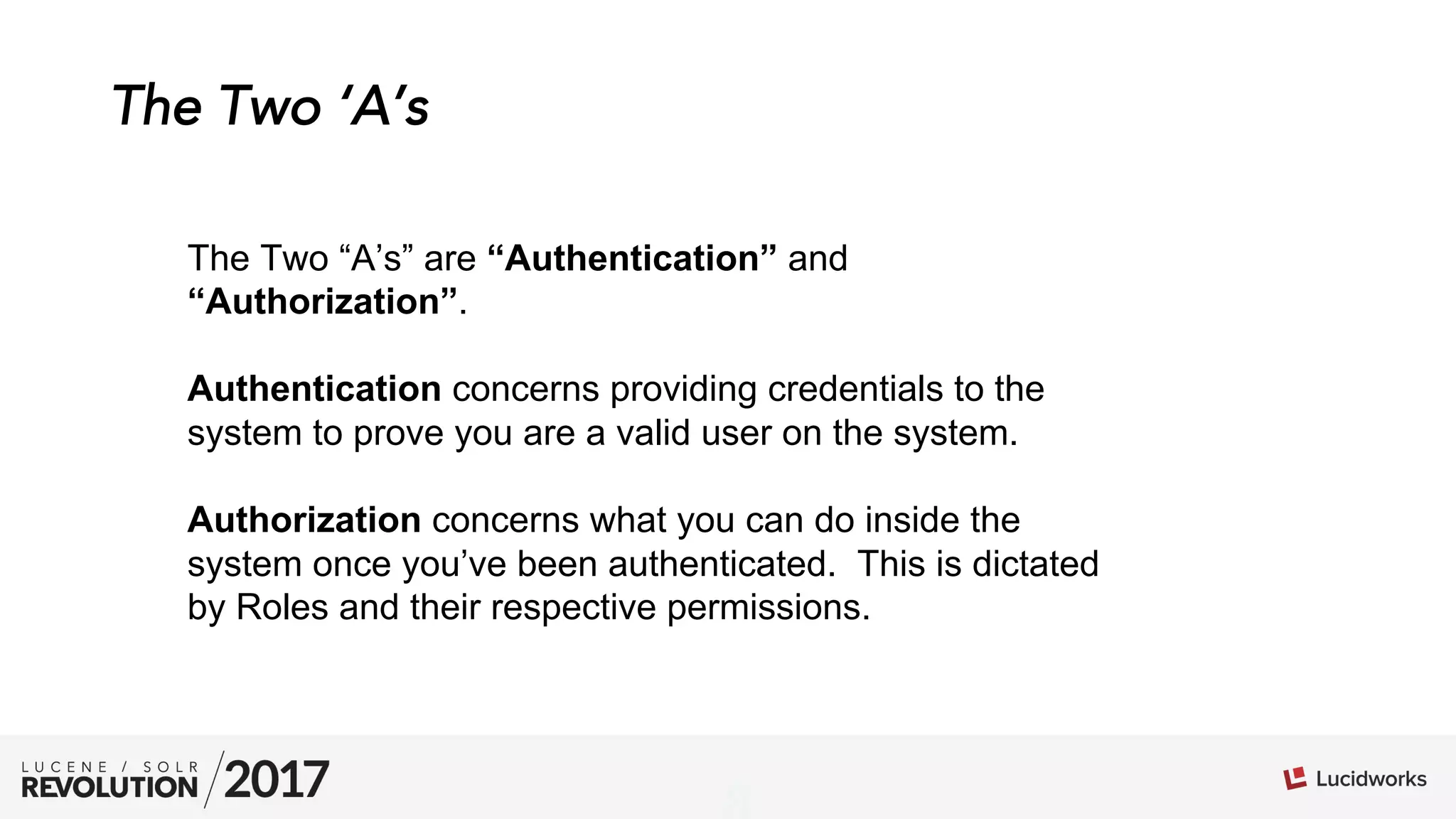
The Two ‘A’s
The Two “A’s” are “Authentication” and
“Authorization”.
Authentication concerns providing credentials to the
system to prove you are a valid user on the system.
Authorization concerns what you can do inside the
system once you’ve been authenticated. This is dictated
by Roles and their respective permissions.
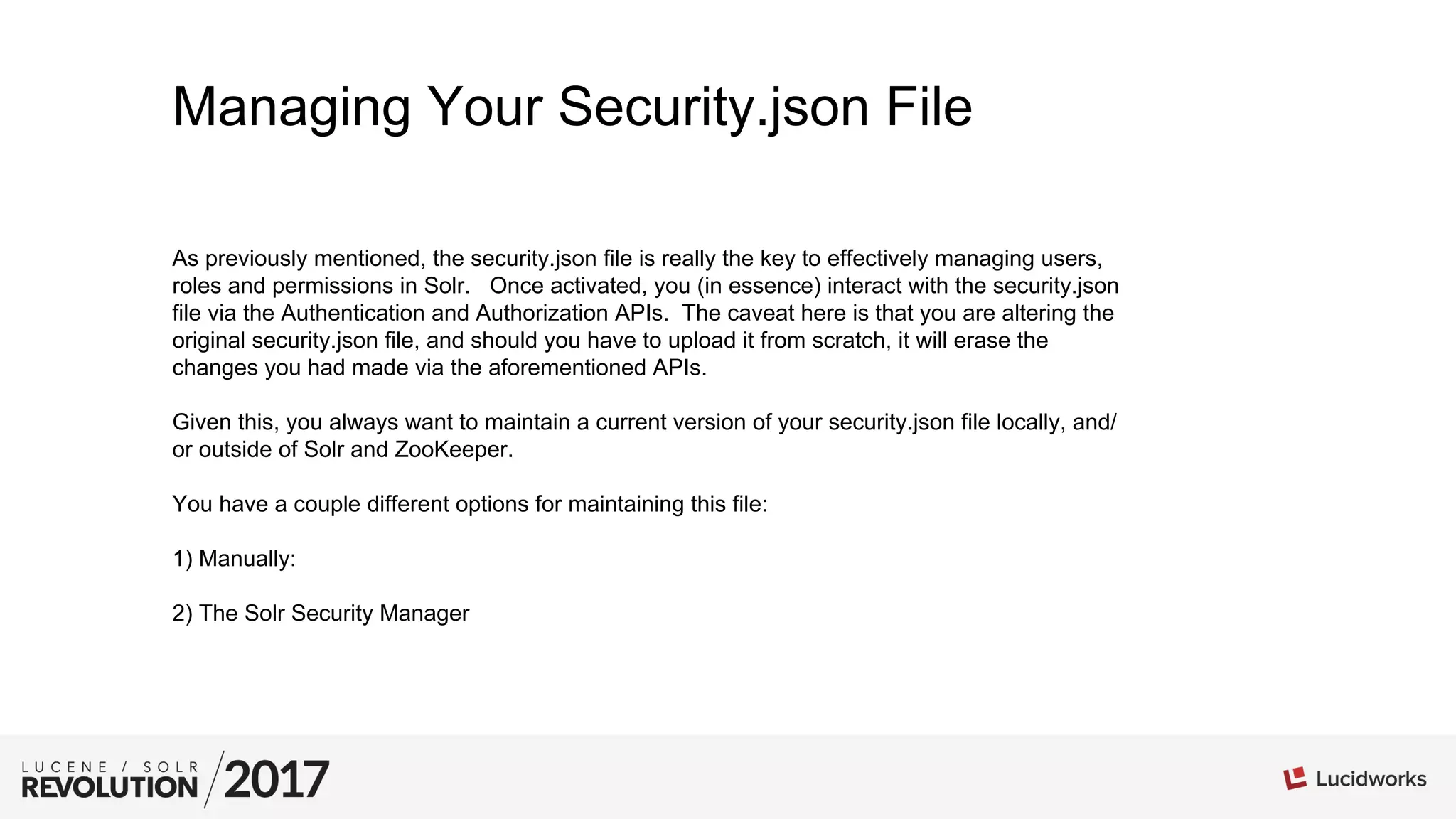
Managing Your Security.json File
As previously mentioned, the security.json file is really the key to effectively managing users,
roles and permissions in Solr. Once activated, you (in essence) interact with the security.json
file via the Authentication and Authorization APIs. The caveat here is that you are altering the
original security.json file, and should you have to upload it from scratch, it will erase the
changes you had made via the aforementioned APIs.
Given this, you always want to maintain a current version of your security.json file locally, and/
or outside of Solr and ZooKeeper.
You have a couple different options for maintaining this file:
1) Manually:
2) The Solr Security Manager
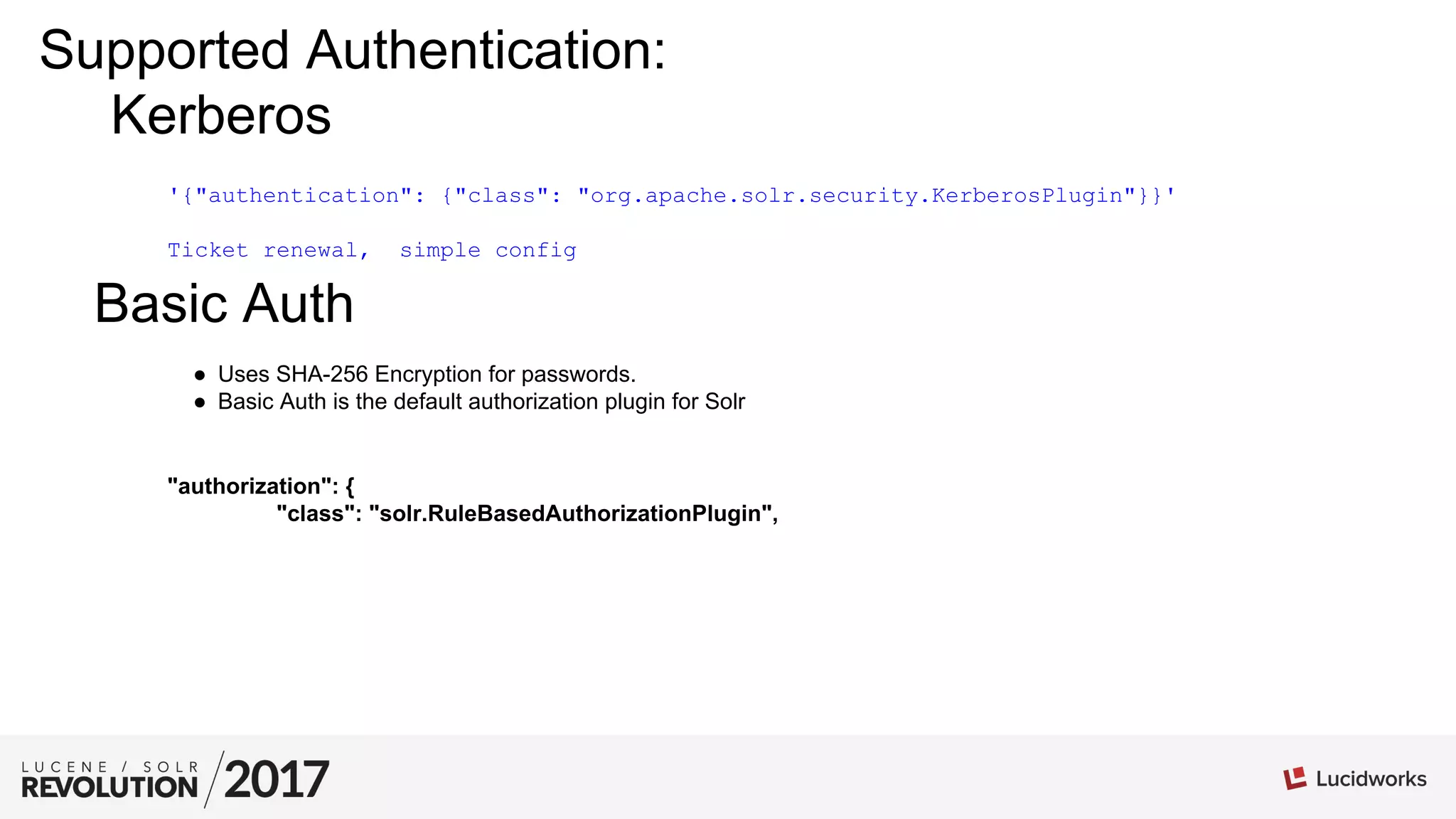
Kerberos
'{"authentication": {"class": "org.apache.solr.security.KerberosPlugin"}}'
Ticket renewal, simple config
Basic Auth
●  Uses SHA-256 Encryption for passwords.
●  Basic Auth is the default authorization plugin for Solr
"authorization": {
"class": "solr.RuleBasedAuthorizationPlugin",
Supported Authentication:
Custom Authentication: Rolling Your Own
It is also possible to specify your own Authorization class in your security.json config:
"authorization":{
"class":"package.to.class.that.implements.plugin",
"permissions":[{"name":"security-edit",
"role":"admin"}]
"user-role":{"solr":"admin"}
}
You’ll want to implement the class using the following interfaces:
implements AuthorizationPlugin,ConfigEditablePlugin,SpecProvider
Authorization: Roles
Roles provide the context in which the user may interact
with the system. In the case of Solr, this can be everything
from limiting overall access to limiting access to specific
collections, and so on.
Authorization: Permissions
The permissions array is really the endpoint of a security definition. It uses the
previously described definitions of users and roles to bind to a single
permission. This is important, and really where Solr security can get a little
hairy. There is a one-to-one (1:1) relationship between a permission and a
role. The only exceptions to this rule are the wildcard (*), which may be used
in any permission role definition, and means that all authenticated users will
have this permission; and the ‘before’ keyword, which will for a permission to
be evaluated prior to another named permission. Otherwise, a permission is
limited to a single role. What this means, ultimately, is that you need to lend
great consideration to how you construct your permissions matrix.
Permissions: Creating an Effective Permissions Matrix
●  Use only the most minimal permission matrix for your requirements.
●  Be explicit, be thorough. Once you engage security, you’ll need to define a
role and/or permissions for that role for every use case.
●  Permissions are about the role, not the user. Create as many roles as you
need.
●  DO NOT duplicate permission keys (E.g. ‘read’). The way the Permissions
model works, only the first encountered relevant permission is evaluated.
●  BE CAREFUL with the ‘all’ permission. Grant ‘all’ to your admin, for
example, will potentially lock out other users.
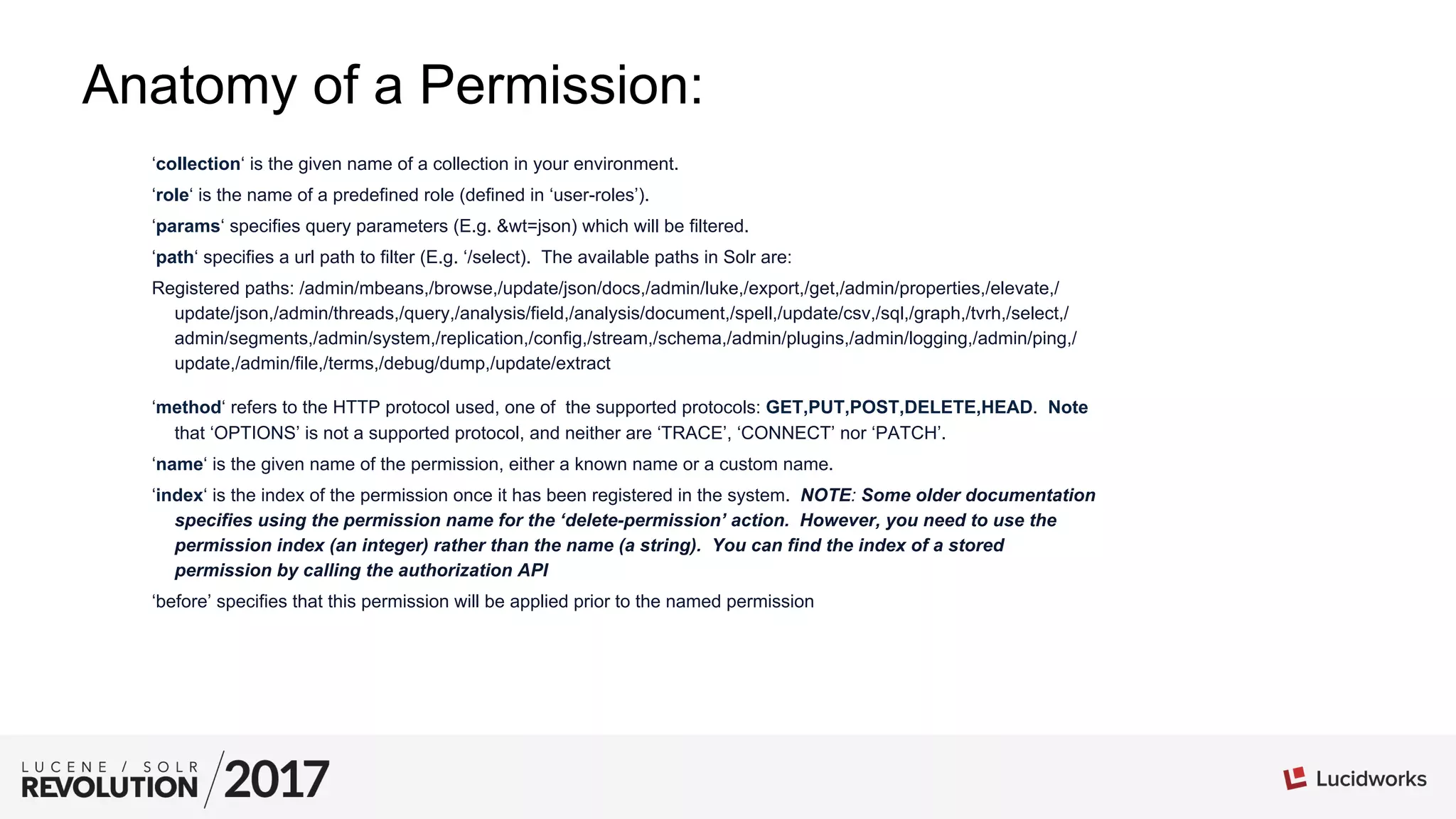
Anatomy of a Permission:
‘collection‘ is the given name of a collection in your environment.
‘role‘ is the name of a predefined role (defined in ‘user-roles’).
‘params‘ specifies query parameters (E.g. &wt=json) which will be filtered.
‘path‘ specifies a url path to filter (E.g. ‘/select). The available paths in Solr are:
Registered paths: /admin/mbeans,/browse,/update/json/docs,/admin/luke,/export,/get,/admin/properties,/elevate,/
update/json,/admin/threads,/query,/analysis/field,/analysis/document,/spell,/update/csv,/sql,/graph,/tvrh,/select,/
admin/segments,/admin/system,/replication,/config,/stream,/schema,/admin/plugins,/admin/logging,/admin/ping,/
update,/admin/file,/terms,/debug/dump,/update/extract
‘method‘ refers to the HTTP protocol used, one of the supported protocols: GET,PUT,POST,DELETE,HEAD. Note
that ‘OPTIONS’ is not a supported protocol, and neither are ‘TRACE’, ‘CONNECT’ nor ‘PATCH’.
‘name‘ is the given name of the permission, either a known name or a custom name.
‘index‘ is the index of the permission once it has been registered in the system. NOTE: Some older documentation
specifies using the permission name for the ‘delete-permission’ action. However, you need to use the
permission index (an integer) rather than the name (a string). You can find the index of a stored
permission by calling the authorization API
‘before’ specifies that this permission will be applied prior to the named permission
collection-admin-edit: Allows users with this role to update collections.
collection-admin-read: Allows users with this role read access to collections.
core-admin-read: Allows users with this role to read certain items in the admin console.
core-admin-edit: Allows users with this role the permission to edit certain aspects of the admin
interface (NOT security).
core-admin-read: Allows users with this role to read certain aspects of the admin console.
read: Provides rudimentary ‘read’ access to users with this role. NOTE: assigning the ‘read’
permission doesn’t actually give the role full read access.
config-read: Gives authenticated users ‘read’ access to configuration information.
config-edit: Gives users with this role permission to access to edit Solr’s configuration.
config-read: Gives users with this role permission to read configuration settings.
schema-read: Allows users with this role to read collection schema information.
schema-edit: Allows users with this role to edit collection schema information.
metics-read: Allows users with this permission to read Solr metric data.
all: Provides the associated role with ‘all’ permissions.
Pre-defined Permissions
Troubleshooting Permissions
Security implementations are, more often than not, very difficult to troubleshoot. Often these
implementations don’t provide cogent error messages, or worse, no message at all. Such is not
the case with Solr. Solr returns a 403 ‘Unauthroized’ error in general. However, if you upload a
security.json that doesn’t behave the way you would expect, go to your solr.log file, and look for
error messages. They will be your best friends in debugging a Solr permission matrix. Here are
some common errors:
No Authorized User:
2017-03-08 15:47:55.876 INFO (qtp1348949648-16) [ ] o.a.s.s.HttpSolrCall USER_REQUIRED
auth header null context : [FAILED toString()]
Invalid Role:
“role”:”admin”}, The principal [principal: devuser] does not have the right role
This will be your most common exception when dealing with user permissions!
In a Nutshell: Important Tips and Tricks when using Solr Security
1. Your Solr installation should be secured behind a Firewall.
2. The user under which Solr is started should only have write access to the Solr home directory ( by default
$SOLR_INSTALL/server/solr )
3. Permissions are FIFO (First In, First Out). That is, they are evaluated in the order in which they are declared.
4. There is a 1:1 relationship between roles and permissions. Any given permission (E.g. ‘read’) is only evaluated once, the
first encountered in the list. If you have a second ‘read’ defined down the line, it will not be honored.
5. You can use an asterisk (*) to assign all permissions to all users. { “name”: “read”, “role”: “*”}
6. The ‘role’ attribute takes either a wildcard ‘*’ or single role name string as an argument. You cannot pass arrays or comma-
delimited strings.
7. You can use the permission ‘all’ to assign all permissions to a given role. { “name”: “all”, “role”: “admin”}
8. You should err on the side of fewer permissions. Only use just what you need. “Less is more.” That said, there is a fine
balance between what is required, and otherwise going overboard.
9. When deleting permissions, you MUST to use the ‘index’ integer, rather than the permission name.
10. The wildcard permission is your friend.
11. If you assign the generic ‘read’ role for the console, you need to also assign collection-admin-read and core-admin-read to
the same role. Likewise, for ‘update’, you’ll need to specify the core-admin-edit and collection-admin-edit to the same role.
12. When defining a permission, only the ‘role’ parameter is required.
13. Use a library such as SolrJ to communicate with ZooKeeper.
14. When using a pre-specified (or ‘named’) permission, the only allowed attributes are: name, role, collection, index.
Q & A
What’s on your mind?
Thank
You

Solr Security: Tips and Tricks and Things You Really Ought to Know - Kevin Cowan & Steve Harris, Lucidworks

  • 1.
    Solr Security: Tips,Tricks and Things You Really Ought to Know Kevin Cowan / Steve Harris Lucidworks
  • 2.
    Agenda •  Solr SecurityBackstory •  A Plug for Fusion •  The Two ‘A’s Authentication Basic Auth Kerberos Authorization Roles Permissions Creating an effective Permission Matrix Do’s and Don’t’s Troubleshooting permissions Important Tips and Tricks •  Q & A
  • 3.
    Solr Security Backstory Asof release 5.2, Solr comes out-of-the-box with both authentication and authorization APIs, allowing you to define users, roles and permissions, using the RuleBasedAuthorizationPlugin and the BasicAuthPlugin. That’s the good news. The not-as-good-news is that these plug-ins, while powerful, are a bit counter-intuitive when it comes to configuration. Thus I took it upon myself to spend some quality time with the Solr security architecture and understand a) just how this framework operates; and b) to identify it’s various idiosyncrasies. To that end, We’ve compiled a handy list of things to keep in mind when setting up and/or managing your Solr security.
  • 4.
    Initializing Solr Securityin Your environment. •  Command Line API and Security.json Best practice: Keep a current copy of your security.json file in a safe place. •  Authorization and Authentication API -  Authentication API Drawbacks: Cannot initialize security. Difficult to manage users Difficult to manage permissions Initializing Security
  • 5.
    Initializing Solr Security,Pt. II From the command line: Using the Solr Auth Manager: server/scripts/cloud-scripts/zkcli.sh -zkhost localhost:2181 -cmd put / security.json '{"authentication": {"class": "solr.RuleBasedAuthorizationPlugin"}}'
  • 6.
    A Sample SecurityJSON File: { "authorization": { "class": "solr.RuleBasedAuthorizationPlugin", "permissions": [{ "role": "*", "name": "collection-admin-read", "index": 1 }, { "path": "/select", "role": "admin", "before": "collection-admin-read", "name": "secure-collection1-permission", "index": 2, "collection": "securecollection" }, { "role": "*", "name": "read", "index": 3 }, { "role": "admin", "name": "collection-admin-edit", "index": 4 }], "user-role": { "foobar": "[dev, foobrole]", "solr": "admin", "devuser": "dev" } }, "authentication": { "class": "solr.BasicAuthPlugin", "credentials": { "solr": "IV0EHq1OnNrj6gvRCwvFwTrZ1+z1oBbnQdiVC3otuq0= Ndd7LKvVBAaZIF0QAVi1ekCfAJXr1GGfLtRUXhgrF8c=", "testuser": "7oBNYcOwAY1WHlUHqrXtHPxxNKxk2FHy+dBZQiK09Lc= 81G4YPKSOQcHXdM65rh+as41qWSqiYd9Xh+Xe5eNJ1s=", "devuser": "IV0EHq1OnNrj6gvRCwvFwTrZ1+z1oBbnQdiVC3otuq0= Ndd7LKvVBAaZIF0QAVi1ekCfAJXr1GGfLtRUXhgrF8c=" } } }
  • 7.
    Fusion Provides MoreGranular Security (Shameless plug): The security features native to Lucidworks Fusion are much easier to use, and offer a more granular implementation and enhanced access control.
  • 8.
    01 The Two ‘A’s TheTwo “A’s” are “Authentication” and “Authorization”. Authentication concerns providing credentials to the system to prove you are a valid user on the system. Authorization concerns what you can do inside the system once you’ve been authenticated. This is dictated by Roles and their respective permissions.
  • 9.
    Managing Your Security.jsonFile As previously mentioned, the security.json file is really the key to effectively managing users, roles and permissions in Solr. Once activated, you (in essence) interact with the security.json file via the Authentication and Authorization APIs. The caveat here is that you are altering the original security.json file, and should you have to upload it from scratch, it will erase the changes you had made via the aforementioned APIs. Given this, you always want to maintain a current version of your security.json file locally, and/ or outside of Solr and ZooKeeper. You have a couple different options for maintaining this file: 1) Manually: 2) The Solr Security Manager
  • 10.
    Kerberos '{"authentication": {"class": "org.apache.solr.security.KerberosPlugin"}}' Ticketrenewal, simple config Basic Auth ●  Uses SHA-256 Encryption for passwords. ●  Basic Auth is the default authorization plugin for Solr "authorization": { "class": "solr.RuleBasedAuthorizationPlugin", Supported Authentication:
  • 11.
    Custom Authentication: RollingYour Own It is also possible to specify your own Authorization class in your security.json config: "authorization":{ "class":"package.to.class.that.implements.plugin", "permissions":[{"name":"security-edit", "role":"admin"}] "user-role":{"solr":"admin"} } You’ll want to implement the class using the following interfaces: implements AuthorizationPlugin,ConfigEditablePlugin,SpecProvider
  • 12.
    Authorization: Roles Roles providethe context in which the user may interact with the system. In the case of Solr, this can be everything from limiting overall access to limiting access to specific collections, and so on.
  • 13.
    Authorization: Permissions The permissionsarray is really the endpoint of a security definition. It uses the previously described definitions of users and roles to bind to a single permission. This is important, and really where Solr security can get a little hairy. There is a one-to-one (1:1) relationship between a permission and a role. The only exceptions to this rule are the wildcard (*), which may be used in any permission role definition, and means that all authenticated users will have this permission; and the ‘before’ keyword, which will for a permission to be evaluated prior to another named permission. Otherwise, a permission is limited to a single role. What this means, ultimately, is that you need to lend great consideration to how you construct your permissions matrix.
  • 14.
    Permissions: Creating anEffective Permissions Matrix ●  Use only the most minimal permission matrix for your requirements. ●  Be explicit, be thorough. Once you engage security, you’ll need to define a role and/or permissions for that role for every use case. ●  Permissions are about the role, not the user. Create as many roles as you need. ●  DO NOT duplicate permission keys (E.g. ‘read’). The way the Permissions model works, only the first encountered relevant permission is evaluated. ●  BE CAREFUL with the ‘all’ permission. Grant ‘all’ to your admin, for example, will potentially lock out other users.
  • 15.
    Anatomy of aPermission: ‘collection‘ is the given name of a collection in your environment. ‘role‘ is the name of a predefined role (defined in ‘user-roles’). ‘params‘ specifies query parameters (E.g. &wt=json) which will be filtered. ‘path‘ specifies a url path to filter (E.g. ‘/select). The available paths in Solr are: Registered paths: /admin/mbeans,/browse,/update/json/docs,/admin/luke,/export,/get,/admin/properties,/elevate,/ update/json,/admin/threads,/query,/analysis/field,/analysis/document,/spell,/update/csv,/sql,/graph,/tvrh,/select,/ admin/segments,/admin/system,/replication,/config,/stream,/schema,/admin/plugins,/admin/logging,/admin/ping,/ update,/admin/file,/terms,/debug/dump,/update/extract ‘method‘ refers to the HTTP protocol used, one of the supported protocols: GET,PUT,POST,DELETE,HEAD. Note that ‘OPTIONS’ is not a supported protocol, and neither are ‘TRACE’, ‘CONNECT’ nor ‘PATCH’. ‘name‘ is the given name of the permission, either a known name or a custom name. ‘index‘ is the index of the permission once it has been registered in the system. NOTE: Some older documentation specifies using the permission name for the ‘delete-permission’ action. However, you need to use the permission index (an integer) rather than the name (a string). You can find the index of a stored permission by calling the authorization API ‘before’ specifies that this permission will be applied prior to the named permission
  • 16.
    collection-admin-edit: Allows userswith this role to update collections. collection-admin-read: Allows users with this role read access to collections. core-admin-read: Allows users with this role to read certain items in the admin console. core-admin-edit: Allows users with this role the permission to edit certain aspects of the admin interface (NOT security). core-admin-read: Allows users with this role to read certain aspects of the admin console. read: Provides rudimentary ‘read’ access to users with this role. NOTE: assigning the ‘read’ permission doesn’t actually give the role full read access. config-read: Gives authenticated users ‘read’ access to configuration information. config-edit: Gives users with this role permission to access to edit Solr’s configuration. config-read: Gives users with this role permission to read configuration settings. schema-read: Allows users with this role to read collection schema information. schema-edit: Allows users with this role to edit collection schema information. metics-read: Allows users with this permission to read Solr metric data. all: Provides the associated role with ‘all’ permissions. Pre-defined Permissions
  • 17.
    Troubleshooting Permissions Security implementationsare, more often than not, very difficult to troubleshoot. Often these implementations don’t provide cogent error messages, or worse, no message at all. Such is not the case with Solr. Solr returns a 403 ‘Unauthroized’ error in general. However, if you upload a security.json that doesn’t behave the way you would expect, go to your solr.log file, and look for error messages. They will be your best friends in debugging a Solr permission matrix. Here are some common errors: No Authorized User: 2017-03-08 15:47:55.876 INFO (qtp1348949648-16) [ ] o.a.s.s.HttpSolrCall USER_REQUIRED auth header null context : [FAILED toString()] Invalid Role: “role”:”admin”}, The principal [principal: devuser] does not have the right role This will be your most common exception when dealing with user permissions!
  • 18.
    In a Nutshell:Important Tips and Tricks when using Solr Security 1. Your Solr installation should be secured behind a Firewall. 2. The user under which Solr is started should only have write access to the Solr home directory ( by default $SOLR_INSTALL/server/solr ) 3. Permissions are FIFO (First In, First Out). That is, they are evaluated in the order in which they are declared. 4. There is a 1:1 relationship between roles and permissions. Any given permission (E.g. ‘read’) is only evaluated once, the first encountered in the list. If you have a second ‘read’ defined down the line, it will not be honored. 5. You can use an asterisk (*) to assign all permissions to all users. { “name”: “read”, “role”: “*”} 6. The ‘role’ attribute takes either a wildcard ‘*’ or single role name string as an argument. You cannot pass arrays or comma- delimited strings. 7. You can use the permission ‘all’ to assign all permissions to a given role. { “name”: “all”, “role”: “admin”} 8. You should err on the side of fewer permissions. Only use just what you need. “Less is more.” That said, there is a fine balance between what is required, and otherwise going overboard. 9. When deleting permissions, you MUST to use the ‘index’ integer, rather than the permission name. 10. The wildcard permission is your friend. 11. If you assign the generic ‘read’ role for the console, you need to also assign collection-admin-read and core-admin-read to the same role. Likewise, for ‘update’, you’ll need to specify the core-admin-edit and collection-admin-edit to the same role. 12. When defining a permission, only the ‘role’ parameter is required. 13. Use a library such as SolrJ to communicate with ZooKeeper. 14. When using a pre-specified (or ‘named’) permission, the only allowed attributes are: name, role, collection, index.
  • 19.
    Q & A What’son your mind?
  • 20.