Technology Basics to Make Your Life Easier
                              Alisa M. Rosales, J.D.
                    Associate Director of Public Service Law
                 DePaul University College of Law Career Services
                                 September 2011
                             arosale3 [at] depaul.edu


                                        Blogs


Blogging: depaullcs.blogspot.com
    Keep it short, and use the tools to make it cleaner.
    Use your widgets wisely – feed your twitter account, show your favorite blogs,
      create a google/CSM/school calendar feed.
    Add an RSS/Feedburner button.
    Use blog posts as links for FAQs
    Use screen shots to advertise events’ posters
    Link into whatever your institution is already using to share content and news


                                          1
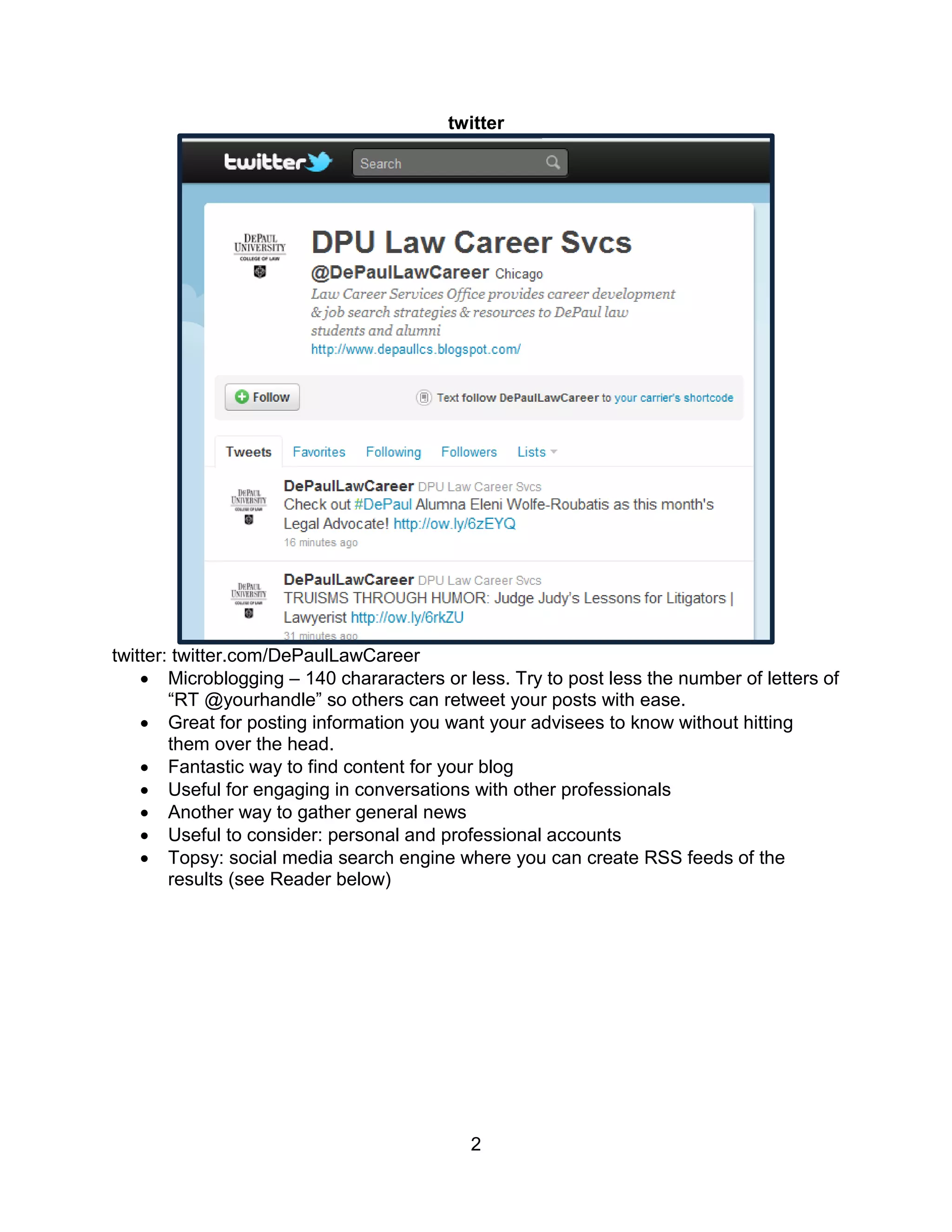
twitter


twitter: twitter.com/DePaulLawCareer
     Microblogging – 140 chararacters or less. Try to post less the number of letters of
        “RT @yourhandle” so others can retweet your posts with ease.
     Great for posting information you want your advisees to know without hitting
        them over the head.
     Fantastic way to find content for your blog
     Useful for engaging in conversations with other professionals
     Another way to gather general news
     Useful to consider: personal and professional accounts
     Topsy: social media search engine where you can create RSS feeds of the
        results (see Reader below)


                                           2
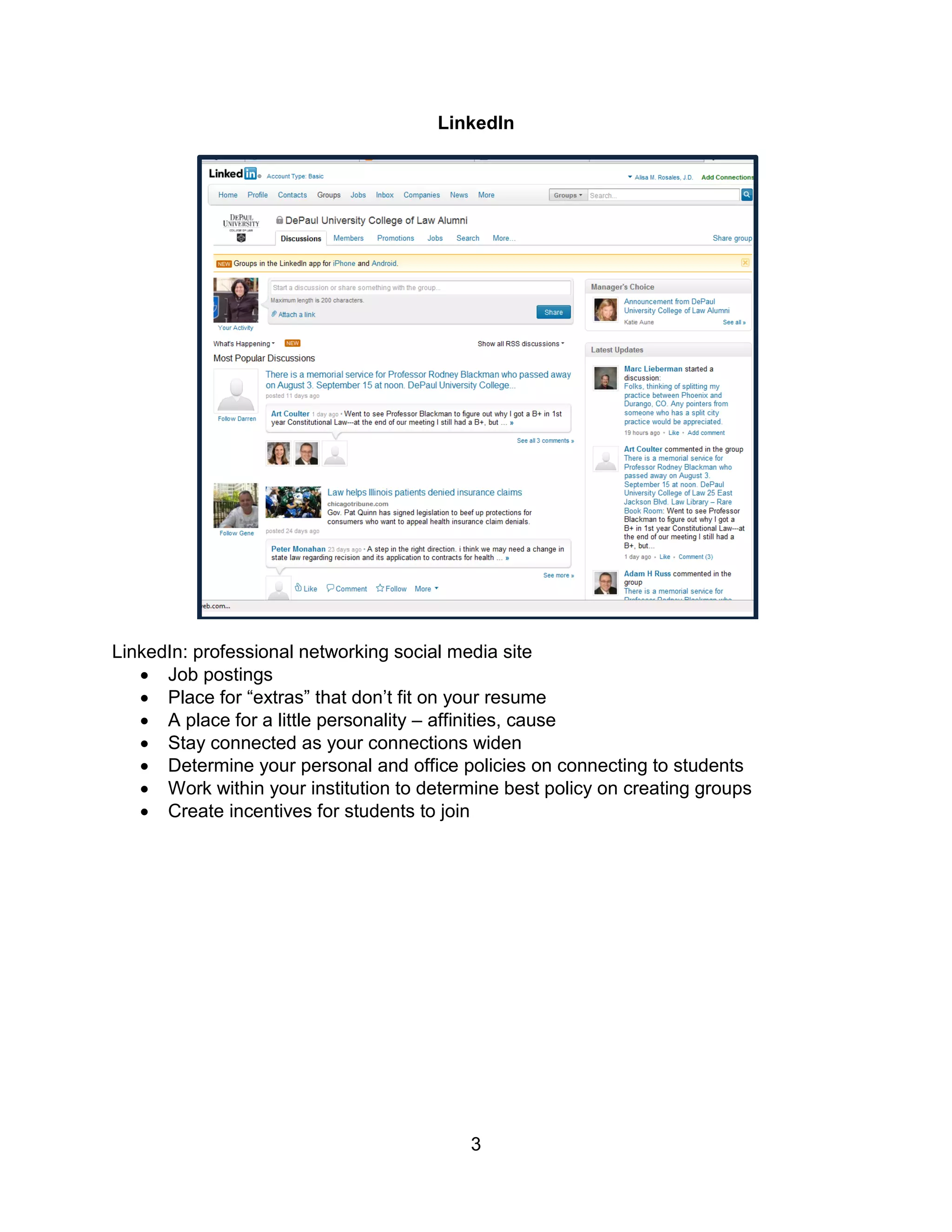
LinkedIn


LinkedIn: professional networking social media site
    Job postings
    Place for “extras” that don’t fit on your resume
    A place for a little personality – affinities, cause
    Stay connected as your connections widen
    Determine your personal and office policies on connecting to students
    Work within your institution to determine best policy on creating groups
    Create incentives for students to join


                                           3
Google
Underused Applications: Reader, Alerts, Documents, Calendar


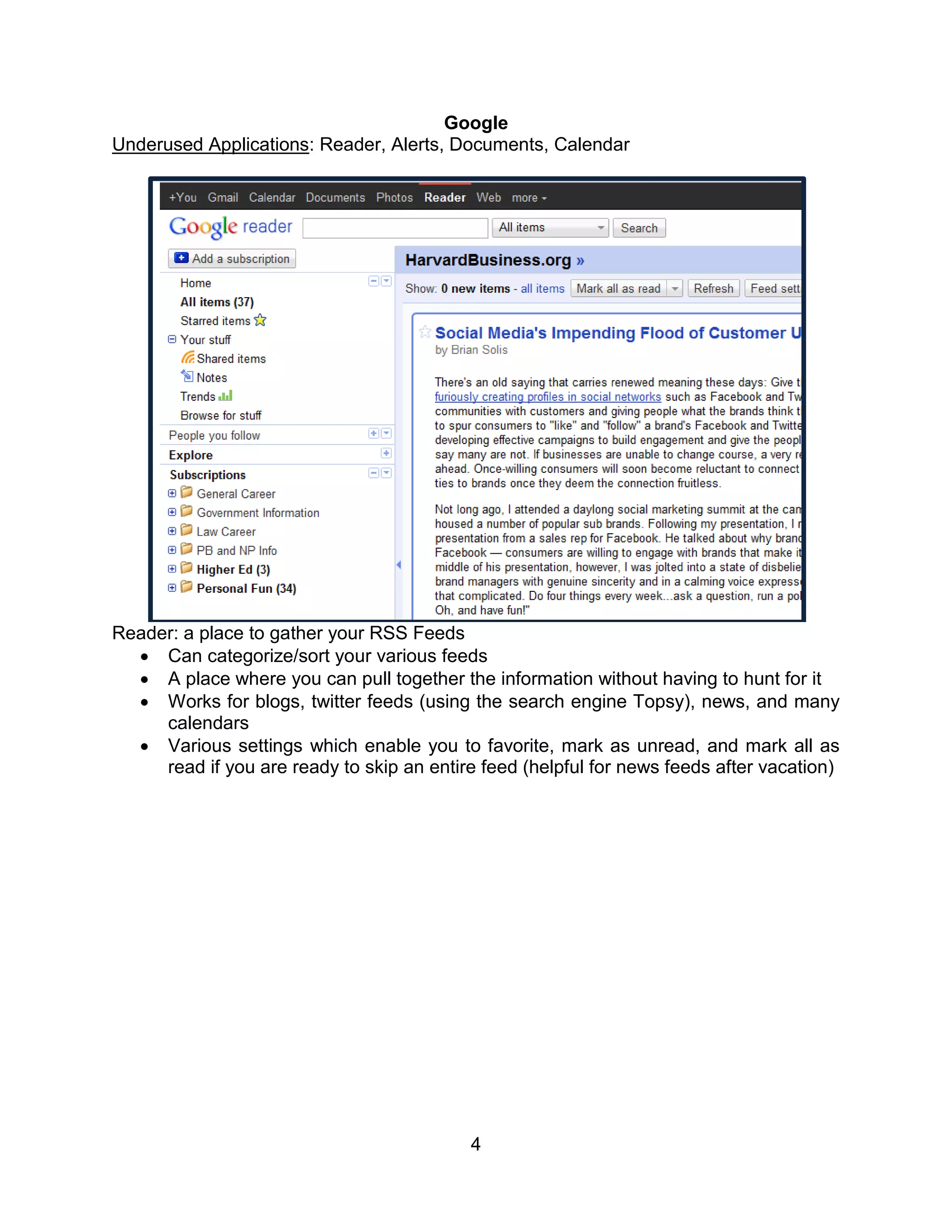
Reader: a place to gather your RSS Feeds
   Can categorize/sort your various feeds
   A place where you can pull together the information without having to hunt for it
   Works for blogs, twitter feeds (using the search engine Topsy), news, and many
     calendars
   Various settings which enable you to favorite, mark as unread, and mark all as
     read if you are ready to skip an entire feed (helpful for news feeds after vacation)


                                           4
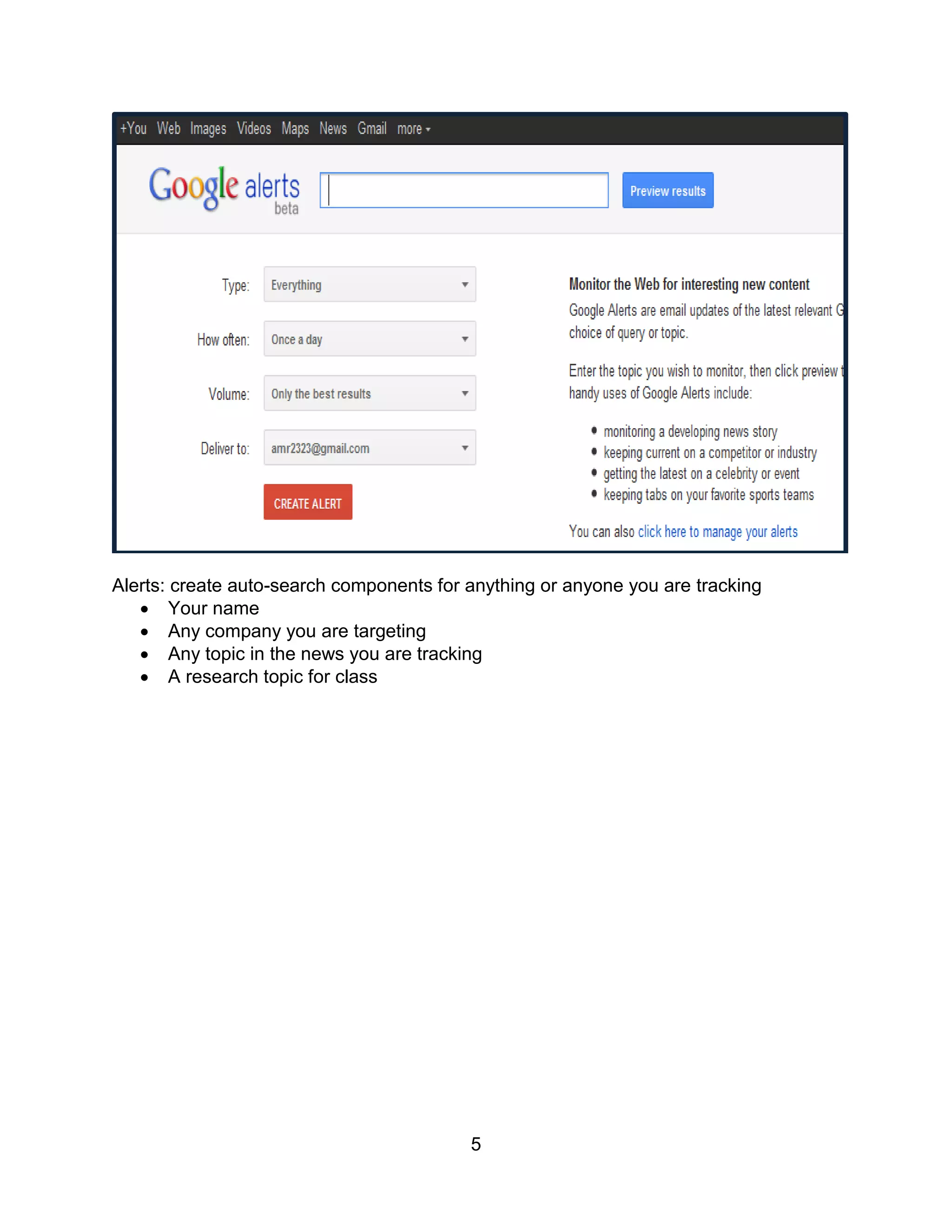
Alerts: create auto-search components for anything or anyone you are tracking
    Your name
    Any company you are targeting
    Any topic in the news you are tracking
    A research topic for class


                                          5
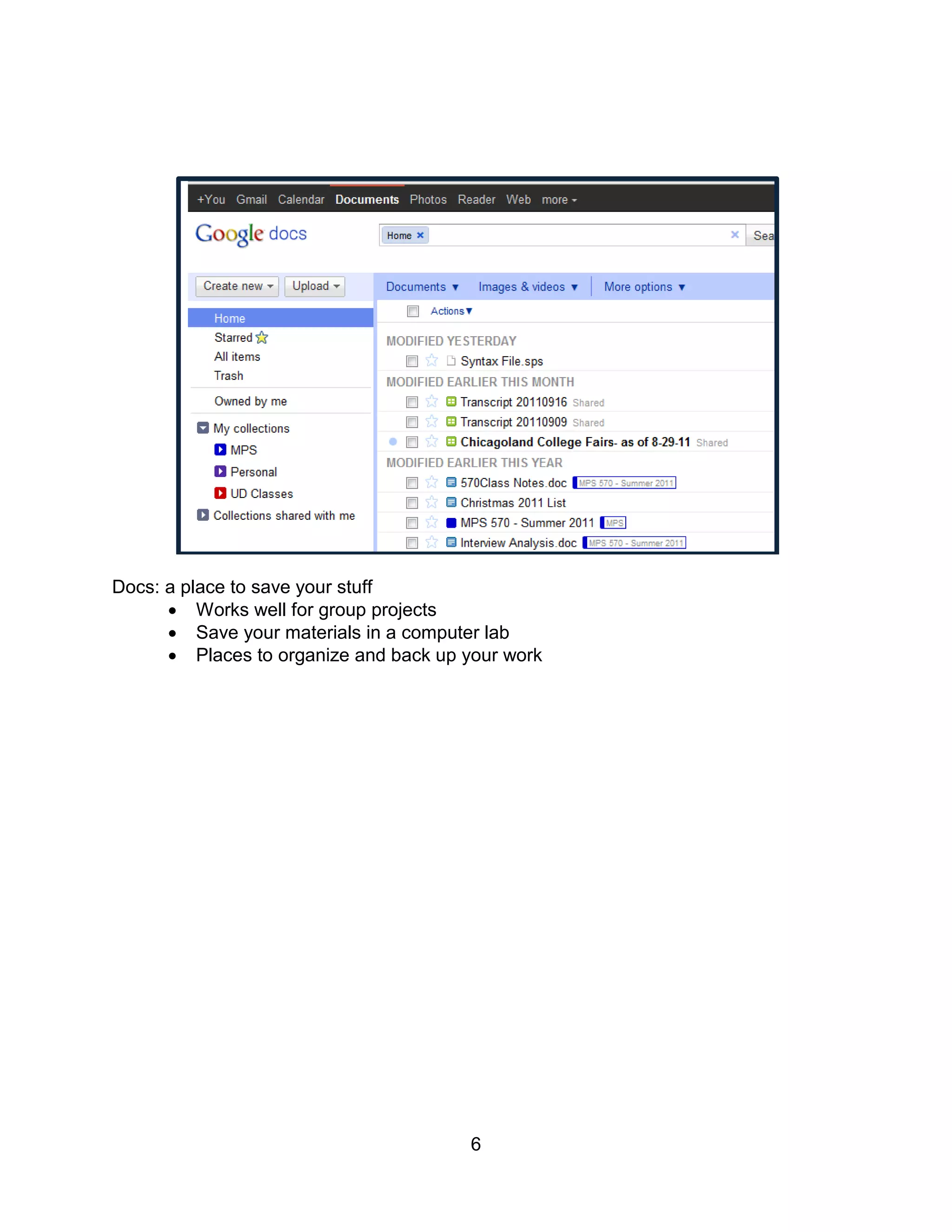
Docs: a place to save your stuff
       Works well for group projects
       Save your materials in a computer lab
       Places to organize and back up your work


                                        6
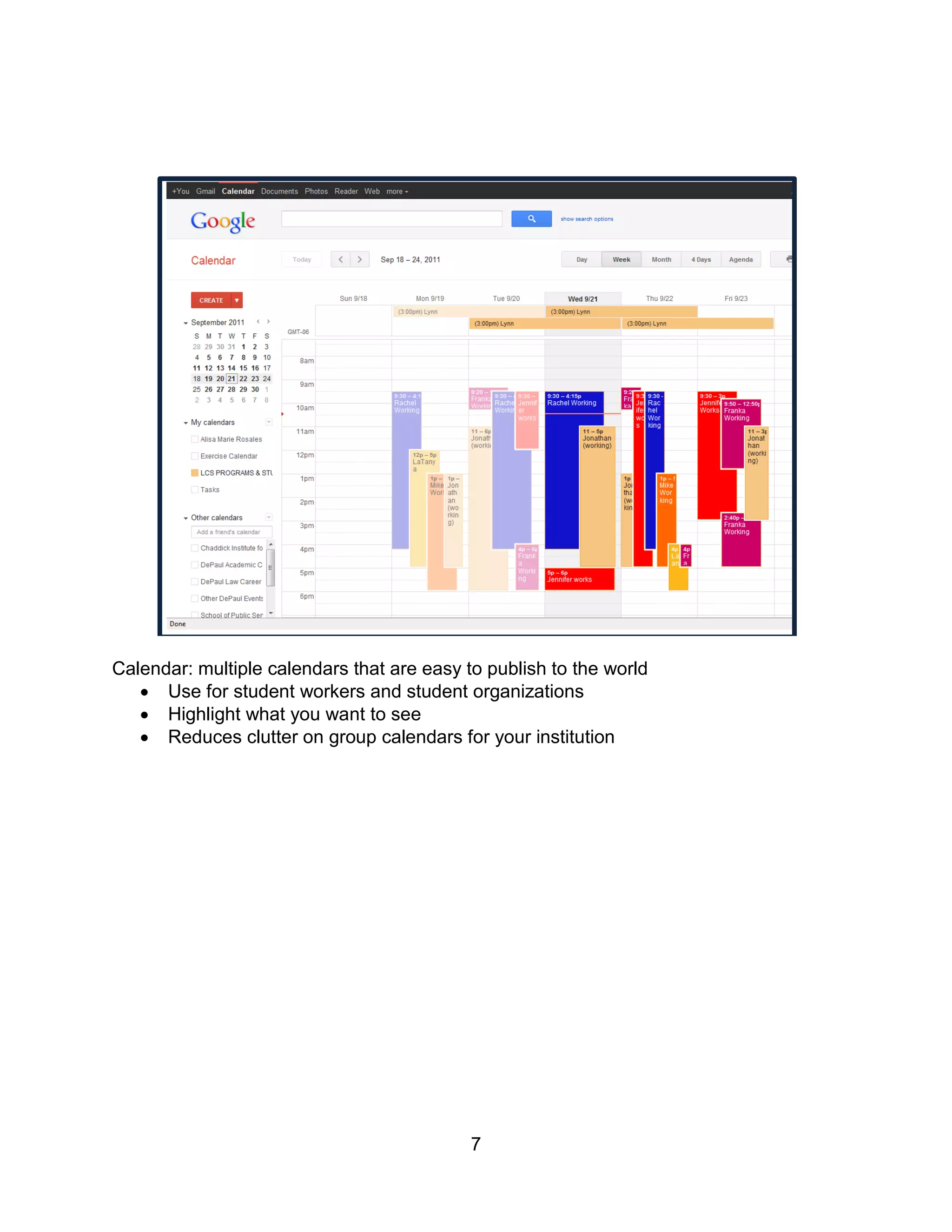
Calendar: multiple calendars that are easy to publish to the world
    Use for student workers and student organizations
    Highlight what you want to see
    Reduces clutter on group calendars for your institution


                                            7

Social Media Basics September 2011

  • 1.
    Technology Basics toMake Your Life Easier Alisa M. Rosales, J.D. Associate Director of Public Service Law DePaul University College of Law Career Services September 2011 arosale3 [at] depaul.edu Blogs Blogging: depaullcs.blogspot.com  Keep it short, and use the tools to make it cleaner.  Use your widgets wisely – feed your twitter account, show your favorite blogs, create a google/CSM/school calendar feed.  Add an RSS/Feedburner button.  Use blog posts as links for FAQs  Use screen shots to advertise events’ posters  Link into whatever your institution is already using to share content and news 1
  • 2.
    twitter twitter: twitter.com/DePaulLawCareer  Microblogging – 140 chararacters or less. Try to post less the number of letters of “RT @yourhandle” so others can retweet your posts with ease.  Great for posting information you want your advisees to know without hitting them over the head.  Fantastic way to find content for your blog  Useful for engaging in conversations with other professionals  Another way to gather general news  Useful to consider: personal and professional accounts  Topsy: social media search engine where you can create RSS feeds of the results (see Reader below) 2
  • 3.
    LinkedIn LinkedIn: professional networkingsocial media site  Job postings  Place for “extras” that don’t fit on your resume  A place for a little personality – affinities, cause  Stay connected as your connections widen  Determine your personal and office policies on connecting to students  Work within your institution to determine best policy on creating groups  Create incentives for students to join 3
  • 4.
    Google Underused Applications: Reader,Alerts, Documents, Calendar Reader: a place to gather your RSS Feeds  Can categorize/sort your various feeds  A place where you can pull together the information without having to hunt for it  Works for blogs, twitter feeds (using the search engine Topsy), news, and many calendars  Various settings which enable you to favorite, mark as unread, and mark all as read if you are ready to skip an entire feed (helpful for news feeds after vacation) 4
  • 5.
    Alerts: create auto-searchcomponents for anything or anyone you are tracking  Your name  Any company you are targeting  Any topic in the news you are tracking  A research topic for class 5
  • 6.
    Docs: a placeto save your stuff  Works well for group projects  Save your materials in a computer lab  Places to organize and back up your work 6
  • 7.
    Calendar: multiple calendarsthat are easy to publish to the world  Use for student workers and student organizations  Highlight what you want to see  Reduces clutter on group calendars for your institution 7