IPU003518 Page 1
Cyber Ethics
IPU003518 Page 2
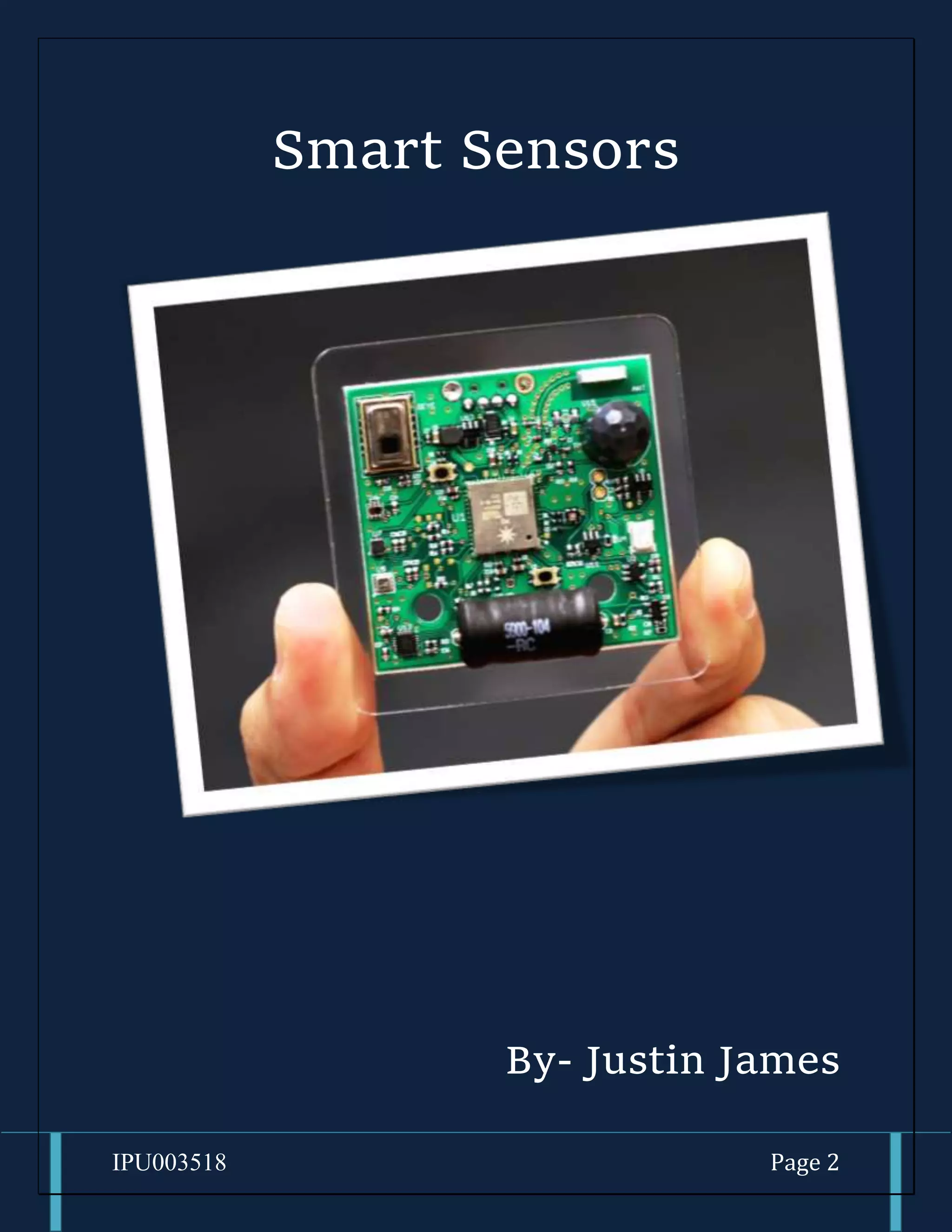
Smart Sensors
By- Justin James
IPU003518 Page 3
What are Smart Sensors?
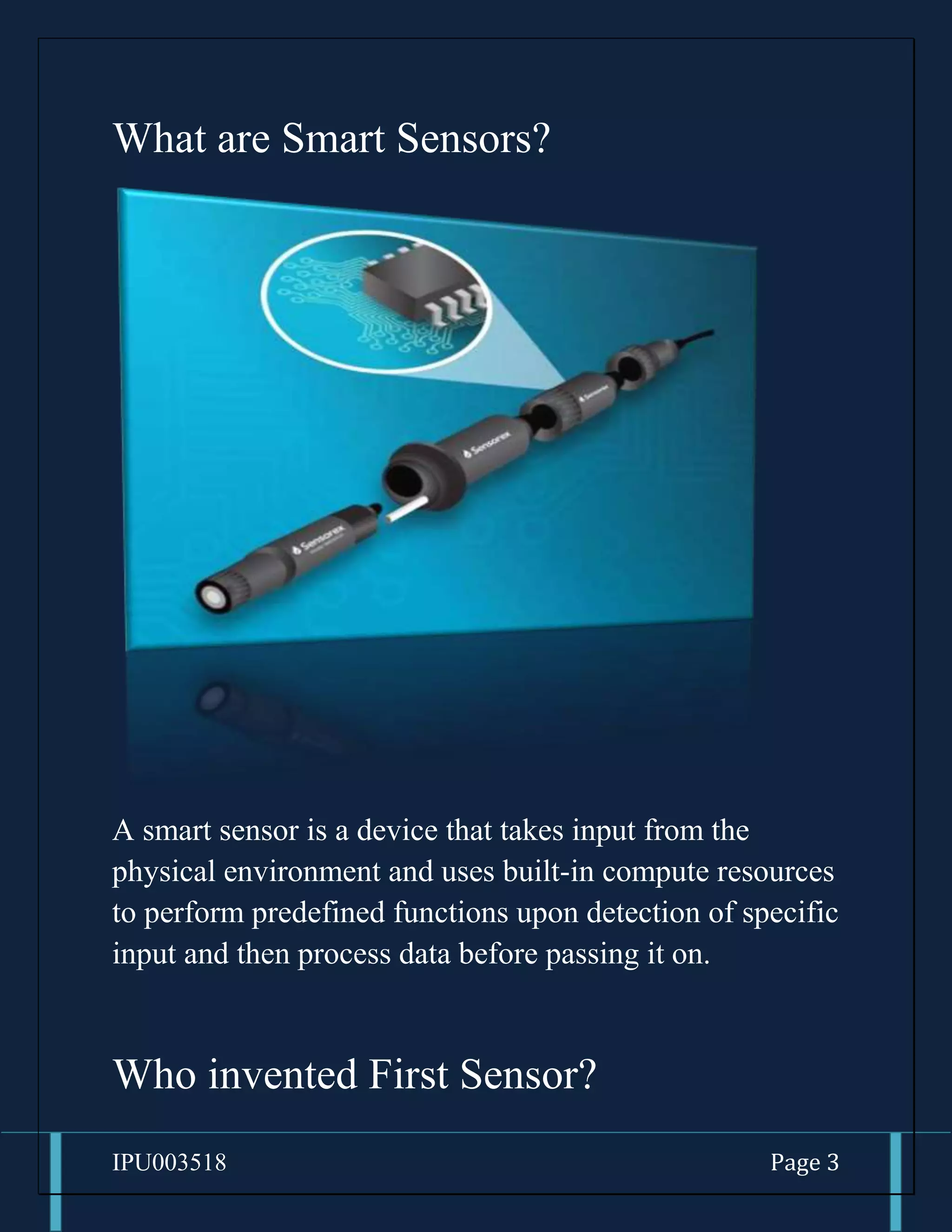
A smart sensor is a device that takes input from the
physical environment and uses built-in compute resources
to perform predefined functions upon detection of specific
input and then process data before passing it on.
Who invented First Sensor?
IPU003518 Page 4
1. It depends on the type of sensors
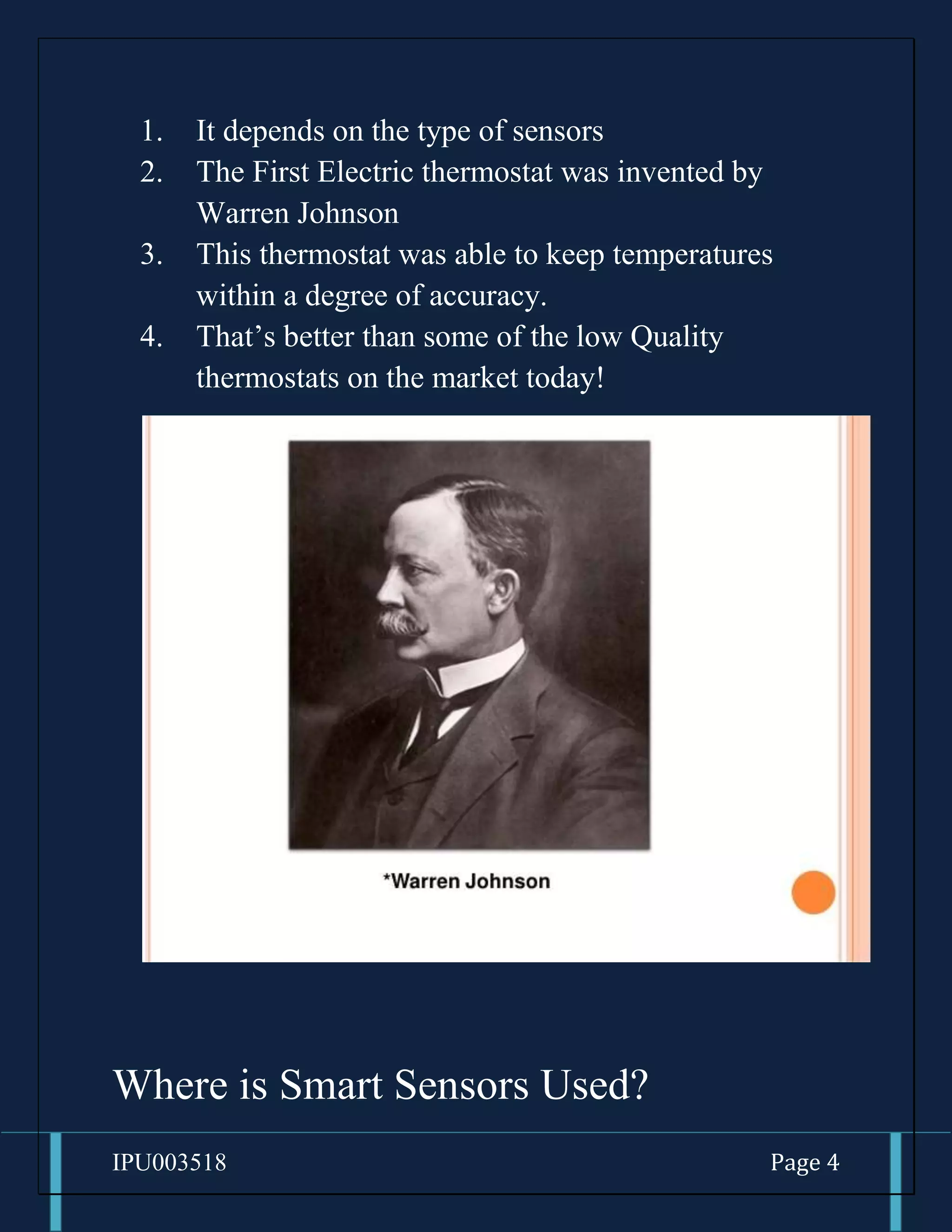
2. The First Electric thermostat was invented by
Warren Johnson
3. This thermostat was able to keep temperatures
within a degree of accuracy.
4. That’s better than some of the low Quality
thermostats on the market today!
Where is Smart Sensors Used?
IPU003518 Page 5
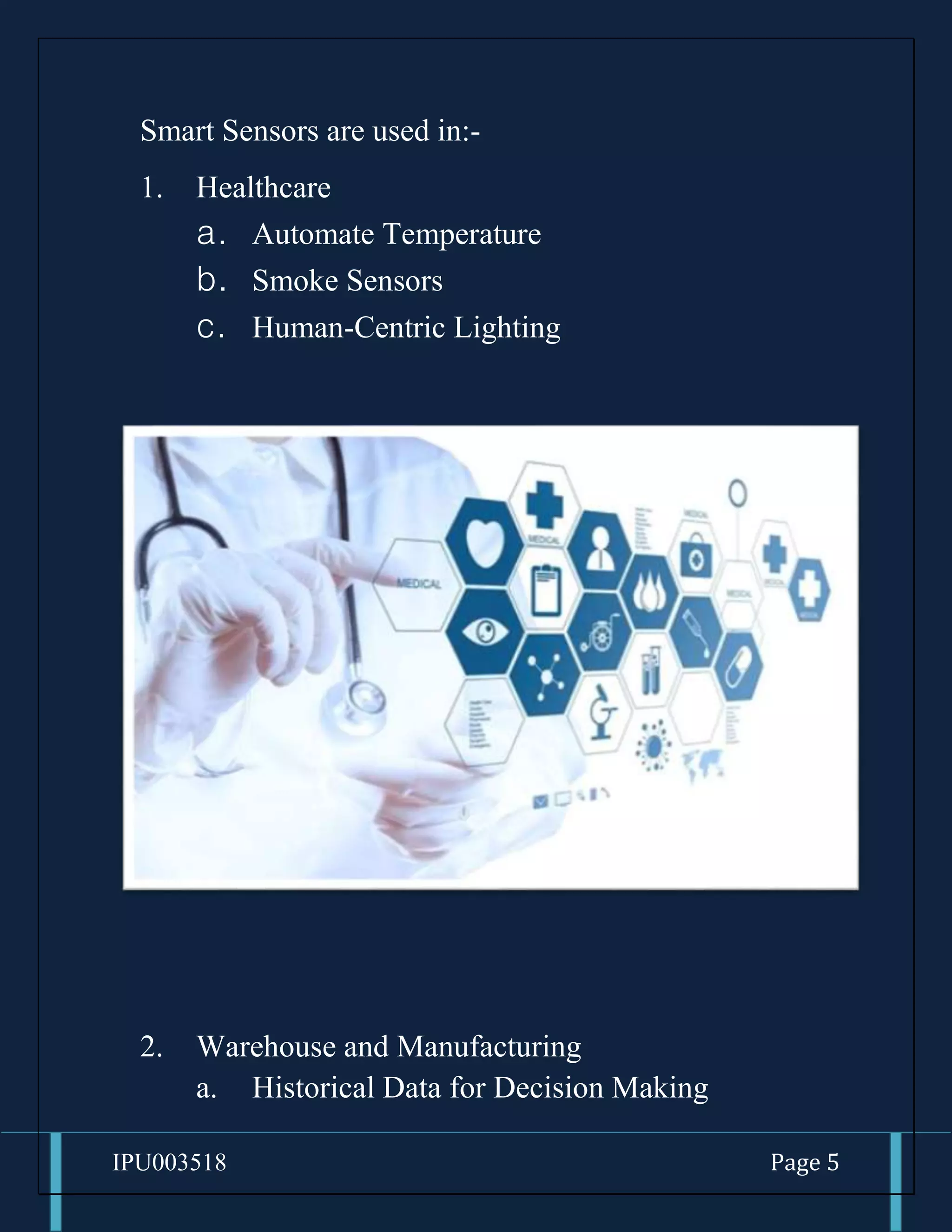
Smart Sensors are used in:-
1. Healthcare
a. Automate Temperature
b. Smoke Sensors
c. Human-Centric Lighting
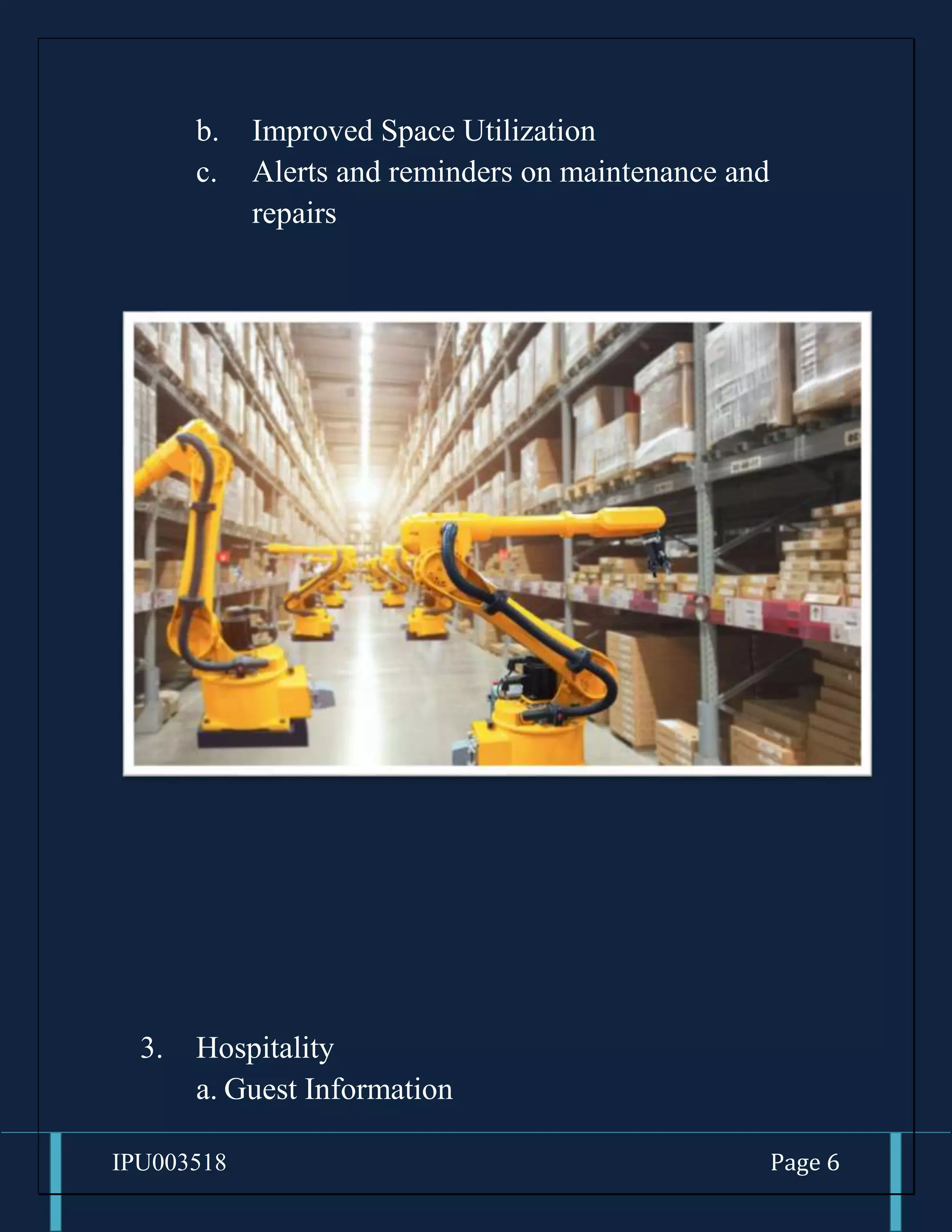
2. Warehouse and Manufacturing
a. Historical Data for Decision Making
IPU003518 Page 6
b. Improved Space Utilization
c. Alerts and reminders on maintenance and
repairs
3. Hospitality
a. Guest Information
IPU003518 Page 7
b.Push-notifications for room service
c. Automated guest Interactions
4. Offices
IPU003518 Page 8
a. Reduce energy Wastage
b.Human-Centricity
c. Collect and analyze data in real-time
IPU003518 Page 9
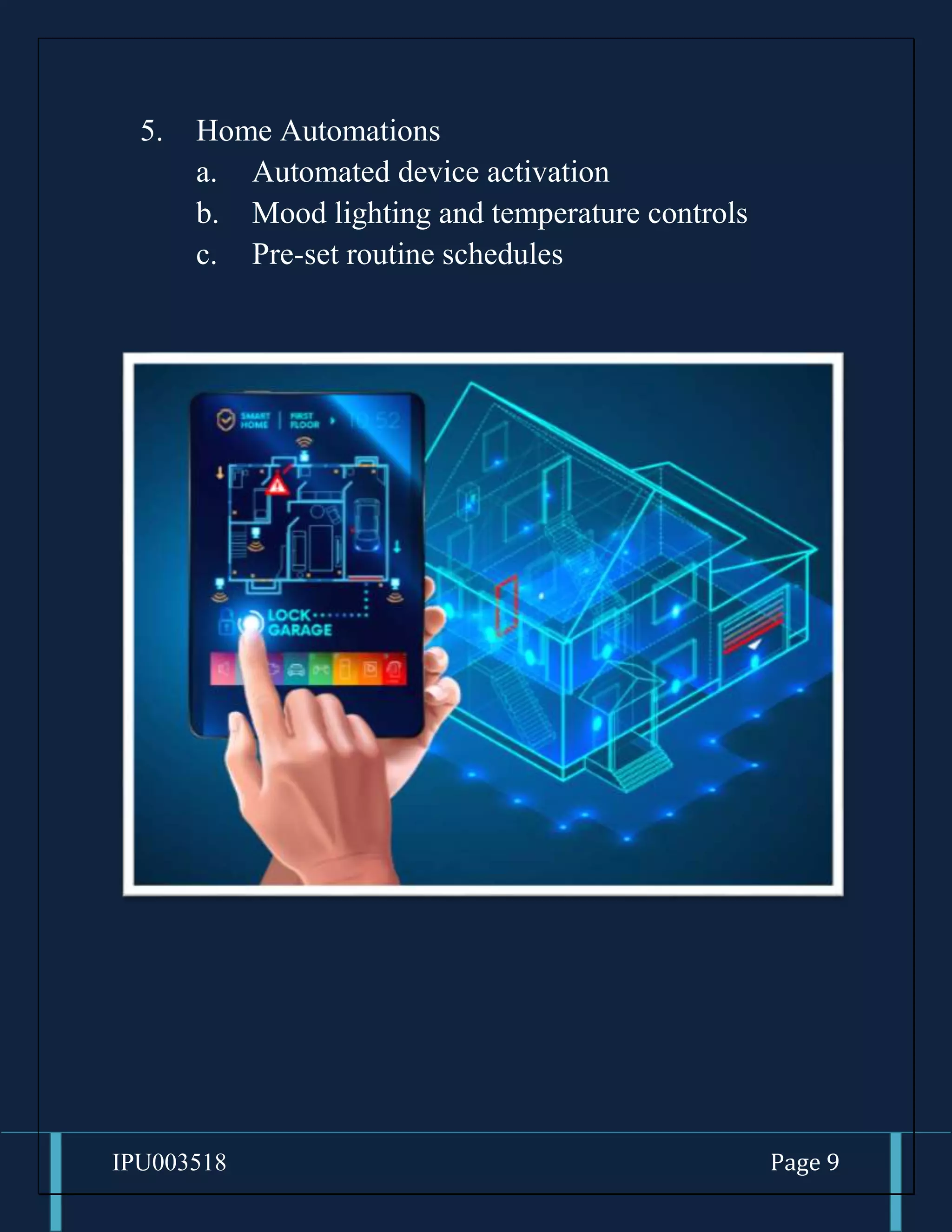
5. Home Automations
a. Automated device activation
b. Mood lighting and temperature controls
c. Pre-set routine schedules
IPU003518 Page 10
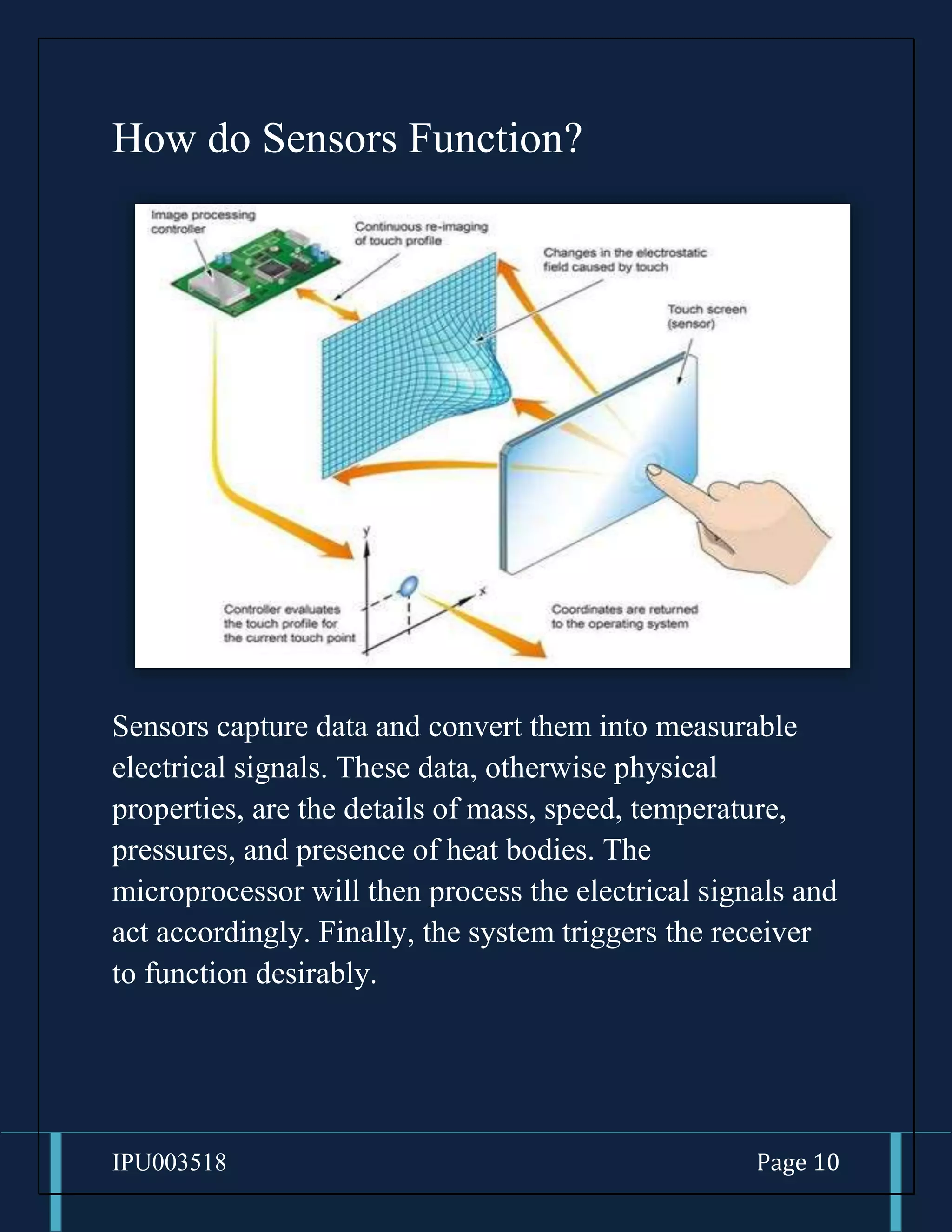
How do Sensors Function?
Sensors capture data and convert them into measurable
electrical signals. These data, otherwise physical
properties, are the details of mass, speed, temperature,
pressures, and presence of heat bodies. The
microprocessor will then process the electrical signals and
act accordingly. Finally, the system triggers the receiver
to function desirably.
IPU003518 Page 11
A system will have multiple sensors with different
functions and capabilities depending on its functional
complexities and demands. For the desired output, there
will be more receivers, power sources, and transmitters.
IPU003518 Page 12
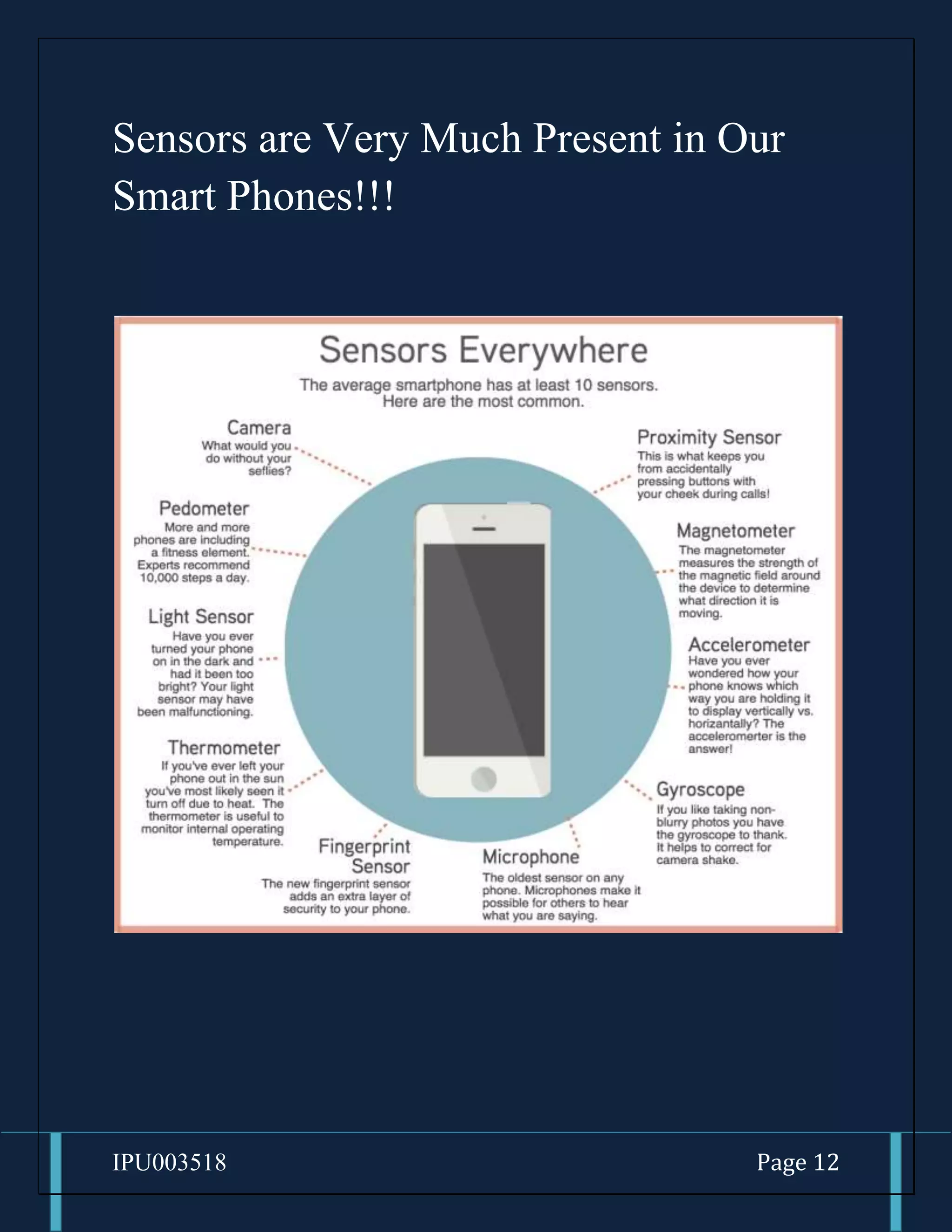
Sensors are Very Much Present in Our
Smart Phones!!!
IPU003518 Page 13
1. Accelerometer
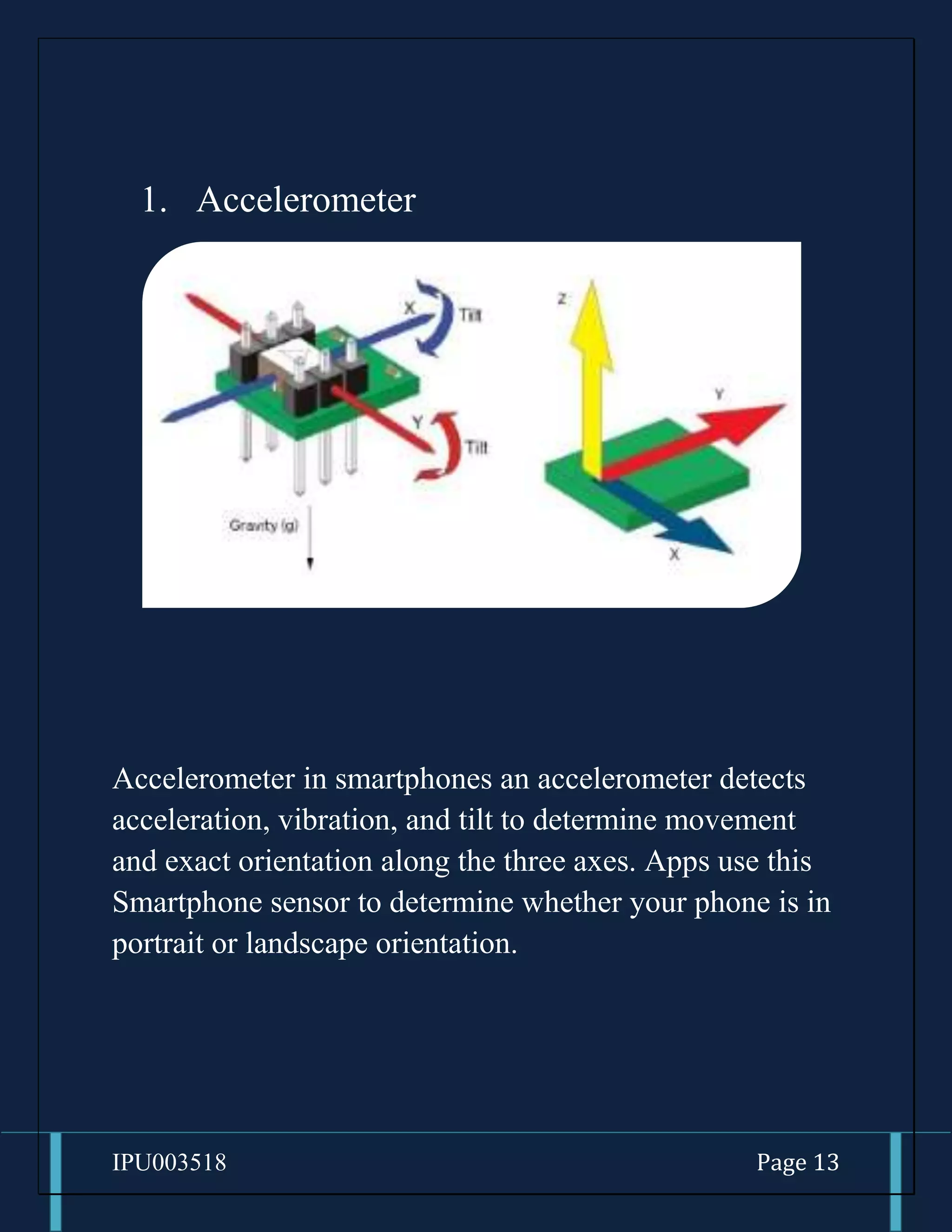
Accelerometer in smartphones an accelerometer detects
acceleration, vibration, and tilt to determine movement
and exact orientation along the three axes. Apps use this
Smartphone sensor to determine whether your phone is in
portrait or landscape orientation.
IPU003518 Page 14
2. Gyroscope
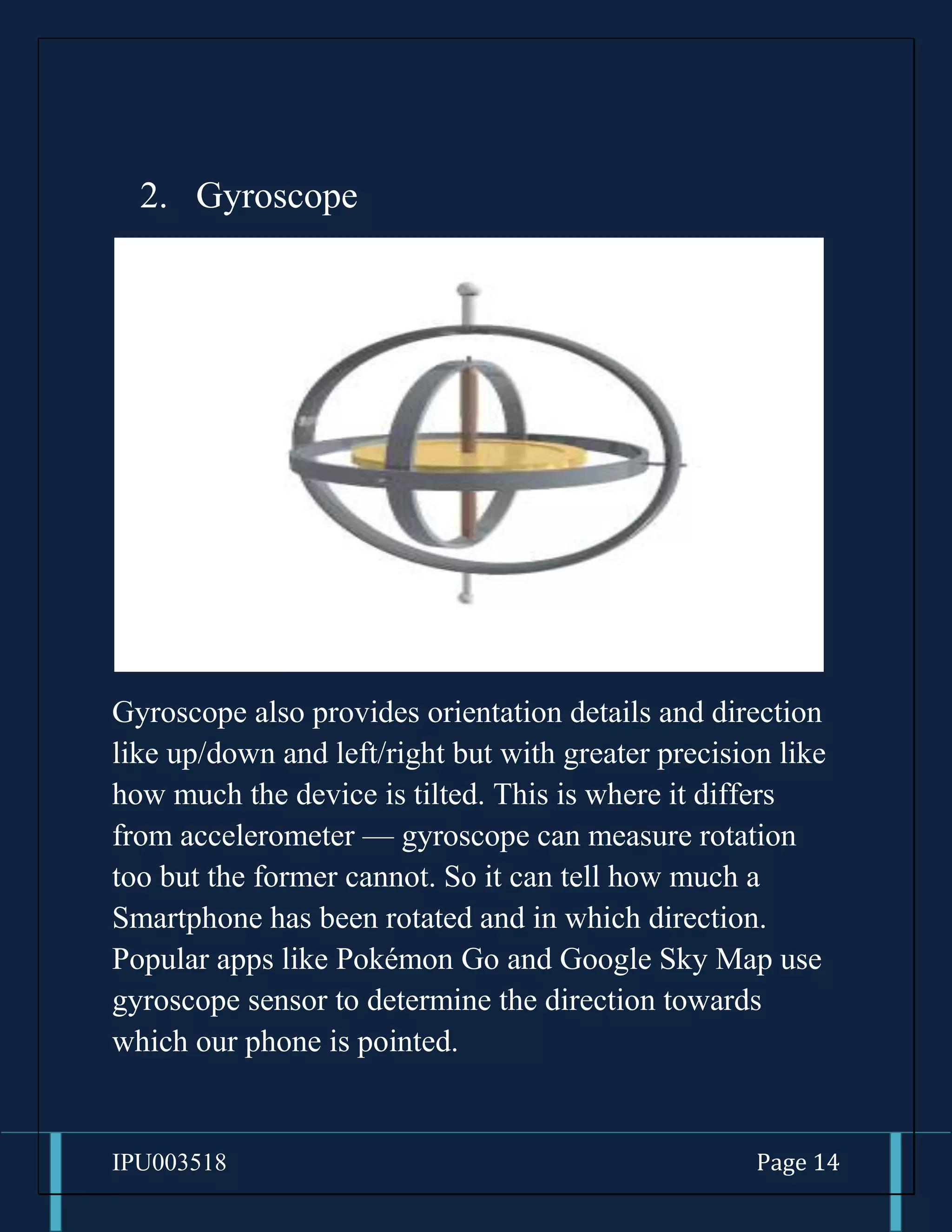
Gyroscope also provides orientation details and direction
like up/down and left/right but with greater precision like
how much the device is tilted. This is where it differs
from accelerometer — gyroscope can measure rotation
too but the former cannot. So it can tell how much a
Smartphone has been rotated and in which direction.
Popular apps like Pokémon Go and Google Sky Map use
gyroscope sensor to determine the direction towards
which our phone is pointed.
IPU003518 Page 15
3. Magnetometer
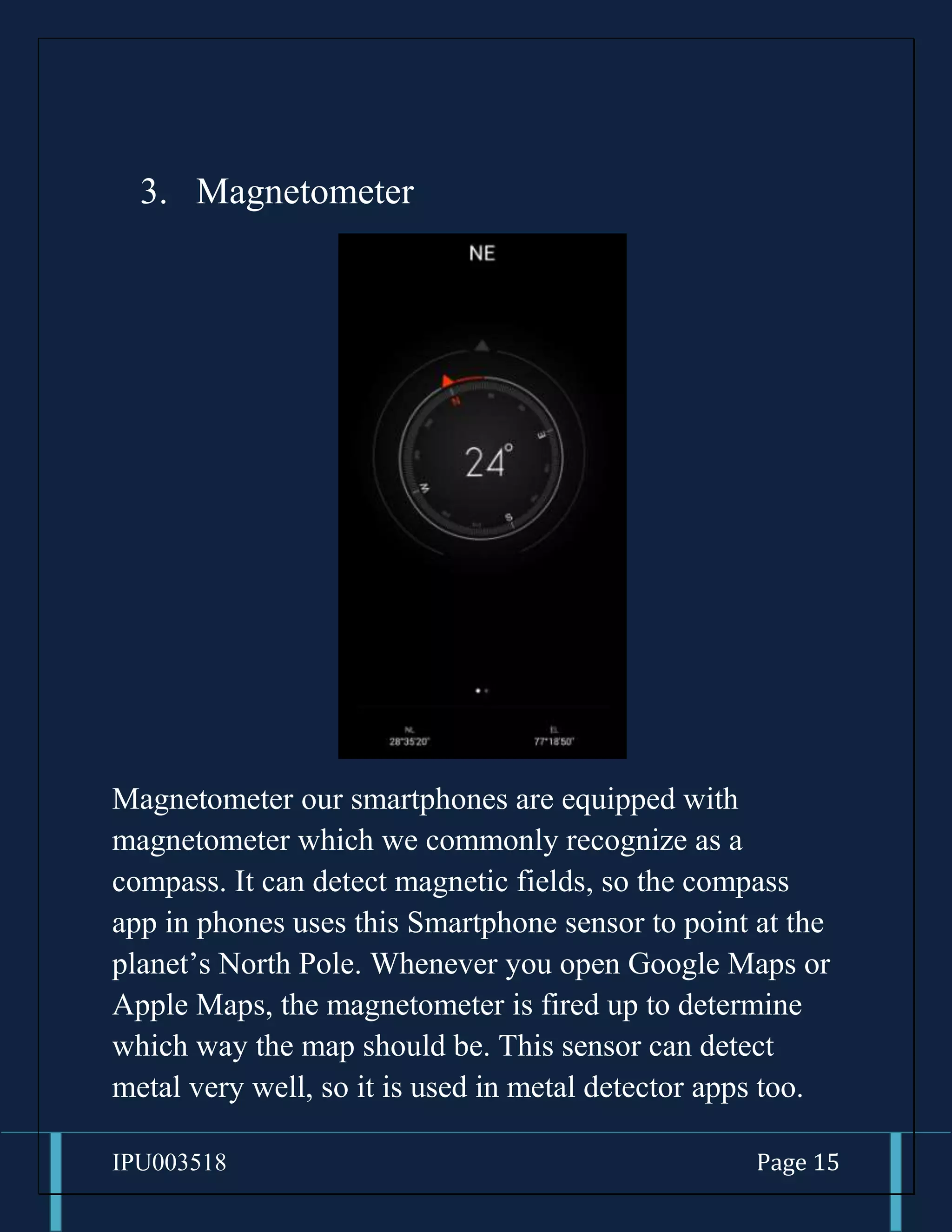
Magnetometer our smartphones are equipped with
magnetometer which we commonly recognize as a
compass. It can detect magnetic fields, so the compass
app in phones uses this Smartphone sensor to point at the
planet’s North Pole. Whenever you open Google Maps or
Apple Maps, the magnetometer is fired up to determine
which way the map should be. This sensor can detect
metal very well, so it is used in metal detector apps too.
IPU003518 Page 16
4. GPS
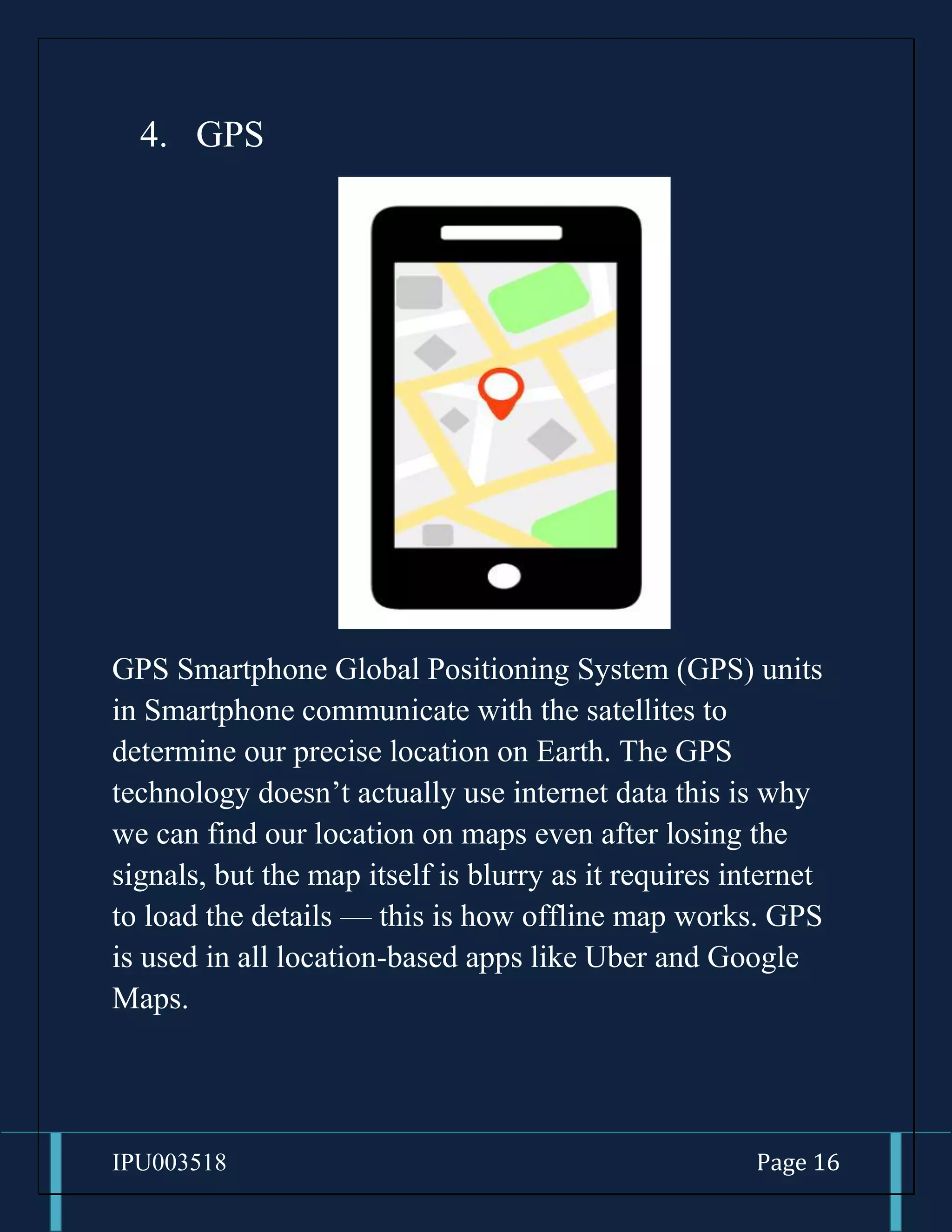
GPS Smartphone Global Positioning System (GPS) units
in Smartphone communicate with the satellites to
determine our precise location on Earth. The GPS
technology doesn’t actually use internet data this is why
we can find our location on maps even after losing the
signals, but the map itself is blurry as it requires internet
to load the details — this is how offline map works. GPS
is used in all location-based apps like Uber and Google
Maps.
IPU003518 Page 17
5. Proximity Sensor
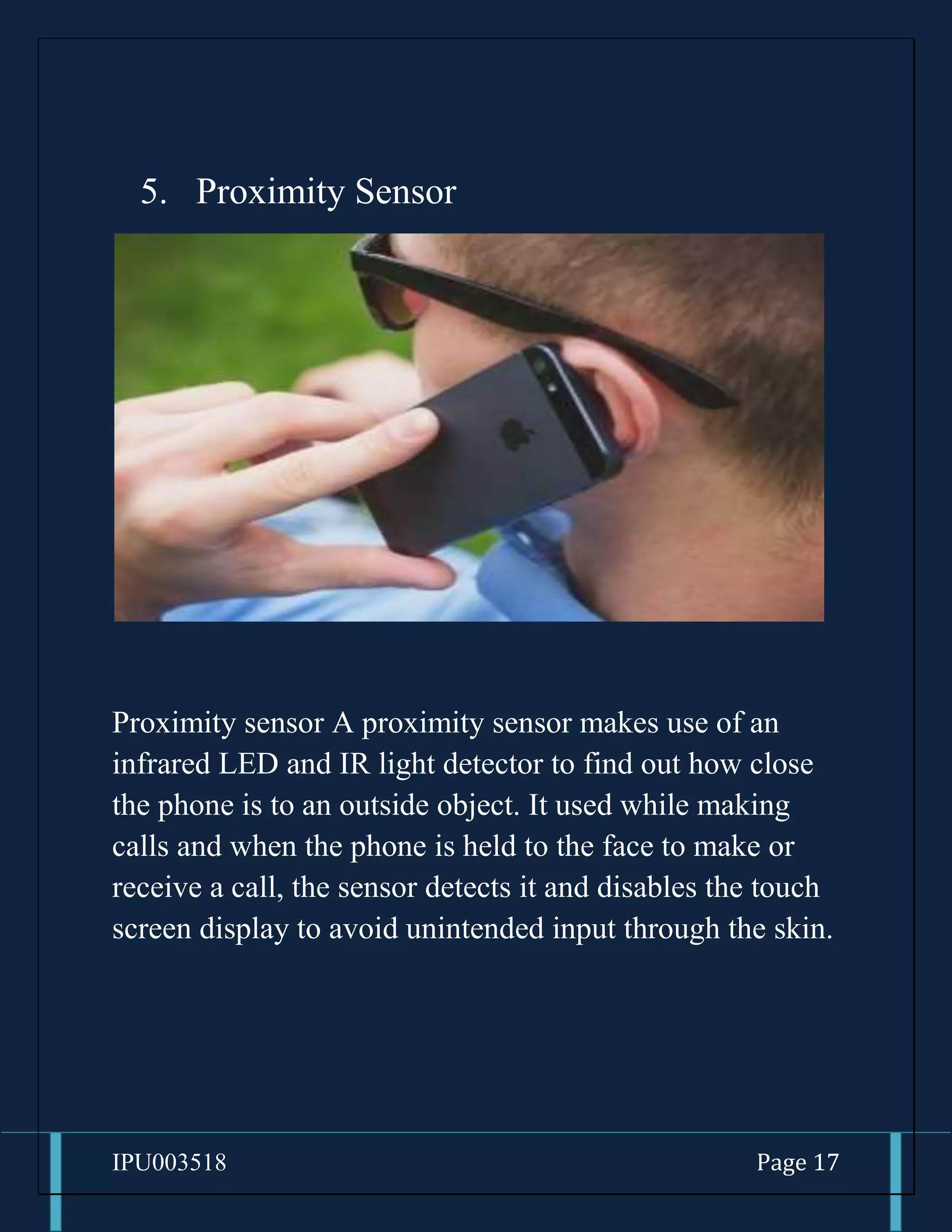
Proximity sensor A proximity sensor makes use of an
infrared LED and IR light detector to find out how close
the phone is to an outside object. It used while making
calls and when the phone is held to the face to make or
receive a call, the sensor detects it and disables the touch
screen display to avoid unintended input through the skin.
IPU003518 Page 18
6. Ambient Light Sensor
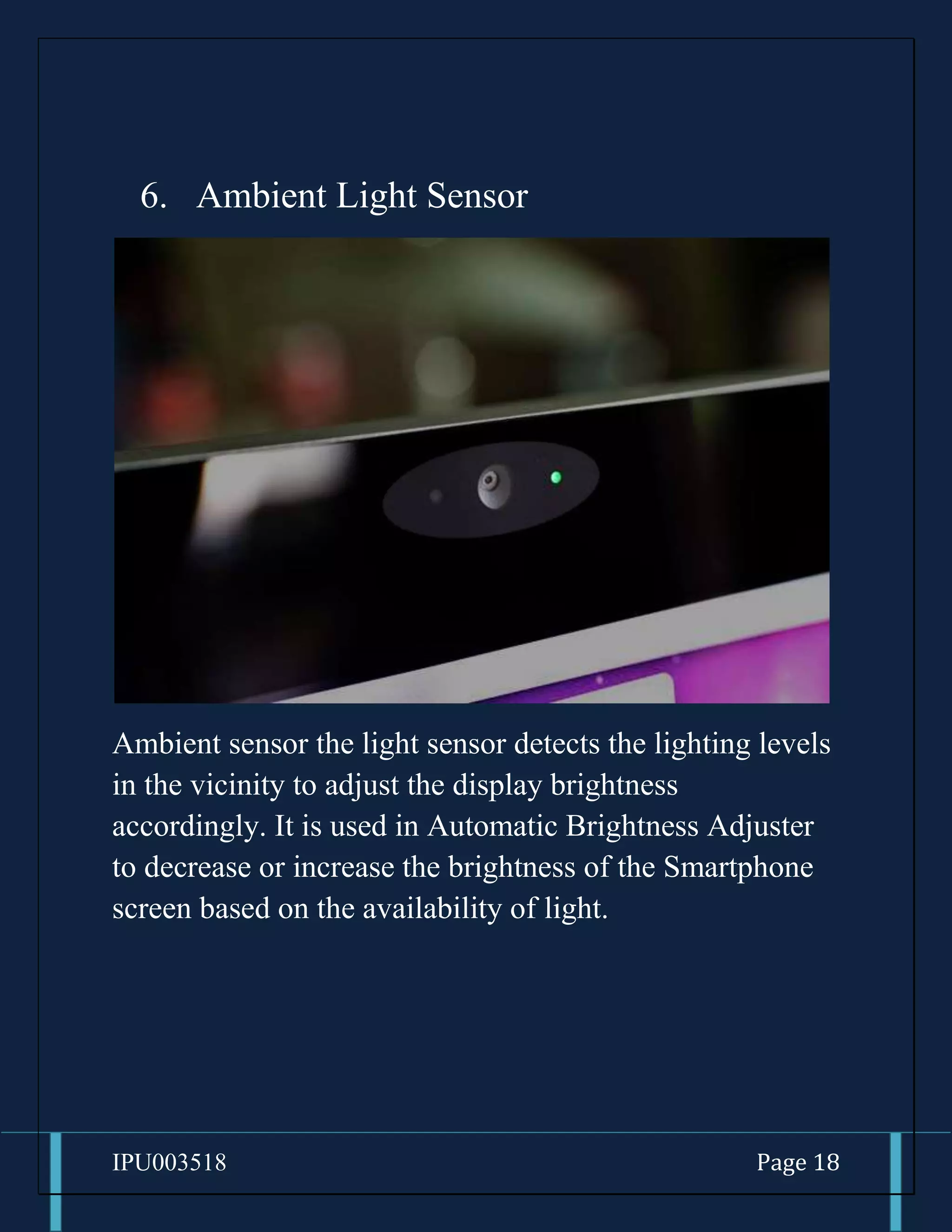
Ambient sensor the light sensor detects the lighting levels
in the vicinity to adjust the display brightness
accordingly. It is used in Automatic Brightness Adjuster
to decrease or increase the brightness of the Smartphone
screen based on the availability of light.
IPU003518 Page 19
7. Microphone
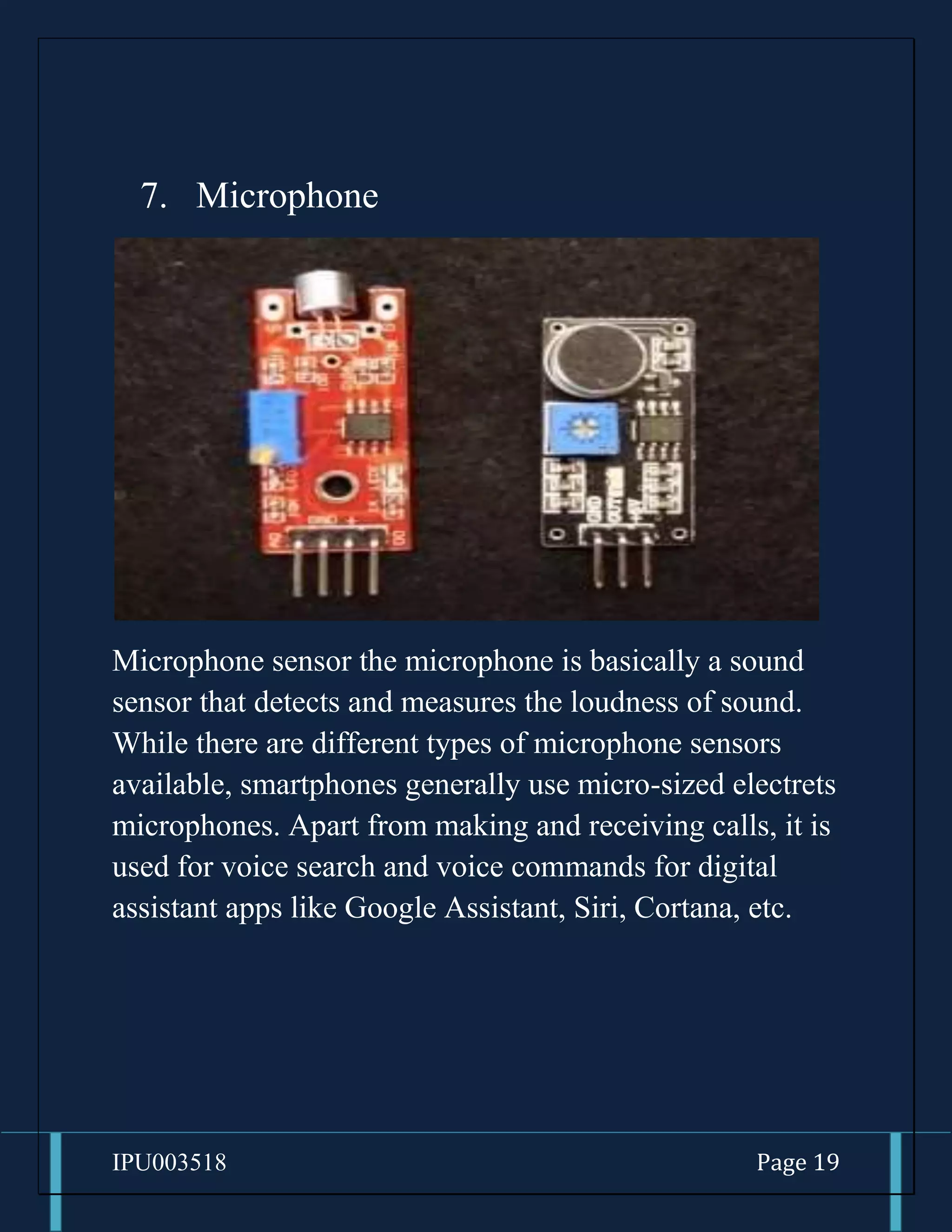
Microphone sensor the microphone is basically a sound
sensor that detects and measures the loudness of sound.
While there are different types of microphone sensors
available, smartphones generally use micro-sized electrets
microphones. Apart from making and receiving calls, it is
used for voice search and voice commands for digital
assistant apps like Google Assistant, Siri, Cortana, etc.
IPU003518 Page 20
8. Touchscreen Sensors
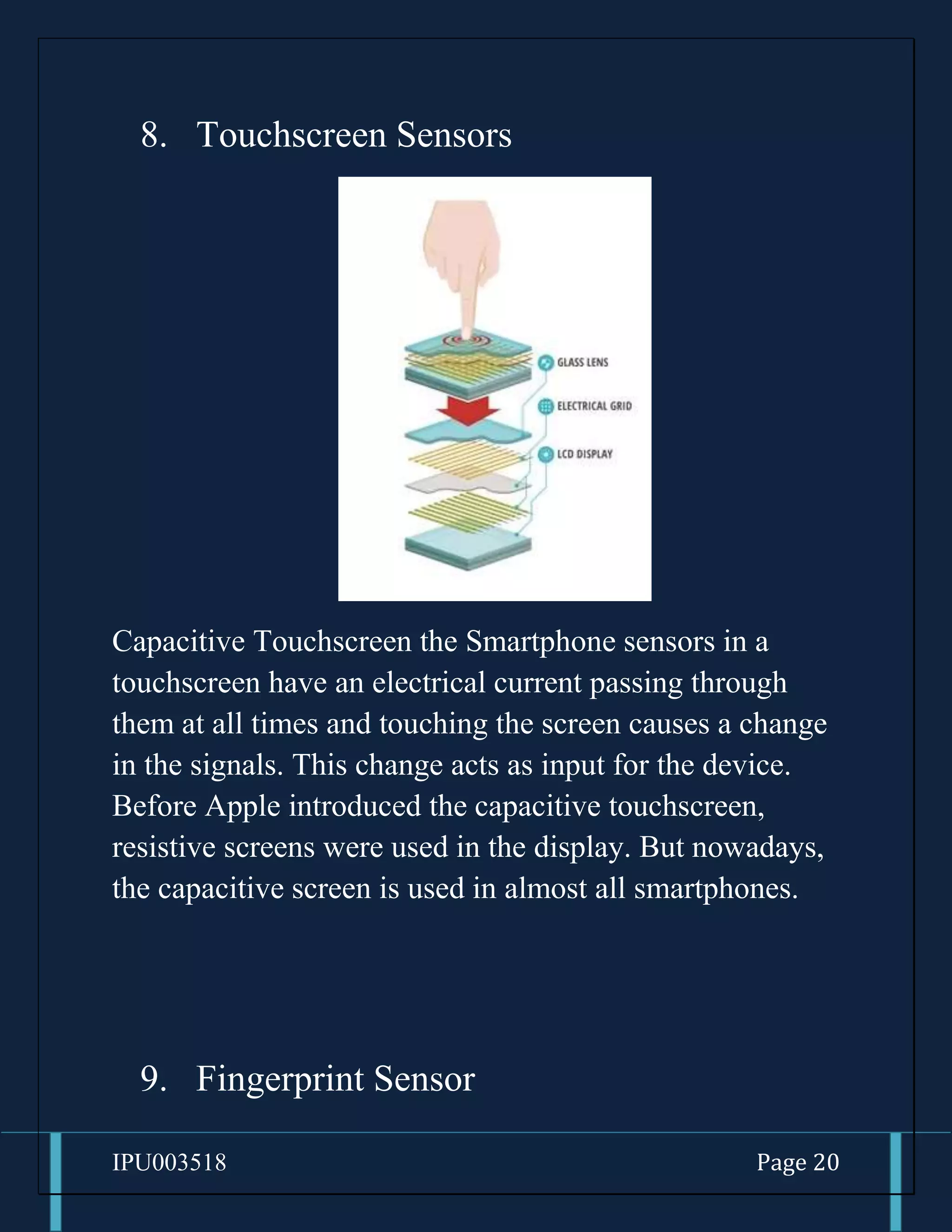
Capacitive Touchscreen the Smartphone sensors in a
touchscreen have an electrical current passing through
them at all times and touching the screen causes a change
in the signals. This change acts as input for the device.
Before Apple introduced the capacitive touchscreen,
resistive screens were used in the display. But nowadays,
the capacitive screen is used in almost all smartphones.
9. Fingerprint Sensor
IPU003518 Page 21
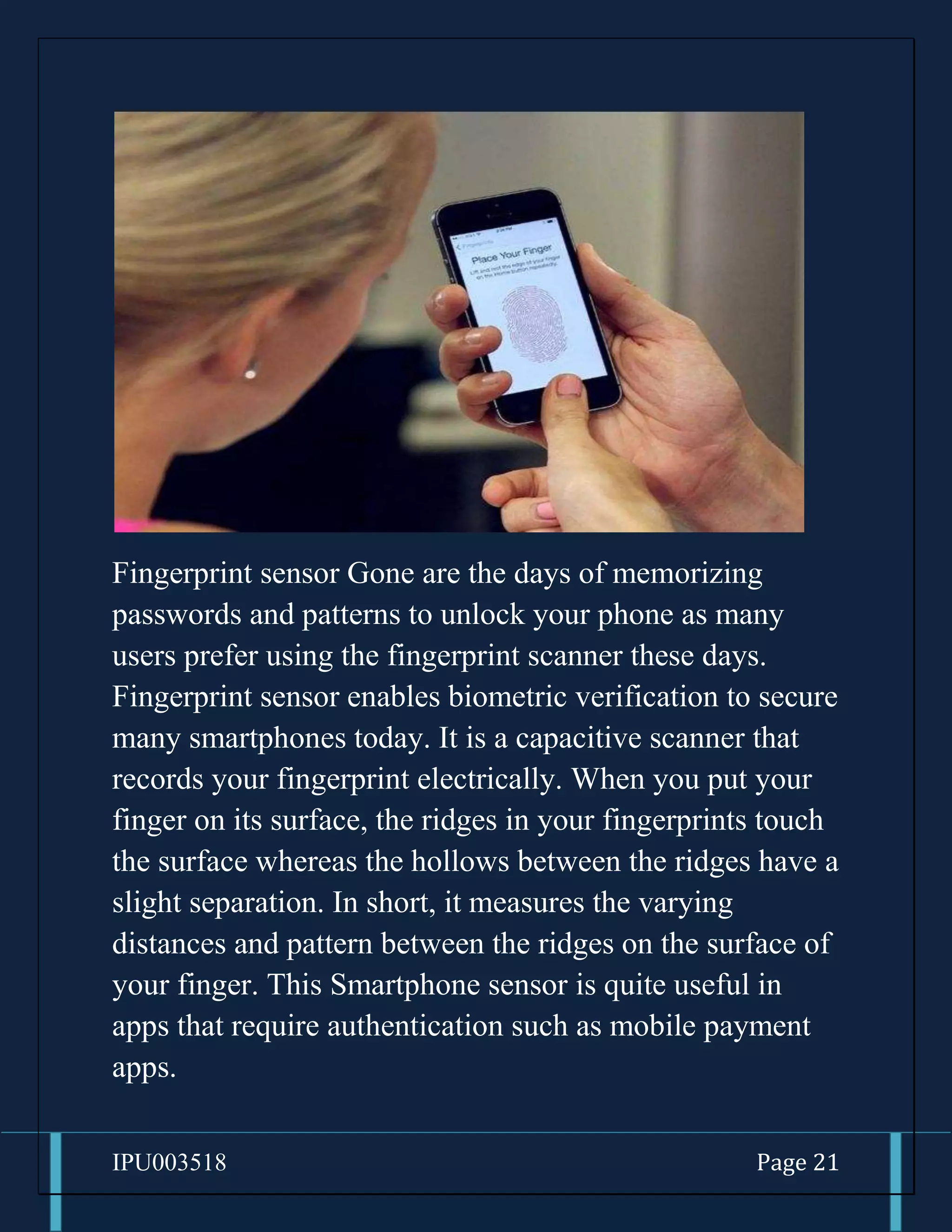
Fingerprint sensor Gone are the days of memorizing
passwords and patterns to unlock your phone as many
users prefer using the fingerprint scanner these days.
Fingerprint sensor enables biometric verification to secure
many smartphones today. It is a capacitive scanner that
records your fingerprint electrically. When you put your
finger on its surface, the ridges in your fingerprints touch
the surface whereas the hollows between the ridges have a
slight separation. In short, it measures the varying
distances and pattern between the ridges on the surface of
your finger. This Smartphone sensor is quite useful in
apps that require authentication such as mobile payment
apps.
IPU003518 Page 22
10. Pedometer
IPU003518 Page 23
Fitness tracker in phones the pedometer is used for
counting steps and fitness tracker makes use of this sensor
to count the number of steps you take. Pedometers
generally use the values generated by the accelerometer to
monitor your movements like running or walking.
11. Barcode/QR Code sensors
IPU003518 Page 24
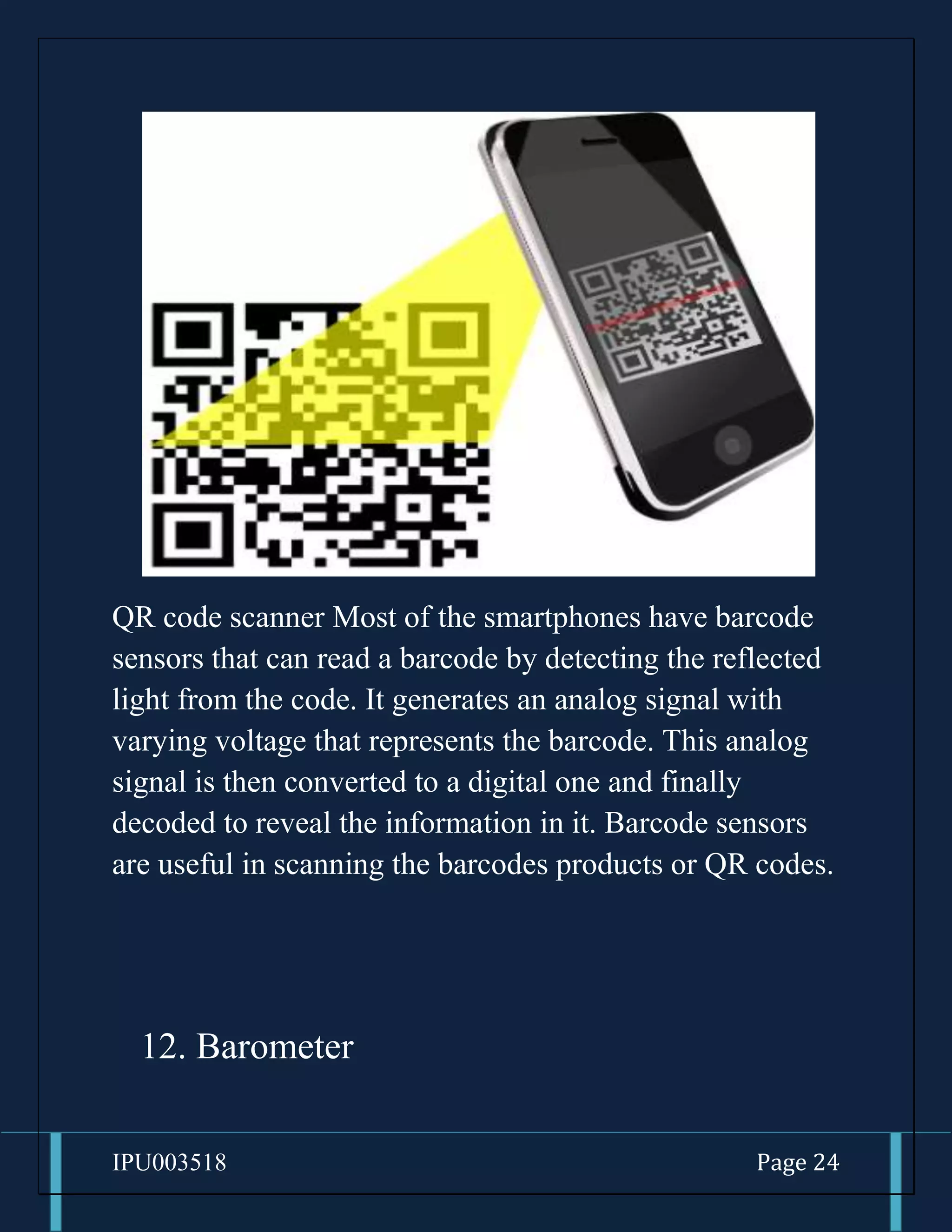
QR code scanner Most of the smartphones have barcode
sensors that can read a barcode by detecting the reflected
light from the code. It generates an analog signal with
varying voltage that represents the barcode. This analog
signal is then converted to a digital one and finally
decoded to reveal the information in it. Barcode sensors
are useful in scanning the barcodes products or QR codes.
12. Barometer
IPU003518 Page 25
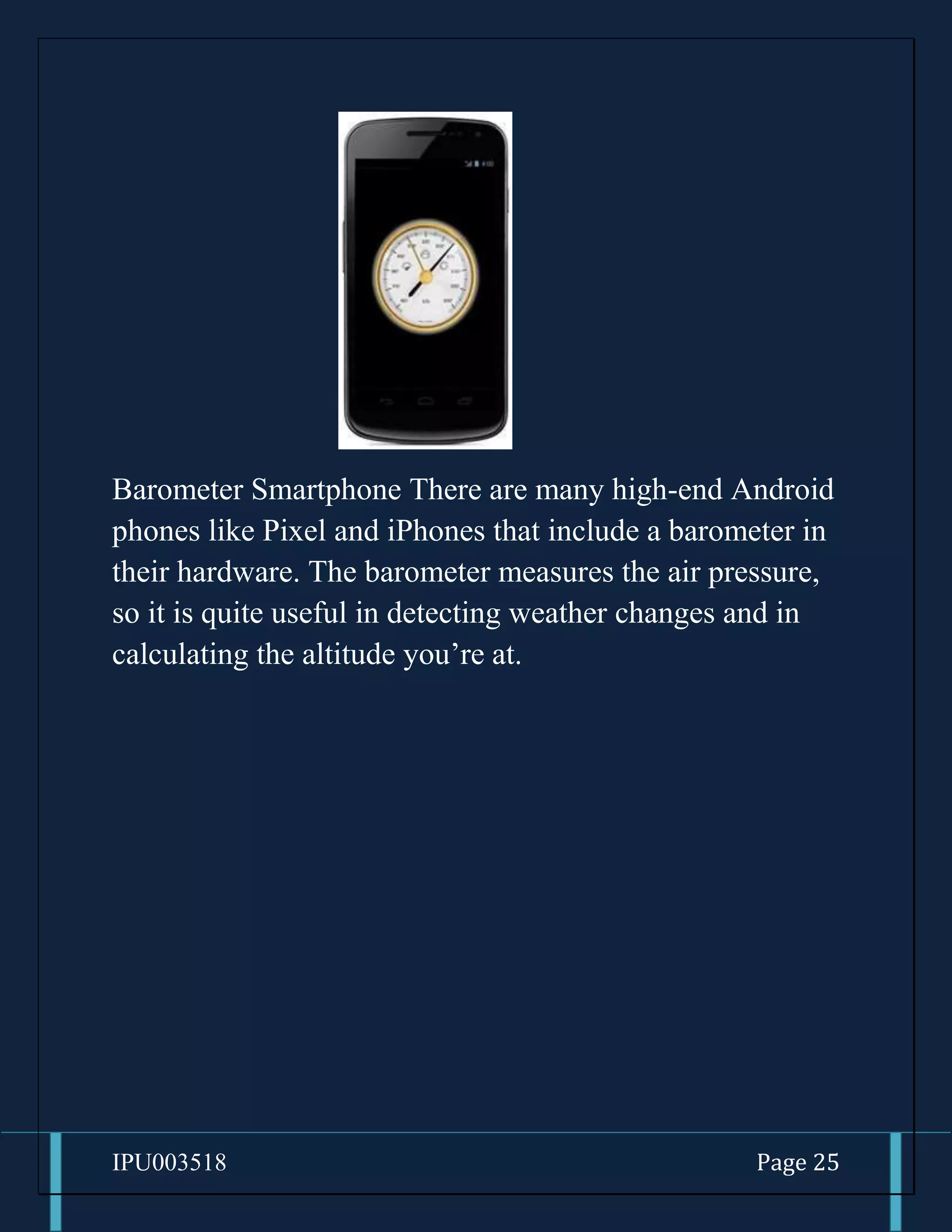
Barometer Smartphone There are many high-end Android
phones like Pixel and iPhones that include a barometer in
their hardware. The barometer measures the air pressure,
so it is quite useful in detecting weather changes and in
calculating the altitude you’re at.
IPU003518 Page 26
13. Heart Rate Sensor
Next up is the heart rate sensor that measures heartbeat
with the help of LED and optical sensors. The LED emits
light towards the skin, and this Smartphone sensor looks
for the light waves reflected by it. There is a difference in
the light intensity when there is a pulse. The heartbeat is
measured by counting the changes in light intensity
between the minute pulsations of the blood vessels. Many
fitness and health apps use this method to calculate the
heart rate.
IPU003518 Page 27
14. Thermometer
Thermometer in smartphones Every Smartphone comes
with an inbuilt thermometer for monitoring the
temperature inside the device and battery. In case a
component starts overheating, the system shuts down
itself to prevent any damage. However, some handsets
come with additional thermometers to measure ambient
temperature. If you can recall, the Samsung Galaxy S4
bragged of thermometer that can measure temperature.
Such thermometer sensors can be used by apps to detect
your room temperature.
IPU003518 Page 28
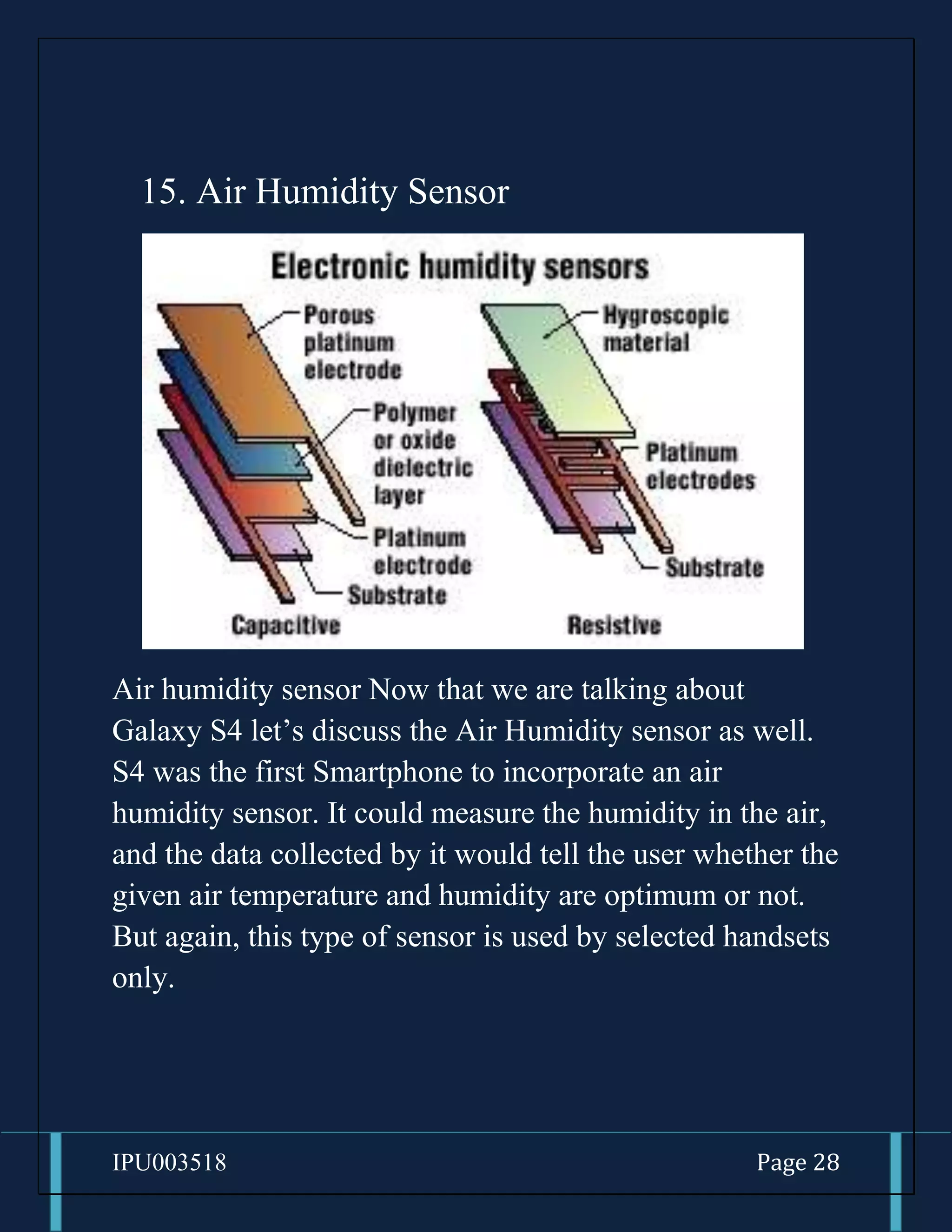
15. Air Humidity Sensor
Air humidity sensor Now that we are talking about
Galaxy S4 let’s discuss the Air Humidity sensor as well.
S4 was the first Smartphone to incorporate an air
humidity sensor. It could measure the humidity in the air,
and the data collected by it would tell the user whether the
given air temperature and humidity are optimum or not.
But again, this type of sensor is used by selected handsets
only.
IPU003518 Page 29
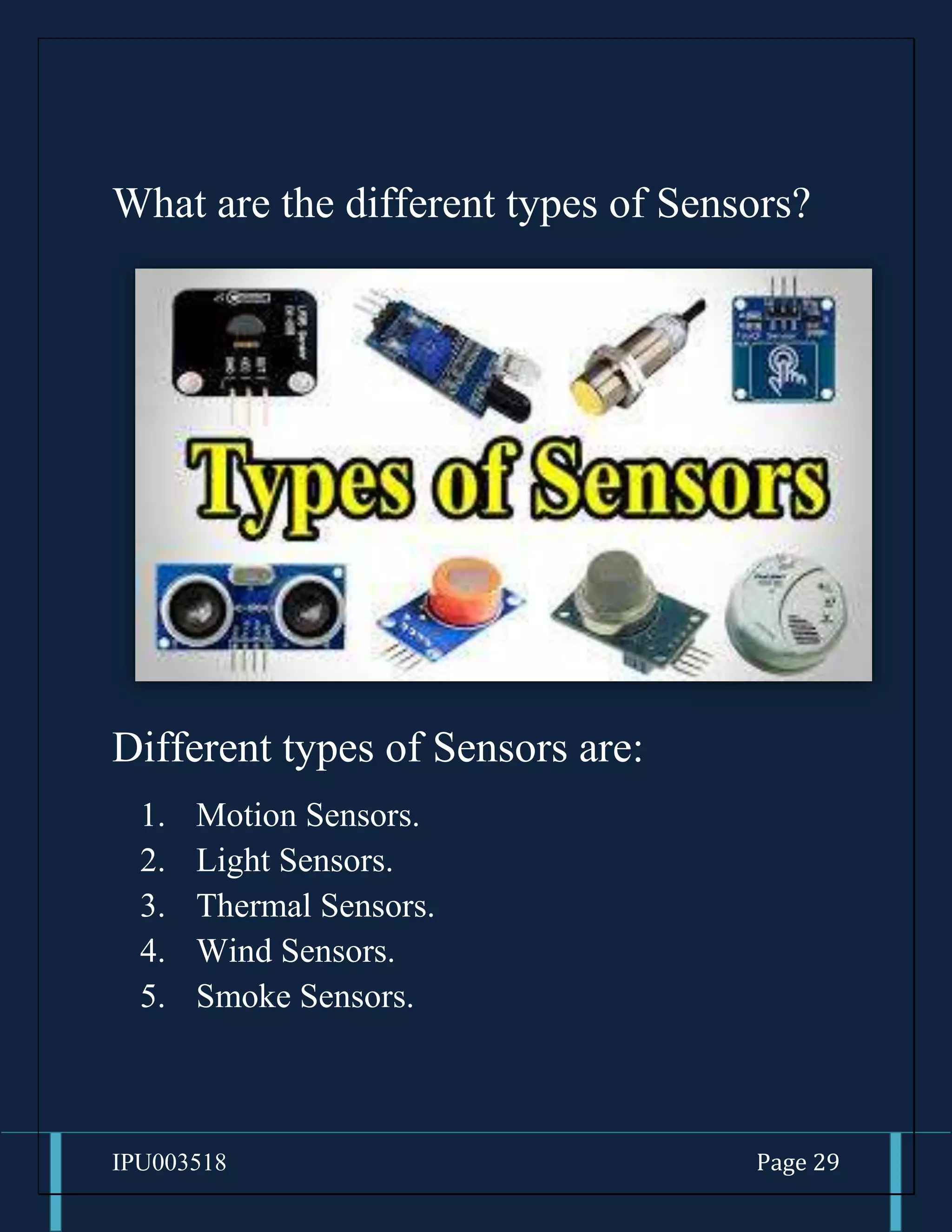
What are the different types of Sensors?
Different types of Sensors are:
1. Motion Sensors.
2. Light Sensors.
3. Thermal Sensors.
4. Wind Sensors.
5. Smoke Sensors.
IPU003518 Page 30
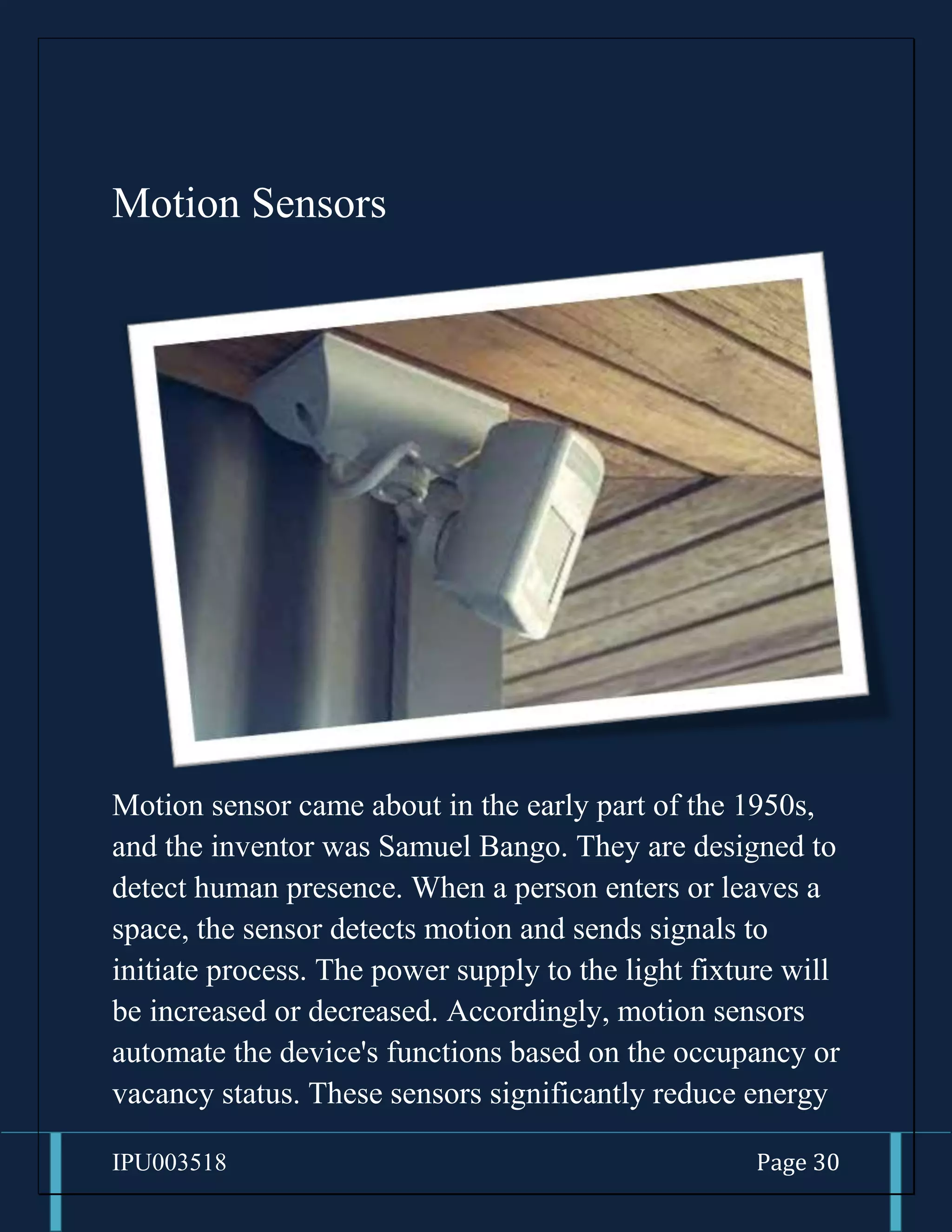
Motion Sensors
Motion sensor came about in the early part of the 1950s,
and the inventor was Samuel Bango. They are designed to
detect human presence. When a person enters or leaves a
space, the sensor detects motion and sends signals to
initiate process. The power supply to the light fixture will
be increased or decreased. Accordingly, motion sensors
automate the device's functions based on the occupancy or
vacancy status. These sensors significantly reduce energy
IPU003518 Page 31
consumption, especially in industrial applications with
larger areas and occupants.
Advantages of Motion Sensors
1. Helps to secure houses by detecting any Motion
around the House.
2. Motion Sensors can help to increase energy savings
such as by turning lights off in unoccupied rooms.
3. It can be used in very harse environment having
irregular heat cycles (Active Motion Sensor).
4. It has more lifespan which is about 100000 Hrs
(Active type).
5. It helps in providing security by detecting
suspicious movement.
6. It detects motion in light and dark conditions
reliably in indoors. (Passive motion sensor)
7. It is easy to install motion sensors.
IPU003518 Page 32
Disadvantages of Motion Sensors
1. Radio frequency at high power is harmful for
humans (active type).
2. Radio frequency in microwave range does not
penetrate metal objects (active type).
3. Passive motion sensors do not operate above
temperature of 35℃.
4. Passive sensor type works in LOS (Line of Sight)
and does not work in non-LOS regions.
5. Passive Infrared (PIR) Sensor can detect human
being within approx. 10 meters range.
6. Any kind of moving object can trigger the PIR
sensor type.
7. Passive type is insensitive to very slow motion of
the object.
IPU003518 Page 33
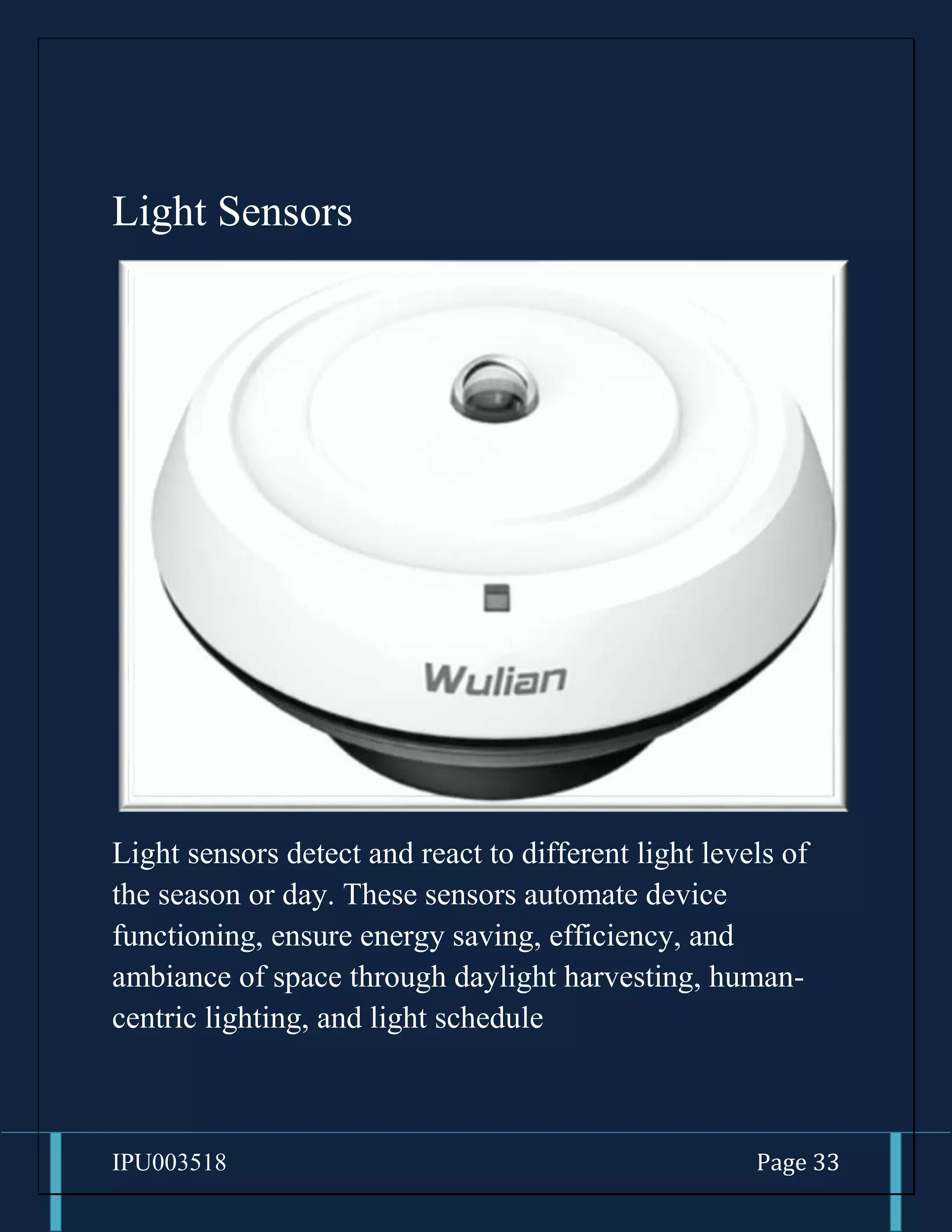
Light Sensors
Light sensors detect and react to different light levels of
the season or day. These sensors automate device
functioning, ensure energy saving, efficiency, and
ambiance of space through daylight harvesting, human-
centric lighting, and light schedule
IPU003518 Page 34
Advantages of Light Sensors
1. It is easy to integrate with lighting systems such as
automatic lighting systems.
2. LDR based light sensors are available in different
shapes and sizes.
3. Flexible solution system.
4. The light sensor needs a small voltage and power
for its operation.
5. A variety of set is available.
6. Design is attractive.
7. It is used for energy consumption or energy
management by automatic control of brightness
level in mobile phone and auto ON/OFF of street
lights based on ambient light intensity.
IPU003518 Page 35
Disadvantages of Light Sensors
1. LDR is highly inaccurate with the high response
time.
2. The photodiode is temperature sensitive and is
unidirectional unlike photoresistor,
3. Resistance varies continuously in photoresistors
and is tugged in nature.
4. Photodiodes are temperature sensitive voltage and
are unidirectional, unlike photoresistor.
5. High initial investment.
6. Phototransistor cannot withstand voltage above
1000 volts.
7. The phototransistor is vulnerable to surges, spikes,
and EM energy.
IPU003518 Page 36
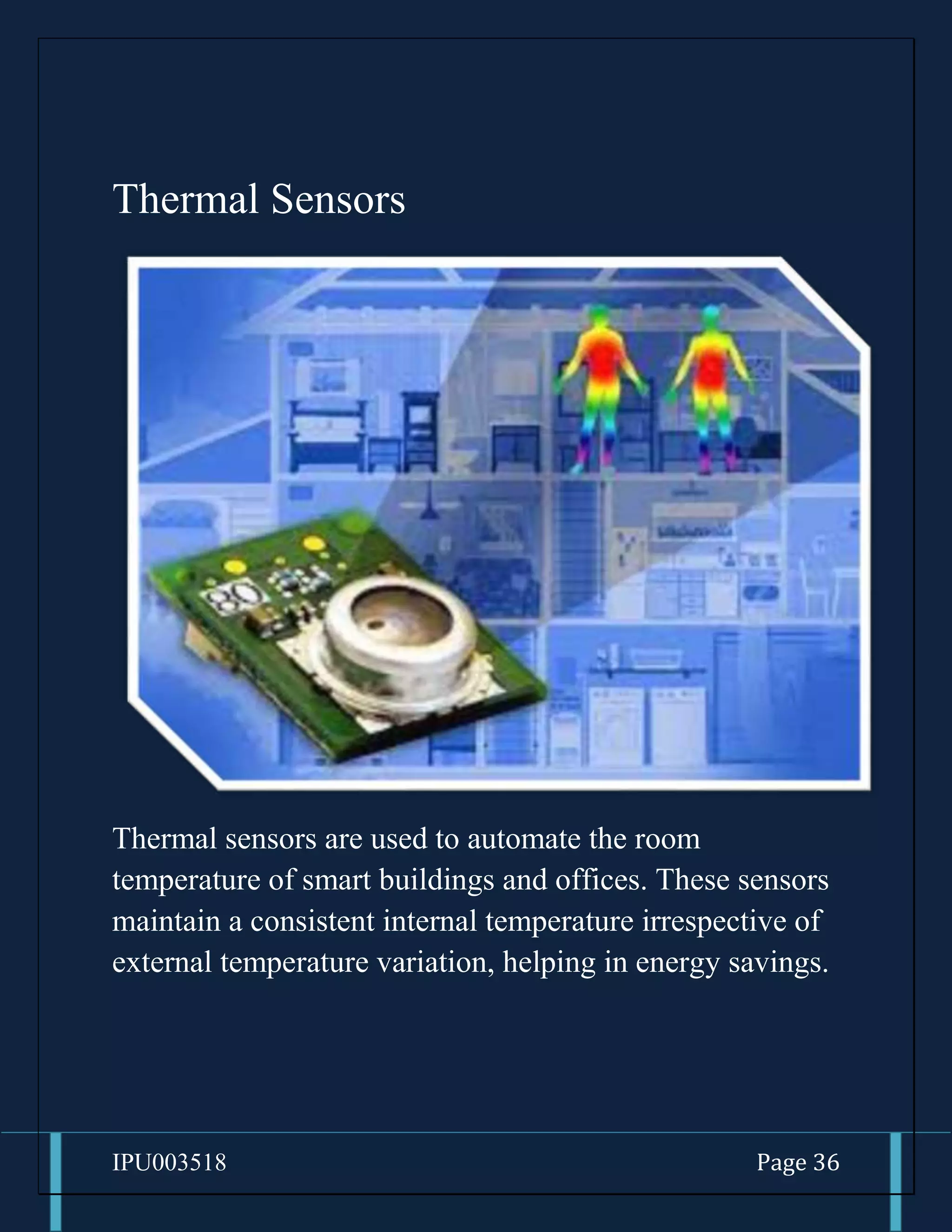
Thermal Sensors
Thermal sensors are used to automate the room
temperature of smart buildings and offices. These sensors
maintain a consistent internal temperature irrespective of
external temperature variation, helping in energy savings.
IPU003518 Page 37
Advantages of Thermal Sensors
1. Very wide temperature range about -
200oC to +2500oC.
2. Fast response time.
3. They are a simple construction.
4. Low initial cost.
5. Durable.
6. Easy to read has a clear screen and
good scale.
7. Quick response for any temperature
changes.
IPU003518 Page 38
Disadvantages of Light Sensors
1. Not as stable as RTD.
2. Recalibration is difficult.
3. More susceptible to RFI/EMI.
4. They are nonlinear.
5. It is used for only temperature
measurement only.
6. They have a low output voltage.
7. Less sensitivity.
IPU003518 Page 39
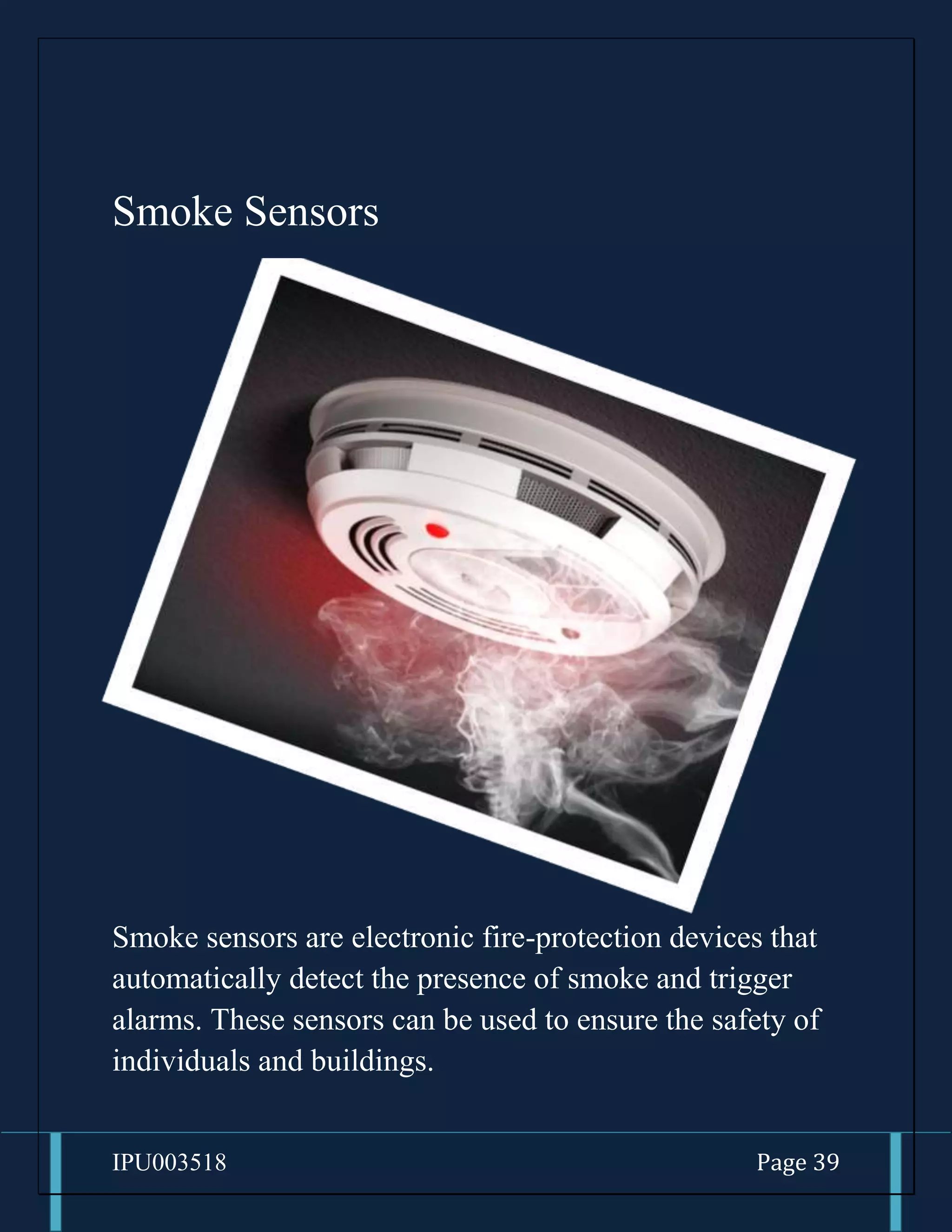
Smoke Sensors
Smoke sensors are electronic fire-protection devices that
automatically detect the presence of smoke and trigger
alarms. These sensors can be used to ensure the safety of
individuals and buildings.
IPU003518 Page 40
Advantages of Smoke Sensors
1. Efficient smoke Detection
2. 24/7 Monitoring
3. Automatic Alert
4. Early Fire Detection
5. Decreased the risk of fire damage
6. Affordable and easy to install
7. Low Maintenance
IPU003518 Page 41
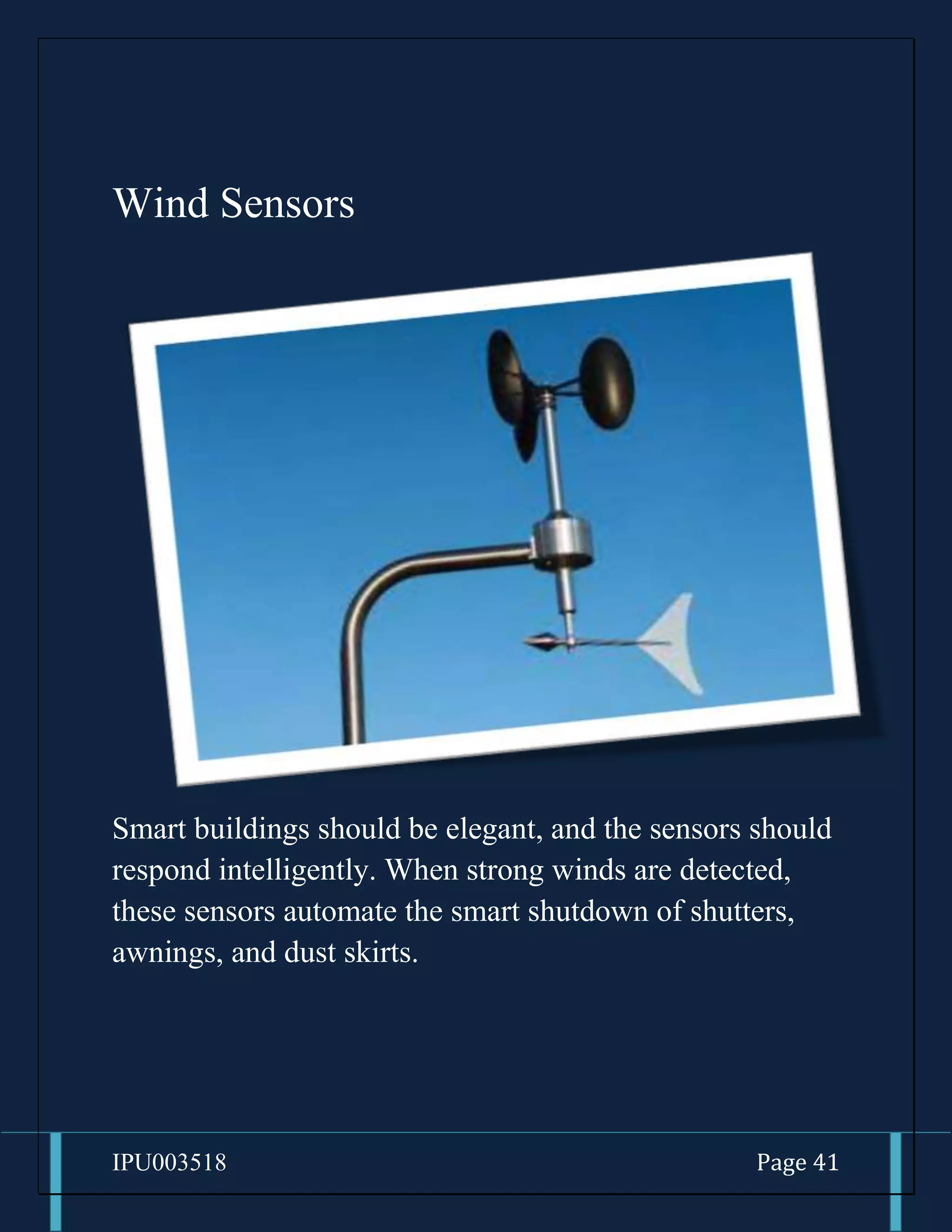
Wind Sensors
Smart buildings should be elegant, and the sensors should
respond intelligently. When strong winds are detected,
these sensors automate the smart shutdown of shutters,
awnings, and dust skirts.

Smart Sensors.docx

  • 1.
  • 2.
    IPU003518 Page 2 SmartSensors By- Justin James
  • 3.
    IPU003518 Page 3 Whatare Smart Sensors? A smart sensor is a device that takes input from the physical environment and uses built-in compute resources to perform predefined functions upon detection of specific input and then process data before passing it on. Who invented First Sensor?
  • 4.
    IPU003518 Page 4 1.It depends on the type of sensors 2. The First Electric thermostat was invented by Warren Johnson 3. This thermostat was able to keep temperatures within a degree of accuracy. 4. That’s better than some of the low Quality thermostats on the market today! Where is Smart Sensors Used?
  • 5.
    IPU003518 Page 5 SmartSensors are used in:- 1. Healthcare a. Automate Temperature b. Smoke Sensors c. Human-Centric Lighting 2. Warehouse and Manufacturing a. Historical Data for Decision Making
  • 6.
    IPU003518 Page 6 b.Improved Space Utilization c. Alerts and reminders on maintenance and repairs 3. Hospitality a. Guest Information
  • 7.
    IPU003518 Page 7 b.Push-notificationsfor room service c. Automated guest Interactions 4. Offices
  • 8.
    IPU003518 Page 8 a.Reduce energy Wastage b.Human-Centricity c. Collect and analyze data in real-time
  • 9.
    IPU003518 Page 9 5.Home Automations a. Automated device activation b. Mood lighting and temperature controls c. Pre-set routine schedules
  • 10.
    IPU003518 Page 10 Howdo Sensors Function? Sensors capture data and convert them into measurable electrical signals. These data, otherwise physical properties, are the details of mass, speed, temperature, pressures, and presence of heat bodies. The microprocessor will then process the electrical signals and act accordingly. Finally, the system triggers the receiver to function desirably.
  • 11.
    IPU003518 Page 11 Asystem will have multiple sensors with different functions and capabilities depending on its functional complexities and demands. For the desired output, there will be more receivers, power sources, and transmitters.
  • 12.
    IPU003518 Page 12 Sensorsare Very Much Present in Our Smart Phones!!!
  • 13.
    IPU003518 Page 13 1.Accelerometer Accelerometer in smartphones an accelerometer detects acceleration, vibration, and tilt to determine movement and exact orientation along the three axes. Apps use this Smartphone sensor to determine whether your phone is in portrait or landscape orientation.
  • 14.
    IPU003518 Page 14 2.Gyroscope Gyroscope also provides orientation details and direction like up/down and left/right but with greater precision like how much the device is tilted. This is where it differs from accelerometer — gyroscope can measure rotation too but the former cannot. So it can tell how much a Smartphone has been rotated and in which direction. Popular apps like Pokémon Go and Google Sky Map use gyroscope sensor to determine the direction towards which our phone is pointed.
  • 15.
    IPU003518 Page 15 3.Magnetometer Magnetometer our smartphones are equipped with magnetometer which we commonly recognize as a compass. It can detect magnetic fields, so the compass app in phones uses this Smartphone sensor to point at the planet’s North Pole. Whenever you open Google Maps or Apple Maps, the magnetometer is fired up to determine which way the map should be. This sensor can detect metal very well, so it is used in metal detector apps too.
  • 16.
    IPU003518 Page 16 4.GPS GPS Smartphone Global Positioning System (GPS) units in Smartphone communicate with the satellites to determine our precise location on Earth. The GPS technology doesn’t actually use internet data this is why we can find our location on maps even after losing the signals, but the map itself is blurry as it requires internet to load the details — this is how offline map works. GPS is used in all location-based apps like Uber and Google Maps.
  • 17.
    IPU003518 Page 17 5.Proximity Sensor Proximity sensor A proximity sensor makes use of an infrared LED and IR light detector to find out how close the phone is to an outside object. It used while making calls and when the phone is held to the face to make or receive a call, the sensor detects it and disables the touch screen display to avoid unintended input through the skin.
  • 18.
    IPU003518 Page 18 6.Ambient Light Sensor Ambient sensor the light sensor detects the lighting levels in the vicinity to adjust the display brightness accordingly. It is used in Automatic Brightness Adjuster to decrease or increase the brightness of the Smartphone screen based on the availability of light.
  • 19.
    IPU003518 Page 19 7.Microphone Microphone sensor the microphone is basically a sound sensor that detects and measures the loudness of sound. While there are different types of microphone sensors available, smartphones generally use micro-sized electrets microphones. Apart from making and receiving calls, it is used for voice search and voice commands for digital assistant apps like Google Assistant, Siri, Cortana, etc.
  • 20.
    IPU003518 Page 20 8.Touchscreen Sensors Capacitive Touchscreen the Smartphone sensors in a touchscreen have an electrical current passing through them at all times and touching the screen causes a change in the signals. This change acts as input for the device. Before Apple introduced the capacitive touchscreen, resistive screens were used in the display. But nowadays, the capacitive screen is used in almost all smartphones. 9. Fingerprint Sensor
  • 21.
    IPU003518 Page 21 Fingerprintsensor Gone are the days of memorizing passwords and patterns to unlock your phone as many users prefer using the fingerprint scanner these days. Fingerprint sensor enables biometric verification to secure many smartphones today. It is a capacitive scanner that records your fingerprint electrically. When you put your finger on its surface, the ridges in your fingerprints touch the surface whereas the hollows between the ridges have a slight separation. In short, it measures the varying distances and pattern between the ridges on the surface of your finger. This Smartphone sensor is quite useful in apps that require authentication such as mobile payment apps.
  • 22.
  • 23.
    IPU003518 Page 23 Fitnesstracker in phones the pedometer is used for counting steps and fitness tracker makes use of this sensor to count the number of steps you take. Pedometers generally use the values generated by the accelerometer to monitor your movements like running or walking. 11. Barcode/QR Code sensors
  • 24.
    IPU003518 Page 24 QRcode scanner Most of the smartphones have barcode sensors that can read a barcode by detecting the reflected light from the code. It generates an analog signal with varying voltage that represents the barcode. This analog signal is then converted to a digital one and finally decoded to reveal the information in it. Barcode sensors are useful in scanning the barcodes products or QR codes. 12. Barometer
  • 25.
    IPU003518 Page 25 BarometerSmartphone There are many high-end Android phones like Pixel and iPhones that include a barometer in their hardware. The barometer measures the air pressure, so it is quite useful in detecting weather changes and in calculating the altitude you’re at.
  • 26.
    IPU003518 Page 26 13.Heart Rate Sensor Next up is the heart rate sensor that measures heartbeat with the help of LED and optical sensors. The LED emits light towards the skin, and this Smartphone sensor looks for the light waves reflected by it. There is a difference in the light intensity when there is a pulse. The heartbeat is measured by counting the changes in light intensity between the minute pulsations of the blood vessels. Many fitness and health apps use this method to calculate the heart rate.
  • 27.
    IPU003518 Page 27 14.Thermometer Thermometer in smartphones Every Smartphone comes with an inbuilt thermometer for monitoring the temperature inside the device and battery. In case a component starts overheating, the system shuts down itself to prevent any damage. However, some handsets come with additional thermometers to measure ambient temperature. If you can recall, the Samsung Galaxy S4 bragged of thermometer that can measure temperature. Such thermometer sensors can be used by apps to detect your room temperature.
  • 28.
    IPU003518 Page 28 15.Air Humidity Sensor Air humidity sensor Now that we are talking about Galaxy S4 let’s discuss the Air Humidity sensor as well. S4 was the first Smartphone to incorporate an air humidity sensor. It could measure the humidity in the air, and the data collected by it would tell the user whether the given air temperature and humidity are optimum or not. But again, this type of sensor is used by selected handsets only.
  • 29.
    IPU003518 Page 29 Whatare the different types of Sensors? Different types of Sensors are: 1. Motion Sensors. 2. Light Sensors. 3. Thermal Sensors. 4. Wind Sensors. 5. Smoke Sensors.
  • 30.
    IPU003518 Page 30 MotionSensors Motion sensor came about in the early part of the 1950s, and the inventor was Samuel Bango. They are designed to detect human presence. When a person enters or leaves a space, the sensor detects motion and sends signals to initiate process. The power supply to the light fixture will be increased or decreased. Accordingly, motion sensors automate the device's functions based on the occupancy or vacancy status. These sensors significantly reduce energy
  • 31.
    IPU003518 Page 31 consumption,especially in industrial applications with larger areas and occupants. Advantages of Motion Sensors 1. Helps to secure houses by detecting any Motion around the House. 2. Motion Sensors can help to increase energy savings such as by turning lights off in unoccupied rooms. 3. It can be used in very harse environment having irregular heat cycles (Active Motion Sensor). 4. It has more lifespan which is about 100000 Hrs (Active type). 5. It helps in providing security by detecting suspicious movement. 6. It detects motion in light and dark conditions reliably in indoors. (Passive motion sensor) 7. It is easy to install motion sensors.
  • 32.
    IPU003518 Page 32 Disadvantagesof Motion Sensors 1. Radio frequency at high power is harmful for humans (active type). 2. Radio frequency in microwave range does not penetrate metal objects (active type). 3. Passive motion sensors do not operate above temperature of 35℃. 4. Passive sensor type works in LOS (Line of Sight) and does not work in non-LOS regions. 5. Passive Infrared (PIR) Sensor can detect human being within approx. 10 meters range. 6. Any kind of moving object can trigger the PIR sensor type. 7. Passive type is insensitive to very slow motion of the object.
  • 33.
    IPU003518 Page 33 LightSensors Light sensors detect and react to different light levels of the season or day. These sensors automate device functioning, ensure energy saving, efficiency, and ambiance of space through daylight harvesting, human- centric lighting, and light schedule
  • 34.
    IPU003518 Page 34 Advantagesof Light Sensors 1. It is easy to integrate with lighting systems such as automatic lighting systems. 2. LDR based light sensors are available in different shapes and sizes. 3. Flexible solution system. 4. The light sensor needs a small voltage and power for its operation. 5. A variety of set is available. 6. Design is attractive. 7. It is used for energy consumption or energy management by automatic control of brightness level in mobile phone and auto ON/OFF of street lights based on ambient light intensity.
  • 35.
    IPU003518 Page 35 Disadvantagesof Light Sensors 1. LDR is highly inaccurate with the high response time. 2. The photodiode is temperature sensitive and is unidirectional unlike photoresistor, 3. Resistance varies continuously in photoresistors and is tugged in nature. 4. Photodiodes are temperature sensitive voltage and are unidirectional, unlike photoresistor. 5. High initial investment. 6. Phototransistor cannot withstand voltage above 1000 volts. 7. The phototransistor is vulnerable to surges, spikes, and EM energy.
  • 36.
    IPU003518 Page 36 ThermalSensors Thermal sensors are used to automate the room temperature of smart buildings and offices. These sensors maintain a consistent internal temperature irrespective of external temperature variation, helping in energy savings.
  • 37.
    IPU003518 Page 37 Advantagesof Thermal Sensors 1. Very wide temperature range about - 200oC to +2500oC. 2. Fast response time. 3. They are a simple construction. 4. Low initial cost. 5. Durable. 6. Easy to read has a clear screen and good scale. 7. Quick response for any temperature changes.
  • 38.
    IPU003518 Page 38 Disadvantagesof Light Sensors 1. Not as stable as RTD. 2. Recalibration is difficult. 3. More susceptible to RFI/EMI. 4. They are nonlinear. 5. It is used for only temperature measurement only. 6. They have a low output voltage. 7. Less sensitivity.
  • 39.
    IPU003518 Page 39 SmokeSensors Smoke sensors are electronic fire-protection devices that automatically detect the presence of smoke and trigger alarms. These sensors can be used to ensure the safety of individuals and buildings.
  • 40.
    IPU003518 Page 40 Advantagesof Smoke Sensors 1. Efficient smoke Detection 2. 24/7 Monitoring 3. Automatic Alert 4. Early Fire Detection 5. Decreased the risk of fire damage 6. Affordable and easy to install 7. Low Maintenance
  • 41.
    IPU003518 Page 41 WindSensors Smart buildings should be elegant, and the sensors should respond intelligently. When strong winds are detected, these sensors automate the smart shutdown of shutters, awnings, and dust skirts.