SharePoint Online vs. SharePoint Server:
Choosing the Right Deployment Option
Introduction
Let’s explore the differences between SharePoint Online and SharePoint
Server so that you can make an informed decision for your company’s needs.
SharePoint Online Overview
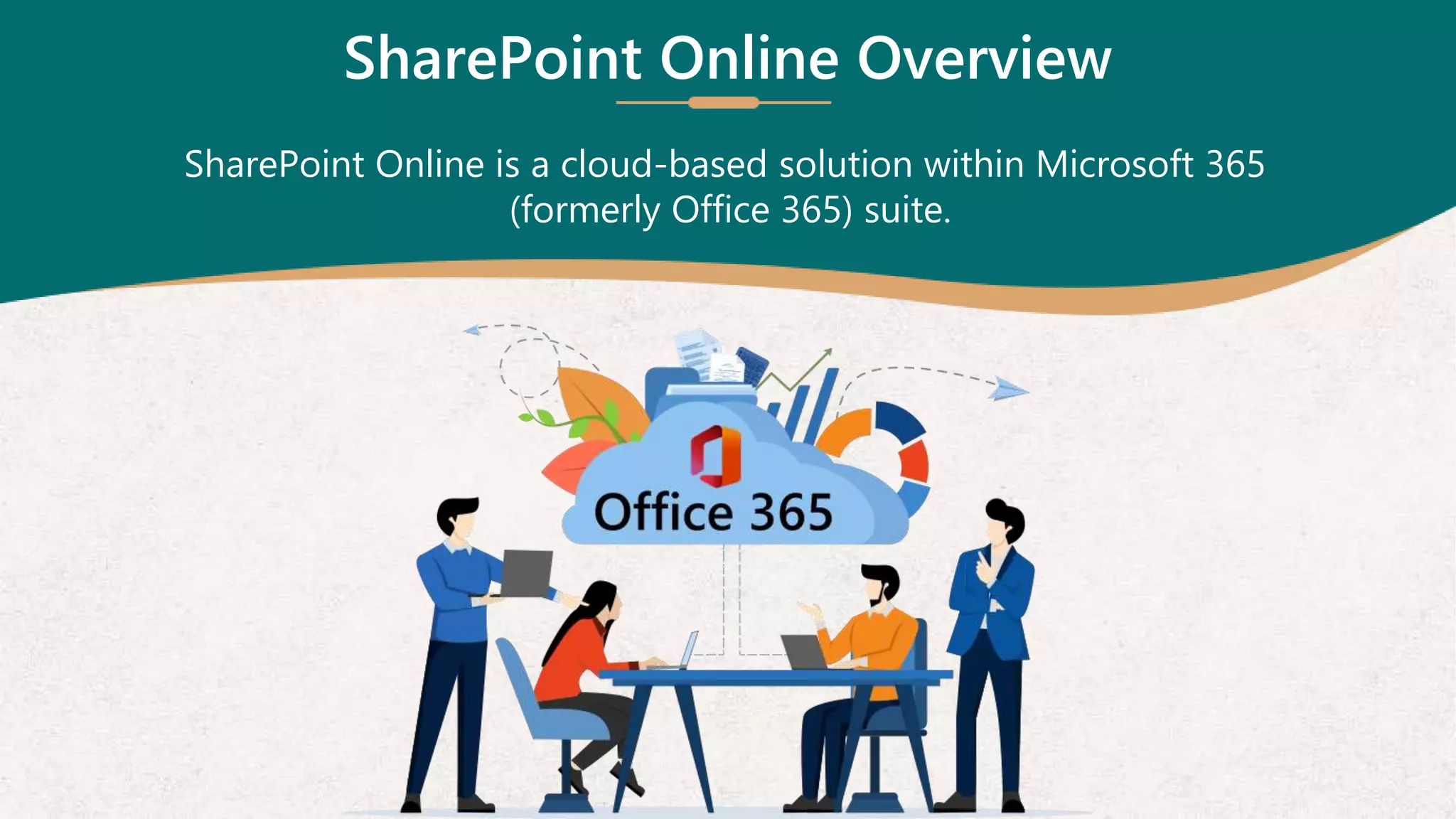
SharePoint Online is a cloud-based solution within Microsoft 365
(formerly Office 365) suite.
SharePoint Online Advantages
No infrastructure management is required
Automatic updates and patches
Accessible from anywhere with an internet connection
Easy scalability as your organization grows
Collaboration
Real-time co-authoring
Seamless document sharing
Integration with Microsoft Teams
Security and Compliance
Built-in security features
Compliance with industry standards
Data loss prevention capabilities
SharePoint Online Benefits
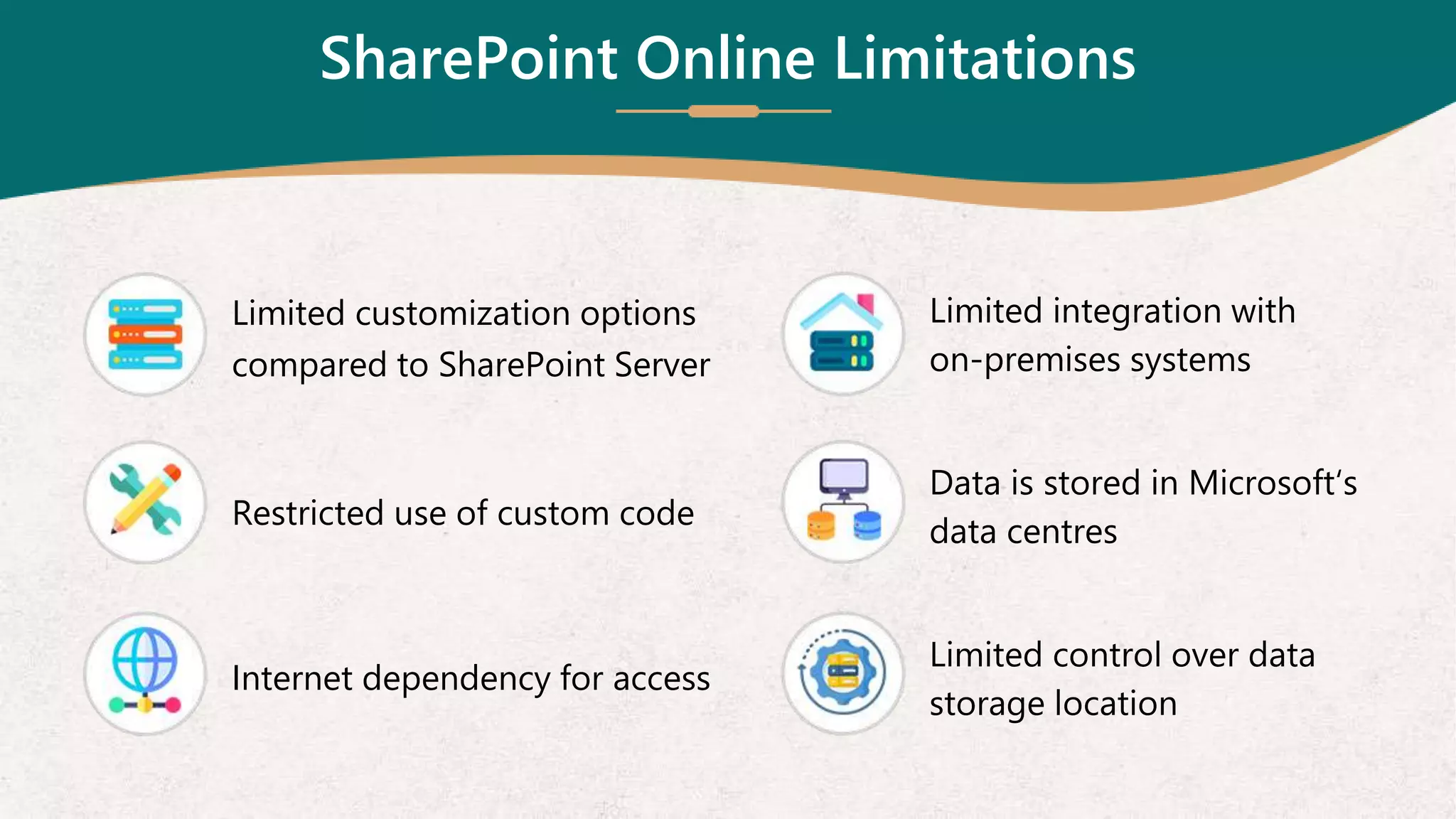
SharePoint Online Limitations
Limited customization options
compared to SharePoint Server
Restricted use of custom code
Internet dependency for access
Limited integration with
on-premises systems
Data is stored in Microsoft‘s
data centres
Limited control over data
storage location
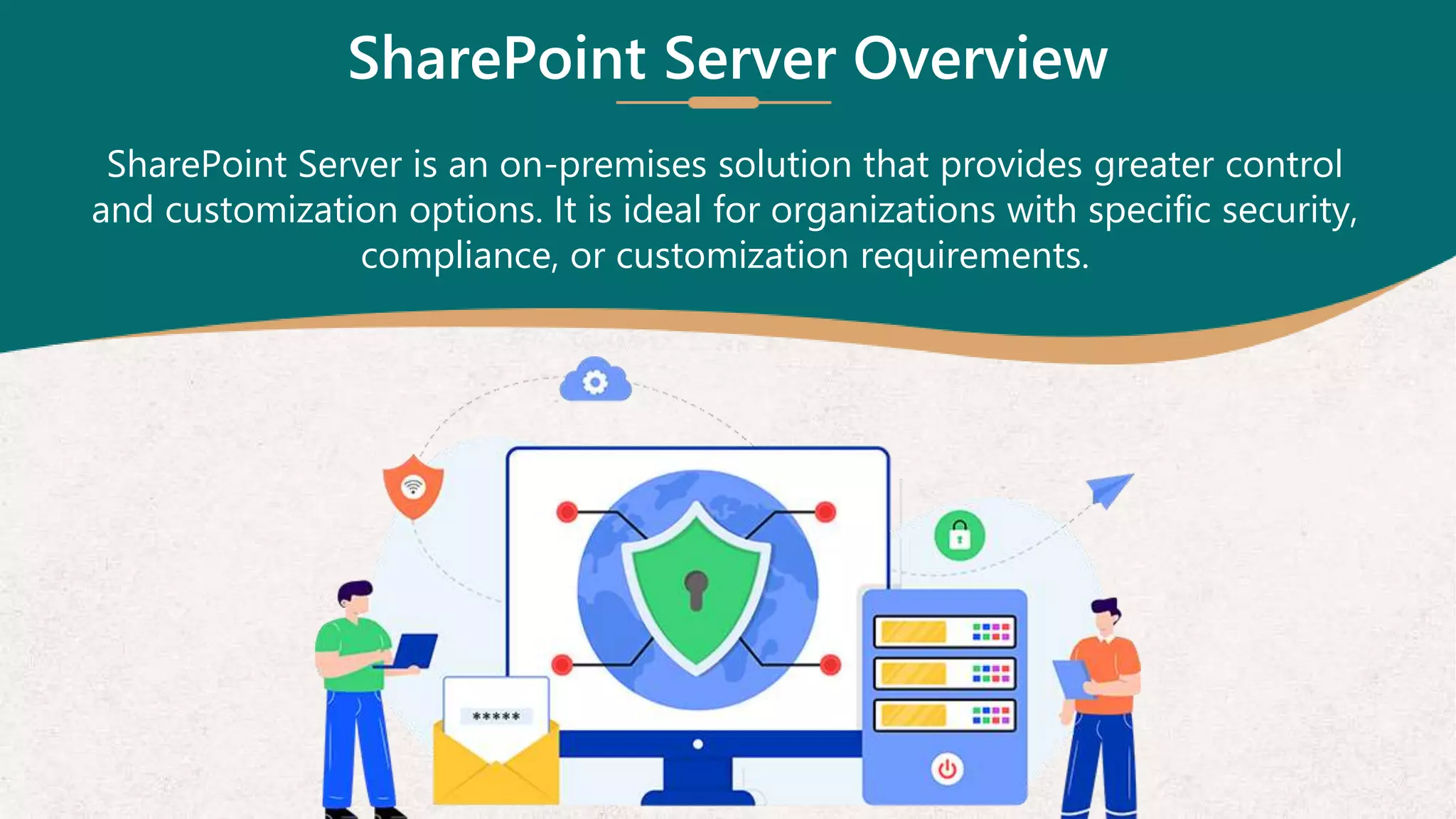
SharePoint Server Overview
SharePoint Server is an on-premises solution that provides greater control
and customization options. It is ideal for organizations with specific security,
compliance, or customization requirements.
SharePoint Server Advantages
Full control over branding and user experience
Extensive use of custom code and third-party solutions
Data is stored on-premises, providing enhanced control
Compliance with specific data residency requirements
SharePoint Server Challenges
Requires dedicated IT resources for maintenance, updates, & patches
Limited scalability compared to cloud-based solutions
Higher upfront costs for hardware and software licenses
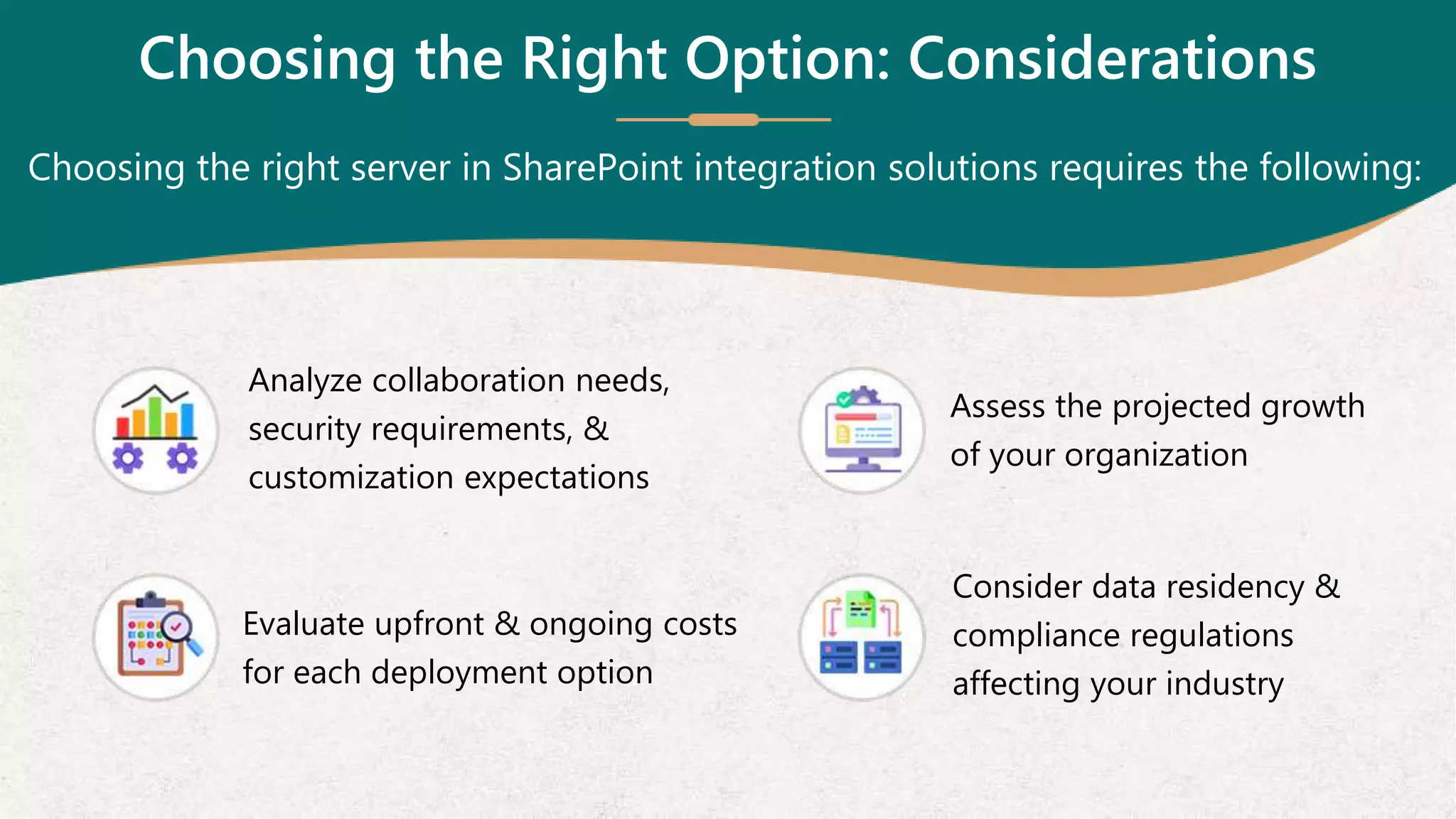
Choosing the Right Option: Considerations
Choosing the right server in SharePoint integration solutions requires the following:
Analyze collaboration needs,
security requirements, &
customization expectations
Assess the projected growth
of your organization
Evaluate upfront & ongoing costs
for each deployment option
Consider data residency &
compliance regulations
affecting your industry
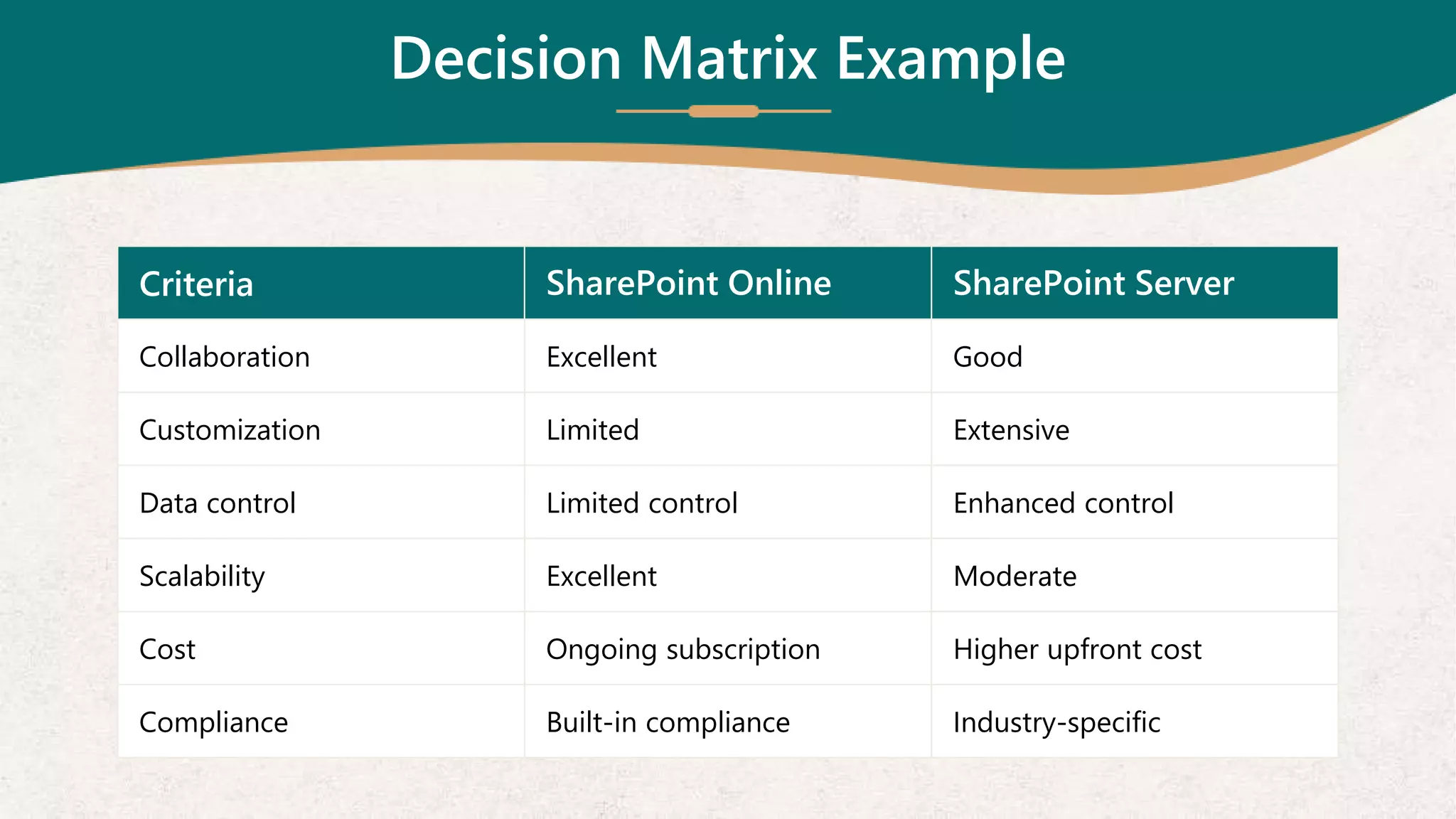
Decision Matrix Example
Criteria SharePoint Online SharePoint Server
Collaboration Excellent Good
Customization Limited Extensive
Data control Limited control Enhanced control
Scalability Excellent Moderate
Cost Ongoing subscription Higher upfront cost
Compliance Built-in compliance Industry-specific
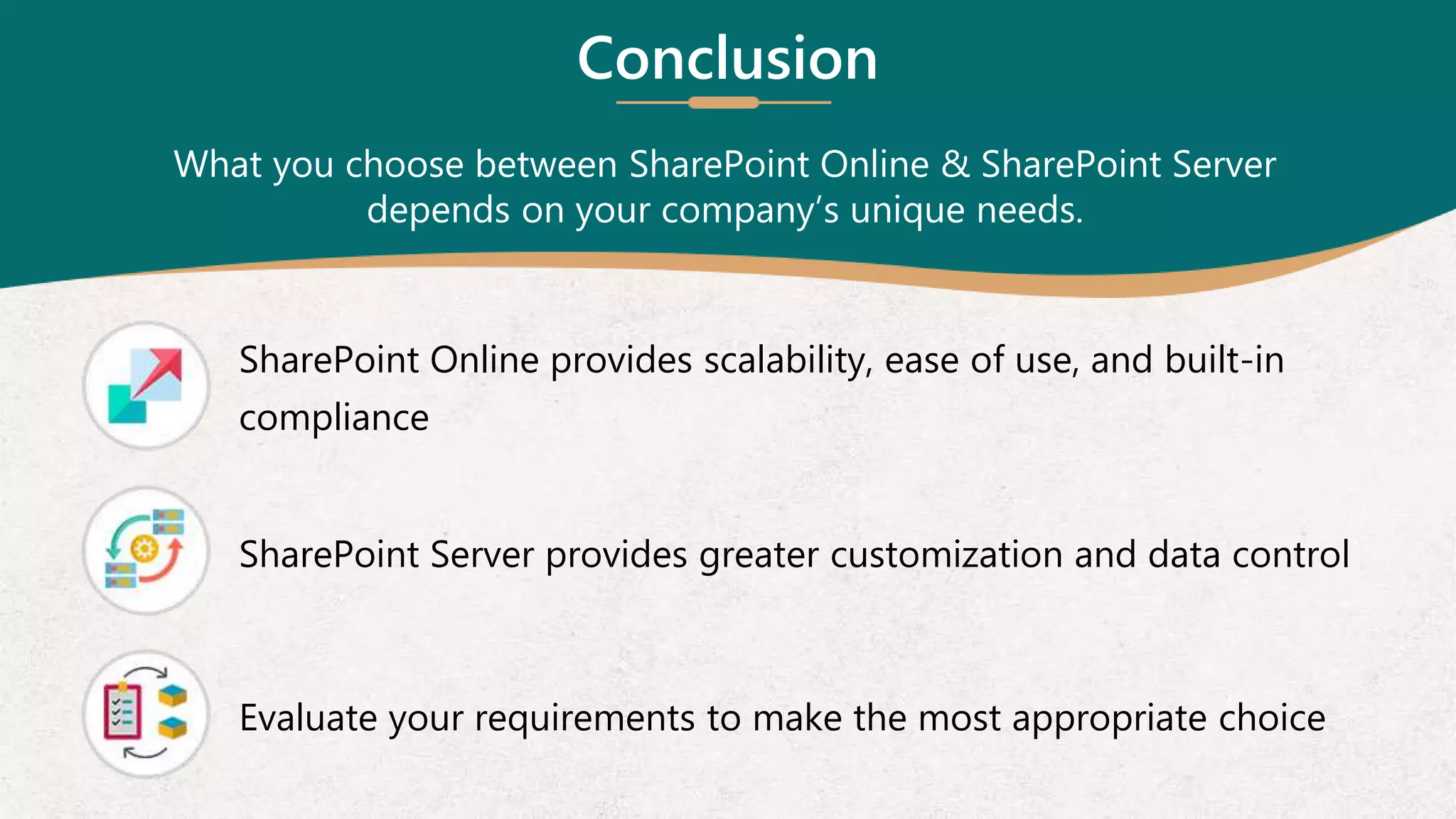
SharePoint Online provides scalability, ease of use, and built-in
compliance
SharePoint Server provides greater customization and data control
Evaluate your requirements to make the most appropriate choice
Conclusion
What you choose between SharePoint Online & SharePoint Server
depends on your company’s unique needs.
Q&A
We are open for discussion.
Contact our dedicated SharePoint developers today!
5 Great Valley Parkway,
Suite 210,
Malvern, PA 19355
+1 (484) 892-5713
hello@alliancetek.com
www.alliancetek.com
Reach at AllianceTek Inc.

SharePoint Online vs. SharePoint Server_22-9-2023.pptx

  • 1.
    SharePoint Online vs.SharePoint Server: Choosing the Right Deployment Option
  • 2.
    Introduction Let’s explore thedifferences between SharePoint Online and SharePoint Server so that you can make an informed decision for your company’s needs.
  • 3.
    SharePoint Online Overview SharePointOnline is a cloud-based solution within Microsoft 365 (formerly Office 365) suite.
  • 4.
    SharePoint Online Advantages Noinfrastructure management is required Automatic updates and patches Accessible from anywhere with an internet connection Easy scalability as your organization grows
  • 5.
    Collaboration Real-time co-authoring Seamless documentsharing Integration with Microsoft Teams Security and Compliance Built-in security features Compliance with industry standards Data loss prevention capabilities SharePoint Online Benefits
  • 6.
    SharePoint Online Limitations Limitedcustomization options compared to SharePoint Server Restricted use of custom code Internet dependency for access Limited integration with on-premises systems Data is stored in Microsoft‘s data centres Limited control over data storage location
  • 7.
    SharePoint Server Overview SharePointServer is an on-premises solution that provides greater control and customization options. It is ideal for organizations with specific security, compliance, or customization requirements.
  • 8.
    SharePoint Server Advantages Fullcontrol over branding and user experience Extensive use of custom code and third-party solutions Data is stored on-premises, providing enhanced control Compliance with specific data residency requirements
  • 9.
    SharePoint Server Challenges Requiresdedicated IT resources for maintenance, updates, & patches Limited scalability compared to cloud-based solutions Higher upfront costs for hardware and software licenses
  • 10.
    Choosing the RightOption: Considerations Choosing the right server in SharePoint integration solutions requires the following: Analyze collaboration needs, security requirements, & customization expectations Assess the projected growth of your organization Evaluate upfront & ongoing costs for each deployment option Consider data residency & compliance regulations affecting your industry
  • 11.
    Decision Matrix Example CriteriaSharePoint Online SharePoint Server Collaboration Excellent Good Customization Limited Extensive Data control Limited control Enhanced control Scalability Excellent Moderate Cost Ongoing subscription Higher upfront cost Compliance Built-in compliance Industry-specific
  • 12.
    SharePoint Online providesscalability, ease of use, and built-in compliance SharePoint Server provides greater customization and data control Evaluate your requirements to make the most appropriate choice Conclusion What you choose between SharePoint Online & SharePoint Server depends on your company’s unique needs.
  • 13.
    Q&A We are openfor discussion. Contact our dedicated SharePoint developers today!
  • 14.
    5 Great ValleyParkway, Suite 210, Malvern, PA 19355 +1 (484) 892-5713 hello@alliancetek.com www.alliancetek.com Reach at AllianceTek Inc.