Sergei Leshchenko
Lead SharePoint Developer
SharePoint Workflows 2013.
What’s new?
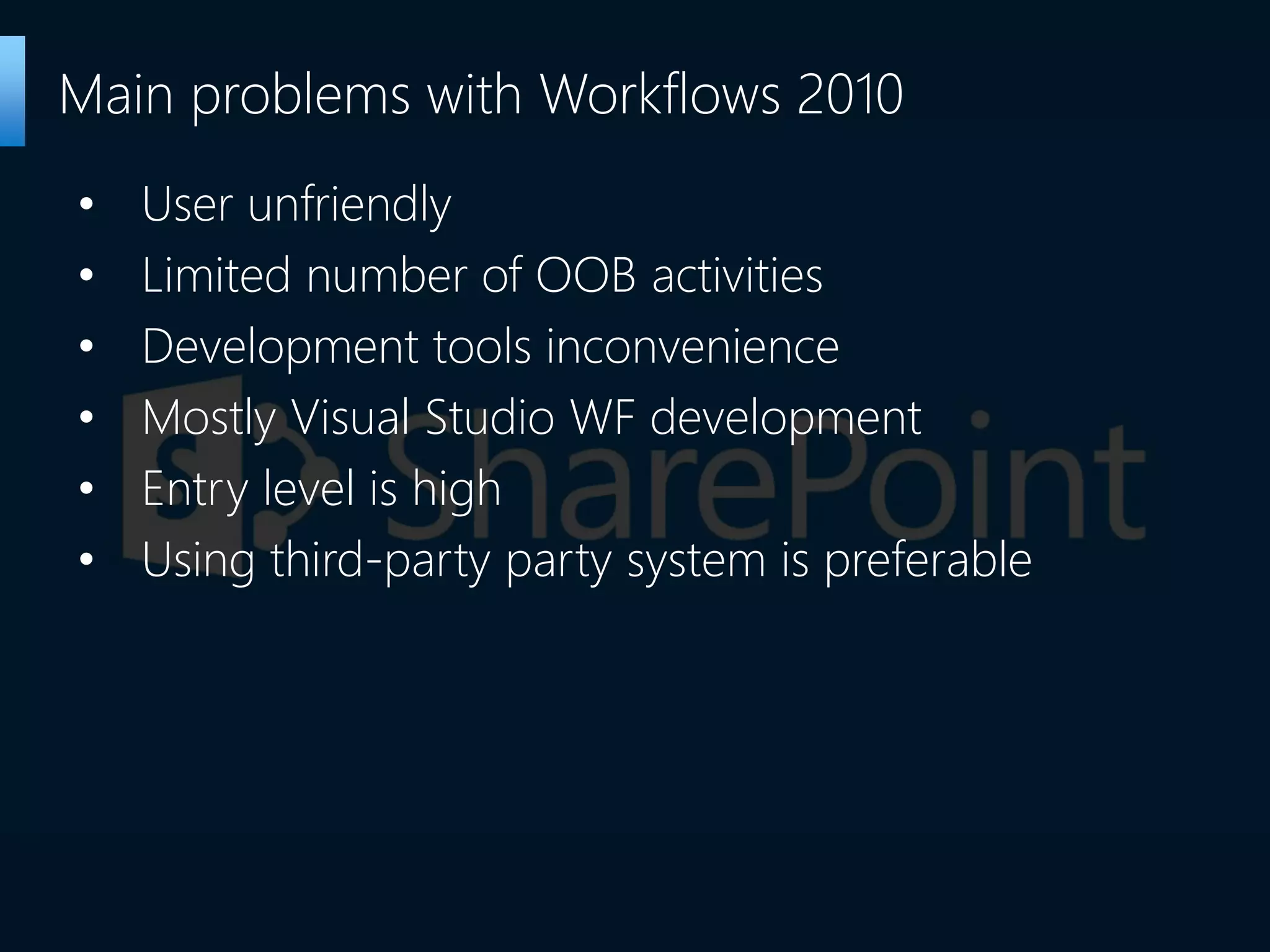
• User unfriendly
• Limited number of OOB activities
• Development tools inconvenience
• Mostly Visual Studio WF development
• Entry level is high
• Using third-party party system is preferable
Main problems with Workflows 2010
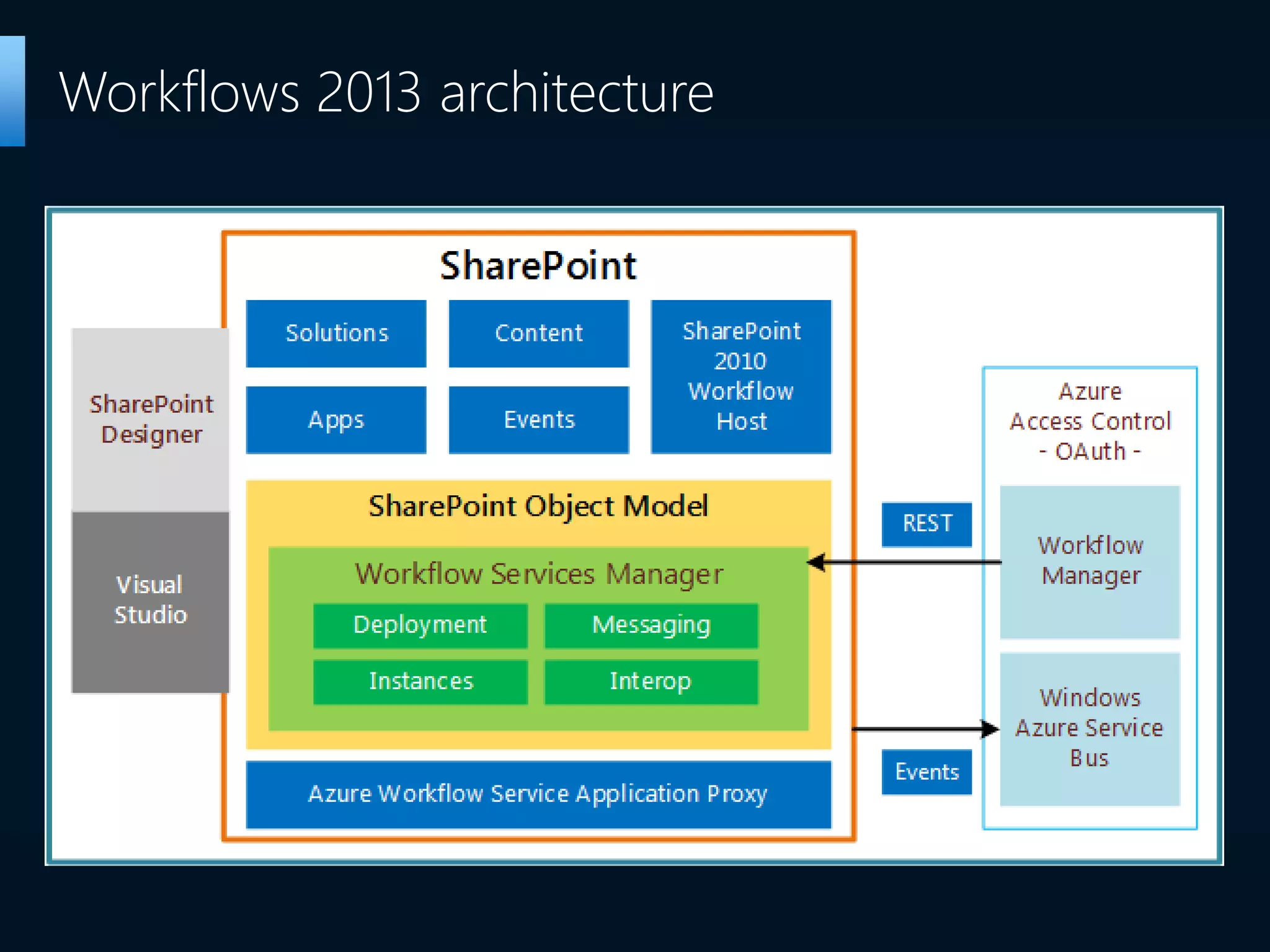
Workflows 2013 architecture
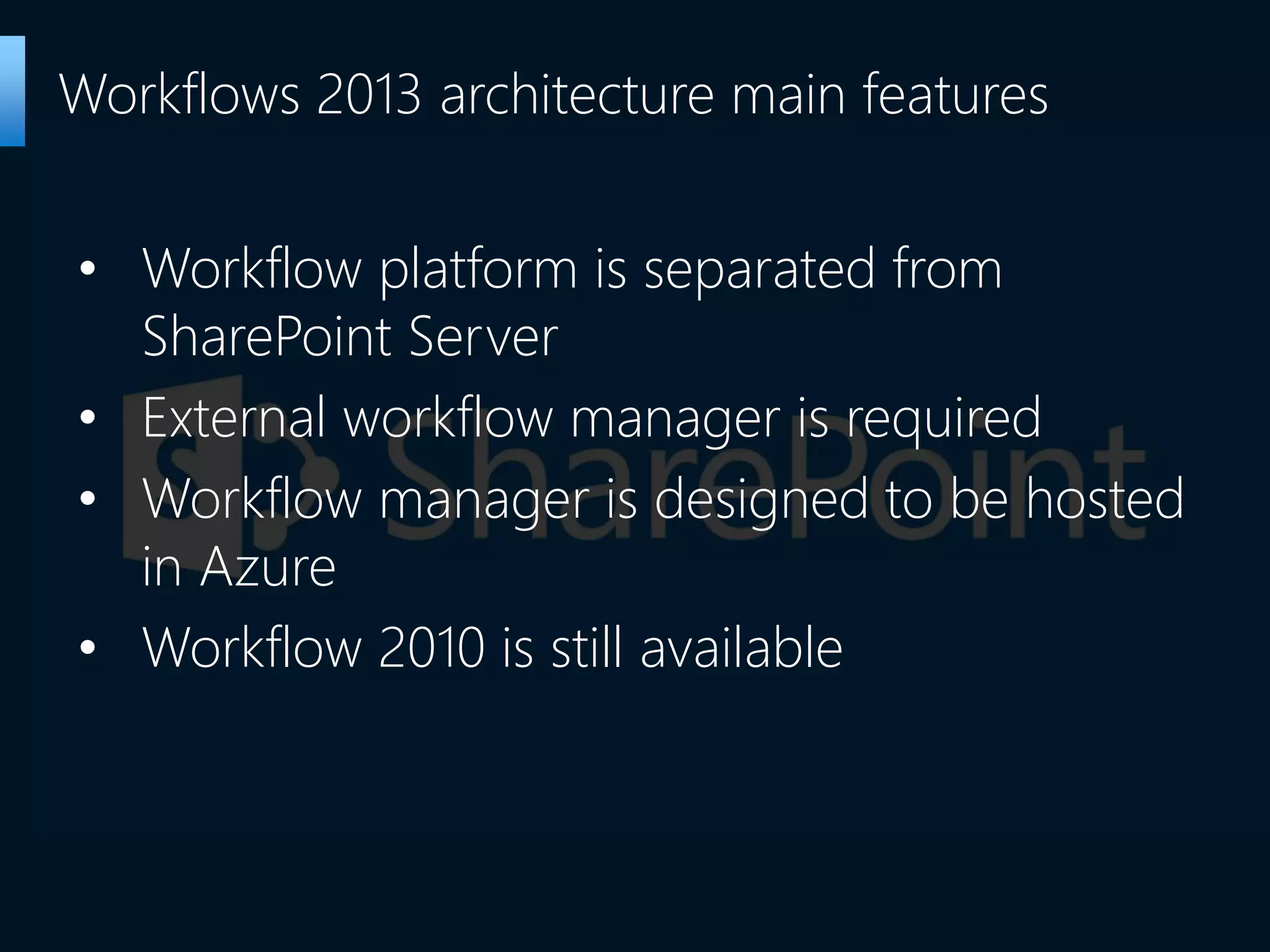
• Workflow platform is separated from
SharePoint Server
• External workflow manager is required
• Workflow manager is designed to be hosted
in Azure
• Workflow 2010 is still available
Workflows 2013 architecture main features
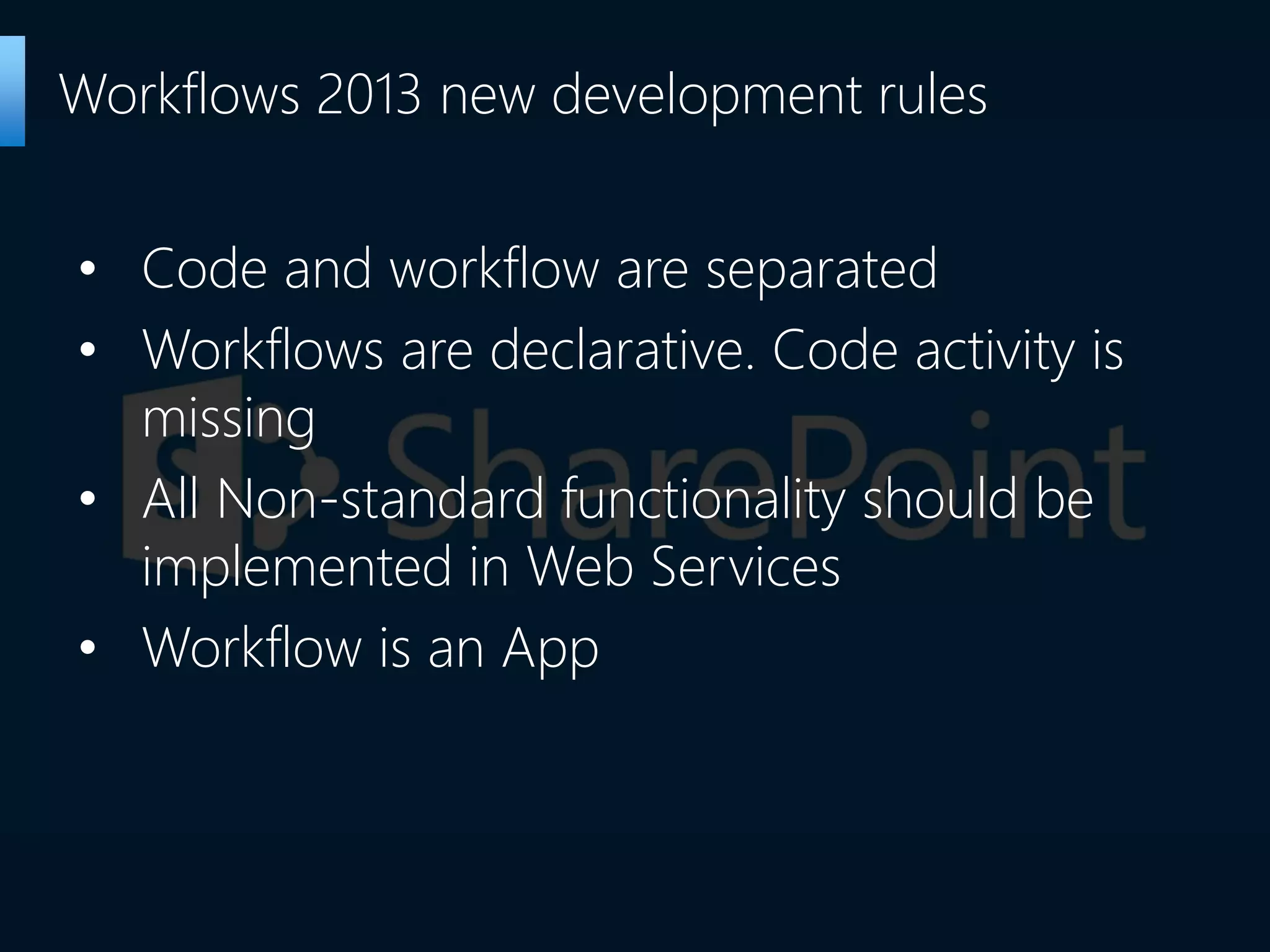
• Code and workflow are separated
• Workflows are declarative. Code activity is
missing
• All Non-standard functionality should be
implemented in Web Services
• Workflow is an App
Workflows 2013 new development rules
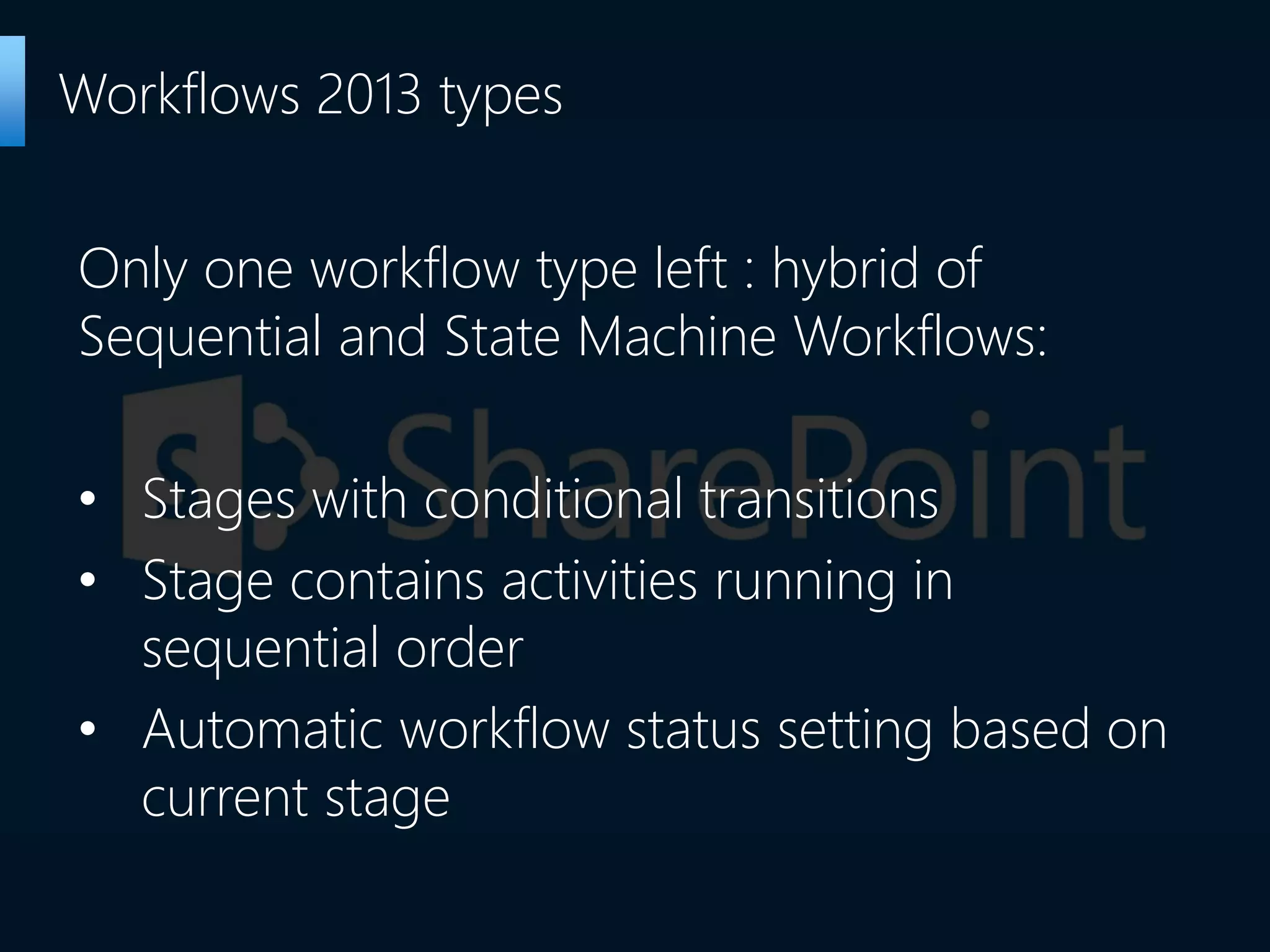
Only one workflow type left : hybrid of
Sequential and State Machine Workflows:
• Stages with conditional transitions
• Stage contains activities running in
sequential order
• Automatic workflow status setting based on
current stage
Workflows 2013 types
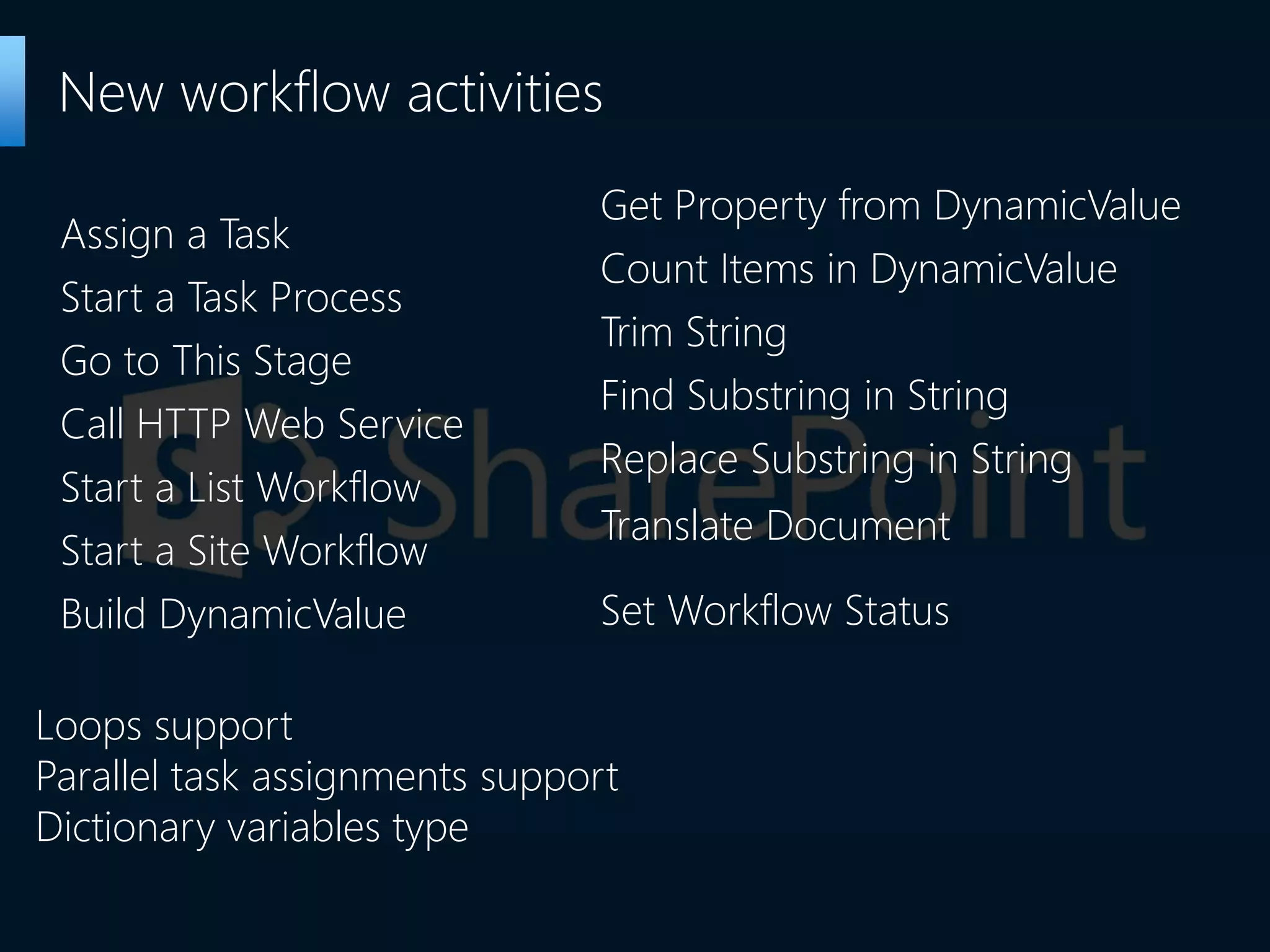
Assign a Task
Start a Task Process
Go to This Stage
Call HTTP Web Service
Start a List Workflow
Start a Site Workflow
Build DynamicValue
New workflow activities
Get Property from DynamicValue
Count Items in DynamicValue
Trim String
Find Substring in String
Replace Substring in String
Translate Document
Set Workflow Status
Loops support
Parallel task assignments support
Dictionary variables type
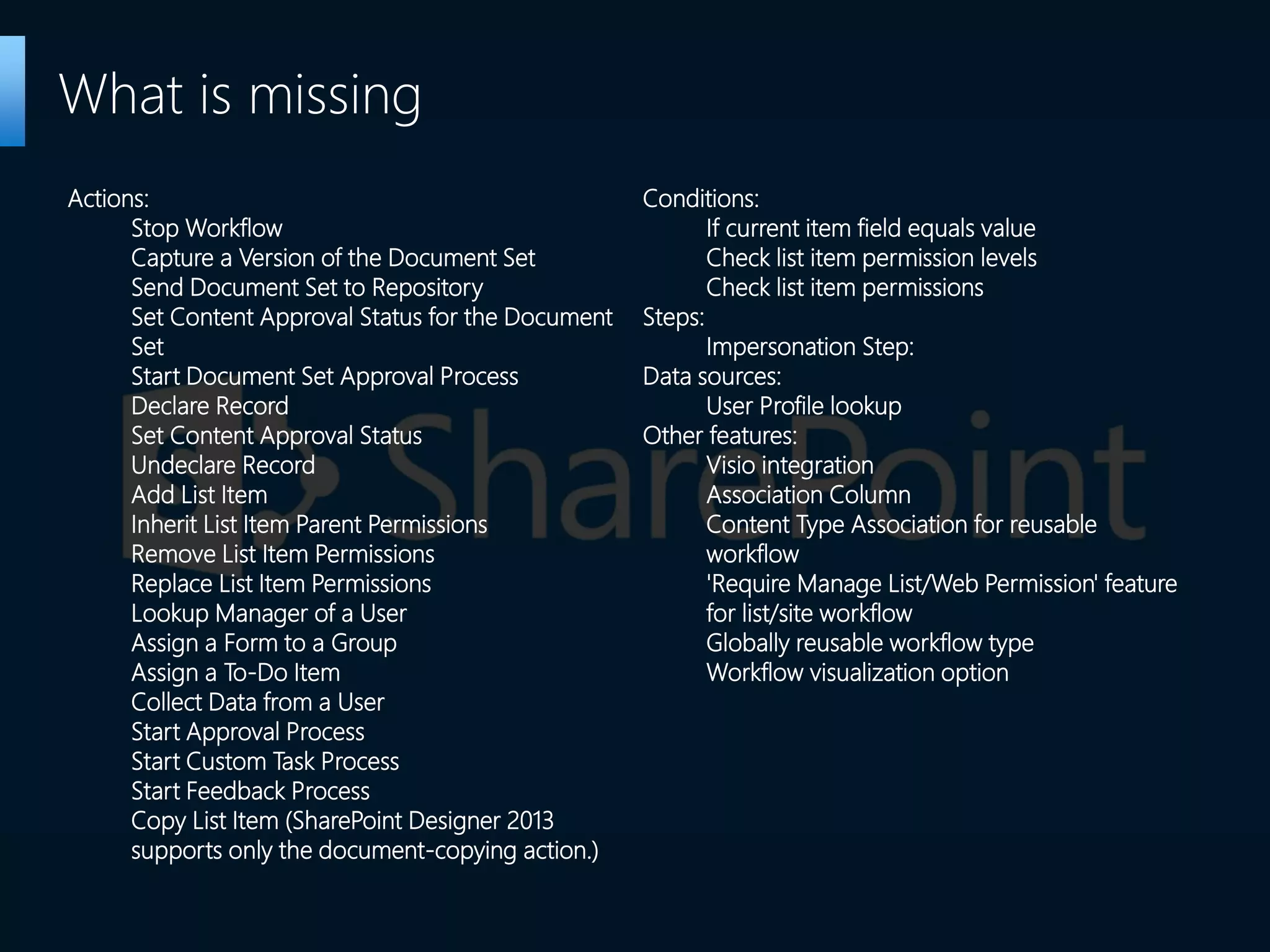
What is missing
Actions:
Stop Workflow
Capture a Version of the Document Set
Send Document Set to Repository
Set Content Approval Status for the Document
Set
Start Document Set Approval Process
Declare Record
Set Content Approval Status
Undeclare Record
Add List Item
Inherit List Item Parent Permissions
Remove List Item Permissions
Replace List Item Permissions
Lookup Manager of a User
Assign a Form to a Group
Assign a To-Do Item
Collect Data from a User
Start Approval Process
Start Custom Task Process
Start Feedback Process
Copy List Item (SharePoint Designer 2013
supports only the document-copying action.)
Conditions:
If current item field equals value
Check list item permission levels
Check list item permissions
Steps:
Impersonation Step:
Data sources:
User Profile lookup
Other features:
Visio integration
Association Column
Content Type Association for reusable
workflow
'Require Manage List/Web Permission' feature
for list/site workflow
Globally reusable workflow type
Workflow visualization option
• Activity Copy and Paste
• Visio integration
• Extended workflows export support
SharePoint Designer workflow development
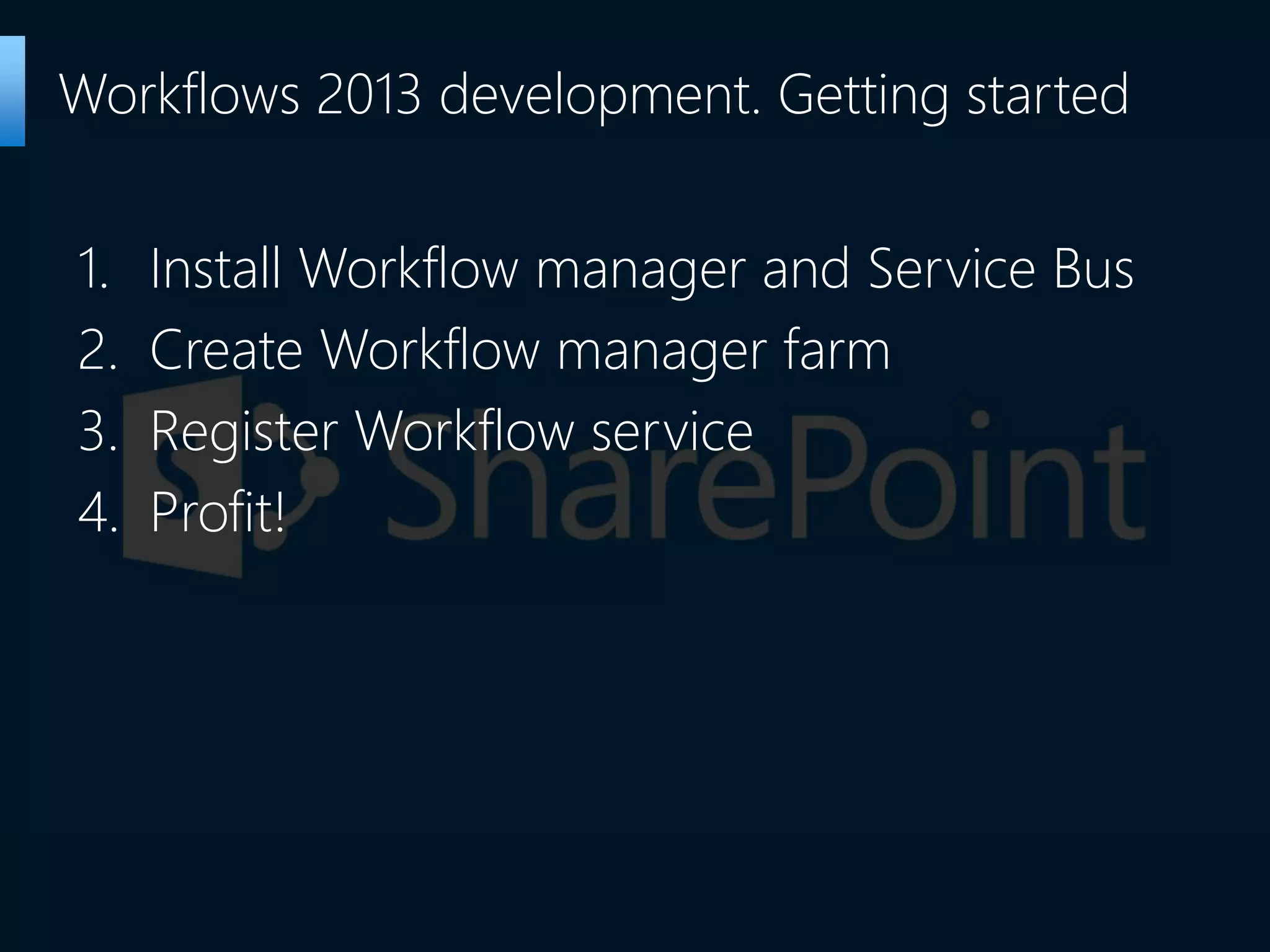
1. Install Workflow manager and Service Bus
2. Create Workflow manager farm
3. Register Workflow service
4. Profit!
Workflows 2013 development. Getting started
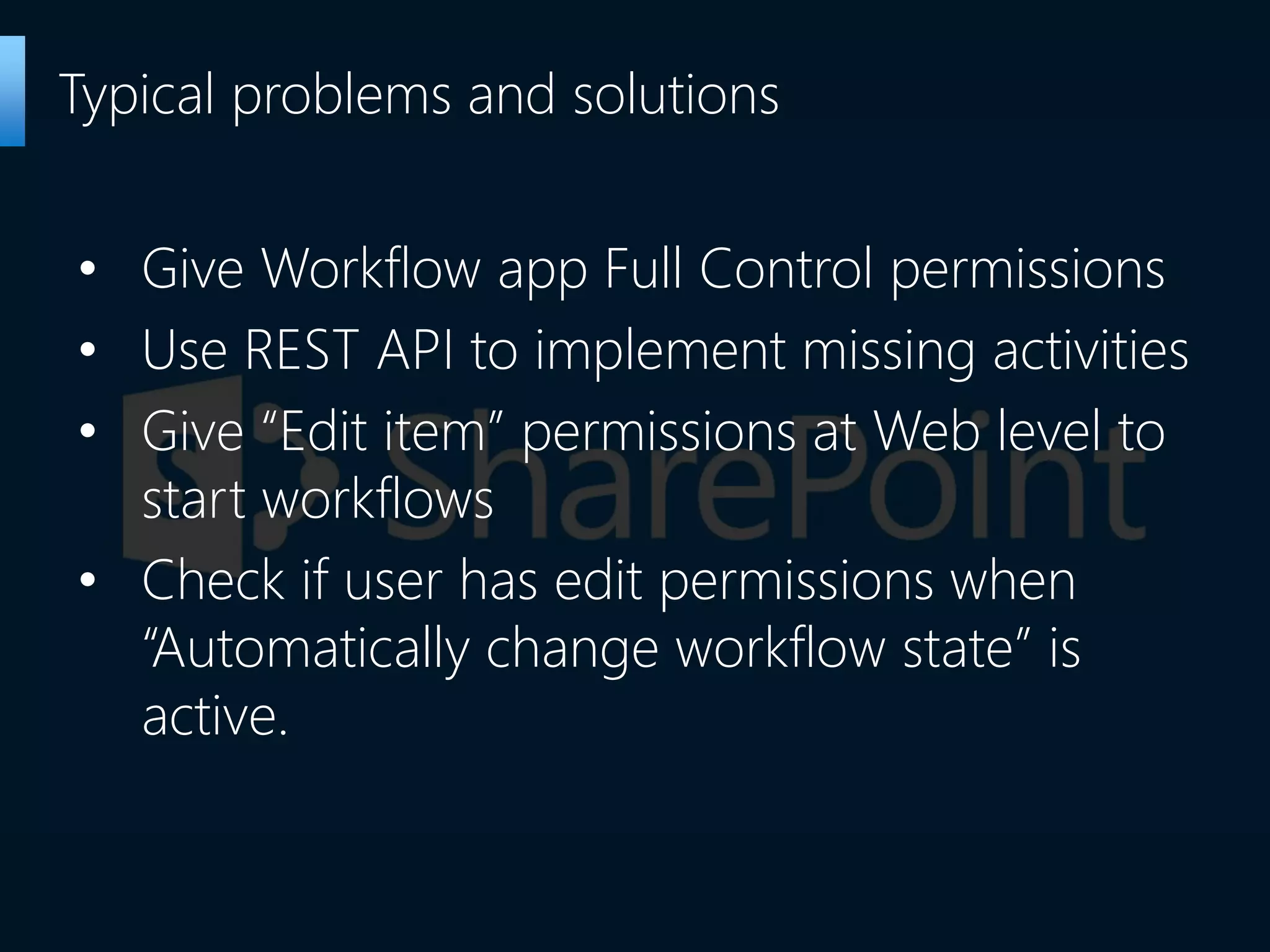
• Give Workflow app Full Control permissions
• Use REST API to implement missing activities
• Give “Edit item” permissions at Web level to
start workflows
• Check if user has edit permissions when
“Automatically change workflow state” is
active.
Typical problems and solutions
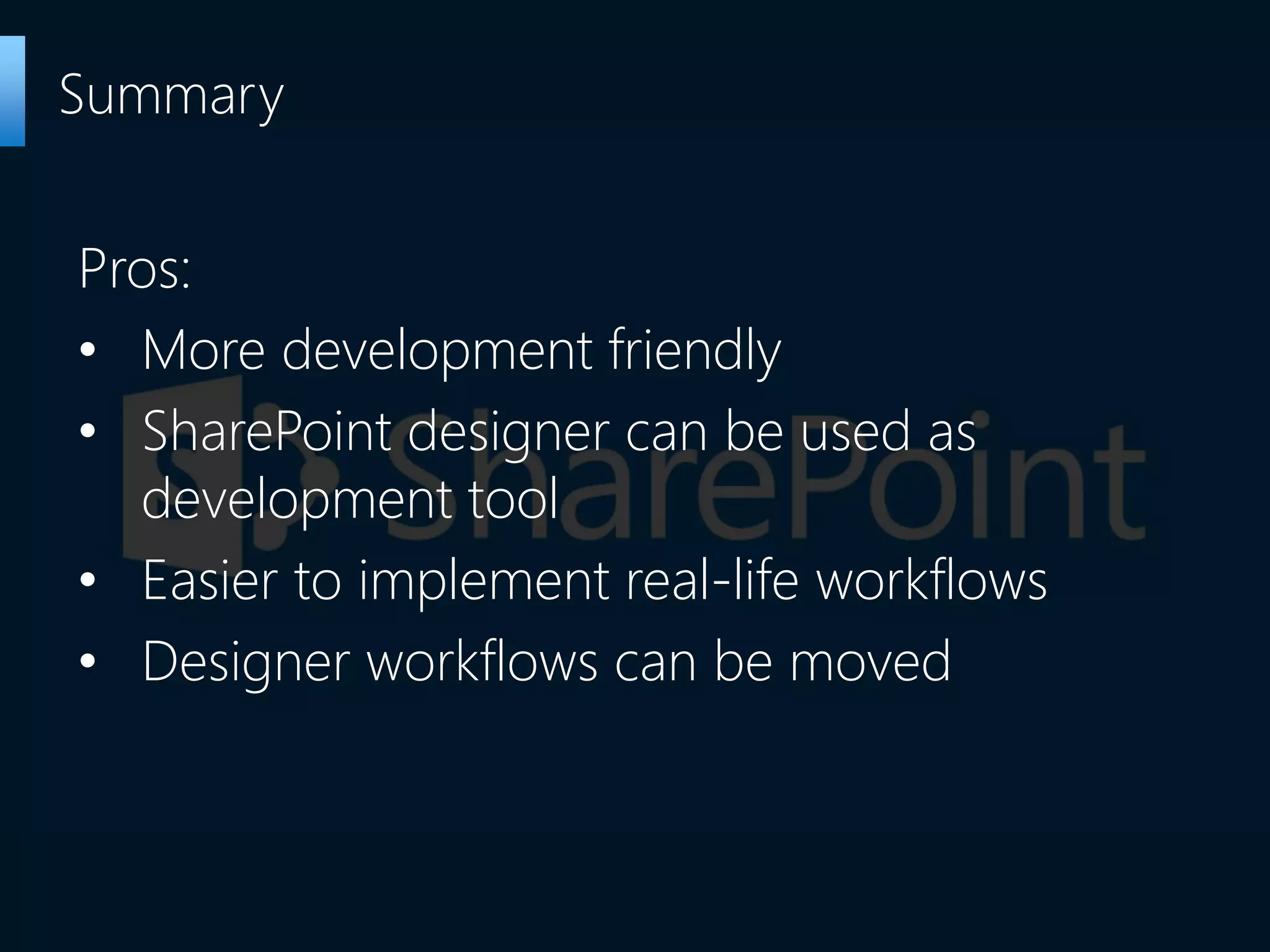
Pros:
• More development friendly
• SharePoint designer can be used as
development tool
• Easier to implement real-life workflows
• Designer workflows can be moved
Summary
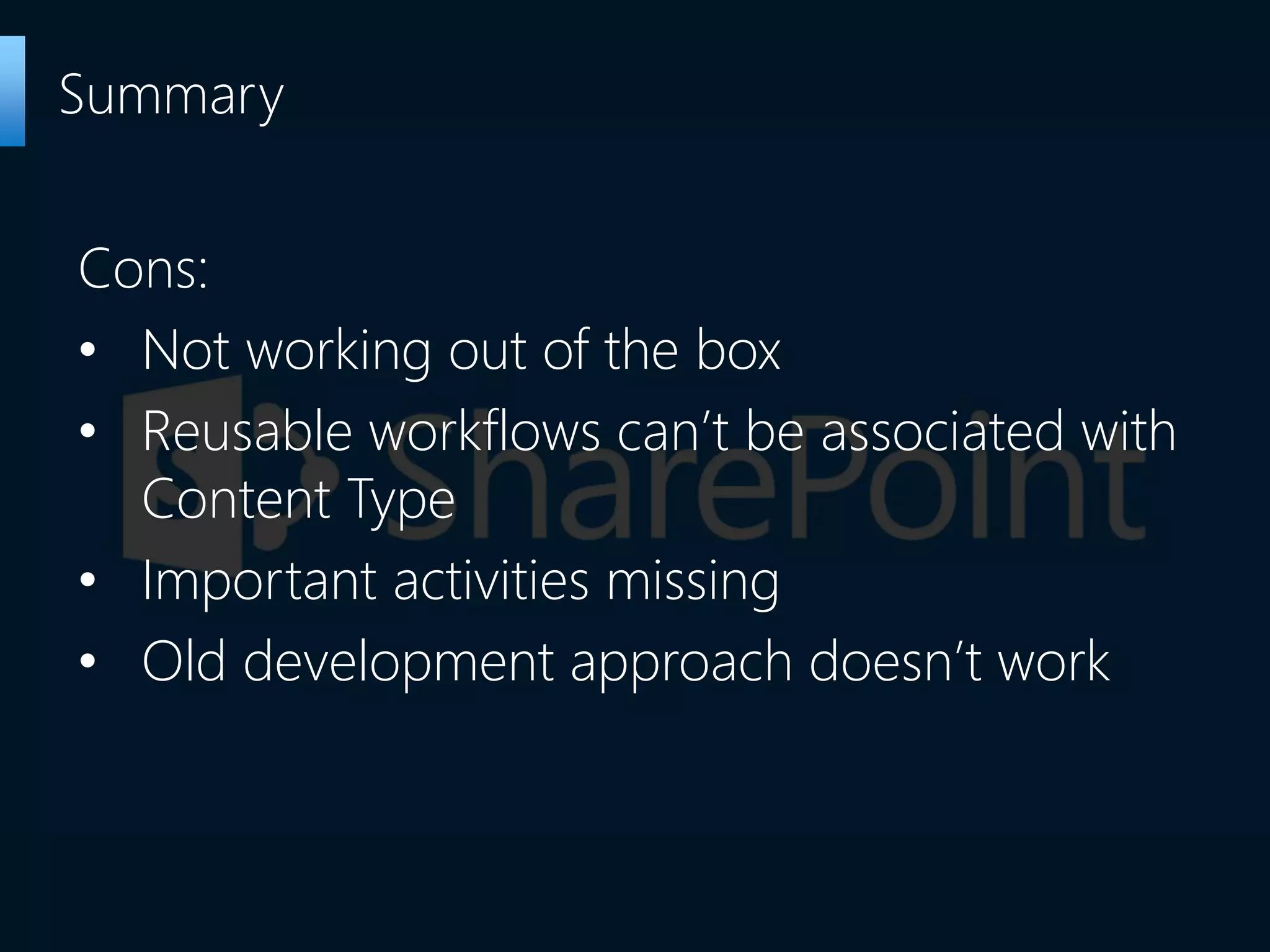
Cons:
• Not working out of the box
• Reusable workflows can’t be associated with
Content Type
• Important activities missing
• Old development approach doesn’t work
Summary
The End

SharePoint Workflows 2013. What's new?

  • 1.
    Sergei Leshchenko Lead SharePointDeveloper SharePoint Workflows 2013. What’s new?
  • 2.
    • User unfriendly •Limited number of OOB activities • Development tools inconvenience • Mostly Visual Studio WF development • Entry level is high • Using third-party party system is preferable Main problems with Workflows 2010
  • 3.
  • 4.
    • Workflow platformis separated from SharePoint Server • External workflow manager is required • Workflow manager is designed to be hosted in Azure • Workflow 2010 is still available Workflows 2013 architecture main features
  • 5.
    • Code andworkflow are separated • Workflows are declarative. Code activity is missing • All Non-standard functionality should be implemented in Web Services • Workflow is an App Workflows 2013 new development rules
  • 6.
    Only one workflowtype left : hybrid of Sequential and State Machine Workflows: • Stages with conditional transitions • Stage contains activities running in sequential order • Automatic workflow status setting based on current stage Workflows 2013 types
  • 7.
    Assign a Task Starta Task Process Go to This Stage Call HTTP Web Service Start a List Workflow Start a Site Workflow Build DynamicValue New workflow activities Get Property from DynamicValue Count Items in DynamicValue Trim String Find Substring in String Replace Substring in String Translate Document Set Workflow Status Loops support Parallel task assignments support Dictionary variables type
  • 8.
    What is missing Actions: StopWorkflow Capture a Version of the Document Set Send Document Set to Repository Set Content Approval Status for the Document Set Start Document Set Approval Process Declare Record Set Content Approval Status Undeclare Record Add List Item Inherit List Item Parent Permissions Remove List Item Permissions Replace List Item Permissions Lookup Manager of a User Assign a Form to a Group Assign a To-Do Item Collect Data from a User Start Approval Process Start Custom Task Process Start Feedback Process Copy List Item (SharePoint Designer 2013 supports only the document-copying action.) Conditions: If current item field equals value Check list item permission levels Check list item permissions Steps: Impersonation Step: Data sources: User Profile lookup Other features: Visio integration Association Column Content Type Association for reusable workflow 'Require Manage List/Web Permission' feature for list/site workflow Globally reusable workflow type Workflow visualization option
  • 9.
    • Activity Copyand Paste • Visio integration • Extended workflows export support SharePoint Designer workflow development
  • 10.
    1. Install Workflowmanager and Service Bus 2. Create Workflow manager farm 3. Register Workflow service 4. Profit! Workflows 2013 development. Getting started
  • 11.
    • Give Workflowapp Full Control permissions • Use REST API to implement missing activities • Give “Edit item” permissions at Web level to start workflows • Check if user has edit permissions when “Automatically change workflow state” is active. Typical problems and solutions
  • 12.
    Pros: • More developmentfriendly • SharePoint designer can be used as development tool • Easier to implement real-life workflows • Designer workflows can be moved Summary
  • 13.
    Cons: • Not workingout of the box • Reusable workflows can’t be associated with Content Type • Important activities missing • Old development approach doesn’t work Summary
  • 14.