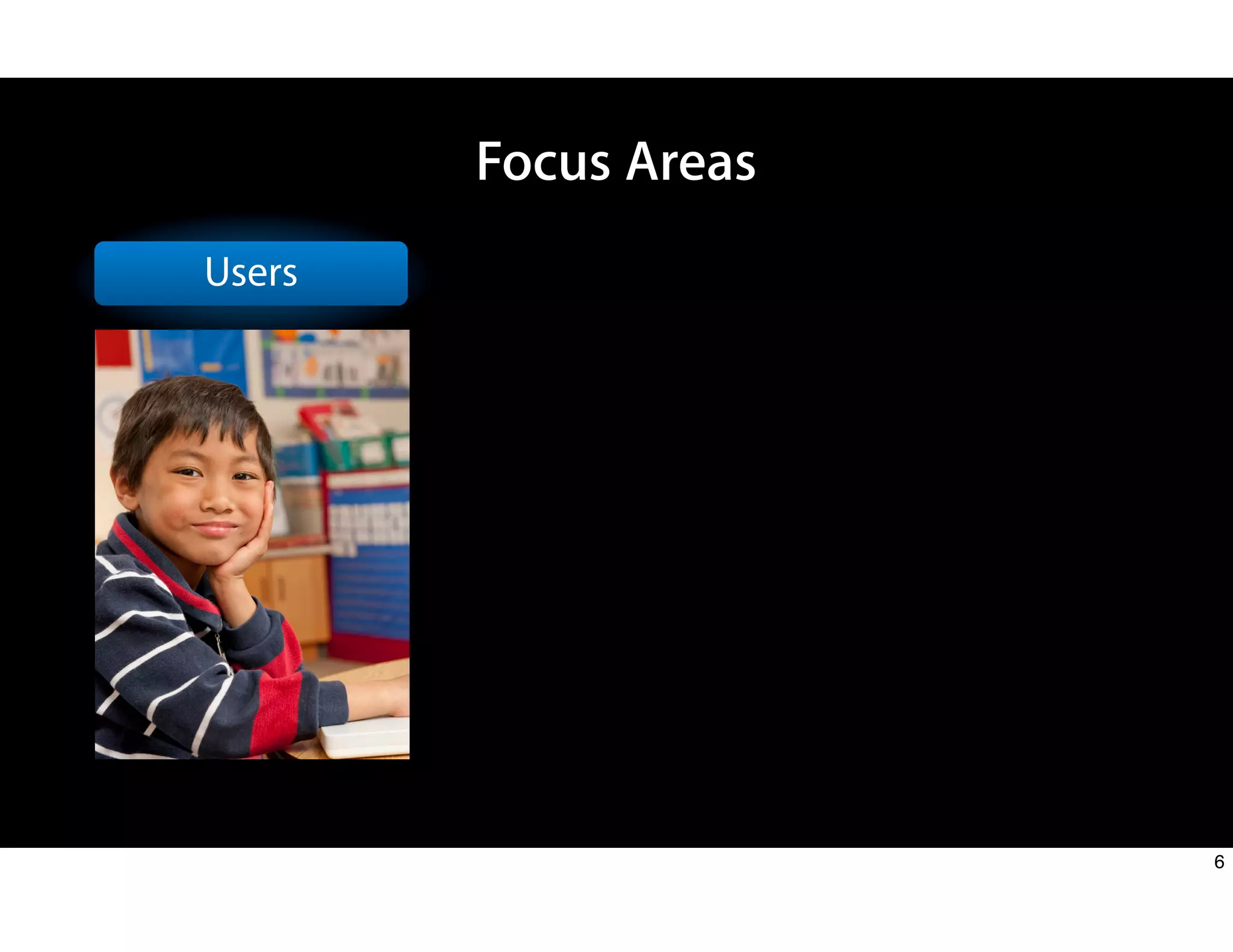
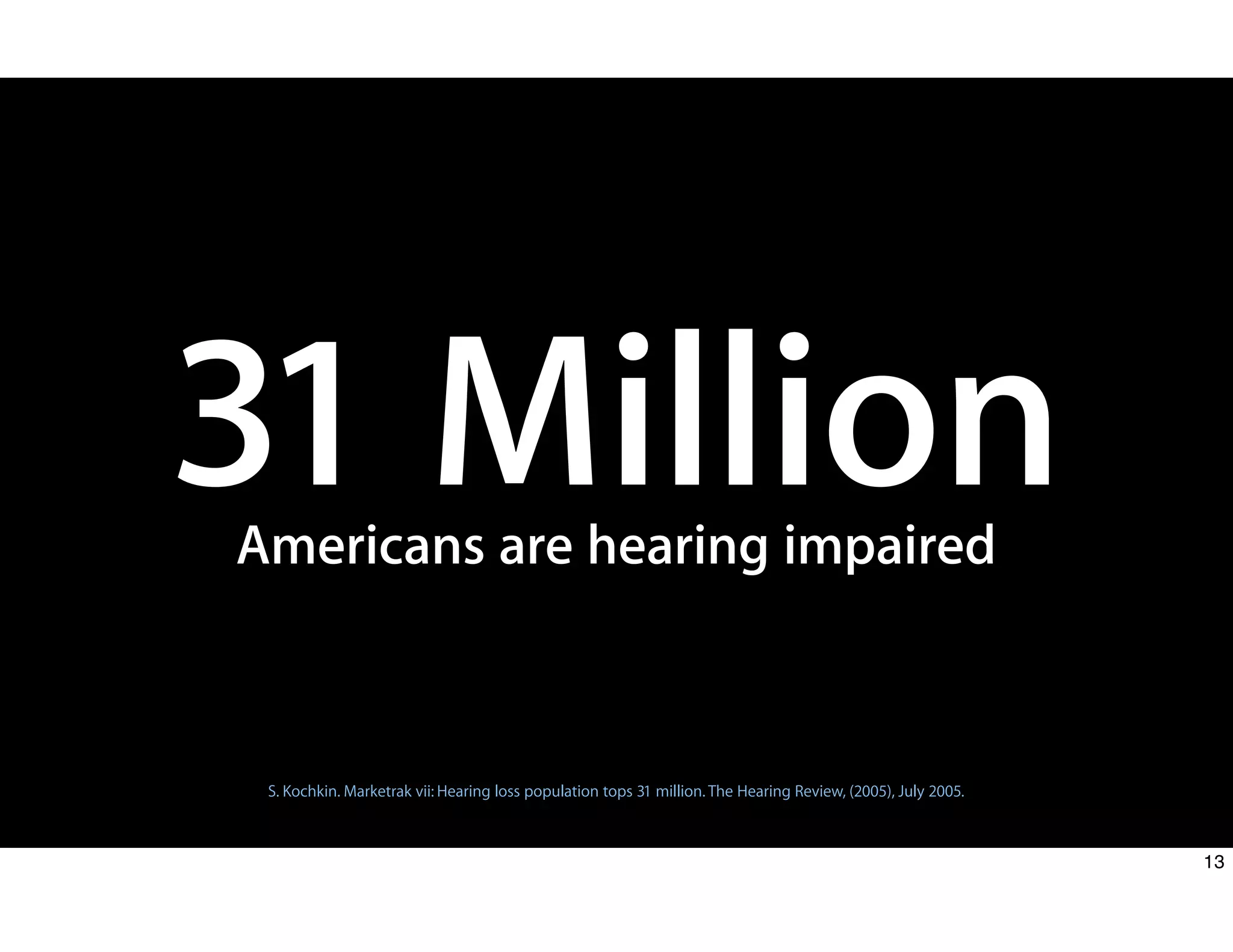
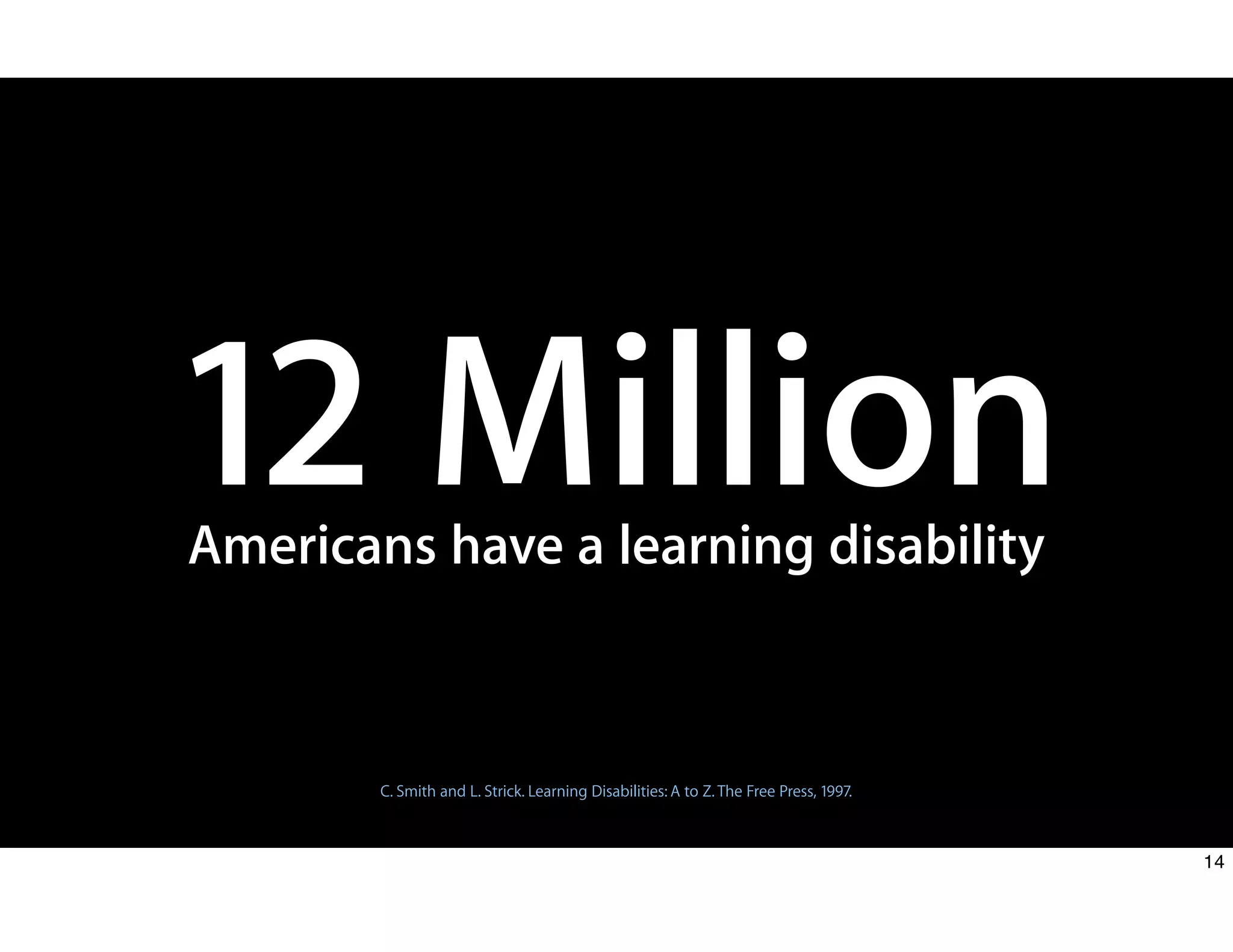
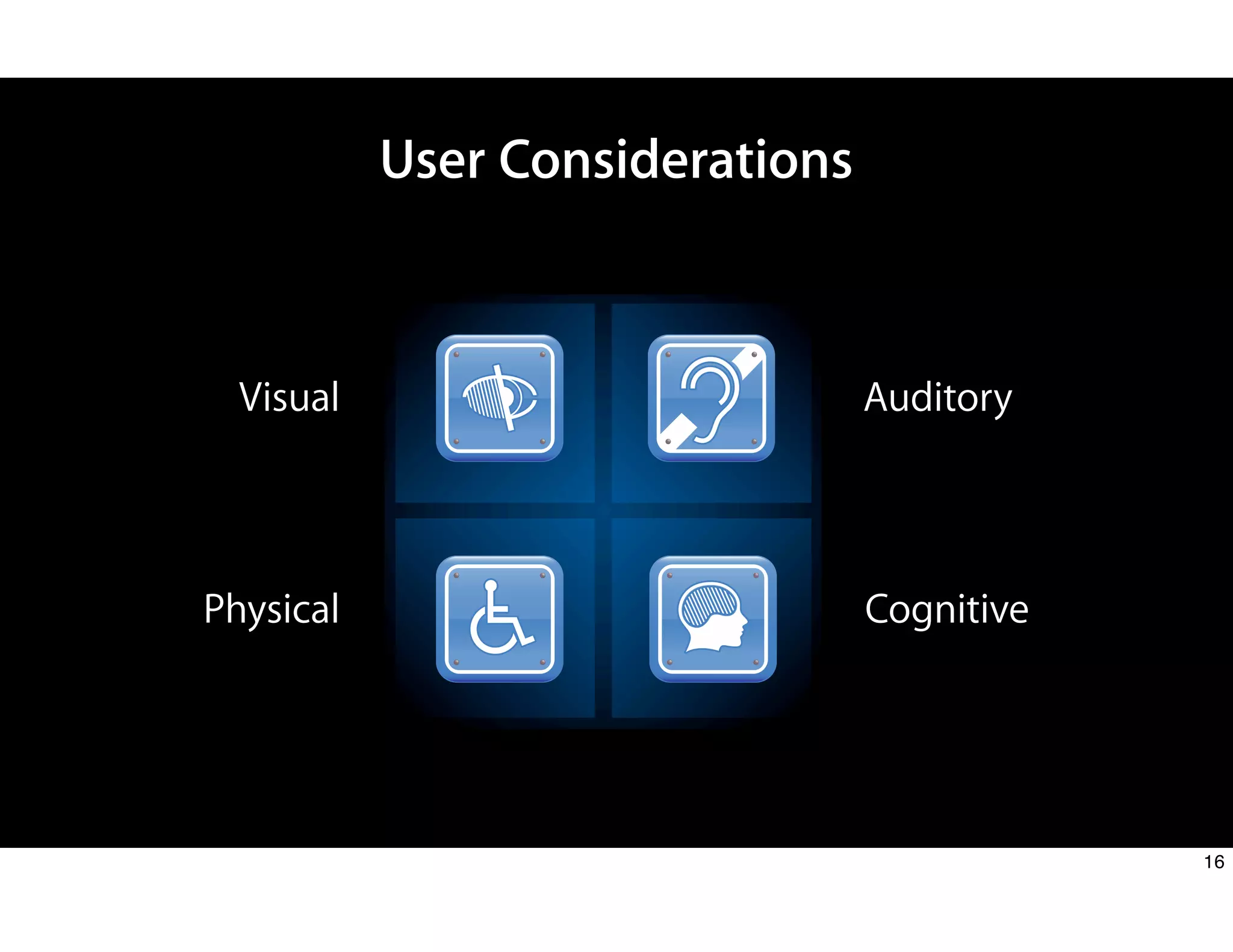
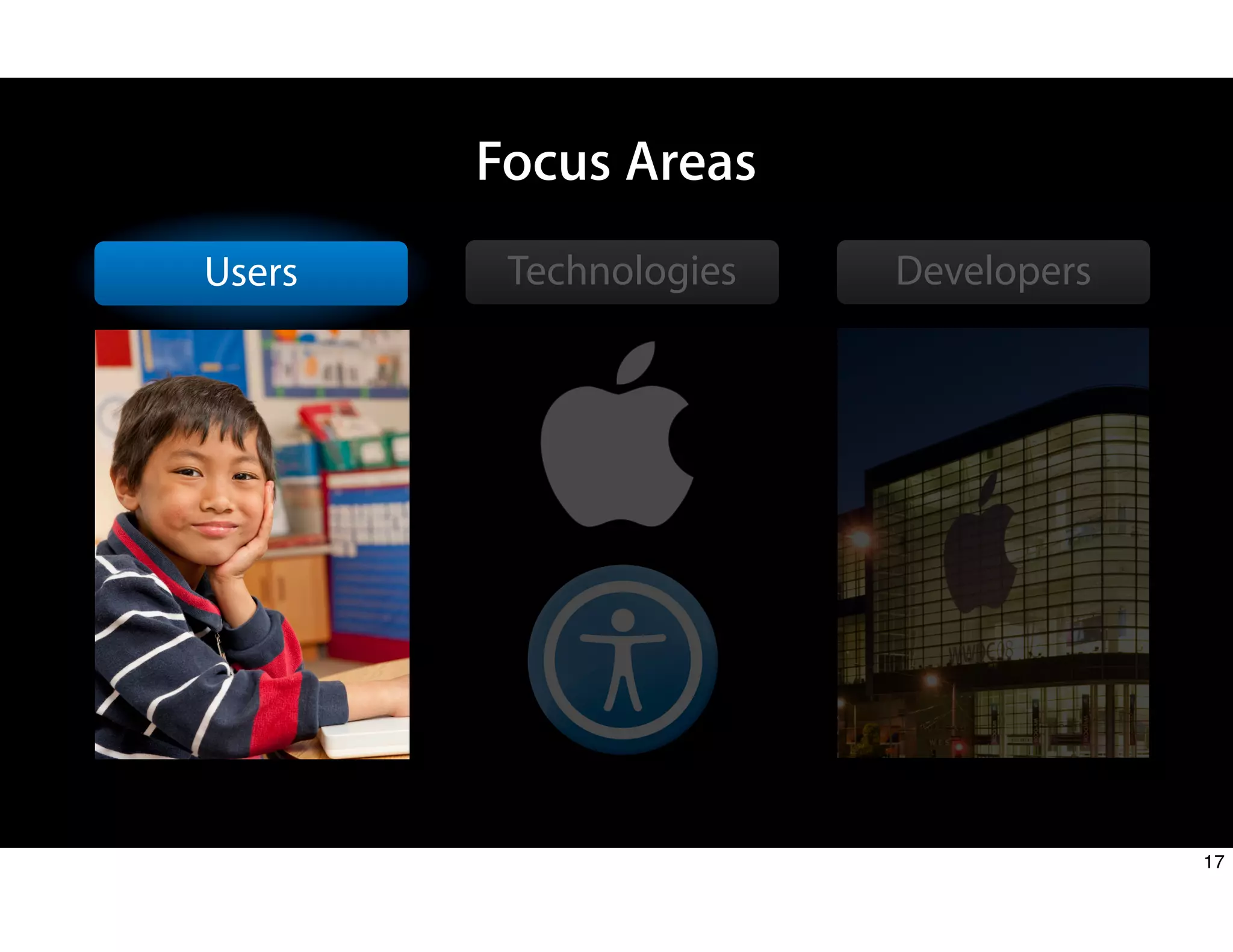
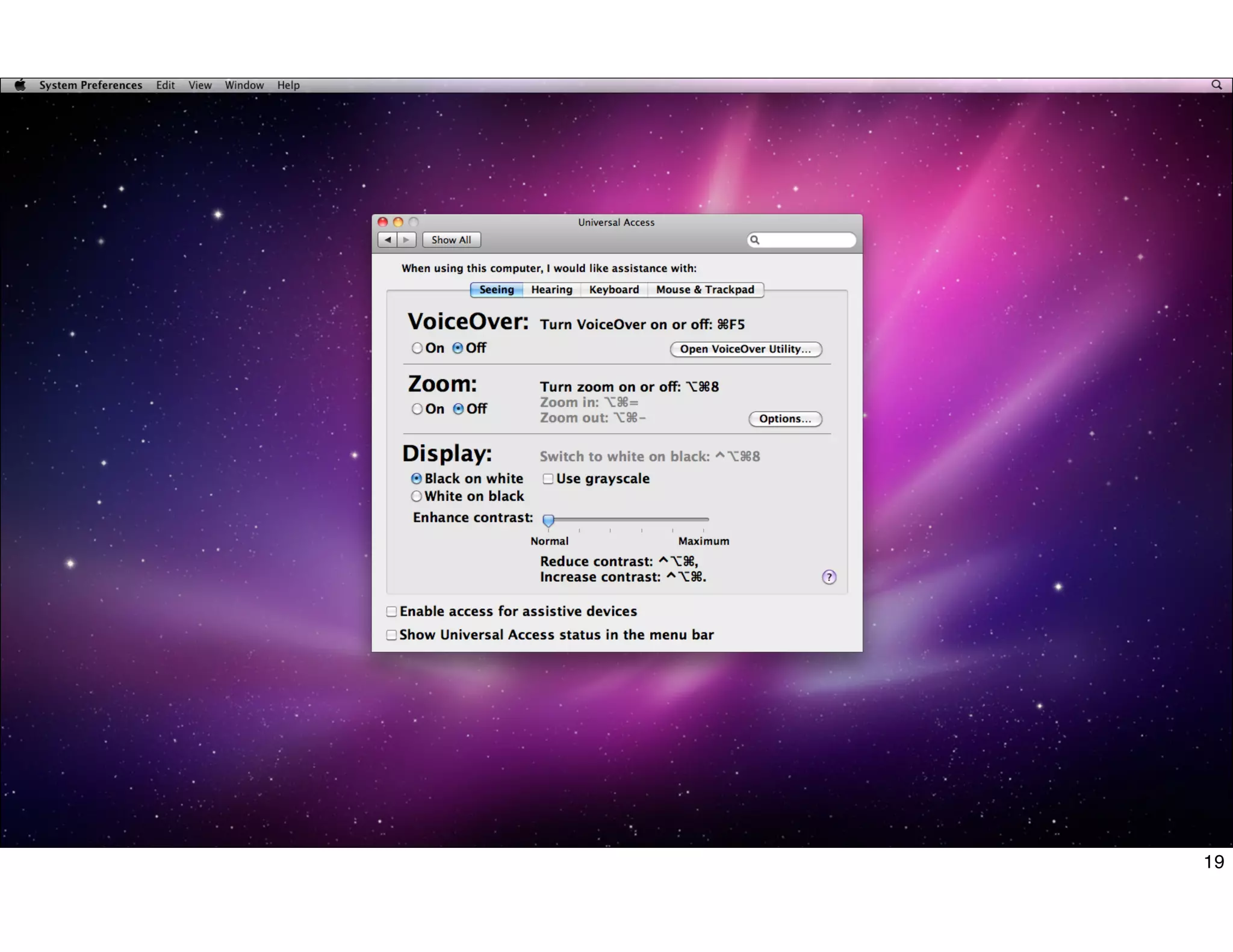
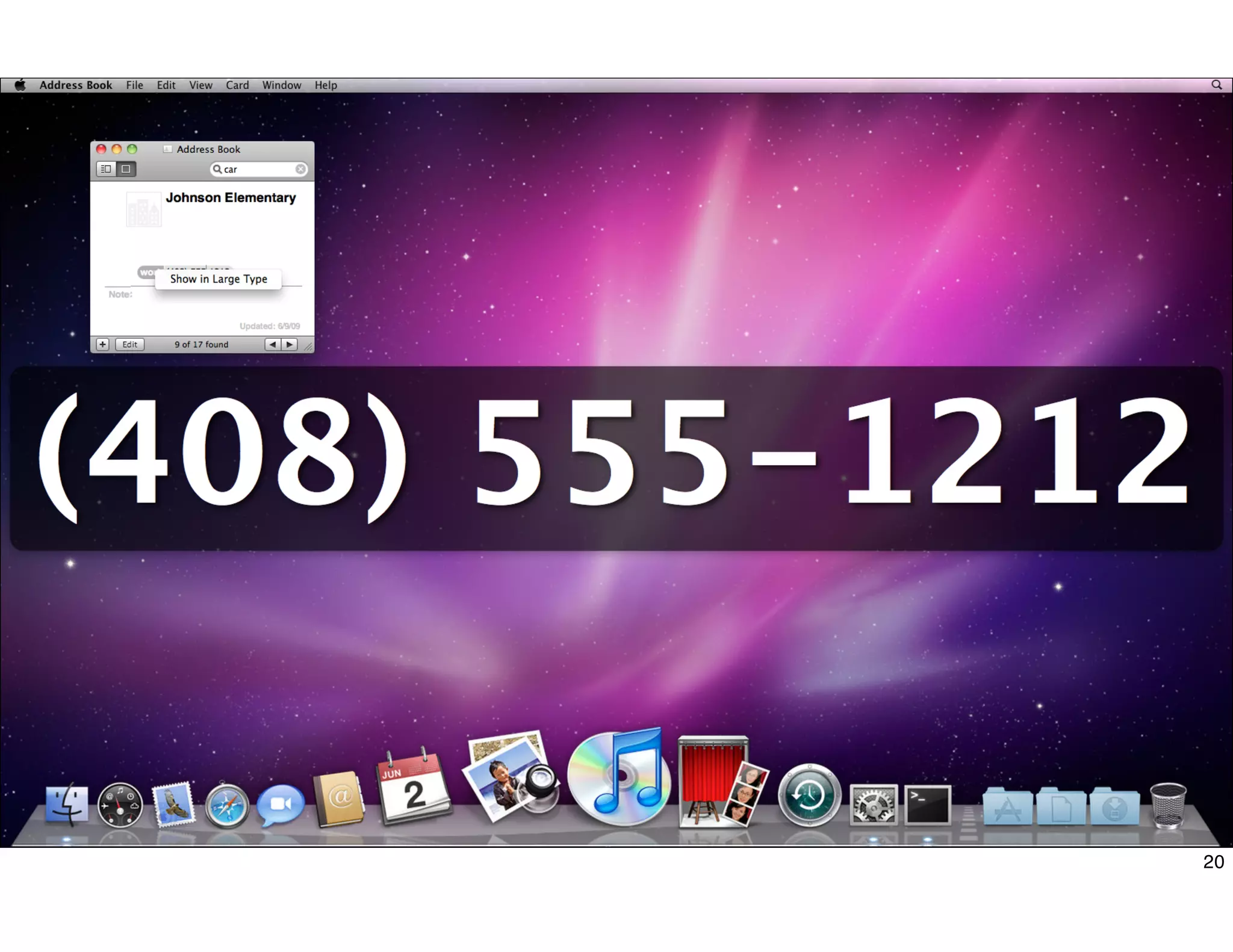
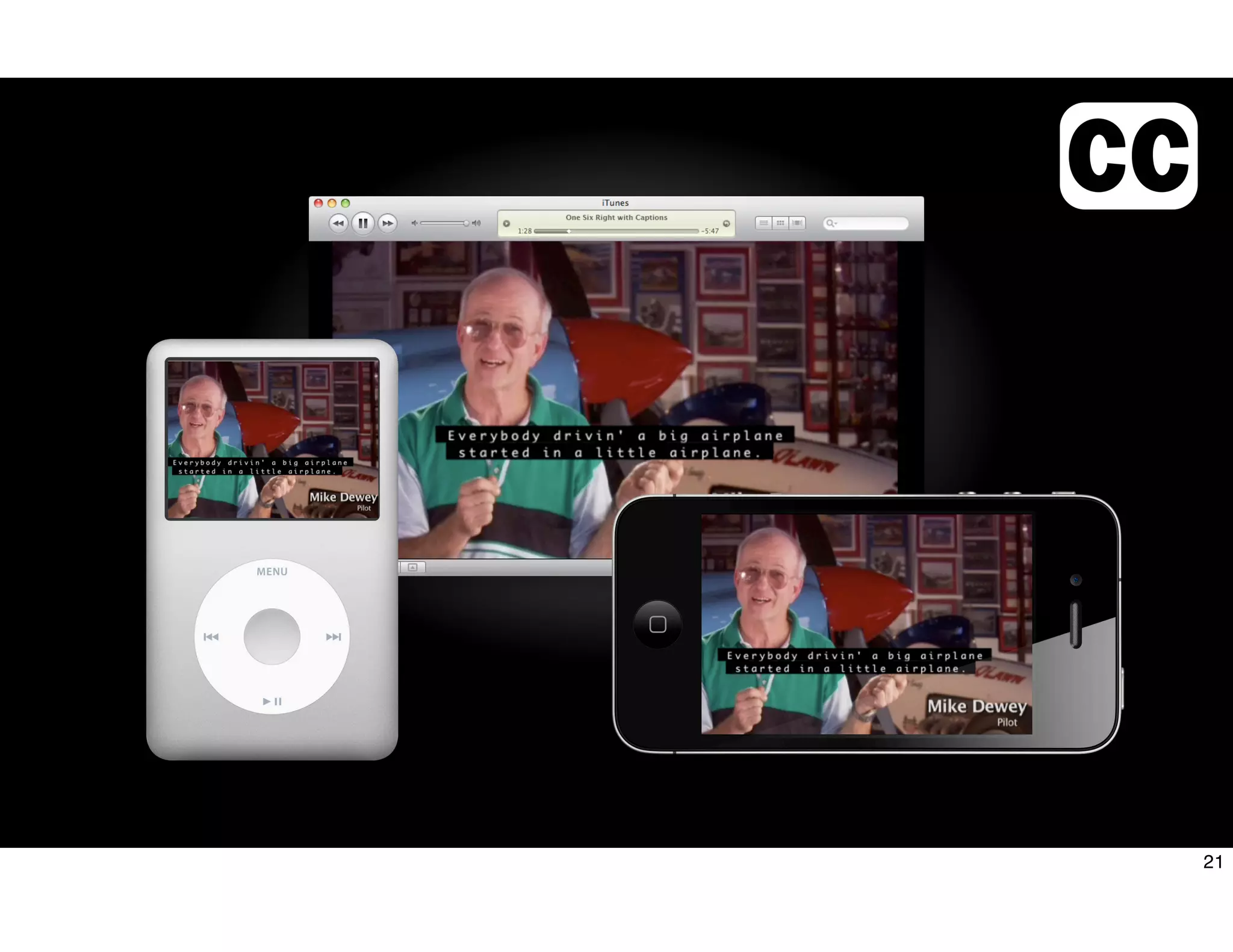
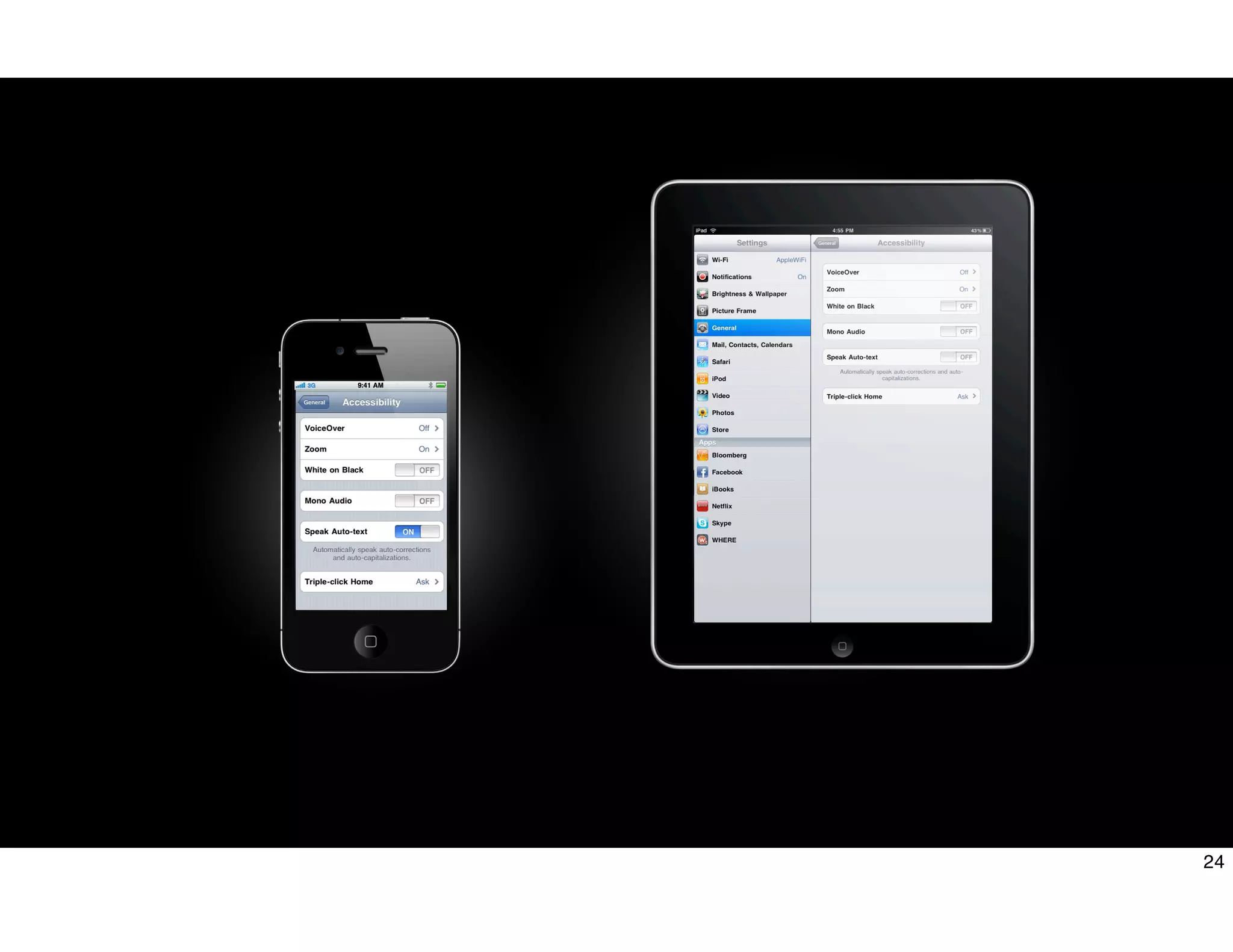
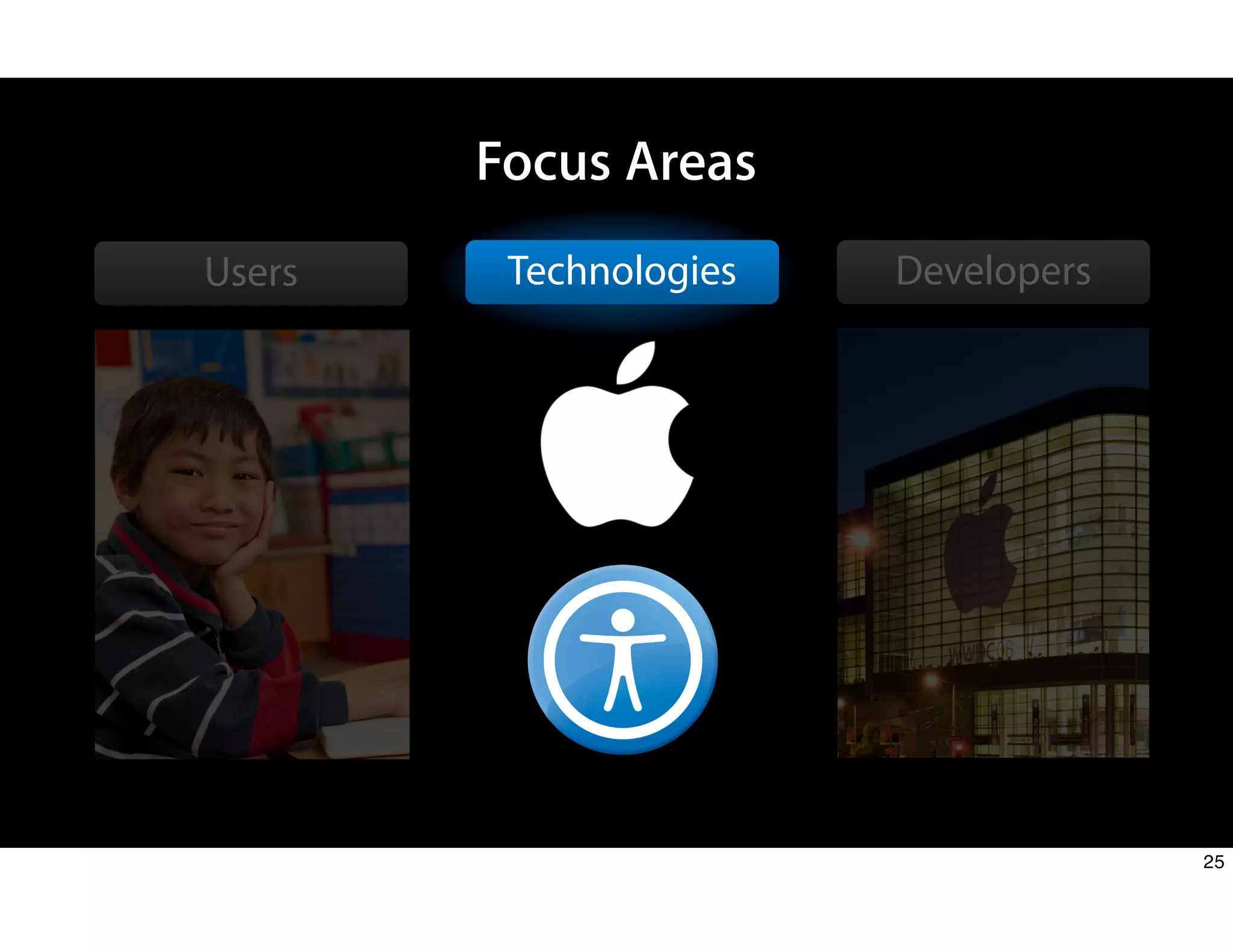
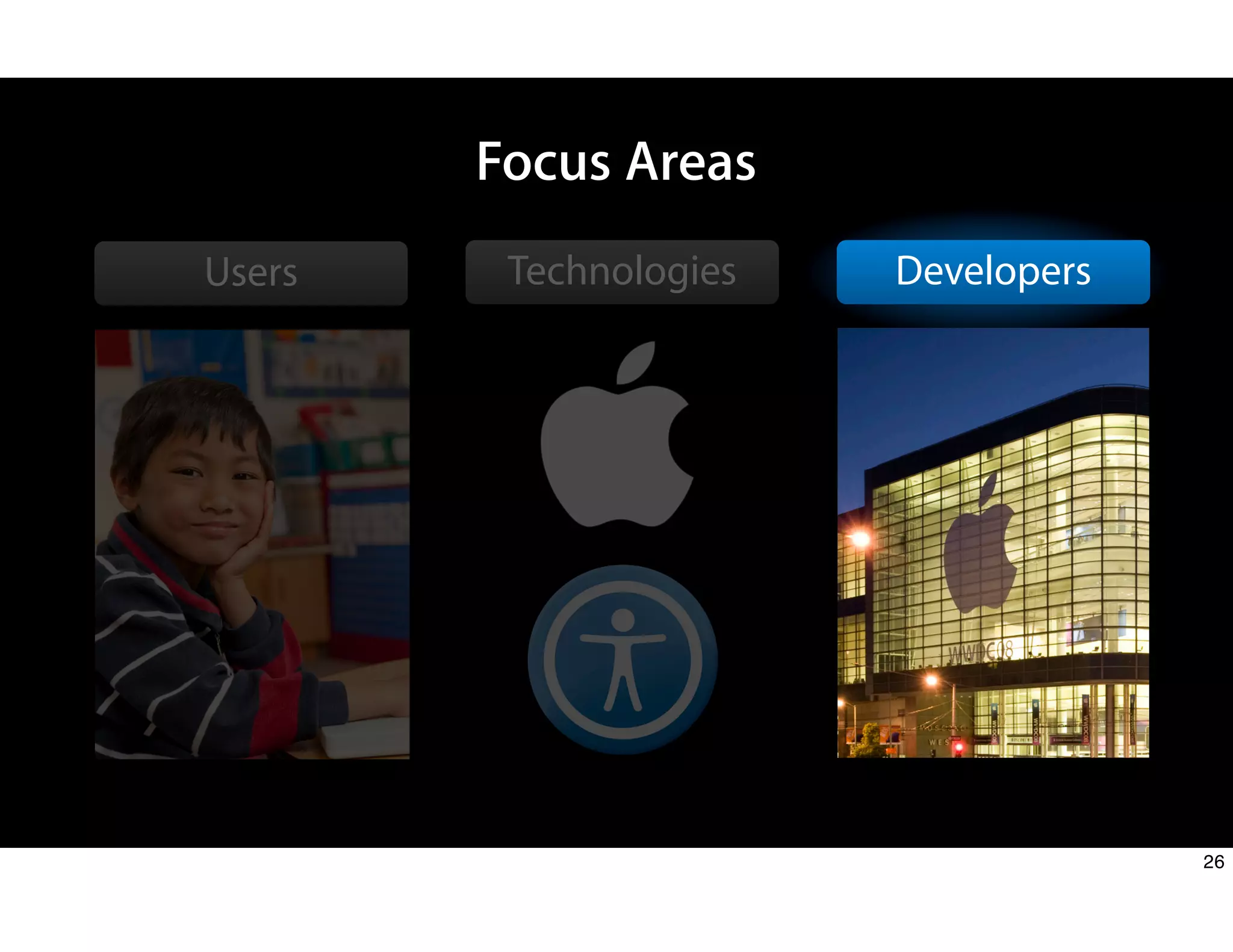
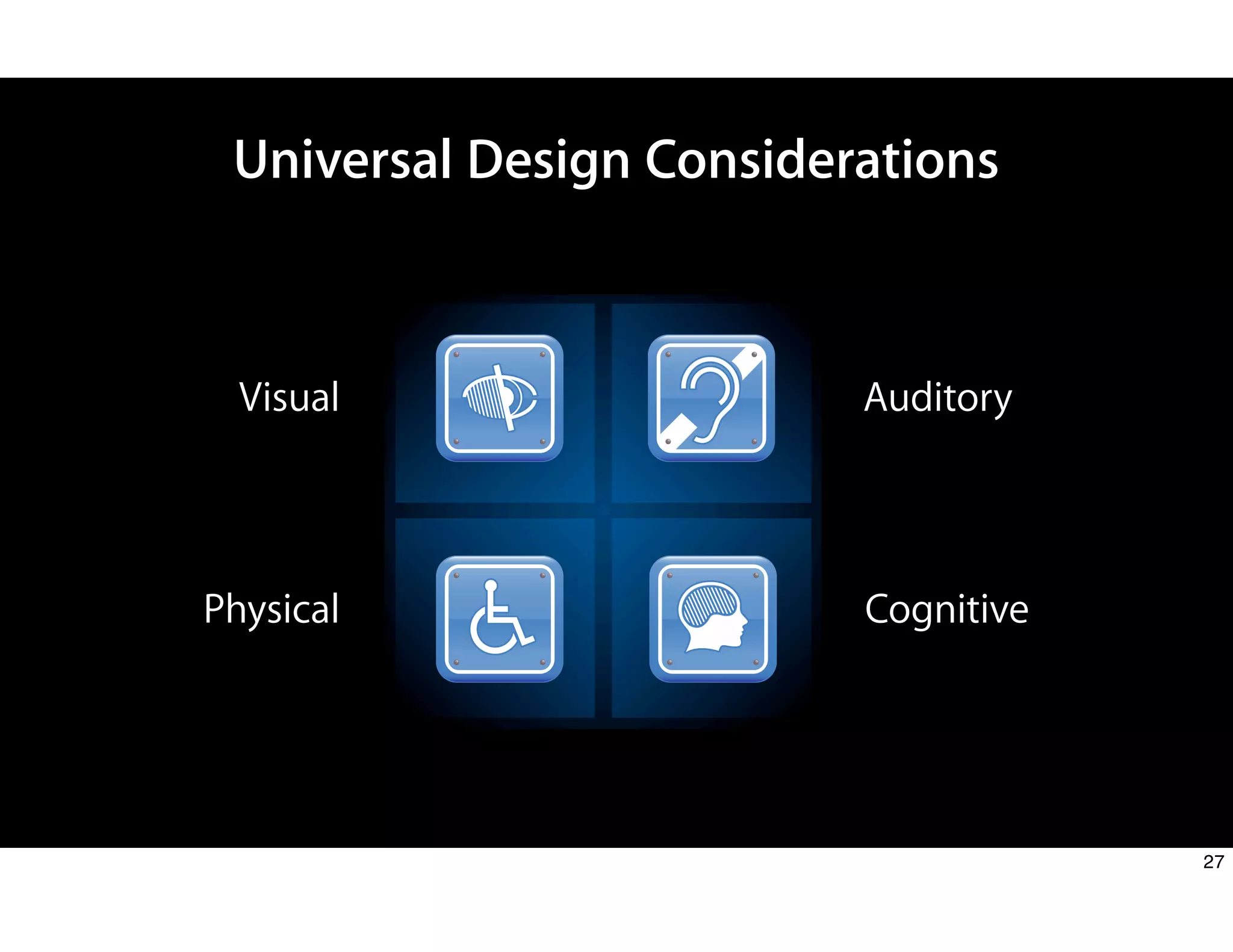
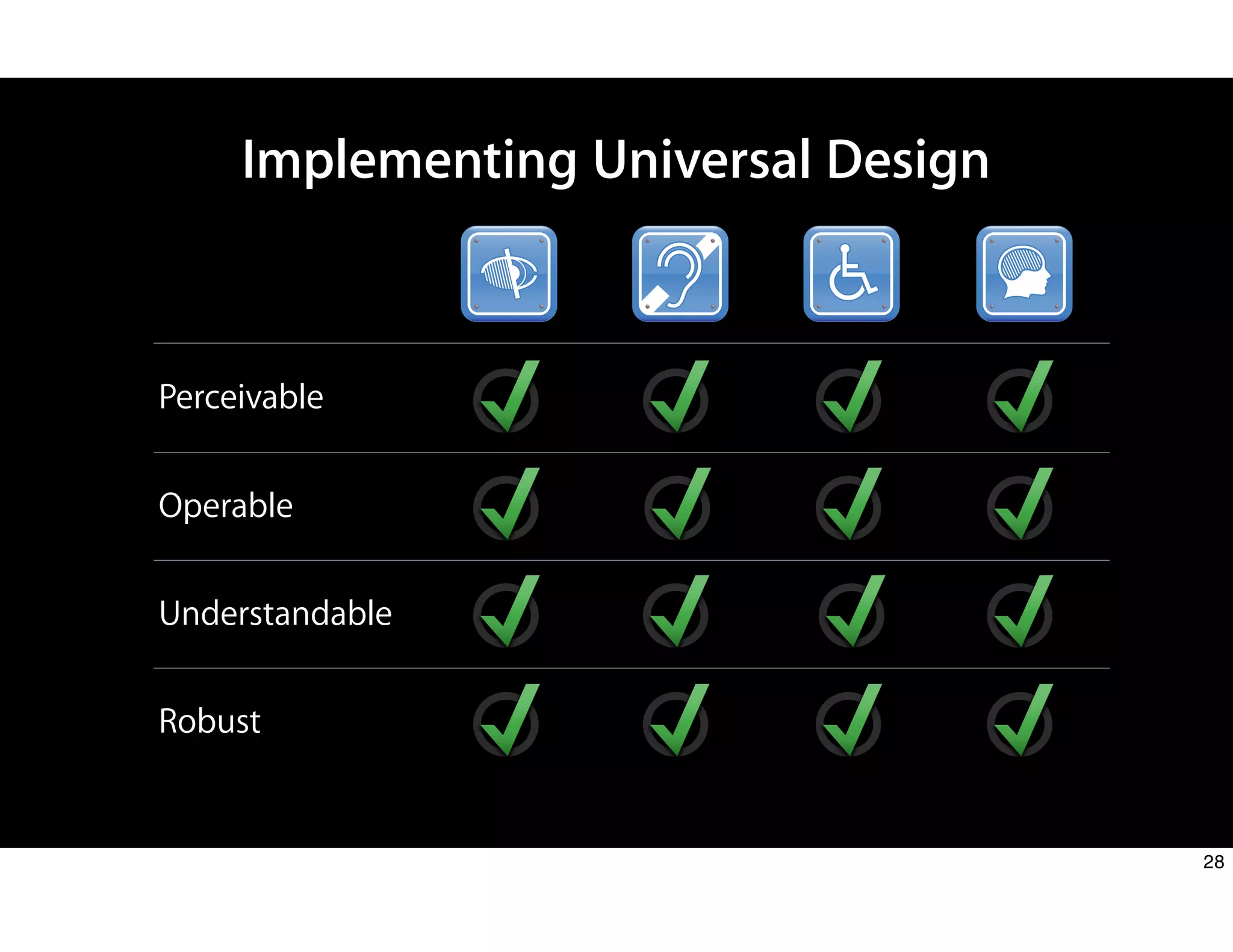
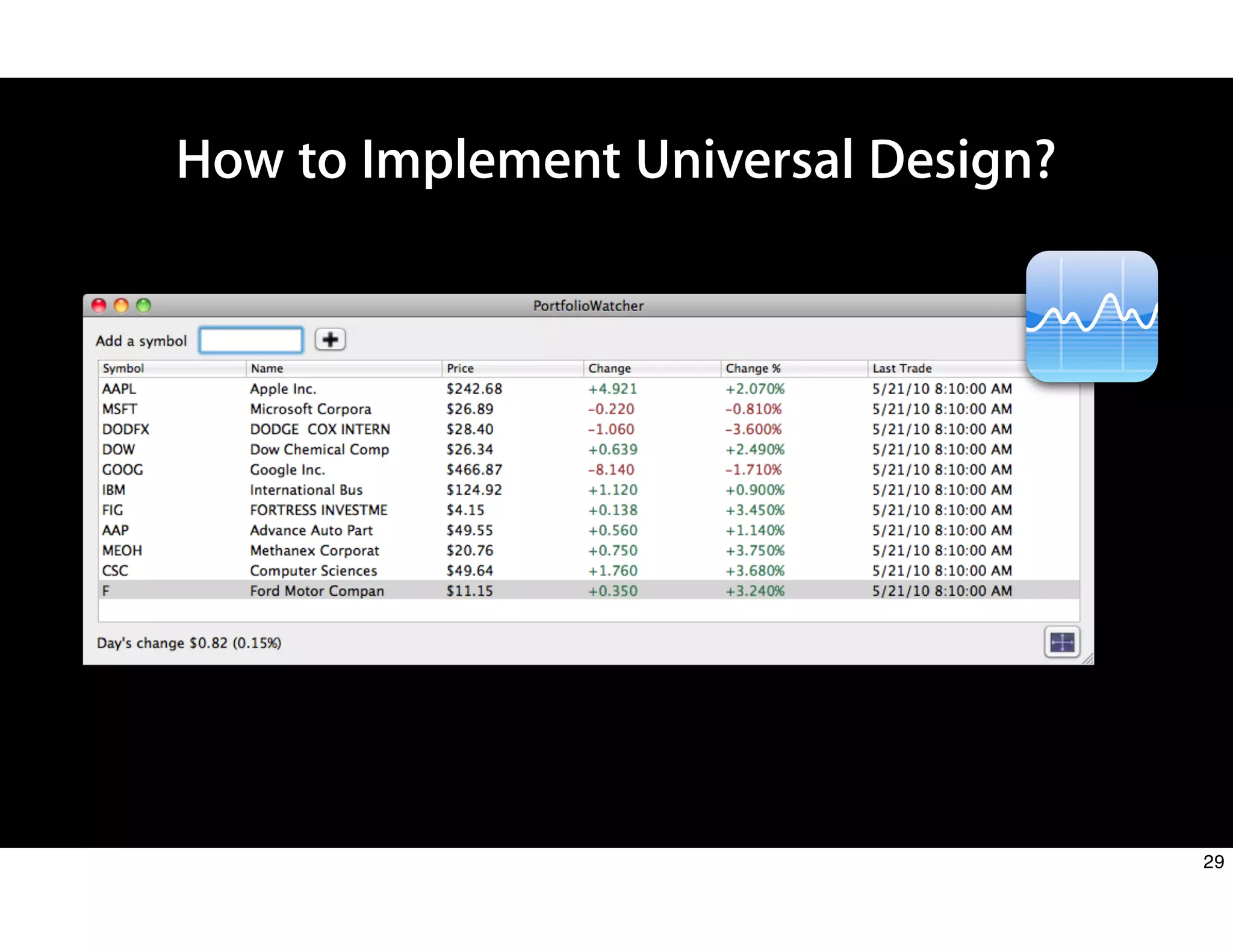
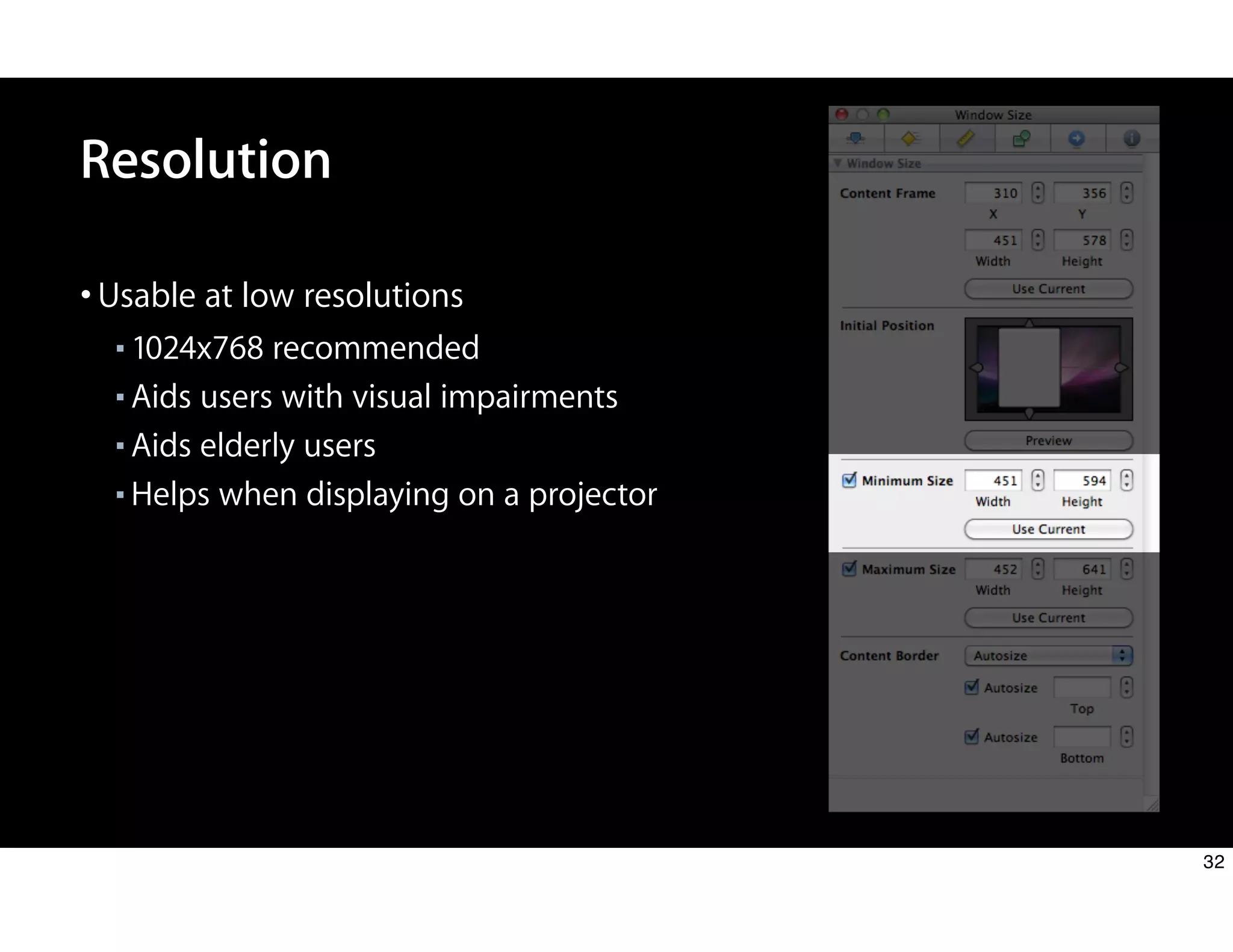
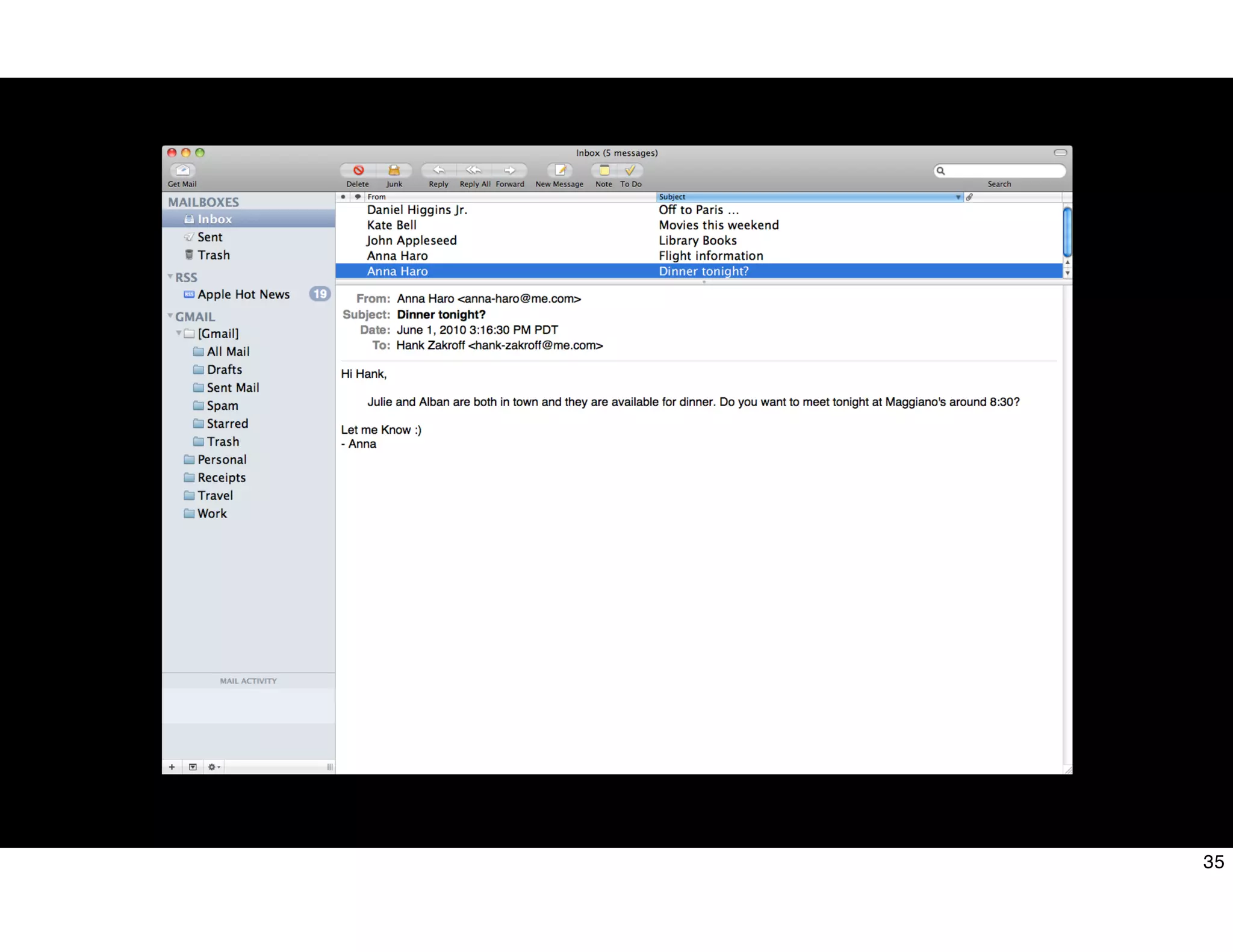
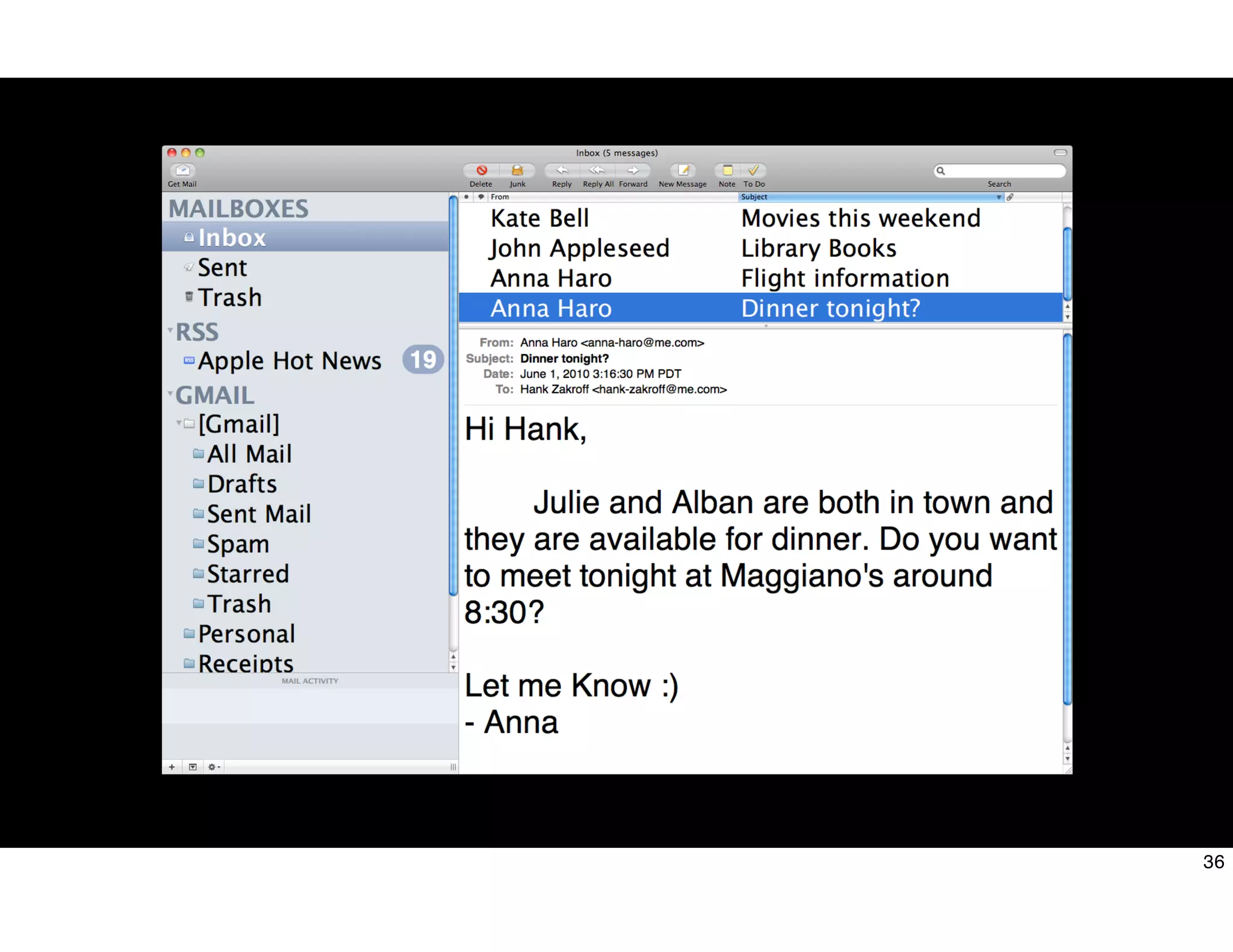
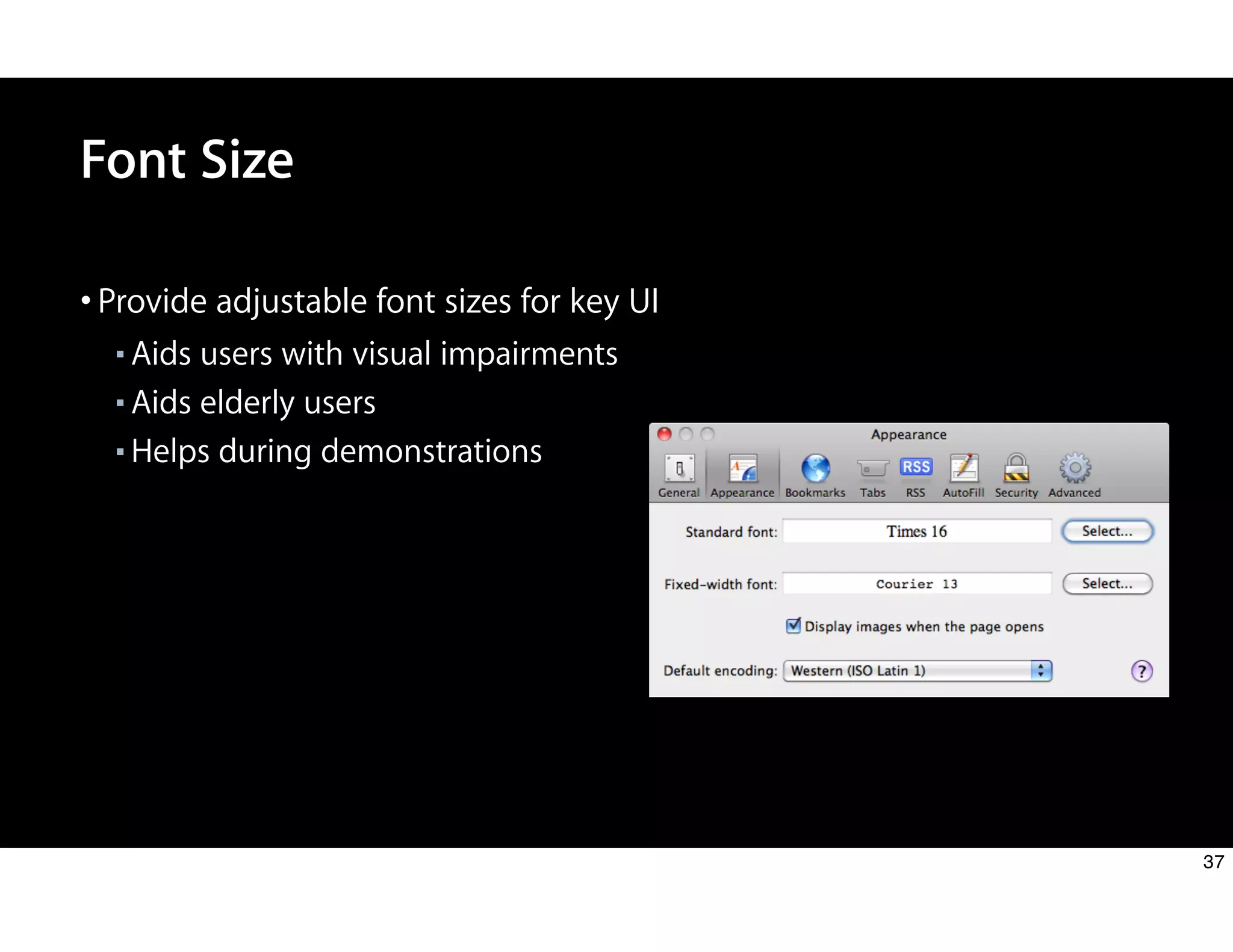
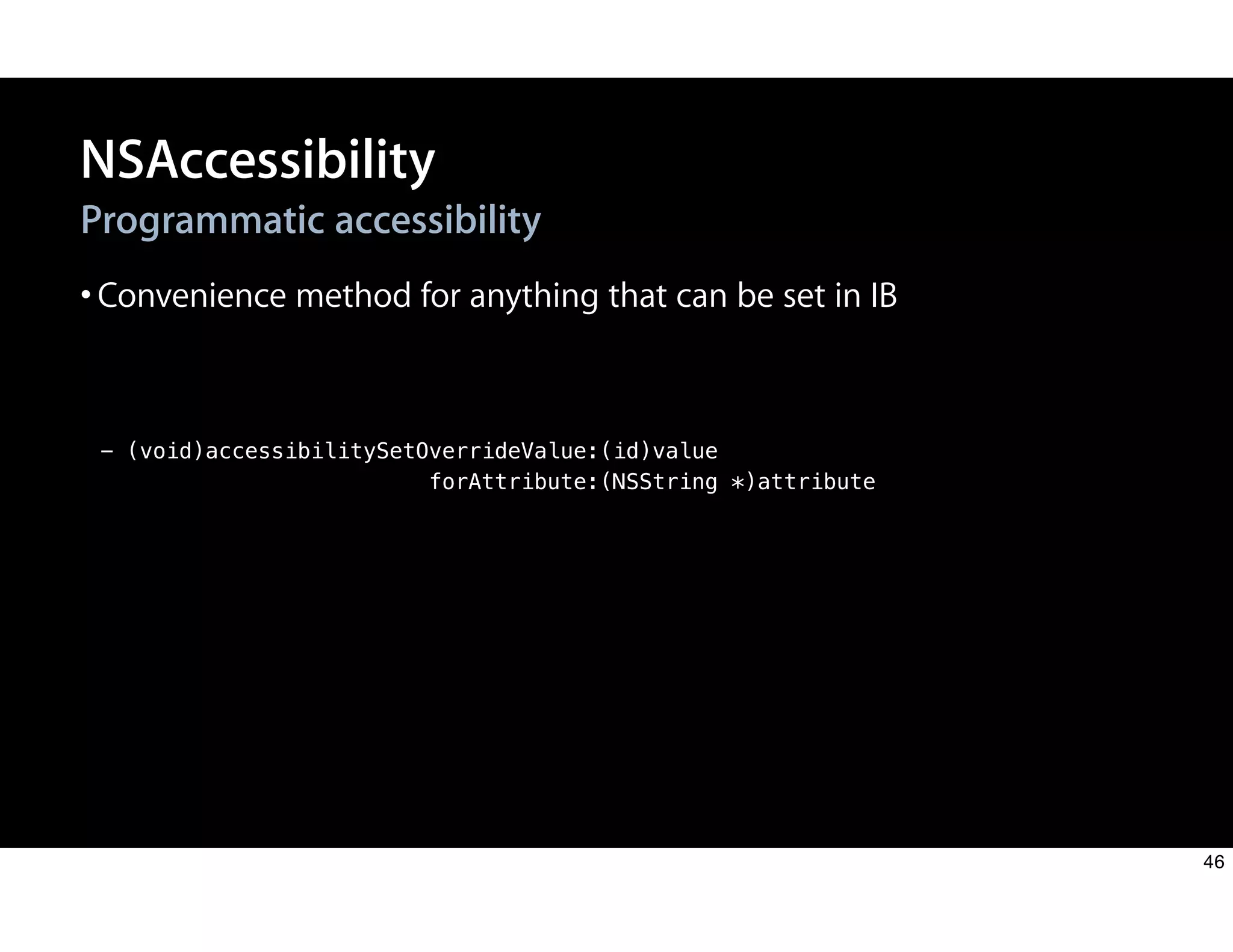
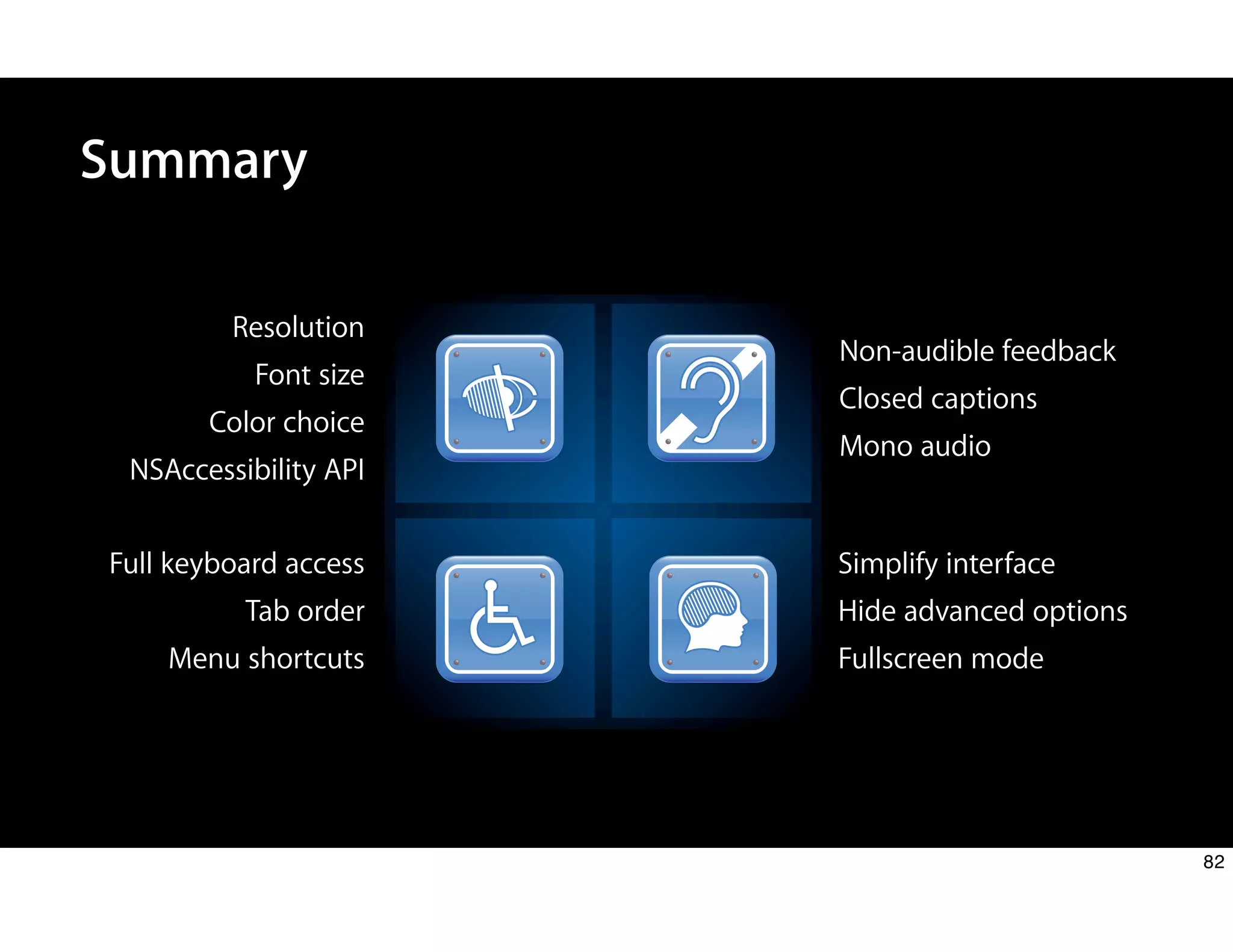
The document discusses design principles for accessibility on Mac OS X. It covers three main focus areas: users, technologies, and developers. For users, it discusses considerations for visual, auditory, cognitive and physical disabilities. It provides examples of built-in accessibility features like VoiceOver, adjustable font sizes, sound alternatives to audio feedback, full keyboard support, and simplifying interfaces. For developers, it recommends following principles of perceivable, operable, understandable and robust design when implementing universal access.


![10 Million
Americans are visually impaired
www.afb.org/info_documents.asp?collectionid=15 [Mar 25, 2008]
12](https://image.slidesharecdn.com/session100-usablebyeverybodydesignprinciplesforaccessibilityonmacosx-101031073701-phpapp01/75/Session-100-usable-by-everybody-design-principles-for-accessibility-on-mac-os-x-11-2048.jpg)

![- (NSUInteger)adjustedSystemFontSize
{
NSUserDefaults *defaults = [NSUserDefaults standardUserDefaults];
CGFloat fontSize = [defaults floatForKey:@”fontSize”];
if ( fontSize < 8.0f )
{
return [NSFont systemFontSize];
}
return fontSize;
}
Adjust UI Font Size
38](https://image.slidesharecdn.com/session100-usablebyeverybodydesignprinciplesforaccessibilityonmacosx-101031073701-phpapp01/75/Session-100-usable-by-everybody-design-principles-for-accessibility-on-mac-os-x-37-2048.jpg)
![- (NSFont *)adjustedSystemFont
{
CGFloat newSize = [self adjustedSystemFontSize];
return [NSFont systemFontOfSize:newSize];
}
Adjust system fonts
Adjust UI Font Size
39](https://image.slidesharecdn.com/session100-usablebyeverybodydesignprinciplesforaccessibilityonmacosx-101031073701-phpapp01/75/Session-100-usable-by-everybody-design-principles-for-accessibility-on-mac-os-x-38-2048.jpg)
![- (void)updateFonts
{
[myTextLabel setFont:[self offsetFontForElement:myTextLabel];
[myTextLabel2 setFont:[self offsetFontForElement:myTextLabel2];
}
Apply to an element
Adjust UI Font Size
40](https://image.slidesharecdn.com/session100-usablebyeverybodydesignprinciplesforaccessibilityonmacosx-101031073701-phpapp01/75/Session-100-usable-by-everybody-design-principles-for-accessibility-on-mac-os-x-39-2048.jpg)
![- (void)updateFonts
{
NSLayoutManager *layoutManager = [[NSLayoutManager alloc] init];
NSFont *newFont = [self adjustedSystemFont];
for ( NSTableColumn *column in [myTable tableColumns] )
{
id dataCell = [column dataCell];
[dataCell setFont:newFont];
}
CGFloat desiredHeight = [layoutManager defaultLineHeightForFont:newFont];
[myTable setRowHeight:desiredHeight + 1];
[layoutManager release];
}
Apply to an NSTable
Adjust UI Font Size
41](https://image.slidesharecdn.com/session100-usablebyeverybodydesignprinciplesforaccessibilityonmacosx-101031073701-phpapp01/75/Session-100-usable-by-everybody-design-principles-for-accessibility-on-mac-os-x-40-2048.jpg)



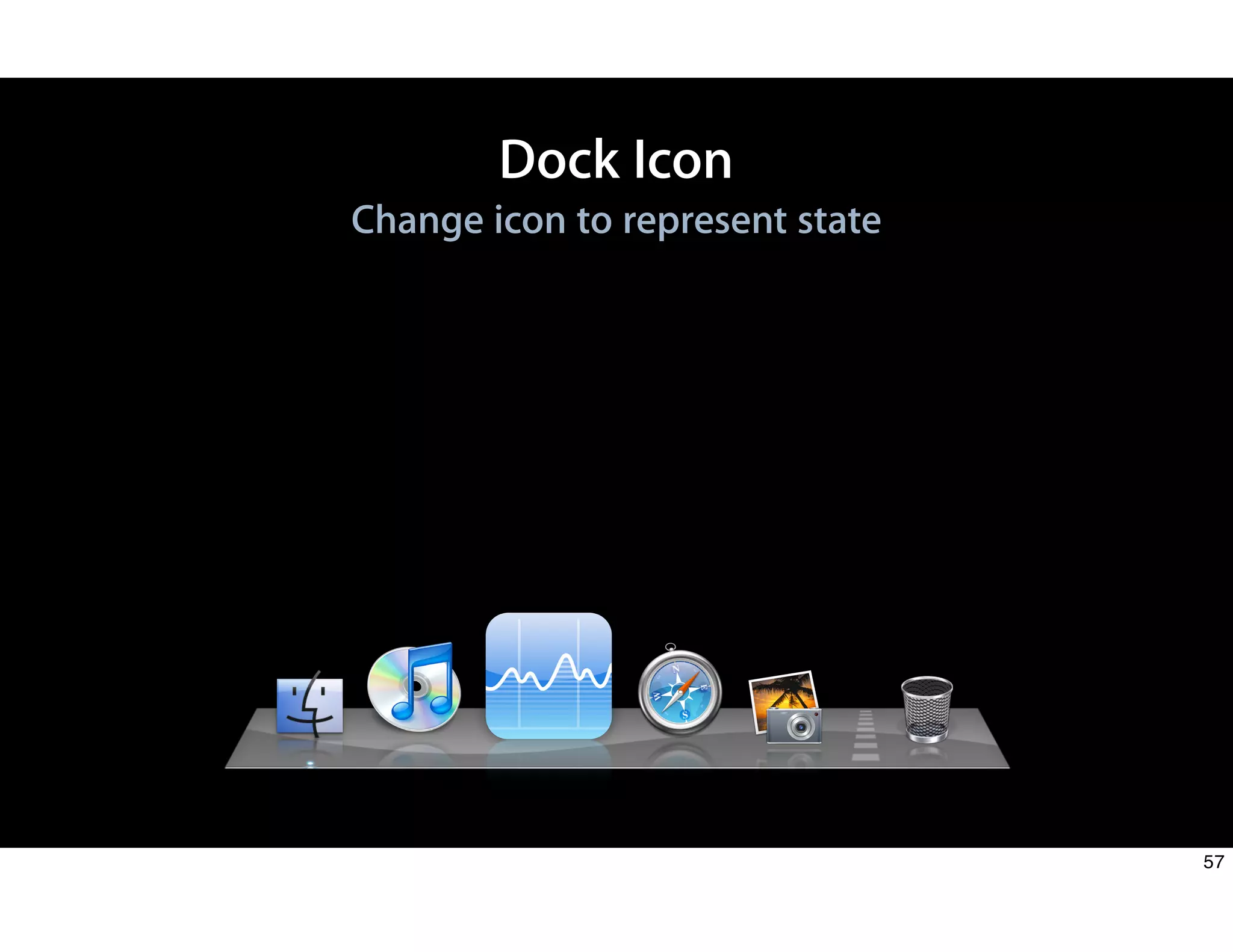
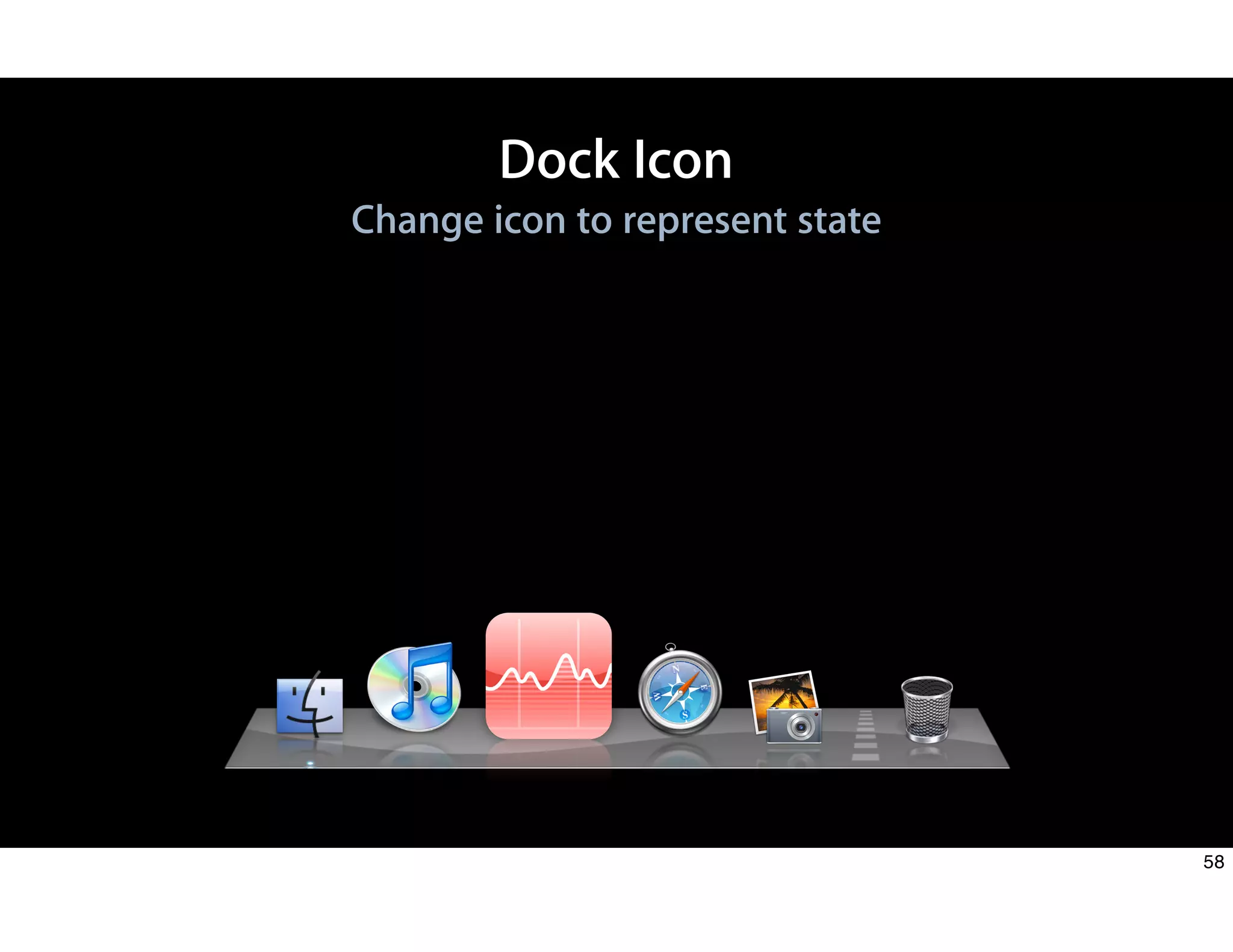
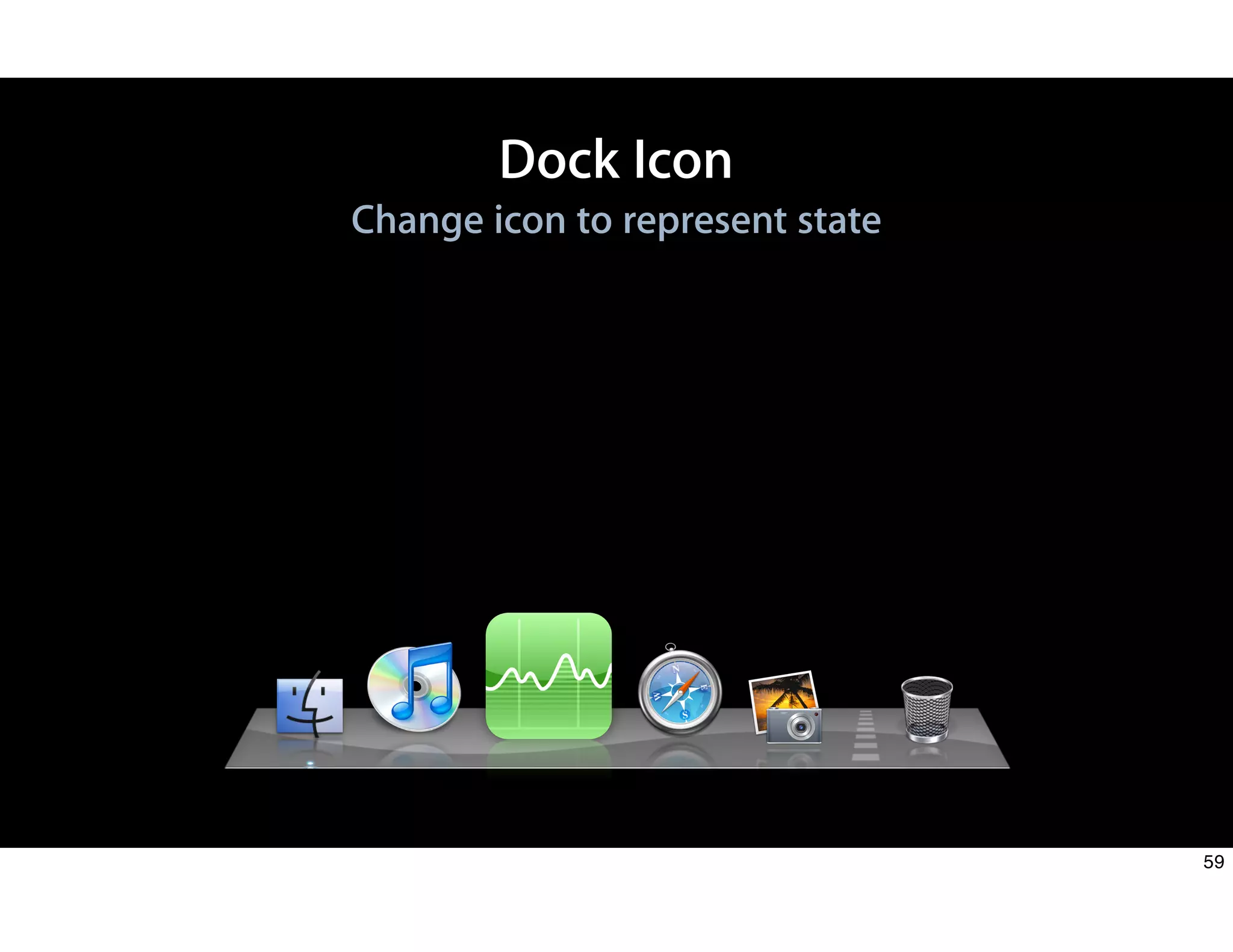
![Dock Icon
Change icon to represent state
NSImage *myImage = [NSImage imageNamed:imageName];
[NSApp setApplicationIconImage: myImage];
60](https://image.slidesharecdn.com/session100-usablebyeverybodydesignprinciplesforaccessibilityonmacosx-101031073701-phpapp01/75/Session-100-usable-by-everybody-design-principles-for-accessibility-on-mac-os-x-59-2048.jpg)
![Dock Icon
Badge the icon
[[NSApp dockTile] setBadgeLabel:@"1"];
1
61](https://image.slidesharecdn.com/session100-usablebyeverybodydesignprinciplesforaccessibilityonmacosx-101031073701-phpapp01/75/Session-100-usable-by-everybody-design-principles-for-accessibility-on-mac-os-x-60-2048.jpg)
![Dock Icon
Bounce your icon
[NSApp requestUserAttention:NSCriticalRequest];
62](https://image.slidesharecdn.com/session100-usablebyeverybodydesignprinciplesforaccessibilityonmacosx-101031073701-phpapp01/75/Session-100-usable-by-everybody-design-principles-for-accessibility-on-mac-os-x-61-2048.jpg)
![Dock Icon
Bounce your icon
[NSApp requestUserAttention:NSCriticalRequest];
63](https://image.slidesharecdn.com/session100-usablebyeverybodydesignprinciplesforaccessibilityonmacosx-101031073701-phpapp01/75/Session-100-usable-by-everybody-design-principles-for-accessibility-on-mac-os-x-62-2048.jpg)
![Dock Icon
Bounce your icon
[NSApp requestUserAttention:NSCriticalRequest];
64](https://image.slidesharecdn.com/session100-usablebyeverybodydesignprinciplesforaccessibilityonmacosx-101031073701-phpapp01/75/Session-100-usable-by-everybody-design-principles-for-accessibility-on-mac-os-x-63-2048.jpg)


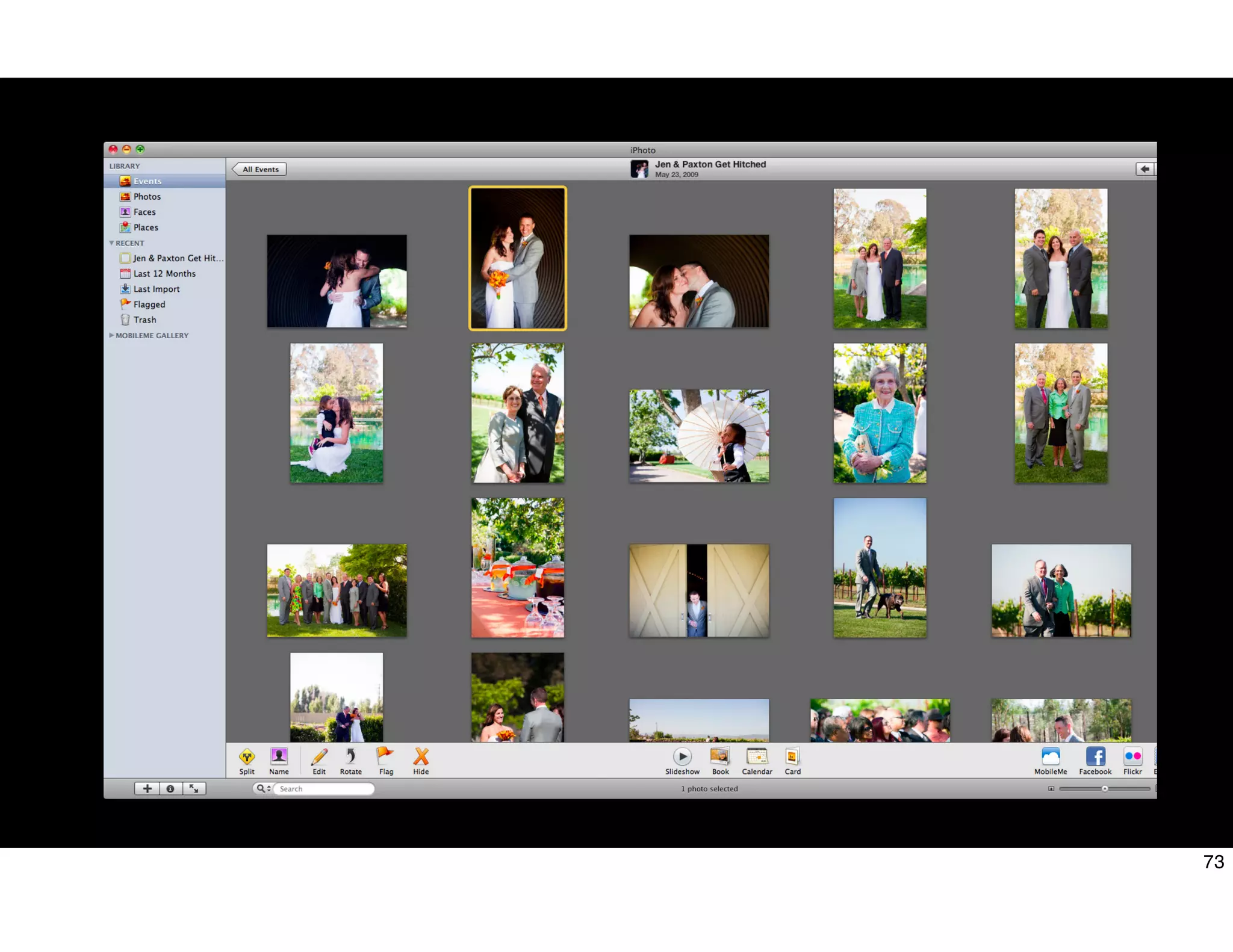
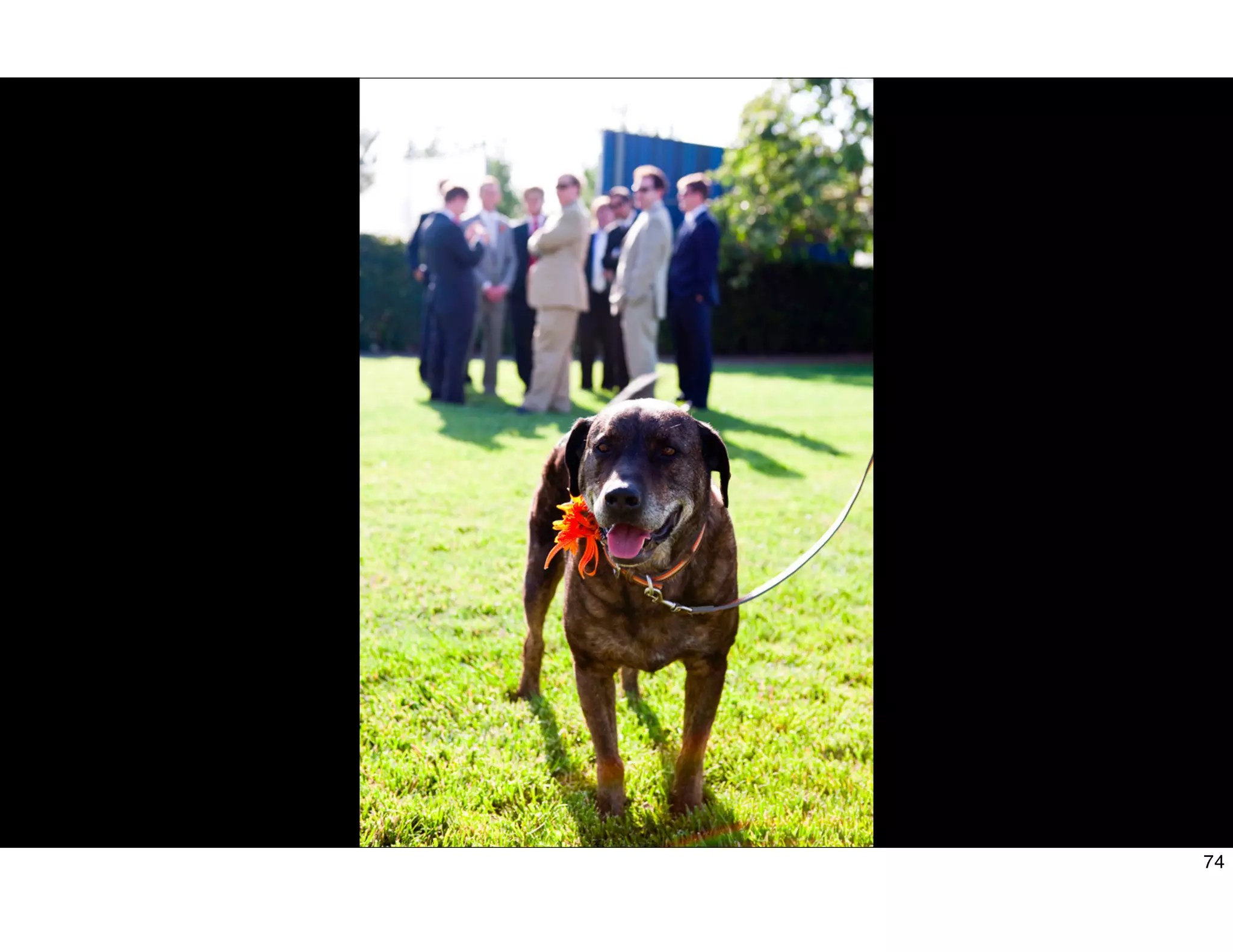
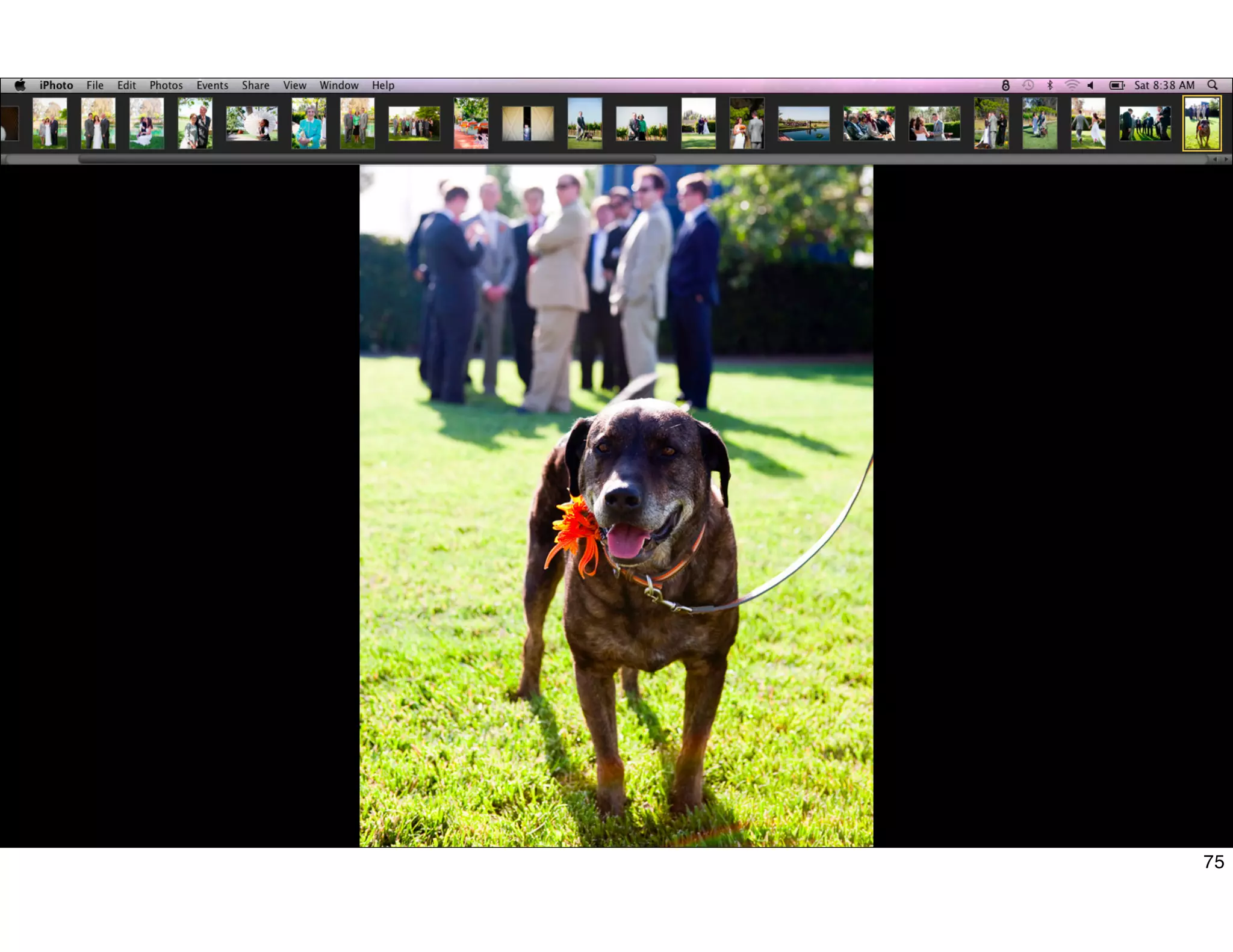
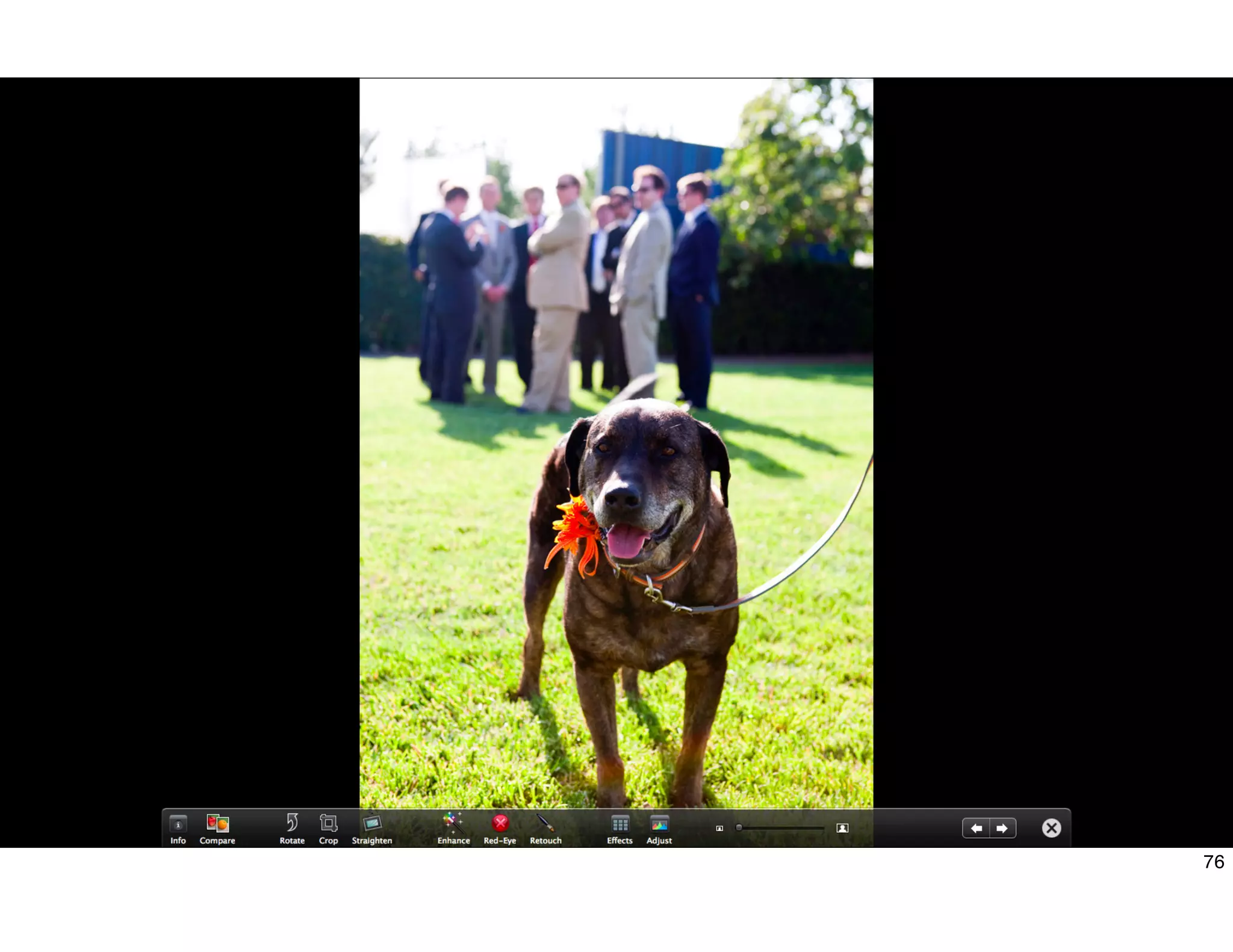
![Fullscreen Mode
Bring an NSView into fullscreen to limit distractions
- (IBAction)enterFullScreen:(id)sender
{
[fullScreenView enterFullScreenMode:[NSScreen mainScreen] withOptions:nil];
}
77](https://image.slidesharecdn.com/session100-usablebyeverybodydesignprinciplesforaccessibilityonmacosx-101031073701-phpapp01/75/Session-100-usable-by-everybody-design-principles-for-accessibility-on-mac-os-x-76-2048.jpg)






![Moho Pro 14.4 Crack for MacOS Works Until 2050 [Latest] pptx](https://cdn.slidesharecdn.com/ss_thumbnails/softwareoverview-251207192639-797289c4-thumbnail.jpg?width=640&height=640&fit=bounds)
![CleanMyMac X v5.2.8 Crack for MacOS Full Version [Latest] pptx](https://cdn.slidesharecdn.com/ss_thumbnails/softwareoverview-251207194121-a81f0142-thumbnail.jpg?width=640&height=640&fit=bounds)
![Driver Easy Pro Key 7.1.0.2641 Full Mac Crack Free Activated Download [2026]....](https://cdn.slidesharecdn.com/ss_thumbnails/software-251207185324-b2fb71b4-thumbnail.jpg?width=640&height=640&fit=bounds)
![PowerISO 9.2 Mac Crack + Serial Key Free Download 2026 [Latest] Software.pptx](https://cdn.slidesharecdn.com/ss_thumbnails/software-251207185653-5d5700e6-thumbnail.jpg?width=640&height=640&fit=bounds)
![WinRAR Crack 7.13 Final Mac Keygen 2026 Download [Latest] Software.pptx](https://cdn.slidesharecdn.com/ss_thumbnails/software-251207185858-eb450678-thumbnail.jpg?width=640&height=640&fit=bounds)


