UI/UXDESIGN COURSE
INTRODUCTION
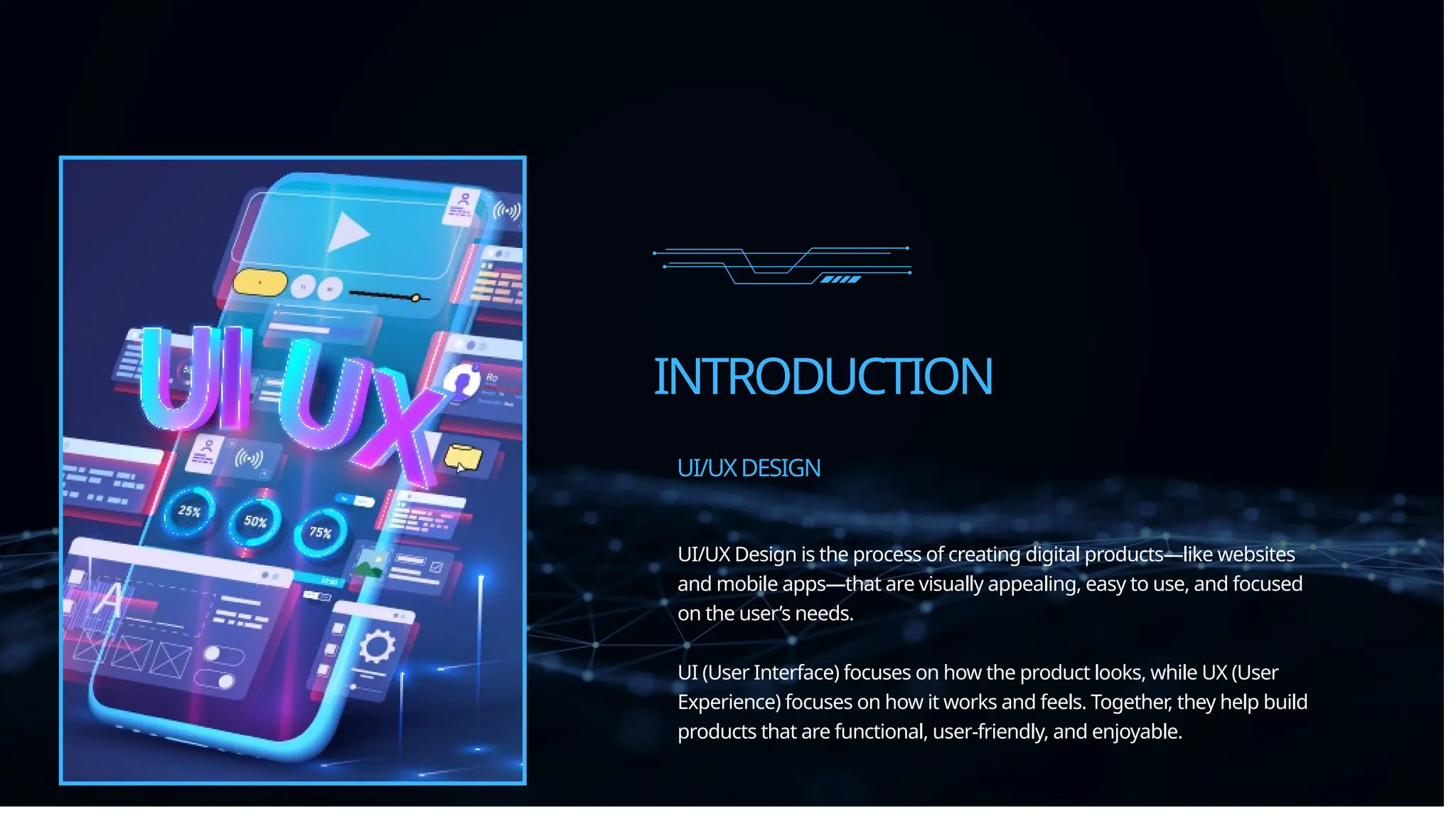
UI/UX Design is the process of creating digital products—like websites
and mobile apps—that are visually appealing, easy to use, and focused
on the user’s needs.
UI (User Interface) focuses on how the product looks, while UX (User
Experience) focuses on how it works and feels. Together, they help build
products that are functional, user-friendly, and enjoyable.
UI/UXDESIGN
UNDERSTANDINGTHEDIFFERENCE:UI/UX
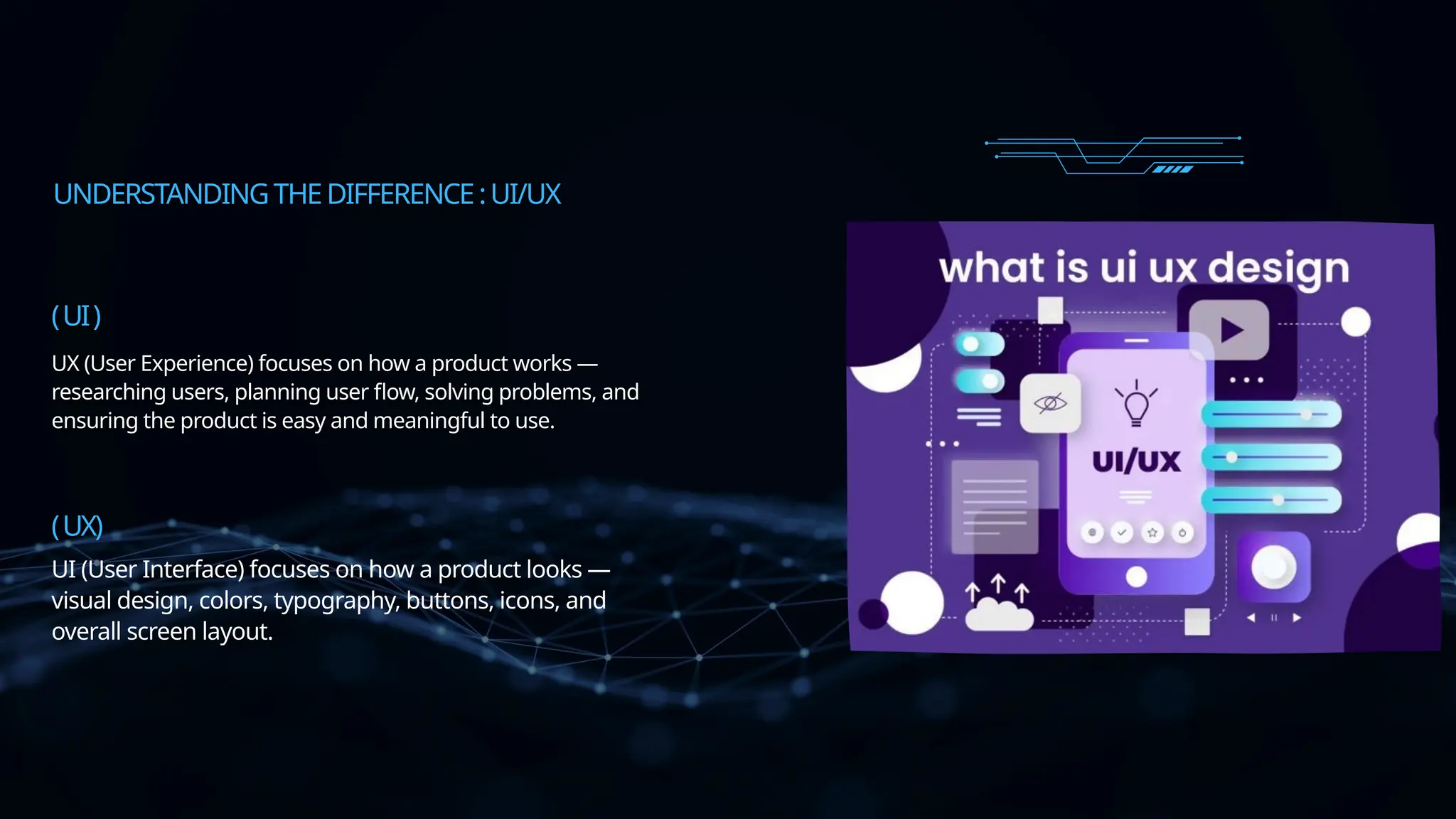
UI (User Interface) focuses on how a product looks —
visual design, colors, typography, buttons, icons, and
overall screen layout.
UX (User Experience) focuses on how a product works —
researching users, planning user flow, solving problems, and
ensuring the product is easy and meaningful to use.
(UI)
(UX)
THEDESIGNTHINKINGPROCESS
Understand users, their
behaviors, and their pain
points.
EMPATHIZE
Identify the core problem
based on research.
DEFINE
Brainstorm creative ideas
and possible solutions.
IDEATE
Build simple models or
mockups of the solution.
PROTOTYPE
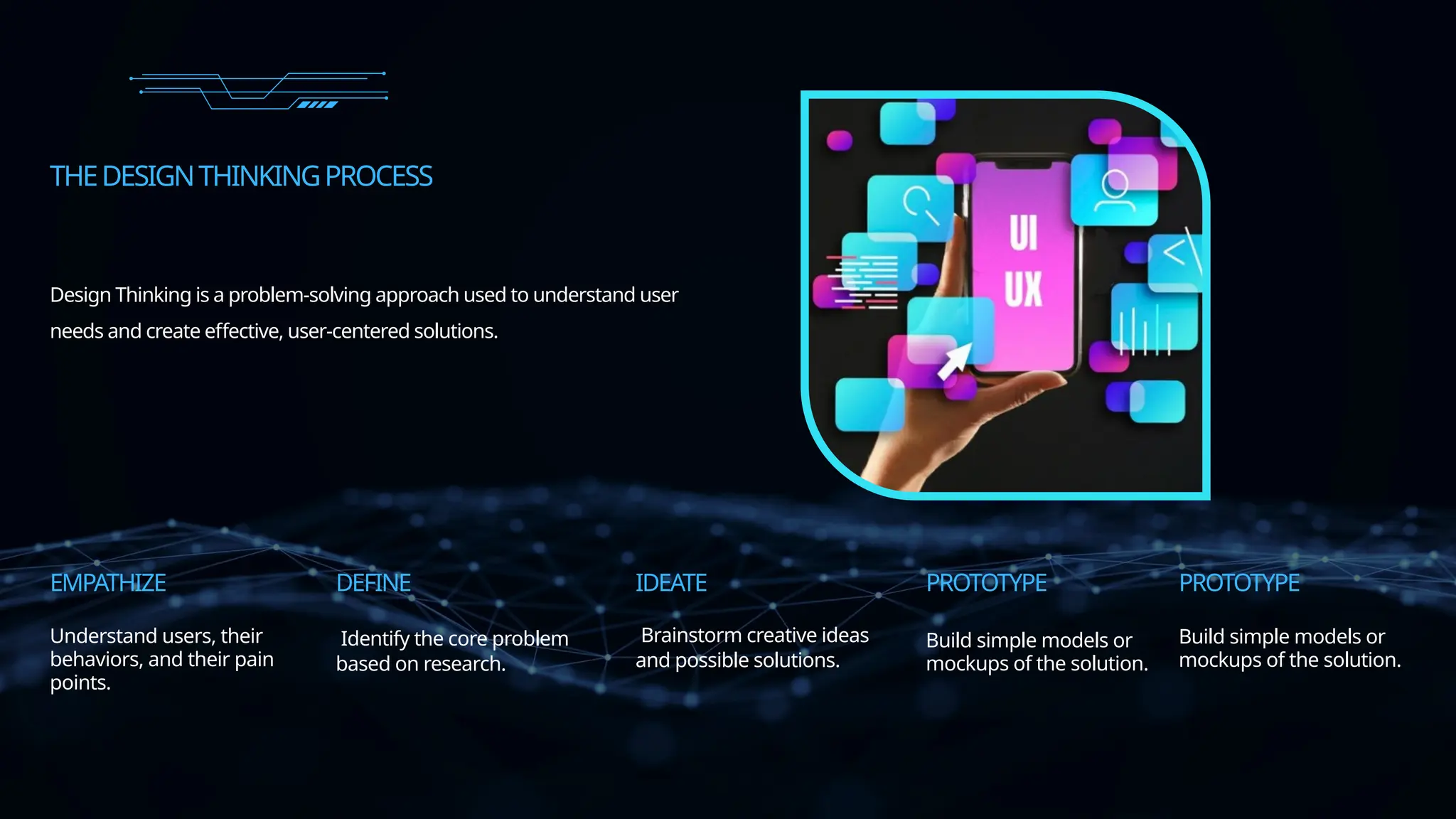
Design Thinking is a problem-solving approach used to understand user
needs and create effective, user-centered solutions.
PROTOTYPE
Build simple models or
mockups of the solution.
USERRESEARCH&ANALYSIS
IDENTIFY TARGET USERS
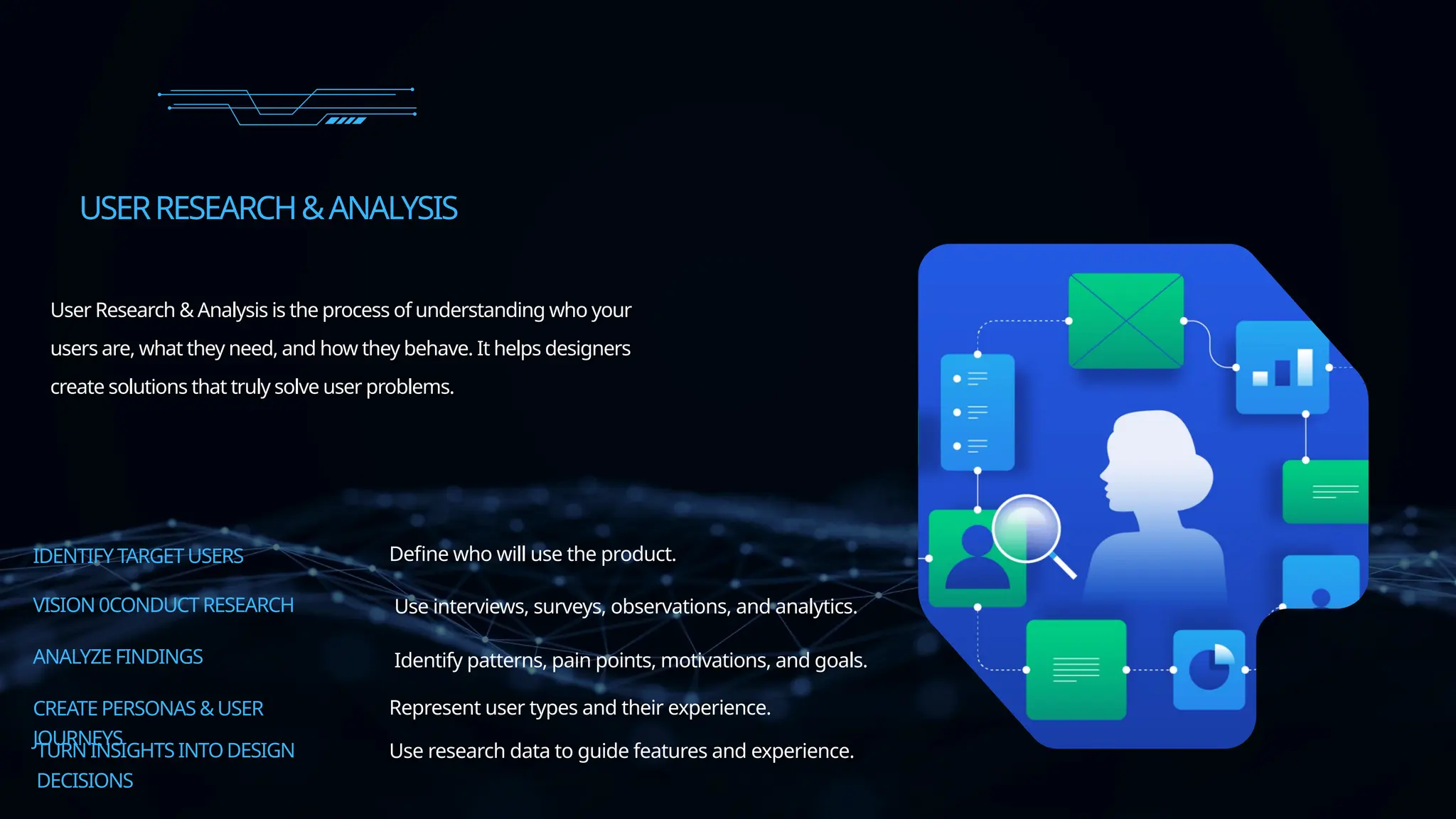
User Research & Analysis is the process of understanding who your
users are, what they need, and how they behave. It helps designers
create solutions that truly solve user problems.
VISION 0CONDUCTRESEARCH
ANALYZE FINDINGS
CREATE PERSONAS &USER
JOURNEYS
TURN INSIGHTS INTODESIGN
DECISIONS
Define who will use the product.
Use interviews, surveys, observations, and analytics.
Identify patterns, pain points, motivations, and goals.
Use research data to guide features and experience.
Represent user types and their experience.
INFORMATIONARCHITECTURE$WIREFRAMIMG
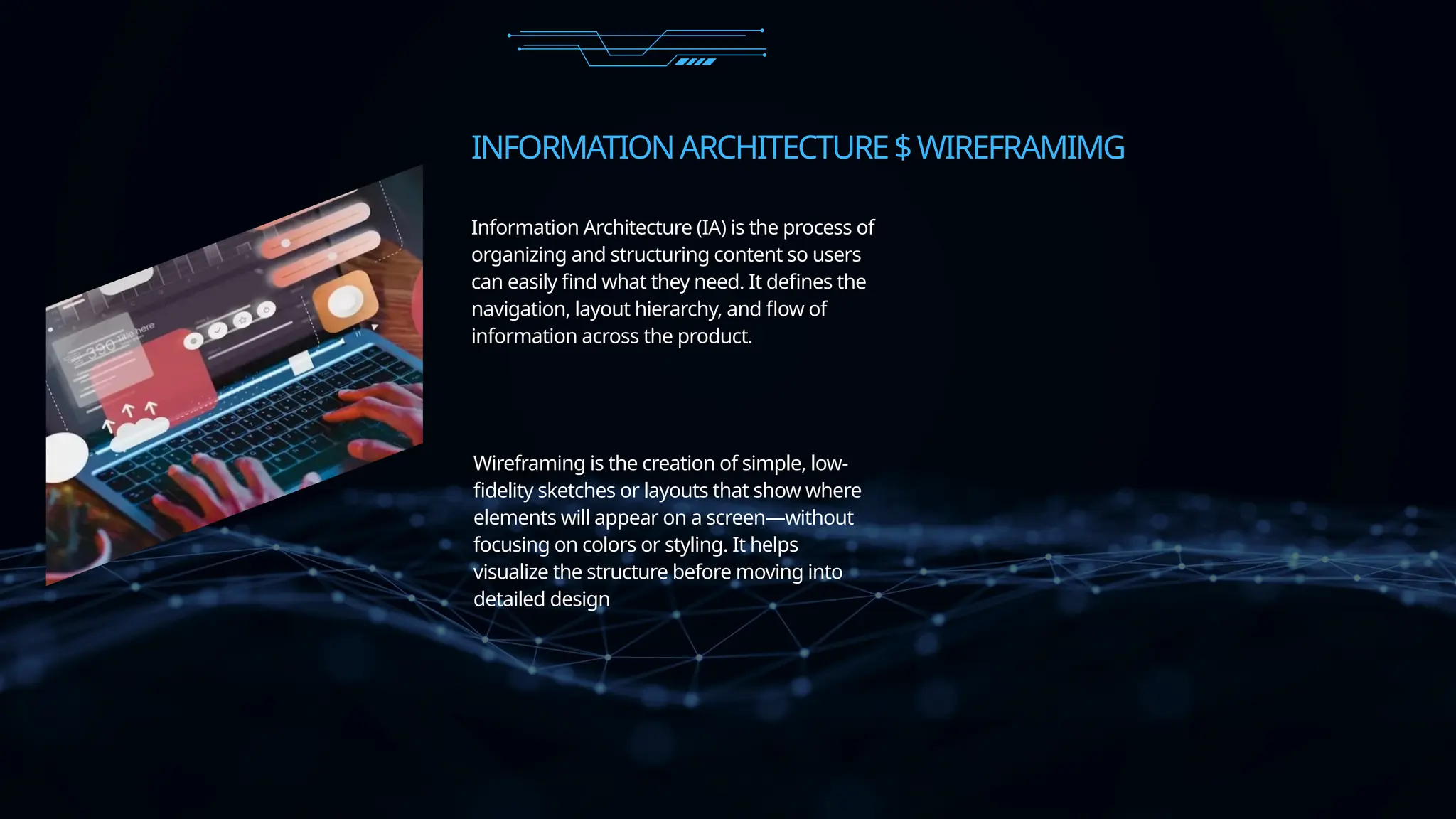
Wireframing is the creation of simple, low-
fidelity sketches or layouts that show where
elements will appear on a screen—without
focusing on colors or styling. It helps
visualize the structure before moving into
detailed design
Information Architecture (IA) is the process of
organizing and structuring content so users
can easily find what they need. It defines the
navigation, layout hierarchy, and flow of
information across the product.
UIDESIGNPRINCIPLES &VISUALHIERARCHY
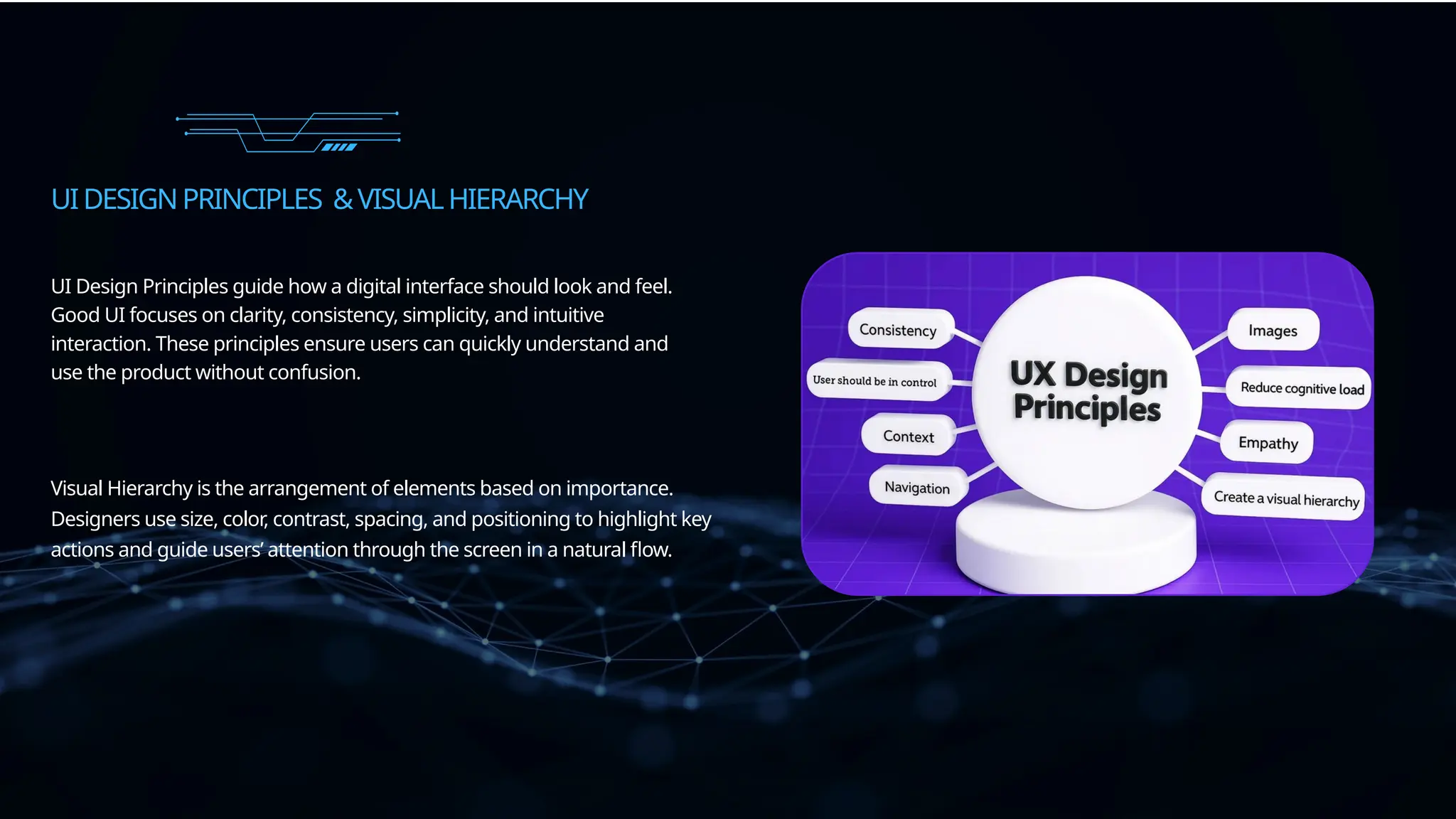
UI Design Principles guide how a digital interface should look and feel.
Good UI focuses on clarity, consistency, simplicity, and intuitive
interaction. These principles ensure users can quickly understand and
use the product without confusion.
Visual Hierarchy is the arrangement of elements based on importance.
Designers use size, color, contrast, spacing, and positioning to highlight key
actions and guide users’ attention through the screen in a natural flow.
PROTOTYPING&INTERACTIVEDESIGN
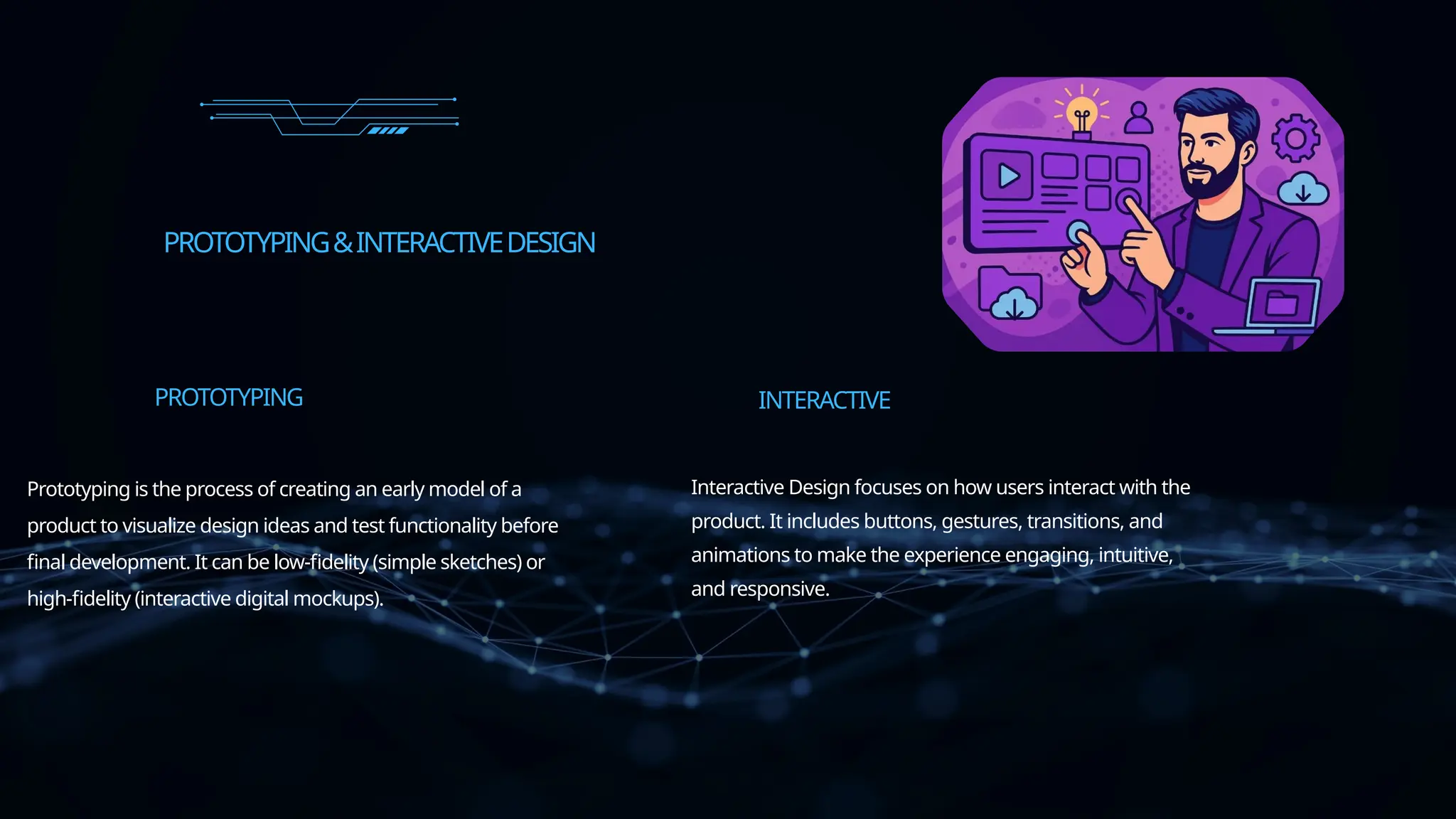
Prototyping is the process of creating an early model of a
product to visualize design ideas and test functionality before
final development. It can be low-fidelity (simple sketches) or
high-fidelity (interactive digital mockups).
PROTOTYPING
Interactive Design focuses on how users interact with the
product. It includes buttons, gestures, transitions, and
animations to make the experience engaging, intuitive,
and responsive.
INTERACTIVE
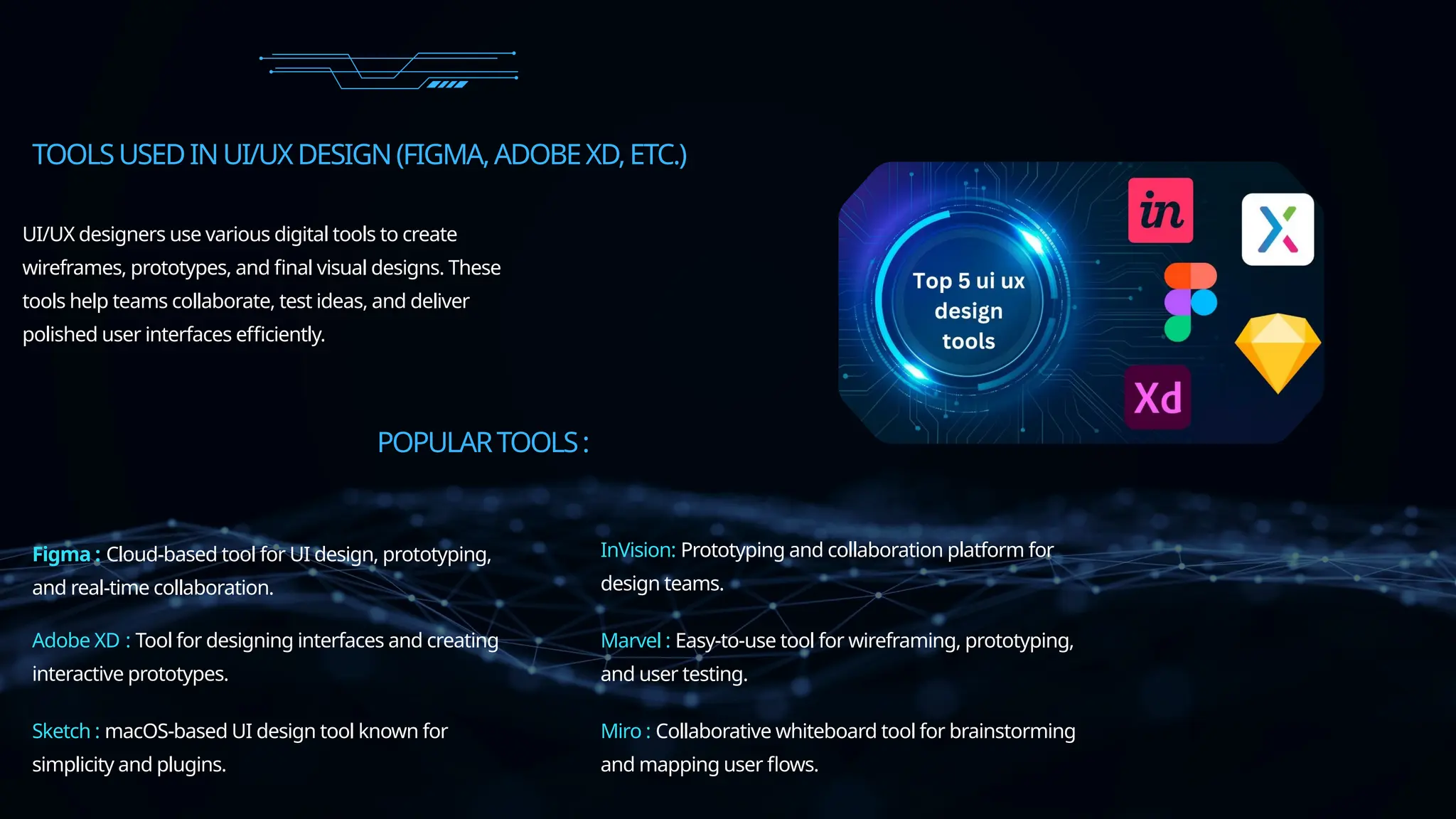
TOOLSUSEDINUI/UXDESIGN(FIGMA,ADOBEXD,ETC.)
UI/UX designers use various digital tools to create
wireframes, prototypes, and final visual designs. These
tools help teams collaborate, test ideas, and deliver
polished user interfaces efficiently.
POPULARTOOLS:
Figma : Cloud-based tool for UI design, prototyping,
and real-time collaboration.
Adobe XD : Tool for designing interfaces and creating
interactive prototypes.
Sketch : macOS-based UI design tool known for
simplicity and plugins.
InVision: Prototyping and collaboration platform for
design teams.
Marvel : Easy-to-use tool for wireframing, prototyping,
and user testing.
Miro : Collaborative whiteboard tool for brainstorming
and mapping user flows.
THANKYOU

Become a Professional UI/UX Designer by Learning How to Create Beautiful, User-Centered Digital Experiences from Scratch.

  • 1.
  • 2.
    INTRODUCTION UI/UX Design isthe process of creating digital products—like websites and mobile apps—that are visually appealing, easy to use, and focused on the user’s needs. UI (User Interface) focuses on how the product looks, while UX (User Experience) focuses on how it works and feels. Together, they help build products that are functional, user-friendly, and enjoyable. UI/UXDESIGN
  • 3.
    UNDERSTANDINGTHEDIFFERENCE:UI/UX UI (User Interface)focuses on how a product looks — visual design, colors, typography, buttons, icons, and overall screen layout. UX (User Experience) focuses on how a product works — researching users, planning user flow, solving problems, and ensuring the product is easy and meaningful to use. (UI) (UX)
  • 4.
    THEDESIGNTHINKINGPROCESS Understand users, their behaviors,and their pain points. EMPATHIZE Identify the core problem based on research. DEFINE Brainstorm creative ideas and possible solutions. IDEATE Build simple models or mockups of the solution. PROTOTYPE Design Thinking is a problem-solving approach used to understand user needs and create effective, user-centered solutions. PROTOTYPE Build simple models or mockups of the solution.
  • 5.
    USERRESEARCH&ANALYSIS IDENTIFY TARGET USERS UserResearch & Analysis is the process of understanding who your users are, what they need, and how they behave. It helps designers create solutions that truly solve user problems. VISION 0CONDUCTRESEARCH ANALYZE FINDINGS CREATE PERSONAS &USER JOURNEYS TURN INSIGHTS INTODESIGN DECISIONS Define who will use the product. Use interviews, surveys, observations, and analytics. Identify patterns, pain points, motivations, and goals. Use research data to guide features and experience. Represent user types and their experience.
  • 6.
    INFORMATIONARCHITECTURE$WIREFRAMIMG Wireframing is thecreation of simple, low- fidelity sketches or layouts that show where elements will appear on a screen—without focusing on colors or styling. It helps visualize the structure before moving into detailed design Information Architecture (IA) is the process of organizing and structuring content so users can easily find what they need. It defines the navigation, layout hierarchy, and flow of information across the product.
  • 7.
    UIDESIGNPRINCIPLES &VISUALHIERARCHY UI DesignPrinciples guide how a digital interface should look and feel. Good UI focuses on clarity, consistency, simplicity, and intuitive interaction. These principles ensure users can quickly understand and use the product without confusion. Visual Hierarchy is the arrangement of elements based on importance. Designers use size, color, contrast, spacing, and positioning to highlight key actions and guide users’ attention through the screen in a natural flow.
  • 8.
    PROTOTYPING&INTERACTIVEDESIGN Prototyping is theprocess of creating an early model of a product to visualize design ideas and test functionality before final development. It can be low-fidelity (simple sketches) or high-fidelity (interactive digital mockups). PROTOTYPING Interactive Design focuses on how users interact with the product. It includes buttons, gestures, transitions, and animations to make the experience engaging, intuitive, and responsive. INTERACTIVE
  • 9.
    TOOLSUSEDINUI/UXDESIGN(FIGMA,ADOBEXD,ETC.) UI/UX designers usevarious digital tools to create wireframes, prototypes, and final visual designs. These tools help teams collaborate, test ideas, and deliver polished user interfaces efficiently. POPULARTOOLS: Figma : Cloud-based tool for UI design, prototyping, and real-time collaboration. Adobe XD : Tool for designing interfaces and creating interactive prototypes. Sketch : macOS-based UI design tool known for simplicity and plugins. InVision: Prototyping and collaboration platform for design teams. Marvel : Easy-to-use tool for wireframing, prototyping, and user testing. Miro : Collaborative whiteboard tool for brainstorming and mapping user flows.
  • 10.