This document provides instructions for setting up a server and domain with WebFaction, including registering a domain with GoDaddy and connecting the domain to the WebFaction server. The key steps are:
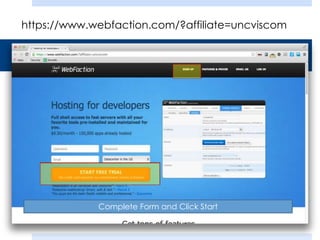
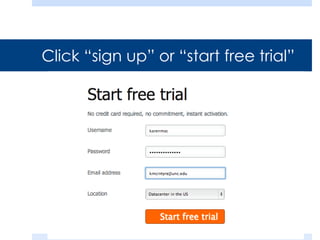
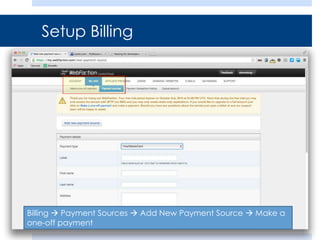
1. Sign up for a WebFaction account and set up billing.
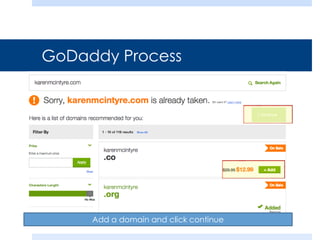
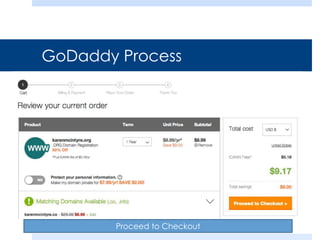
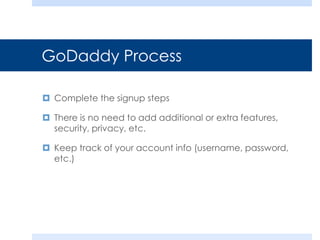
2. Register a domain name with GoDaddy and complete the signup process.
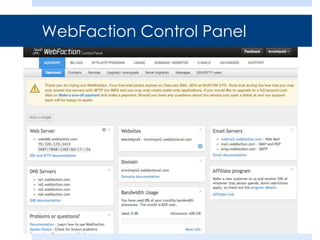
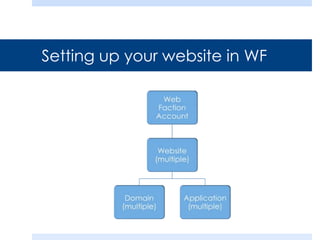
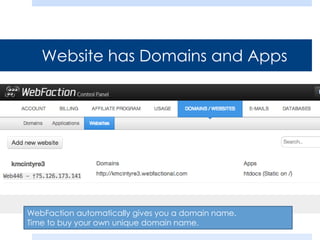
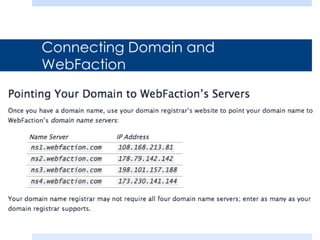
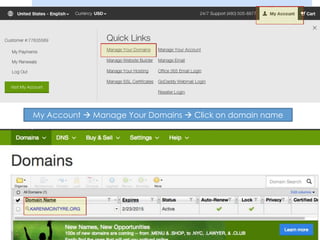
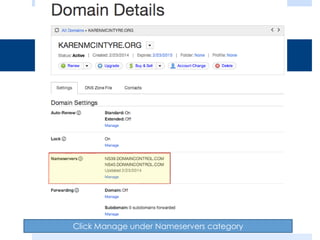
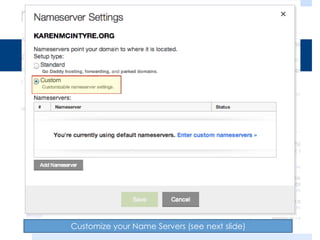
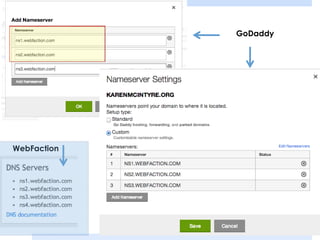
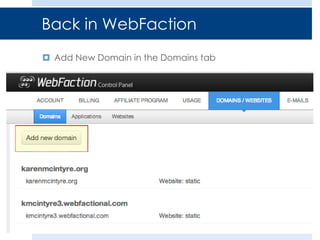
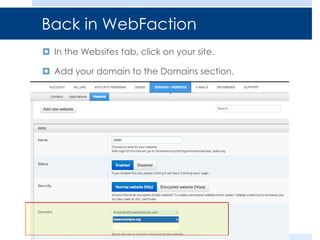
3. Connect the domain to WebFaction by updating the domain nameservers and adding the domain in the WebFaction control panel.
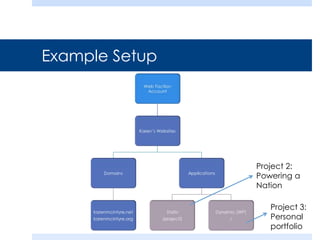
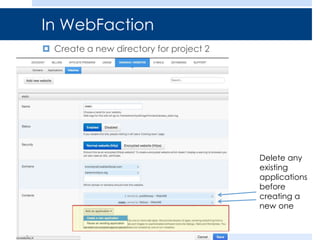
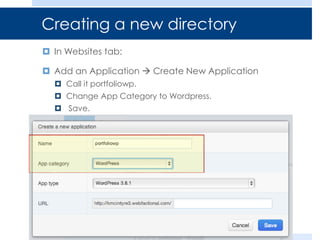
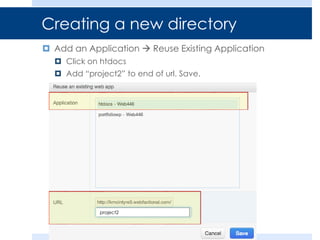
4. Create directories and applications like WordPress in WebFaction for the domain.