SELF-AWARE APPLICATIONS
AUTOMATIC PRODUCTION MONITORING
DINA GOLDSHTEIN,
Agenda
Motivation

Hierarchy of self-monitoring

CPU profiling

GC monitoring

Heap analysis

Deadlock detection
2
Agenda
Motivation

Hierarchy of self-monitoring

CPU profiling

GC monitoring

Heap analysis

Deadlock detection

Not today: profiling tools, 3rd party monitoring, dashboards
3
Motivation
Why monitor?

Obviously a must for servers and/or anything at scale
4
Motivation
Why monitor?

Obviously a must for servers and/or anything at scale

But also a must for “simple” shrink-wrap software
5
Motivation
Why monitor?

Obviously a must for servers and/or anything at scale

But also a must for “simple” shrink-wrap software

Why our own?
6
Motivation
Why monitor?

Obviously a must for servers and/or anything at scale

But also a must for “simple” shrink-wrap software

Why our own?

Customized for specific business needs
7
Motivation
Why monitor?

Obviously a must for servers and/or anything at scale

But also a must for “simple” shrink-wrap software

Why our own?

Customized for specific business needs

Diagnostics flow from ground up
8
Motivation
Why monitor?

Obviously a must for servers and/or anything at scale

But also a must for “simple” shrink-wrap software

Why our own?

Customized for specific business needs

Diagnostics flow from ground up

That’s what all the cool kids do :-)
9
Master Plan
Use a hierarchical monitoring strategy
10
Master Plan
Use a hierarchical monitoring strategy

Lightweight for continuous and frequent monitoring of all basics

Numerical resource consumption: CPU, memory, disk
11
Master Plan
Use a hierarchical monitoring strategy

Lightweight for continuous and frequent monitoring of all basics

Numerical resource consumption: CPU, memory, disk

Medium for less frequency events

Rare exceptions, deadlocks
12
Master Plan
Use a hierarchical monitoring strategy

Lightweight for continuous and frequent monitoring of all basics

Numerical resource consumption: CPU, memory, disk

Medium for less frequency events

Rare exceptions, deadlocks

Invasive for deep-dive and concrete diagnostics

Memory leaks, bulk call-stack data (e.g. CPU profiling)
13
TOOLS
Lightweight Monitoring
Performance counters - provide numeric information about the
system and specific processes (CPU, memory, disk, …)
15
Lightweight Monitoring
Performance counters - provide numeric information about the
system and specific processes (CPU, memory, disk, …)

Win32 APIs

GetProcessTimes - provides CPU information for a process

GetProcessMemoryInfo - query for memory usage 

And others…
16
Lightweight Monitoring
Performance counters - provide numeric information about the
system and specific processes (CPU, memory, disk, …)

Win32 APIs

GetProcessTimes - provides CPU information for a process

GetProcessMemoryInfo - query for memory usage 

And others…

Stopwatch - you know what this is :-)
17
Halfway Monitoring Tools
18
Halfway Monitoring Tools
ETW - a structured logging framework incorporated into Windows
which can provide very rich data with relatively low overhead
19
Halfway Monitoring Tools
ETW - a structured logging framework incorporated into Windows
which can provide very rich data with relatively low overhead

Evaluate your own logs
20
Halfway Monitoring Tools
ETW - a structured logging framework incorporated into Windows
which can provide very rich data with relatively low overhead

Evaluate your own logs

ClrMD - open source C# library which provides programatic APIs
which until recently were only available using a fully fledged debugger
21
Invasive Analysis APIs
CLR profiling APIs - a whole bunch of native APIs which provide lots
of data about what’s going on in your managed (attached) application

AppDomain creation, assembly loading, JIT, thread creation, GC
22
Invasive Analysis APIs
CLR profiling APIs - a whole bunch of native APIs which provide lots
of data about what’s going on in your managed (attached) application

AppDomain creation, assembly loading, JIT, thread creation, GC

CLR debugging APIs - a whole bunch of native APIs which provide
programmatic APIs to debugging actions

Setting breakpoints, exception notifications, state modification
23
Invasive Analysis APIs
CLR profiling APIs - a whole bunch of native APIs which provide lots
of data about what’s going on in your managed (attached) application

AppDomain creation, assembly loading, JIT, thread creation, GC

CLR debugging APIs - a whole bunch of native APIs which provide
programmatic APIs to debugging actions

Setting breakpoints, exception notifications, state modification

Hooks - to specific APIs of your choosing
24
LET’S GET TO BUSINESS
(Self) CPU-Profiling
Monitor CPU using performance counters

Are we above a certain threshold for a certain amount of time? 

Turn on ETW and collect stacks (live using LiveStacks)

Find hot paths, produce flame graphs

Suggest recommendations
26
What Can Be Done?
AuthenticationController takes 95% CPU, maybe we're being
DDoS'ed

Image processing component takes 100% CPU, need to auto-scale
the app

Encoding this 30 second video takes 3 minutes at 100% CPU, tell the
user she can send us a bug report
27
DEMO
MONITOR FOR CPU SPIKES
http://jeremiahblatz.com/personal/pics/Australia_Travel_Pictures_2009/day2/22_Kangaroo_Island_Kangaroo_Portrait_Kangaroo_Island.html (CC BY-NC-SA 1.0)
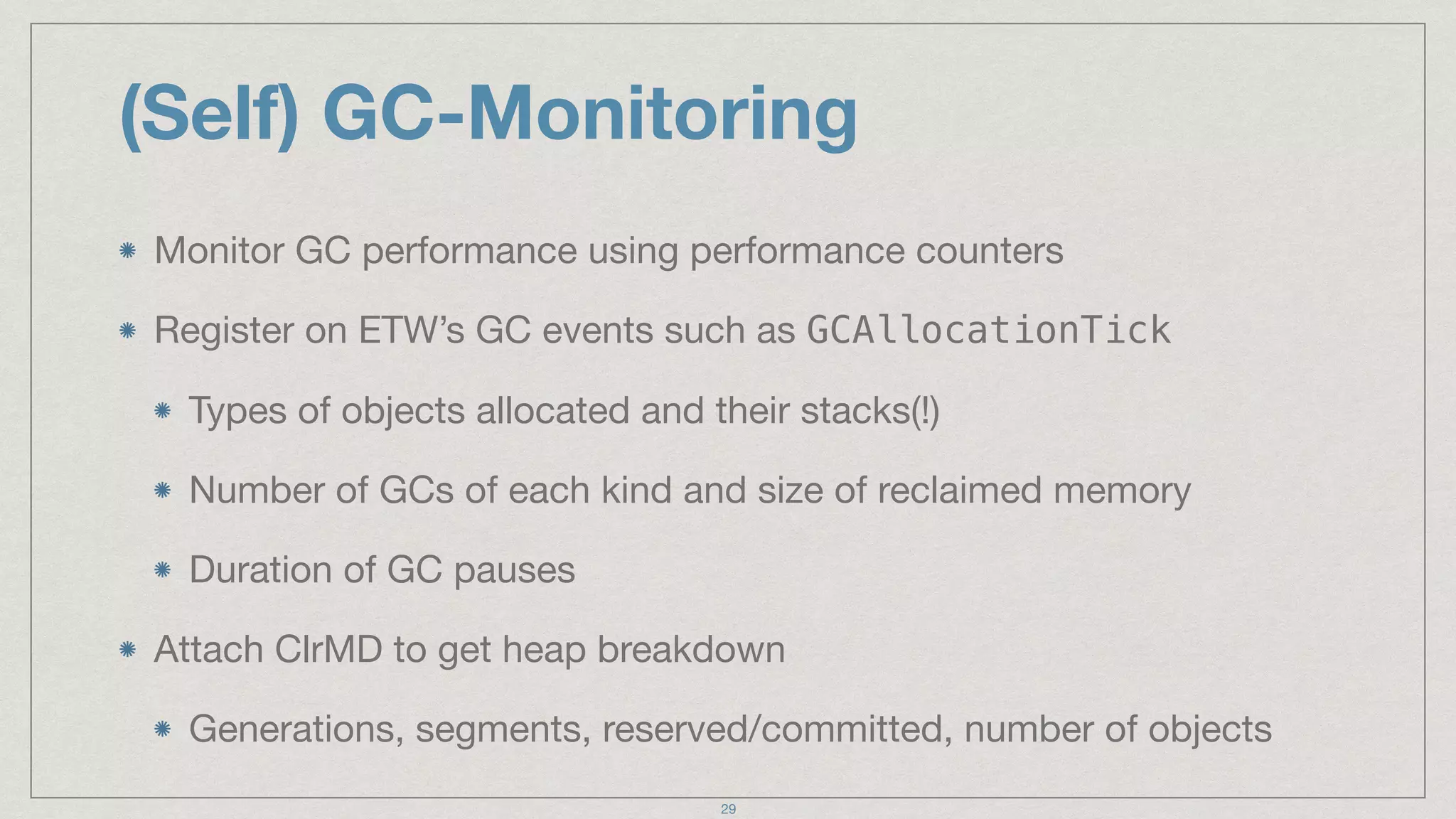
(Self) GC-Monitoring
Monitor GC performance using performance counters

Register on ETW’s GC events such as GCAllocationTick

Types of objects allocated and their stacks(!)

Number of GCs of each kind and size of reclaimed memory

Duration of GC pauses

Attach ClrMD to get heap breakdown

Generations, segments, reserved/committed, number of objects
29
DEMO
MONITOR FOR ALLOCATION SPIKES
https://www.flickr.com/photos/thegirlsny/2803794829/
(Self) Heap Analysis
Monitor memory usage using performance counters

Has memory increased above a certain threshold for a certain time?

Attach ClrMD to get heap statistics

Compare snapshots

Report which objects are not freed

Combine with ETW GCAllocationTick to get rate of allocation
31
DEMO
FIND A LEAK
https://www.flickr.com/photos/53368913@N05/6038464060 (CC BY-NC-SA 2.0)
(Self) Deadlock Detection
Monitor for potential deadlock

Low CPU

Request timeouts

Increased thread count

Attach ClrMD to create wait chains and detect deadlocks

Report, try to break, pray for a miracle…
33
DEMO
DETECT A DEADLOCK
https://www.flickr.com/photos/34547542@N08/3205125391/ (CC BY 2.0)
Food for Thought
Many more scenarios are possible
35
Food for Thought
Many more scenarios are possible

Monitor heap fragmentation and compact large objects if needed
36
Food for Thought
Many more scenarios are possible

Monitor heap fragmentation and compact large objects if needed

Native memory leak analysis using ETW
37
Food for Thought
Many more scenarios are possible

Monitor heap fragmentation and compact large objects if needed

Native memory leak analysis using ETW 

Side notes:

ClrMD is also very suitable for automating crash dump analysis

You can automate opening tickets in bug tracker, consolidate same
issue from different users, versions, etc.
38
Not Everything is Perfect
The pros are obvious (visibility, easy scaling…)
39
Not Everything is Perfect
The pros are obvious (visibility, easy scaling…)

But there are some cons as well…
40
Not Everything is Perfect
The pros are obvious (visibility, easy scaling…)

But there are some cons as well…

Adds complexity (reduce risk by using separate process)
41
Not Everything is Perfect
The pros are obvious (visibility, easy scaling…)

But there are some cons as well…

Adds complexity (reduce risk by using separate process)

Adds overhead
42
Not Everything is Perfect
The pros are obvious

But there are some cons as well…

Adds complexity (reduce risk by using separate process)

Adds overhead

Requires additional development
43
Summary
Self-monitoring is important for all kinds of software

Best to create a hierarchy of monitoring (and overhead and
complexity)

Lots of scenarios: CPU, GC, memory, deadlocks

Demos: https://github.com/dinazil/self-aware-applications
44
THANK YOU
DINA GOLDSHTEIN,
@DINAGOZIL

Self-Aware Applications: Automatic Production Monitoring (NDC Sydney 2017)

  • 1.
  • 2.
    Agenda Motivation Hierarchy of self-monitoring CPUprofiling GC monitoring Heap analysis Deadlock detection 2
  • 3.
    Agenda Motivation Hierarchy of self-monitoring CPUprofiling GC monitoring Heap analysis Deadlock detection Not today: profiling tools, 3rd party monitoring, dashboards 3
  • 4.
    Motivation Why monitor? Obviously amust for servers and/or anything at scale 4
  • 5.
    Motivation Why monitor? Obviously amust for servers and/or anything at scale But also a must for “simple” shrink-wrap software 5
  • 6.
    Motivation Why monitor? Obviously amust for servers and/or anything at scale But also a must for “simple” shrink-wrap software Why our own? 6
  • 7.
    Motivation Why monitor? Obviously amust for servers and/or anything at scale But also a must for “simple” shrink-wrap software Why our own? Customized for specific business needs 7
  • 8.
    Motivation Why monitor? Obviously amust for servers and/or anything at scale But also a must for “simple” shrink-wrap software Why our own? Customized for specific business needs Diagnostics flow from ground up 8
  • 9.
    Motivation Why monitor? Obviously amust for servers and/or anything at scale But also a must for “simple” shrink-wrap software Why our own? Customized for specific business needs Diagnostics flow from ground up That’s what all the cool kids do :-) 9
  • 10.
    Master Plan Use ahierarchical monitoring strategy 10
  • 11.
    Master Plan Use ahierarchical monitoring strategy Lightweight for continuous and frequent monitoring of all basics Numerical resource consumption: CPU, memory, disk 11
  • 12.
    Master Plan Use ahierarchical monitoring strategy Lightweight for continuous and frequent monitoring of all basics Numerical resource consumption: CPU, memory, disk Medium for less frequency events Rare exceptions, deadlocks 12
  • 13.
    Master Plan Use ahierarchical monitoring strategy Lightweight for continuous and frequent monitoring of all basics Numerical resource consumption: CPU, memory, disk Medium for less frequency events Rare exceptions, deadlocks Invasive for deep-dive and concrete diagnostics Memory leaks, bulk call-stack data (e.g. CPU profiling) 13
  • 14.
  • 15.
    Lightweight Monitoring Performance counters- provide numeric information about the system and specific processes (CPU, memory, disk, …) 15
  • 16.
    Lightweight Monitoring Performance counters- provide numeric information about the system and specific processes (CPU, memory, disk, …) Win32 APIs GetProcessTimes - provides CPU information for a process GetProcessMemoryInfo - query for memory usage And others… 16
  • 17.
    Lightweight Monitoring Performance counters- provide numeric information about the system and specific processes (CPU, memory, disk, …) Win32 APIs GetProcessTimes - provides CPU information for a process GetProcessMemoryInfo - query for memory usage And others… Stopwatch - you know what this is :-) 17
  • 18.
  • 19.
    Halfway Monitoring Tools ETW- a structured logging framework incorporated into Windows which can provide very rich data with relatively low overhead 19
  • 20.
    Halfway Monitoring Tools ETW- a structured logging framework incorporated into Windows which can provide very rich data with relatively low overhead Evaluate your own logs 20
  • 21.
    Halfway Monitoring Tools ETW- a structured logging framework incorporated into Windows which can provide very rich data with relatively low overhead Evaluate your own logs ClrMD - open source C# library which provides programatic APIs which until recently were only available using a fully fledged debugger 21
  • 22.
    Invasive Analysis APIs CLRprofiling APIs - a whole bunch of native APIs which provide lots of data about what’s going on in your managed (attached) application AppDomain creation, assembly loading, JIT, thread creation, GC 22
  • 23.
    Invasive Analysis APIs CLRprofiling APIs - a whole bunch of native APIs which provide lots of data about what’s going on in your managed (attached) application AppDomain creation, assembly loading, JIT, thread creation, GC CLR debugging APIs - a whole bunch of native APIs which provide programmatic APIs to debugging actions Setting breakpoints, exception notifications, state modification 23
  • 24.
    Invasive Analysis APIs CLRprofiling APIs - a whole bunch of native APIs which provide lots of data about what’s going on in your managed (attached) application AppDomain creation, assembly loading, JIT, thread creation, GC CLR debugging APIs - a whole bunch of native APIs which provide programmatic APIs to debugging actions Setting breakpoints, exception notifications, state modification Hooks - to specific APIs of your choosing 24
  • 25.
  • 26.
    (Self) CPU-Profiling Monitor CPUusing performance counters Are we above a certain threshold for a certain amount of time? Turn on ETW and collect stacks (live using LiveStacks) Find hot paths, produce flame graphs Suggest recommendations 26
  • 27.
    What Can BeDone? AuthenticationController takes 95% CPU, maybe we're being DDoS'ed Image processing component takes 100% CPU, need to auto-scale the app Encoding this 30 second video takes 3 minutes at 100% CPU, tell the user she can send us a bug report 27
  • 28.
    DEMO MONITOR FOR CPUSPIKES http://jeremiahblatz.com/personal/pics/Australia_Travel_Pictures_2009/day2/22_Kangaroo_Island_Kangaroo_Portrait_Kangaroo_Island.html (CC BY-NC-SA 1.0)
  • 29.
    (Self) GC-Monitoring Monitor GCperformance using performance counters Register on ETW’s GC events such as GCAllocationTick Types of objects allocated and their stacks(!) Number of GCs of each kind and size of reclaimed memory Duration of GC pauses Attach ClrMD to get heap breakdown Generations, segments, reserved/committed, number of objects 29
  • 30.
    DEMO MONITOR FOR ALLOCATIONSPIKES https://www.flickr.com/photos/thegirlsny/2803794829/
  • 31.
    (Self) Heap Analysis Monitormemory usage using performance counters Has memory increased above a certain threshold for a certain time? Attach ClrMD to get heap statistics Compare snapshots Report which objects are not freed Combine with ETW GCAllocationTick to get rate of allocation 31
  • 32.
  • 33.
    (Self) Deadlock Detection Monitorfor potential deadlock Low CPU Request timeouts Increased thread count Attach ClrMD to create wait chains and detect deadlocks Report, try to break, pray for a miracle… 33
  • 34.
  • 35.
    Food for Thought Manymore scenarios are possible 35
  • 36.
    Food for Thought Manymore scenarios are possible Monitor heap fragmentation and compact large objects if needed 36
  • 37.
    Food for Thought Manymore scenarios are possible Monitor heap fragmentation and compact large objects if needed Native memory leak analysis using ETW 37
  • 38.
    Food for Thought Manymore scenarios are possible Monitor heap fragmentation and compact large objects if needed Native memory leak analysis using ETW Side notes: ClrMD is also very suitable for automating crash dump analysis You can automate opening tickets in bug tracker, consolidate same issue from different users, versions, etc. 38
  • 39.
    Not Everything isPerfect The pros are obvious (visibility, easy scaling…) 39
  • 40.
    Not Everything isPerfect The pros are obvious (visibility, easy scaling…) But there are some cons as well… 40
  • 41.
    Not Everything isPerfect The pros are obvious (visibility, easy scaling…) But there are some cons as well… Adds complexity (reduce risk by using separate process) 41
  • 42.
    Not Everything isPerfect The pros are obvious (visibility, easy scaling…) But there are some cons as well… Adds complexity (reduce risk by using separate process) Adds overhead 42
  • 43.
    Not Everything isPerfect The pros are obvious But there are some cons as well… Adds complexity (reduce risk by using separate process) Adds overhead Requires additional development 43
  • 44.
    Summary Self-monitoring is importantfor all kinds of software Best to create a hierarchy of monitoring (and overhead and complexity) Lots of scenarios: CPU, GC, memory, deadlocks Demos: https://github.com/dinazil/self-aware-applications 44
  • 45.