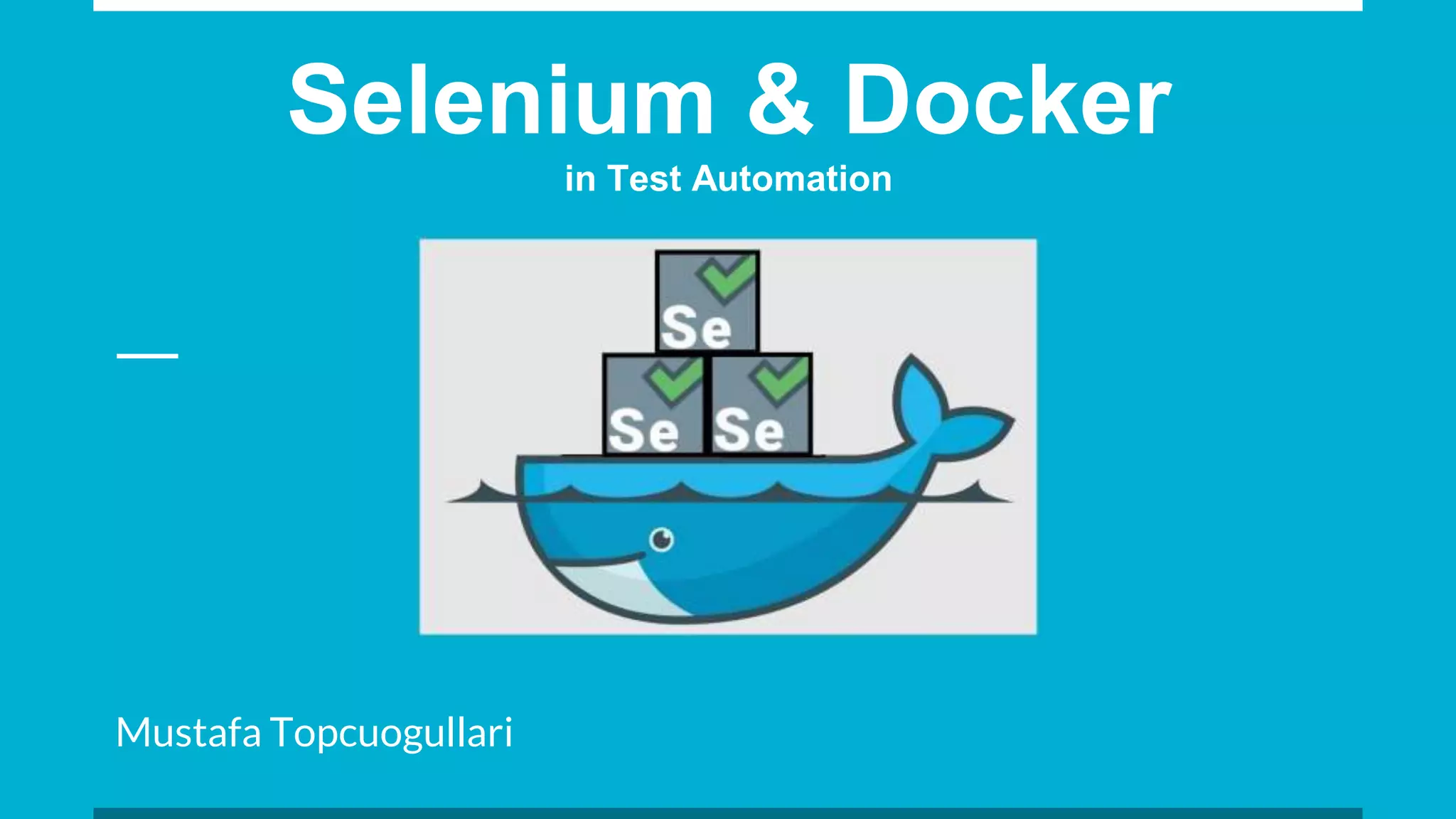
Selenium & Docker
in Test Automation
Mustafa Topcuogullari
What is Docker?
Docker is an open source platform to build, ship and run distributed applications
based on Linux containers.
Test Automations and Headless Browsers
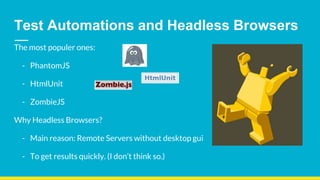
The most populer ones:
- PhantomJS
- HtmlUnit
- ZombieJS
Why Headless Browsers?
- Main reason: Remote Servers without desktop gui
- To get results quickly. (I don’t think so.)
How to develop with Headless Browsers?
- First, develop your code based on real browser.
- Then improve your code according to Headless Browser to able to run
successfully.
Certainly, getting problem while running on Headless Browsers despite it is
working successfully on real browsers.
- ajax, javascript, loading wait, timing for asserts, rendering etc…
After all these struggles, your test won’t have run on any real browser! :(
Headless browser? No thanks...
Because Selenium dockerized real browsers Firefox and Chrome.
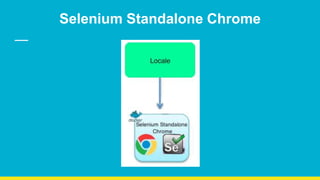
- Selenium Standalone: Firefox and Chrome
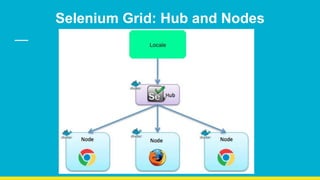
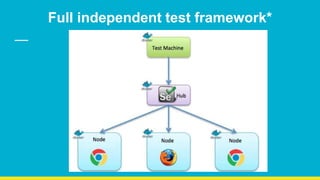
- Selenium Grid: Selenium hub and nodes of Firefox and Chrome.
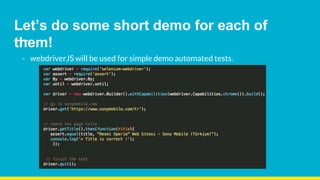
Let’s do some short demo for each of
them!
- webdriverJS will be used for simple demo automated tests.
Selenium Standalone Chrome
Selenium Grid: Hub and Nodes
Outcomes
- Tests will be running on (dockerized) REAL browsers as headless instead using
pure headless browsers.*
- No struggling to suit your codes for headless browsers.
- Reducing dependencies to only one thing. Docker.*
Full independent test framework*
That’s all folks ! :)

BBS Selenium & Docker

  • 1.
    Selenium & Docker inTest Automation Mustafa Topcuogullari
  • 2.
    What is Docker? Dockeris an open source platform to build, ship and run distributed applications based on Linux containers.
  • 3.
    Test Automations andHeadless Browsers The most populer ones: - PhantomJS - HtmlUnit - ZombieJS Why Headless Browsers? - Main reason: Remote Servers without desktop gui - To get results quickly. (I don’t think so.)
  • 4.
    How to developwith Headless Browsers? - First, develop your code based on real browser. - Then improve your code according to Headless Browser to able to run successfully. Certainly, getting problem while running on Headless Browsers despite it is working successfully on real browsers. - ajax, javascript, loading wait, timing for asserts, rendering etc… After all these struggles, your test won’t have run on any real browser! :(
  • 5.
    Headless browser? Nothanks... Because Selenium dockerized real browsers Firefox and Chrome. - Selenium Standalone: Firefox and Chrome - Selenium Grid: Selenium hub and nodes of Firefox and Chrome.
  • 7.
    Let’s do someshort demo for each of them! - webdriverJS will be used for simple demo automated tests.
  • 8.
  • 9.
  • 10.
    Outcomes - Tests willbe running on (dockerized) REAL browsers as headless instead using pure headless browsers.* - No struggling to suit your codes for headless browsers. - Reducing dependencies to only one thing. Docker.*
  • 11.
  • 12.

Editor's Notes

  • #4 Main subject is dockerized browsers.
  • #9 To make up Standalone: docker run -d -p 4444:4444 selenium/standalone-chrome
  • #10 Crossbrowser testing, parallel testing.
  • #11 Same development results, same test results. In phantomjs almost always you get different results than in real browsers. Dependencies: Browser versions, other development dependencies like external jars, chromedriver, gechkodriver...
  • #12 Node1 for Galen UI Testing - Node2 for WebDriverJS - Node3 for Behat and so on. Get all results from one hub easly.