Download to read offline
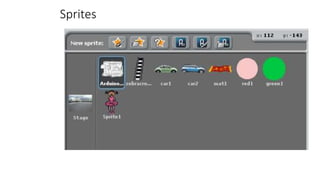
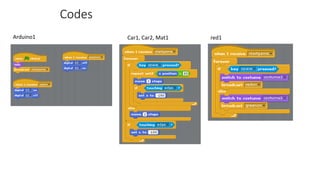


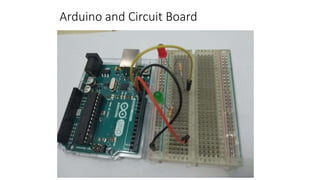
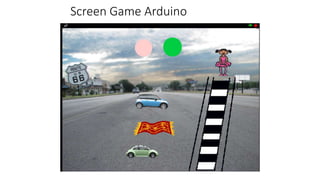
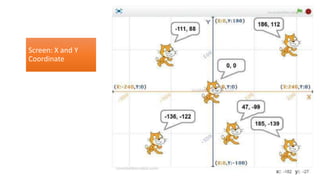



This document provides instructions for a traffic light simulation using Scratch and Arduino. The simulation involves 3 vehicles stopping at a crosswalk when the traffic light turns red, allowing a ballerina to cross, and then continuing when it turns green again. The first section describes the scenario of vehicles at a green light and a ballerina needing to cross. It then explains that an Arduino board will control green and red LEDs to indicate the light changes when the space bar is pressed. The document provides download links for the required Scratch and Arduino software and files. It includes diagrams of the circuit board wiring and sprites used in the Scratch program. Instructions are given for the Arduino and Scratch codes to synchronize the


