SAP EWM
Kitting
https://www.usaonlinetraining.com
Call / WhatsApp : +91 9160401016
EWM
A kit is a list of products that are always delivered together.
Kits can be a group of materials used to repair a piece of machinery, or they
can be add-on products for other products, a display or assortment of
products to sell in a retail store, or an assortment of tools used for a particular
repair or assembly task.
Extended Warehouse Management does not save the kits as master data;
instead, it receives the information about the structure of a kit in the form of
items of an outbound delivery from the SAP ERP system.
The structure containing the kit in the outbound delivery, in combination with
a packaging specification, is used as a basis for assembling or producing a kit in
EWM.
A kit is a set of products that is defined by a bill of material (or component list)
and which is always shipped to a customer in a complete and assembled form.
The customer orders the kit; in the warehouse, they either pick an existing kit
or pick the component and build the kit; the warehouse ships the kit to the
customer; and customer service bills the customer for the complete kit (based
on kit pricing, not the pricing of the individual components).
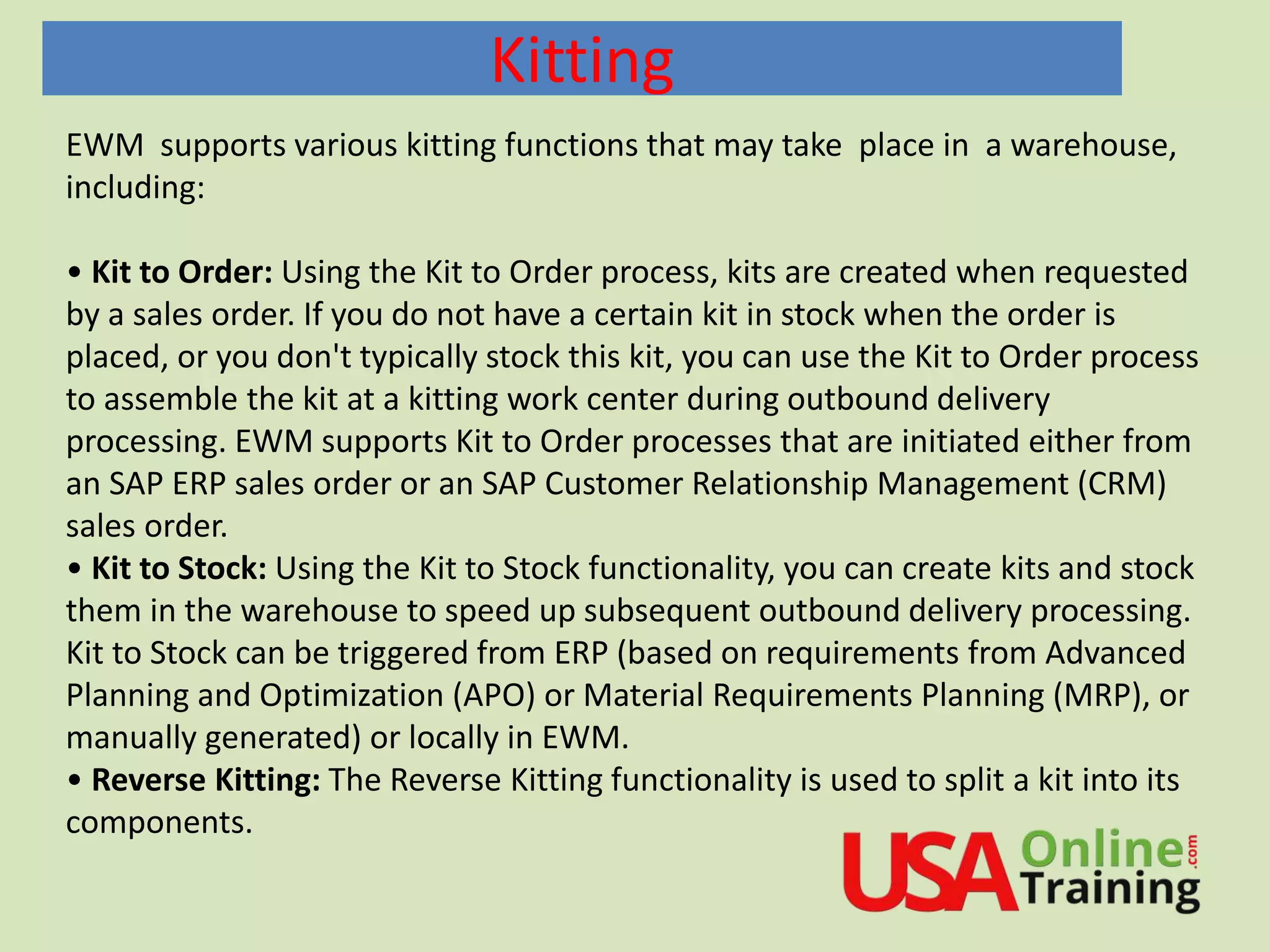
Kitting
EWM supports various kitting functions that may take place in a warehouse,
including:
• Kit to Order: Using the Kit to Order process, kits are created when requested
by a sales order. If you do not have a certain kit in stock when the order is
placed, or you don't typically stock this kit, you can use the Kit to Order process
to assemble the kit at a kitting work center during outbound delivery
processing. EWM supports Kit to Order processes that are initiated either from
an SAP ERP sales order or an SAP Customer Relationship Management (CRM)
sales order.
• Kit to Stock: Using the Kit to Stock functionality, you can create kits and stock
them in the warehouse to speed up subsequent outbound delivery processing.
Kit to Stock can be triggered from ERP (based on requirements from Advanced
Planning and Optimization (APO) or Material Requirements Planning (MRP), or
manually generated) or locally in EWM.
• Reverse Kitting: The Reverse Kitting functionality is used to split a kit into its
components.
Kitting Levels
A kit can consist of the following levels:
• A kit header represents the finished kit.
• A kit component is a product in the kit.
EWM does not support nested kits, that is, kits in kits.
The kit header material is what the customer orders and what he will be
shipped and billed. The kit components are materials that are used to
assemble the kit.
EWM does not save the kit structure as master data. Instead, it receives the
information in the form of items and subitems of a delivery from the ERP system.
This allows flexibility for the kit to be adjusted in the originating sales order, it for
example, the customer doesn't need every component of the kit or if the customer
needs an additional component packaged together with the kit.
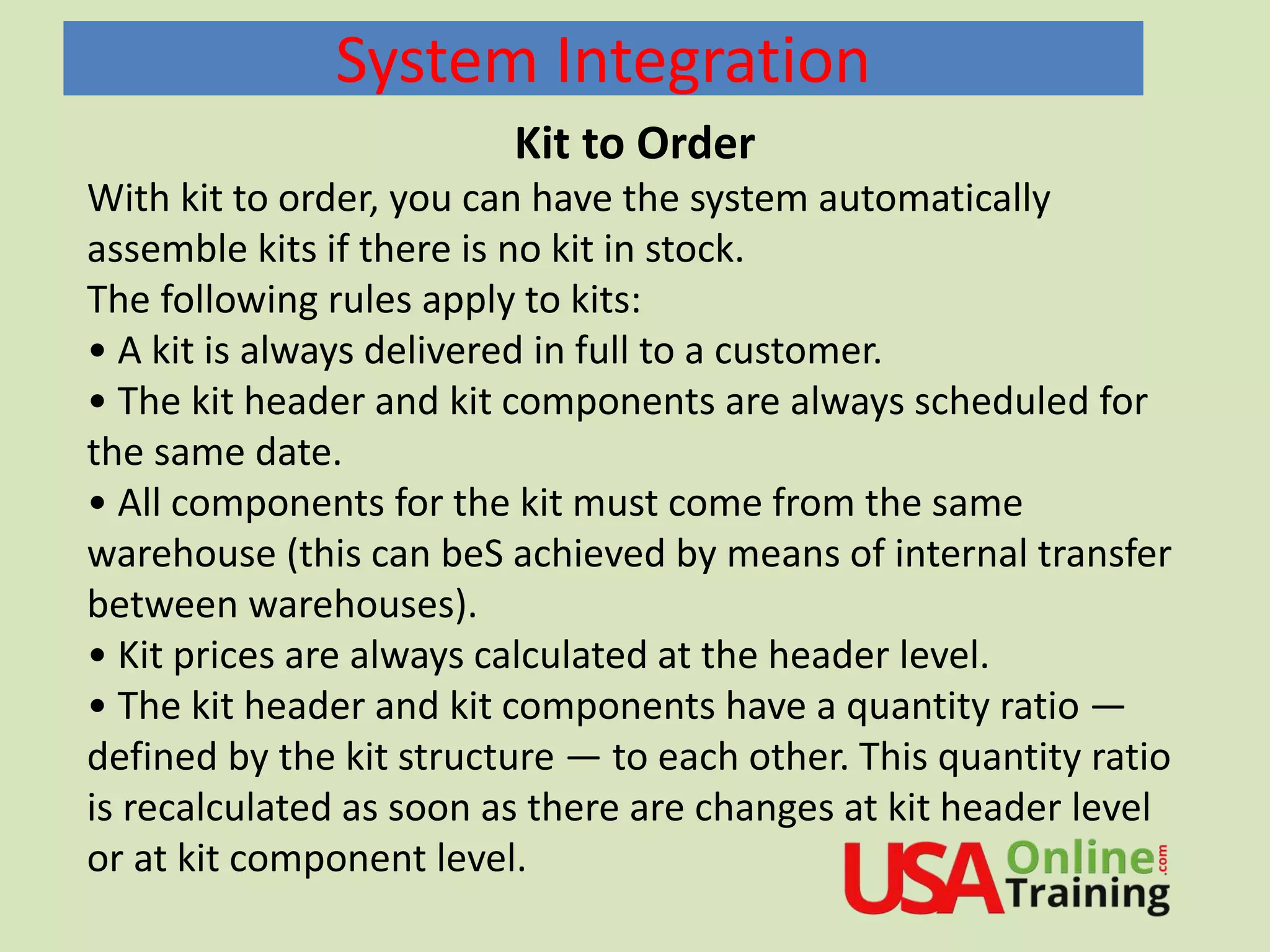
System Integration
Kit to Order
With kit to order, you can have the system automatically
assemble kits if there is no kit in stock.
The following rules apply to kits:
• A kit is always delivered in full to a customer.
• The kit header and kit components are always scheduled for
the same date.
• All components for the kit must come from the same
warehouse (this can beS achieved by means of internal transfer
between warehouses).
• Kit prices are always calculated at the header level.
• The kit header and kit components have a quantity ratio —
defined by the kit structure — to each other. This quantity ratio
is recalculated as soon as there are changes at kit header level
or at kit component level.
Kitting at a Work Center with a VAS Order
You can use this process to create a kit with a value-added service order (VAS
order).
This provides you with the following VAS order options:
• Working with a special kitting work center
• Automatic determination of the kitting work center
• Integrating VAS processing into the delivery
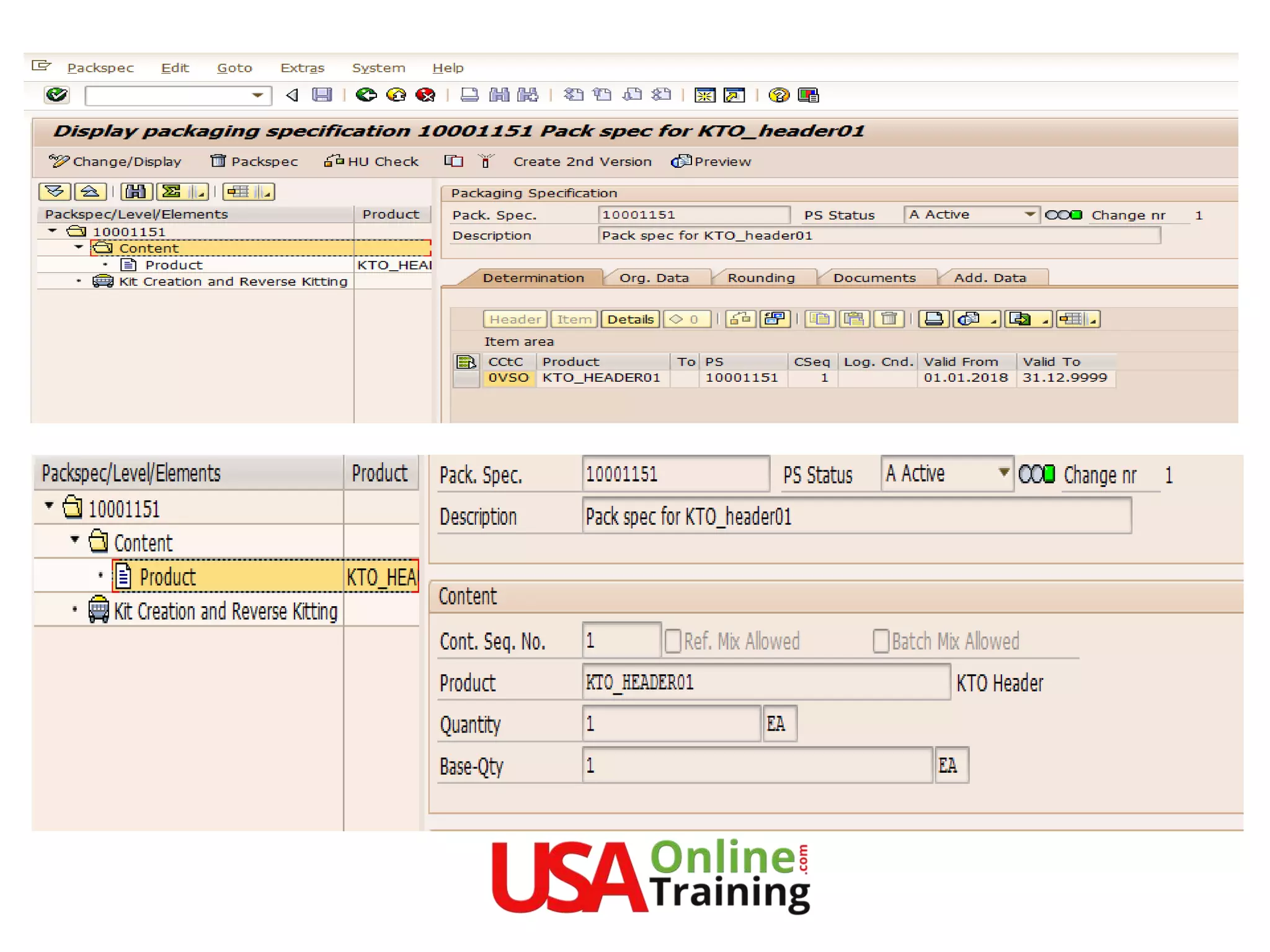
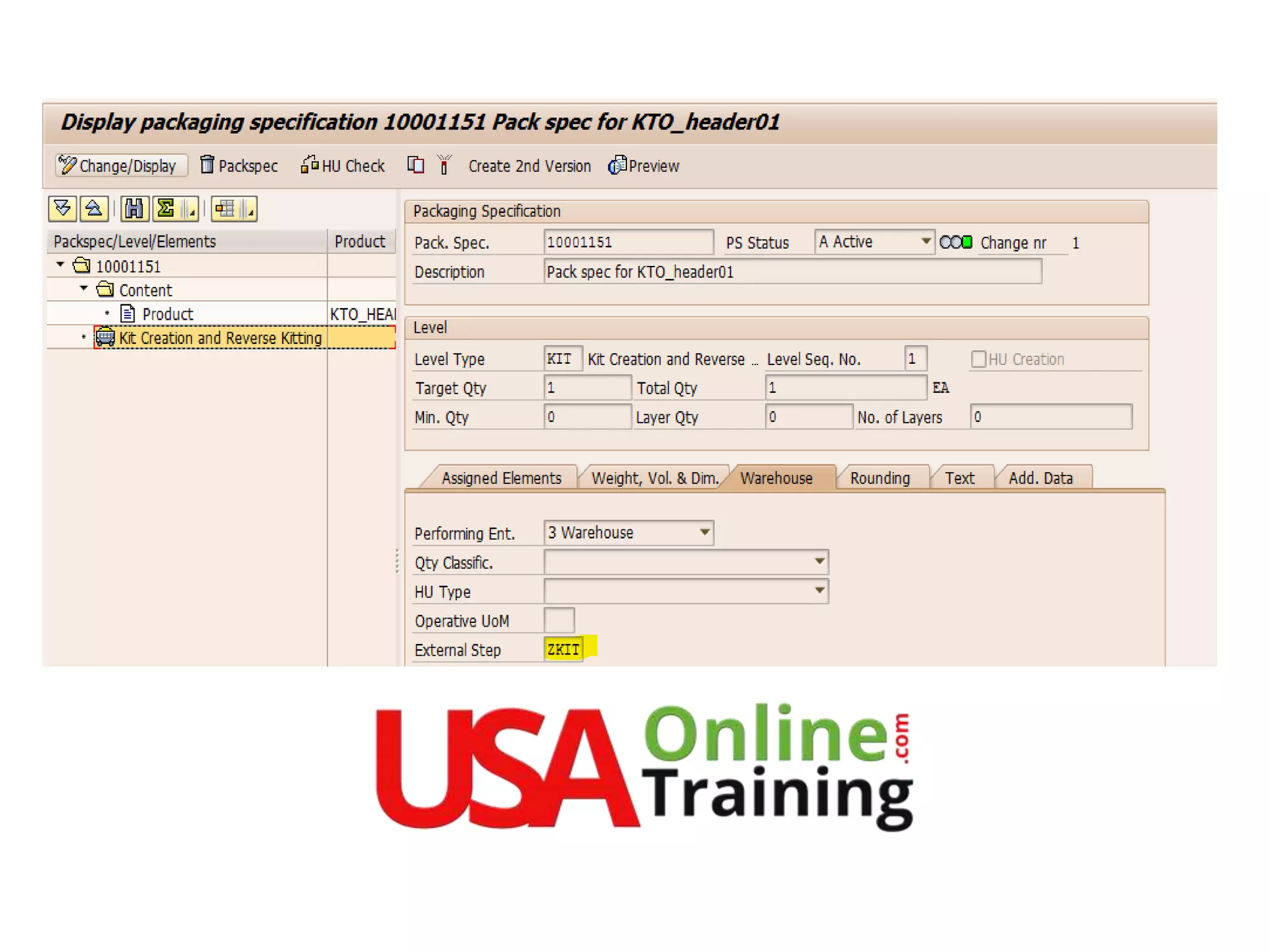
This process requires a packaging specification for the product of the kit header
item as master data, so that you can create a VAS order. This packaging
specification must have a level of the level type Kitting. If you are using
process-oriented storage control, you must assign the corresponding
warehouse process step (such as KIT) of the warehouse process used to the
kitting level.
The BC Sets /SPE/KIT_TO_ORDER on the ERP side and /SCWM/DLV_KTO in
EWM contain the important required settings for the kit -to-order process.
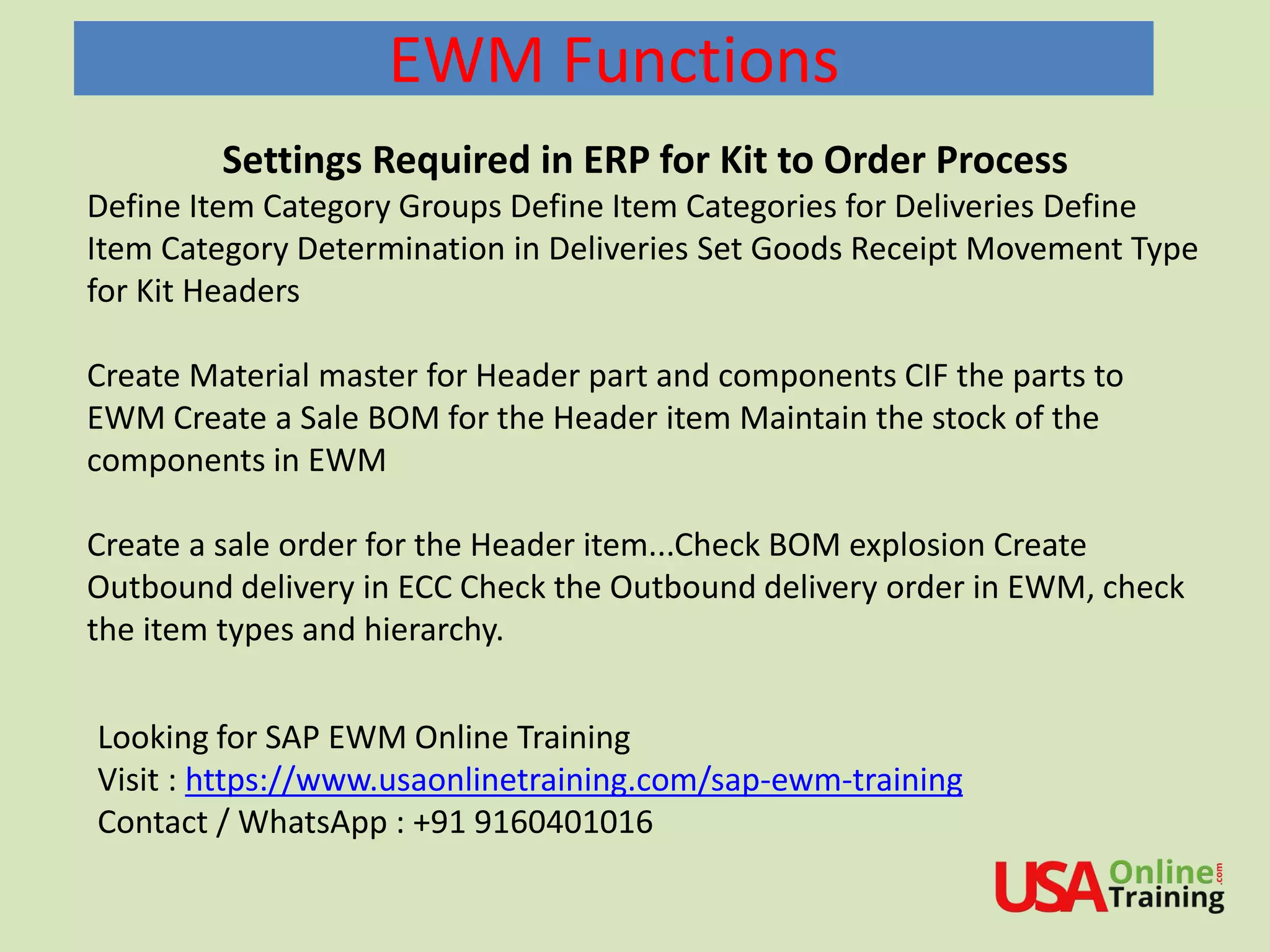
EWM Functions
Settings Required in ERP for Kit to Order Process
Define Item Category Groups Define Item Categories for Deliveries Define
Item Category Determination in Deliveries Set Goods Receipt Movement Type
for Kit Headers
Create Material master for Header part and components CIF the parts to
EWM Create a Sale BOM for the Header item Maintain the stock of the
components in EWM
Create a sale order for the Header item...Check BOM explosion Create
Outbound delivery in ECC Check the Outbound delivery order in EWM, check
the item types and hierarchy.
Looking for SAP EWM Online Training
Visit : https://www.usaonlinetraining.com/sap-ewm-training
Contact / WhatsApp : +91 9160401016
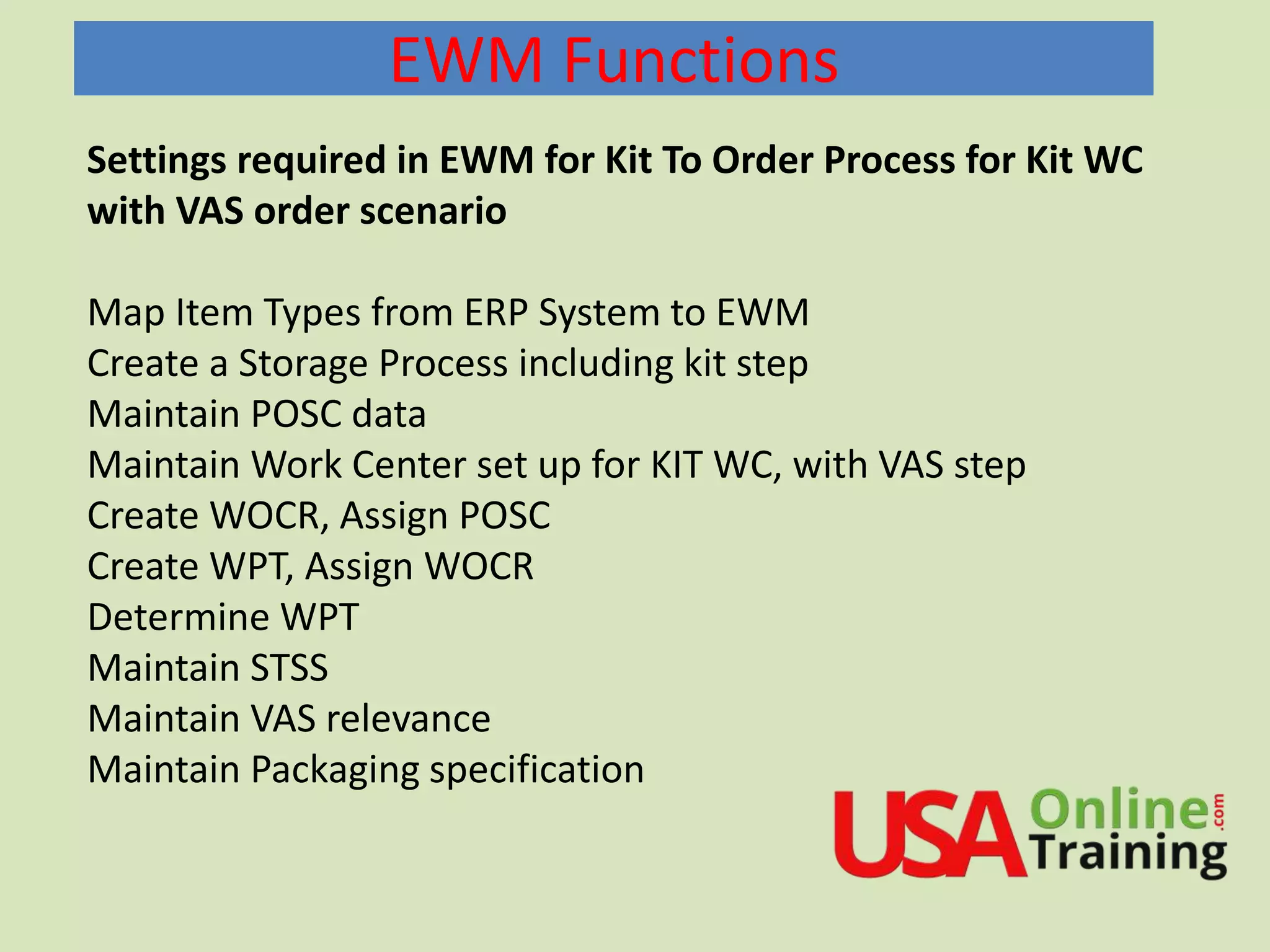
EWM Functions
Settings required in EWM for Kit To Order Process for Kit WC
with VAS order scenario
Map Item Types from ERP System to EWM
Create a Storage Process including kit step
Maintain POSC data
Maintain Work Center set up for KIT WC, with VAS step
Create WOCR, Assign POSC
Create WPT, Assign WOCR
Determine WPT
Maintain STSS
Maintain VAS relevance
Maintain Packaging specification
EWM Functions
Kit to Stock
In addition to kitting specifically for outbound orders, you can also execute the kitting
ahead of orders being received from customers based on prior knowledge of or
anticipation of the orders (for example, based on forecasts or sales promotions) using
the Kit to Stock process in EWM.
The Kit to Stock process is a simple, streamlined kit creation process that is executed
and documented in the warehouse management system.
Kit creation can be triggered in the ERP system based on a production order (which
could have been created manually or automatically based on requirements from
planning, for example, using the Kit to Stock process from SAP Service Parts Planning),
or it can be triggered in the EWM system directly using a VAS order.
You can use this process to create kits and then transfer them to stock. This provides
you with a simple, streamlined kit creation process that is executed and documented in
the warehouse.
You can either trigger kit creation manually in the ERP system, based on a production
order, or in the EWM system directly using a value-added service order ( VAS order)
EWM Functions
EWM Functions
Define Order Types for VAS for Kit to Stock
Review Document types and item types OKTS/OKSR and IKTS/IKSR
Create a WPT for inbound and outbound...Source data in inbound WPT can be filled later
Maintain WPT determination
Maintain STSS
Create a storage type_copy from VAS/Section/Bin _Work center and staging area_Maintain
this In inbound WPT staging area
Maintain a Workcenter to perform KTS_check Master data
•Create Kit header and item
•Cif them
•Maintain Production BOM
•Maintain Packspec
•Create VAS order
•Create task for OBD
•Confirm in KITS WC
• Confirm VAS Order
• Post components
• Post KIT
EWM Documents
EWM Documents
EWM Documents
EWM Documents
EWM Documents
a) Create POSC for Kitting by creating a new step eg. ZKIT (VAS step)
b) Steps : OB01 , ZKIT, OB03
c) Define new work center copy from standard VERP Work center
d) We should change the layout
EWM Documents
We should enable change
kit flag in the new layout
EWM Documents
Create new warehouse process type
Create new WOCR and assign in WPT
EWM Documents
VAS relevance only for KIT Header
Process :
a) Create Sales order in ECC (BOM components should
come along with header)
b) Create Delivery in ECC (both header and components)
c) In EWM picking and PICK HU
d) Goto to /n/scwm/pack (Work center)
e) In work center press Generate Kits keeping cursor on the
handling Unit.
f) then the KIT header will be generated in the handling
unit.
g) Close the HU
h) Confirm WT and post the GI
KTO without VAS order
a) Remove relevance for VAS order creation
b)Ensure POSC is OB01, OB02, OB03 (pick, pack,
stage)
c) Change the layout of the pack work center.
Layout should have KIT generate icon
d)ODO creation -- > pick HU  PACK  in pack
work center we should generate KIT.
SAP EWM S4HANA Embedded,
WM,MM,REFX,PS,Logistics
Oil & Gas,S4 HANA..and more
Other Courses
https://www.usaonlinetraining.com
Call / WhatsApp : +91 9160401016

SAP EWM Kitting

  • 1.
  • 2.
    EWM A kit isa list of products that are always delivered together. Kits can be a group of materials used to repair a piece of machinery, or they can be add-on products for other products, a display or assortment of products to sell in a retail store, or an assortment of tools used for a particular repair or assembly task. Extended Warehouse Management does not save the kits as master data; instead, it receives the information about the structure of a kit in the form of items of an outbound delivery from the SAP ERP system. The structure containing the kit in the outbound delivery, in combination with a packaging specification, is used as a basis for assembling or producing a kit in EWM. A kit is a set of products that is defined by a bill of material (or component list) and which is always shipped to a customer in a complete and assembled form. The customer orders the kit; in the warehouse, they either pick an existing kit or pick the component and build the kit; the warehouse ships the kit to the customer; and customer service bills the customer for the complete kit (based on kit pricing, not the pricing of the individual components).
  • 3.
    Kitting EWM supports variouskitting functions that may take place in a warehouse, including: • Kit to Order: Using the Kit to Order process, kits are created when requested by a sales order. If you do not have a certain kit in stock when the order is placed, or you don't typically stock this kit, you can use the Kit to Order process to assemble the kit at a kitting work center during outbound delivery processing. EWM supports Kit to Order processes that are initiated either from an SAP ERP sales order or an SAP Customer Relationship Management (CRM) sales order. • Kit to Stock: Using the Kit to Stock functionality, you can create kits and stock them in the warehouse to speed up subsequent outbound delivery processing. Kit to Stock can be triggered from ERP (based on requirements from Advanced Planning and Optimization (APO) or Material Requirements Planning (MRP), or manually generated) or locally in EWM. • Reverse Kitting: The Reverse Kitting functionality is used to split a kit into its components.
  • 4.
    Kitting Levels A kitcan consist of the following levels: • A kit header represents the finished kit. • A kit component is a product in the kit. EWM does not support nested kits, that is, kits in kits. The kit header material is what the customer orders and what he will be shipped and billed. The kit components are materials that are used to assemble the kit. EWM does not save the kit structure as master data. Instead, it receives the information in the form of items and subitems of a delivery from the ERP system. This allows flexibility for the kit to be adjusted in the originating sales order, it for example, the customer doesn't need every component of the kit or if the customer needs an additional component packaged together with the kit.
  • 5.
    System Integration Kit toOrder With kit to order, you can have the system automatically assemble kits if there is no kit in stock. The following rules apply to kits: • A kit is always delivered in full to a customer. • The kit header and kit components are always scheduled for the same date. • All components for the kit must come from the same warehouse (this can beS achieved by means of internal transfer between warehouses). • Kit prices are always calculated at the header level. • The kit header and kit components have a quantity ratio — defined by the kit structure — to each other. This quantity ratio is recalculated as soon as there are changes at kit header level or at kit component level.
  • 6.
    Kitting at aWork Center with a VAS Order You can use this process to create a kit with a value-added service order (VAS order). This provides you with the following VAS order options: • Working with a special kitting work center • Automatic determination of the kitting work center • Integrating VAS processing into the delivery This process requires a packaging specification for the product of the kit header item as master data, so that you can create a VAS order. This packaging specification must have a level of the level type Kitting. If you are using process-oriented storage control, you must assign the corresponding warehouse process step (such as KIT) of the warehouse process used to the kitting level. The BC Sets /SPE/KIT_TO_ORDER on the ERP side and /SCWM/DLV_KTO in EWM contain the important required settings for the kit -to-order process.
  • 7.
    EWM Functions Settings Requiredin ERP for Kit to Order Process Define Item Category Groups Define Item Categories for Deliveries Define Item Category Determination in Deliveries Set Goods Receipt Movement Type for Kit Headers Create Material master for Header part and components CIF the parts to EWM Create a Sale BOM for the Header item Maintain the stock of the components in EWM Create a sale order for the Header item...Check BOM explosion Create Outbound delivery in ECC Check the Outbound delivery order in EWM, check the item types and hierarchy. Looking for SAP EWM Online Training Visit : https://www.usaonlinetraining.com/sap-ewm-training Contact / WhatsApp : +91 9160401016
  • 8.
    EWM Functions Settings requiredin EWM for Kit To Order Process for Kit WC with VAS order scenario Map Item Types from ERP System to EWM Create a Storage Process including kit step Maintain POSC data Maintain Work Center set up for KIT WC, with VAS step Create WOCR, Assign POSC Create WPT, Assign WOCR Determine WPT Maintain STSS Maintain VAS relevance Maintain Packaging specification
  • 9.
    EWM Functions Kit toStock In addition to kitting specifically for outbound orders, you can also execute the kitting ahead of orders being received from customers based on prior knowledge of or anticipation of the orders (for example, based on forecasts or sales promotions) using the Kit to Stock process in EWM. The Kit to Stock process is a simple, streamlined kit creation process that is executed and documented in the warehouse management system. Kit creation can be triggered in the ERP system based on a production order (which could have been created manually or automatically based on requirements from planning, for example, using the Kit to Stock process from SAP Service Parts Planning), or it can be triggered in the EWM system directly using a VAS order. You can use this process to create kits and then transfer them to stock. This provides you with a simple, streamlined kit creation process that is executed and documented in the warehouse. You can either trigger kit creation manually in the ERP system, based on a production order, or in the EWM system directly using a value-added service order ( VAS order)
  • 10.
  • 11.
    EWM Functions Define OrderTypes for VAS for Kit to Stock Review Document types and item types OKTS/OKSR and IKTS/IKSR Create a WPT for inbound and outbound...Source data in inbound WPT can be filled later Maintain WPT determination Maintain STSS Create a storage type_copy from VAS/Section/Bin _Work center and staging area_Maintain this In inbound WPT staging area Maintain a Workcenter to perform KTS_check Master data •Create Kit header and item •Cif them •Maintain Production BOM •Maintain Packspec •Create VAS order •Create task for OBD •Confirm in KITS WC • Confirm VAS Order • Post components • Post KIT
  • 12.
  • 13.
  • 14.
  • 15.
  • 16.
    EWM Documents a) CreatePOSC for Kitting by creating a new step eg. ZKIT (VAS step) b) Steps : OB01 , ZKIT, OB03 c) Define new work center copy from standard VERP Work center d) We should change the layout
  • 17.
    EWM Documents We shouldenable change kit flag in the new layout
  • 18.
    EWM Documents Create newwarehouse process type Create new WOCR and assign in WPT
  • 19.
    EWM Documents VAS relevanceonly for KIT Header
  • 22.
    Process : a) CreateSales order in ECC (BOM components should come along with header) b) Create Delivery in ECC (both header and components) c) In EWM picking and PICK HU d) Goto to /n/scwm/pack (Work center) e) In work center press Generate Kits keeping cursor on the handling Unit. f) then the KIT header will be generated in the handling unit. g) Close the HU h) Confirm WT and post the GI
  • 23.
    KTO without VASorder a) Remove relevance for VAS order creation b)Ensure POSC is OB01, OB02, OB03 (pick, pack, stage) c) Change the layout of the pack work center. Layout should have KIT generate icon d)ODO creation -- > pick HU  PACK  in pack work center we should generate KIT.
  • 24.
    SAP EWM S4HANAEmbedded, WM,MM,REFX,PS,Logistics Oil & Gas,S4 HANA..and more Other Courses https://www.usaonlinetraining.com Call / WhatsApp : +91 9160401016