CC-BY flickr user IPRI Photos
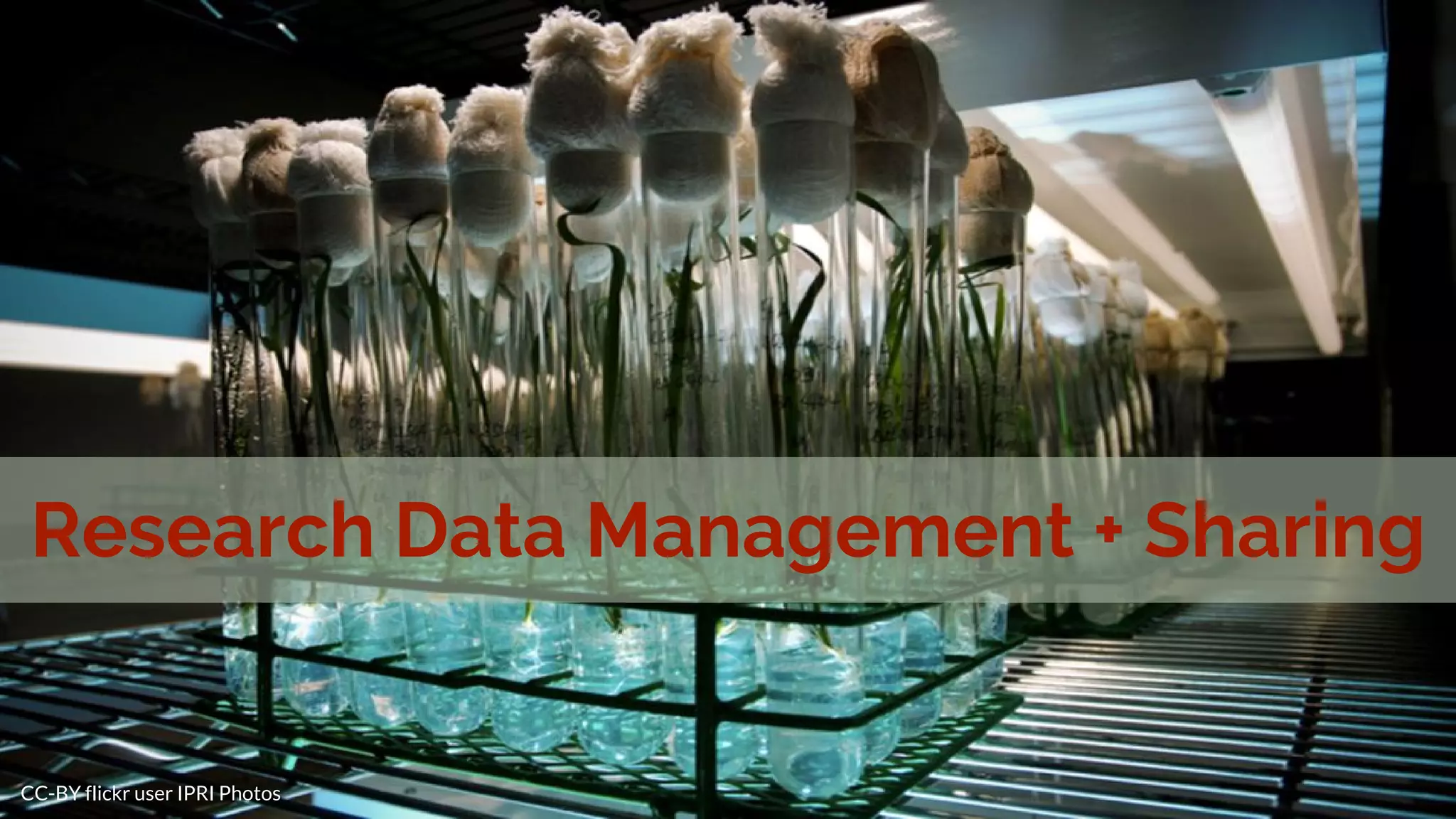
Research Data Management + Sharing
About me
Chealsye Bowley
Scholarly Communication Librarian
- Education + training
- Copyright consultations
- Finding an OA journal
- Data management plans
Contact: cbowley@twu.edu
Office: Library 308A
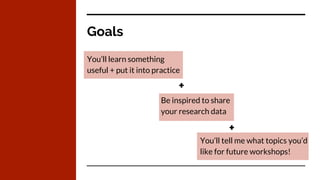
Goals
You’ll learn something
useful + put it into practice
Be inspired to share
your research data
You’ll tell me what topics you’d
like for future workshops!
+
+
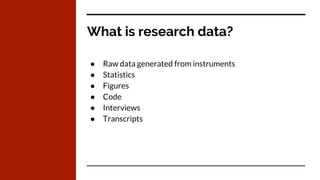
What is research data?
● Raw data generated from instruments
● Statistics
● Figures
● Code
● Interviews
● Transcripts
CC-BY flickr user hello-sebastian
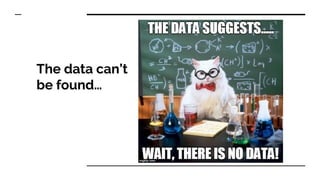
The data can’t
be found…
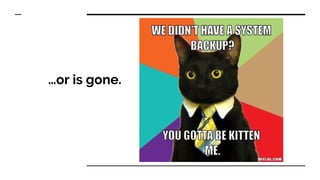
…or is gone.
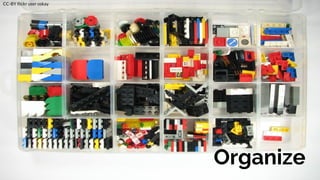
Organize
CC-BY flickr user oskay
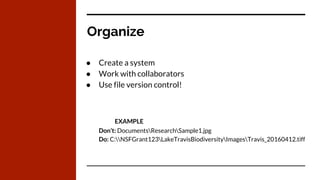
Organize
● Create a system
● Work with collaborators
● Use file version control!
EXAMPLE
Don’t: DocumentsResearchSample1.jpg
Do: C:NSFGrant123LakeTravisBiodiversityImagesTravis_20160412.tiff
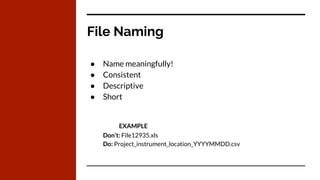
File Naming
● Name meaningfully!
● Consistent
● Descriptive
● Short
EXAMPLE
Don’t: File12935.xls
Do: Project_instrument_location_YYYYMMDD.csv
Use open file formats
CC-BY flickr user velkr0
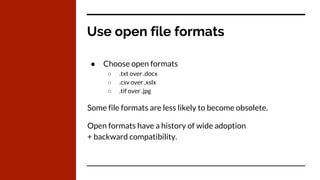
Use open file formats
● Choose open formats
○ .txt over .docx
○ .csv over .xslx
○ .tif over .jpg
Some file formats are less likely to become obsolete.
Open formats have a history of wide adoption
+ backward compatibility.
Document
CC-BY flickr user slightyleverything
Document
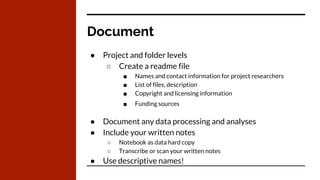
● Project and folder levels
○ Create a readme file
■ Names and contact information for project researchers
■ List of files, description
■ Copyright and licensing information
■ Funding sources
● Document any data processing and analyses
● Include your written notes
○ Notebook as data hard copy
○ Transcribe or scan your written notes
● Use descriptive names!
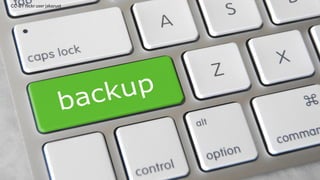
CC-BY flickr user jakerust
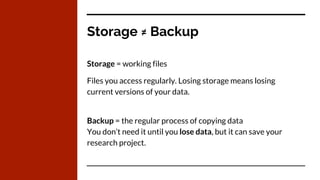
Storage ≠ Backup
Storage = working files
Files you access regularly. Losing storage means losing
current versions of your data.
Backup = the regular process of copying data
You don’t need it until you lose data, but it can save your
research project.
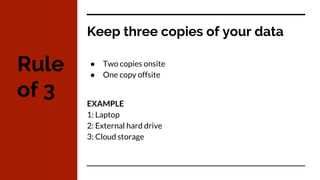
Keep three copies of your data
● Two copies onsite
● One copy offsite
EXAMPLE
1: Laptop
2: External hard drive
3: Cloud storage
Rule
of 3
CC-BY flickr user s_w_ellis
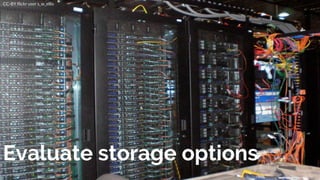
Evaluate storage options
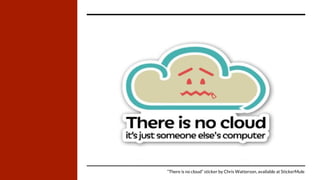
“There is no cloud” sticker by Chris Watterson, available at StickerMule
Make a plan
CC-BY flickr user gsfc
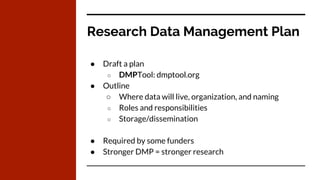
Research Data Management Plan
● Draft a plan
○ DMPTool: dmptool.org
● Outline
○ Where data will live, organization, and naming
○ Roles and responsibilities
○ Storage/dissemination
● Required by some funders
● Stronger DMP = stronger research
CC-BY flickr user cogdog
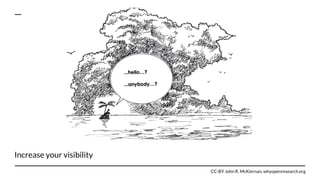
Increase your visibility
CC-BY John R. McKiernan, whyopenresearch.org
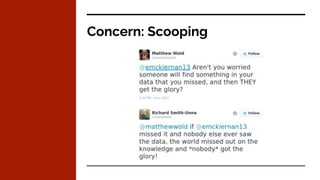
Concern: Scooping
Get credit for
all your research.
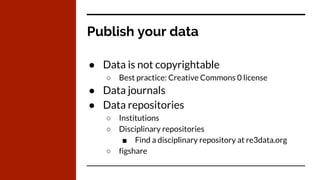
Publish your data
● Data is not copyrightable
○ Best practice: Creative Commons 0 license
● Data journals
● Data repositories
○ Institutions
○ Disciplinary repositories
■ Find a disciplinary repository at re3data.org
○ figshare
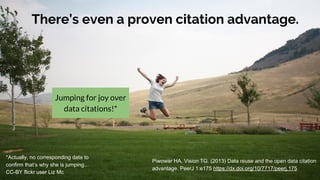
There’s even a proven citation advantage.
Piwowar HA, Vision TG. (2013) Data reuse and the open data citation
advantage. PeerJ 1:e175 https://dx.doi.org/10/7717/peerj.175
Jumping for joy over
data citations!*
*Actually, no corresponding data to
confirm that’s why she is jumping...
CC-BY flickr user Liz Mc
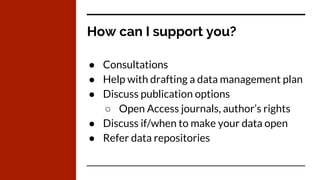
How can I support you?
● Consultations
● Help with drafting a data management plan
● Discuss publication options
○ Open Access journals, author’s rights
● Discuss if/when to make your data open
● Refer data repositories
Questions?
CC-BY flickr user Scott McCleod
Further Info
Library Guide: libguides.twu.edu/rdm
Got further questions?
Get in touch!
cbowley@twu.edu | @chealsye
Slides heavily inspired by Brianna Marshall
CC-BY “Research Data Management and Sharing” bit.ly/1qjXlT1

Research Data Management and Sharing

  • 1.
    CC-BY flickr userIPRI Photos Research Data Management + Sharing
  • 2.
    About me Chealsye Bowley ScholarlyCommunication Librarian - Education + training - Copyright consultations - Finding an OA journal - Data management plans Contact: cbowley@twu.edu Office: Library 308A
  • 3.
    Goals You’ll learn something useful+ put it into practice Be inspired to share your research data You’ll tell me what topics you’d like for future workshops! + +
  • 4.
    What is researchdata? ● Raw data generated from instruments ● Statistics ● Figures ● Code ● Interviews ● Transcripts
  • 5.
    CC-BY flickr userhello-sebastian
  • 6.
  • 7.
  • 8.
  • 9.
    Organize ● Create asystem ● Work with collaborators ● Use file version control! EXAMPLE Don’t: DocumentsResearchSample1.jpg Do: C:NSFGrant123LakeTravisBiodiversityImagesTravis_20160412.tiff
  • 10.
    File Naming ● Namemeaningfully! ● Consistent ● Descriptive ● Short EXAMPLE Don’t: File12935.xls Do: Project_instrument_location_YYYYMMDD.csv
  • 11.
    Use open fileformats CC-BY flickr user velkr0
  • 12.
    Use open fileformats ● Choose open formats ○ .txt over .docx ○ .csv over .xslx ○ .tif over .jpg Some file formats are less likely to become obsolete. Open formats have a history of wide adoption + backward compatibility.
  • 13.
    Document CC-BY flickr userslightyleverything
  • 14.
    Document ● Project andfolder levels ○ Create a readme file ■ Names and contact information for project researchers ■ List of files, description ■ Copyright and licensing information ■ Funding sources ● Document any data processing and analyses ● Include your written notes ○ Notebook as data hard copy ○ Transcribe or scan your written notes ● Use descriptive names!
  • 15.
  • 16.
    Storage ≠ Backup Storage= working files Files you access regularly. Losing storage means losing current versions of your data. Backup = the regular process of copying data You don’t need it until you lose data, but it can save your research project.
  • 17.
    Keep three copiesof your data ● Two copies onsite ● One copy offsite EXAMPLE 1: Laptop 2: External hard drive 3: Cloud storage Rule of 3
  • 18.
    CC-BY flickr users_w_ellis Evaluate storage options
  • 19.
    “There is nocloud” sticker by Chris Watterson, available at StickerMule
  • 20.
    Make a plan CC-BYflickr user gsfc
  • 21.
    Research Data ManagementPlan ● Draft a plan ○ DMPTool: dmptool.org ● Outline ○ Where data will live, organization, and naming ○ Roles and responsibilities ○ Storage/dissemination ● Required by some funders ● Stronger DMP = stronger research
  • 22.
  • 23.
    Increase your visibility CC-BYJohn R. McKiernan, whyopenresearch.org
  • 24.
  • 25.
    Get credit for allyour research.
  • 26.
    Publish your data ●Data is not copyrightable ○ Best practice: Creative Commons 0 license ● Data journals ● Data repositories ○ Institutions ○ Disciplinary repositories ■ Find a disciplinary repository at re3data.org ○ figshare
  • 28.
    There’s even aproven citation advantage. Piwowar HA, Vision TG. (2013) Data reuse and the open data citation advantage. PeerJ 1:e175 https://dx.doi.org/10/7717/peerj.175 Jumping for joy over data citations!* *Actually, no corresponding data to confirm that’s why she is jumping... CC-BY flickr user Liz Mc
  • 29.
    How can Isupport you? ● Consultations ● Help with drafting a data management plan ● Discuss publication options ○ Open Access journals, author’s rights ● Discuss if/when to make your data open ● Refer data repositories
  • 30.
  • 31.
    Further Info Library Guide:libguides.twu.edu/rdm Got further questions? Get in touch! cbowley@twu.edu | @chealsye Slides heavily inspired by Brianna Marshall CC-BY “Research Data Management and Sharing” bit.ly/1qjXlT1