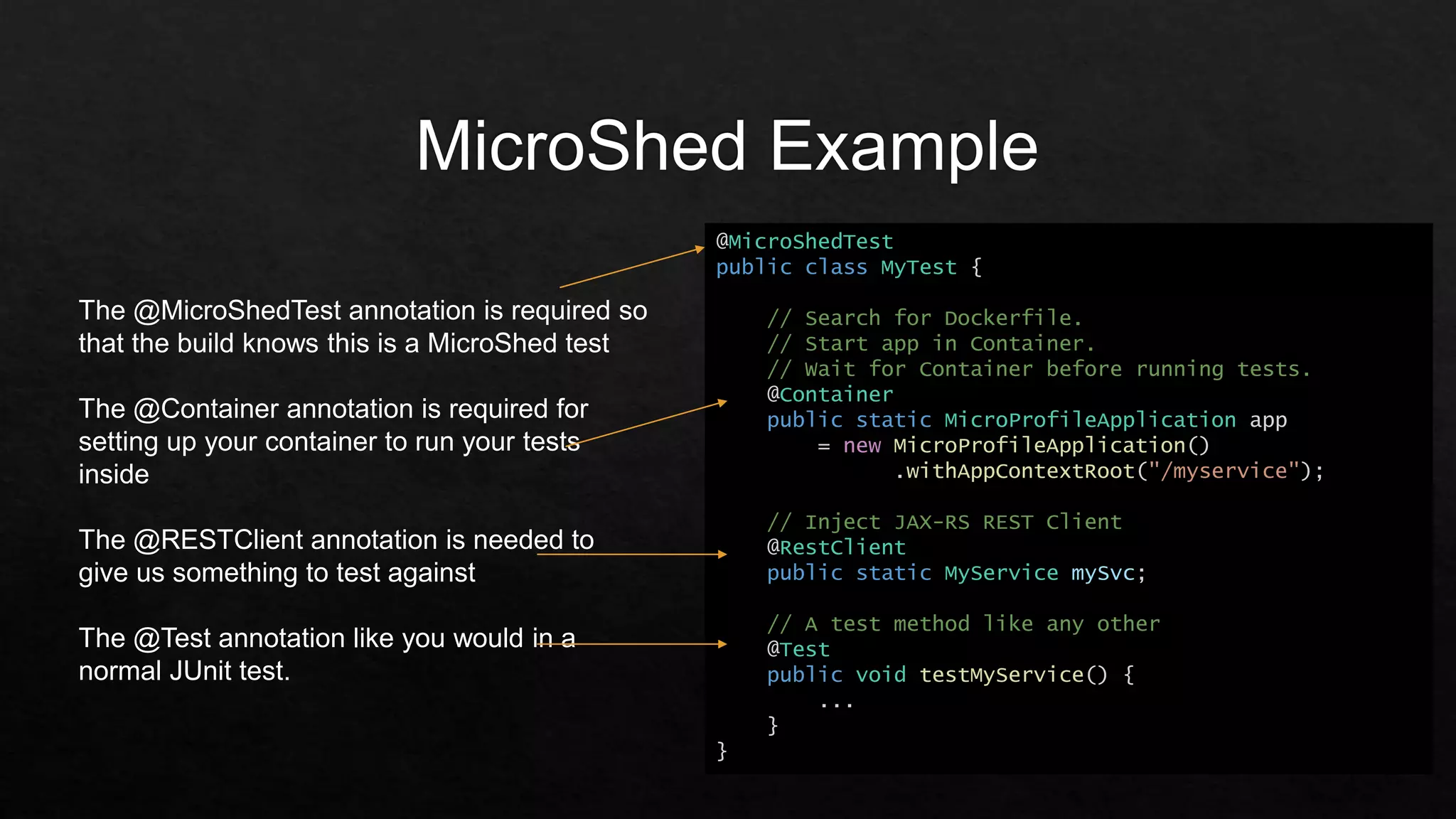
@MicroShedTest
public class MyTest {
// Search for Dockerfile.
// Start app in Container.
// Wait for Container before running tests.
@Container
public static MicroProfileApplication app
= new MicroProfileApplication()
.withAppContextRoot("/myservice");
// Inject JAX-RS REST Client
@RestClient
public static MyService mySvc;
// A test method like any other
@Test
public void testMyService() {
...
}
}
The @MicroShedTest annotation is required so
that the build knows this is a MicroShed test
The @Container annotation is required for
setting up your container to run your tests
inside
The @RESTClient annotation is needed to
give us something to test against
The @Test annotation like you would in a
normal JUnit test.
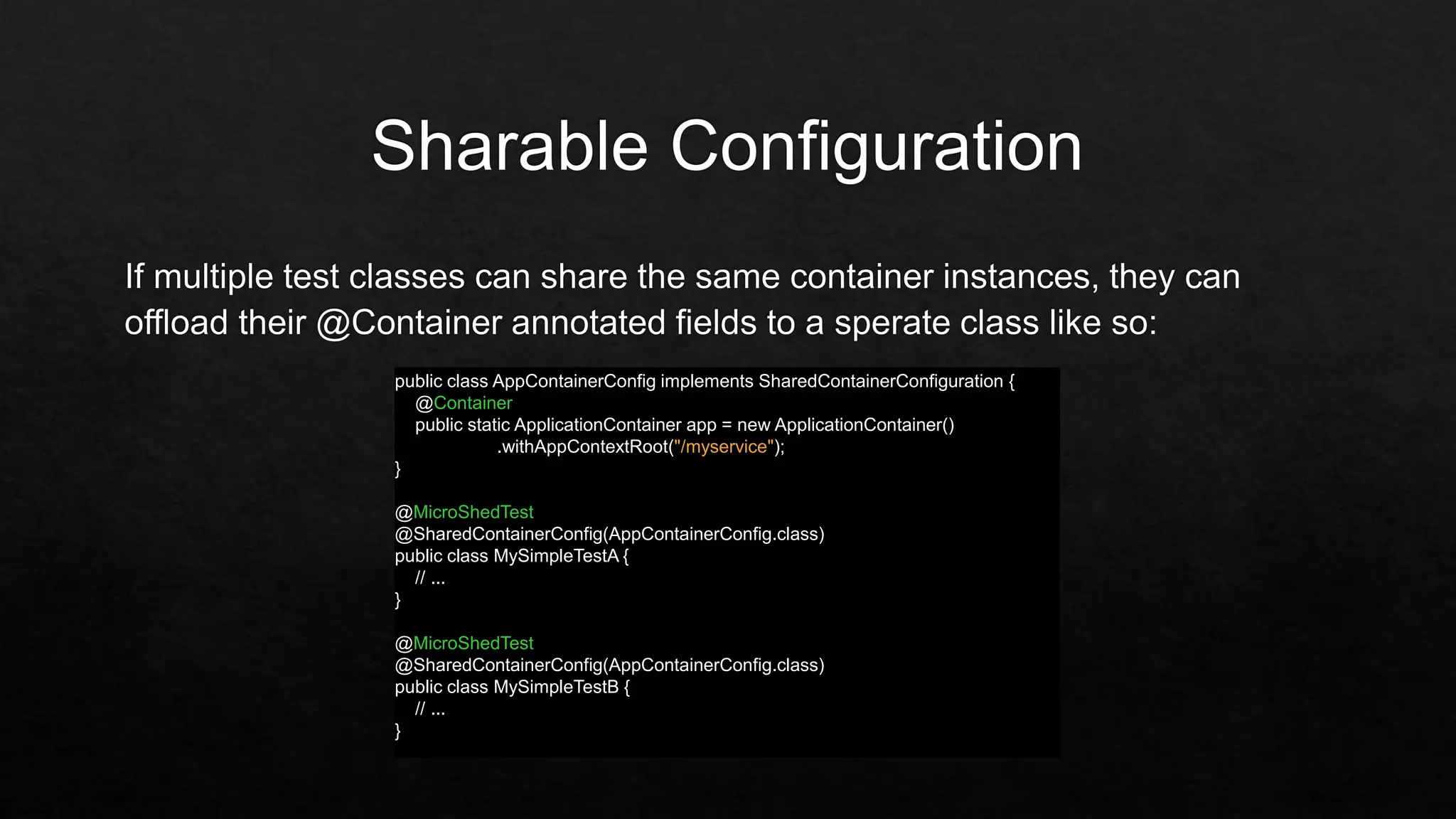
public class AppContainerConfig implements SharedContainerConfiguration {
@Container
public static ApplicationContainer app = new ApplicationContainer()
.withAppContextRoot("/myservice");
}
@MicroShedTest
@SharedContainerConfig(AppContainerConfig.class)
public class MySimpleTestA {
// ...
}
@MicroShedTest
@SharedContainerConfig(AppContainerConfig.class)
public class MySimpleTestB {
// ...
}
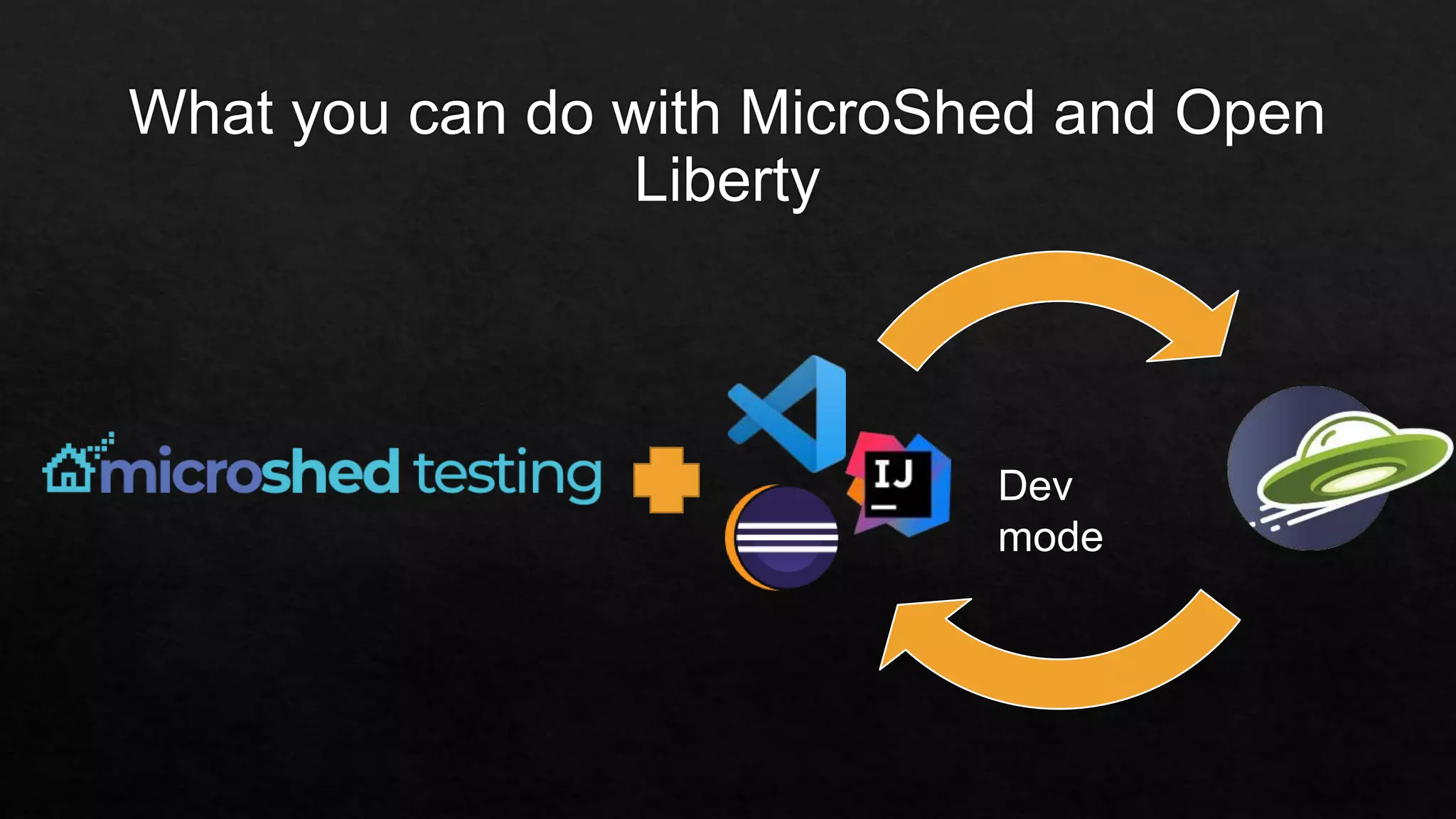
Dev
mode
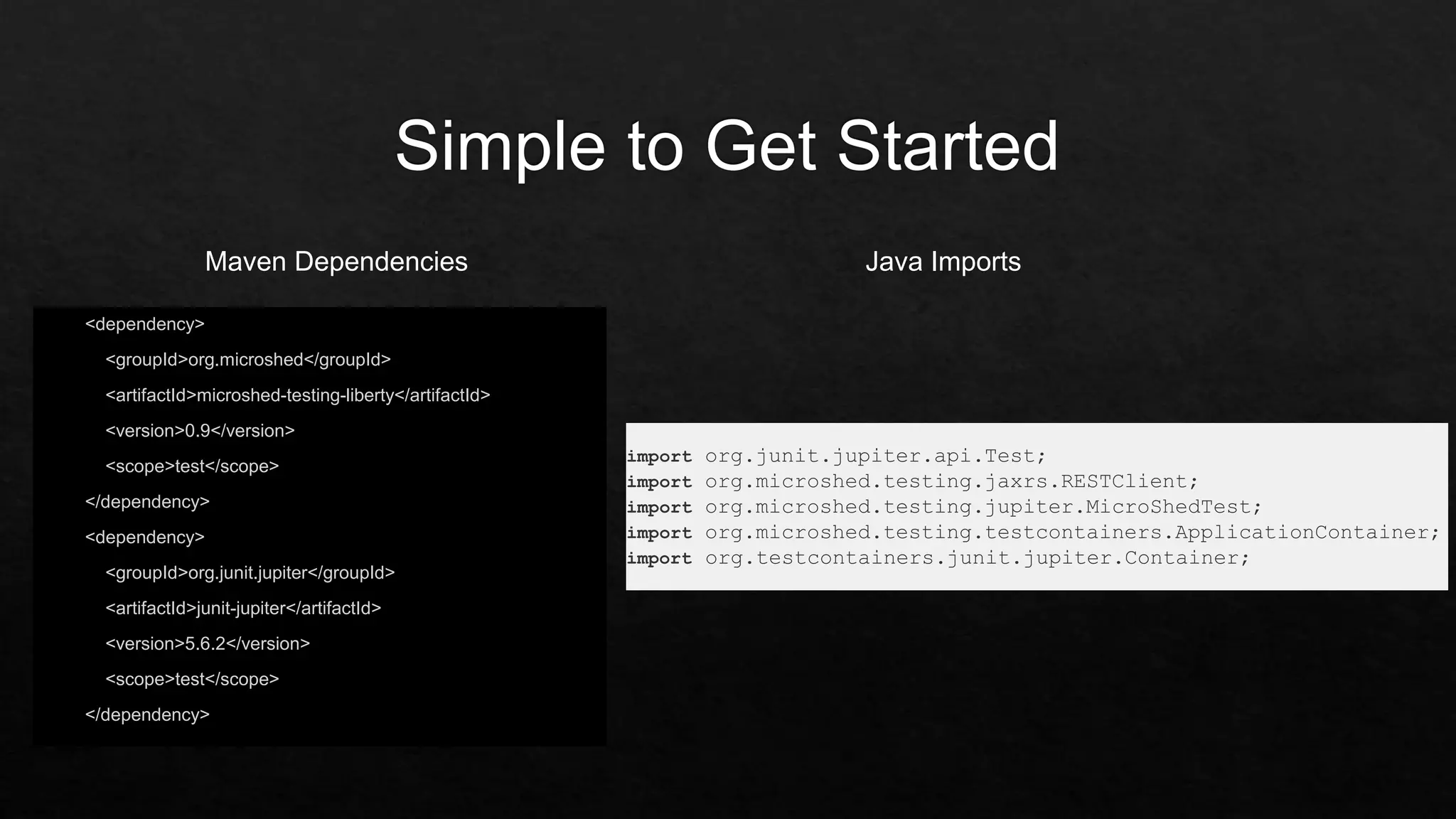
<dependency>
<groupId>org.microshed</groupId>
<artifactId>microshed-testing-liberty</artifactId>
<version>0.9</version>
<scope>test</scope>
</dependency>
<dependency>
<groupId>org.junit.jupiter</groupId>
<artifactId>junit-jupiter</artifactId>
<version>5.6.2</version>
<scope>test</scope>
</dependency>
import org.junit.jupiter.api.Test;
import org.microshed.testing.jaxrs.RESTClient;
import org.microshed.testing.jupiter.MicroShedTest;
import org.microshed.testing.testcontainers.ApplicationContainer;
import org.testcontainers.junit.jupiter.Container;
Maven Dependencies Java Imports
Replicating production on your laptop using the magic of containers v2

Replicating production on your laptop using the magic of containers v2

Editor's Notes

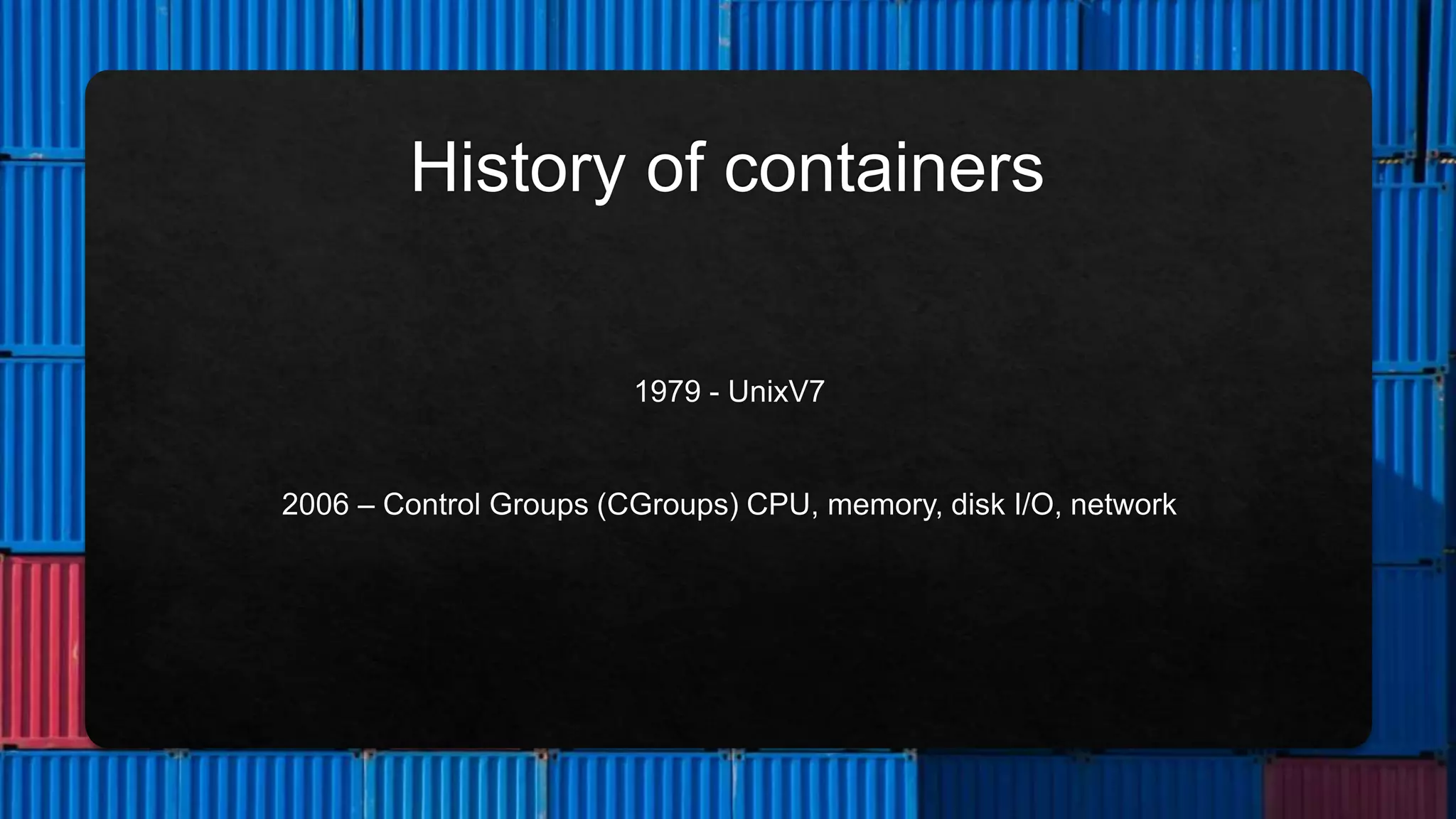
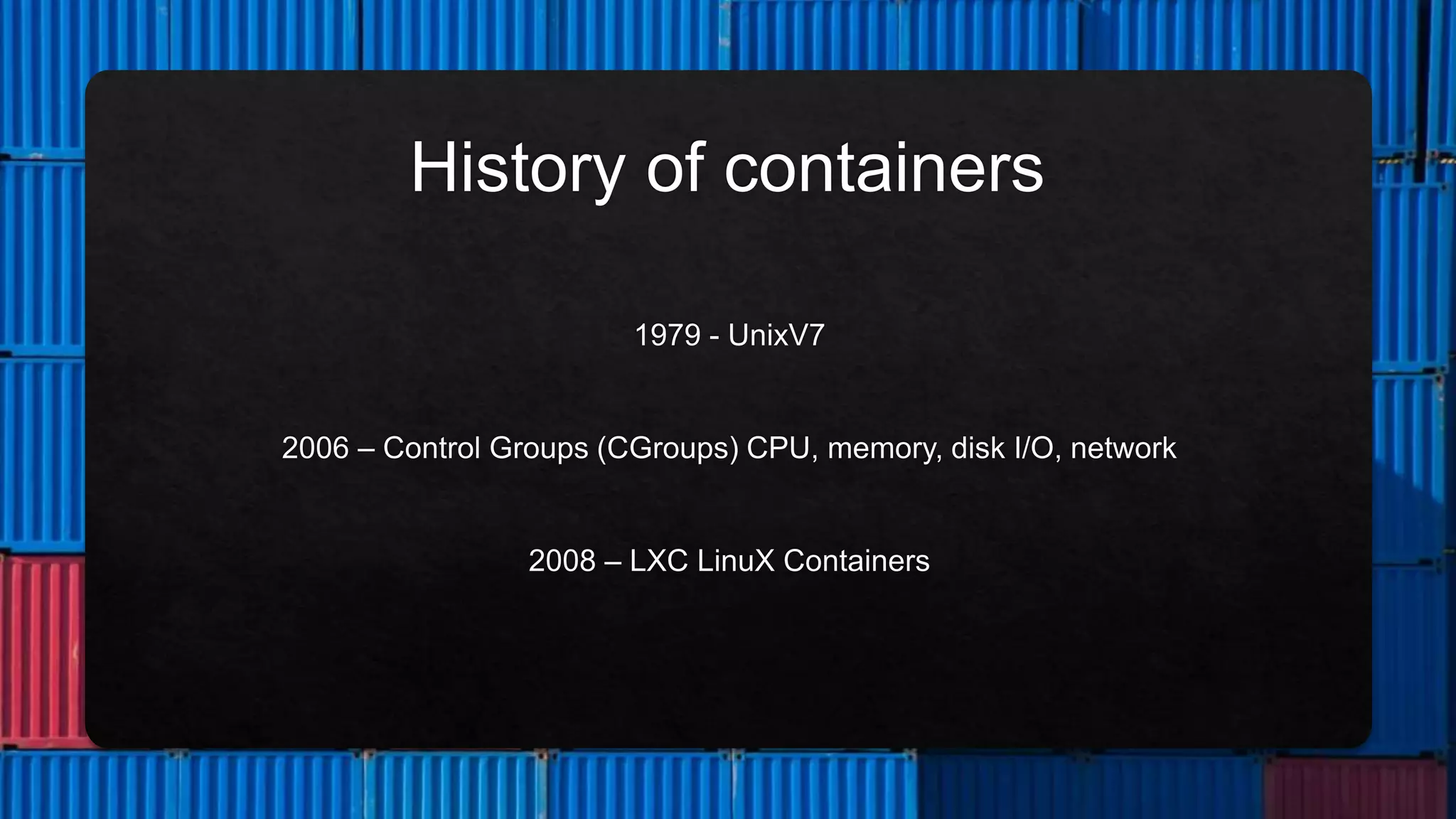
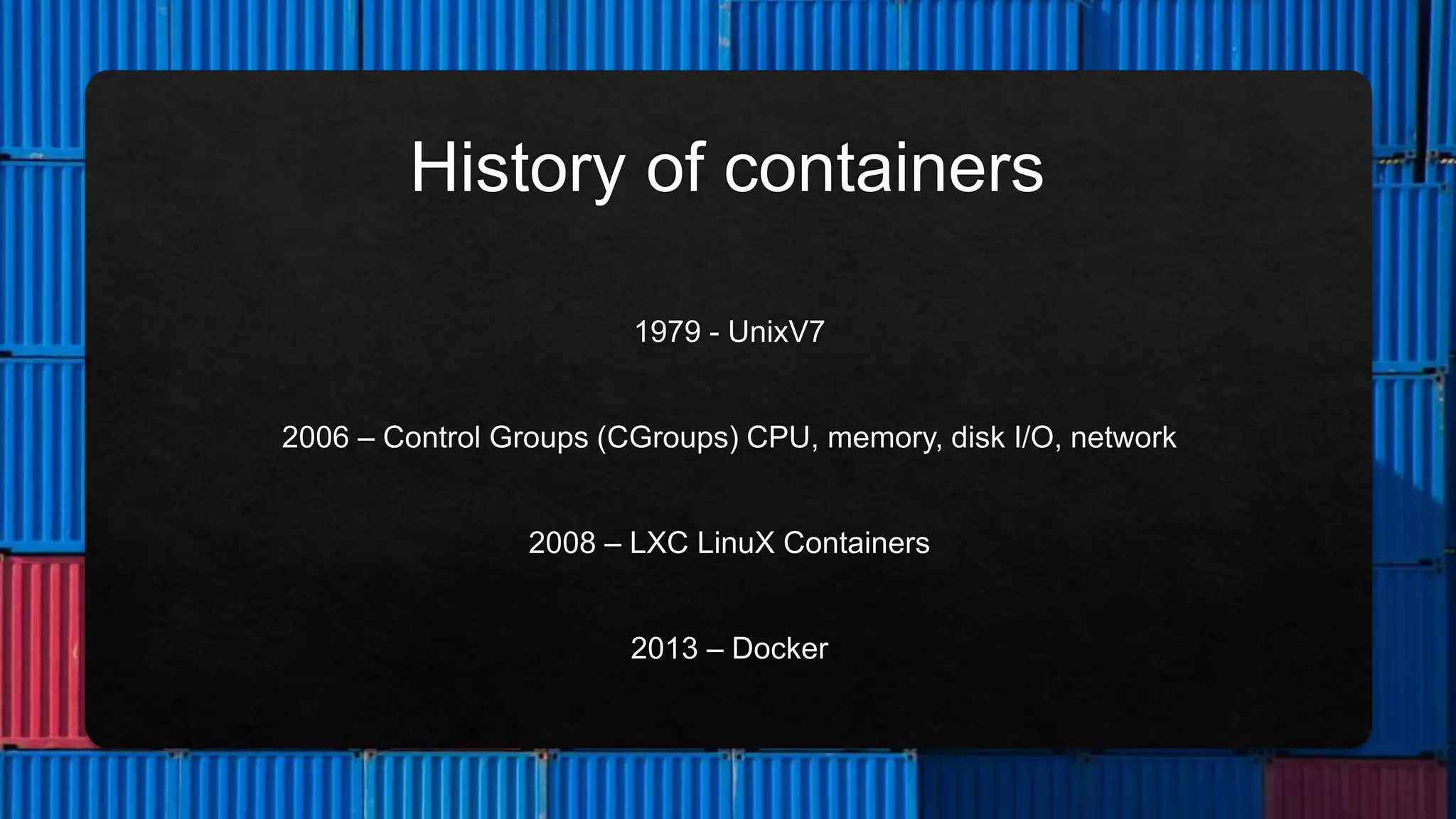
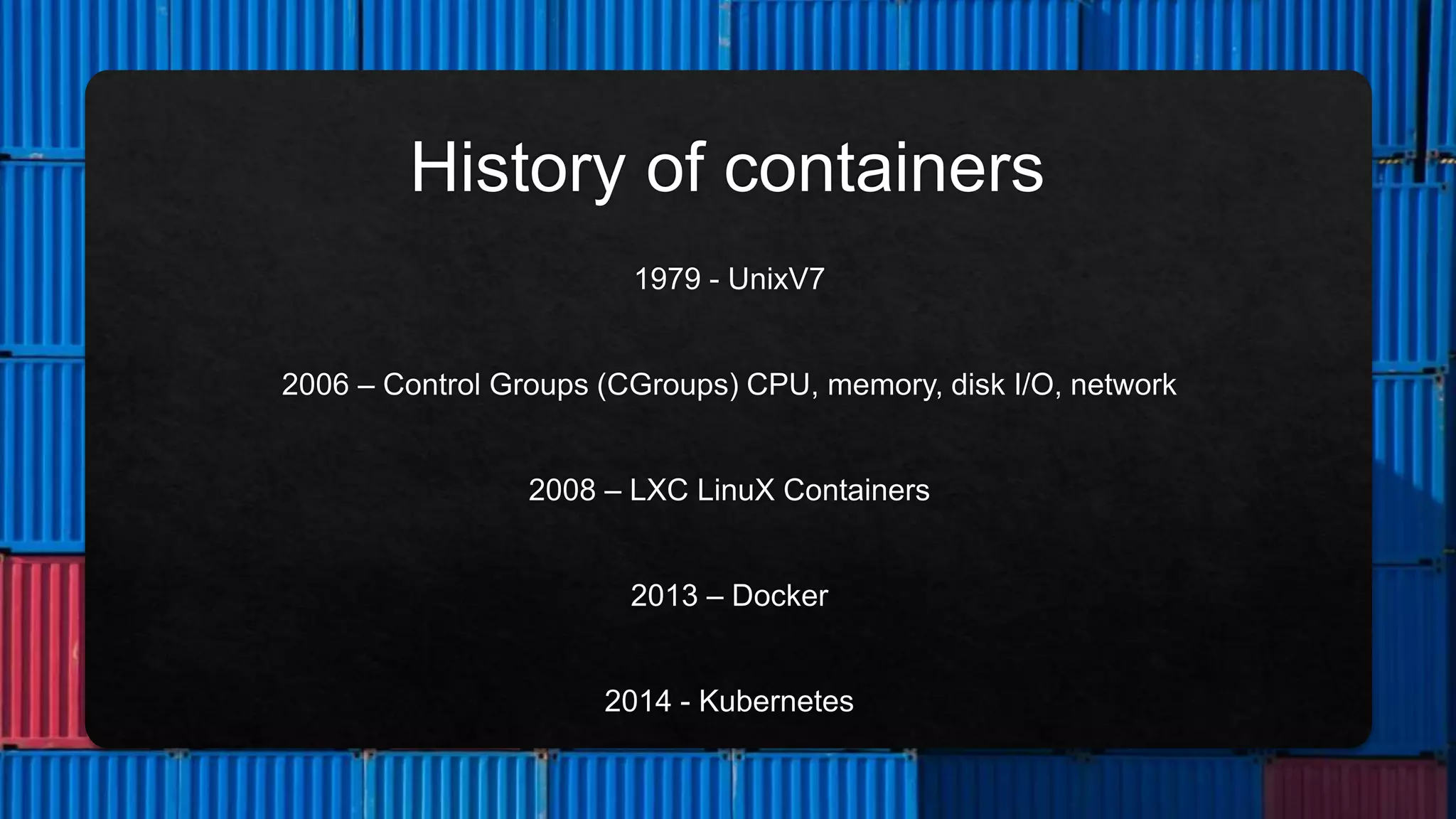
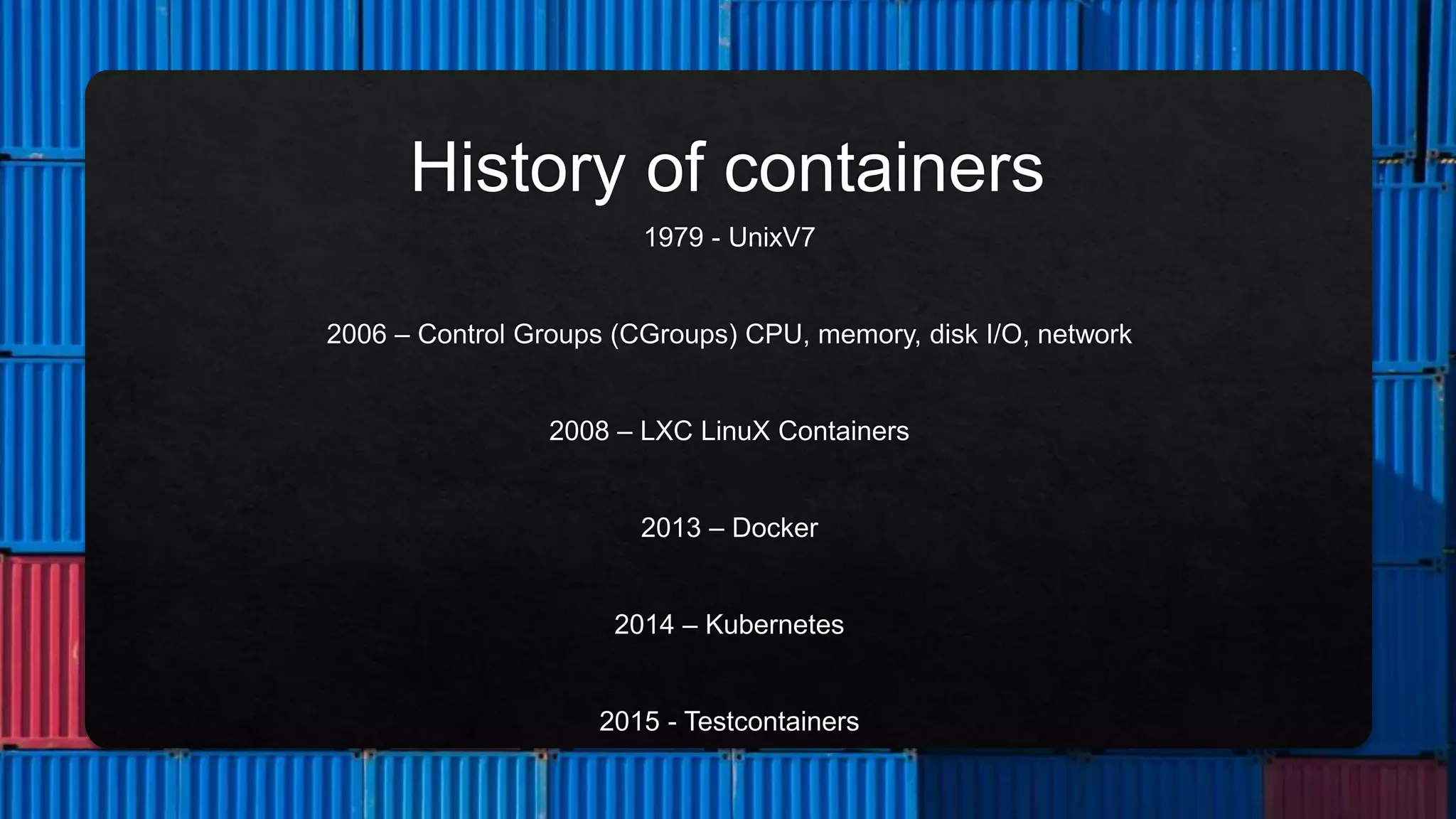
  • #5 Unix V7 in 1979, the chroot system call was introduced, changing the root directory of a process and its children to a new location in the filesystem. Process Containers (launched by Google in 2006) was designed for limiting, accounting and isolating resource usage (CPU, memory, disk I/O, network) of a collection of processes. LXC (LinuX Containers) was the first, most complete implementation of Linux container manager. It was implemented in 2008 using cgroups and Linux namespaces, and it works on a single Linux kernel without requiring any patches. 
  • #6 Unix V7 in 1979, the chroot system call was introduced, changing the root directory of a process and its children to a new location in the filesystem. Process Containers (launched by Google in 2006) was designed for limiting, accounting and isolating resource usage (CPU, memory, disk I/O, network) of a collection of processes. LXC (LinuX Containers) was the first, most complete implementation of Linux container manager. It was implemented in 2008 using cgroups and Linux namespaces, and it works on a single Linux kernel without requiring any patches. 
  • #7 Unix V7 in 1979, the chroot system call was introduced, changing the root directory of a process and its children to a new location in the filesystem. Process Containers (launched by Google in 2006) was designed for limiting, accounting and isolating resource usage (CPU, memory, disk I/O, network) of a collection of processes. LXC (LinuX Containers) was the first, most complete implementation of Linux container manager. It was implemented in 2008 using cgroups and Linux namespaces, and it works on a single Linux kernel without requiring any patches. 
  • #8 Unix V7 in 1979, the chroot system call was introduced, changing the root directory of a process and its children to a new location in the filesystem. Process Containers (launched by Google in 2006) was designed for limiting, accounting and isolating resource usage (CPU, memory, disk I/O, network) of a collection of processes. LXC (LinuX Containers) was the first, most complete implementation of Linux container manager. It was implemented in 2008 using cgroups and Linux namespaces, and it works on a single Linux kernel without requiring any patches. 
  • #9 Unix V7 in 1979, the chroot system call was introduced, changing the root directory of a process and its children to a new location in the filesystem. Process Containers (launched by Google in 2006) was designed for limiting, accounting and isolating resource usage (CPU, memory, disk I/O, network) of a collection of processes. LXC (LinuX Containers) was the first, most complete implementation of Linux container manager. It was implemented in 2008 using cgroups and Linux namespaces, and it works on a single Linux kernel without requiring any patches. 
  • #10 Unix V7 in 1979, the chroot system call was introduced, changing the root directory of a process and its children to a new location in the filesystem. Process Containers (launched by Google in 2006) was designed for limiting, accounting and isolating resource usage (CPU, memory, disk I/O, network) of a collection of processes. LXC (LinuX Containers) was the first, most complete implementation of Linux container manager. It was implemented in 2008 using cgroups and Linux namespaces, and it works on a single Linux kernel without requiring any patches. 
  • #19 Unix V7 in 1979, the chroot system call was introduced, changing the root directory of a process and its children to a new location in the filesystem. Process Containers (launched by Google in 2006) was designed for limiting, accounting and isolating resource usage (CPU, memory, disk I/O, network) of a collection of processes. LXC (LinuX Containers) was the first, most complete implementation of Linux container manager. It was implemented in 2008 using cgroups and Linux namespaces, and it works on a single Linux kernel without requiring any patches. 
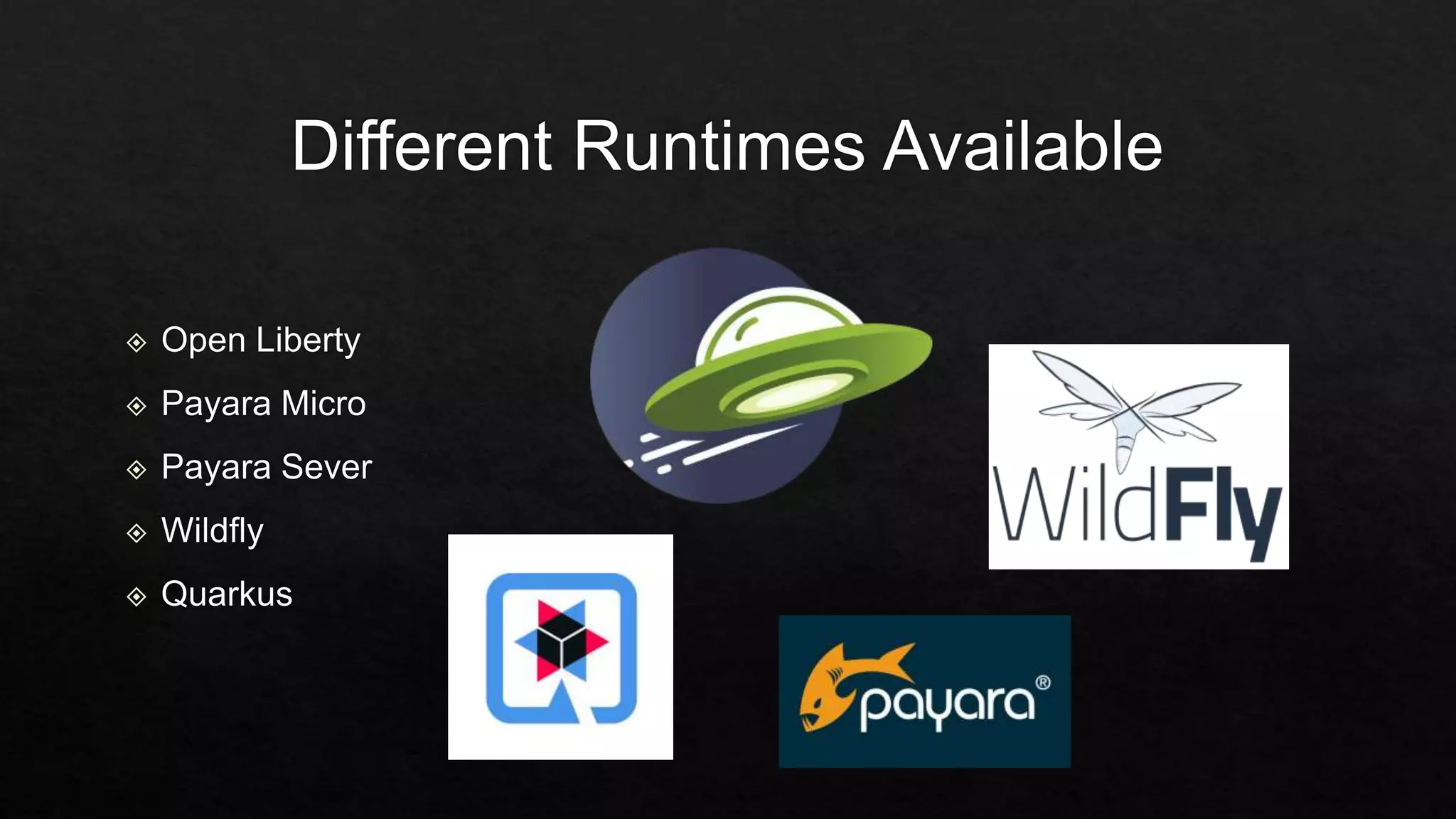
  • #27 It works with many different Jakarta EE and MicroProfile runtimes such as Open Liberty and provides integration with applications using Apache Kafka for messaging.