Downloaded 19 times
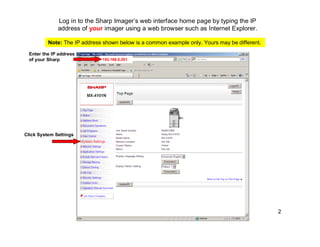
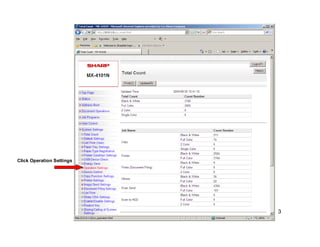
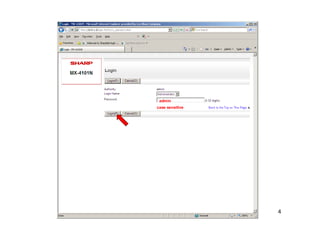
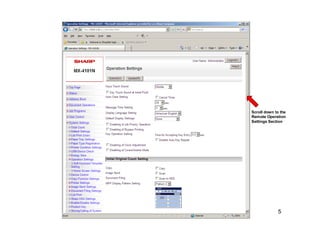
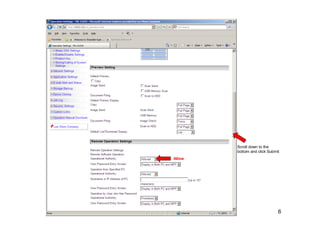
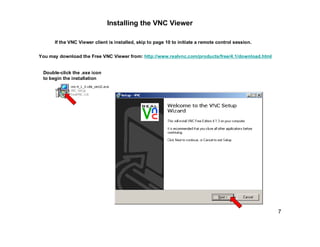
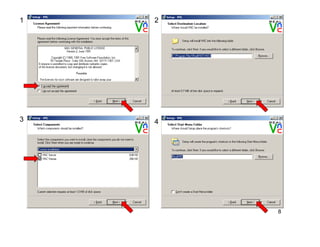
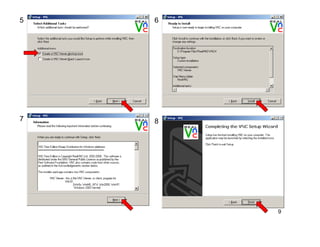
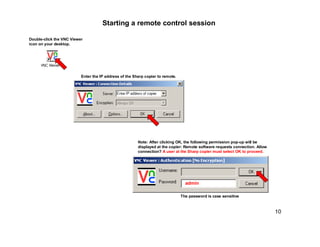
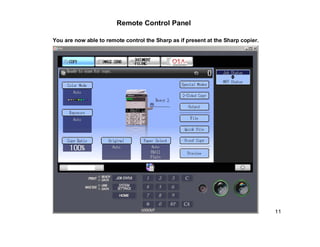

The document provides instructions for remotely controlling several Sharp copier models using VNC Free Edition Viewer. It outlines steps to log into the copier's web interface, enable remote operation settings, install the VNC Viewer client, and initiate a remote control session by entering the copier's IP address and password into the VNC Viewer application. A user at the copier must then accept the remote connection request.


