What is React?
React is a JavaScript library created by Facebook.
It lets you compose complex UIs from small and isolated pieces of code called “components”.
React allows us to create reusable UI components.
What are React Components?
Components are like functions that return HTML elements.
Components are independent and reusable bits of code.
They serve the same purpose as JavaScript functions, but work in isolation and returns HTML
via a render function
 Components come in two types, Class components and Function components.
Class Component
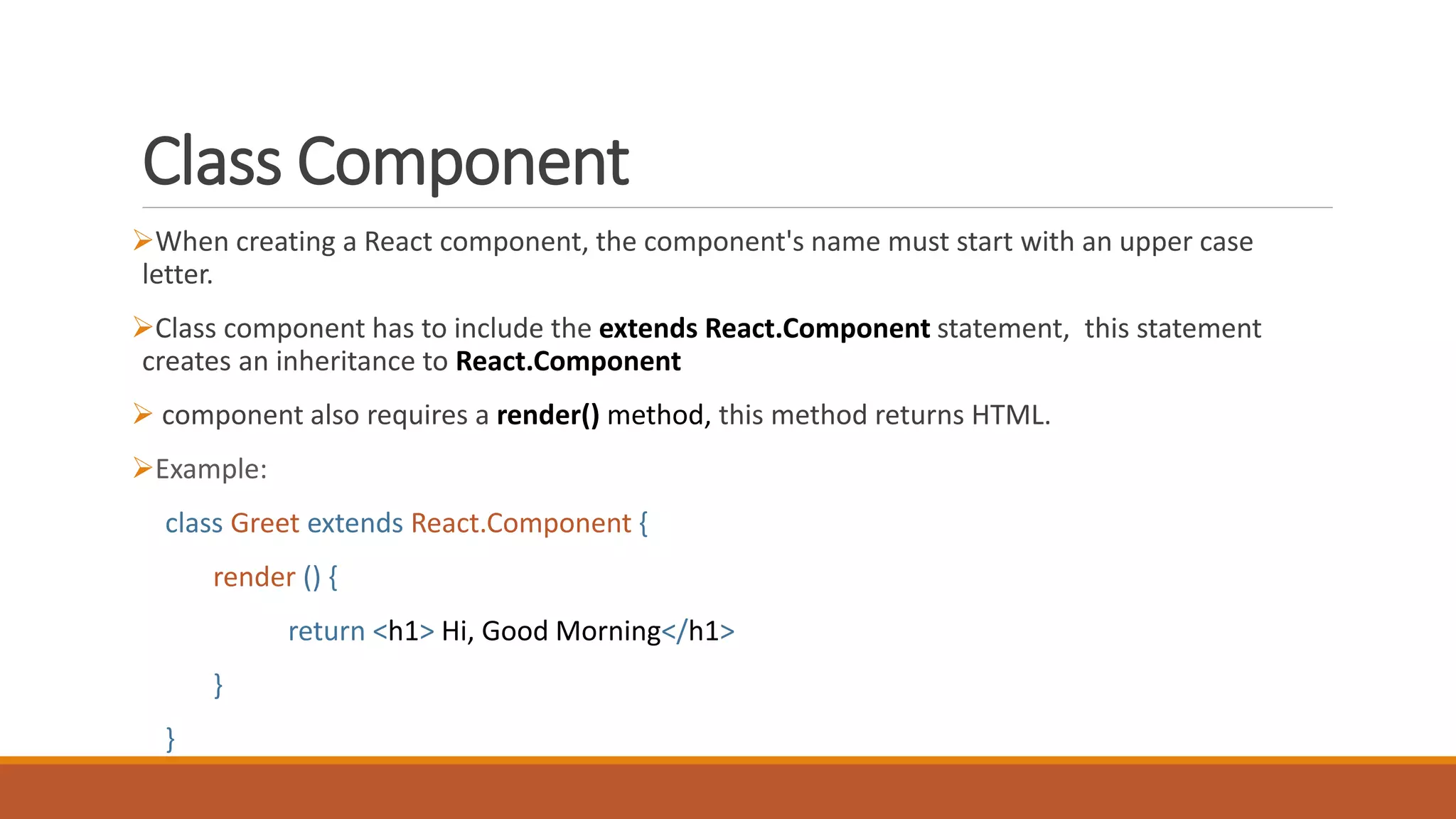
When creating a React component, the component's name must start with an upper case
letter.
Class component has to include the extends React.Component statement, this statement
creates an inheritance to React.Component
 component also requires a render() method, this method returns HTML.
Example:
class Greet extends React.Component {
render () {
return <h1> Hi, Good Morning</h1>
}
}
Function Component
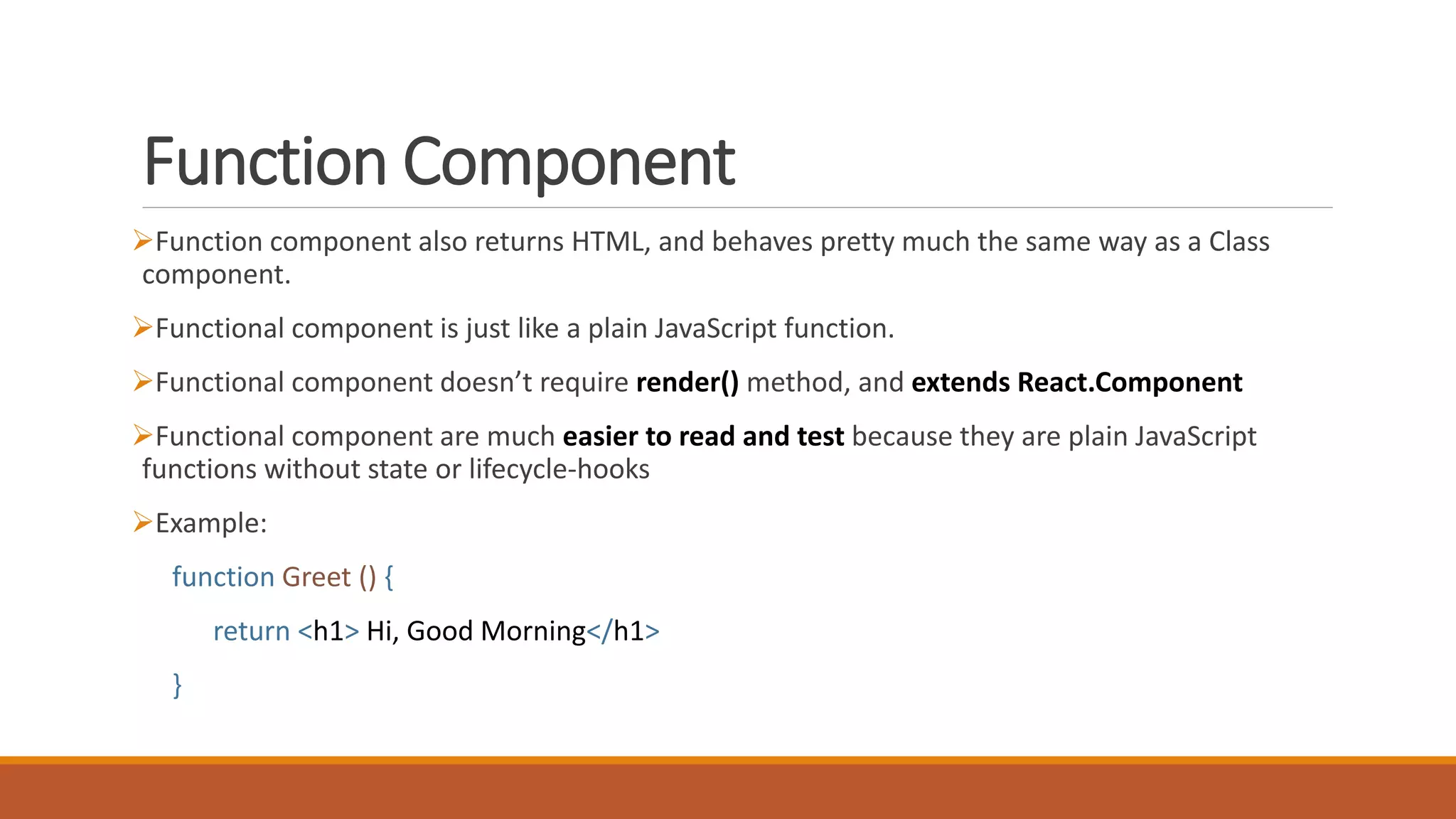
Function component also returns HTML, and behaves pretty much the same way as a Class
component.
Functional component is just like a plain JavaScript function.
Functional component doesn’t require render() method, and extends React.Component
Functional component are much easier to read and test because they are plain JavaScript
functions without state or lifecycle-hooks
Example:
function Greet () {
return <h1> Hi, Good Morning</h1>
}
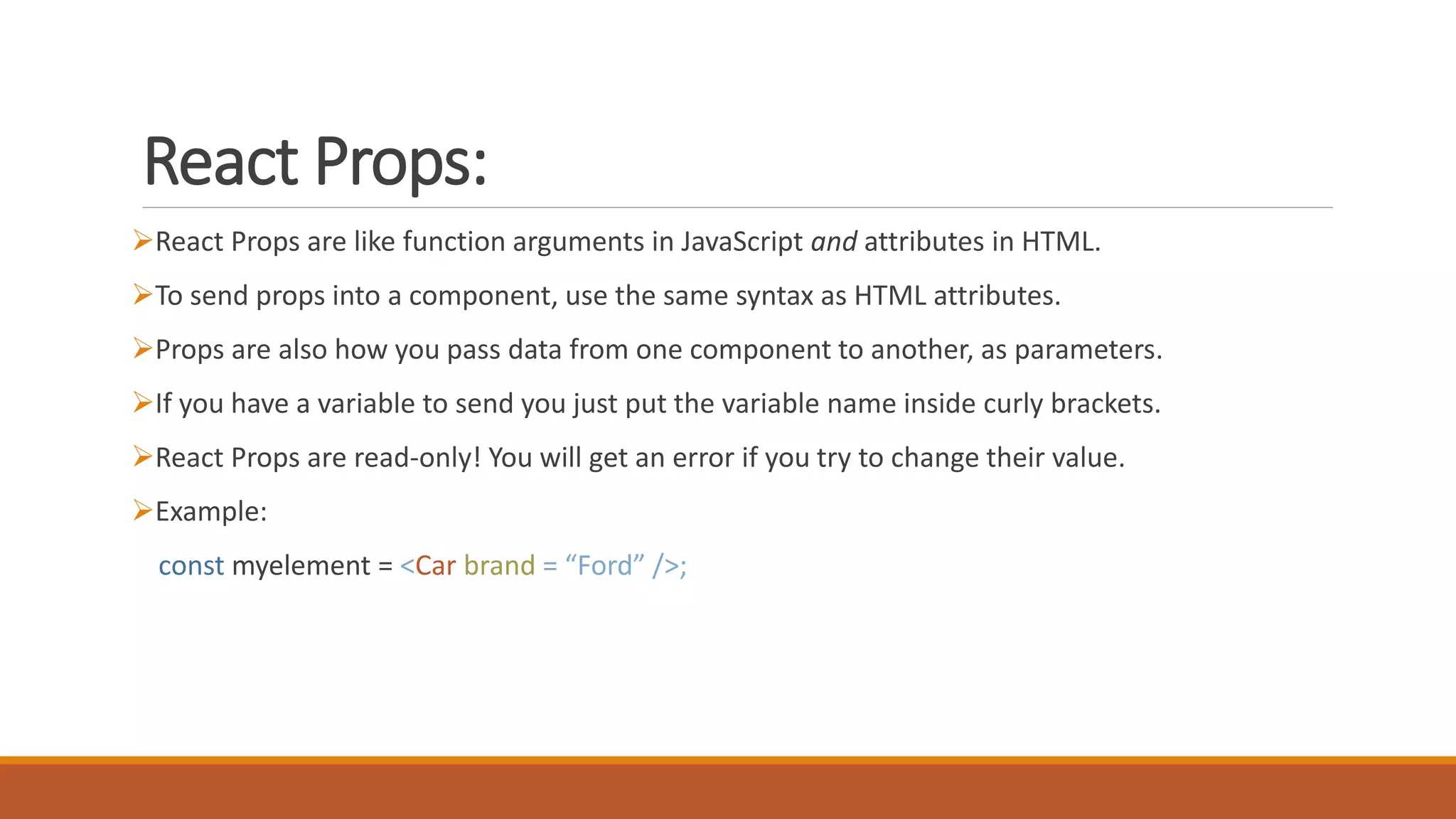
React Props:
React Props are like function arguments in JavaScript and attributes in HTML.
To send props into a component, use the same syntax as HTML attributes.
Props are also how you pass data from one component to another, as parameters.
If you have a variable to send you just put the variable name inside curly brackets.
React Props are read-only! You will get an error if you try to change their value.
Example:
const myelement = <Car brand = “Ford” />;
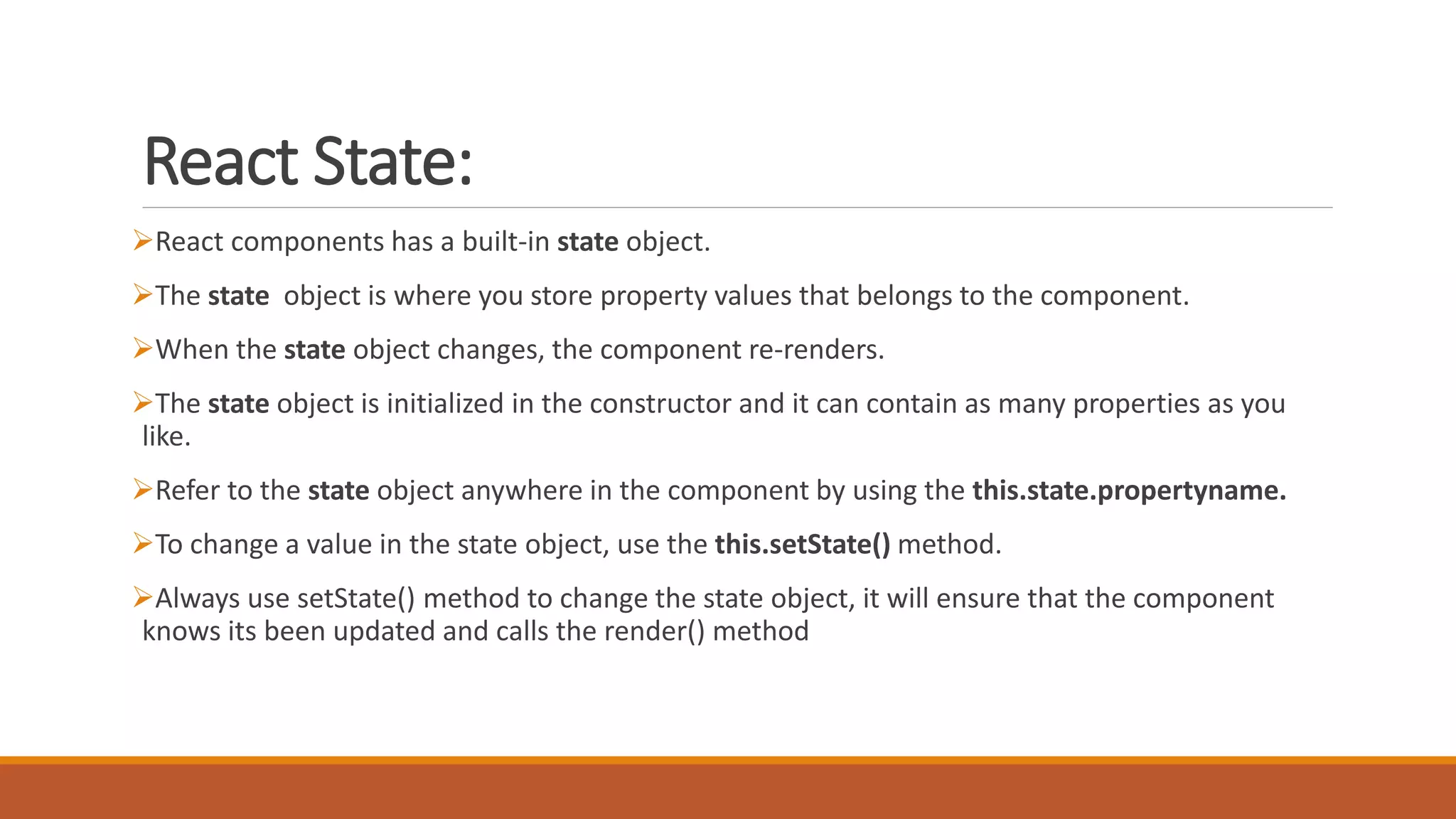
React State:
React components has a built-in state object.
The state object is where you store property values that belongs to the component.
When the state object changes, the component re-renders.
The state object is initialized in the constructor and it can contain as many properties as you
like.
Refer to the state object anywhere in the component by using the this.state.propertyname.
To change a value in the state object, use the this.setState() method.
Always use setState() method to change the state object, it will ensure that the component
knows its been updated and calls the render() method
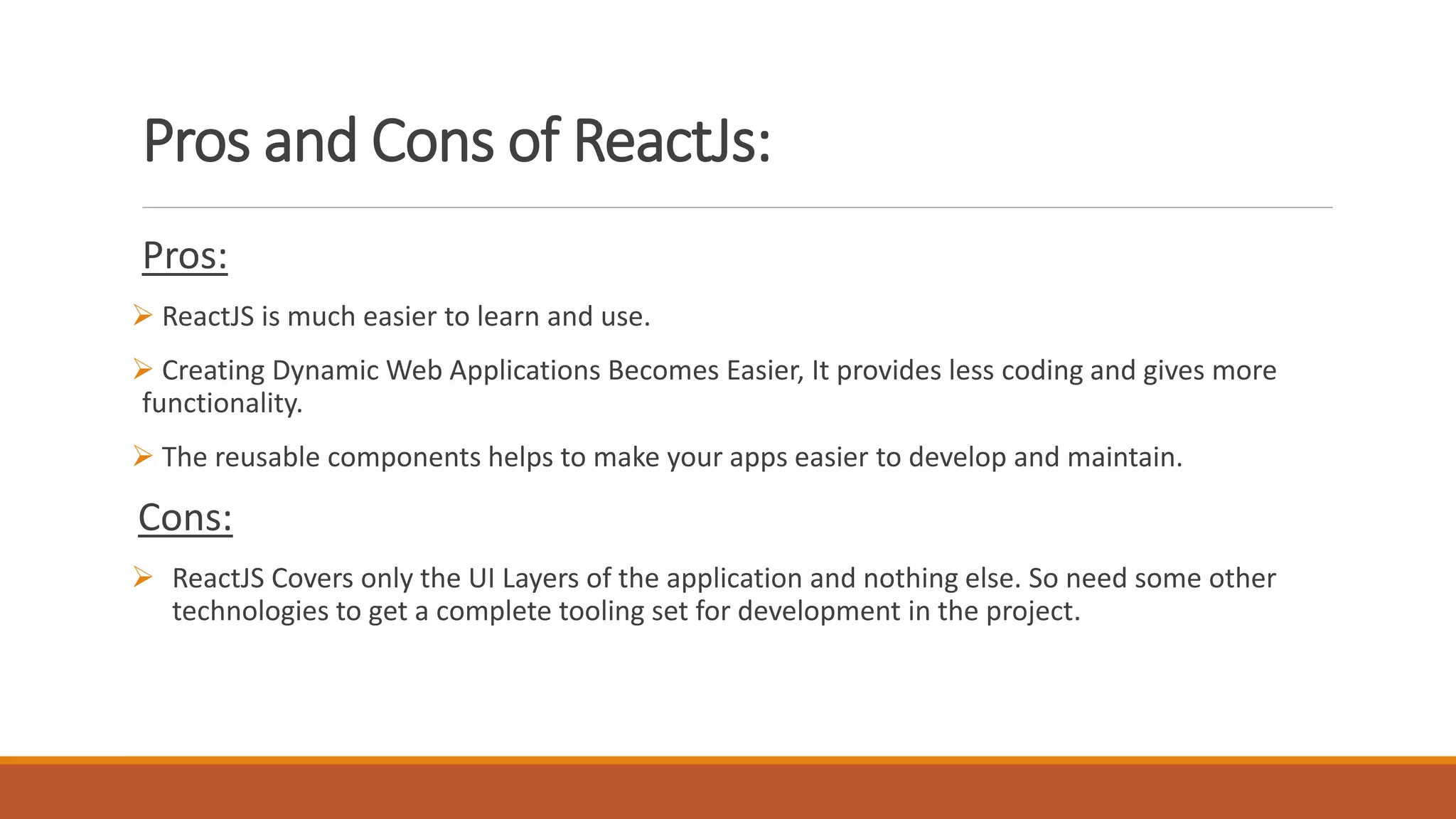
Pros and Cons of ReactJs:
Pros:
 ReactJS is much easier to learn and use.
 Creating Dynamic Web Applications Becomes Easier, It provides less coding and gives more
functionality.
 The reusable components helps to make your apps easier to develop and maintain.
Cons:
 ReactJS Covers only the UI Layers of the application and nothing else. So need some other
technologies to get a complete tooling set for development in the project.
React

React

  • 2.
    What is React? Reactis a JavaScript library created by Facebook. It lets you compose complex UIs from small and isolated pieces of code called “components”. React allows us to create reusable UI components.
  • 3.
    What are ReactComponents? Components are like functions that return HTML elements. Components are independent and reusable bits of code. They serve the same purpose as JavaScript functions, but work in isolation and returns HTML via a render function  Components come in two types, Class components and Function components.
  • 4.
    Class Component When creatinga React component, the component's name must start with an upper case letter. Class component has to include the extends React.Component statement, this statement creates an inheritance to React.Component  component also requires a render() method, this method returns HTML. Example: class Greet extends React.Component { render () { return <h1> Hi, Good Morning</h1> } }
  • 5.
    Function Component Function componentalso returns HTML, and behaves pretty much the same way as a Class component. Functional component is just like a plain JavaScript function. Functional component doesn’t require render() method, and extends React.Component Functional component are much easier to read and test because they are plain JavaScript functions without state or lifecycle-hooks Example: function Greet () { return <h1> Hi, Good Morning</h1> }
  • 6.
    React Props: React Propsare like function arguments in JavaScript and attributes in HTML. To send props into a component, use the same syntax as HTML attributes. Props are also how you pass data from one component to another, as parameters. If you have a variable to send you just put the variable name inside curly brackets. React Props are read-only! You will get an error if you try to change their value. Example: const myelement = <Car brand = “Ford” />;
  • 7.
    React State: React componentshas a built-in state object. The state object is where you store property values that belongs to the component. When the state object changes, the component re-renders. The state object is initialized in the constructor and it can contain as many properties as you like. Refer to the state object anywhere in the component by using the this.state.propertyname. To change a value in the state object, use the this.setState() method. Always use setState() method to change the state object, it will ensure that the component knows its been updated and calls the render() method
  • 8.
    Pros and Consof ReactJs: Pros:  ReactJS is much easier to learn and use.  Creating Dynamic Web Applications Becomes Easier, It provides less coding and gives more functionality.  The reusable components helps to make your apps easier to develop and maintain. Cons:  ReactJS Covers only the UI Layers of the application and nothing else. So need some other technologies to get a complete tooling set for development in the project.