



Framework on Framework - FOF
Rapid application development for the Joomla! CMS
So, what’s that “FOF” thing?
Yeah, I know what you’re thinking
“Oh, dear Lord, not ANOTHER framework!”
FOF uses the Joomla! Platform
It does not completely replace it
Plays along with the other boys
Compatible with Joomla! 2.5, 3.0 and 3.1.
D.R.Y. - Don’t Repeat Yourself
I hate copying/pasting the same code over and over and over and over and over and over and over...
Less is more
Convention over configuration – less time, effort, code and bugs
Flexible, without imposing it’s way of thinking
There are no black boxes. There are methods, plugin events...
Backwards compatibility
There are no quantum, undocumented changes overnight
Some history
How we got here
July 2009 – Base MVC classes
My own classes, extending from JModel & co, minimising copied & pasted code
September 2011 – Turning into a proper framework
Basically, I wanted a RAD framework which doesn’t change every day
October 2011 – Implemented HMVC
while I was stuck on a plane, on the ground, for four hours
May 2012 – First public release
during the J and Beyond 2012 conference
June 2012 – Bootstrap & jQuery
In the optional Akeeba Strapper package
February 2013 – version 2.0 did NOT go into Joomla! 3.1
which is basically something good
March 2013 onwards – Taking off with XML view templates
making it a really Rapid Application Development framework
FOF’s Anatomy
Some general thoughts
Web services. Integrated JSON support and transparent
authentication, opening the door for data provisioning to apps (web,
desktop, mobile,...)
Almost RESTful, not entirely
HMVC components right here, right now, without having to
relearn Joomla! component development, i.e. the exact opposite of the
proposed Joomla! Framework, whenever that’s ready.
Structure
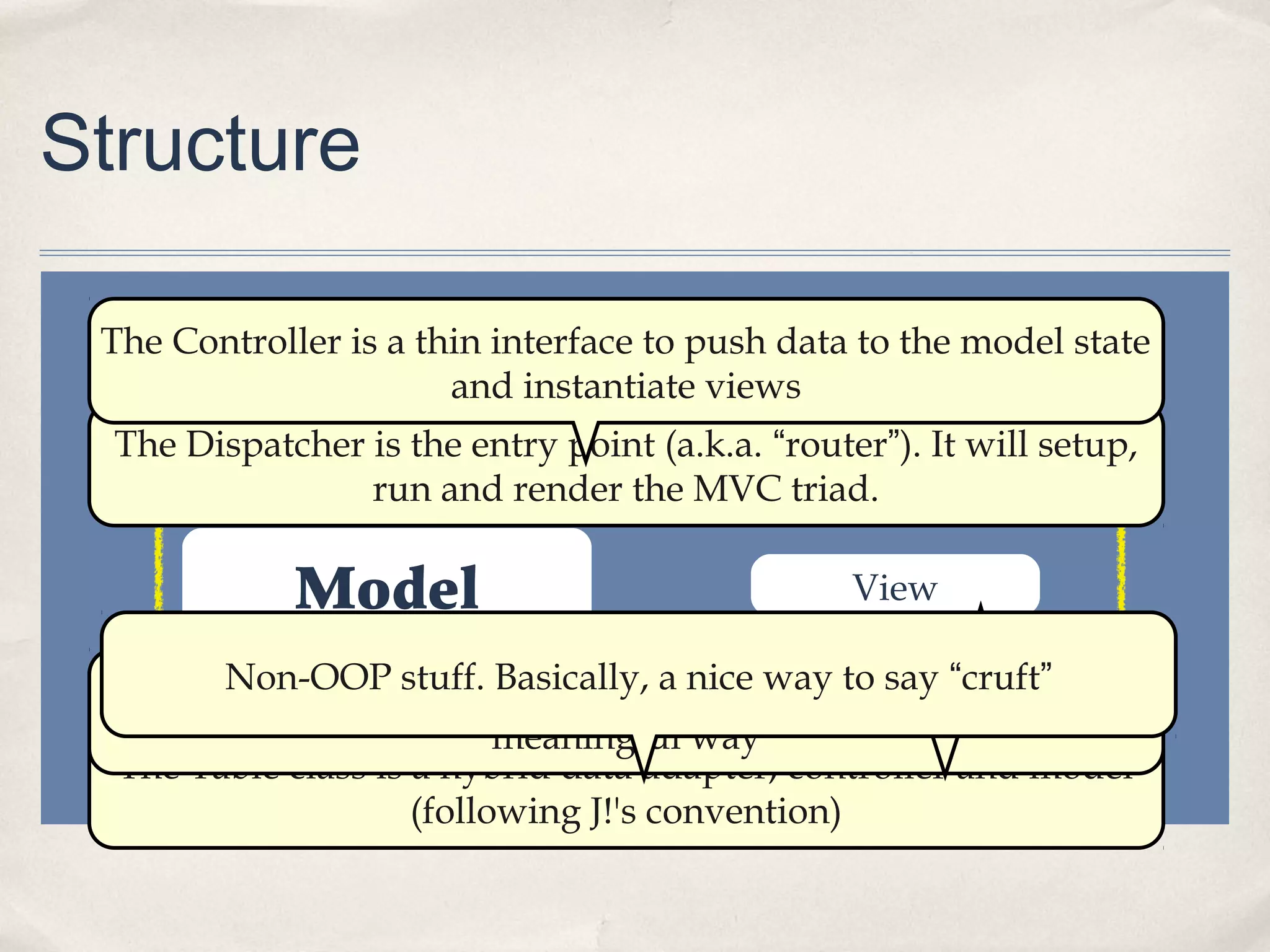
Dispatcher
Controller
Model View
ToolbarHelpers
“triad”
Table
The Dispatcher is the entry point (a.k.a. “router”). It will setup,
run and render the MVC triad.
The Controller is a thin interface to push data to the model state
and instantiate views
The Model is the workhorse. Business logic goes here.
The Table class is a hybrid data adapter, controller and model
(following J!'s convention)
The View fetches model state data and renders them in a
meaningful way
The Toolbar handles the rendering of titles, buttons and so onNon-OOP stuff. Basically, a nice way to say “cruft”
Convention over Configuration
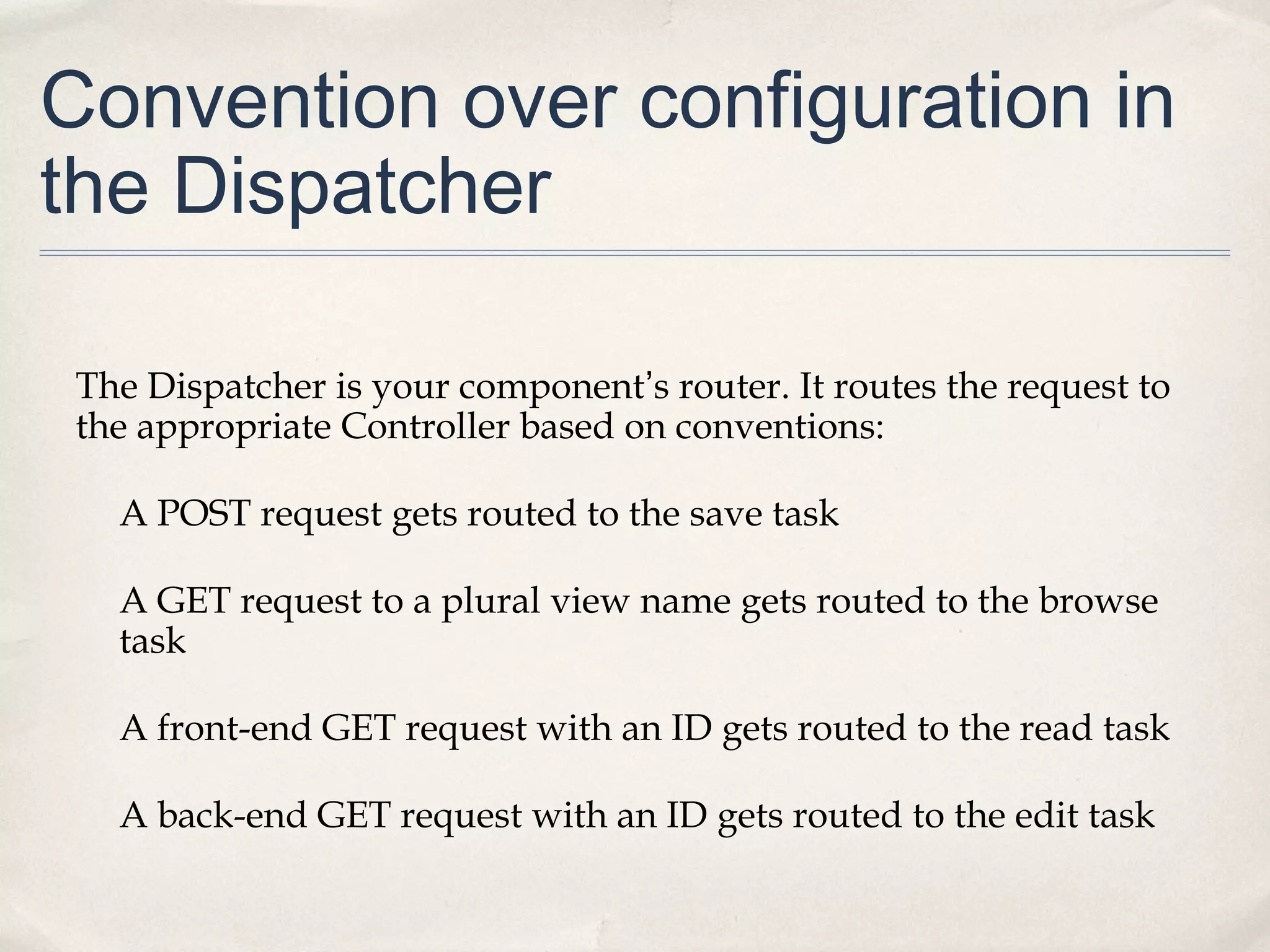
Convention over configuration in
the Dispatcher
The Dispatcher is your component’s router. It routes the request to
the appropriate Controller based on conventions:
A POST request gets routed to the save task
A GET request to a plural view name gets routed to the browse
task
A front-end GET request with an ID gets routed to the read task
A back-end GET request with an ID gets routed to the edit task
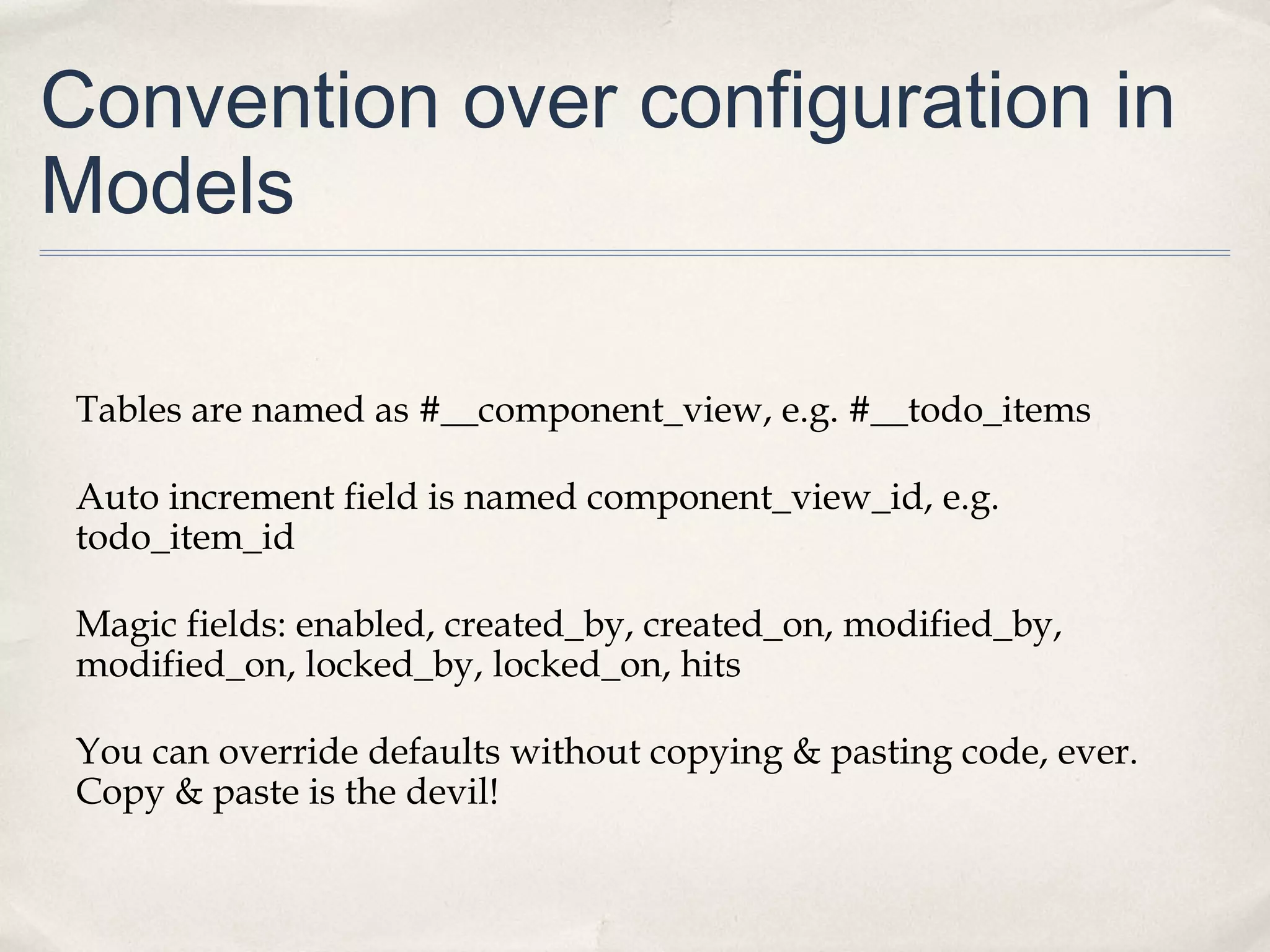
Convention over configuration in
Models
Tables are named as #__component_view, e.g. #__todo_items
Auto increment field is named component_view_id, e.g.
todo_item_id
Magic fields: enabled, created_by, created_on, modified_by,
modified_on, locked_by, locked_on, hits
You can override defaults without copying & pasting code, ever.
Copy & paste is the devil!
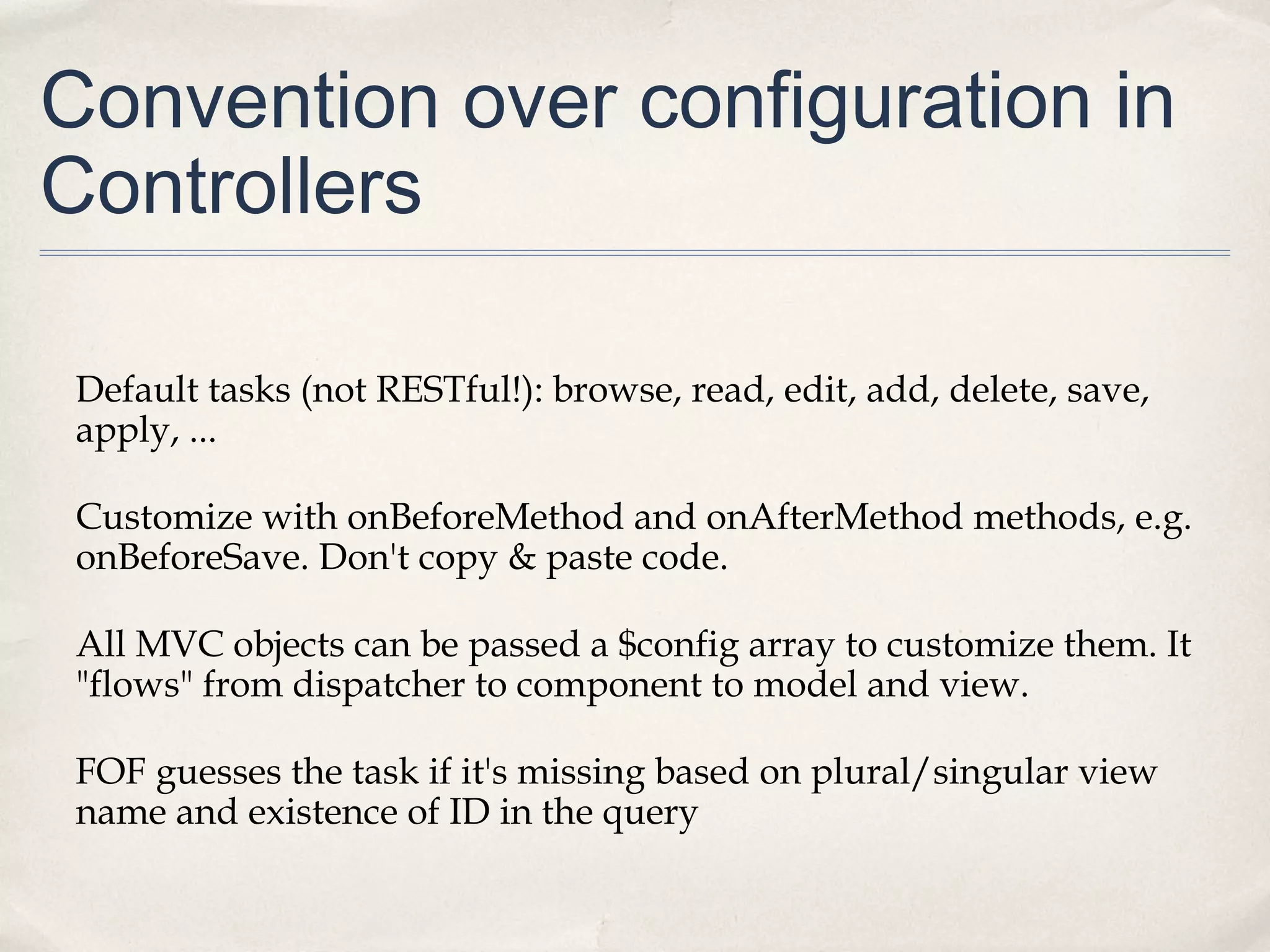
Convention over configuration in
Controllers
Default tasks (not RESTful!): browse, read, edit, add, delete, save,
apply, ...
Customize with onBeforeMethod and onAfterMethod methods, e.g.
onBeforeSave. Don't copy & paste code.
All MVC objects can be passed a $config array to customize them. It
"flows" from dispatcher to component to model and view.
FOF guesses the task if it's missing based on plural/singular view
name and existence of ID in the query
Convention over configuration in
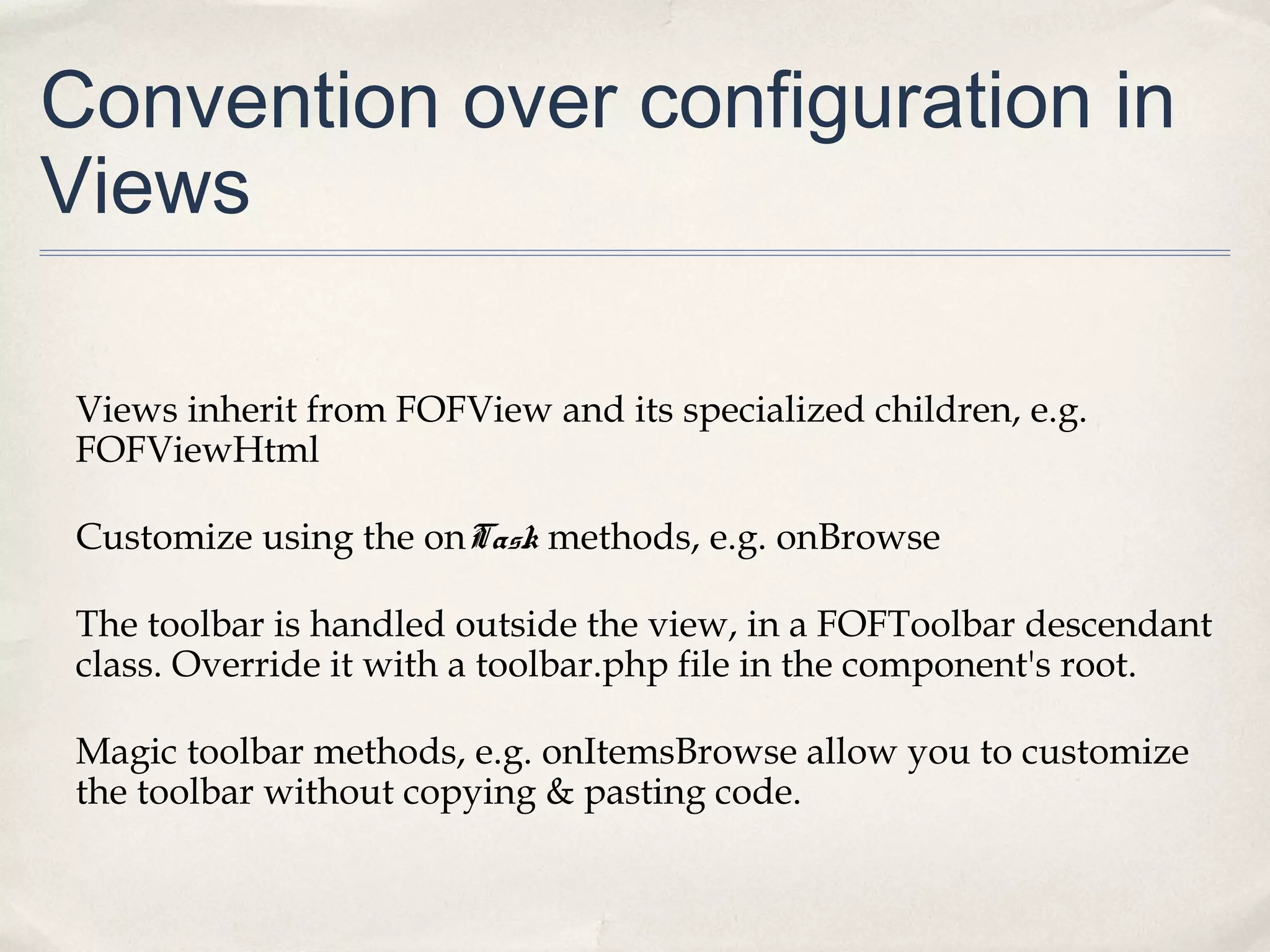
Views
Views inherit from FOFView and its specialized children, e.g.
FOFViewHtml
Customize using the onTask methods, e.g. onBrowse
The toolbar is handled outside the view, in a FOFToolbar descendant
class. Override it with a toolbar.php file in the component's root.
Magic toolbar methods, e.g. onItemsBrowse allow you to customize
the toolbar without copying & pasting code.
Epic features
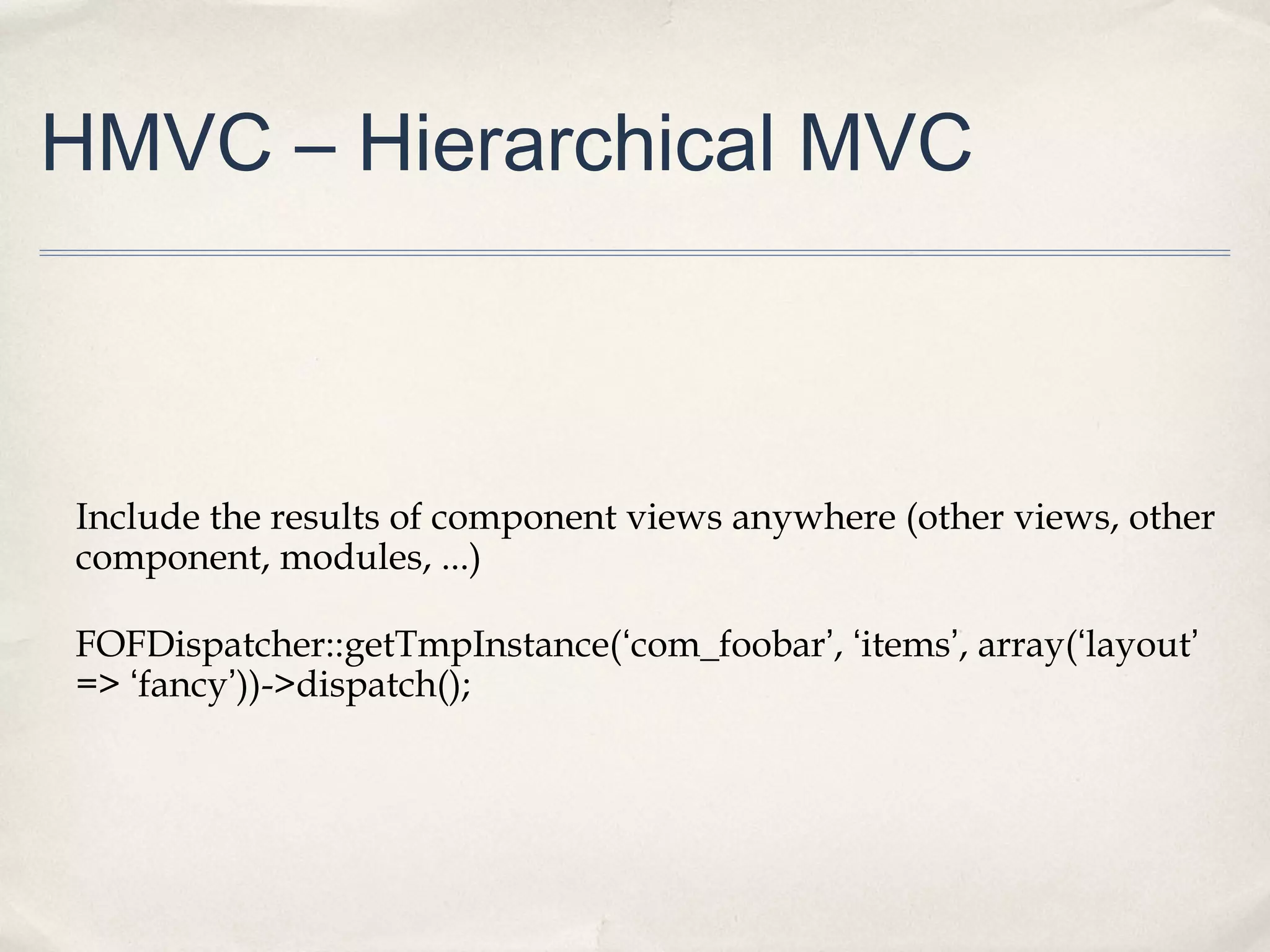
HMVC – Hierarchical MVC
Include the results of component views anywhere (other views, other
component, modules, ...)
FOFDispatcher::getTmpInstance(‘com_foobar’, ‘items’, array(‘layout’
=> ‘fancy’))->dispatch();
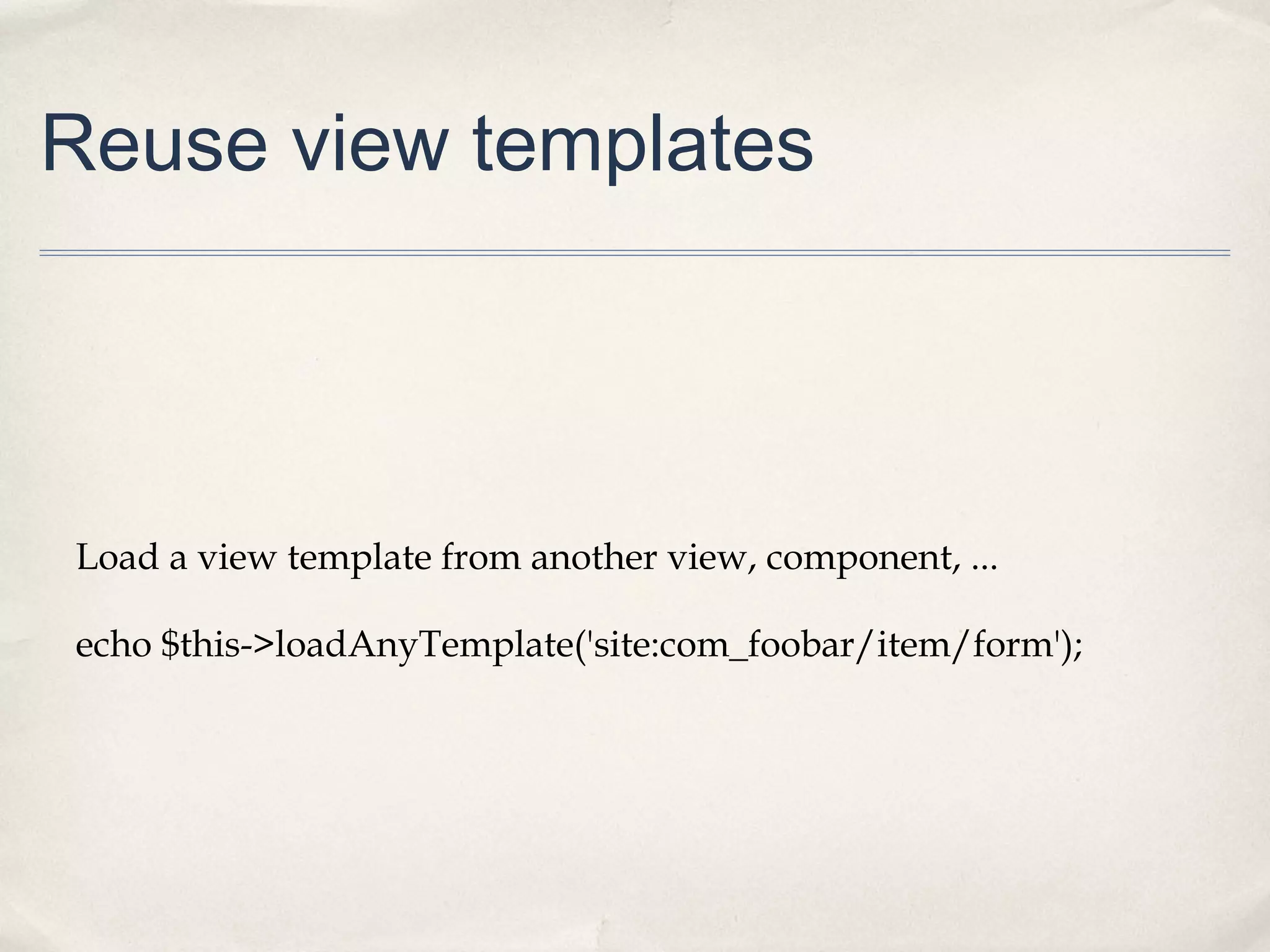
Reuse view templates
Load a view template from another view, component, ...
echo $this->loadAnyTemplate('site:com_foobar/item/form');
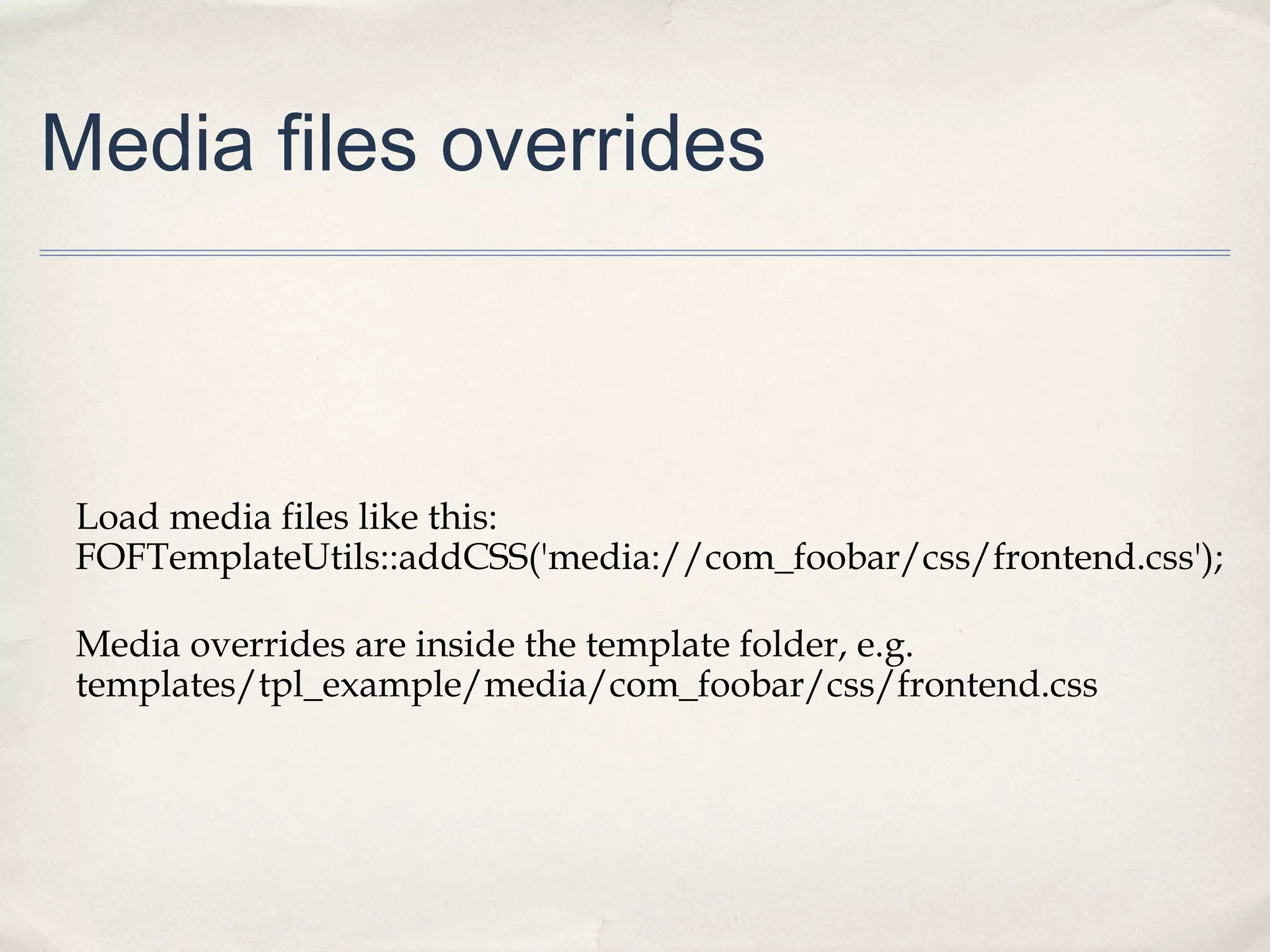
Media files overrides
Load media files like this:
FOFTemplateUtils::addCSS('media://com_foobar/css/frontend.css');
Media overrides are inside the template folder, e.g.
templates/tpl_example/media/com_foobar/css/frontend.css
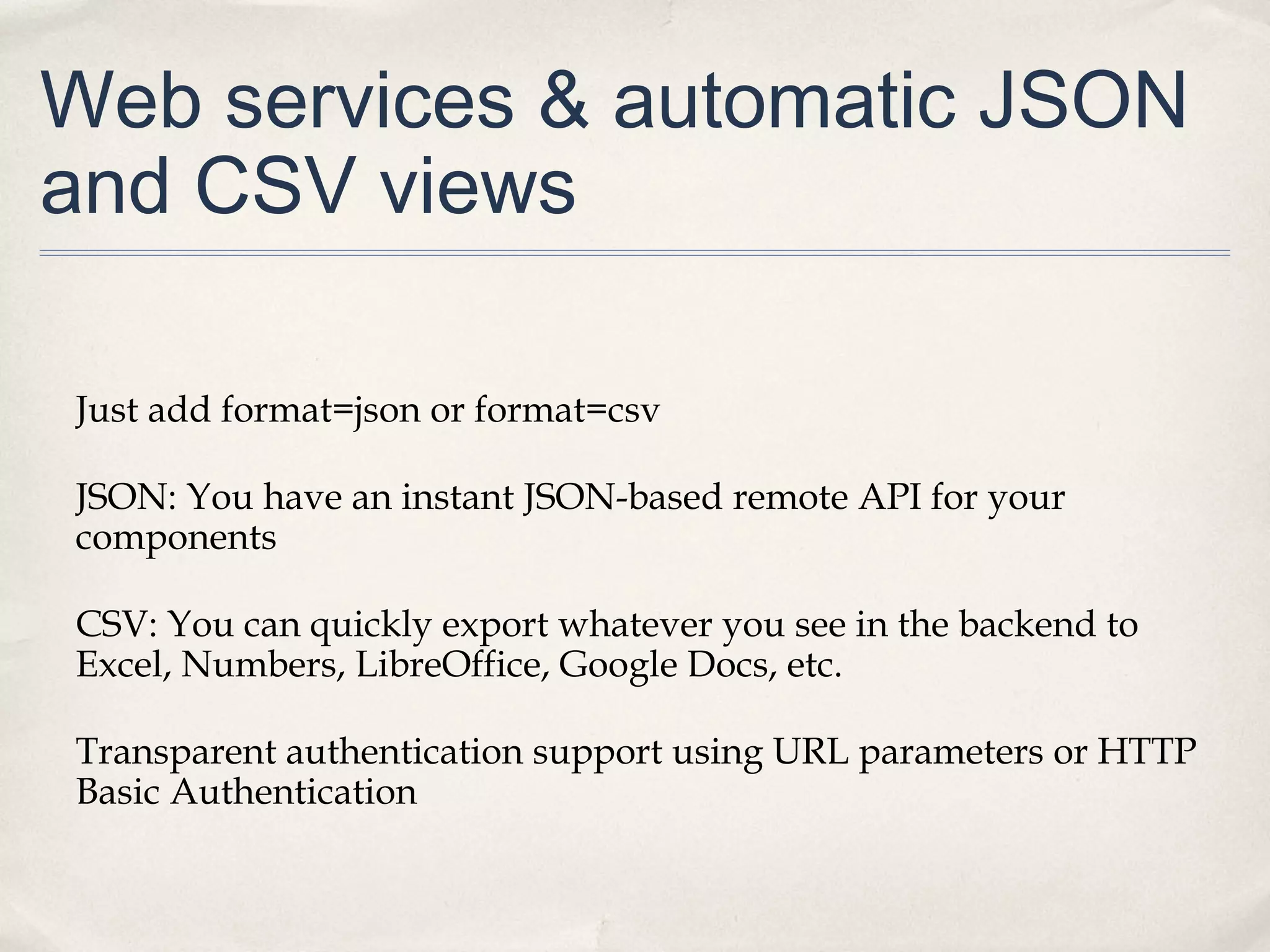
Web services & automatic JSON
and CSV views
Just add format=json or format=csv
JSON: You have an instant JSON-based remote API for your
components
CSV: You can quickly export whatever you see in the backend to
Excel, Numbers, LibreOffice, Google Docs, etc.
Transparent authentication support using URL parameters or HTTP
Basic Authentication
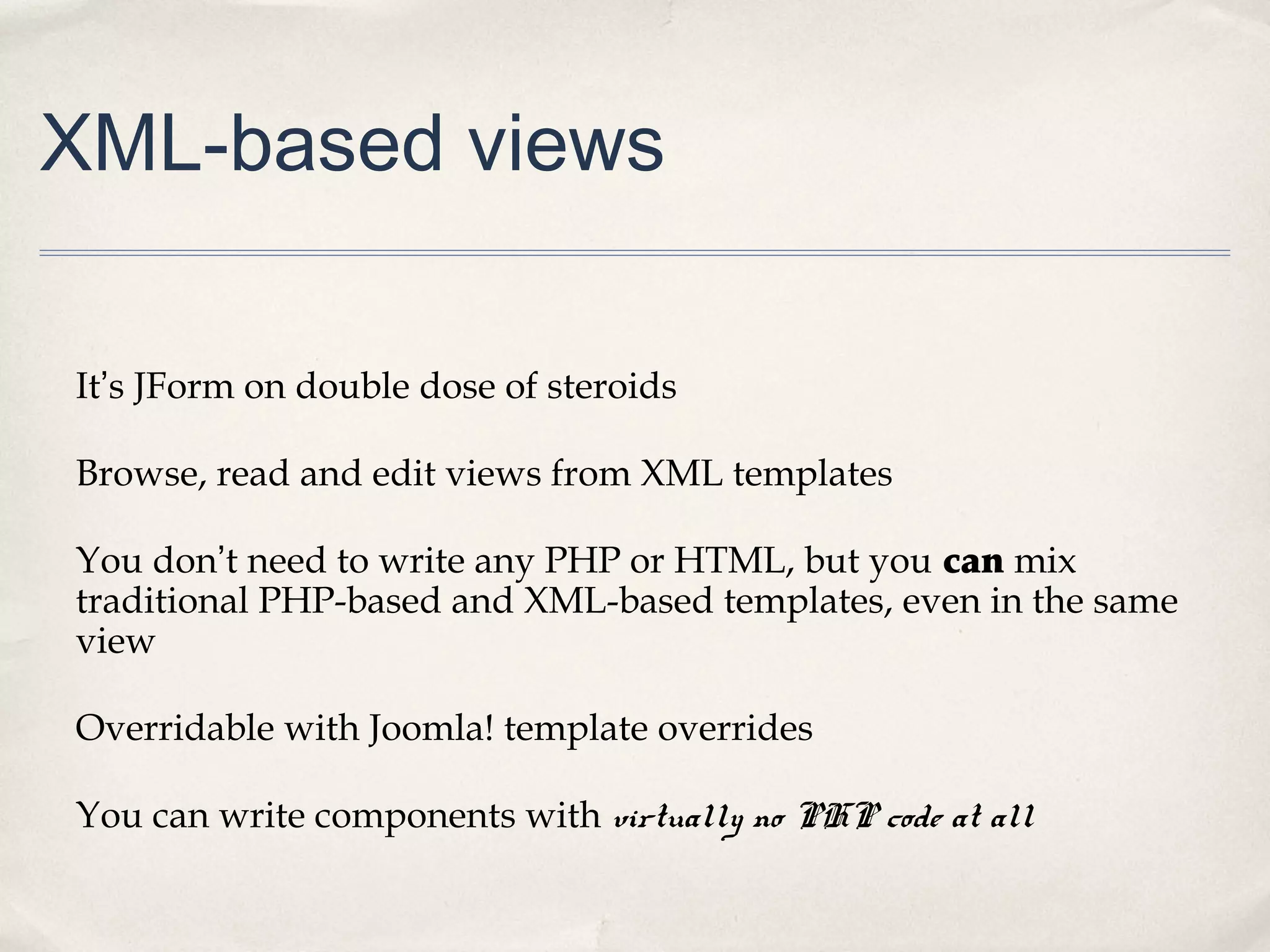
XML-based views
It’s JForm on double dose of steroids
Browse, read and edit views from XML templates
You don’t need to write any PHP or HTML, but you can mix
traditional PHP-based and XML-based templates, even in the same
view
Overridable with Joomla! template overrides
You can write components with virtually no PHP code at all
Resources
http://github.com/akeeba/fof
Rapid application development with FOF

Rapid application development with FOF

  • 1.
    Framework on Framework- FOF Rapid application development for the Joomla! CMS
  • 2.
    So, what’s that“FOF” thing?
  • 3.
    Yeah, I knowwhat you’re thinking “Oh, dear Lord, not ANOTHER framework!”
  • 4.
    FOF uses theJoomla! Platform It does not completely replace it
  • 5.
    Plays along withthe other boys Compatible with Joomla! 2.5, 3.0 and 3.1.
  • 6.
    D.R.Y. - Don’tRepeat Yourself I hate copying/pasting the same code over and over and over and over and over and over and over...
  • 7.
    Less is more Conventionover configuration – less time, effort, code and bugs
  • 8.
    Flexible, without imposingit’s way of thinking There are no black boxes. There are methods, plugin events...
  • 9.
    Backwards compatibility There areno quantum, undocumented changes overnight
  • 10.
  • 11.
    July 2009 –Base MVC classes My own classes, extending from JModel & co, minimising copied & pasted code
  • 12.
    September 2011 –Turning into a proper framework Basically, I wanted a RAD framework which doesn’t change every day
  • 13.
    October 2011 –Implemented HMVC while I was stuck on a plane, on the ground, for four hours
  • 14.
    May 2012 –First public release during the J and Beyond 2012 conference
  • 15.
    June 2012 –Bootstrap & jQuery In the optional Akeeba Strapper package
  • 16.
    February 2013 –version 2.0 did NOT go into Joomla! 3.1 which is basically something good
  • 17.
    March 2013 onwards– Taking off with XML view templates making it a really Rapid Application Development framework
  • 18.
  • 19.
    Some general thoughts Webservices. Integrated JSON support and transparent authentication, opening the door for data provisioning to apps (web, desktop, mobile,...) Almost RESTful, not entirely HMVC components right here, right now, without having to relearn Joomla! component development, i.e. the exact opposite of the proposed Joomla! Framework, whenever that’s ready.
  • 20.
    Structure Dispatcher Controller Model View ToolbarHelpers “triad” Table The Dispatcheris the entry point (a.k.a. “router”). It will setup, run and render the MVC triad. The Controller is a thin interface to push data to the model state and instantiate views The Model is the workhorse. Business logic goes here. The Table class is a hybrid data adapter, controller and model (following J!'s convention) The View fetches model state data and renders them in a meaningful way The Toolbar handles the rendering of titles, buttons and so onNon-OOP stuff. Basically, a nice way to say “cruft”
  • 21.
  • 22.
    Convention over configurationin the Dispatcher The Dispatcher is your component’s router. It routes the request to the appropriate Controller based on conventions: A POST request gets routed to the save task A GET request to a plural view name gets routed to the browse task A front-end GET request with an ID gets routed to the read task A back-end GET request with an ID gets routed to the edit task
  • 23.
    Convention over configurationin Models Tables are named as #__component_view, e.g. #__todo_items Auto increment field is named component_view_id, e.g. todo_item_id Magic fields: enabled, created_by, created_on, modified_by, modified_on, locked_by, locked_on, hits You can override defaults without copying & pasting code, ever. Copy & paste is the devil!
  • 24.
    Convention over configurationin Controllers Default tasks (not RESTful!): browse, read, edit, add, delete, save, apply, ... Customize with onBeforeMethod and onAfterMethod methods, e.g. onBeforeSave. Don't copy & paste code. All MVC objects can be passed a $config array to customize them. It "flows" from dispatcher to component to model and view. FOF guesses the task if it's missing based on plural/singular view name and existence of ID in the query
  • 25.
    Convention over configurationin Views Views inherit from FOFView and its specialized children, e.g. FOFViewHtml Customize using the onTask methods, e.g. onBrowse The toolbar is handled outside the view, in a FOFToolbar descendant class. Override it with a toolbar.php file in the component's root. Magic toolbar methods, e.g. onItemsBrowse allow you to customize the toolbar without copying & pasting code.
  • 26.
  • 27.
    HMVC – HierarchicalMVC Include the results of component views anywhere (other views, other component, modules, ...) FOFDispatcher::getTmpInstance(‘com_foobar’, ‘items’, array(‘layout’ => ‘fancy’))->dispatch();
  • 28.
    Reuse view templates Loada view template from another view, component, ... echo $this->loadAnyTemplate('site:com_foobar/item/form');
  • 29.
    Media files overrides Loadmedia files like this: FOFTemplateUtils::addCSS('media://com_foobar/css/frontend.css'); Media overrides are inside the template folder, e.g. templates/tpl_example/media/com_foobar/css/frontend.css
  • 30.
    Web services &automatic JSON and CSV views Just add format=json or format=csv JSON: You have an instant JSON-based remote API for your components CSV: You can quickly export whatever you see in the backend to Excel, Numbers, LibreOffice, Google Docs, etc. Transparent authentication support using URL parameters or HTTP Basic Authentication
  • 31.
    XML-based views It’s JFormon double dose of steroids Browse, read and edit views from XML templates You don’t need to write any PHP or HTML, but you can mix traditional PHP-based and XML-based templates, even in the same view Overridable with Joomla! template overrides You can write components with virtually no PHP code at all
  • 32.