QA Strategies for
Testing Legacy Web
Apps
Paul Miles
Software Development Manager
An Introduction to NPR
… more than Radio
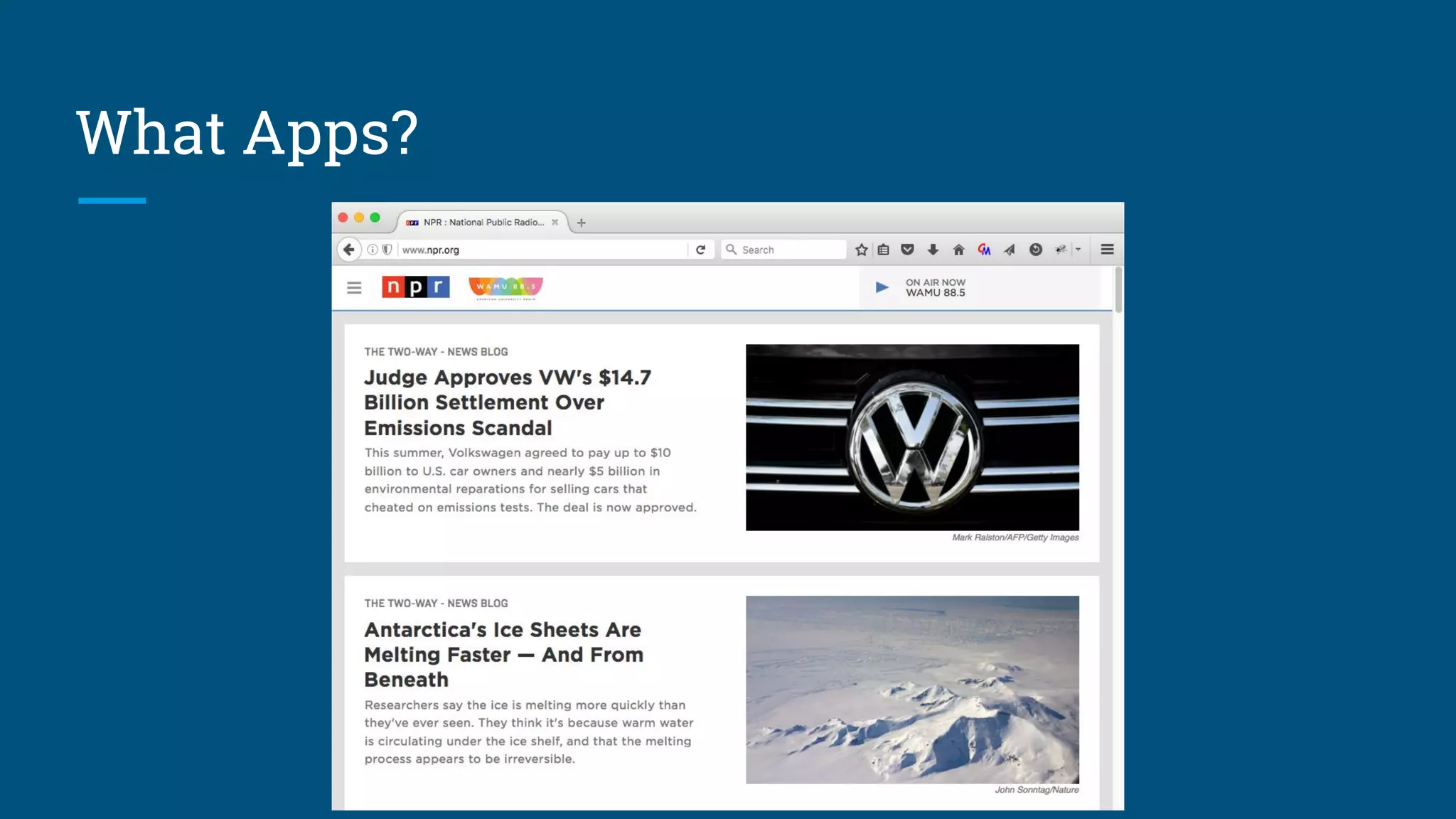
What Apps?
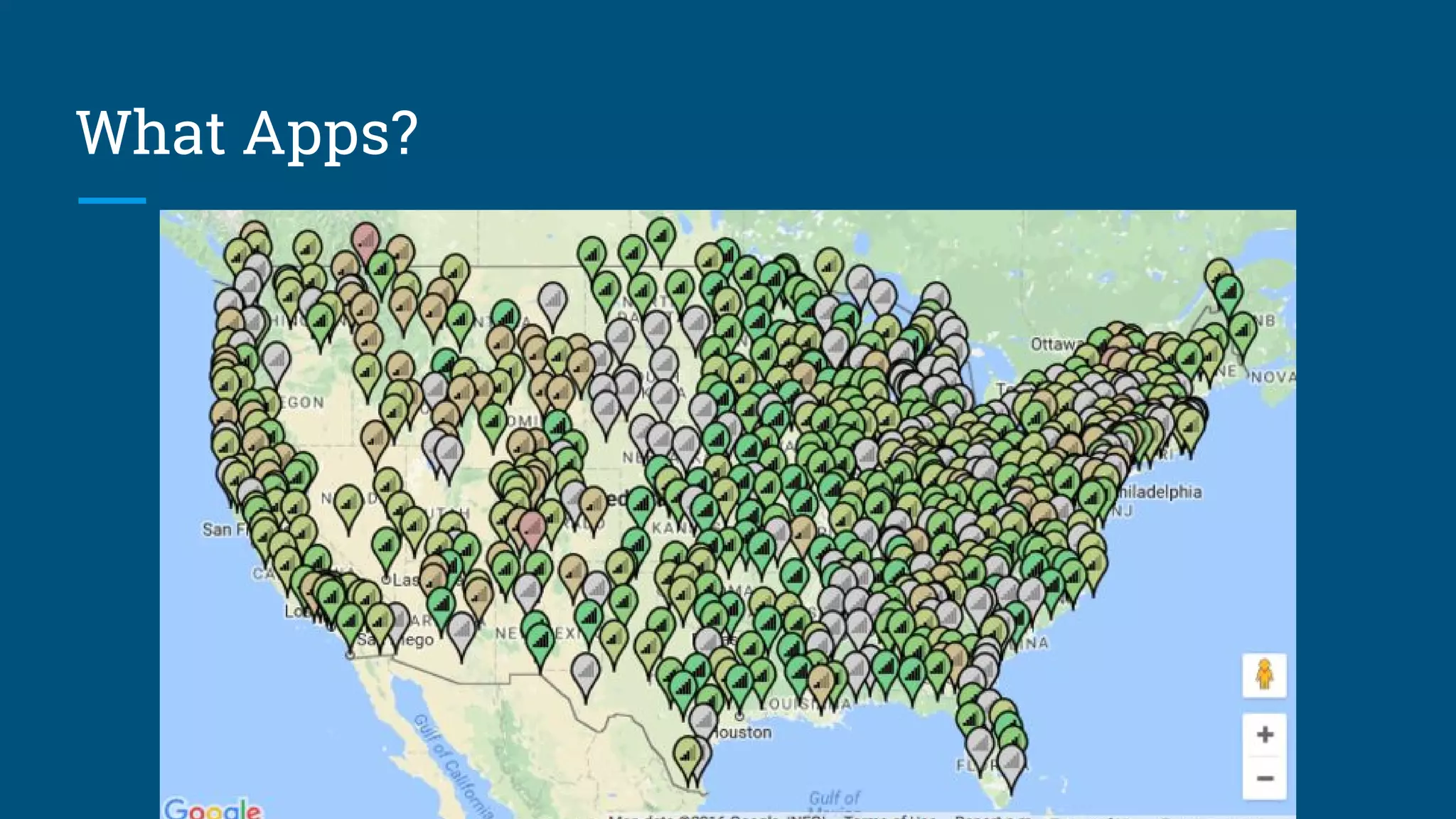
What Apps?
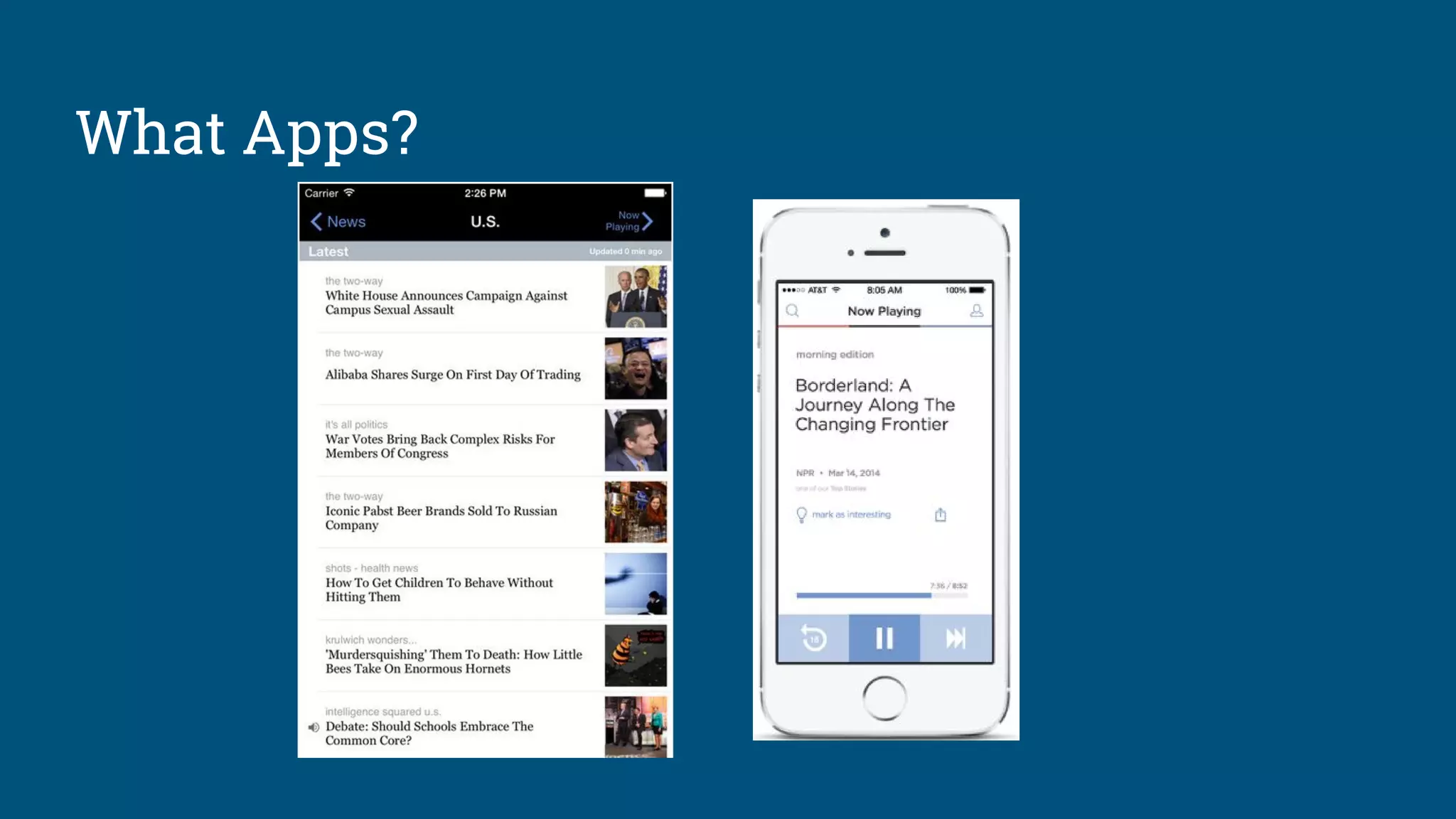
What Apps?
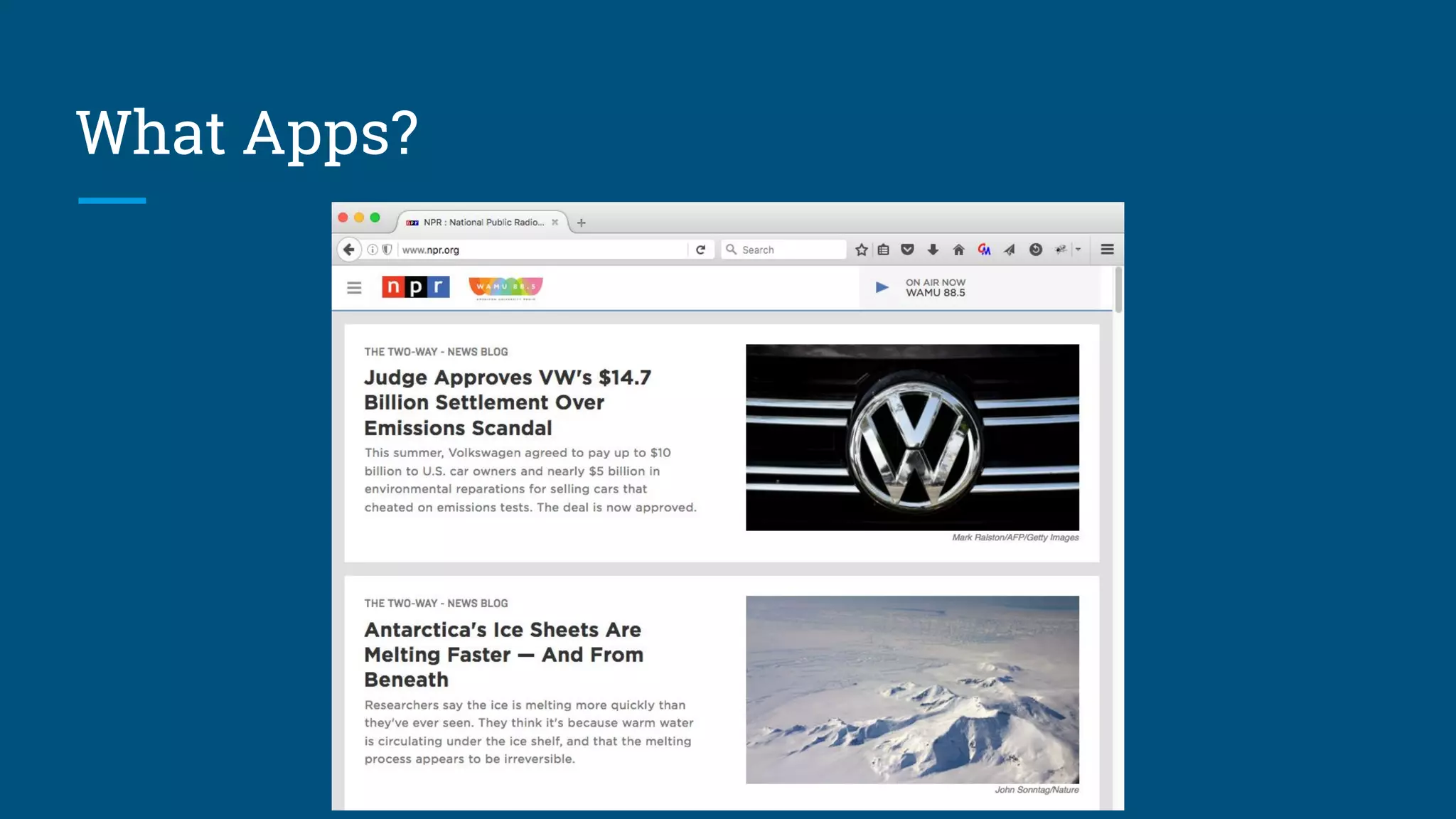
What Apps?
What Apps?
Legacy App, Defined
A Legacy App is an important app in production that
has little to no automated tests.
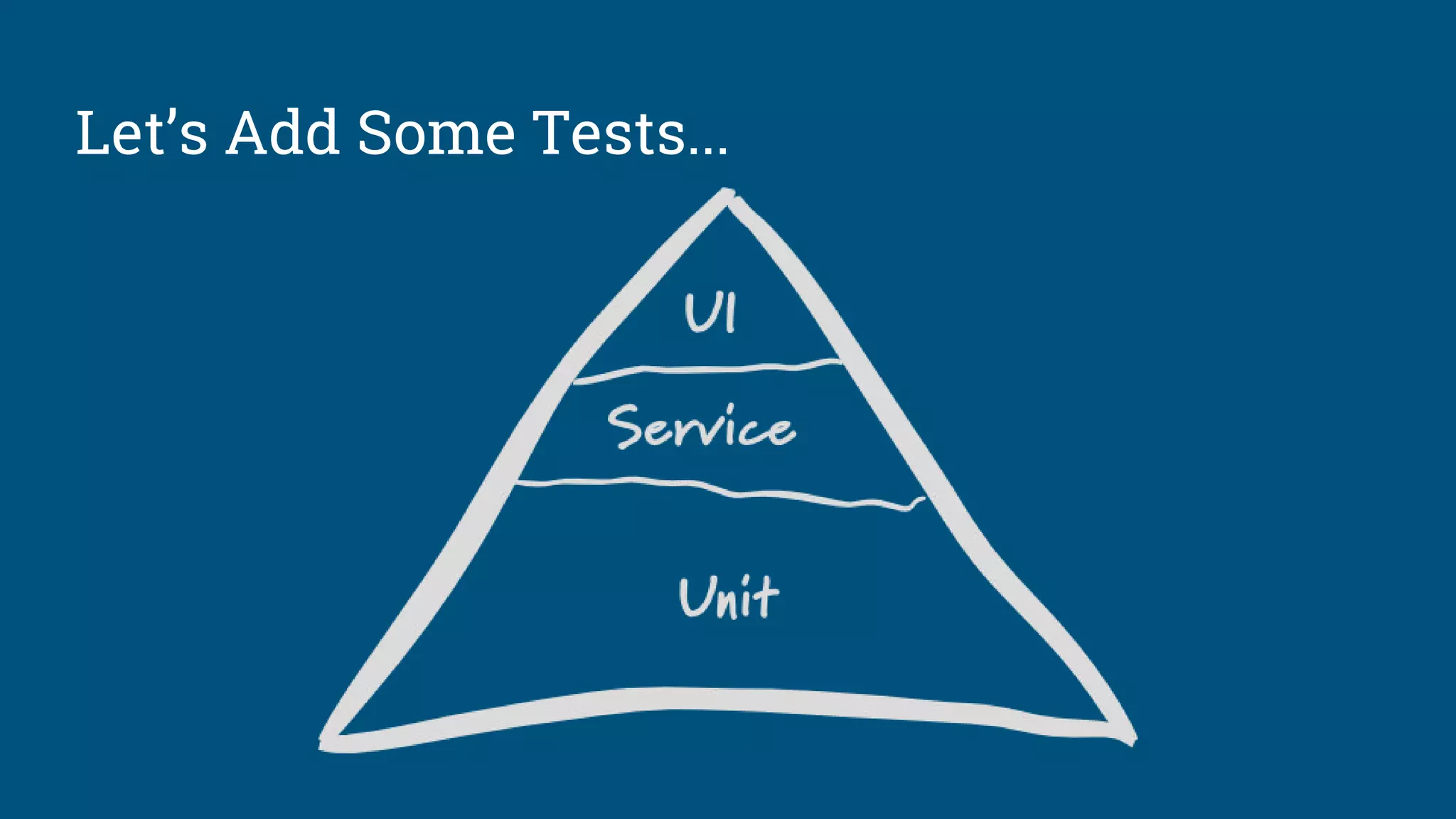
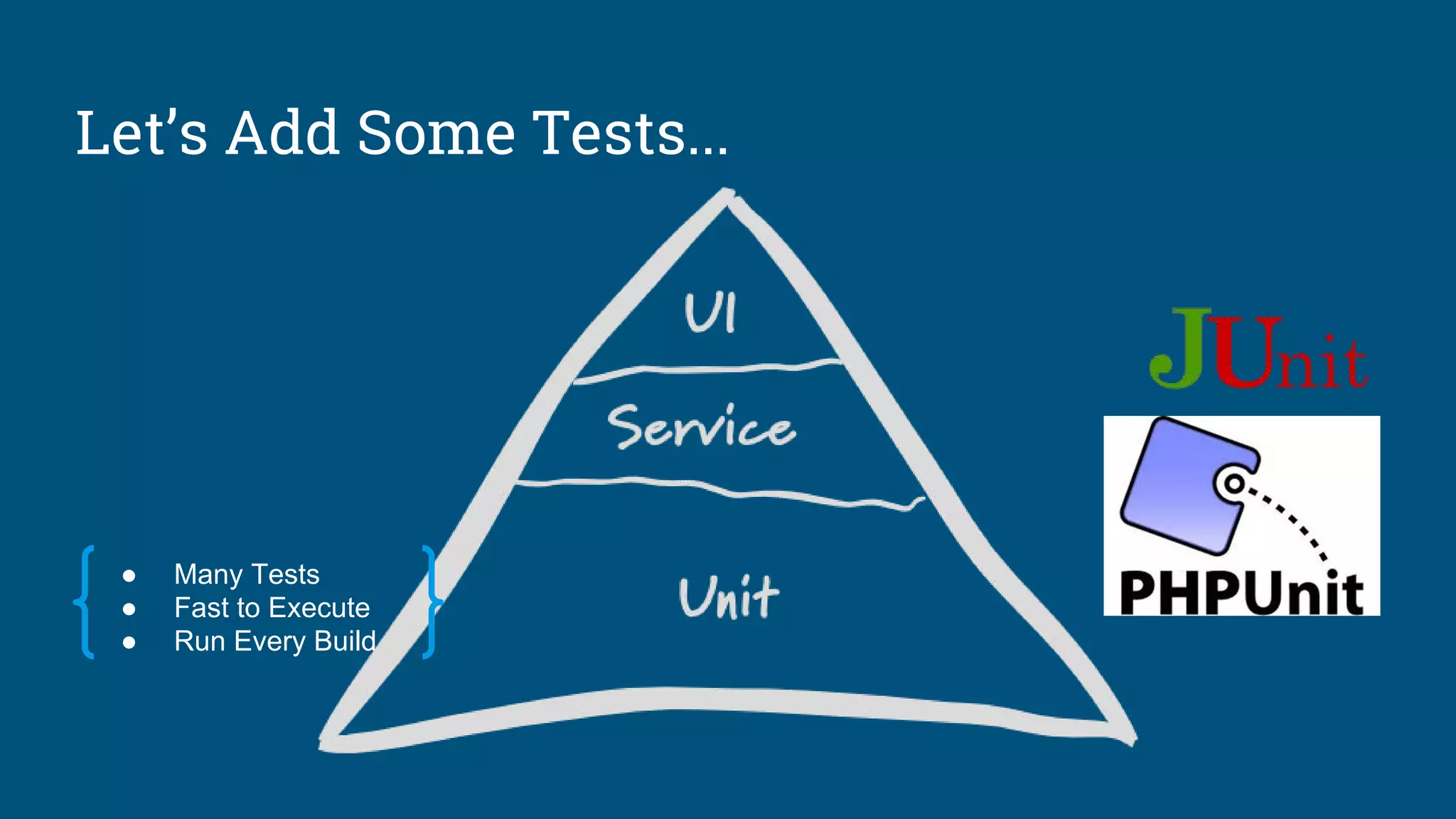
Let’s Add Some Tests...
● Many Tests
● Fast to Execute
● Run Every Build
Let’s Add Some Tests...
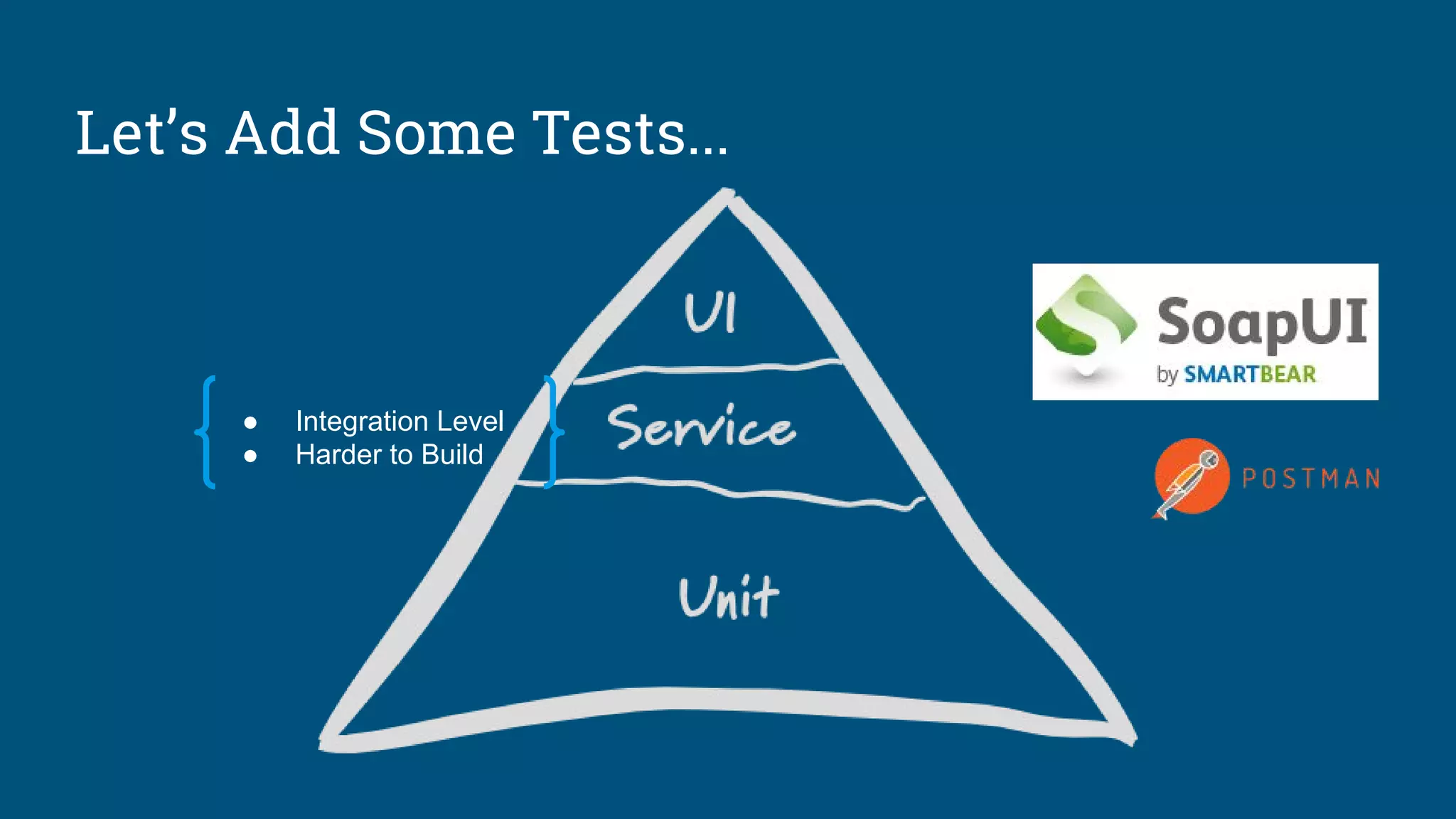
● Integration Level
● Harder to Build
Let’s Add Some Tests...
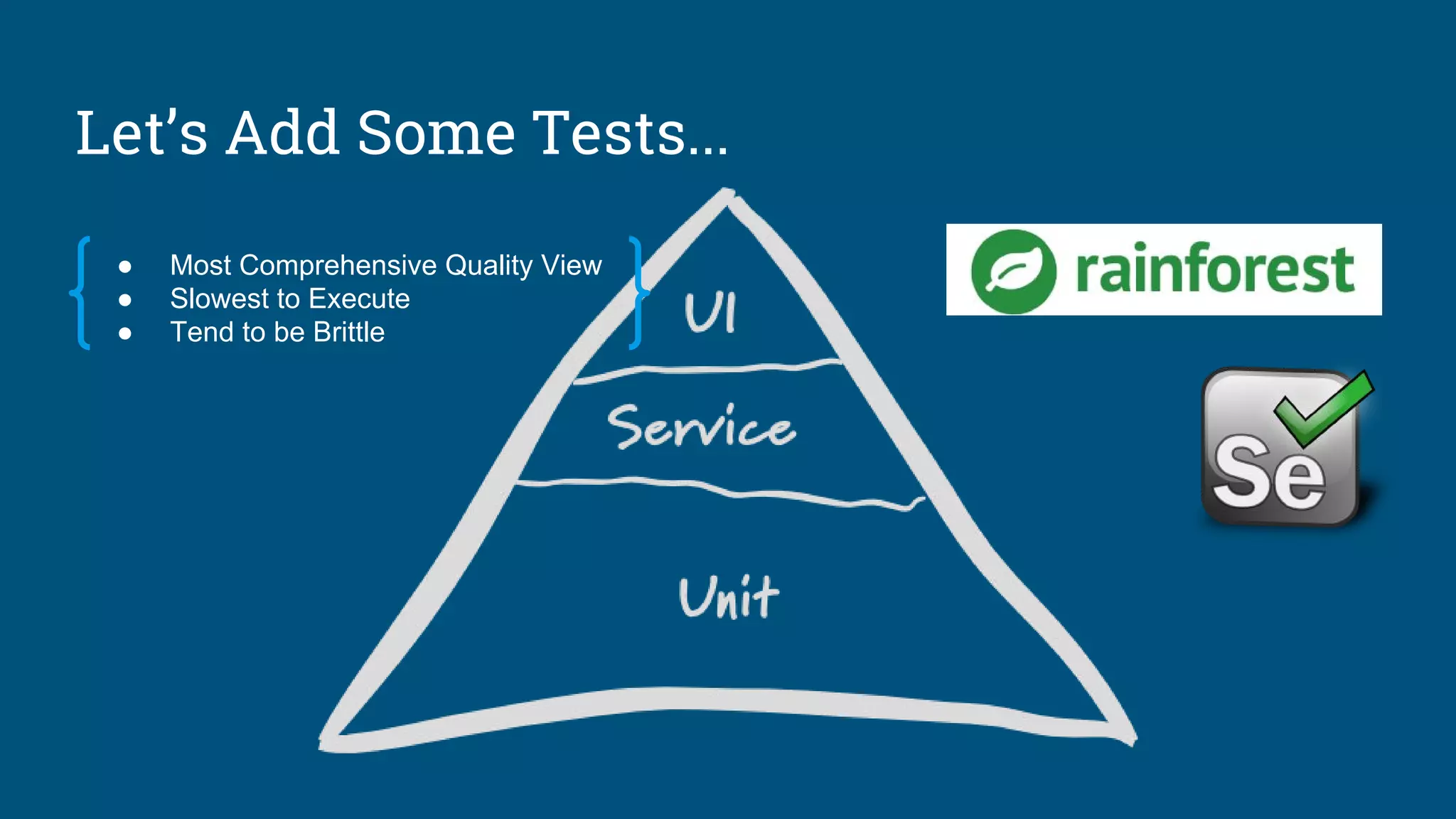
● Most Comprehensive Quality View
● Slowest to Execute
● Tend to be Brittle
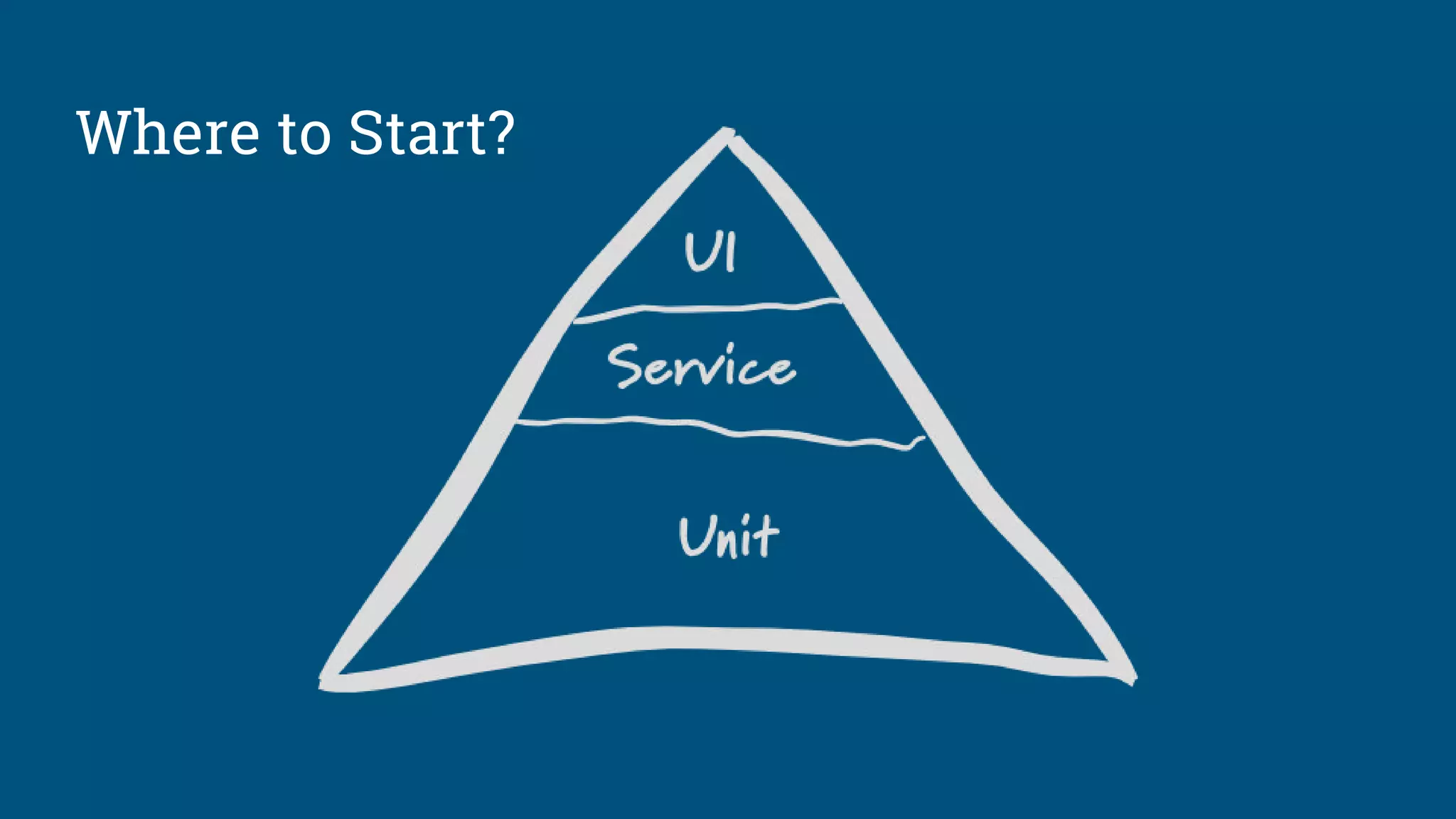
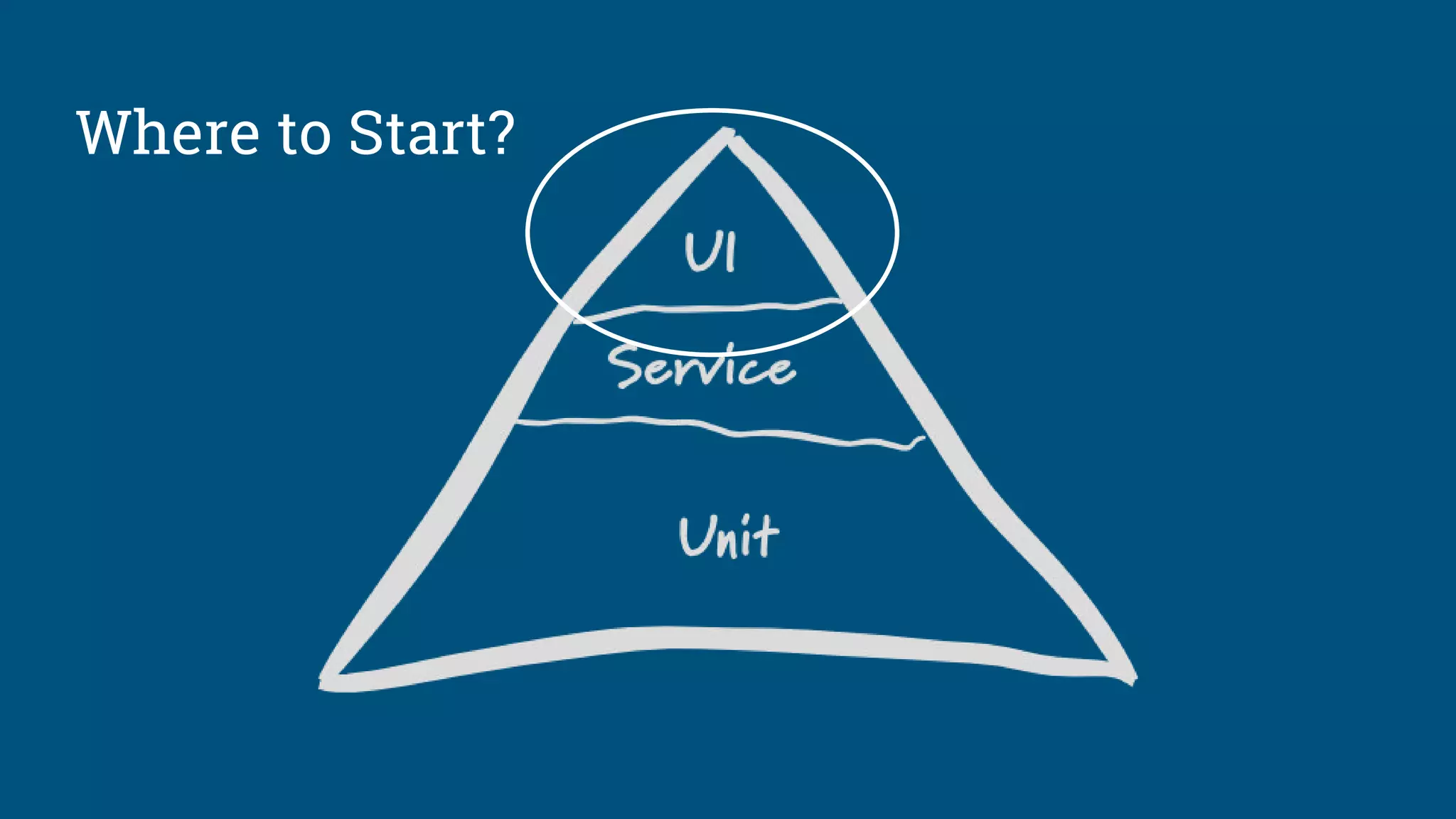
Where to Start?
Where to Start?
● Identify the Most Important Tests
○ Key workflows only
○ Goal is not to cover all features
○ Don’t let perfect be the enemy of good
● Choose Your Tools
○ Consider the real cost of in-house test automation frameworks
■ High Test Maintenance & Infrastructure Costs
○ Online tools are changing the game
■ Permits developers to Focus on Lower Level Tests
Tests at the Top
Start at the Top of the Pyramid
● Phase 0
○ Put failing and brittle tests tests in a corner (if you have any)
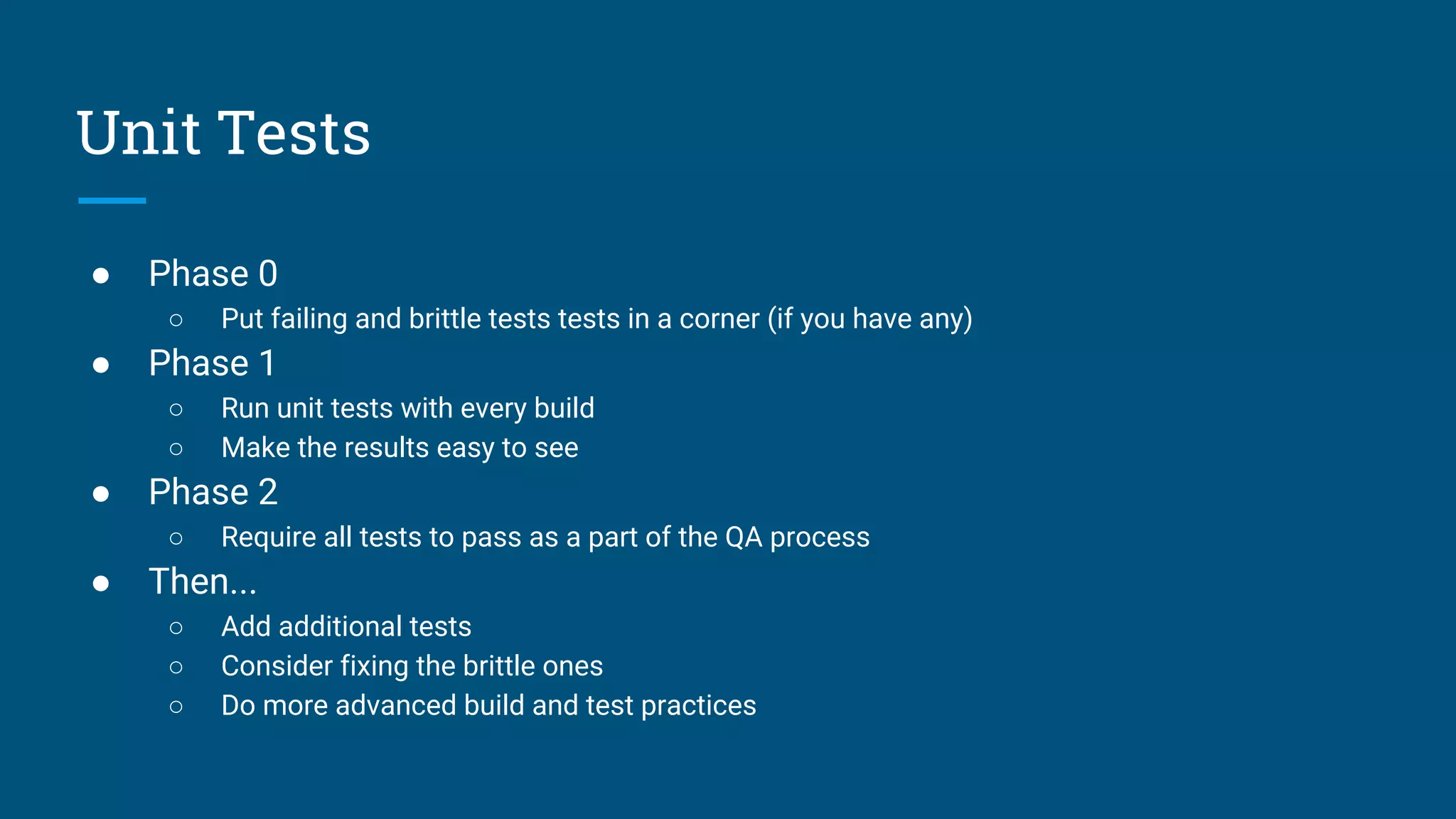
Unit Tests
● Phase 0
○ Put failing and brittle tests tests in a corner (if you have any)
● Phase 1
○ Run unit tests with every build
○ Make the results easy to see
Unit Tests
● Phase 0
○ Put failing and brittle tests tests in a corner (if you have any)
● Phase 1
○ Run unit tests with every build
○ Make the results easy to see
● Phase 2
○ Require all tests to pass as a part of the QA process
Unit Tests
● Phase 0
○ Put failing and brittle tests tests in a corner (if you have any)
● Phase 1
○ Run unit tests with every build
○ Make the results easy to see
● Phase 2
○ Require all tests to pass as a part of the QA process
● Then...
○ Add additional tests
○ Consider fixing the brittle ones
○ Do more advanced build and test practices
Unit Tests
Build process around your passing unit tests first, then add
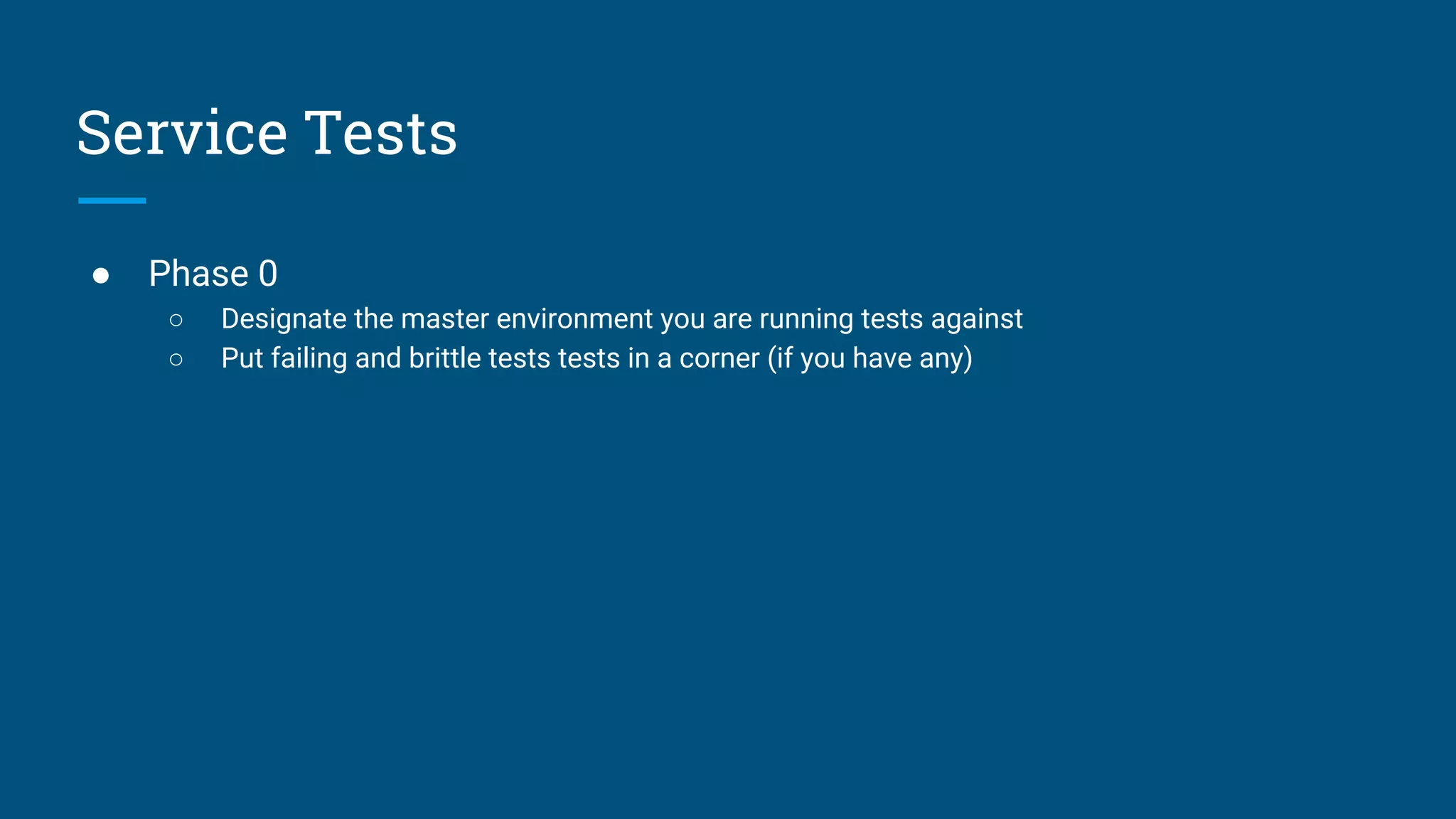
● Phase 0
○ Designate the master environment you are running tests against
○ Put failing and brittle tests tests in a corner (if you have any)
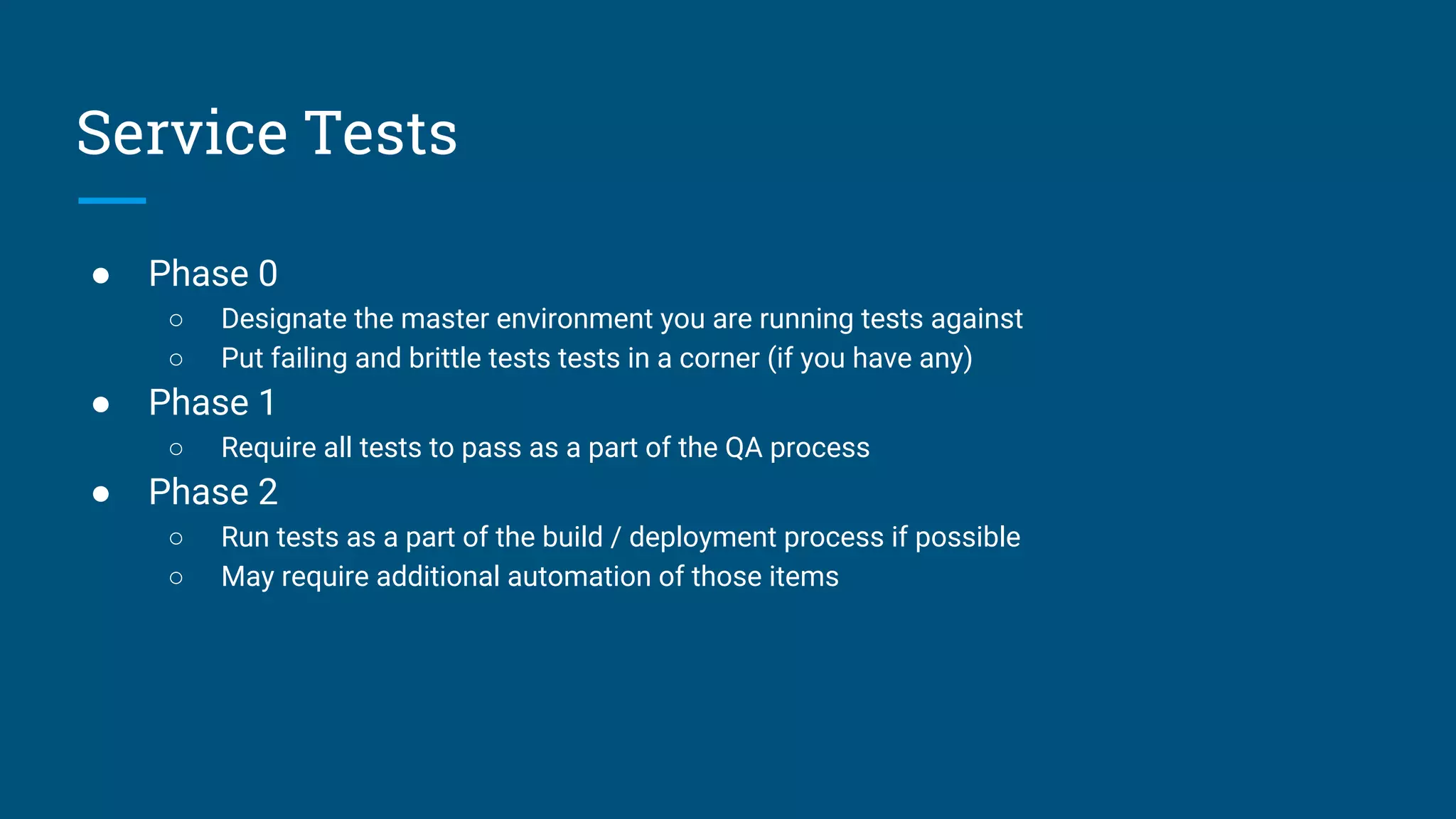
Service Tests
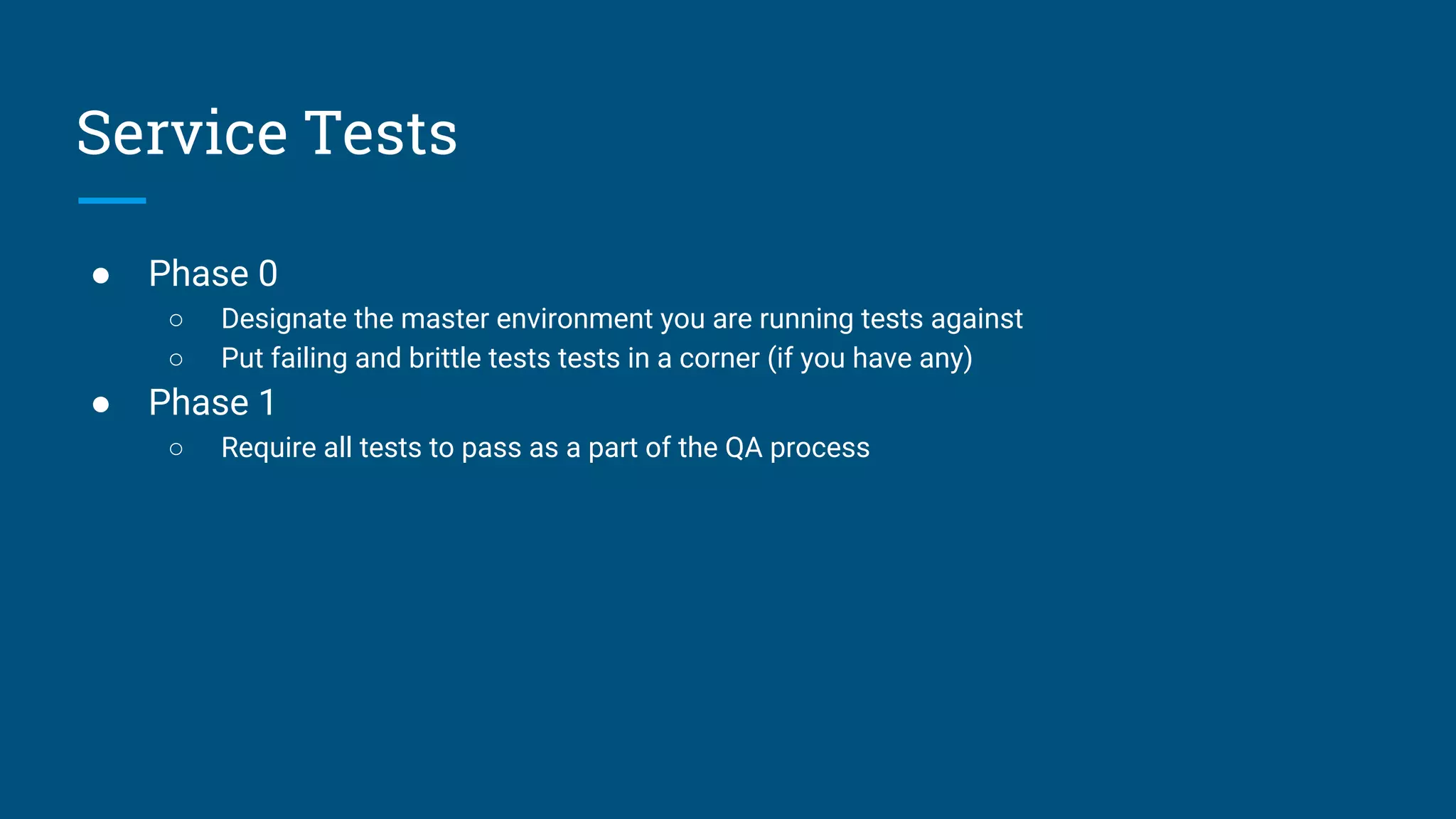
● Phase 0
○ Designate the master environment you are running tests against
○ Put failing and brittle tests tests in a corner (if you have any)
● Phase 1
○ Require all tests to pass as a part of the QA process
Service Tests
● Phase 0
○ Designate the master environment you are running tests against
○ Put failing and brittle tests tests in a corner (if you have any)
● Phase 1
○ Require all tests to pass as a part of the QA process
● Phase 2
○ Run tests as a part of the build / deployment process if possible
○ May require additional automation of those items
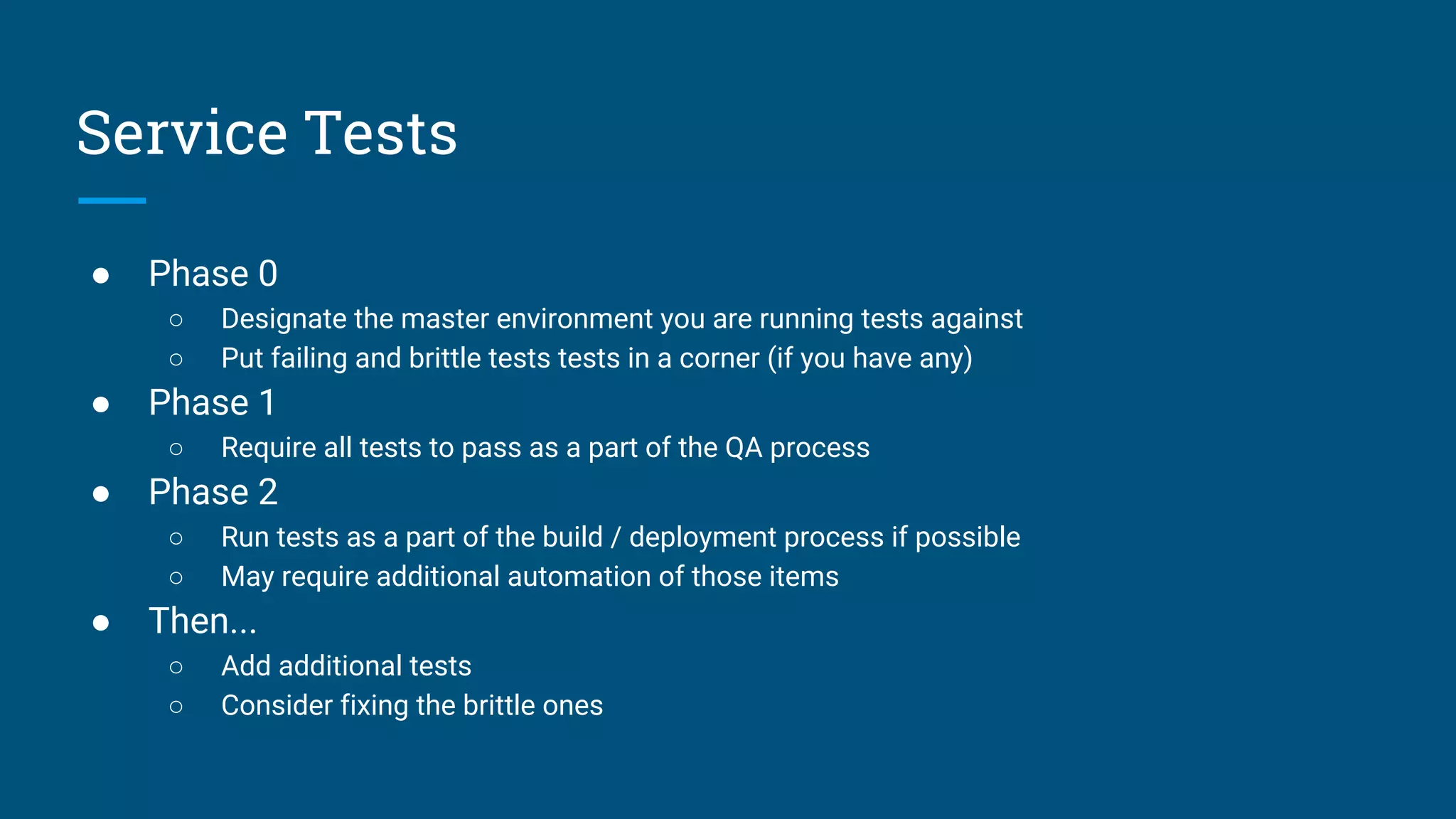
Service Tests
● Phase 0
○ Designate the master environment you are running tests against
○ Put failing and brittle tests tests in a corner (if you have any)
● Phase 1
○ Require all tests to pass as a part of the QA process
● Phase 2
○ Run tests as a part of the build / deployment process if possible
○ May require additional automation of those items
● Then...
○ Add additional tests
○ Consider fixing the brittle ones
Service Tests
Service Tests
● “Convert” tests to unit-type tests if possible
○ Utilize data manipulation scripts, mocks, fakes, etc.
● Make tests able to be run on all environments
○ Pre-requisite to incorporate them in the build process
○ May need to address differences in the environments
○ May need to bolster other processes (automation, data import, etc)
● Make them repeatable
○ Bolster setup / teardown
● Incorporate tests in the automated build loop
○ Don’t make the build too long, though
Learn from your unit tests & build from there
There’s More to It
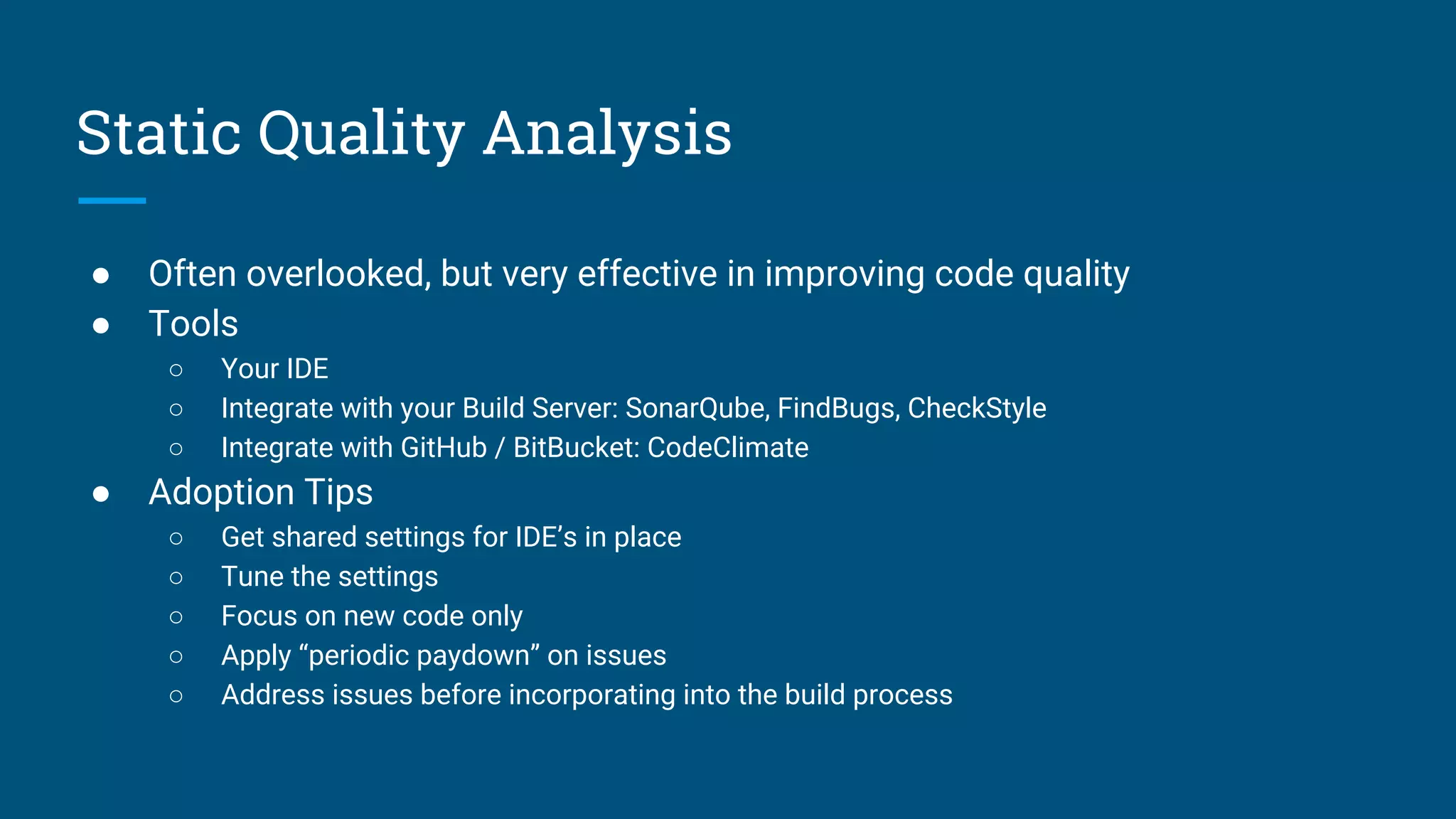
Static Quality Analysis
● Often overlooked, but very effective in improving code quality
● Tools
○ Your IDE
○ Integrate with your Build Server: SonarQube, FindBugs, CheckStyle
○ Integrate with GitHub / BitBucket: CodeClimate
● Adoption Tips
○ Get shared settings for IDE’s in place
○ Tune the settings
○ Focus on new code only
○ Apply “periodic paydown” on issues
○ Address issues before incorporating into the build process
● Run tests (of all kinds) as soon as possible after a commit
○ 10 minute “magic mark”
○ Slow tests may not fail the build, but they still indicate a quality problem if they fail
● Add in coverage measuring tools
● Feature branches / feature toggles
○ Run tests on a designated environment
○ Require tests to pass before merge
○ Complete code reviews flagged by other tools (and incorporate changes before merge)
○ Add tests as code is written
● Separate releases from coding “sprints”
Incorporating Testing in Build Pipelines
Testing Infrastructure
● Requires substantial investment
○ Environments
○ Build servers / tooling
○ Test beds / devices
● Automate everything
● Designate an expert, but get the team to buy in and share responsibility
Iterate, and don’t underestimate the time it will take
Q/A
Contact Info
Paul Miles
pmiles@npr.org
@milespj
https://npr.codes/

QA Strategies for Testing Legacy Web Apps

  • 1.
    QA Strategies for TestingLegacy Web Apps Paul Miles Software Development Manager
  • 2.
  • 3.
    An Introduction toNPR … more than Radio
  • 4.
  • 5.
  • 6.
  • 7.
  • 8.
  • 9.
  • 10.
    A Legacy Appis an important app in production that has little to no automated tests.
  • 11.
  • 12.
    Let’s Add SomeTests... ● Many Tests ● Fast to Execute ● Run Every Build
  • 13.
    Let’s Add SomeTests... ● Integration Level ● Harder to Build
  • 14.
    Let’s Add SomeTests... ● Most Comprehensive Quality View ● Slowest to Execute ● Tend to be Brittle
  • 15.
  • 16.
  • 17.
    ● Identify theMost Important Tests ○ Key workflows only ○ Goal is not to cover all features ○ Don’t let perfect be the enemy of good ● Choose Your Tools ○ Consider the real cost of in-house test automation frameworks ■ High Test Maintenance & Infrastructure Costs ○ Online tools are changing the game ■ Permits developers to Focus on Lower Level Tests Tests at the Top
  • 18.
    Start at theTop of the Pyramid
  • 19.
    ● Phase 0 ○Put failing and brittle tests tests in a corner (if you have any) Unit Tests
  • 20.
    ● Phase 0 ○Put failing and brittle tests tests in a corner (if you have any) ● Phase 1 ○ Run unit tests with every build ○ Make the results easy to see Unit Tests
  • 21.
    ● Phase 0 ○Put failing and brittle tests tests in a corner (if you have any) ● Phase 1 ○ Run unit tests with every build ○ Make the results easy to see ● Phase 2 ○ Require all tests to pass as a part of the QA process Unit Tests
  • 22.
    ● Phase 0 ○Put failing and brittle tests tests in a corner (if you have any) ● Phase 1 ○ Run unit tests with every build ○ Make the results easy to see ● Phase 2 ○ Require all tests to pass as a part of the QA process ● Then... ○ Add additional tests ○ Consider fixing the brittle ones ○ Do more advanced build and test practices Unit Tests
  • 23.
    Build process aroundyour passing unit tests first, then add
  • 24.
    ● Phase 0 ○Designate the master environment you are running tests against ○ Put failing and brittle tests tests in a corner (if you have any) Service Tests
  • 25.
    ● Phase 0 ○Designate the master environment you are running tests against ○ Put failing and brittle tests tests in a corner (if you have any) ● Phase 1 ○ Require all tests to pass as a part of the QA process Service Tests
  • 26.
    ● Phase 0 ○Designate the master environment you are running tests against ○ Put failing and brittle tests tests in a corner (if you have any) ● Phase 1 ○ Require all tests to pass as a part of the QA process ● Phase 2 ○ Run tests as a part of the build / deployment process if possible ○ May require additional automation of those items Service Tests
  • 27.
    ● Phase 0 ○Designate the master environment you are running tests against ○ Put failing and brittle tests tests in a corner (if you have any) ● Phase 1 ○ Require all tests to pass as a part of the QA process ● Phase 2 ○ Run tests as a part of the build / deployment process if possible ○ May require additional automation of those items ● Then... ○ Add additional tests ○ Consider fixing the brittle ones Service Tests
  • 28.
    Service Tests ● “Convert”tests to unit-type tests if possible ○ Utilize data manipulation scripts, mocks, fakes, etc. ● Make tests able to be run on all environments ○ Pre-requisite to incorporate them in the build process ○ May need to address differences in the environments ○ May need to bolster other processes (automation, data import, etc) ● Make them repeatable ○ Bolster setup / teardown ● Incorporate tests in the automated build loop ○ Don’t make the build too long, though
  • 29.
    Learn from yourunit tests & build from there
  • 30.
  • 31.
    Static Quality Analysis ●Often overlooked, but very effective in improving code quality ● Tools ○ Your IDE ○ Integrate with your Build Server: SonarQube, FindBugs, CheckStyle ○ Integrate with GitHub / BitBucket: CodeClimate ● Adoption Tips ○ Get shared settings for IDE’s in place ○ Tune the settings ○ Focus on new code only ○ Apply “periodic paydown” on issues ○ Address issues before incorporating into the build process
  • 32.
    ● Run tests(of all kinds) as soon as possible after a commit ○ 10 minute “magic mark” ○ Slow tests may not fail the build, but they still indicate a quality problem if they fail ● Add in coverage measuring tools ● Feature branches / feature toggles ○ Run tests on a designated environment ○ Require tests to pass before merge ○ Complete code reviews flagged by other tools (and incorporate changes before merge) ○ Add tests as code is written ● Separate releases from coding “sprints” Incorporating Testing in Build Pipelines
  • 33.
    Testing Infrastructure ● Requiressubstantial investment ○ Environments ○ Build servers / tooling ○ Test beds / devices ● Automate everything ● Designate an expert, but get the team to buy in and share responsibility
  • 34.
    Iterate, and don’tunderestimate the time it will take
  • 35.