1
PROGRAMMING IN
PYTHON
PYTHON VARIABLES AND OPERATORS
Mrs. C.SHYAMALADEVI M.C.A., M.Phil., B.Ed.,
ASSISTANT PROFESSOR,
DEPARTMENT OF COMPUTER SCIENCE,
SHRIMATI INDIRA GANDHI COLLEGE,
TRICHY-2.
Appreciate the use of Graphical User Interface (GUI) and
Integrated Development Environment (IDE) for creating
Python programs.
•Work in Interactive & Script mode for programming.
•Create and assign values to variables.
•Understand the concept and usage of different data types in
Python.
•Appreciate the importance and usage of different types of
operators (Arithmetic, Relational and Logical)
•Creating Python expression (s) and statement (s).
2
• Python is a general purpose programming
language
• Created by Guido Van Rossum from CWI
(Centrum Wiskunde & Informatica) which is
a National Research Institute for
Mathematics and Computer Science in
Netherlands.
3
• The language was released in I991.
• Python got its name from a BBC comedy
series from seventies- “Monty Python’s
Flying Circus”.
• Python supports both Procedural and
Object Oriented programming approaches.
4
Key features of
Python
5
• It is a general purpose programming language
which can be used for both scientific and non-
scientific programming
• It is a platform independent programming
language.
• The programs written in Python are easily
readable and understandable.
6
Programming
in Python
7
In Python, programs can be written in two ways namely
• Interactive mode
• Script mode
The Interactive mode allows us to write codes in Python
command prompt (>>>)
In script mode programs can be written and stored as
separate file with the extension .py and executed.
Script mode is used to create and edit python source
file.
8
Interactive mode Programming
In interactive mode Python code can be
directly typed and the interpreter displays
the result(s) immediately.
The interactive mode can also be used as a
simple calculator.
9
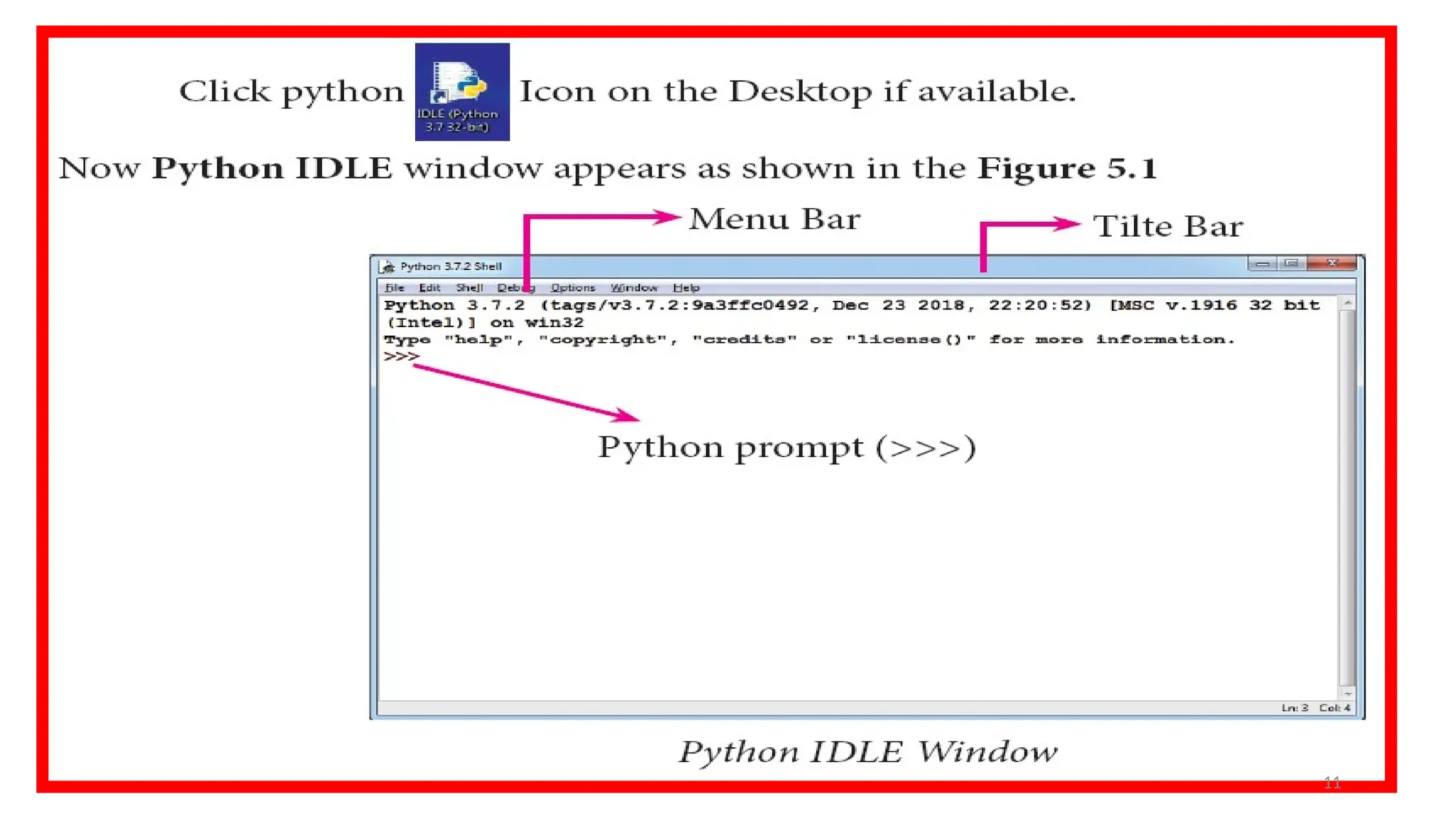
Invoking
Python IDLE
10
11
The prompt (>>>) indicates
that Interpreter is ready to
acceptations. Therefore, the
prompt on screen means
IDLE is working in
interactive mode.
12
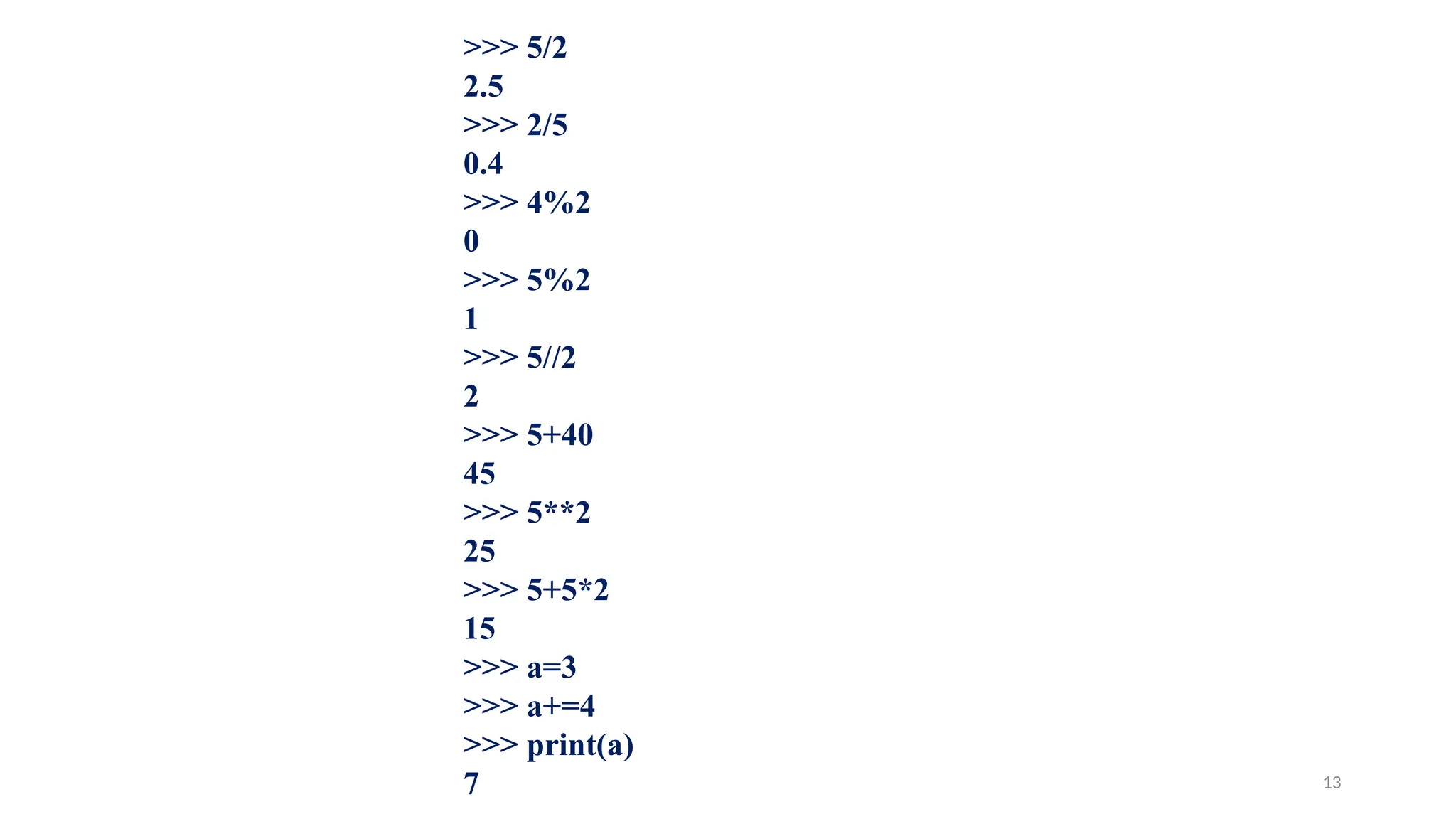
>>> 5/2
2.5
>>> 2/5
0.4
>>> 4%2
0
>>> 5%2
1
>>> 5//2
2
>>> 5+40
45
>>> 5**2
25
>>> 5+5*2
15
>>> a=3
>>> a+=4
>>> print(a)
7 13
Script mode Programming
A script is a text file containing the Python
statements.
Python Scripts are reusable code.
Once the script is created, it can be executed
again and again without retyping.
The Scripts are editable.
14
Input and
Output
Functions
15
A program needs to interact with the user to
accomplish the desired task; this can be achieved using
Input-Output functions.
The input() function helps to enter data at run time by
the user.
The output function print() is used to display the result
of the program on the screen after execution.
16
The print() function
In Python, the print()
function is used to display
result on the screen.
17
Syntax
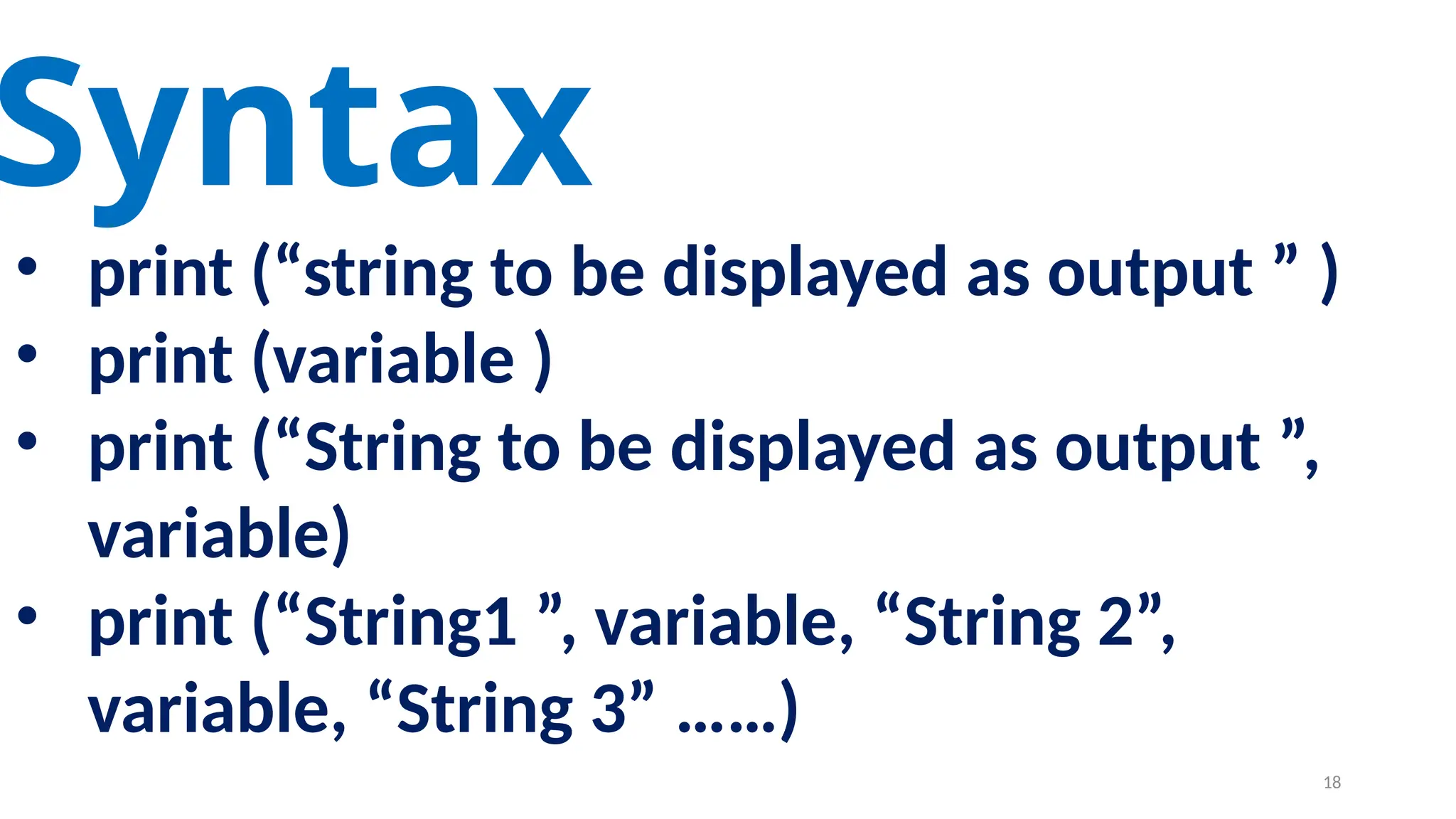
• print (“string to be displayed as output ” )
• print (variable )
• print (“String to be displayed as output ”,
variable)
• print (“String1 ”, variable, “String 2”,
variable, “String 3” ……)
18
19
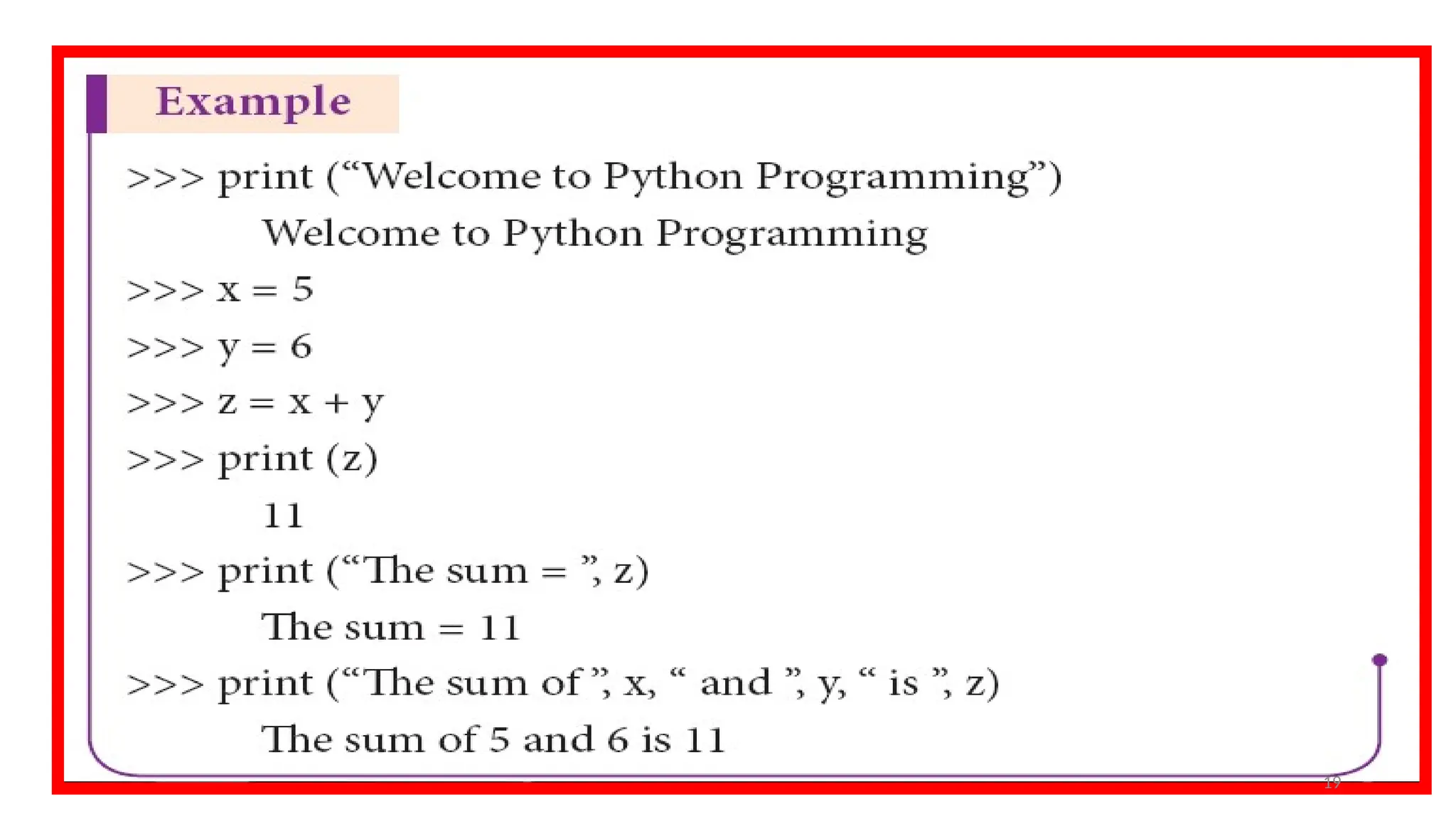
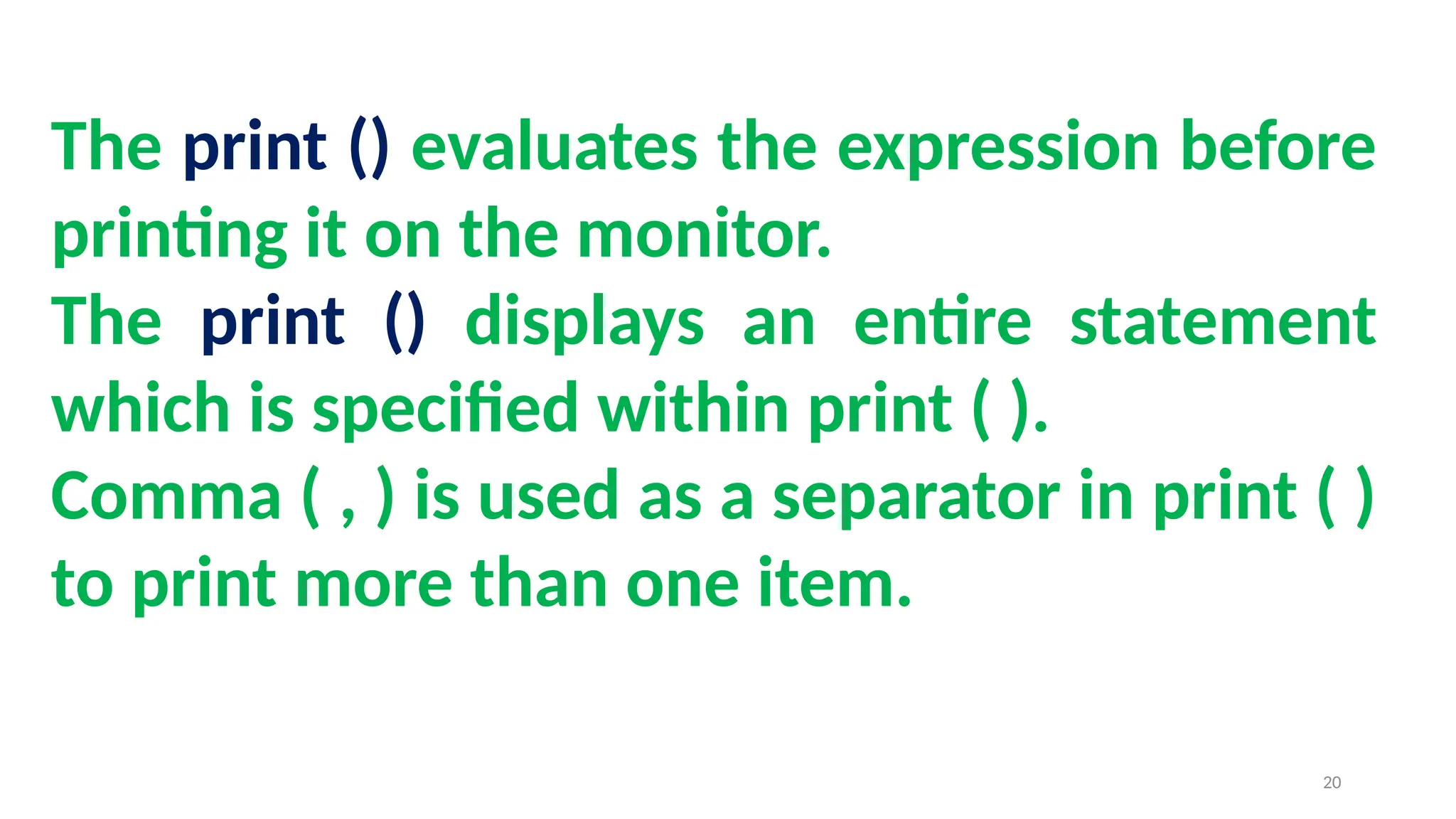
The print () evaluates the expression before
printing it on the monitor.
The print () displays an entire statement
which is specified within print ( ).
Comma ( , ) is used as a separator in print ( )
to print more than one item.
20
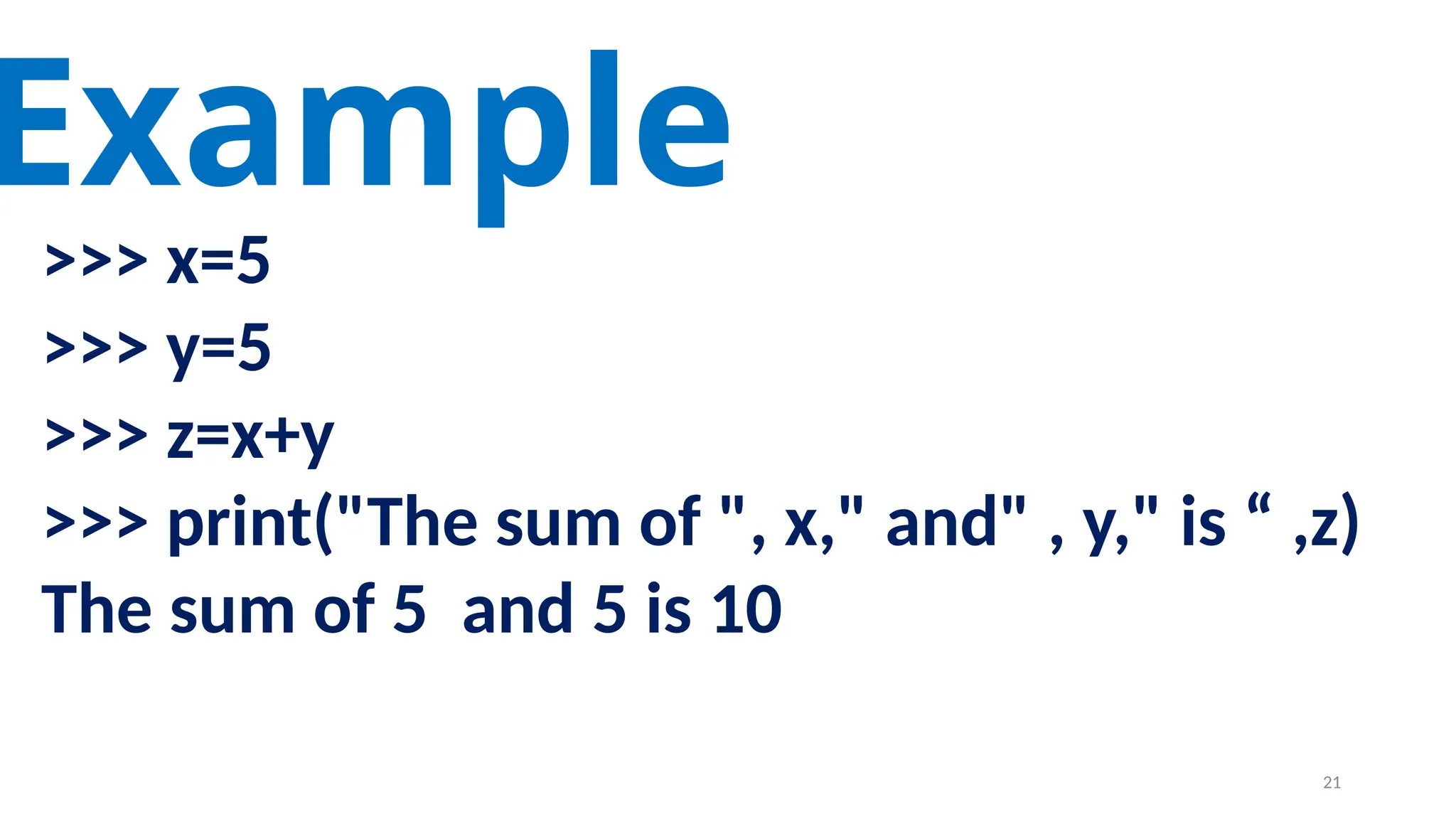
>>> x=5
>>> y=5
>>> z=x+y
>>> print("The sum of ", x," and" , y," is “ ,z)
The sum of 5 and 5 is 10
Example
21
input( ) function
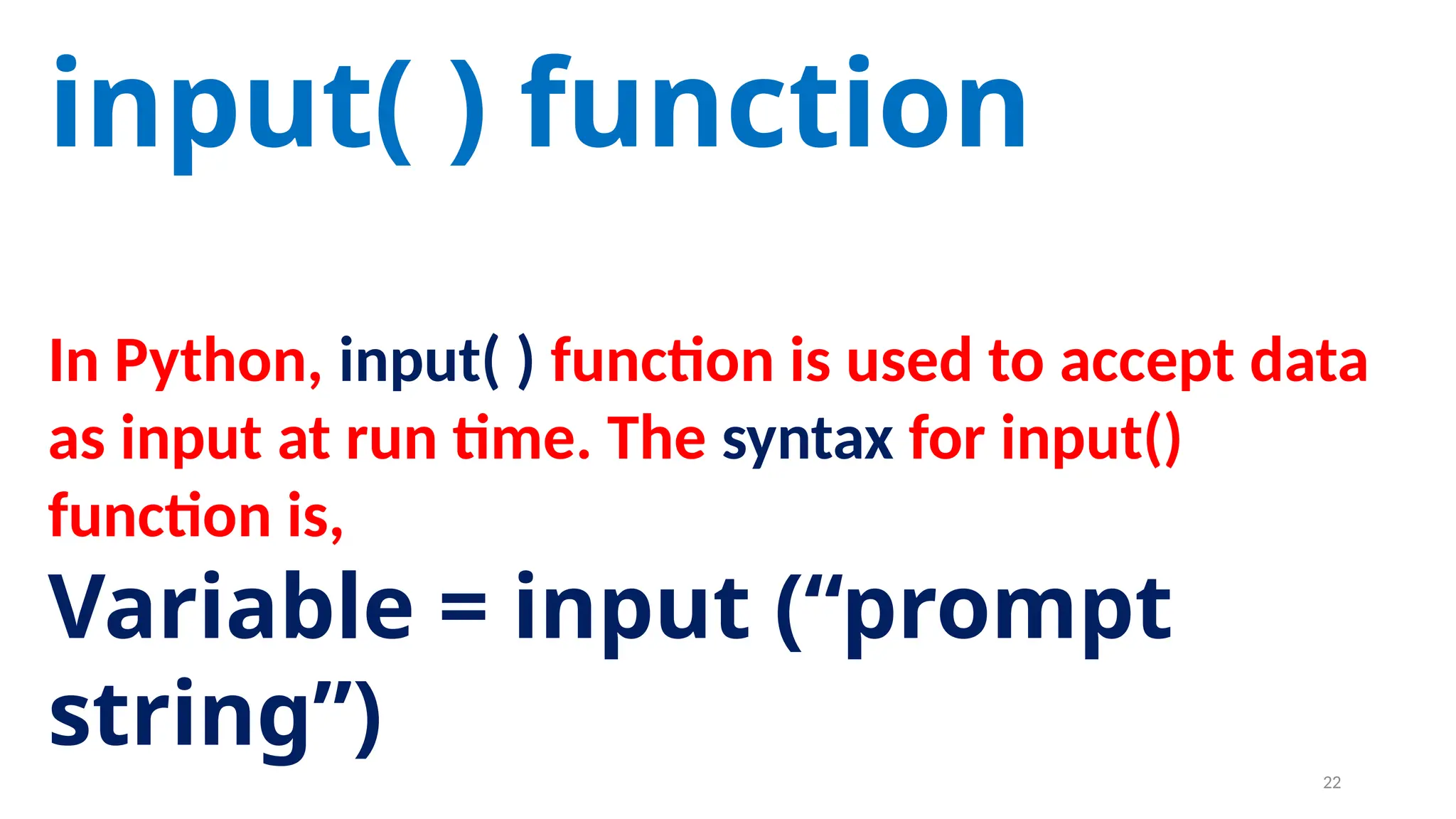
In Python, input( ) function is used to accept data
as input at run time. The syntax for input()
function is,
Variable = input (“prompt
string”) 22
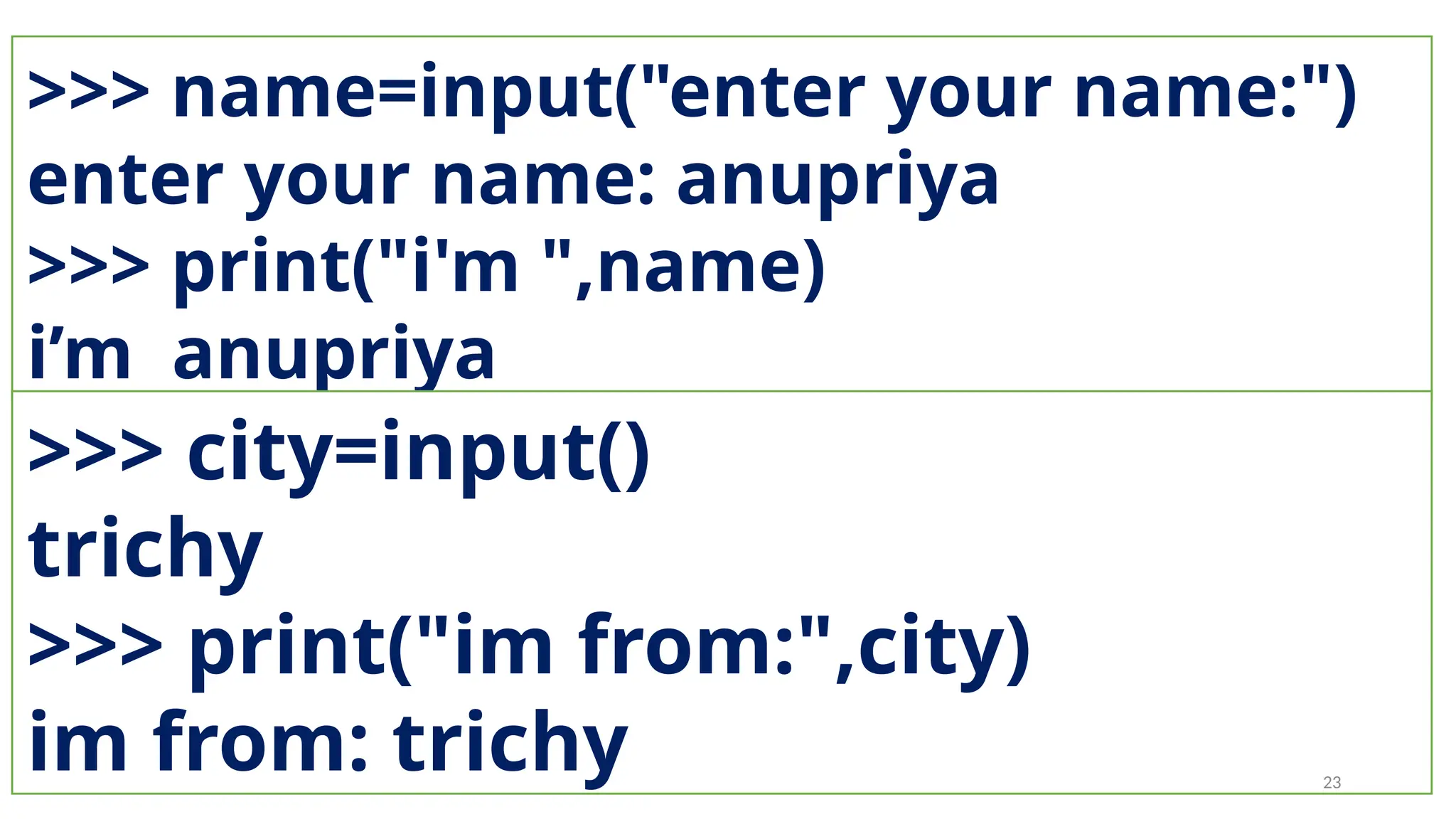
>>> name=input("enter your name:")
enter your name: anupriya
>>> print("i'm ",name)
i’m anupriya
>>> city=input()
trichy
>>> print("im from:",city)
im from: trichy 23
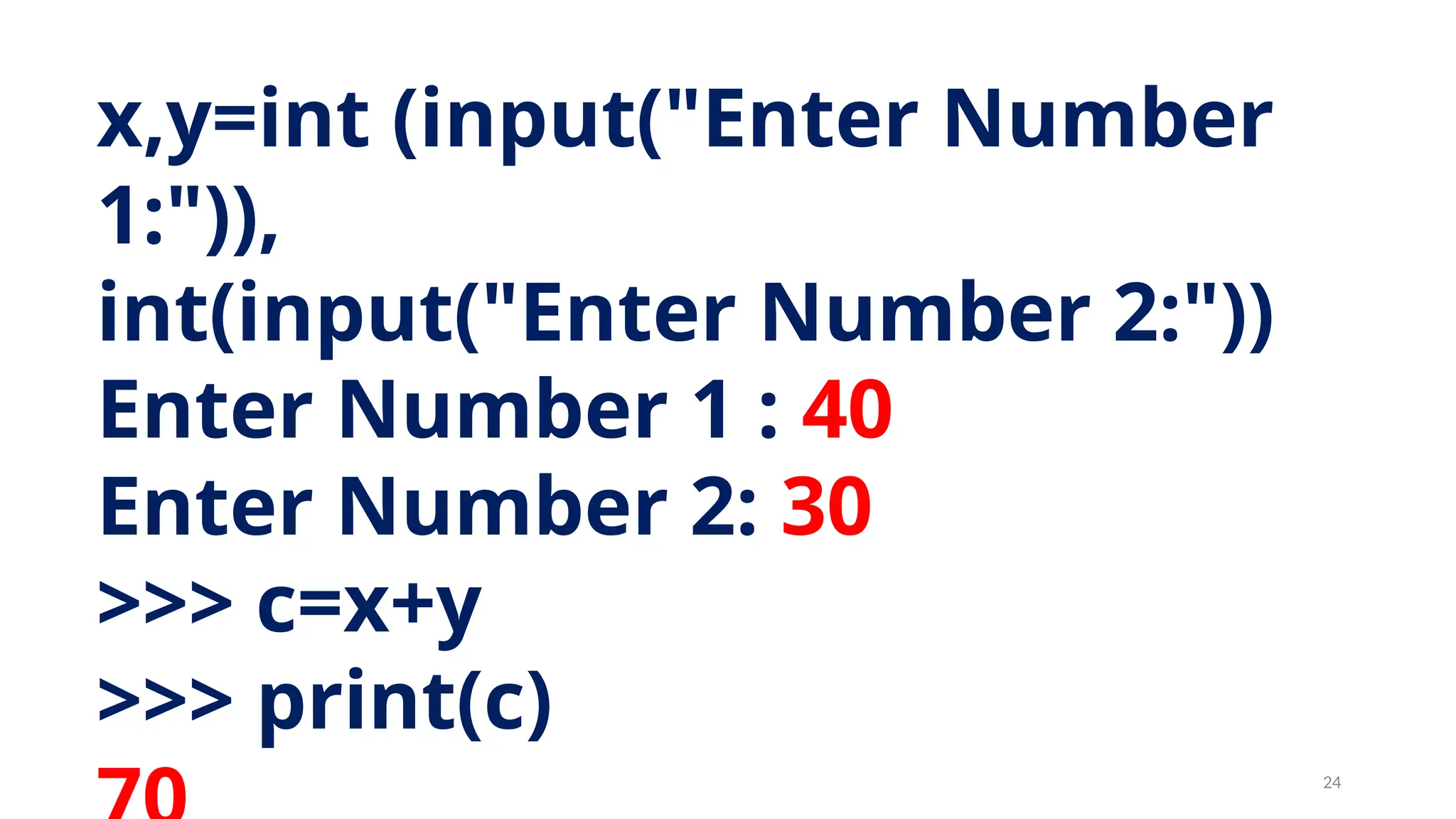
x,y=int (input("Enter Number
1:")),
int(input("Enter Number 2:"))
Enter Number 1 : 40
Enter Number 2: 30
>>> c=x+y
>>> print(c)
24
Comments in
Python
25
In Python, comments begin with hash symbol (#).
The lines that begins with # are considered as
comments and ignored by the Python interpreter.
Comments may be
• Single line
• Multi-lines.
The multiline comments should be enclosed within a
set of # as given below.
26
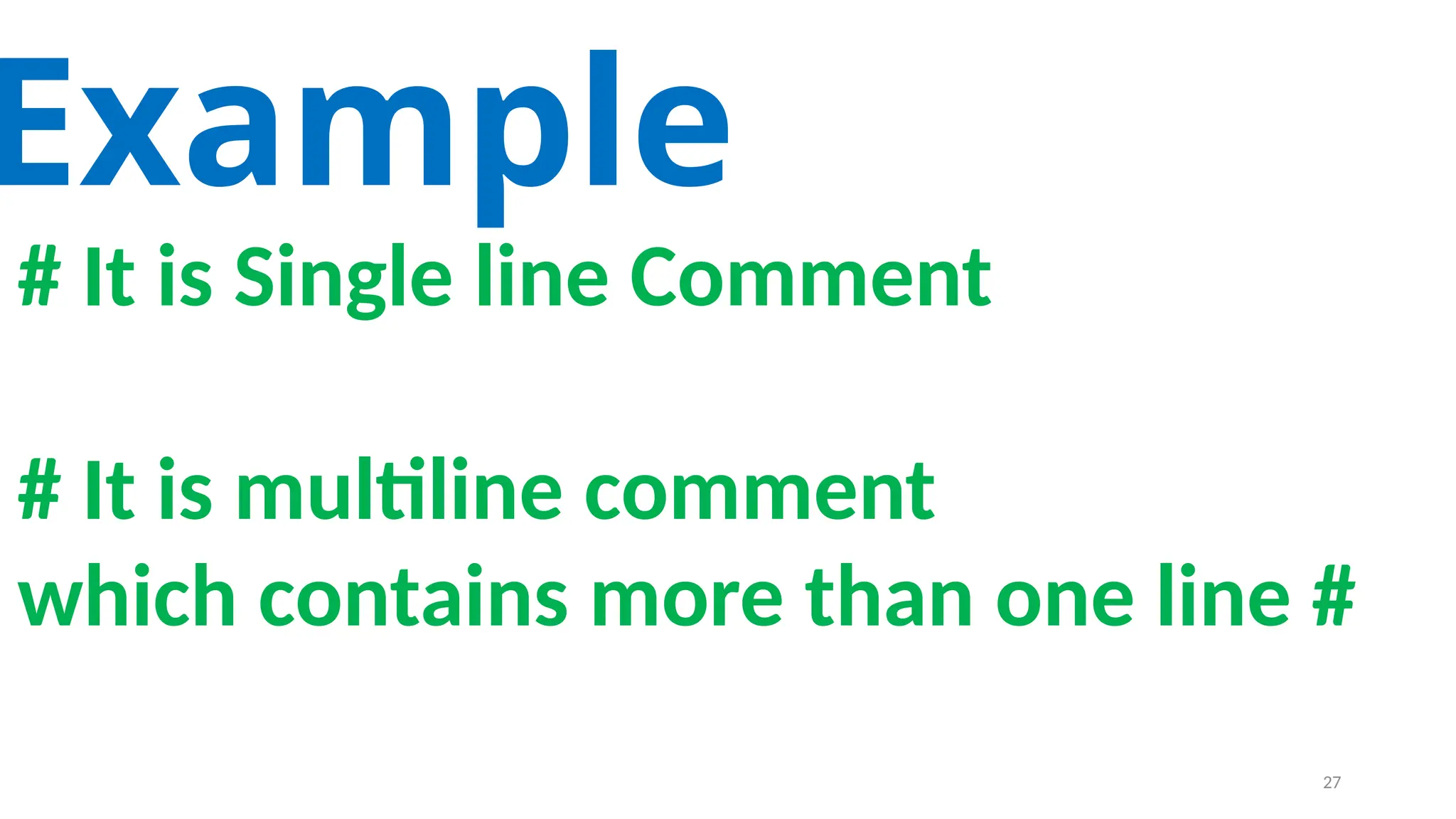
# It is Single line Comment
# It is multiline comment
which contains more than one line #
Example
27
Tokens
28
Python breaks each logical line
into a sequence of elementary
lexical components known as
Tokens.
29
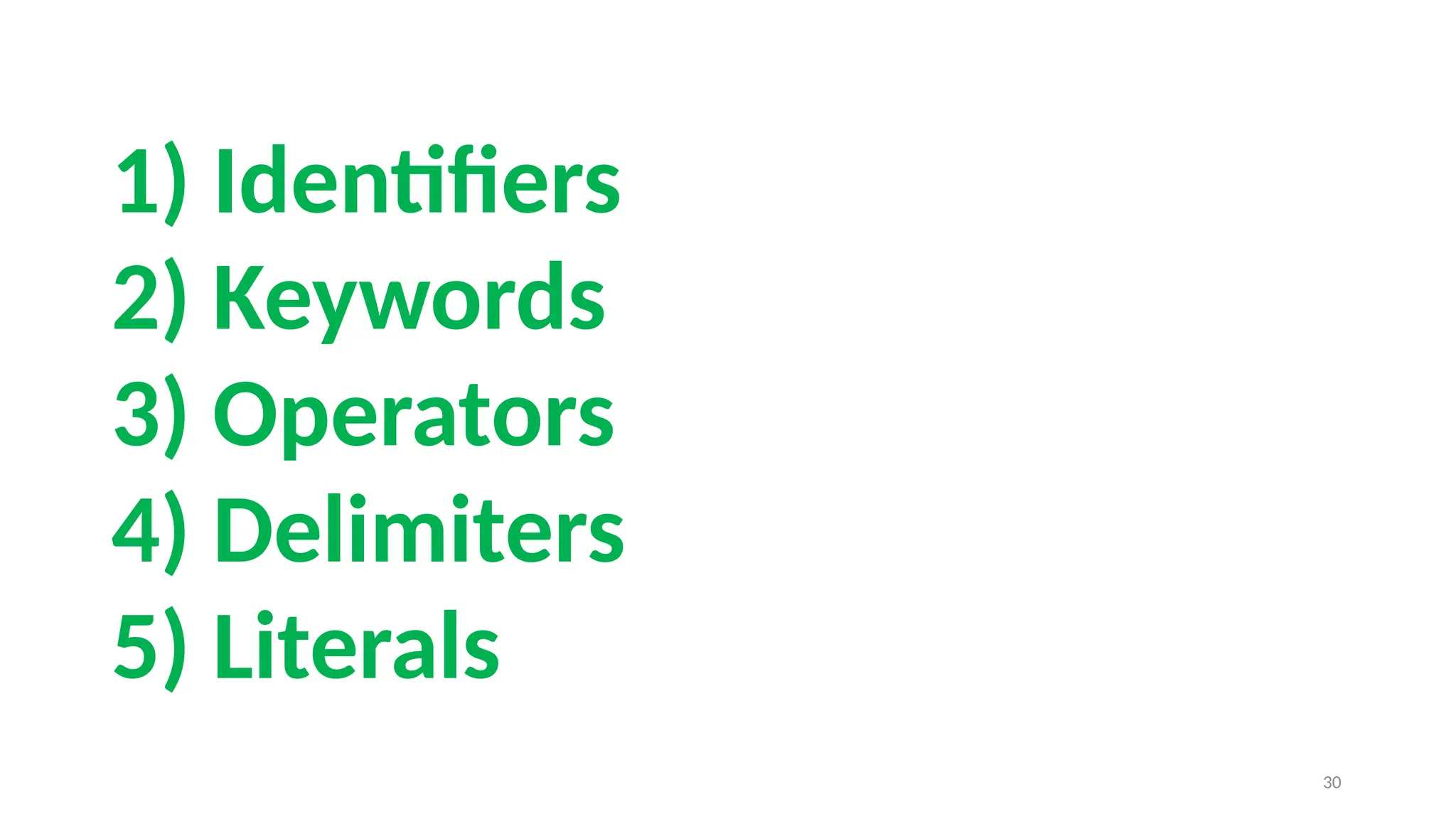
1) Identifiers
2) Keywords
3) Operators
4) Delimiters
5) Literals
30
Identifier
s 31
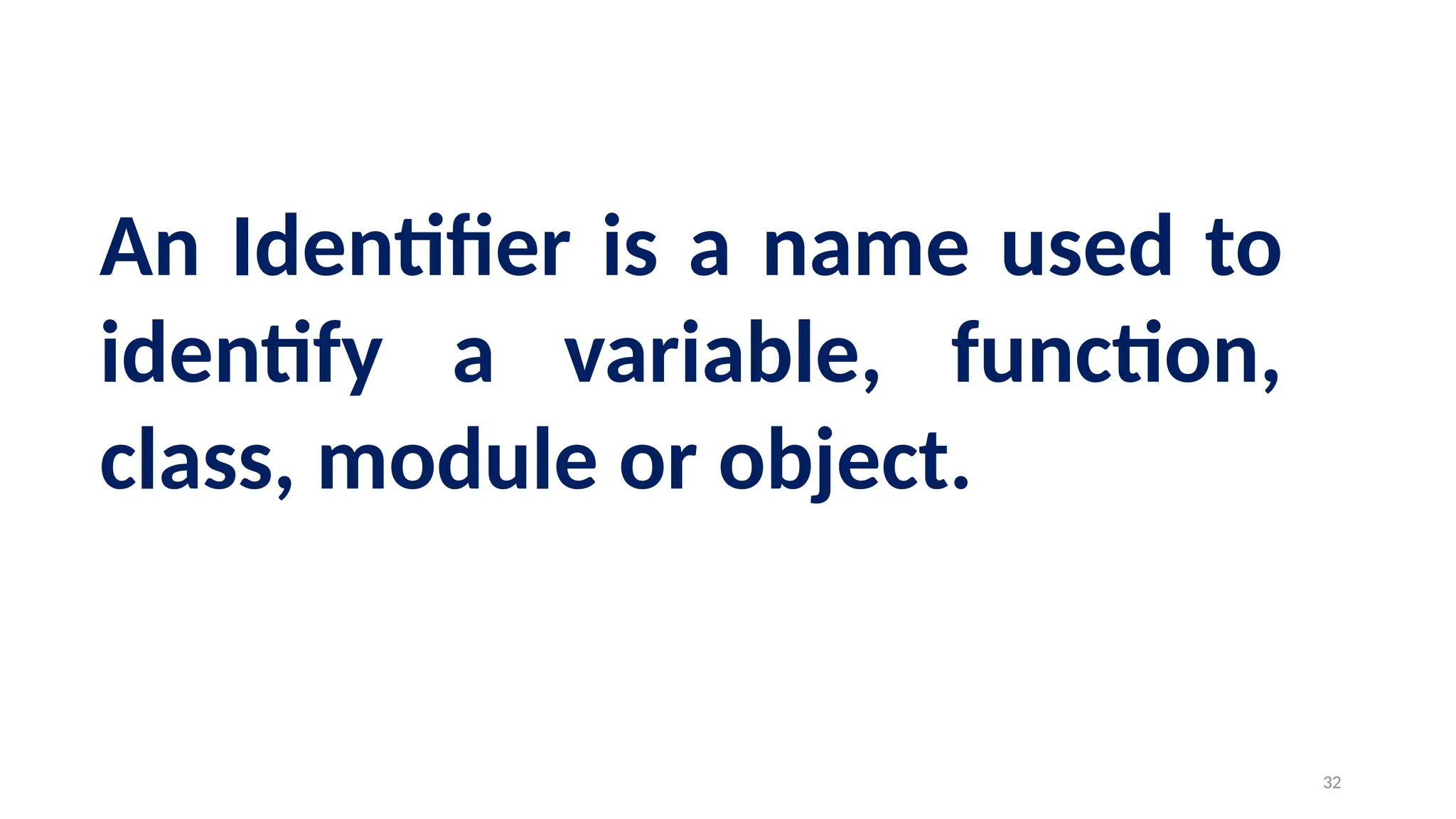
An Identifier is a name used to
identify a variable, function,
class, module or object.
32
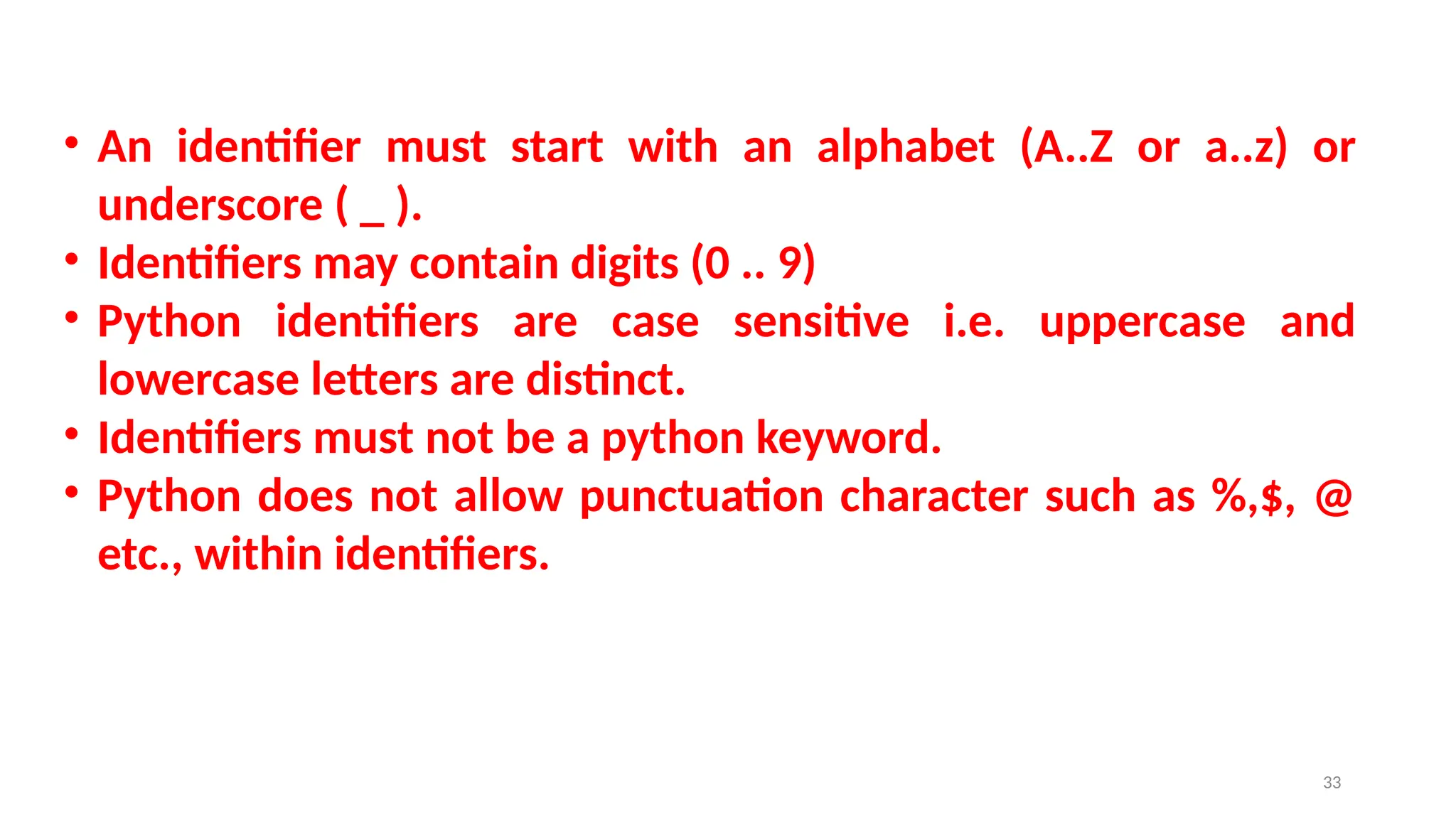
• An identifier must start with an alphabet (A..Z or a..z) or
underscore ( _ ).
• Identifiers may contain digits (0 .. 9)
• Python identifiers are case sensitive i.e. uppercase and
lowercase letters are distinct.
• Identifiers must not be a python keyword.
• Python does not allow punctuation character such as %,$, @
etc., within identifiers.
33
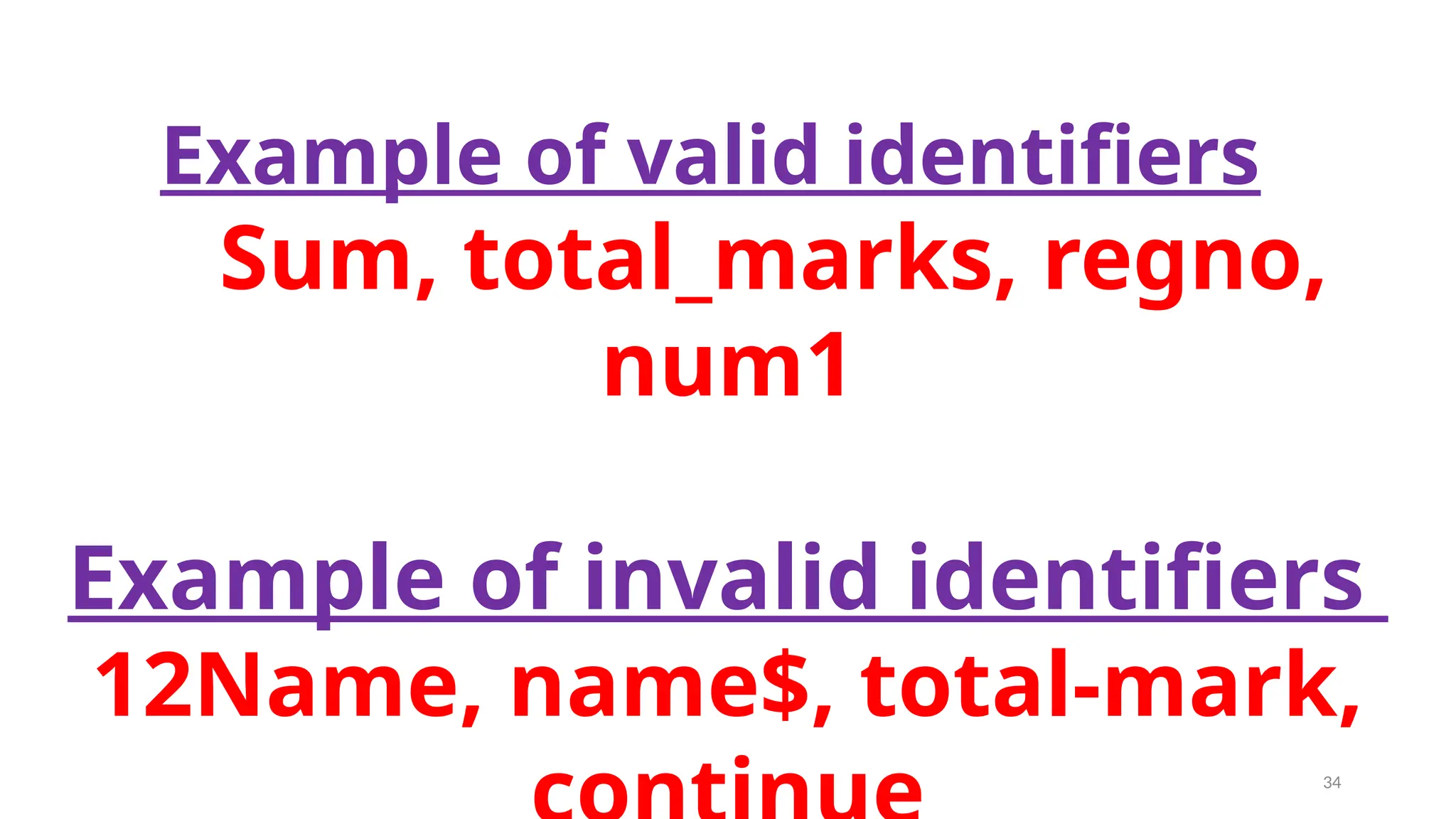
Example of valid identifiers
Sum, total_marks, regno,
num1
Example of invalid identifiers
12Name, name$, total-mark,
34
Keywords
35
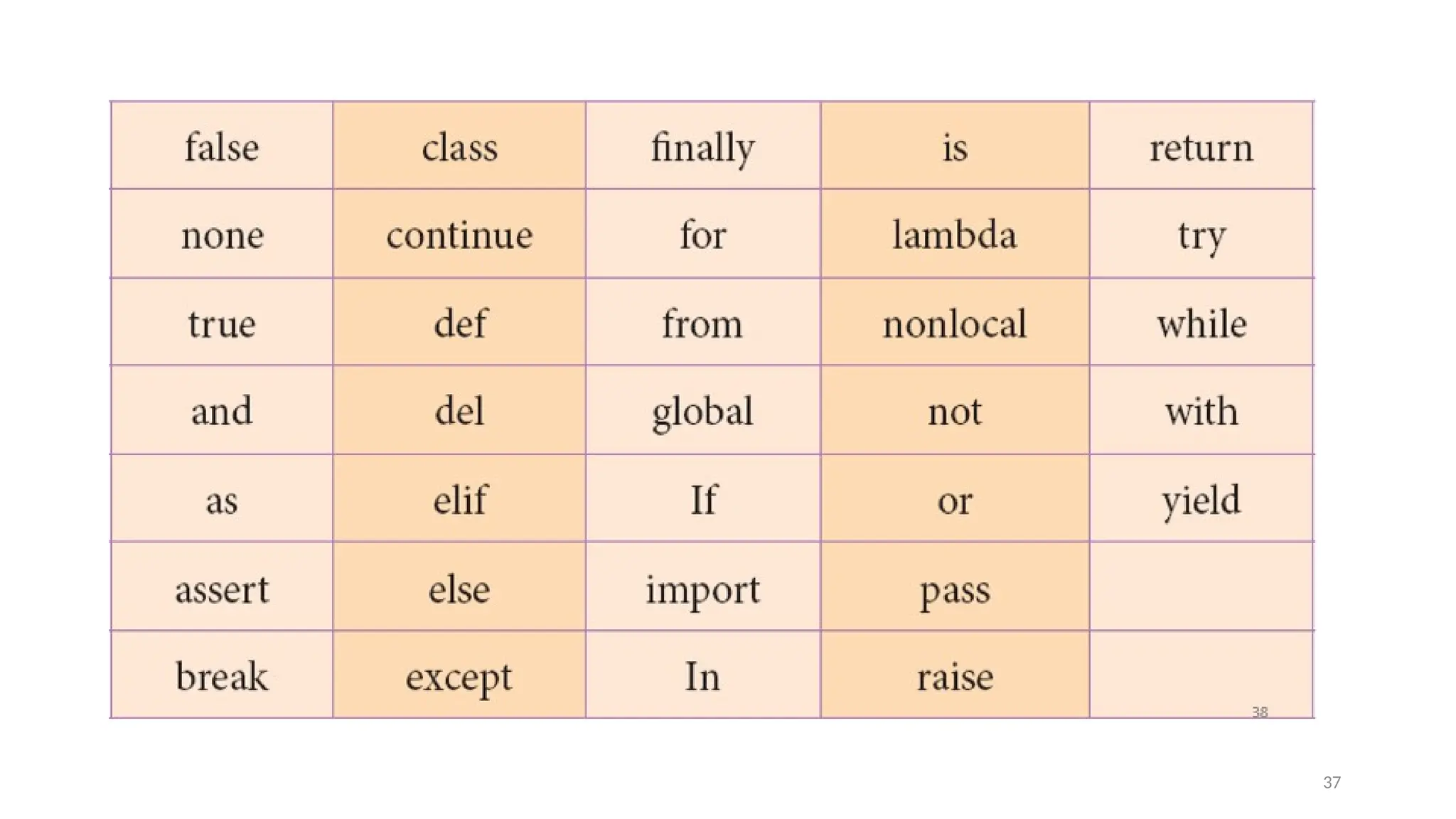
Keywords are special words used by
Python interpreter to recognize the
structure of program. As these words have
specific meaning for interpreter, they
cannot be used for any other purpose.
36
37
Operators
38
In computer programming languages
operators are special symbols which
represent computations, conditional
matching etc.
39
The value of an operator used is called
operands.
Operators are categorized as Arithmetic,
Relational, Logical, Assignment etc. Value
and variables when used with operator
are known as operands.
40
Arithmeti
c 41
An arithmetic operator is a
mathematical operator that
takes two operands and
performs a calculation on them.
They are used for simple
arithmetic.
42
Most computer languages contain a set
of such operators that can be used
within equations to perform different
types of sequential calculations.
43
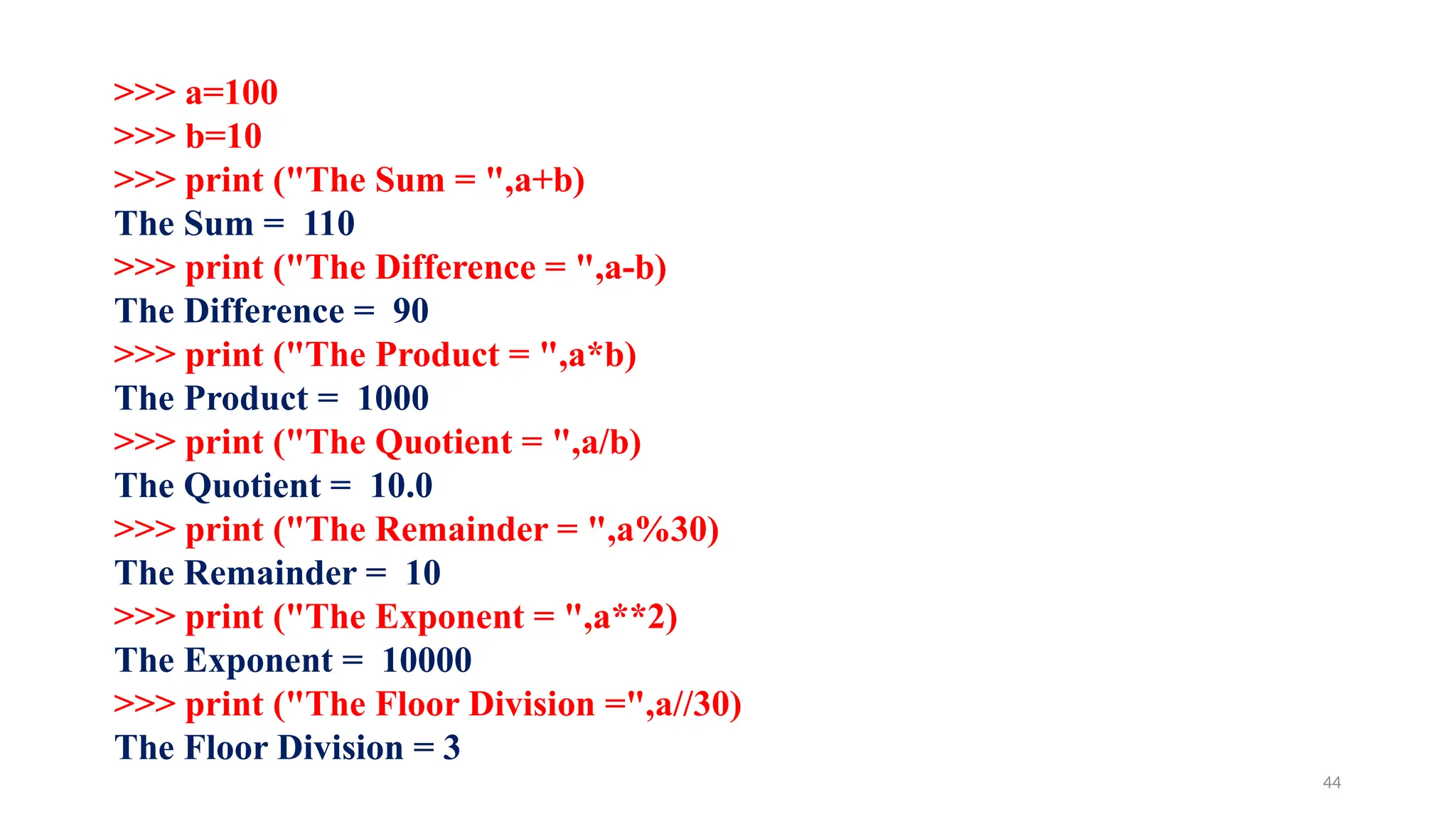
>>> a=100
>>> b=10
>>> print ("The Sum = ",a+b)
The Sum = 110
>>> print ("The Difference = ",a-b)
The Difference = 90
>>> print ("The Product = ",a*b)
The Product = 1000
>>> print ("The Quotient = ",a/b)
The Quotient = 10.0
>>> print ("The Remainder = ",a%30)
The Remainder = 10
>>> print ("The Exponent = ",a**2)
The Exponent = 10000
>>> print ("The Floor Division =",a//30)
The Floor Division = 3
44
Relational or
Comparative
operators 45
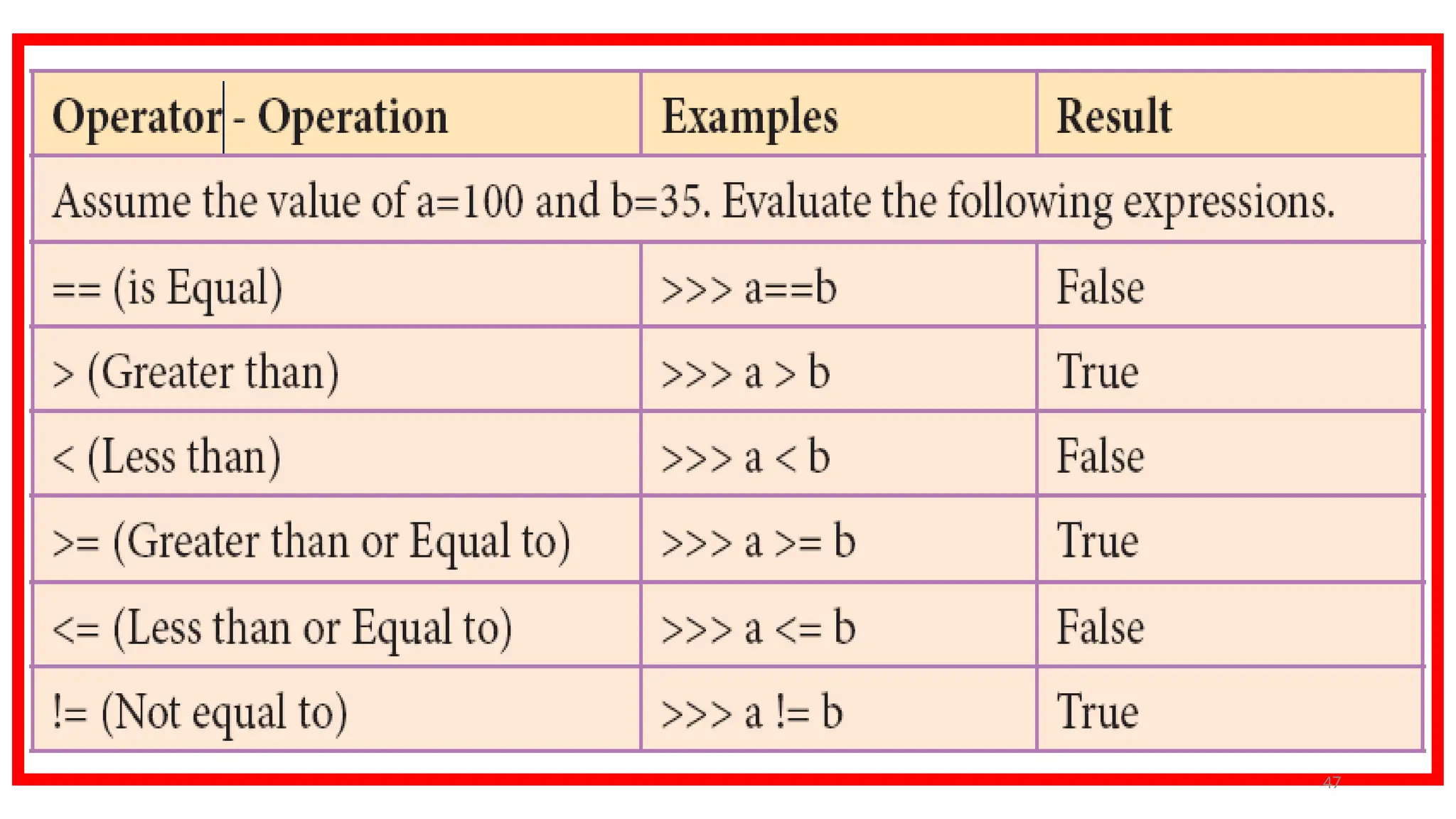
A Relational operator is also called as
Comparative operator which checks the
relationship between two operands.
If the relation is true, it returns True;
otherwise it returns False.
46
47
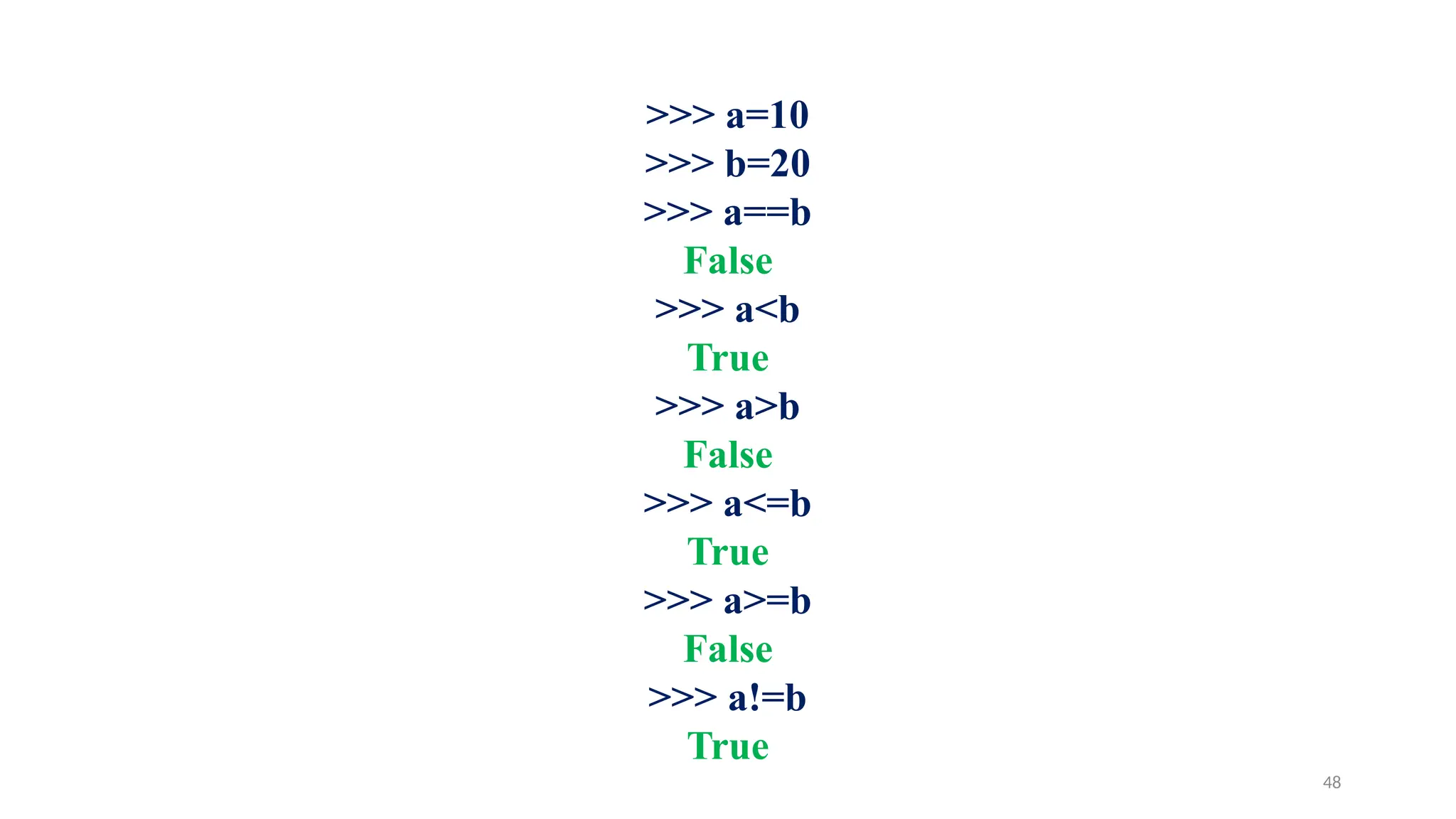
>>> a=10
>>> b=20
>>> a==b
False
>>> a<b
True
>>> a>b
False
>>> a<=b
True
>>> a>=b
False
>>> a!=b
True
48
Logical
operators
49
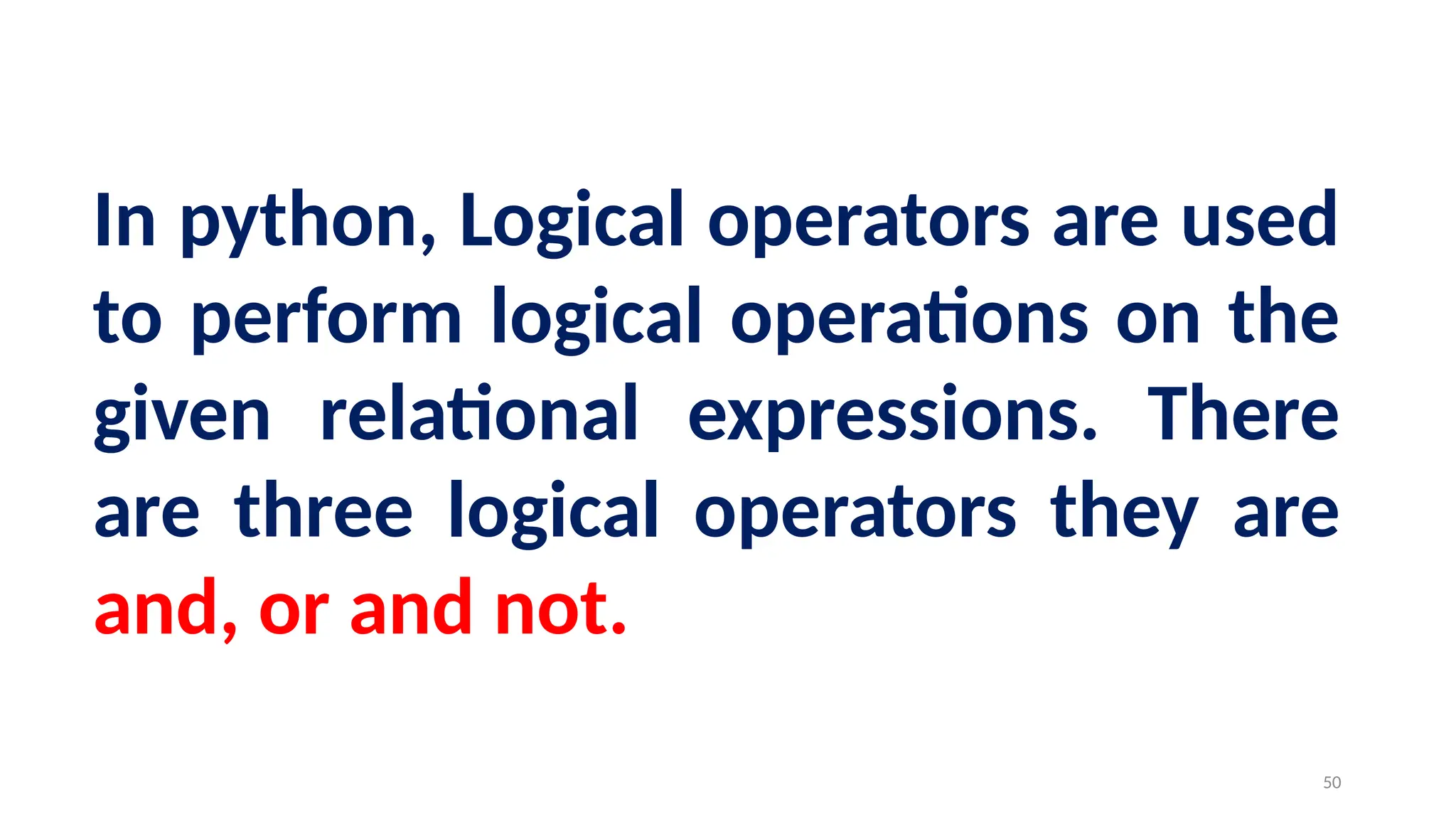
In python, Logical operators are used
to perform logical operations on the
given relational expressions. There
are three logical operators they are
and, or and not.
50
Assignment
operators
51
In Python, = is a simple assignment operator to assign
values to variable.
Let a = 5 and b = 10 assigns the value 5 to a and 10 to b
these two assignment statement can also be given as
a,b=5,10 that assigns the value 5 and 10 on the right to
the variables a and b respectively. There are various
compound operators in Python like +=, -=, *=, /=, %=,
**= and //= are also available.
52
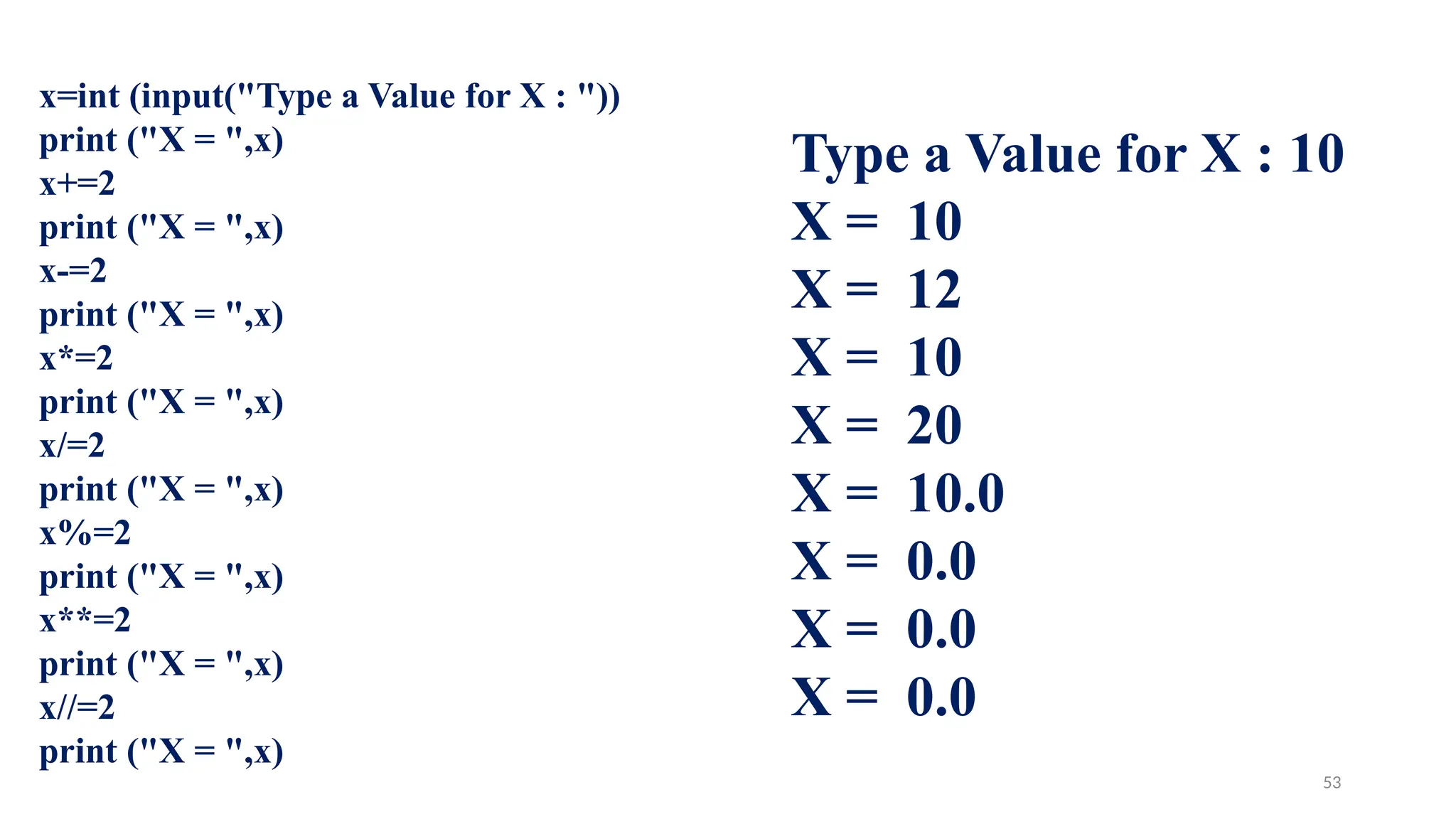
x=int (input("Type a Value for X : "))
print ("X = ",x)
x+=2
print ("X = ",x)
x-=2
print ("X = ",x)
x*=2
print ("X = ",x)
x/=2
print ("X = ",x)
x%=2
print ("X = ",x)
x**=2
print ("X = ",x)
x//=2
print ("X = ",x)
Type a Value for X : 10
X = 10
X = 12
X = 10
X = 20
X = 10.0
X = 0.0
X = 0.0
X = 0.0
53
Conditional
operator
54
Ternary operator is also known as
conditional operator that evaluate
something based on a condition being
true or false.
It simply allows testing a condition in a
single line replacing the multi- line if-
else making the code compact.
Syntax
Variable Name = [on_true]
if [Test expression] else
[on_false]
56
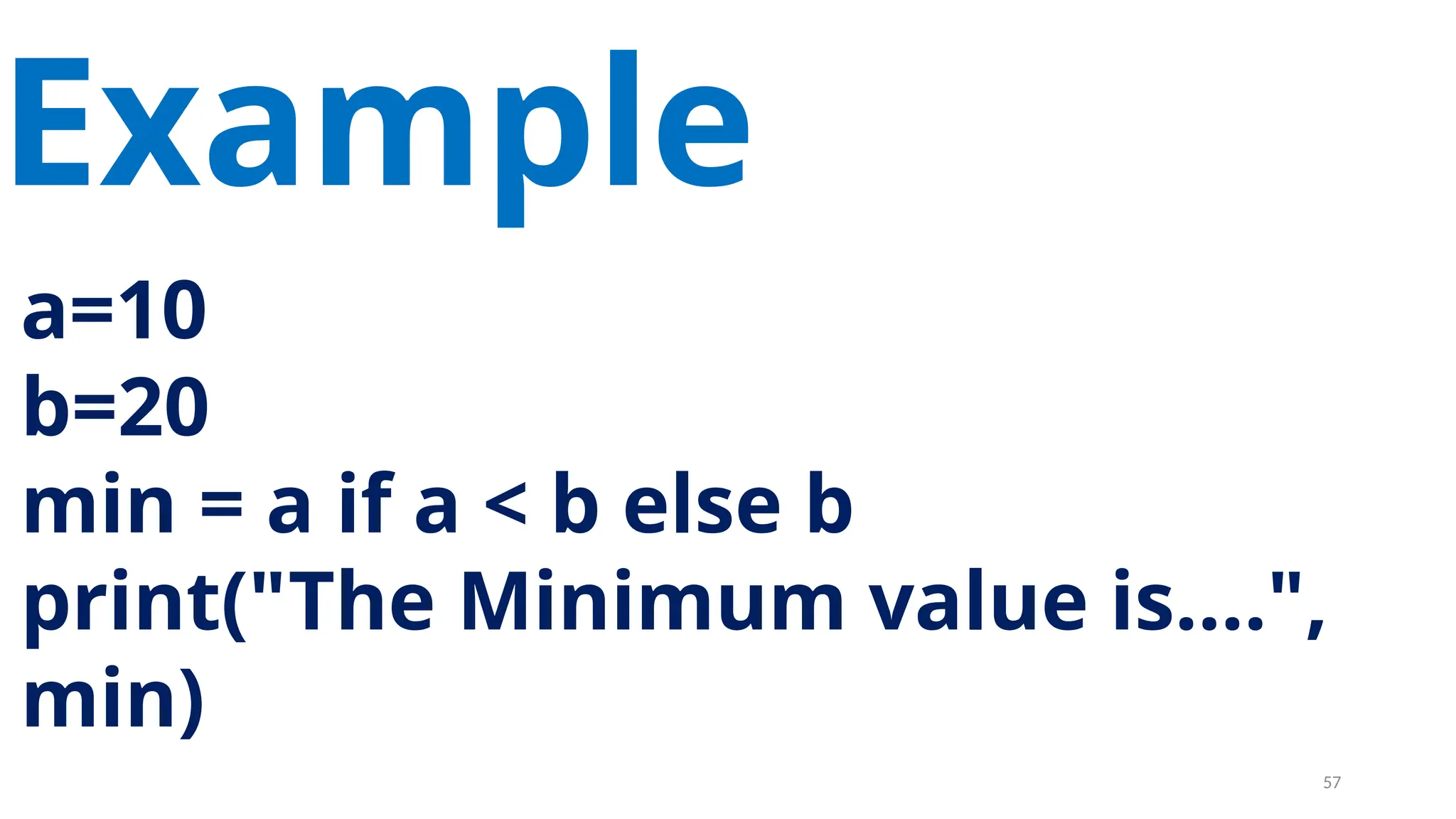
a=10
b=20
min = a if a < b else b
print("The Minimum value is....",
min)
Example
57
Delimiter
s 58
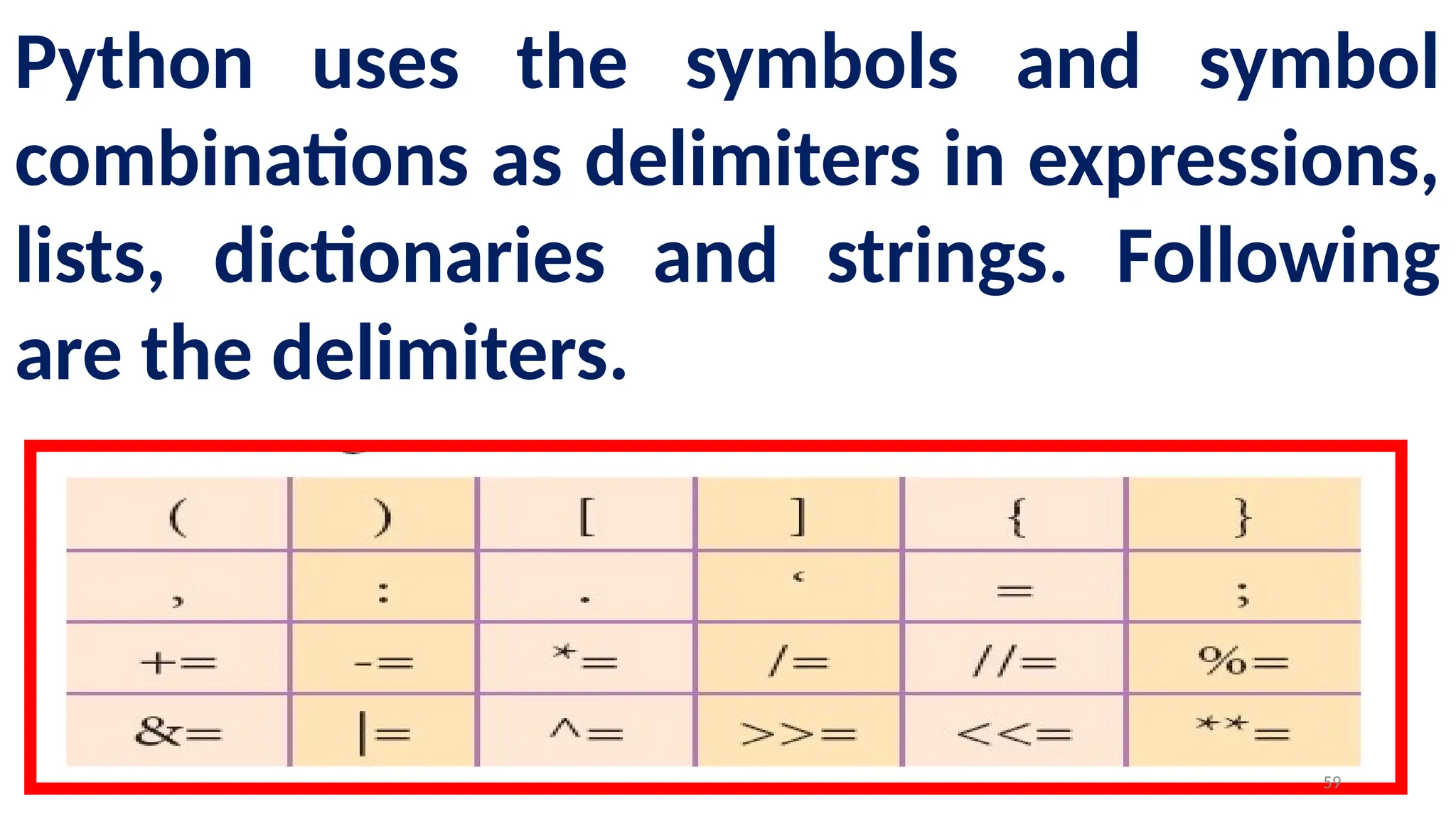
Python uses the symbols and symbol
combinations as delimiters in expressions,
lists, dictionaries and strings. Following
are the delimiters.
59
Literals
60
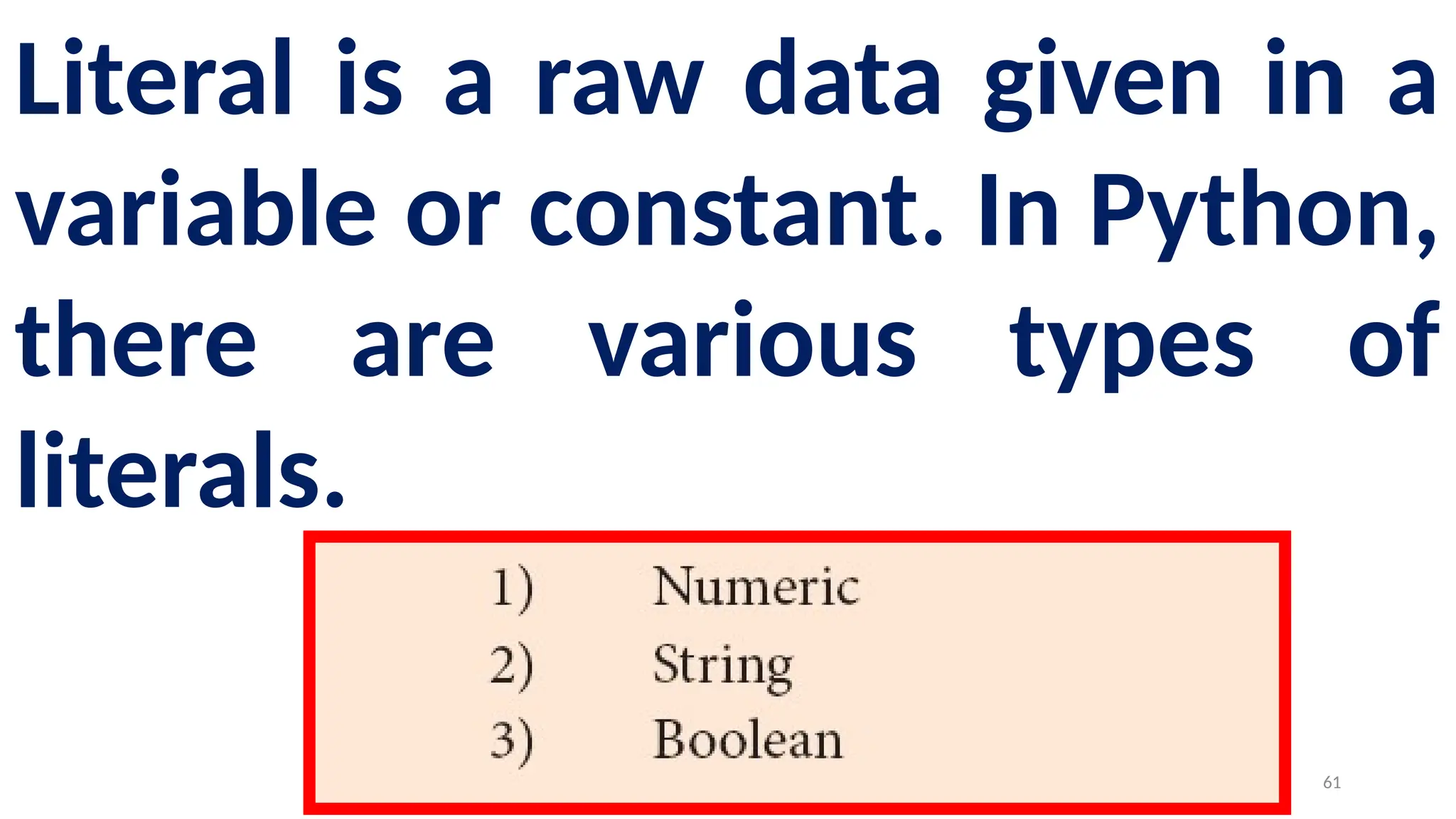
Literal is a raw data given in a
variable or constant. In Python,
there are various types of
literals.
61
Numeric
Literals 62
Numeric Literals consists of digits
and are immutable (unchangeable).
Numeric literals can belong to 3
different numerical types Integer,
Float and Complex.
63
String
Literals64
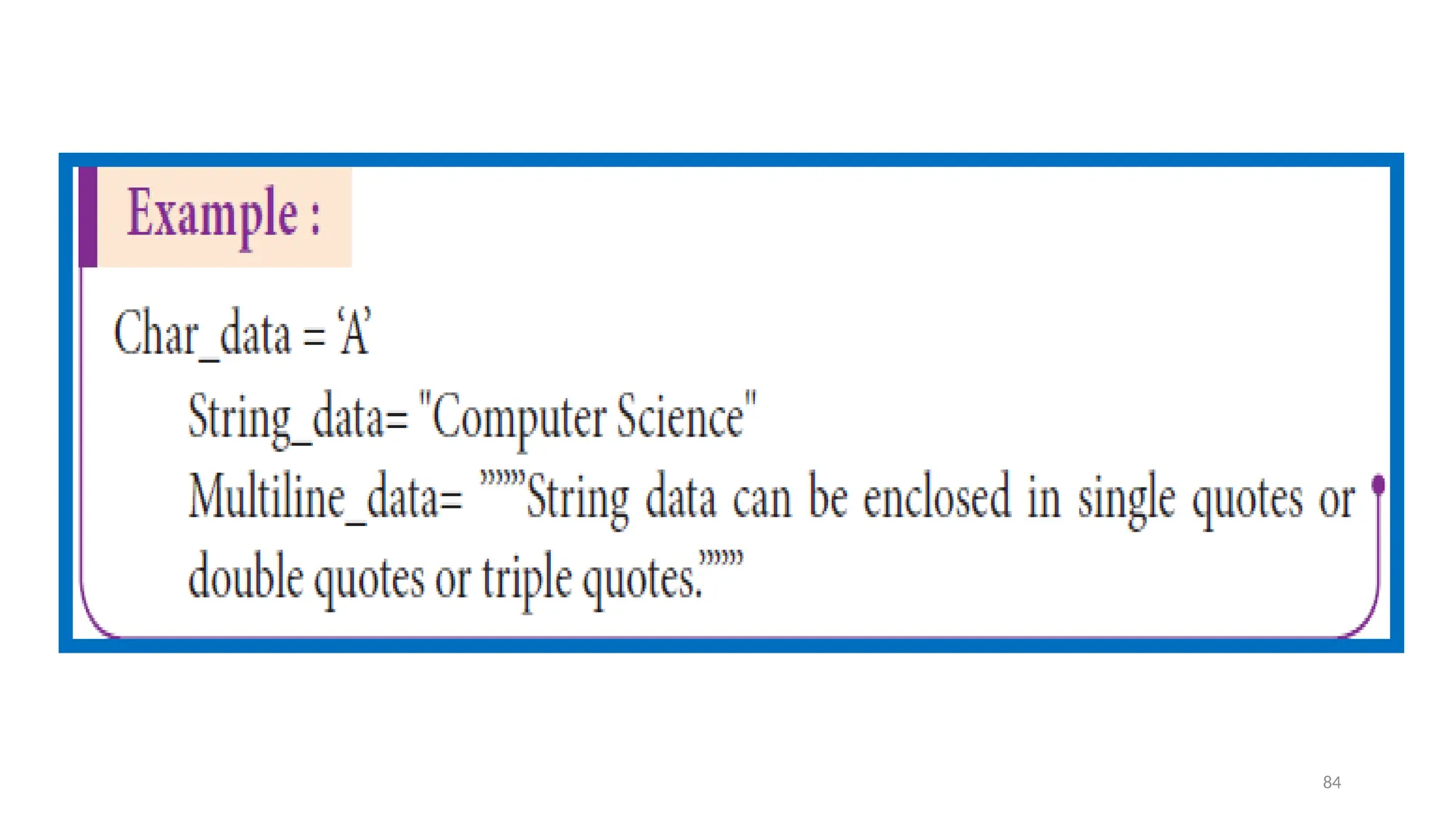
In Python a string literal is a sequence of characters
surrounded by quotes.
Python supports single, double and triple quotes for a
string.
A character literal is a single character surrounded by
single or double quotes.
The value with triple-quote "' '" is used to give multi-
line string literal.
65
Boolean
Literals66
A Boolean literal can
have any of the two
values: True or False.
67
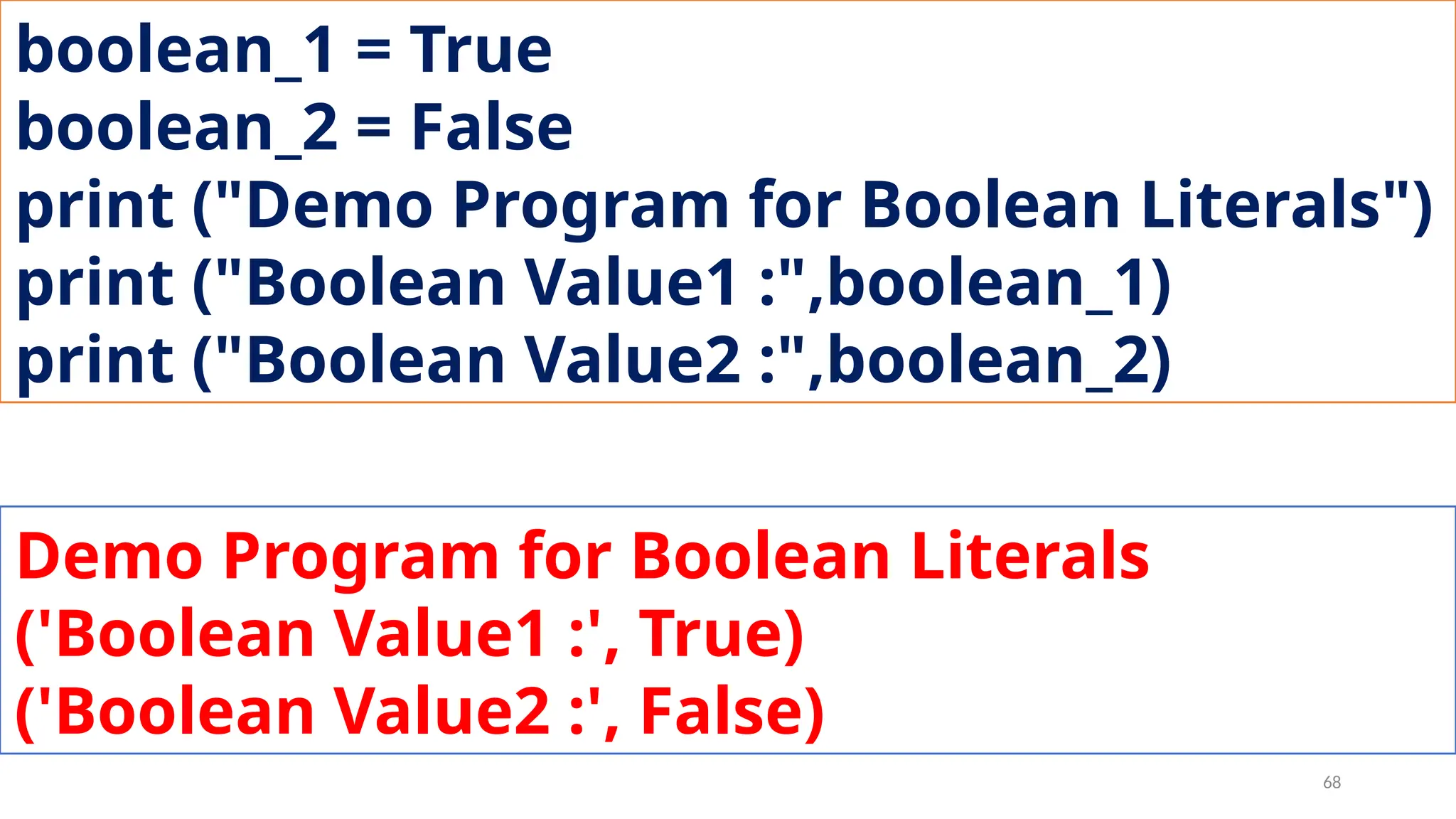
boolean_1 = True
boolean_2 = False
print ("Demo Program for Boolean Literals")
print ("Boolean Value1 :",boolean_1)
print ("Boolean Value2 :",boolean_2)
Demo Program for Boolean Literals
('Boolean Value1 :', True)
('Boolean Value2 :', False)
68
Escape
Sequence
69
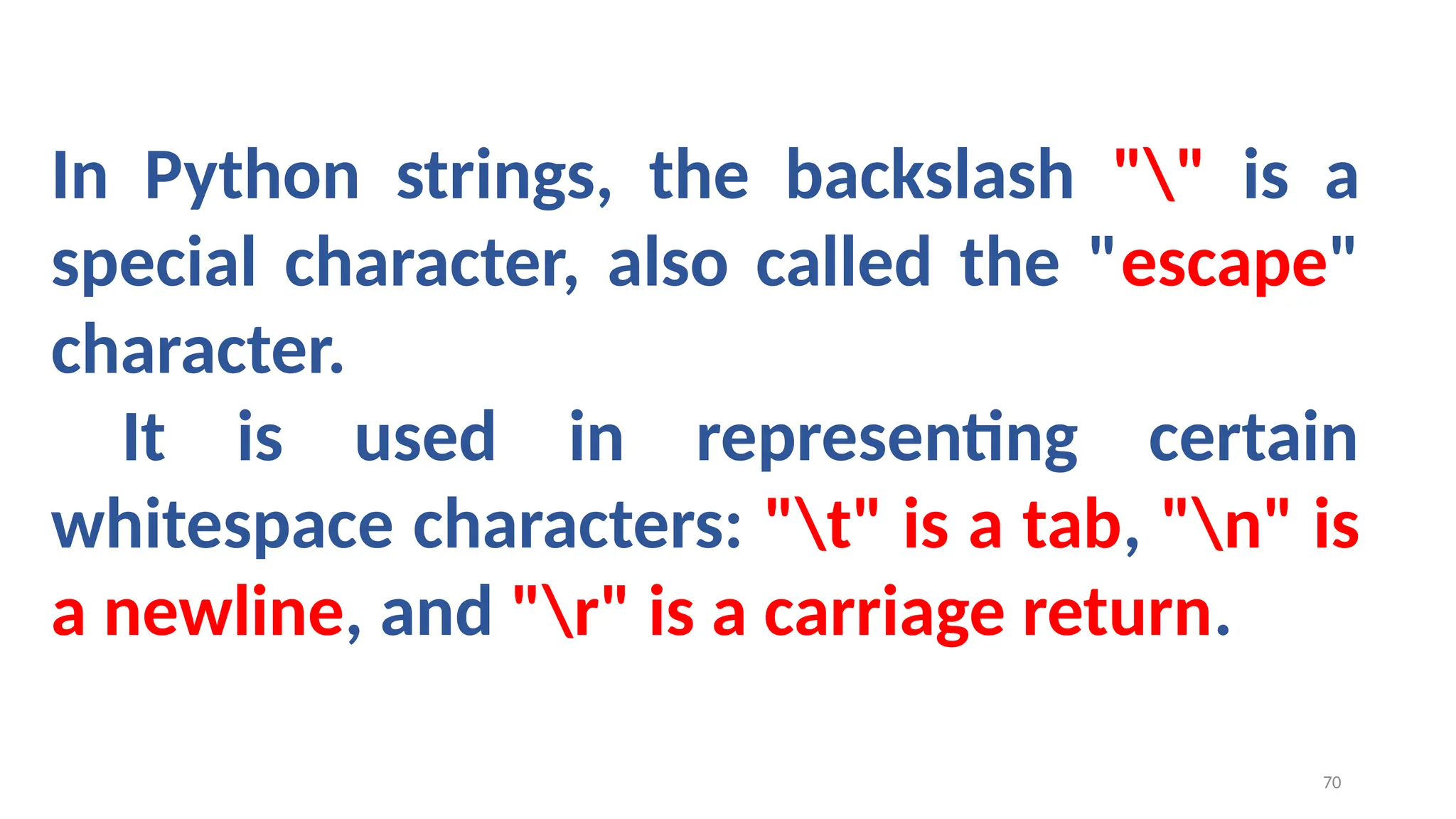
In Python strings, the backslash "" is a
special character, also called the "escape"
character.
It is used in representing certain
whitespace characters: "t" is a tab, "n" is
a newline, and "r" is a carriage return.
70
Python
Data 71
All data values in Python are objects
and each object or value has type.
Python has Built-in or Fundamental
data types such as Number, String,
Boolean, tuples, lists and dictionaries.
72
Number
Data type
73
The built-in number objects in Python supports
integers, floating point numbers and complex numbers.
Integer Data can be decimal, octal or hexadecimal.
Octal integer use O (both upper and lower case) to
denote octal digits and hexadecimal integer use OX
(both upper and lower case) and L (only upper case) to
denote long integer.
74
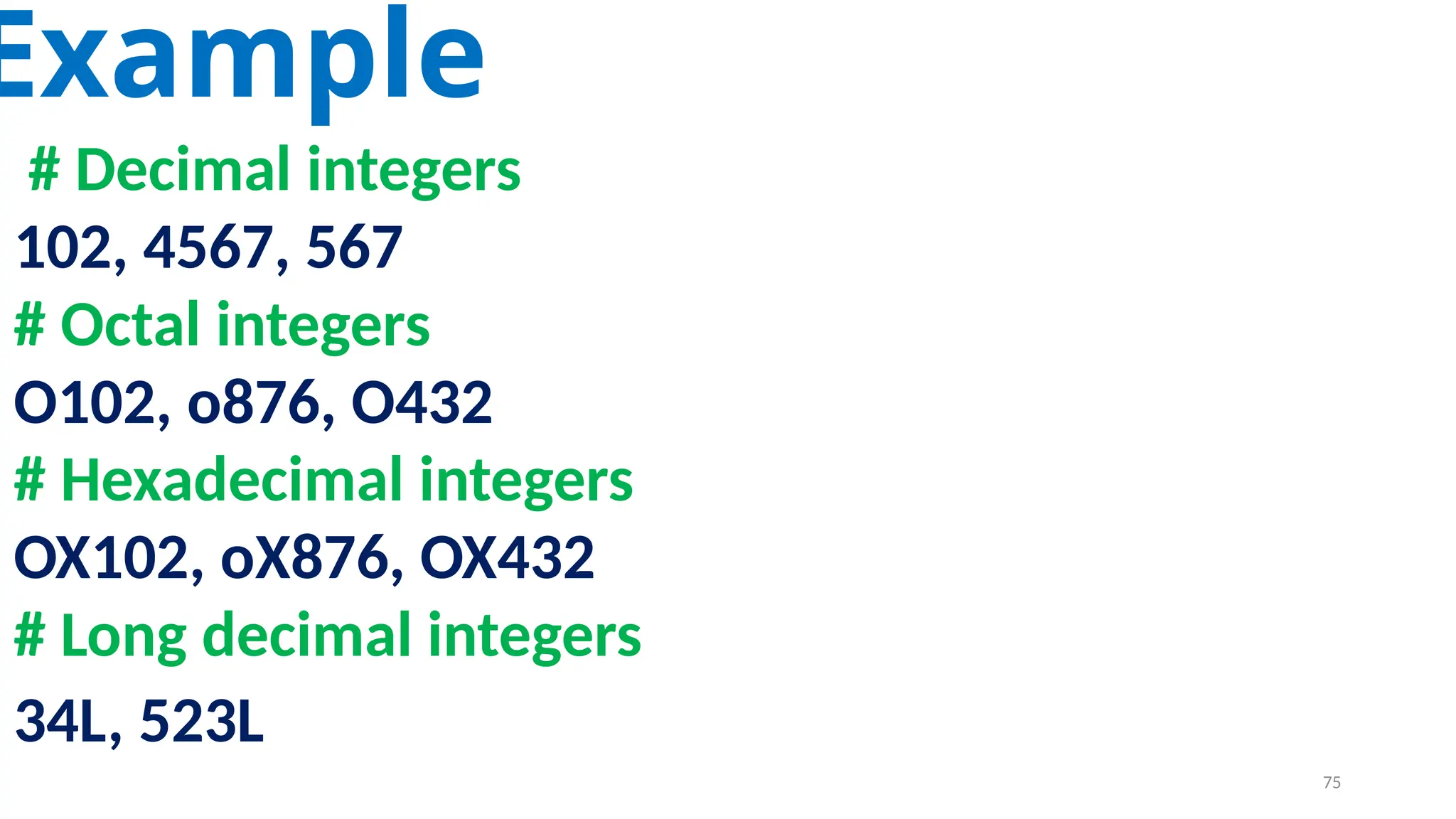
Example
# Decimal integers
102, 4567, 567
# Octal integers
O102, o876, O432
# Hexadecimal integers
OX102, oX876, OX432
# Long decimal integers
34L, 523L
75
A floating point data is represented
by a sequence of decimal digits that
includes a decimal point.
An Exponent data contains decimal
digit part, decimal point, exponent
part followed by one or more digits.
76
Example
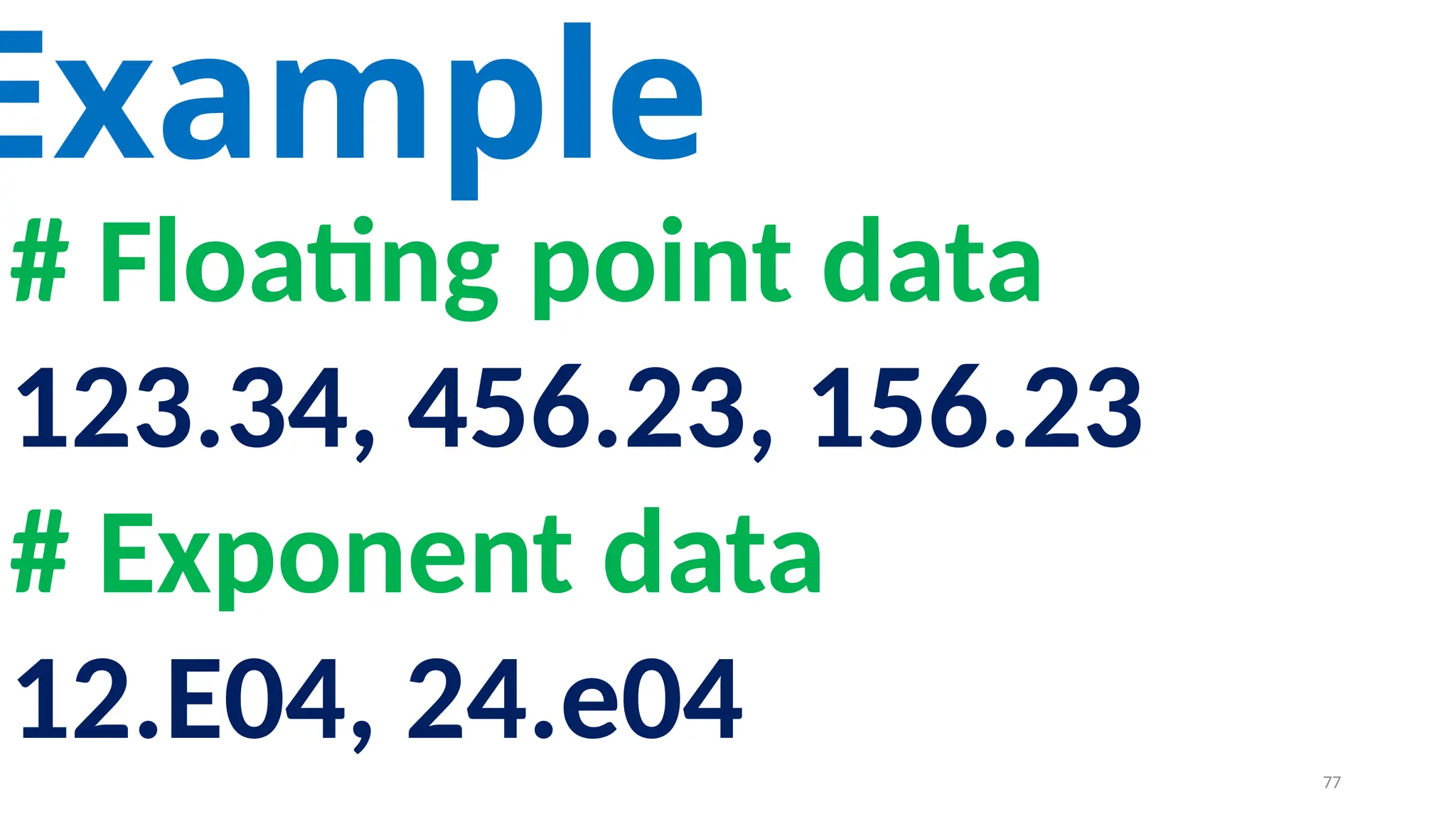
# Floating point data
123.34, 456.23, 156.23
# Exponent data
12.E04, 24.e04 77
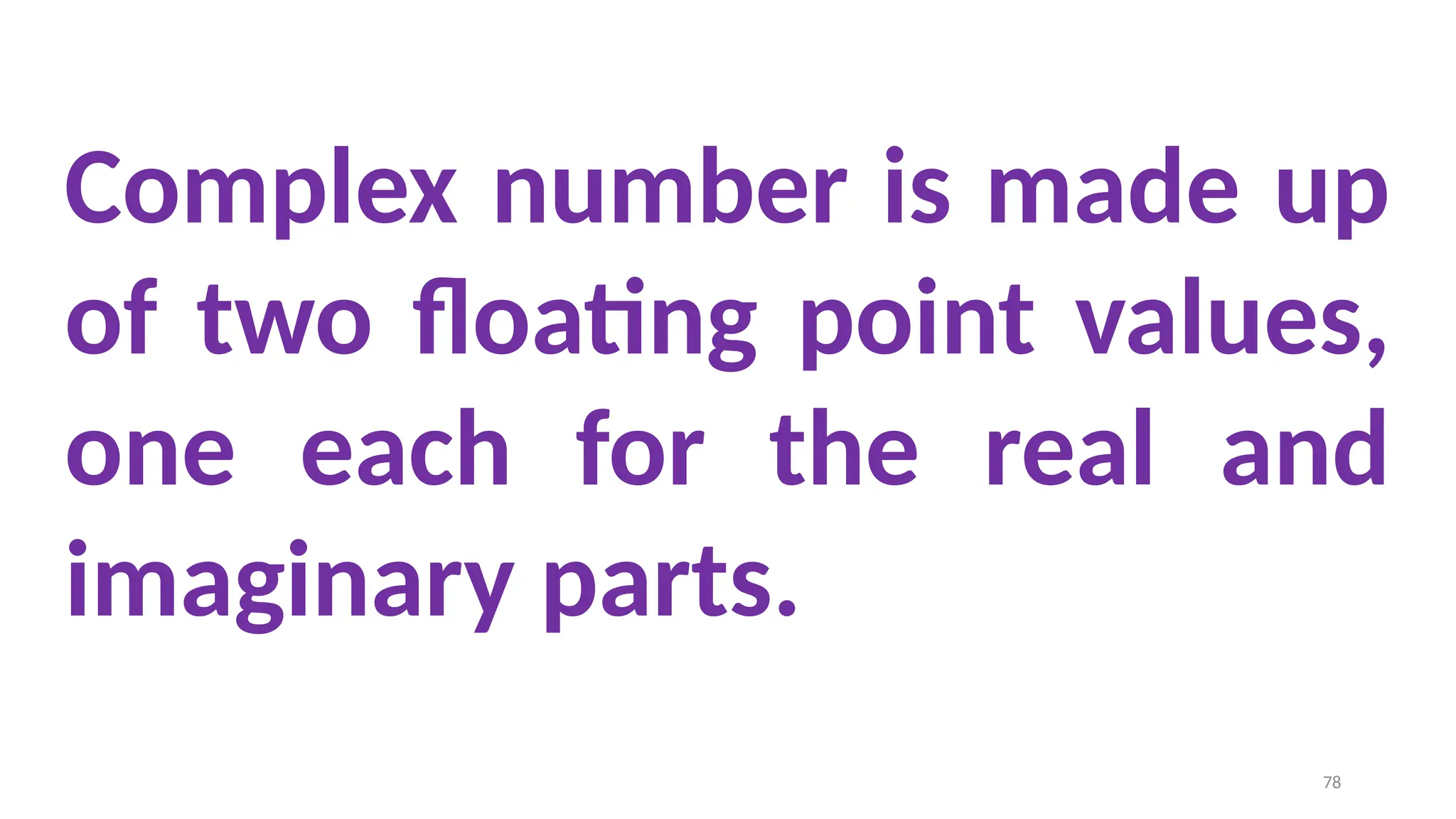
Complex number is made up
of two floating point values,
one each for the real and
imaginary parts.
78
Boolean
Data type
79
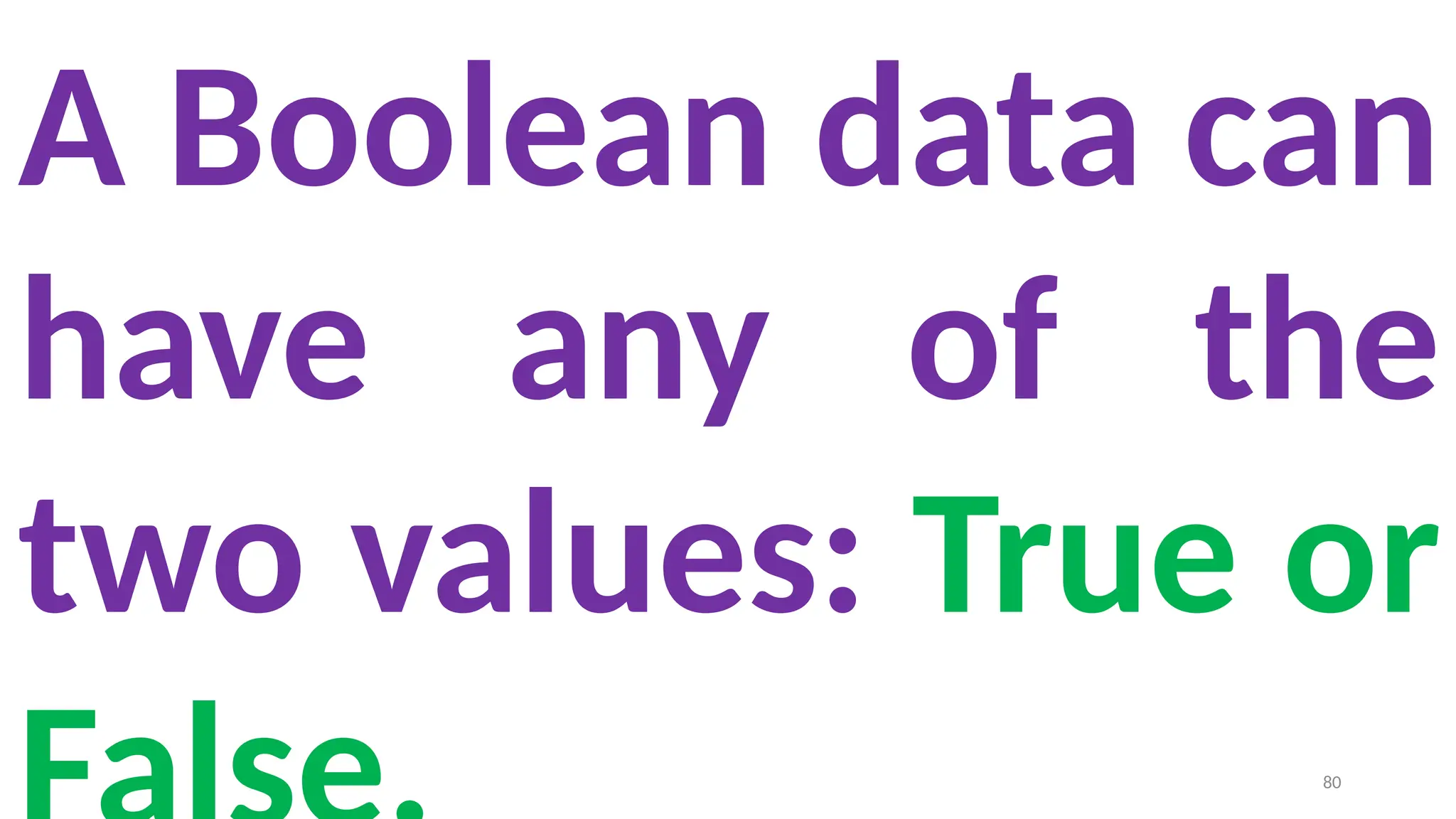
A Boolean data can
have any of the
two values: True or
80
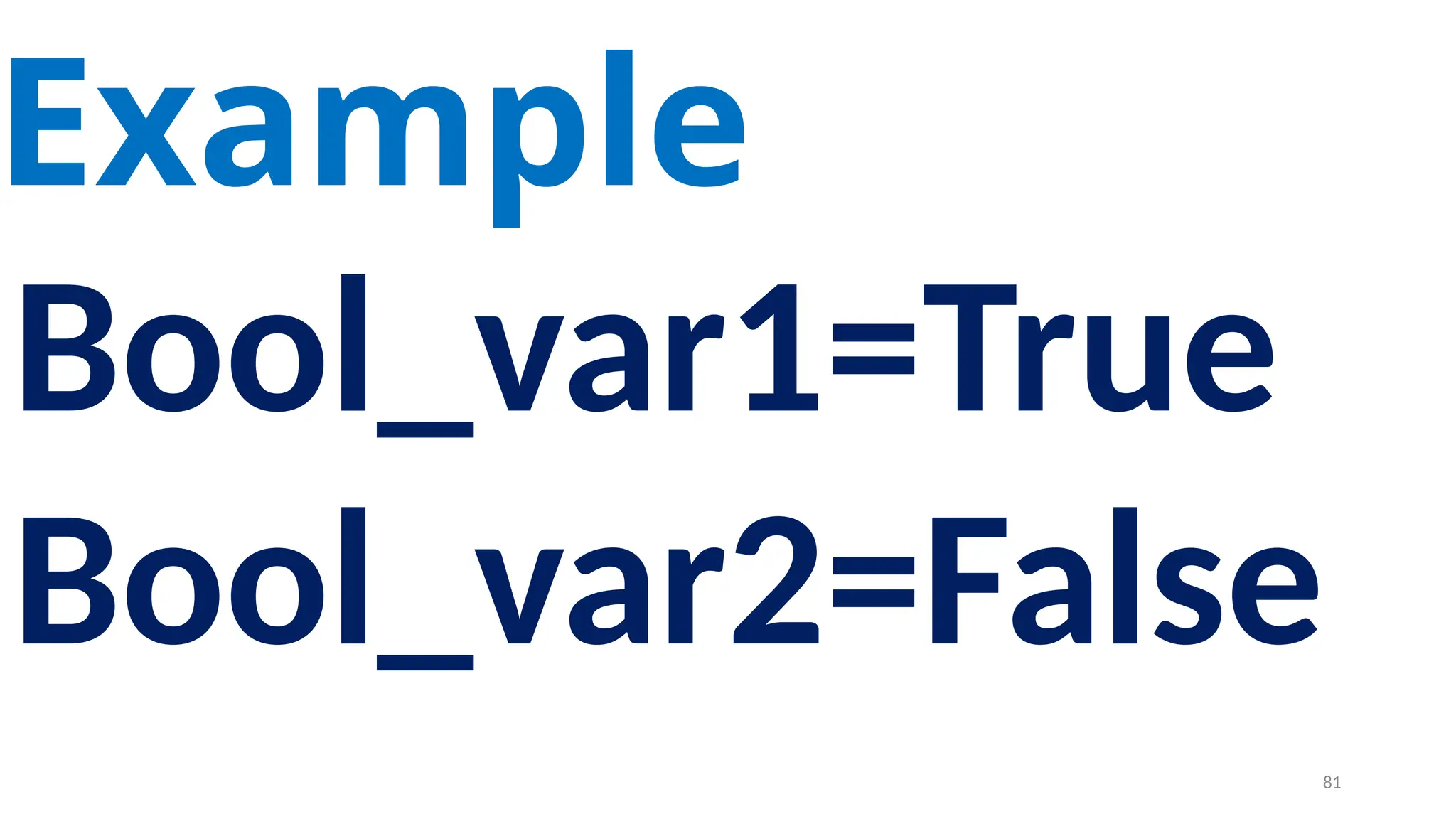
Example
Bool_var1=True
Bool_var2=False
81
String
Data type
82
String data can be
enclosed with single
quote or double quote
or triple quote.
83
84
Thank you
85

PYTHON_VARIABLES_AND_OPERATORS(2022) CSD.pptx

  • 1.
    1 PROGRAMMING IN PYTHON PYTHON VARIABLESAND OPERATORS Mrs. C.SHYAMALADEVI M.C.A., M.Phil., B.Ed., ASSISTANT PROFESSOR, DEPARTMENT OF COMPUTER SCIENCE, SHRIMATI INDIRA GANDHI COLLEGE, TRICHY-2.
  • 2.
    Appreciate the useof Graphical User Interface (GUI) and Integrated Development Environment (IDE) for creating Python programs. •Work in Interactive & Script mode for programming. •Create and assign values to variables. •Understand the concept and usage of different data types in Python. •Appreciate the importance and usage of different types of operators (Arithmetic, Relational and Logical) •Creating Python expression (s) and statement (s). 2
  • 3.
    • Python isa general purpose programming language • Created by Guido Van Rossum from CWI (Centrum Wiskunde & Informatica) which is a National Research Institute for Mathematics and Computer Science in Netherlands. 3
  • 4.
    • The languagewas released in I991. • Python got its name from a BBC comedy series from seventies- “Monty Python’s Flying Circus”. • Python supports both Procedural and Object Oriented programming approaches. 4
  • 5.
  • 6.
    • It isa general purpose programming language which can be used for both scientific and non- scientific programming • It is a platform independent programming language. • The programs written in Python are easily readable and understandable. 6
  • 7.
  • 8.
    In Python, programscan be written in two ways namely • Interactive mode • Script mode The Interactive mode allows us to write codes in Python command prompt (>>>) In script mode programs can be written and stored as separate file with the extension .py and executed. Script mode is used to create and edit python source file. 8
  • 9.
    Interactive mode Programming Ininteractive mode Python code can be directly typed and the interpreter displays the result(s) immediately. The interactive mode can also be used as a simple calculator. 9
  • 10.
  • 11.
  • 12.
    The prompt (>>>)indicates that Interpreter is ready to acceptations. Therefore, the prompt on screen means IDLE is working in interactive mode. 12
  • 13.
    >>> 5/2 2.5 >>> 2/5 0.4 >>>4%2 0 >>> 5%2 1 >>> 5//2 2 >>> 5+40 45 >>> 5**2 25 >>> 5+5*2 15 >>> a=3 >>> a+=4 >>> print(a) 7 13
  • 14.
    Script mode Programming Ascript is a text file containing the Python statements. Python Scripts are reusable code. Once the script is created, it can be executed again and again without retyping. The Scripts are editable. 14
  • 15.
  • 16.
    A program needsto interact with the user to accomplish the desired task; this can be achieved using Input-Output functions. The input() function helps to enter data at run time by the user. The output function print() is used to display the result of the program on the screen after execution. 16
  • 17.
    The print() function InPython, the print() function is used to display result on the screen. 17
  • 18.
    Syntax • print (“stringto be displayed as output ” ) • print (variable ) • print (“String to be displayed as output ”, variable) • print (“String1 ”, variable, “String 2”, variable, “String 3” ……) 18
  • 19.
  • 20.
    The print ()evaluates the expression before printing it on the monitor. The print () displays an entire statement which is specified within print ( ). Comma ( , ) is used as a separator in print ( ) to print more than one item. 20
  • 21.
    >>> x=5 >>> y=5 >>>z=x+y >>> print("The sum of ", x," and" , y," is “ ,z) The sum of 5 and 5 is 10 Example 21
  • 22.
    input( ) function InPython, input( ) function is used to accept data as input at run time. The syntax for input() function is, Variable = input (“prompt string”) 22
  • 23.
    >>> name=input("enter yourname:") enter your name: anupriya >>> print("i'm ",name) i’m anupriya >>> city=input() trichy >>> print("im from:",city) im from: trichy 23
  • 24.
    x,y=int (input("Enter Number 1:")), int(input("EnterNumber 2:")) Enter Number 1 : 40 Enter Number 2: 30 >>> c=x+y >>> print(c) 24
  • 25.
  • 26.
    In Python, commentsbegin with hash symbol (#). The lines that begins with # are considered as comments and ignored by the Python interpreter. Comments may be • Single line • Multi-lines. The multiline comments should be enclosed within a set of # as given below. 26
  • 27.
    # It isSingle line Comment # It is multiline comment which contains more than one line # Example 27
  • 28.
  • 29.
    Python breaks eachlogical line into a sequence of elementary lexical components known as Tokens. 29
  • 30.
    1) Identifiers 2) Keywords 3)Operators 4) Delimiters 5) Literals 30
  • 31.
  • 32.
    An Identifier isa name used to identify a variable, function, class, module or object. 32
  • 33.
    • An identifiermust start with an alphabet (A..Z or a..z) or underscore ( _ ). • Identifiers may contain digits (0 .. 9) • Python identifiers are case sensitive i.e. uppercase and lowercase letters are distinct. • Identifiers must not be a python keyword. • Python does not allow punctuation character such as %,$, @ etc., within identifiers. 33
  • 34.
    Example of valididentifiers Sum, total_marks, regno, num1 Example of invalid identifiers 12Name, name$, total-mark, 34
  • 35.
  • 36.
    Keywords are specialwords used by Python interpreter to recognize the structure of program. As these words have specific meaning for interpreter, they cannot be used for any other purpose. 36
  • 37.
  • 38.
  • 39.
    In computer programminglanguages operators are special symbols which represent computations, conditional matching etc. 39
  • 40.
    The value ofan operator used is called operands. Operators are categorized as Arithmetic, Relational, Logical, Assignment etc. Value and variables when used with operator are known as operands. 40
  • 41.
  • 42.
    An arithmetic operatoris a mathematical operator that takes two operands and performs a calculation on them. They are used for simple arithmetic. 42
  • 43.
    Most computer languagescontain a set of such operators that can be used within equations to perform different types of sequential calculations. 43
  • 44.
    >>> a=100 >>> b=10 >>>print ("The Sum = ",a+b) The Sum = 110 >>> print ("The Difference = ",a-b) The Difference = 90 >>> print ("The Product = ",a*b) The Product = 1000 >>> print ("The Quotient = ",a/b) The Quotient = 10.0 >>> print ("The Remainder = ",a%30) The Remainder = 10 >>> print ("The Exponent = ",a**2) The Exponent = 10000 >>> print ("The Floor Division =",a//30) The Floor Division = 3 44
  • 45.
  • 46.
    A Relational operatoris also called as Comparative operator which checks the relationship between two operands. If the relation is true, it returns True; otherwise it returns False. 46
  • 47.
  • 48.
    >>> a=10 >>> b=20 >>>a==b False >>> a<b True >>> a>b False >>> a<=b True >>> a>=b False >>> a!=b True 48
  • 49.
  • 50.
    In python, Logicaloperators are used to perform logical operations on the given relational expressions. There are three logical operators they are and, or and not. 50
  • 51.
  • 52.
    In Python, =is a simple assignment operator to assign values to variable. Let a = 5 and b = 10 assigns the value 5 to a and 10 to b these two assignment statement can also be given as a,b=5,10 that assigns the value 5 and 10 on the right to the variables a and b respectively. There are various compound operators in Python like +=, -=, *=, /=, %=, **= and //= are also available. 52
  • 53.
    x=int (input("Type aValue for X : ")) print ("X = ",x) x+=2 print ("X = ",x) x-=2 print ("X = ",x) x*=2 print ("X = ",x) x/=2 print ("X = ",x) x%=2 print ("X = ",x) x**=2 print ("X = ",x) x//=2 print ("X = ",x) Type a Value for X : 10 X = 10 X = 12 X = 10 X = 20 X = 10.0 X = 0.0 X = 0.0 X = 0.0 53
  • 54.
  • 55.
    Ternary operator isalso known as conditional operator that evaluate something based on a condition being true or false. It simply allows testing a condition in a single line replacing the multi- line if- else making the code compact.
  • 56.
    Syntax Variable Name =[on_true] if [Test expression] else [on_false] 56
  • 57.
    a=10 b=20 min = aif a < b else b print("The Minimum value is....", min) Example 57
  • 58.
  • 59.
    Python uses thesymbols and symbol combinations as delimiters in expressions, lists, dictionaries and strings. Following are the delimiters. 59
  • 60.
  • 61.
    Literal is araw data given in a variable or constant. In Python, there are various types of literals. 61
  • 62.
  • 63.
    Numeric Literals consistsof digits and are immutable (unchangeable). Numeric literals can belong to 3 different numerical types Integer, Float and Complex. 63
  • 64.
  • 65.
    In Python astring literal is a sequence of characters surrounded by quotes. Python supports single, double and triple quotes for a string. A character literal is a single character surrounded by single or double quotes. The value with triple-quote "' '" is used to give multi- line string literal. 65
  • 66.
  • 67.
    A Boolean literalcan have any of the two values: True or False. 67
  • 68.
    boolean_1 = True boolean_2= False print ("Demo Program for Boolean Literals") print ("Boolean Value1 :",boolean_1) print ("Boolean Value2 :",boolean_2) Demo Program for Boolean Literals ('Boolean Value1 :', True) ('Boolean Value2 :', False) 68
  • 69.
  • 70.
    In Python strings,the backslash "" is a special character, also called the "escape" character. It is used in representing certain whitespace characters: "t" is a tab, "n" is a newline, and "r" is a carriage return. 70
  • 71.
  • 72.
    All data valuesin Python are objects and each object or value has type. Python has Built-in or Fundamental data types such as Number, String, Boolean, tuples, lists and dictionaries. 72
  • 73.
  • 74.
    The built-in numberobjects in Python supports integers, floating point numbers and complex numbers. Integer Data can be decimal, octal or hexadecimal. Octal integer use O (both upper and lower case) to denote octal digits and hexadecimal integer use OX (both upper and lower case) and L (only upper case) to denote long integer. 74
  • 75.
    Example # Decimal integers 102,4567, 567 # Octal integers O102, o876, O432 # Hexadecimal integers OX102, oX876, OX432 # Long decimal integers 34L, 523L 75
  • 76.
    A floating pointdata is represented by a sequence of decimal digits that includes a decimal point. An Exponent data contains decimal digit part, decimal point, exponent part followed by one or more digits. 76
  • 77.
    Example # Floating pointdata 123.34, 456.23, 156.23 # Exponent data 12.E04, 24.e04 77
  • 78.
    Complex number ismade up of two floating point values, one each for the real and imaginary parts. 78
  • 79.
  • 80.
    A Boolean datacan have any of the two values: True or 80
  • 81.
  • 82.
  • 83.
    String data canbe enclosed with single quote or double quote or triple quote. 83
  • 84.
  • 85.