Download to read offline
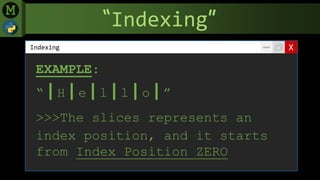
![“Indexing”
XIndexing
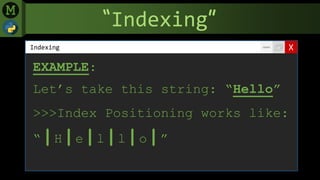
EXAMPLE:
“|H|e|l|l|o|”
>>>You can call an Index
Position and get the value it
holds using Square Brackets []](https://image.slidesharecdn.com/slides-pythonindexingmenardmaranan-200831110126/85/Python-indexing-menard-maranan-5-320.jpg)

![“Indexing”
XIndexing
EXAMPLE:
message = “|H|e|l|l|o|”
>>>That’s why you can print the
“e” by typing: print(message[1])](https://image.slidesharecdn.com/slides-pythonindexingmenardmaranan-200831110126/85/Python-indexing-menard-maranan-7-320.jpg)

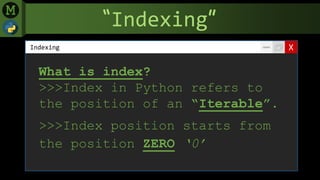
Indexing in Python refers to the position of elements in an iterable object like a string. Index positions start from 0, so the first element is at index 0. For a string like "Hello", its elements can be accessed using square brackets and specifying the index number, like print(message[1]) to print the letter "e", which is at index 1. Indexing allows programmatically accessing and manipulating individual elements in an iterable object.


