From Nothing To Production in 10-minutes!
Make it scalable in 30-minutes!
Nelson Araujo
Software Engineer
Google
+
v.20170913.1023
Cody Herriges
Sr. Business Development Manager
Puppet
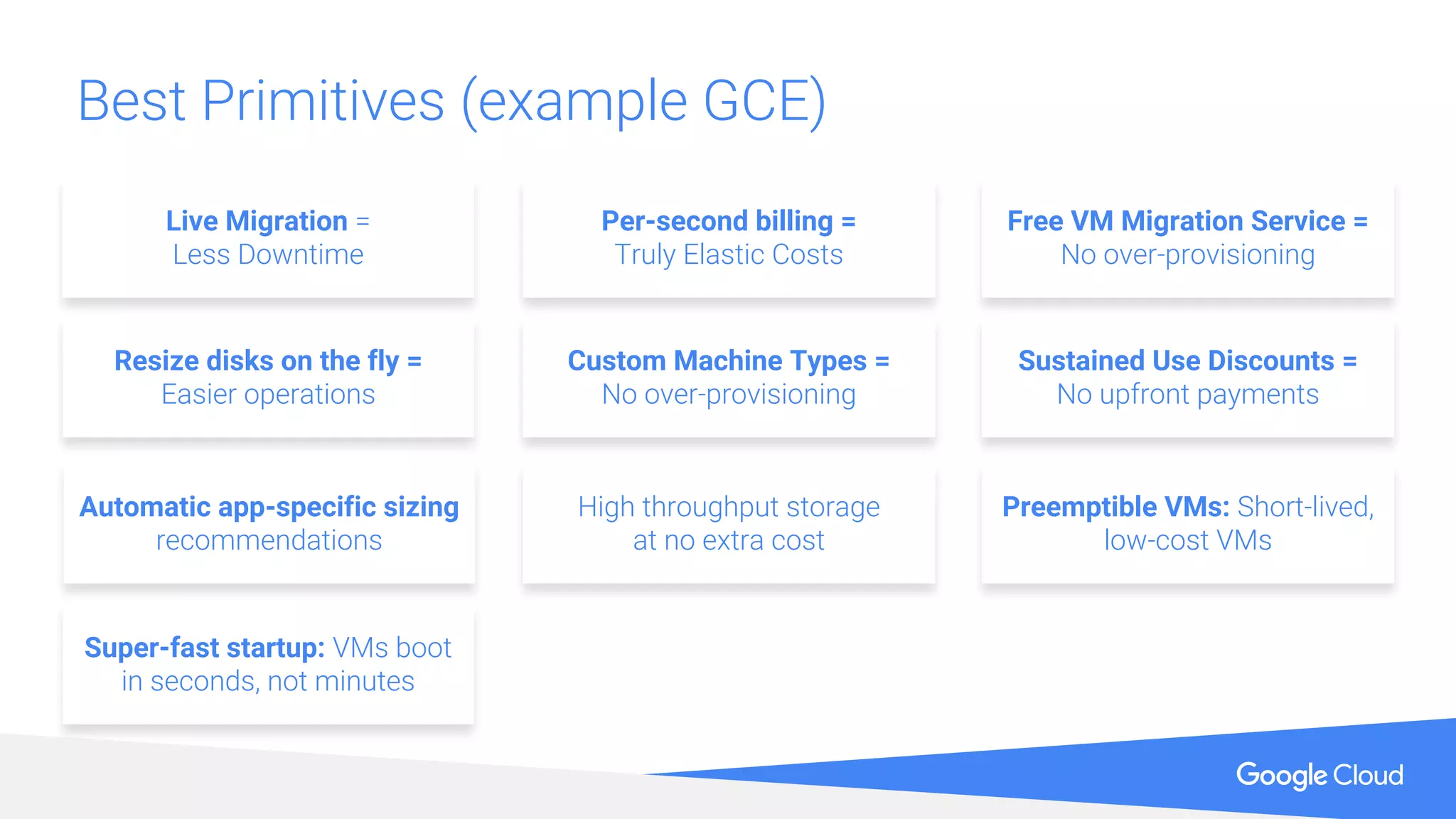
Best Primitives (example GCE)
Super-fast startup: VMs boot
in seconds, not minutes
Preemptible VMs: Short-lived,
low-cost VMs
High throughput storage
at no extra cost
Automatic app-specific sizing
recommendations
Resize disks on the fly =
Easier operations
Custom Machine Types =
No over-provisioning
Per-second billing =
Truly Elastic Costs
Sustained Use Discounts =
No upfront payments
Free VM Migration Service =
No over-provisioning
Live Migration =
Less Downtime
To learn more about Google Cloud Platform
cloud.google.com
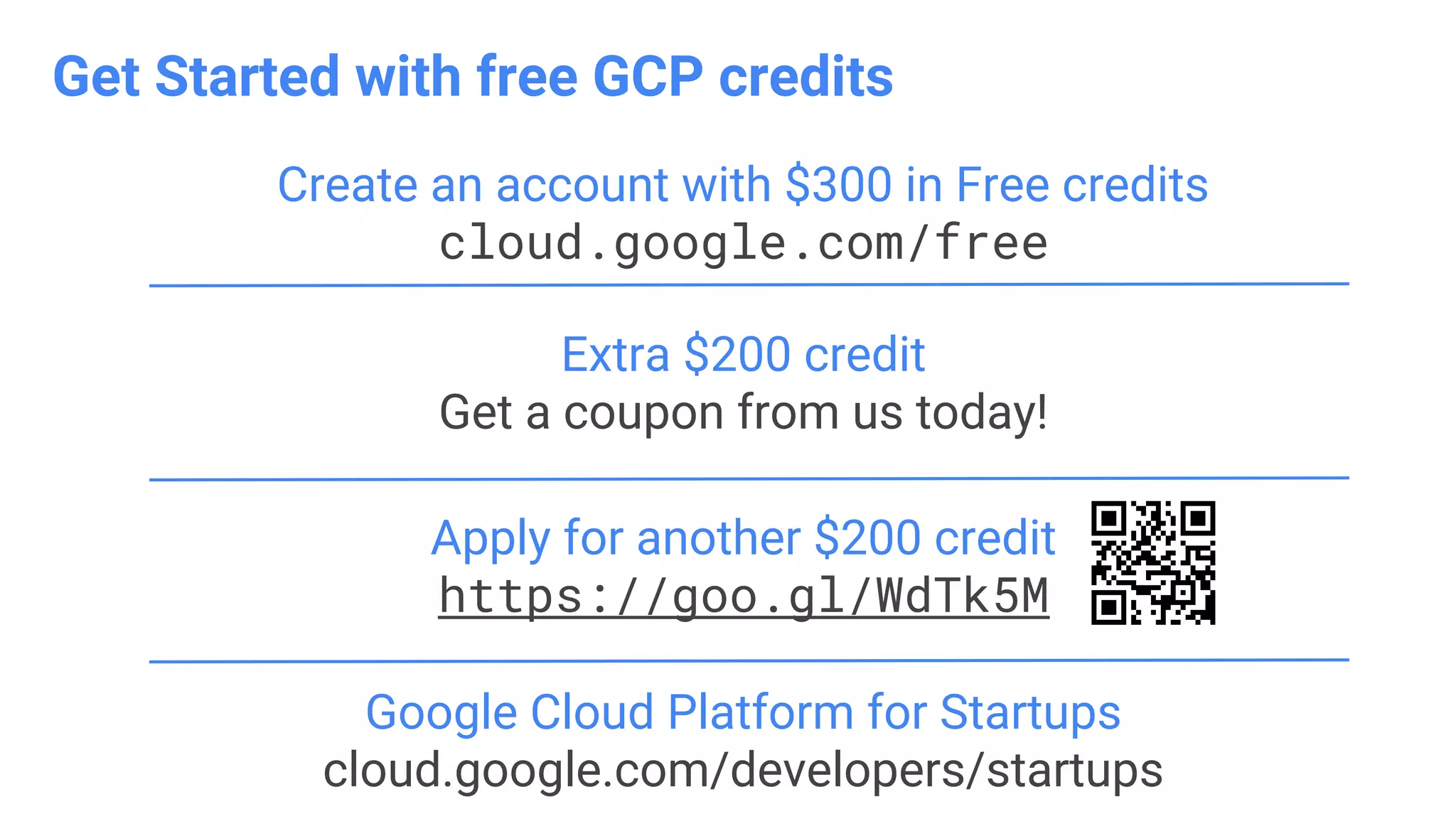
Extra $200 credit
Get a coupon from us today!
Create an account with $300 in Free credits
cloud.google.com/free
Google Cloud Platform for Startups
cloud.google.com/developers/startups
Apply for another $200 credit
https://goo.gl/WdTk5M
Get Started with free GCP credits
v.20170913.1023
+
+
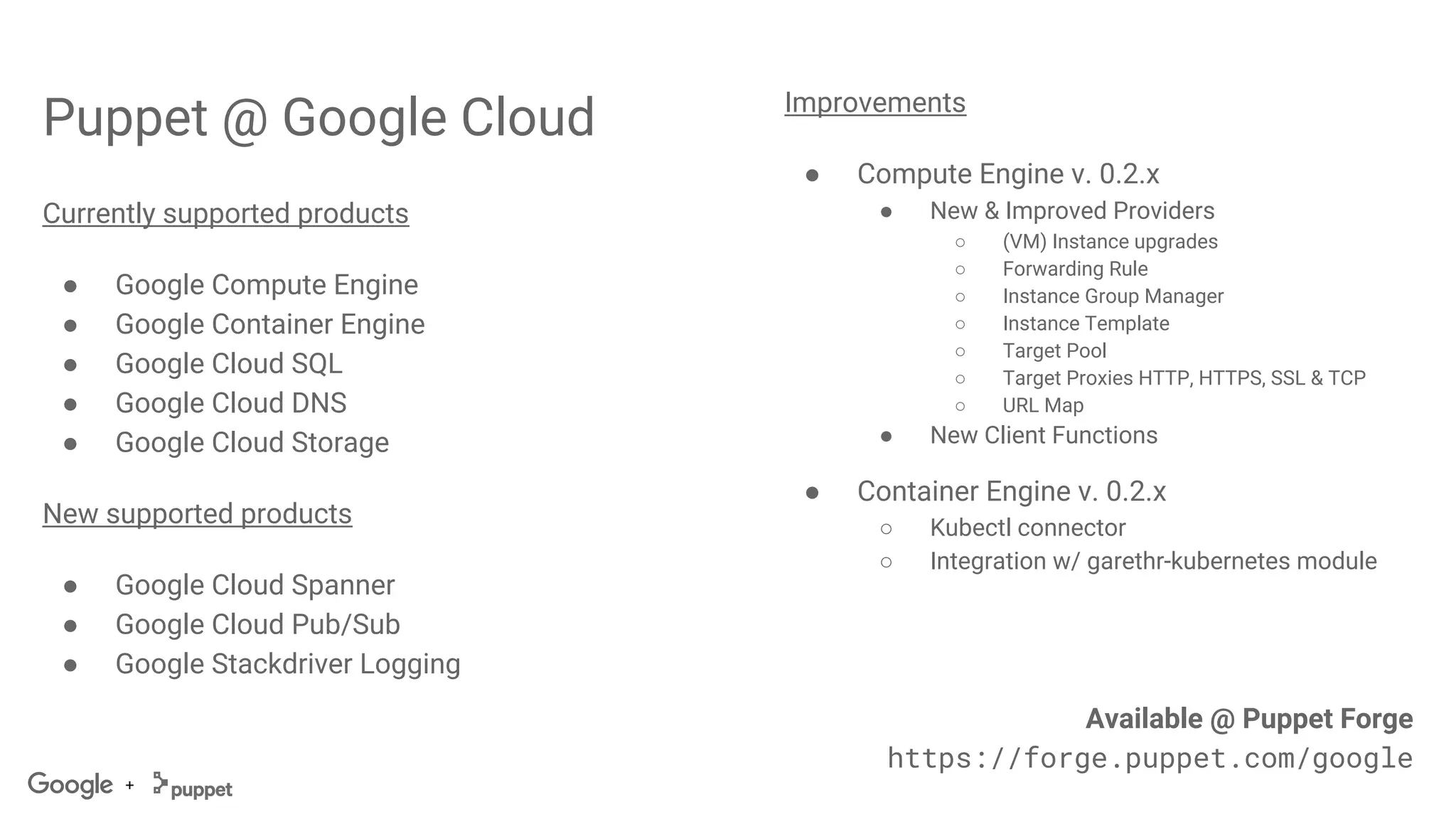
Puppet @ Google Cloud
Currently supported products
● Google Compute Engine
● Google Container Engine
● Google Cloud SQL
● Google Cloud DNS
● Google Cloud Storage
New supported products
● Google Cloud Spanner
● Google Cloud Pub/Sub
● Google Stackdriver Logging
Improvements
● Compute Engine v. 0.2.x
● New & Improved Providers
○ (VM) Instance upgrades
○ Forwarding Rule
○ Instance Group Manager
○ Instance Template
○ Target Pool
○ Target Proxies HTTP, HTTPS, SSL & TCP
○ URL Map
● New Client Functions
● Container Engine v. 0.2.x
○ Kubectl connector
○ Integration w/ garethr-kubernetes module
Available @ Puppet Forge
https://forge.puppet.com/google
+
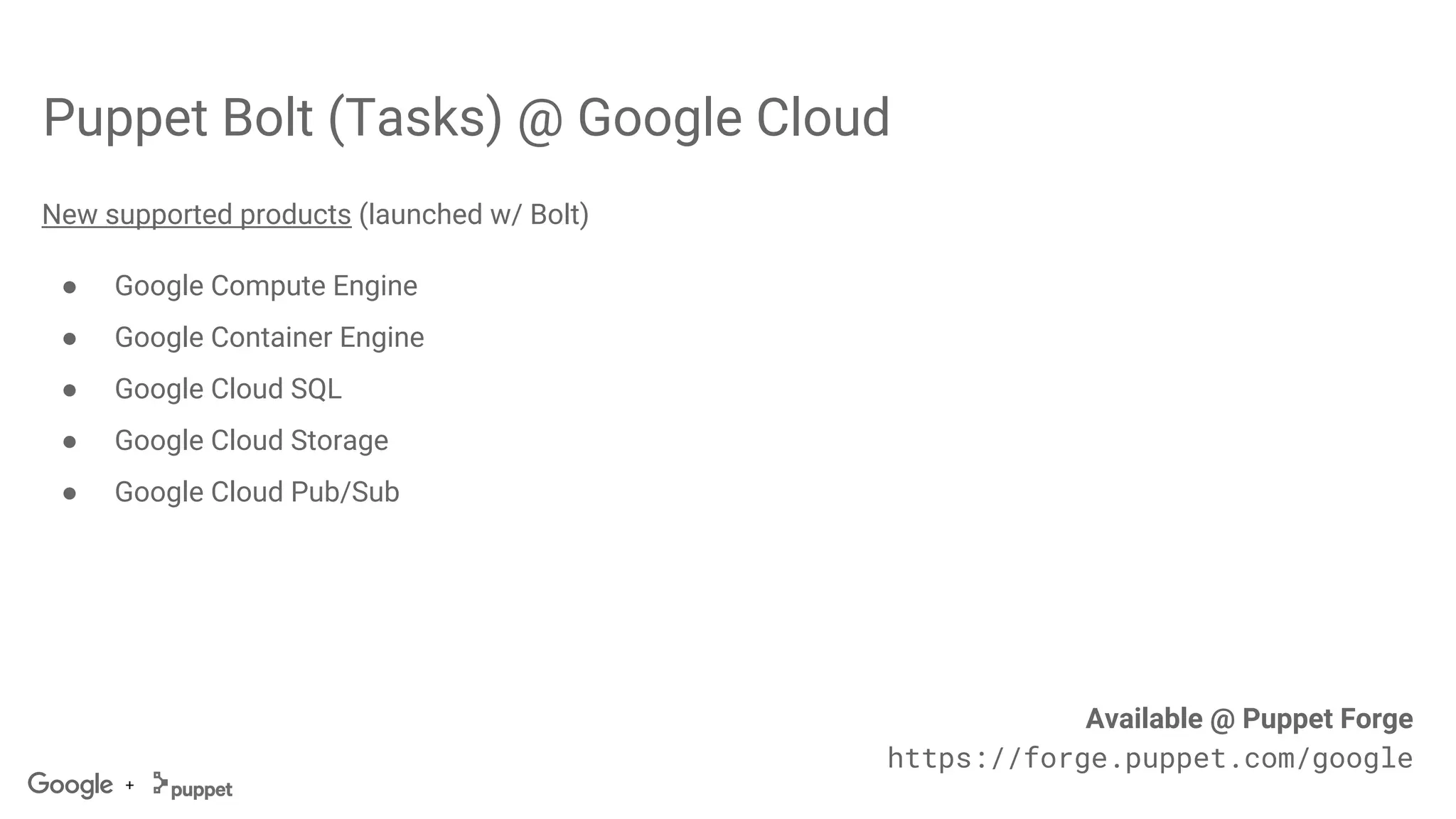
Puppet Bolt (Tasks) @ Google Cloud
New supported products (launched w/ Bolt)
● Google Compute Engine
● Google Container Engine
● Google Cloud SQL
● Google Cloud Storage
● Google Cloud Pub/Sub
Available @ Puppet Forge
https://forge.puppet.com/google
+
LET’S GO!
(we’re on the clock here)
+
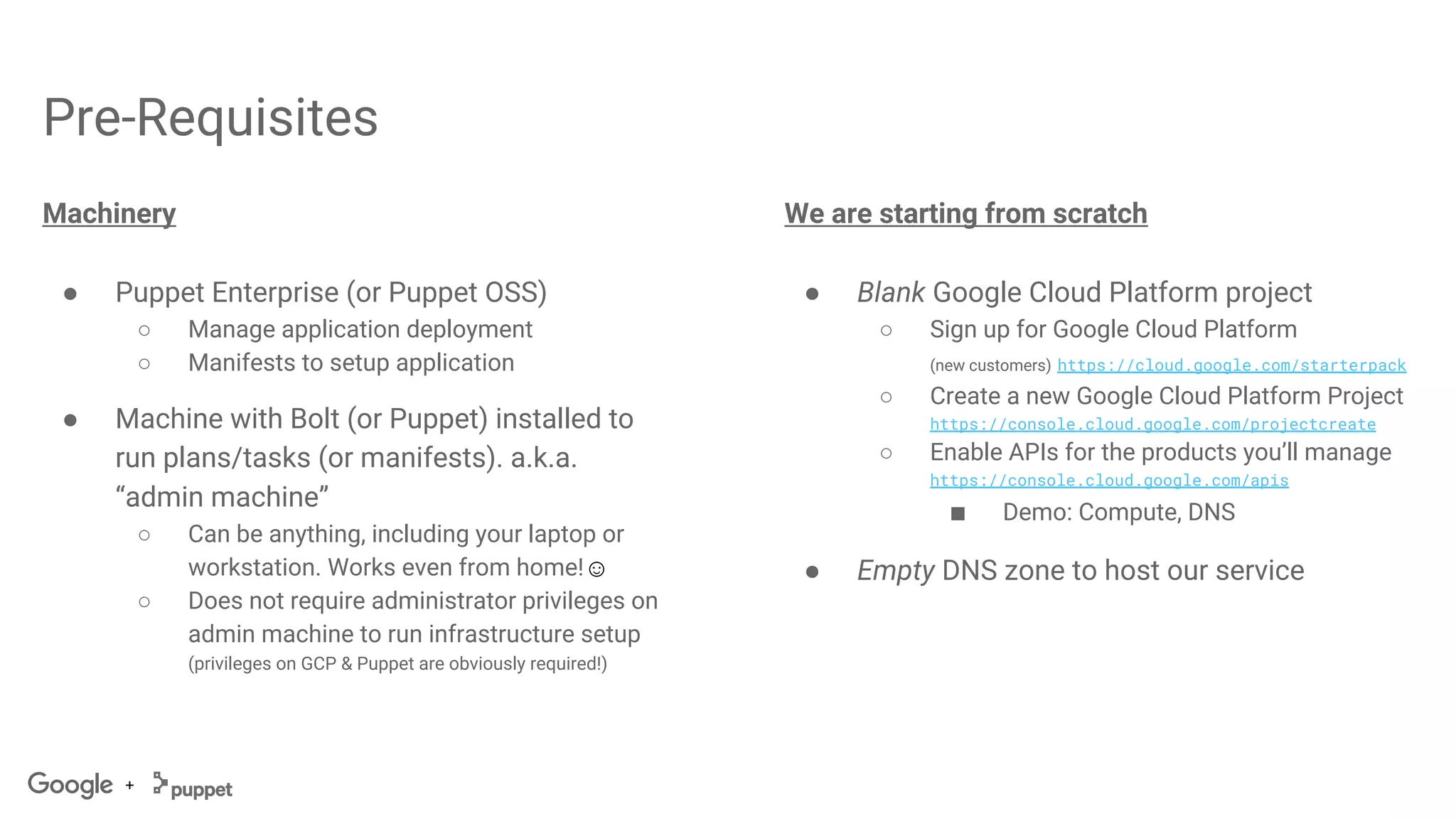
Pre-Requisites
Machinery
● Puppet Enterprise (or Puppet OSS)
○ Manage application deployment
○ Manifests to setup application
● Machine with Bolt (or Puppet) installed to
run plans/tasks (or manifests). a.k.a.
“admin machine”
○ Can be anything, including your laptop or
workstation. Works even from home!☺
○ Does not require administrator privileges on
admin machine to run infrastructure setup
(privileges on GCP & Puppet are obviously required!)
We are starting from scratch
● Blank Google Cloud Platform project
○ Sign up for Google Cloud Platform
(new customers) https://cloud.google.com/starterpack
○ Create a new Google Cloud Platform Project
https://console.cloud.google.com/projectcreate
○ Enable APIs for the products you’ll manage
https://console.cloud.google.com/apis
■ Demo: Compute, DNS
● Empty DNS zone to host our service
+
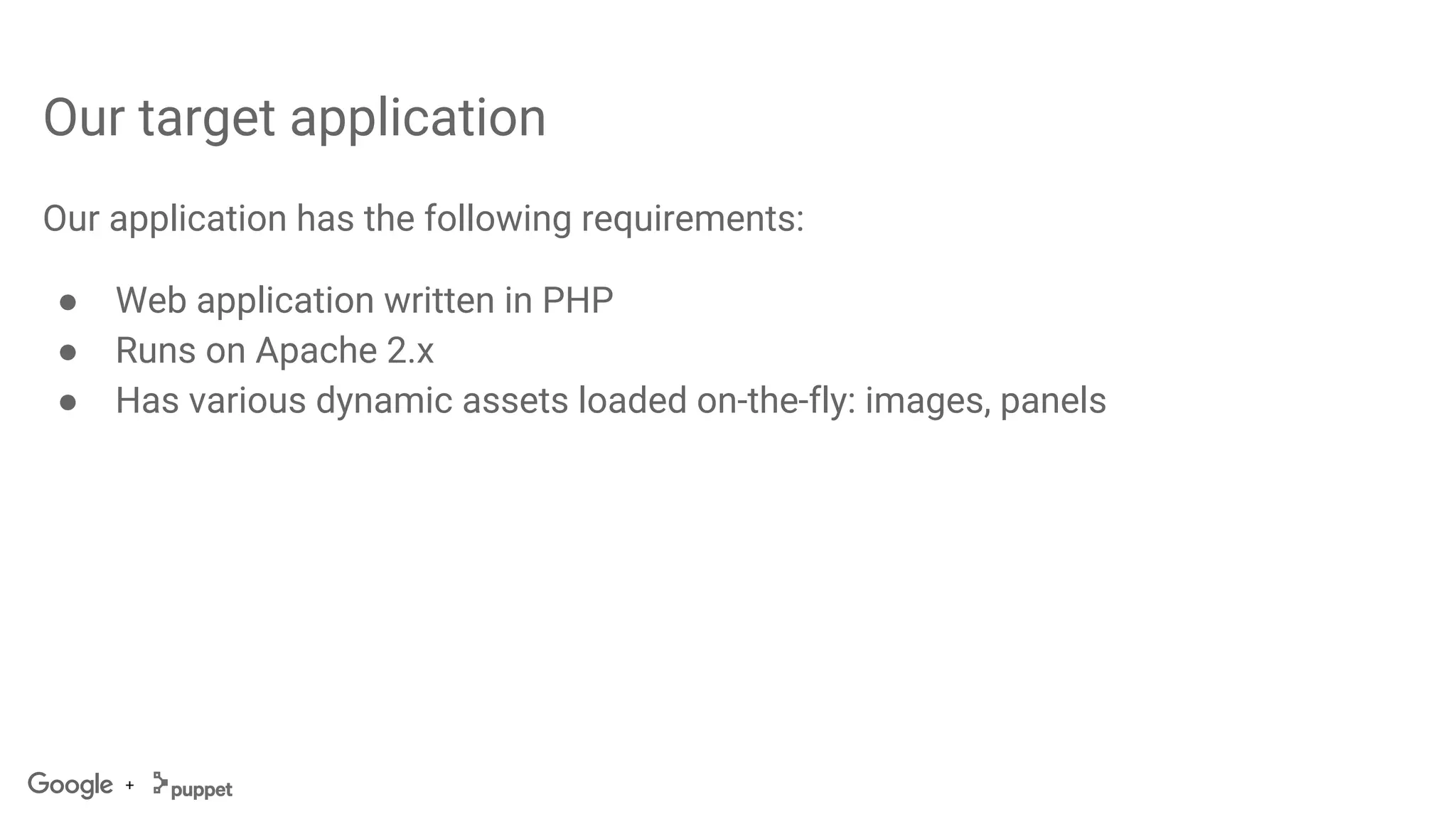
Our target application
Our application has the following requirements:
● Web application written in PHP
● Runs on Apache 2.x
● Has various dynamic assets loaded on-the-fly: images, panels
+
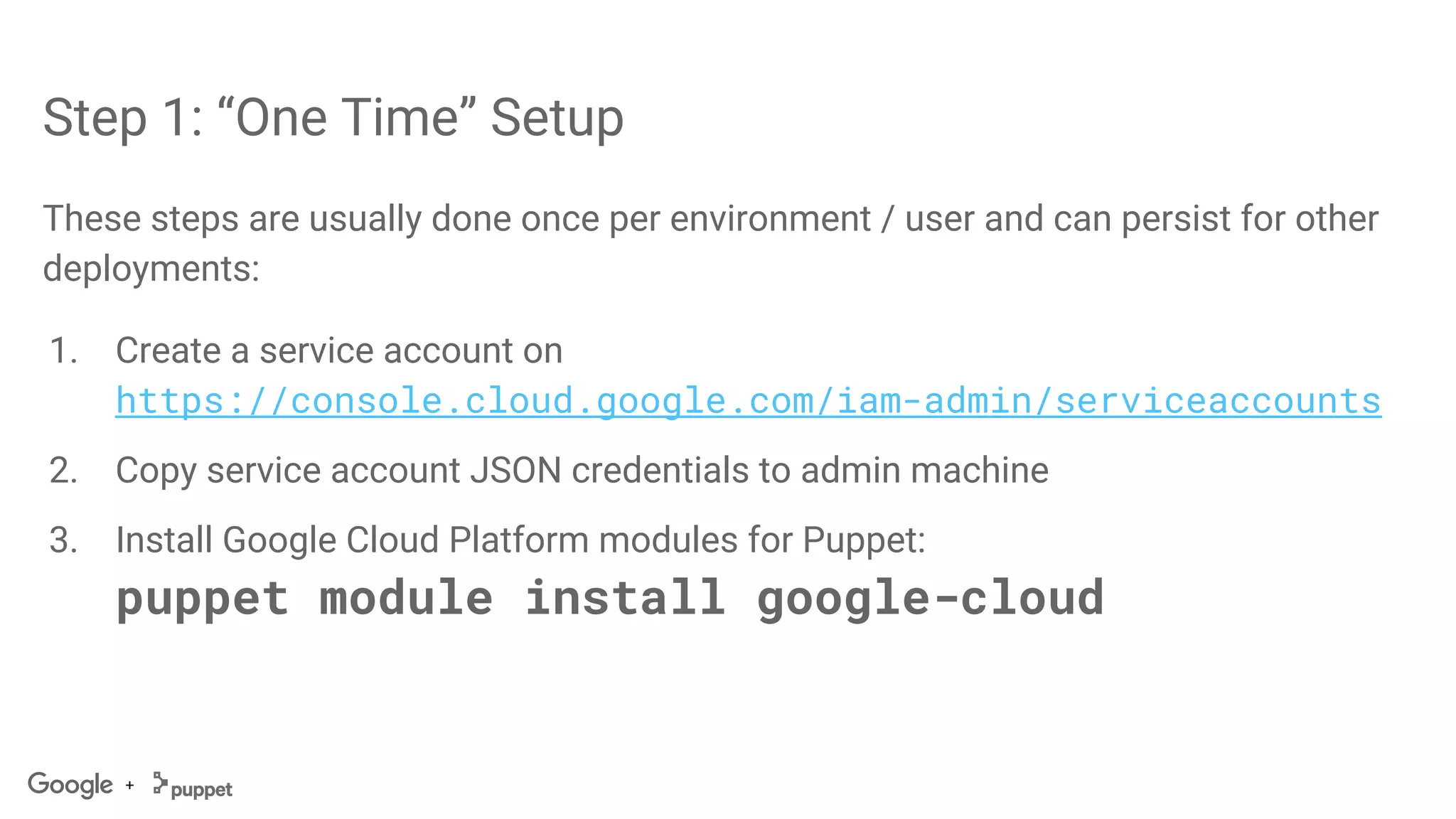
Step 1: “One Time” Setup
These steps are usually done once per environment / user and can persist for other
deployments:
1. Create a service account on
https://console.cloud.google.com/iam-admin/serviceaccounts
2. Copy service account JSON credentials to admin machine
3. Install Google Cloud Platform modules for Puppet:
puppet module install google-cloud
+
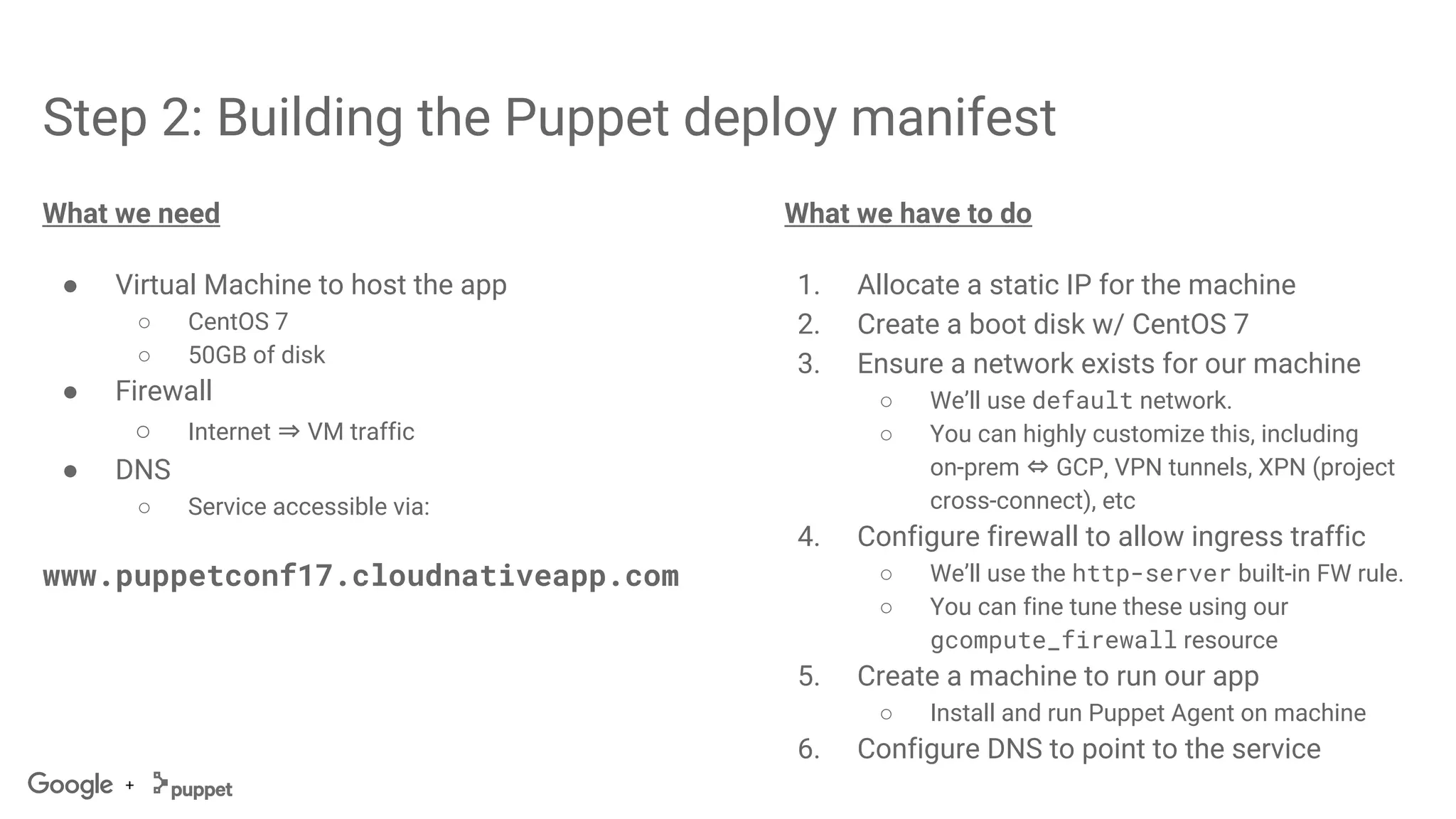
Step 2: Building the Puppet deploy manifest
What we need
● Virtual Machine to host the app
○ CentOS 7
○ 50GB of disk
● Firewall
○ Internet ⇒ VM traffic
● DNS
○ Service accessible via:
www.puppetconf17.cloudnativeapp.com
What we have to do
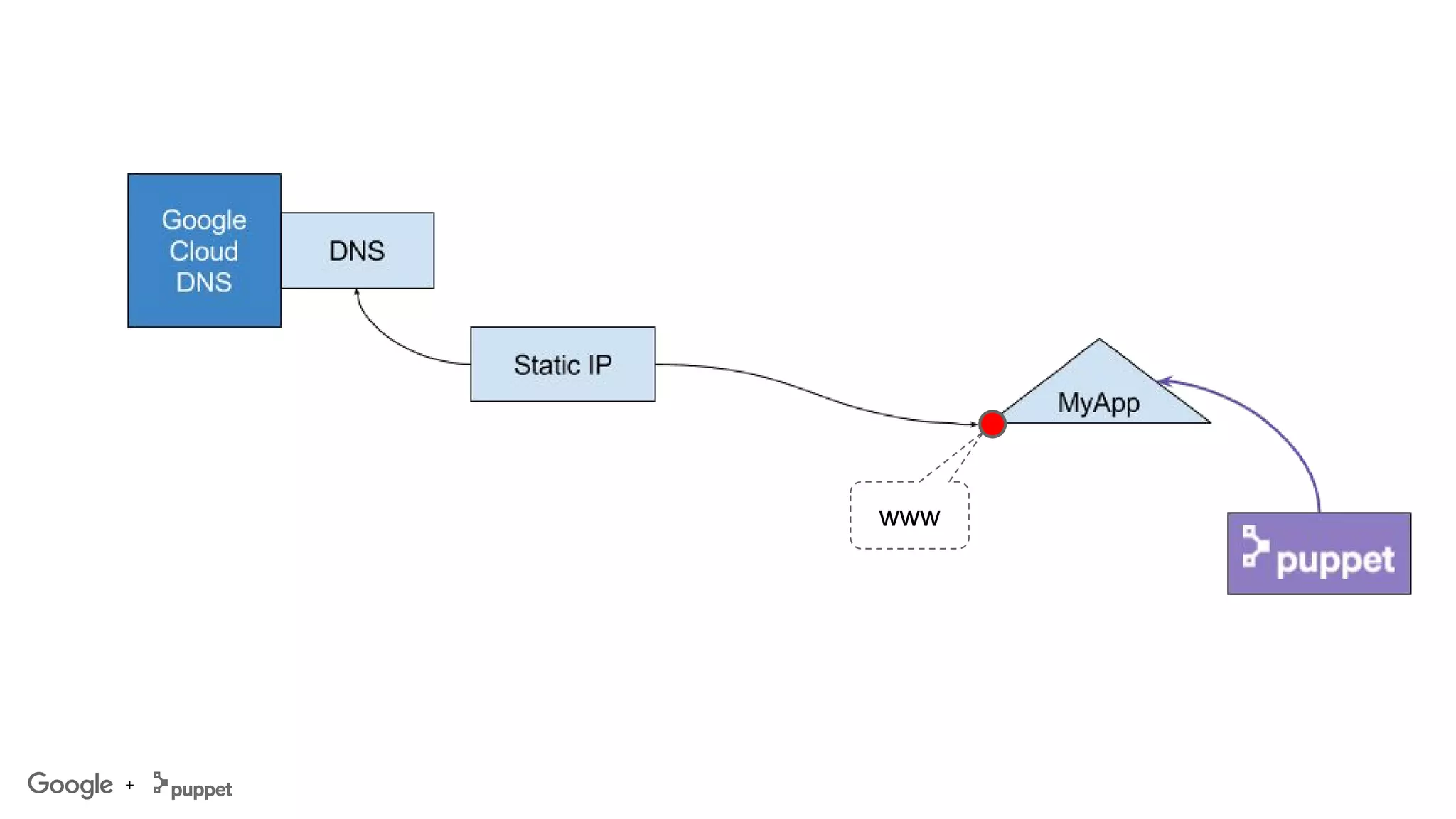
1. Allocate a static IP for the machine
2. Create a boot disk w/ CentOS 7
3. Ensure a network exists for our machine
○ We’ll use default network.
○ You can highly customize this, including
on-prem ⇔ GCP, VPN tunnels, XPN (project
cross-connect), etc
4. Configure firewall to allow ingress traffic
○ We’ll use the http-server built-in FW rule.
○ You can fine tune these using our
gcompute_firewall resource
5. Create a machine to run our app
○ Install and run Puppet Agent on machine
6. Configure DNS to point to the service
+
www
+
LET’S GO!
1. Build
2. Deploy
+
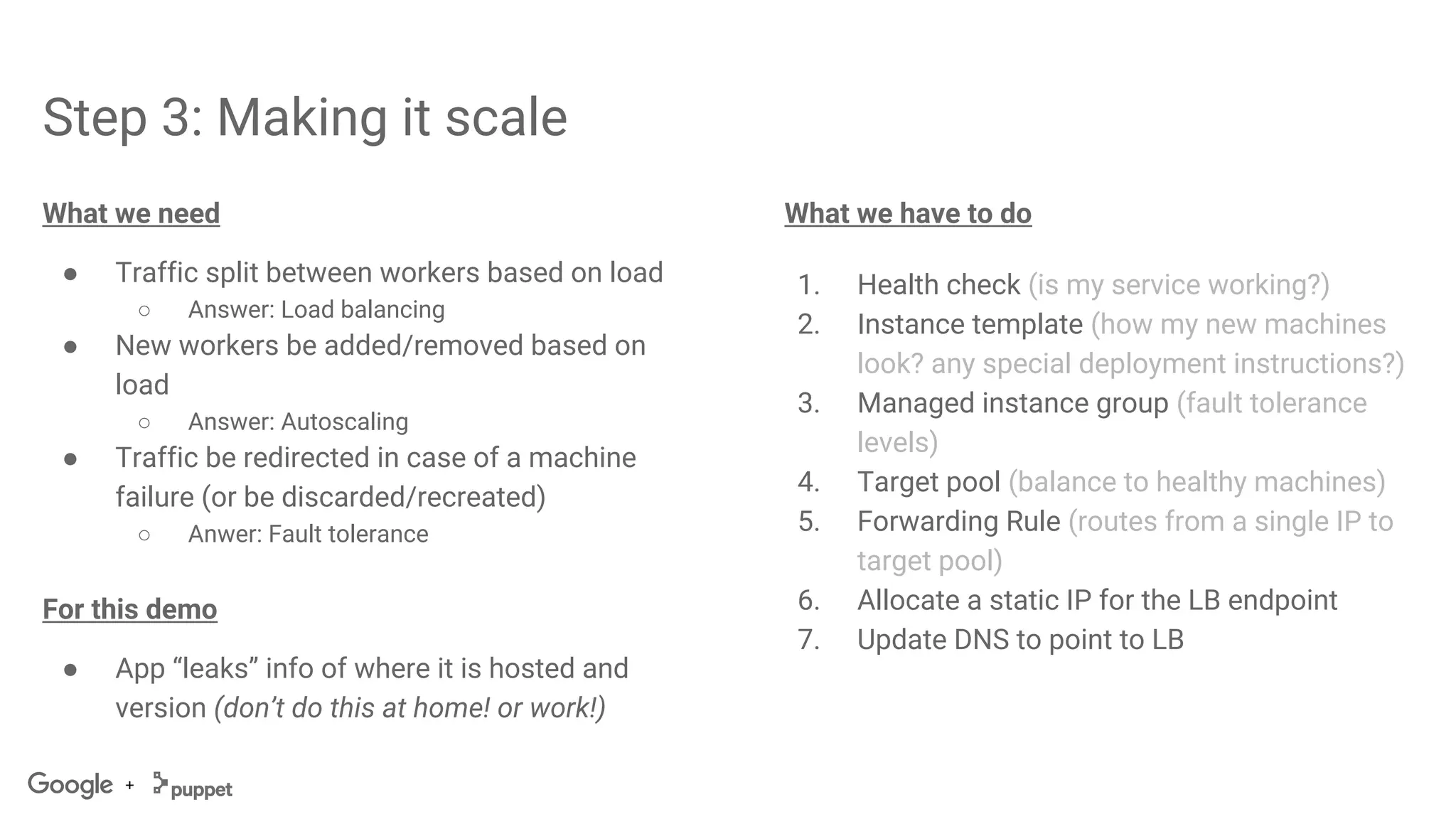
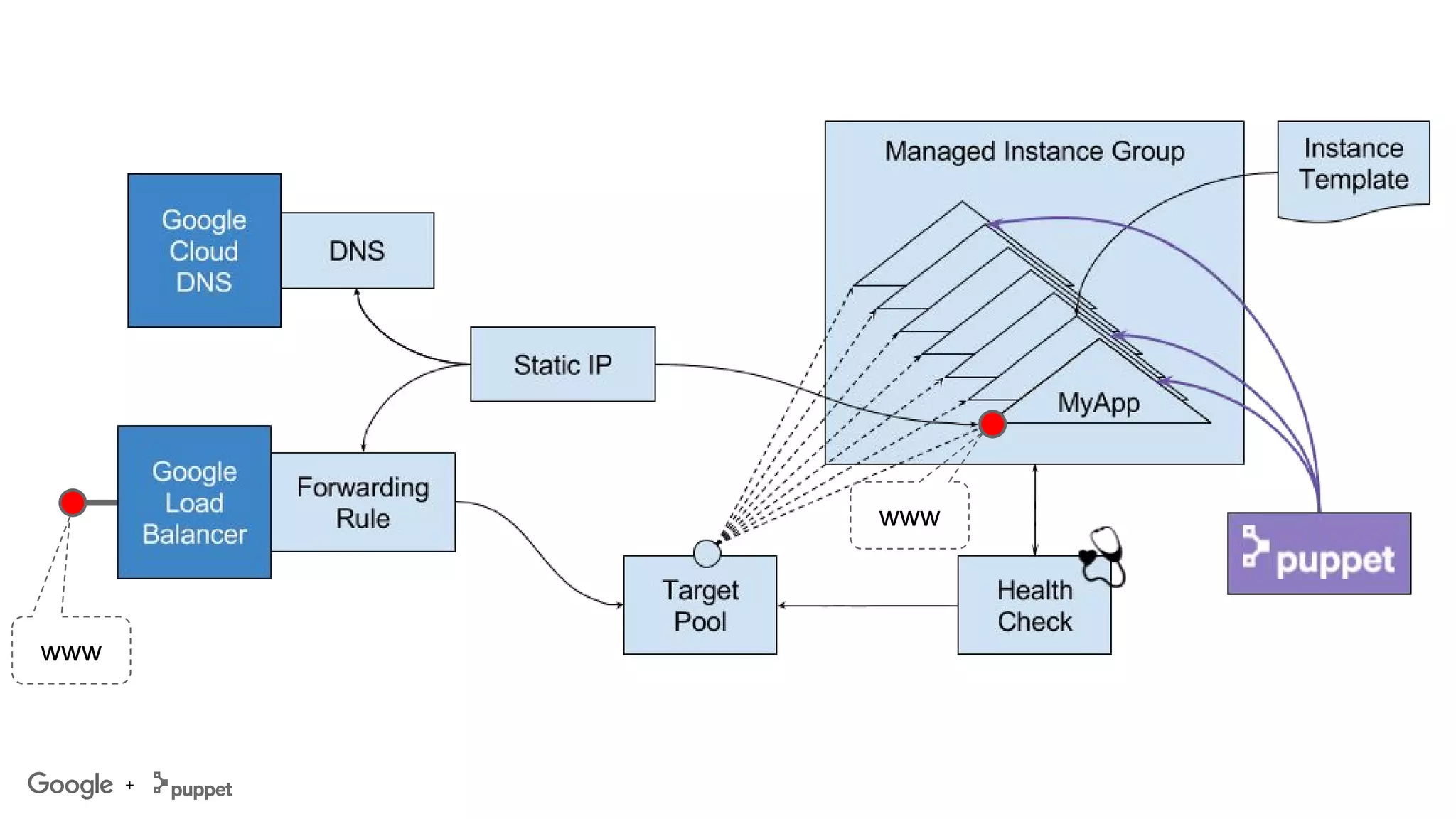
Step 3: Making it scale
What we need
● Traffic split between workers based on load
○ Answer: Load balancing
● New workers be added/removed based on
load
○ Answer: Autoscaling
● Traffic be redirected in case of a machine
failure (or be discarded/recreated)
○ Anwer: Fault tolerance
For this demo
● App “leaks” info of where it is hosted and
version (don’t do this at home! or work!)
What we have to do
1. Health check (is my service working?)
2. Instance template (how my new machines
look? any special deployment instructions?)
3. Managed instance group (fault tolerance
levels)
4. Target pool (balance to healthy machines)
5. Forwarding Rule (routes from a single IP to
target pool)
6. Allocate a static IP for the LB endpoint
7. Update DNS to point to LB
+
www
www
+
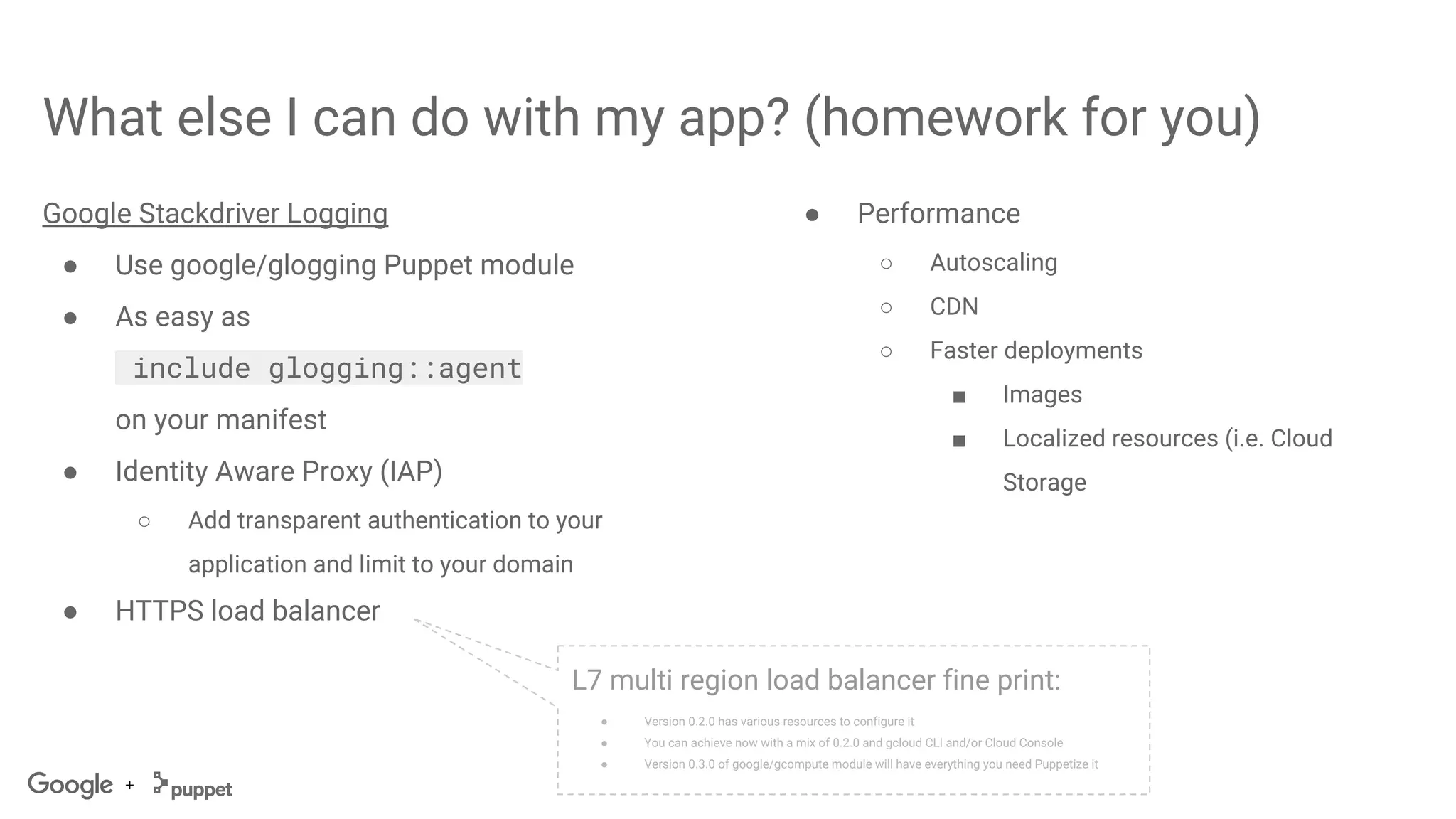
What else I can do with my app? (homework for you)
Google Stackdriver Logging
● Use google/glogging Puppet module
● As easy as
include glogging::agent
on your manifest
● Identity Aware Proxy (IAP)
○ Add transparent authentication to your
application and limit to your domain
● HTTPS load balancer
L7 multi region load balancer fine print:
● Version 0.2.0 has various resources to configure it
● You can achieve now with a mix of 0.2.0 and gcloud CLI and/or Cloud Console
● Version 0.3.0 of google/gcompute module will have everything you need Puppetize it
● Performance
○ Autoscaling
○ CDN
○ Faster deployments
■ Images
■ Localized resources (i.e. Cloud
Storage
+
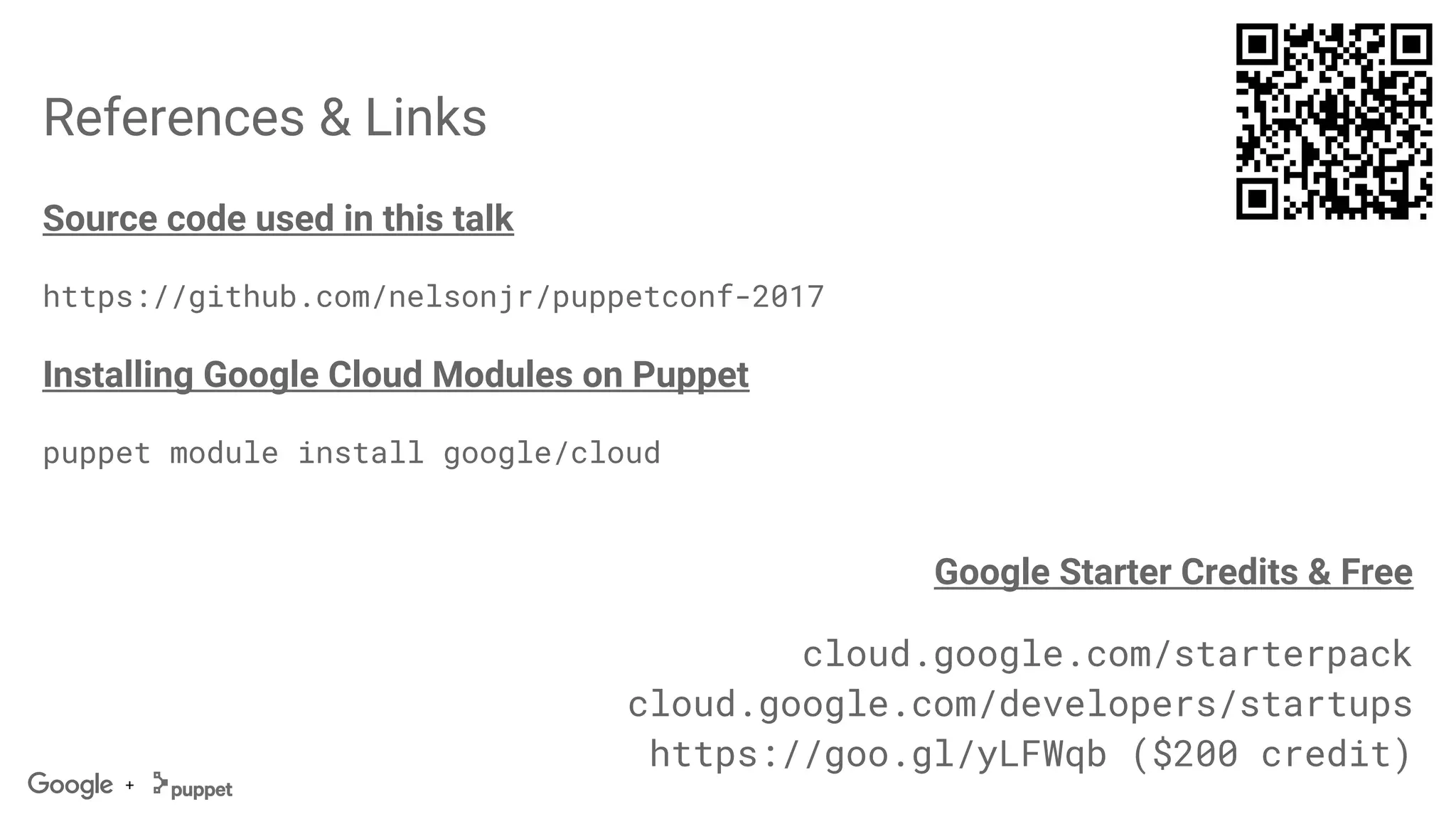
References & Links
Source code used in this talk
https://github.com/nelsonjr/puppetconf-2017
Installing Google Cloud Modules on Puppet
puppet module install google/cloud
Google Starter Credits & Free
cloud.google.com/starterpack
cloud.google.com/developers/startups
https://goo.gl/yLFWqb ($200 credit)
+
Questions?
+
Thank you!
Apply for additional $200 credit
https://goo.gl/WdTk5M
New accounts starts with $300 in GCP credits
cloud.google.com/starterpack
Learn and build on GCP for free
cloud.google.com/free
Google Cloud Platform for Startups
cloud.google.com/developers/startups

PuppetConf 2017: Puppet & Google Cloud: From Nothing to Production in 10 minutes-Nelson Araujo, Google, Cody Herriges, Puppet

  • 1.
    From Nothing ToProduction in 10-minutes! Make it scalable in 30-minutes! Nelson Araujo Software Engineer Google + v.20170913.1023 Cody Herriges Sr. Business Development Manager Puppet
  • 3.
    Best Primitives (exampleGCE) Super-fast startup: VMs boot in seconds, not minutes Preemptible VMs: Short-lived, low-cost VMs High throughput storage at no extra cost Automatic app-specific sizing recommendations Resize disks on the fly = Easier operations Custom Machine Types = No over-provisioning Per-second billing = Truly Elastic Costs Sustained Use Discounts = No upfront payments Free VM Migration Service = No over-provisioning Live Migration = Less Downtime
  • 4.
    To learn moreabout Google Cloud Platform cloud.google.com
  • 5.
    Extra $200 credit Geta coupon from us today! Create an account with $300 in Free credits cloud.google.com/free Google Cloud Platform for Startups cloud.google.com/developers/startups Apply for another $200 credit https://goo.gl/WdTk5M Get Started with free GCP credits
  • 6.
  • 7.
    + Puppet @ GoogleCloud Currently supported products ● Google Compute Engine ● Google Container Engine ● Google Cloud SQL ● Google Cloud DNS ● Google Cloud Storage New supported products ● Google Cloud Spanner ● Google Cloud Pub/Sub ● Google Stackdriver Logging Improvements ● Compute Engine v. 0.2.x ● New & Improved Providers ○ (VM) Instance upgrades ○ Forwarding Rule ○ Instance Group Manager ○ Instance Template ○ Target Pool ○ Target Proxies HTTP, HTTPS, SSL & TCP ○ URL Map ● New Client Functions ● Container Engine v. 0.2.x ○ Kubectl connector ○ Integration w/ garethr-kubernetes module Available @ Puppet Forge https://forge.puppet.com/google
  • 8.
    + Puppet Bolt (Tasks)@ Google Cloud New supported products (launched w/ Bolt) ● Google Compute Engine ● Google Container Engine ● Google Cloud SQL ● Google Cloud Storage ● Google Cloud Pub/Sub Available @ Puppet Forge https://forge.puppet.com/google
  • 9.
  • 10.
    + Pre-Requisites Machinery ● Puppet Enterprise(or Puppet OSS) ○ Manage application deployment ○ Manifests to setup application ● Machine with Bolt (or Puppet) installed to run plans/tasks (or manifests). a.k.a. “admin machine” ○ Can be anything, including your laptop or workstation. Works even from home!☺ ○ Does not require administrator privileges on admin machine to run infrastructure setup (privileges on GCP & Puppet are obviously required!) We are starting from scratch ● Blank Google Cloud Platform project ○ Sign up for Google Cloud Platform (new customers) https://cloud.google.com/starterpack ○ Create a new Google Cloud Platform Project https://console.cloud.google.com/projectcreate ○ Enable APIs for the products you’ll manage https://console.cloud.google.com/apis ■ Demo: Compute, DNS ● Empty DNS zone to host our service
  • 11.
    + Our target application Ourapplication has the following requirements: ● Web application written in PHP ● Runs on Apache 2.x ● Has various dynamic assets loaded on-the-fly: images, panels
  • 12.
    + Step 1: “OneTime” Setup These steps are usually done once per environment / user and can persist for other deployments: 1. Create a service account on https://console.cloud.google.com/iam-admin/serviceaccounts 2. Copy service account JSON credentials to admin machine 3. Install Google Cloud Platform modules for Puppet: puppet module install google-cloud
  • 13.
    + Step 2: Buildingthe Puppet deploy manifest What we need ● Virtual Machine to host the app ○ CentOS 7 ○ 50GB of disk ● Firewall ○ Internet ⇒ VM traffic ● DNS ○ Service accessible via: www.puppetconf17.cloudnativeapp.com What we have to do 1. Allocate a static IP for the machine 2. Create a boot disk w/ CentOS 7 3. Ensure a network exists for our machine ○ We’ll use default network. ○ You can highly customize this, including on-prem ⇔ GCP, VPN tunnels, XPN (project cross-connect), etc 4. Configure firewall to allow ingress traffic ○ We’ll use the http-server built-in FW rule. ○ You can fine tune these using our gcompute_firewall resource 5. Create a machine to run our app ○ Install and run Puppet Agent on machine 6. Configure DNS to point to the service
  • 14.
  • 15.
  • 16.
    + Step 3: Makingit scale What we need ● Traffic split between workers based on load ○ Answer: Load balancing ● New workers be added/removed based on load ○ Answer: Autoscaling ● Traffic be redirected in case of a machine failure (or be discarded/recreated) ○ Anwer: Fault tolerance For this demo ● App “leaks” info of where it is hosted and version (don’t do this at home! or work!) What we have to do 1. Health check (is my service working?) 2. Instance template (how my new machines look? any special deployment instructions?) 3. Managed instance group (fault tolerance levels) 4. Target pool (balance to healthy machines) 5. Forwarding Rule (routes from a single IP to target pool) 6. Allocate a static IP for the LB endpoint 7. Update DNS to point to LB
  • 17.
  • 18.
    + What else Ican do with my app? (homework for you) Google Stackdriver Logging ● Use google/glogging Puppet module ● As easy as include glogging::agent on your manifest ● Identity Aware Proxy (IAP) ○ Add transparent authentication to your application and limit to your domain ● HTTPS load balancer L7 multi region load balancer fine print: ● Version 0.2.0 has various resources to configure it ● You can achieve now with a mix of 0.2.0 and gcloud CLI and/or Cloud Console ● Version 0.3.0 of google/gcompute module will have everything you need Puppetize it ● Performance ○ Autoscaling ○ CDN ○ Faster deployments ■ Images ■ Localized resources (i.e. Cloud Storage
  • 19.
    + References & Links Sourcecode used in this talk https://github.com/nelsonjr/puppetconf-2017 Installing Google Cloud Modules on Puppet puppet module install google/cloud Google Starter Credits & Free cloud.google.com/starterpack cloud.google.com/developers/startups https://goo.gl/yLFWqb ($200 credit)
  • 20.
  • 21.
  • 22.
    Apply for additional$200 credit https://goo.gl/WdTk5M New accounts starts with $300 in GCP credits cloud.google.com/starterpack Learn and build on GCP for free cloud.google.com/free Google Cloud Platform for Startups cloud.google.com/developers/startups