Provisioning Anywhere
Platform provisioning across compute environments
Andre Pitanga <andre@redhat.com>
Senior Solutions Architect
10/10/2017
Northern NJ Red Hat Users Group2
Something about the myself
● A Linux cowboy sysadmin since 2005
● Making enterprise IT more open and adaptable TM
● Red Hat’s Core Management CoP
● RHCE since 2008!
● Play Minecraft with my son almost every day
● Play Samba percussion. A frame-drum called the Pandeiro
Introduction
Northern NJ Red Hat Users Group3
● Deployment vs. Provisioning
● Manual vs Push-button vs Automated provisioning
● (re) Introducing SOE (Standard Operating Environment)
● Provisioning next: Modularity, Immutable images and ...
Agenda
Northern NJ Red Hat Users Group4
The Goal of Provisioning
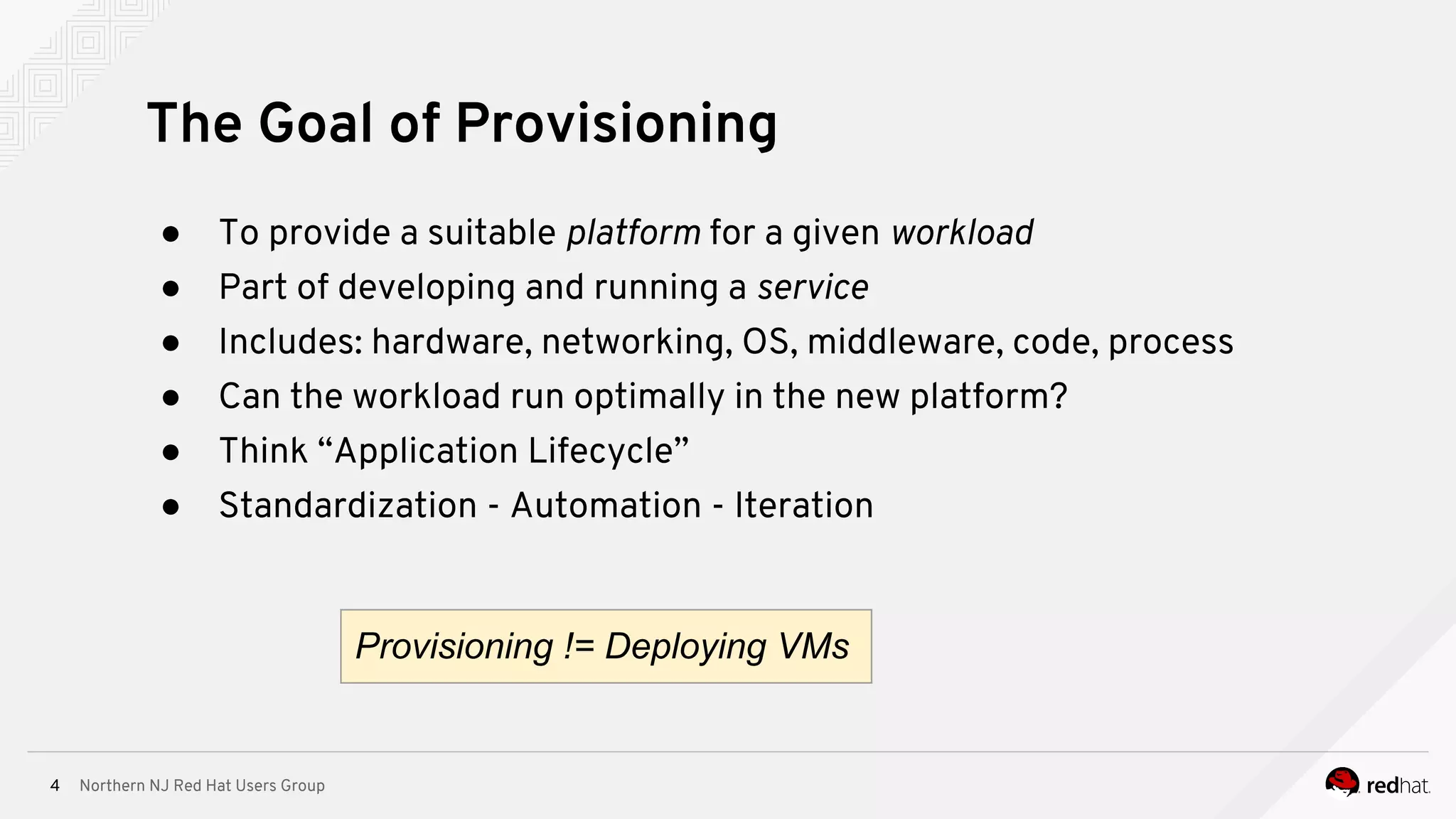
● To provide a suitable platform for a given workload
● Part of developing and running a service
● Includes: hardware, networking, OS, middleware, code, process
● Can the workload run optimally in the new platform?
● Think “Application Lifecycle”
● Standardization - Automation - Iteration
Provisioning != Deploying VMs
Northern NJ Red Hat Users Group5
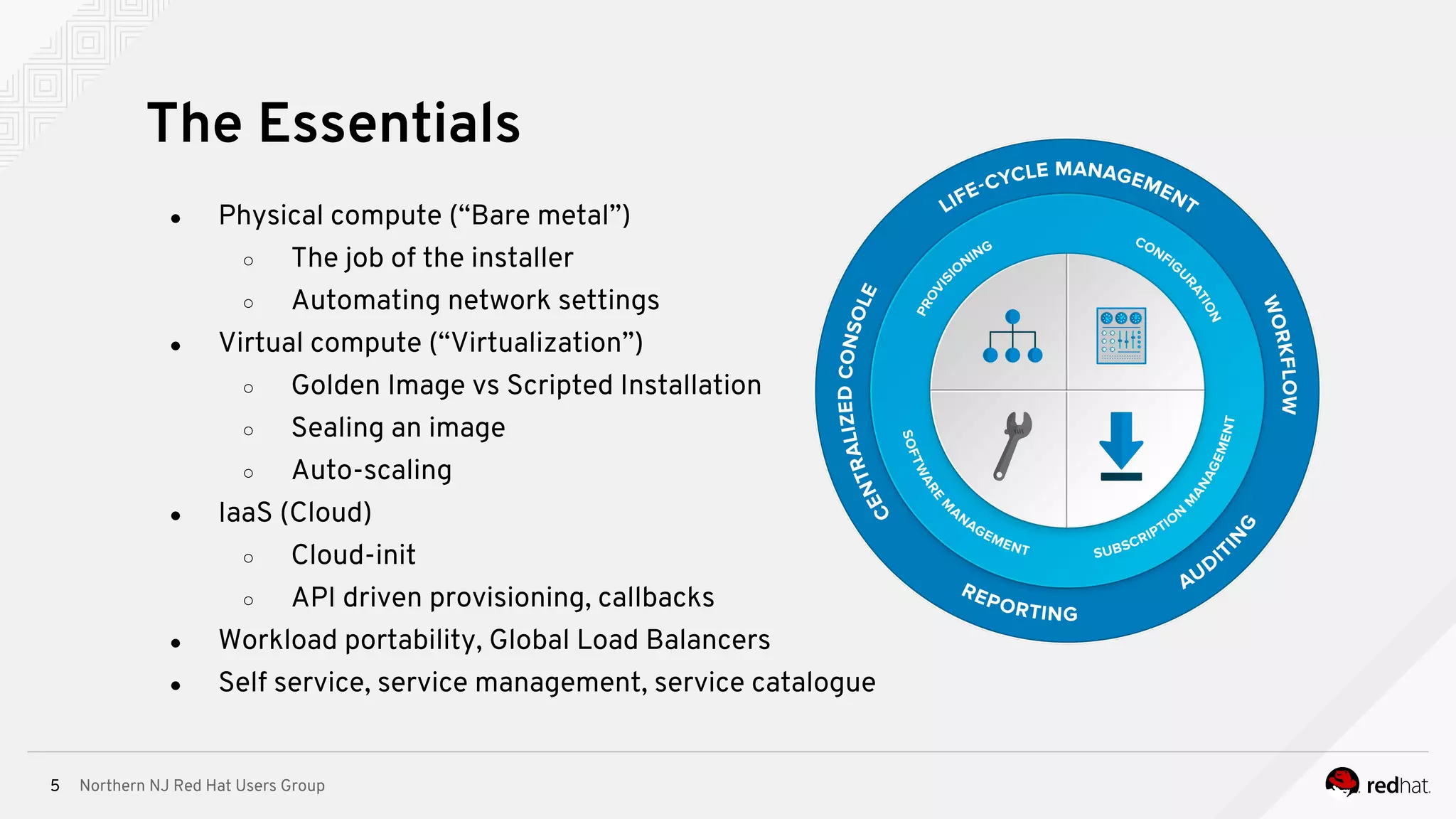
● Physical compute (“Bare metal”)
○ The job of the installer
○ Automating network settings
● Virtual compute (“Virtualization”)
○ Golden Image vs Scripted Installation
○ Sealing an image
○ Auto-scaling
● IaaS (Cloud)
○ Cloud-init
○ API driven provisioning, callbacks
● Workload portability, Global Load Balancers
● Self service, service management, service catalogue
The Essentials
Northern NJ Red Hat Users Group6
● iPXE + Kickstart + Anaconda to the rescue!
● Anaconda/kickstart takes care of:
○ Installation destination preparation
(usually disk partitioning)
○ package and data installation
○ boot loader installation and configuration
○ configuration of the newly installed system
● Think “kickstart variables”
● Initial setup
○ The first boot of the newly installed system
is traditionally considered a part of the
installation process as well
The Job of the Installer
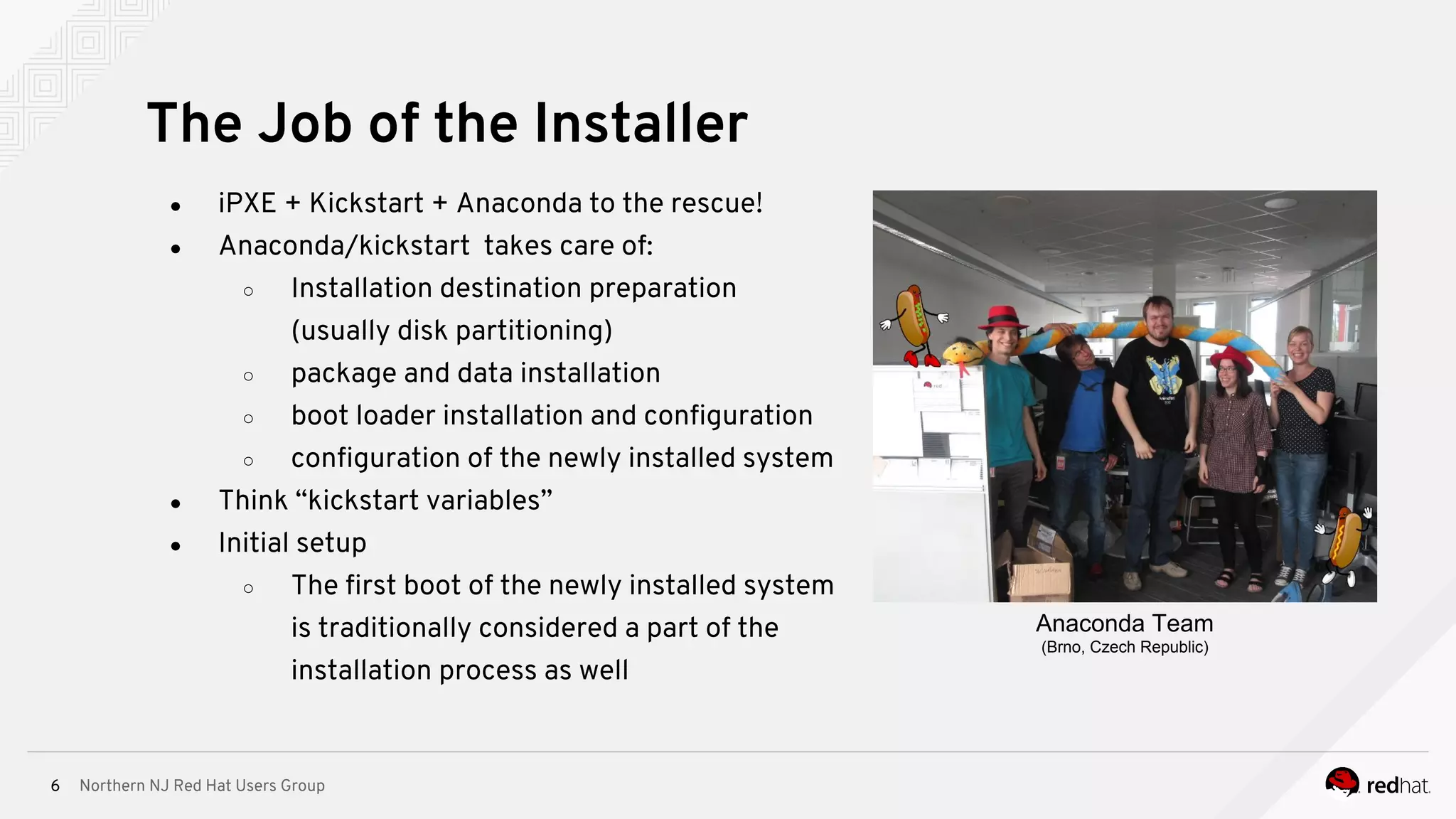
Anaconda Team
(Brno, Czech Republic)
Northern NJ Red Hat Users Group7
Golden image vs. network boot w/ kickstart
∘ Installer vs. cloning
‣ impact on repeatability and speed
‣ transparency: how do I know what's in our golden image?
‣ Keeping images fresh takes effort
The best of both worlds: hybrid of scripted and golden images
Default to network booting where possible, but script release lifecycle of golden images
Golden Image vs Scripted Installation
Treat image as code!
Northern NJ Red Hat Users Group8
● What if I don’t have DHCP on the subnet or if bootserver options are already taken?
● iPXE - open source boot firmware
○ Scritable PXE ROM!
○ Let’s you network boot even without DHCP or bootserver available
○ http://ipxe.org/
● Dynamic scripts too:
http://192.168.0.1/boot.php?mac=${net0/mac}&asset=${asset:uristring}
● Which would expand to a URL such as:
http://192.168.0.1/boot.php?mac=52:54:00:12:34:56&asset=BKQ42M1
To DHCP or not to DHCP?
Northern NJ Red Hat Users Group9
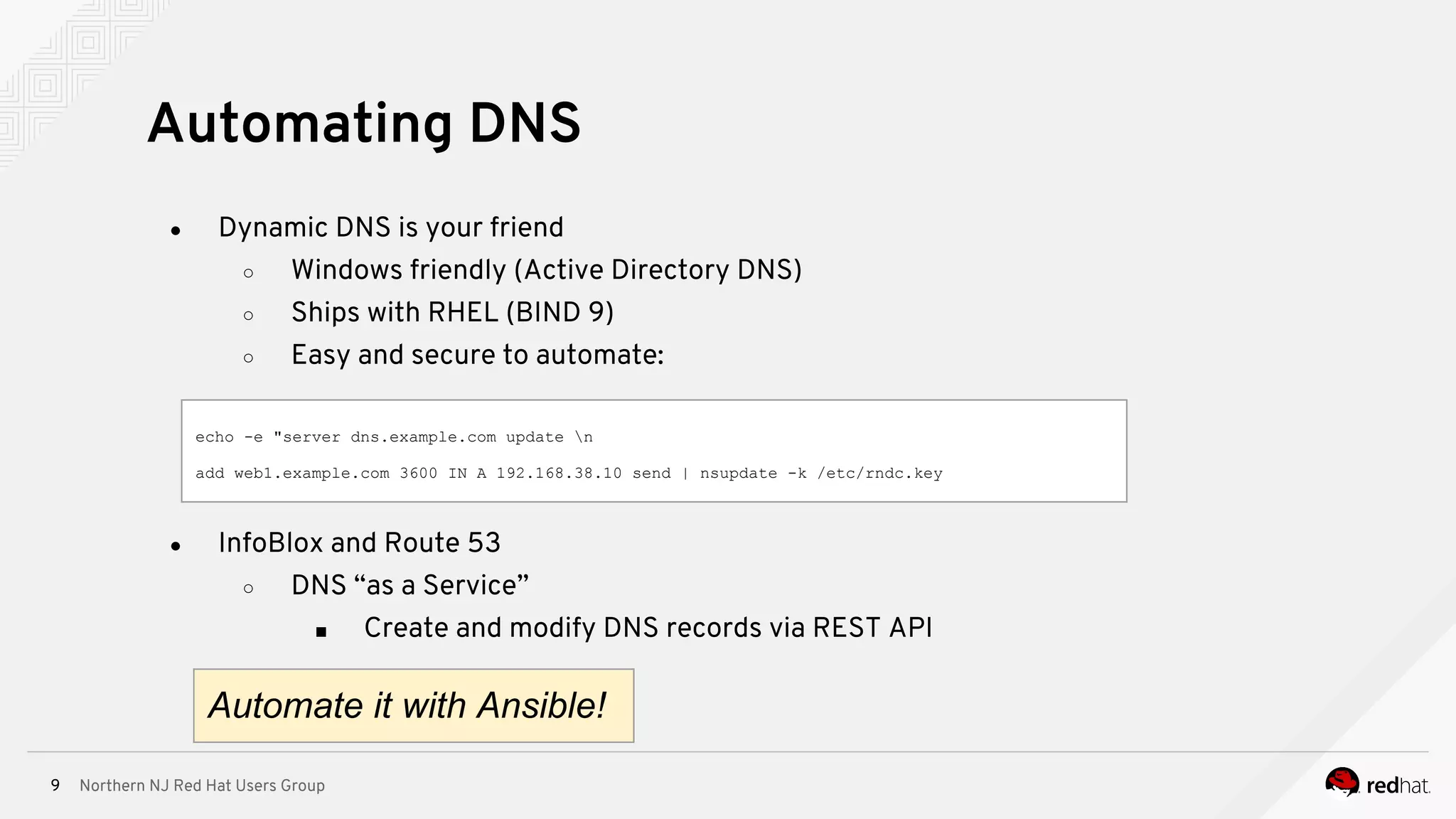
● Dynamic DNS is your friend
○ Windows friendly (Active Directory DNS)
○ Ships with RHEL (BIND 9)
○ Easy and secure to automate:
Automating DNS
echo -e "server dns.example.com update n
add web1.example.com 3600 IN A 192.168.38.10 send | nsupdate -k /etc/rndc.key
● InfoBlox and Route 53
○ DNS “as a Service”
■ Create and modify DNS records via REST API
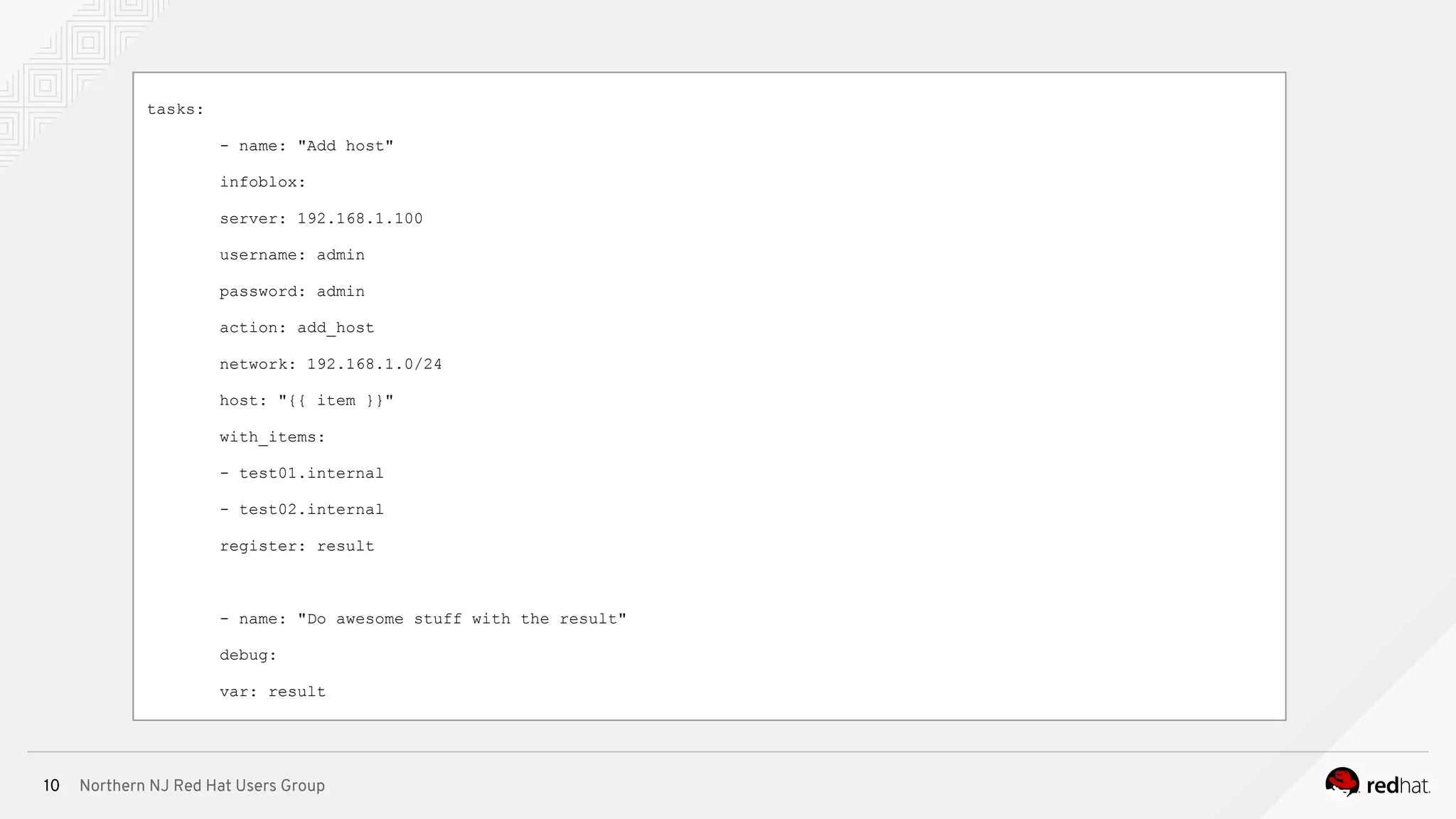
Automate it with Ansible!
Northern NJ Red Hat Users Group10
tasks:
- name: "Add host"
infoblox:
server: 192.168.1.100
username: admin
password: admin
action: add_host
network: 192.168.1.0/24
host: "{{ item }}"
with_items:
- test01.internal
- test02.internal
register: result
- name: "Do awesome stuff with the result"
debug:
var: result
Northern NJ Red Hat Users Group11
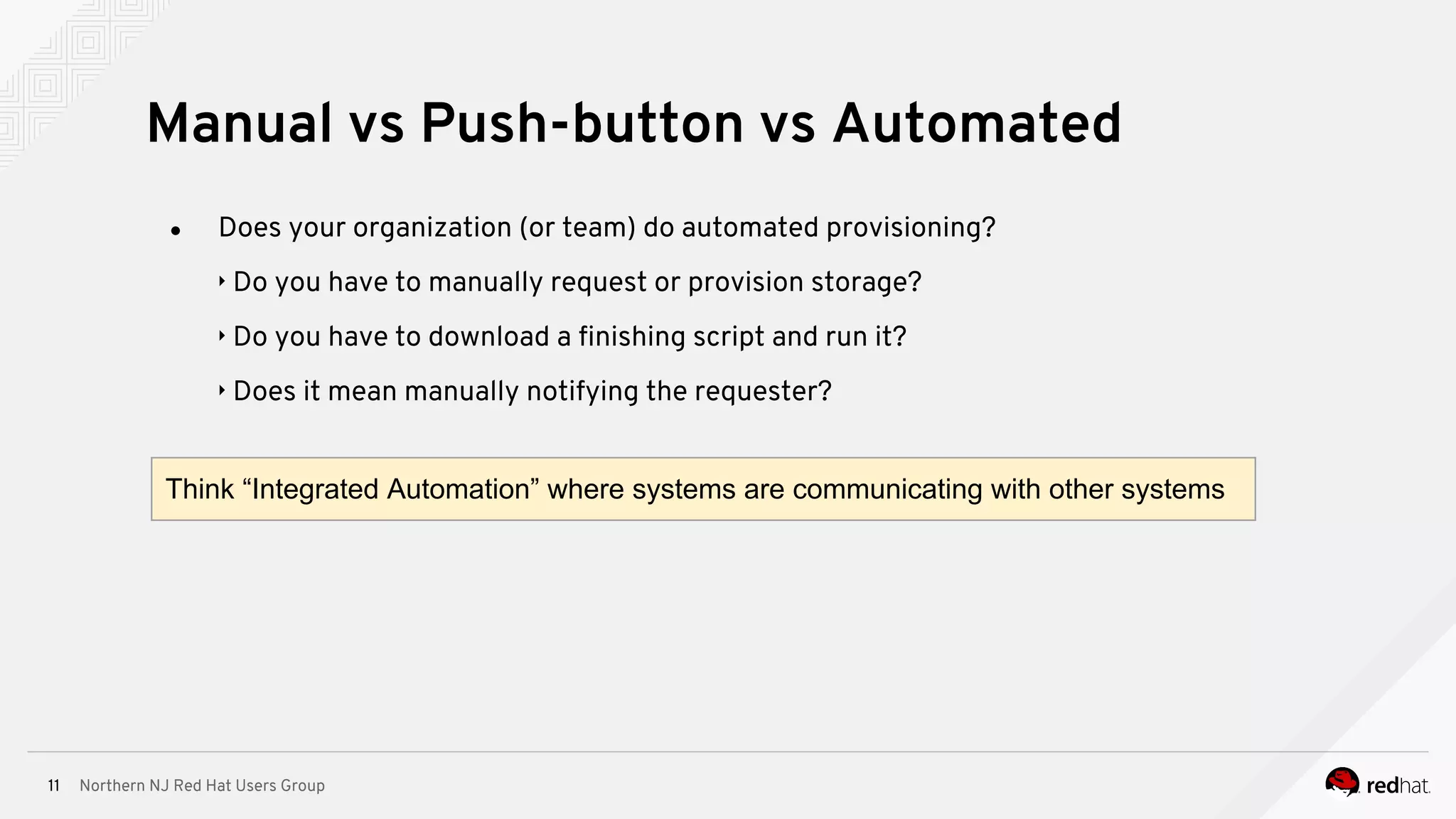
● Does your organization (or team) do automated provisioning?
‣ Do you have to manually request or provision storage?
‣ Do you have to download a finishing script and run it?
‣ Does it mean manually notifying the requester?
Manual vs Push-button vs Automated
Think “Integrated Automation” where systems are communicating with other systems
Northern NJ Red Hat Users Group12
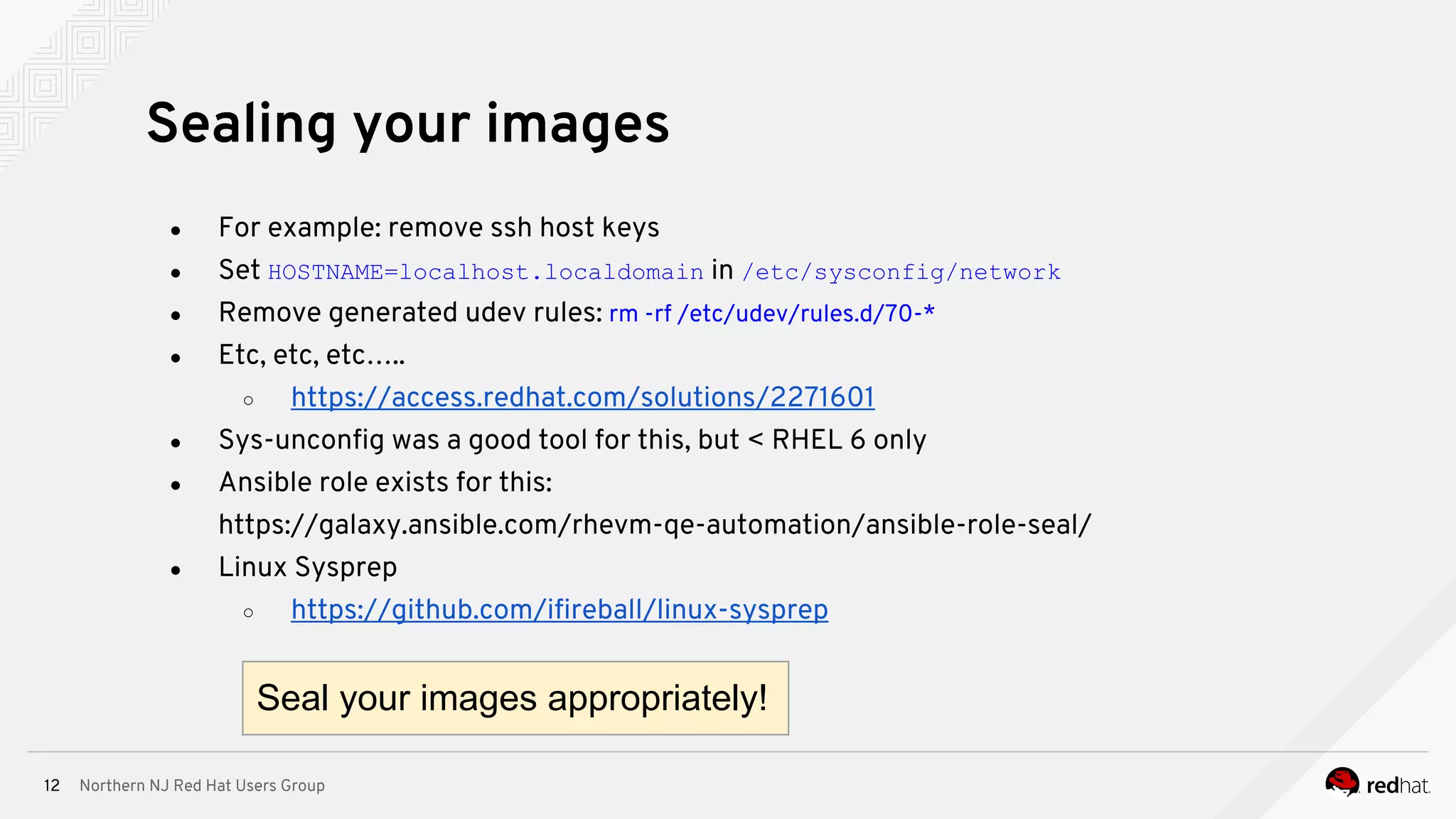
● For example: remove ssh host keys
● Set HOSTNAME=localhost.localdomain in /etc/sysconfig/network
● Remove generated udev rules: rm -rf /etc/udev/rules.d/70-*
● Etc, etc, etc…..
○ https://access.redhat.com/solutions/2271601
● Sys-unconfig was a good tool for this, but < RHEL 6 only
● Ansible role exists for this:
https://galaxy.ansible.com/rhevm-qe-automation/ansible-role-seal/
● Linux Sysprep
○ https://github.com/ifireball/linux-sysprep
Sealing your images
Seal your images appropriately!
Northern NJ Red Hat Users Group13
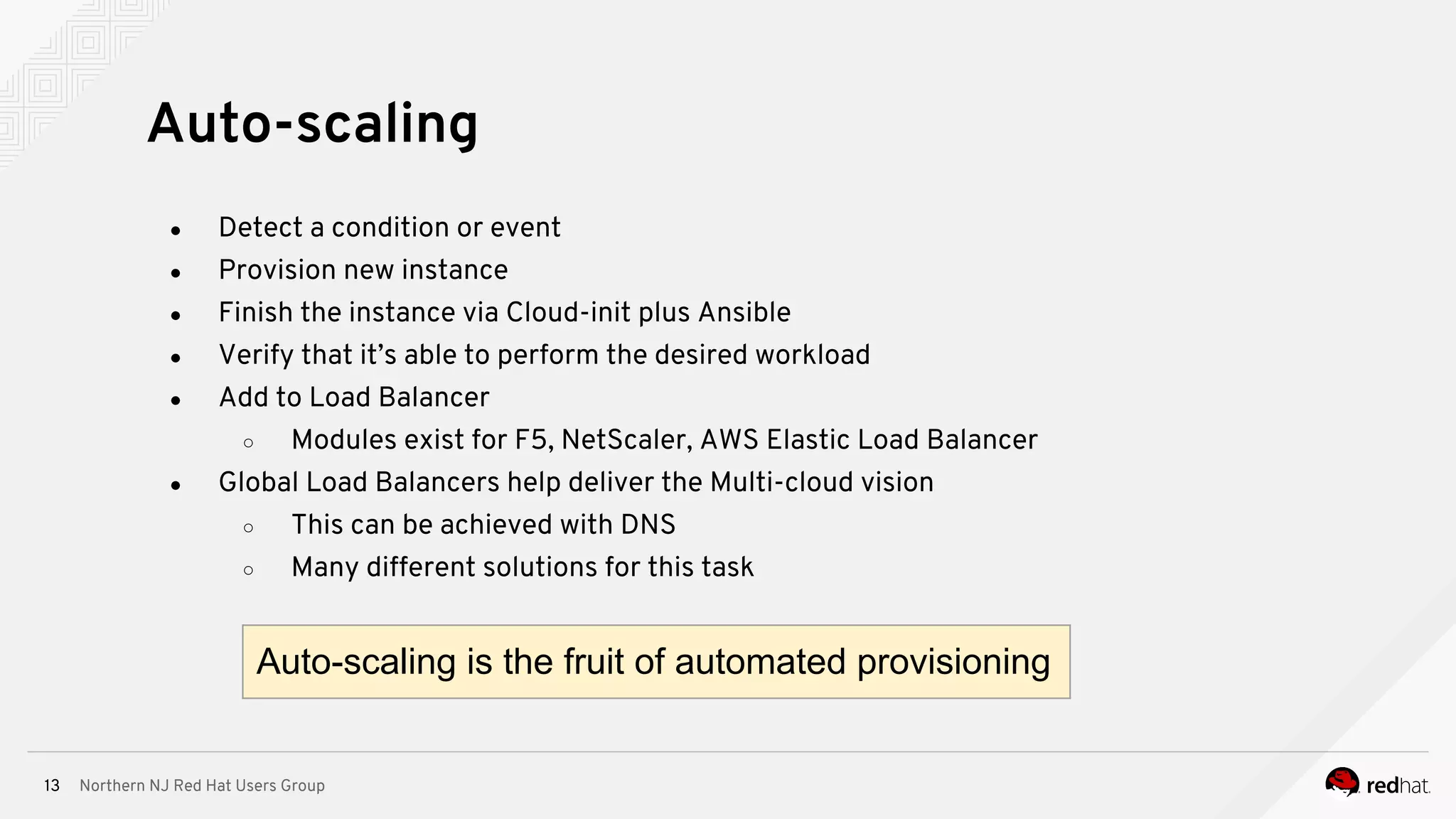
● Detect a condition or event
● Provision new instance
● Finish the instance via Cloud-init plus Ansible
● Verify that it’s able to perform the desired workload
● Add to Load Balancer
○ Modules exist for F5, NetScaler, AWS Elastic Load Balancer
● Global Load Balancers help deliver the Multi-cloud vision
○ This can be achieved with DNS
○ Many different solutions for this task
Auto-scaling
Auto-scaling is the fruit of automated provisioning
Northern NJ Red Hat Users Group14
● Cloud answer to kickstart + firstboot
● Works with RHV, OpenStack, AWS, etc
● Capabilities include:
○ Setting a default locale
○ Setting an instance hostname
○ Generating instance SSH private keys
○ Adding SSH keys to a user’s
.ssh/authorized_keys so they can log in
○ Setting up ephemeral mount points
○ Configuring network devices
● Integrate with Ansible for further customization!
Cloud-init
Northern NJ Red Hat Users Group15
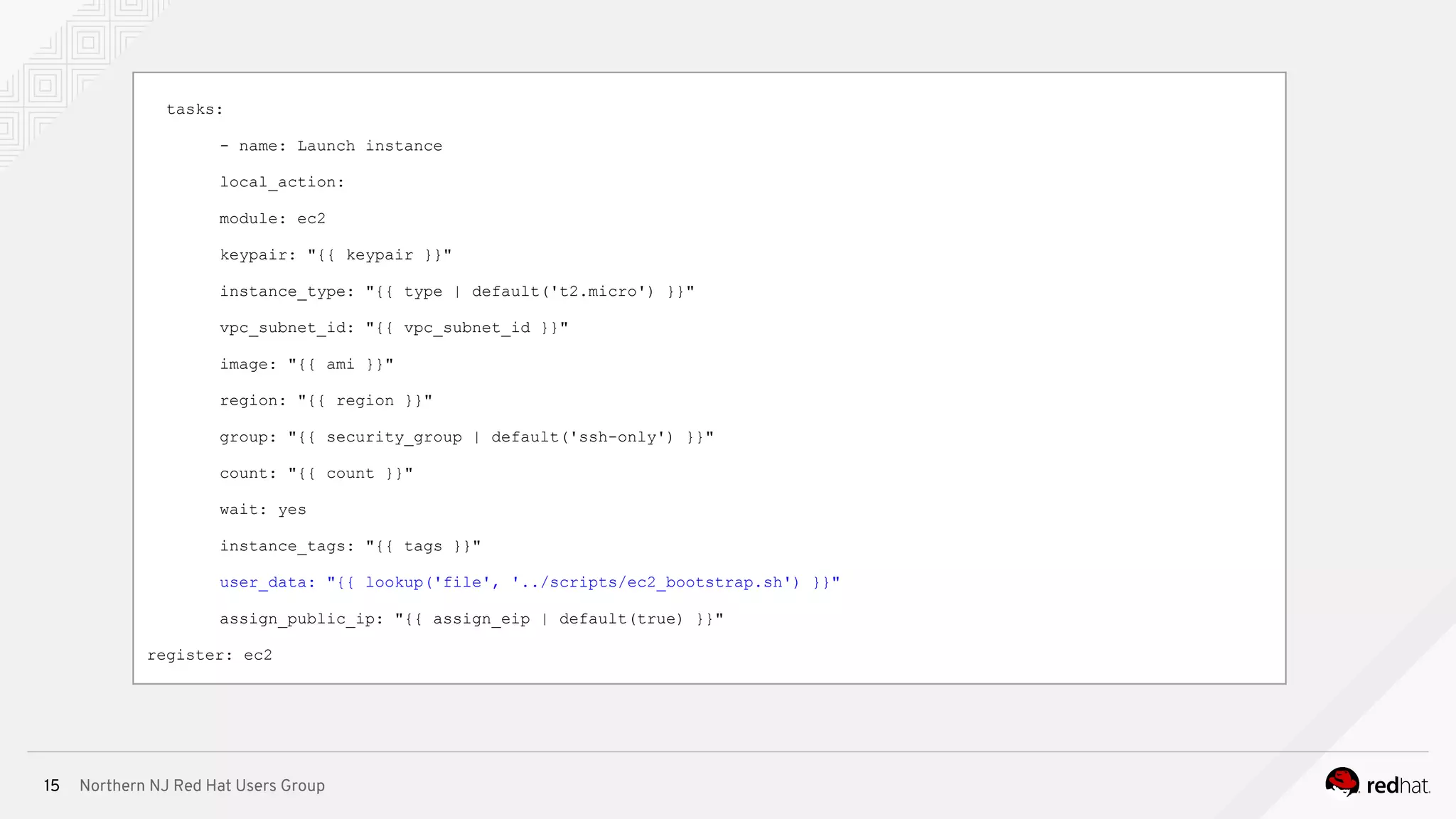
tasks:
- name: Launch instance
local_action:
module: ec2
keypair: "{{ keypair }}"
instance_type: "{{ type | default('t2.micro') }}"
vpc_subnet_id: "{{ vpc_subnet_id }}"
image: "{{ ami }}"
region: "{{ region }}"
group: "{{ security_group | default('ssh-only') }}"
count: "{{ count }}"
wait: yes
instance_tags: "{{ tags }}"
user_data: "{{ lookup('file', '../scripts/ec2_bootstrap.sh') }}"
assign_public_ip: "{{ assign_eip | default(true) }}"
register: ec2
Northern NJ Red Hat Users Group16
# Tower callback
domain=${DOMAIN:-example.com}
tower=$(dig +short _cm._tcp.${domain} srv | awk '/^0/ {print $4}')
request=($(dig +short ${domain} txt | tr -d '"'))
template_key=${request[0]}
template_id=${request[1]}
retry_attempts=10
attempt=0
while [[ $attempt -lt $retry_attempts ]]
do
status_code=`curl -s -i --data "host_config_key=$template_key"
http://$tower/api/v1/job_templates/$template_id/callback/ | head -n 1 | awk '{print $2}'`
Northern NJ Red Hat Users Group17
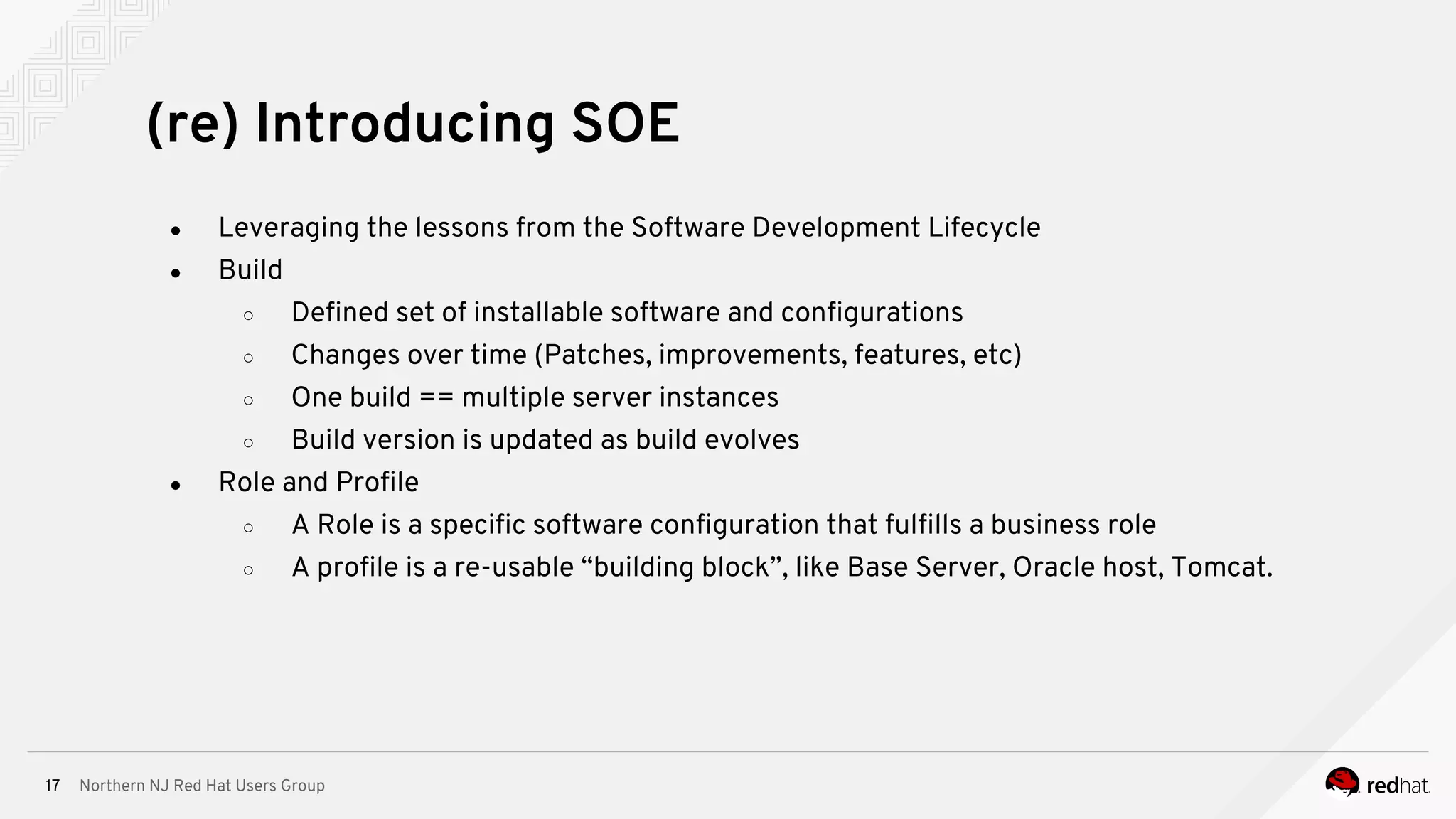
● Leveraging the lessons from the Software Development Lifecycle
● Build
○ Defined set of installable software and configurations
○ Changes over time (Patches, improvements, features, etc)
○ One build == multiple server instances
○ Build version is updated as build evolves
● Role and Profile
○ A Role is a specific software configuration that fulfills a business role
○ A profile is a re-usable “building block”, like Base Server, Oracle host, Tomcat.
(re) Introducing SOE
Northern NJ Red Hat Users Group18
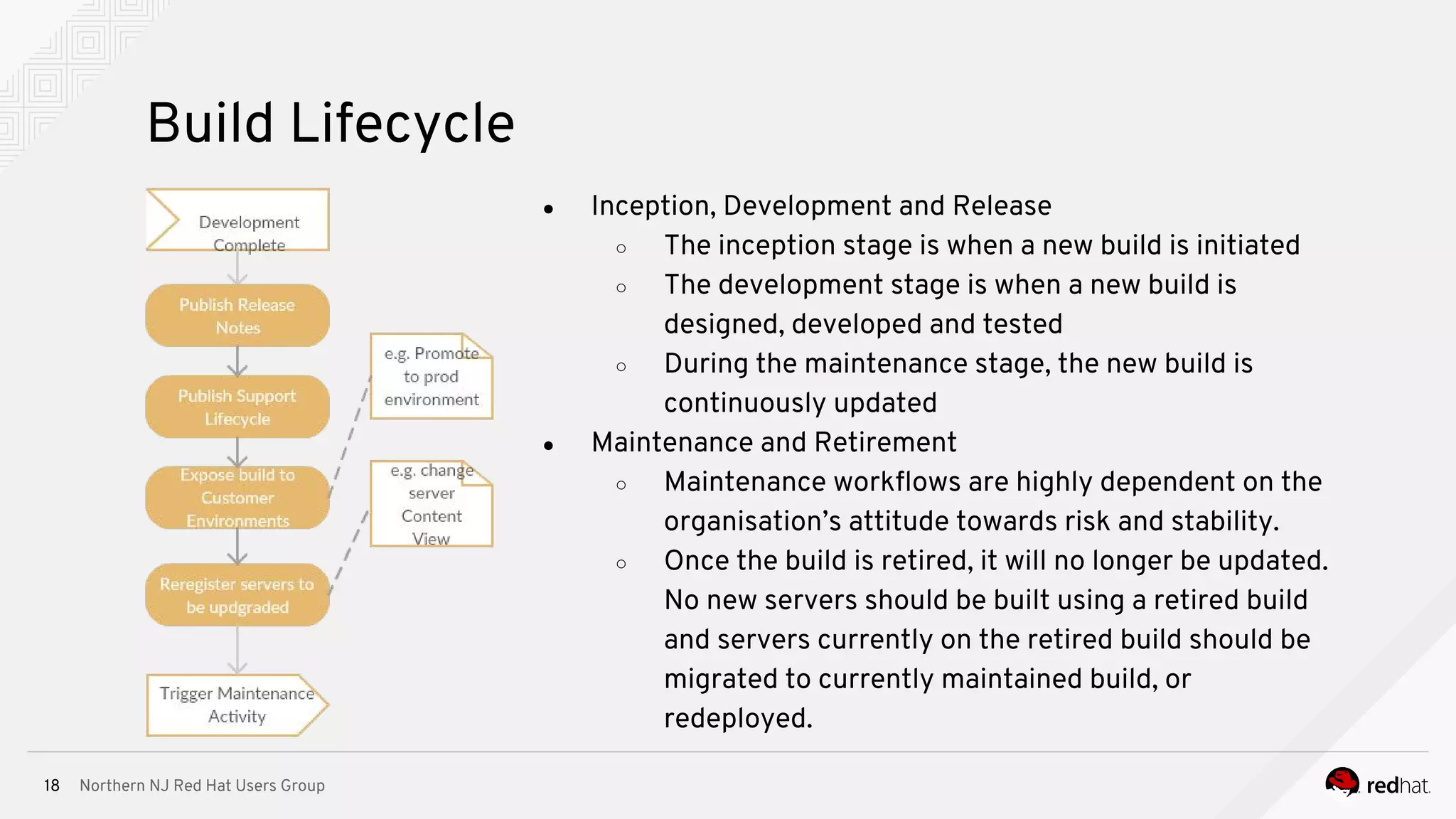
● Inception, Development and Release
○ The inception stage is when a new build is initiated
○ The development stage is when a new build is
designed, developed and tested
○ During the maintenance stage, the new build is
continuously updated
● Maintenance and Retirement
○ Maintenance workflows are highly dependent on the
organisation’s attitude towards risk and stability.
○ Once the build is retired, it will no longer be updated.
No new servers should be built using a retired build
and servers currently on the retired build should be
migrated to currently maintained build, or
redeployed.
Build Lifecycle
Northern NJ Red Hat Users Group19
Northern NJ Red Hat Users Group20
Q&A
THANK YOU
plus.google.com/+RedHat
linkedin.com/company/red-hat
youtube.com/user/RedHatVideos
facebook.com/redhatinc
twitter.com/RedHatNews

New Jersey Red Hat Users Group Presentation: Provisioning anywhere

  • 1.
    Provisioning Anywhere Platform provisioningacross compute environments Andre Pitanga <andre@redhat.com> Senior Solutions Architect 10/10/2017
  • 2.
    Northern NJ RedHat Users Group2 Something about the myself ● A Linux cowboy sysadmin since 2005 ● Making enterprise IT more open and adaptable TM ● Red Hat’s Core Management CoP ● RHCE since 2008! ● Play Minecraft with my son almost every day ● Play Samba percussion. A frame-drum called the Pandeiro Introduction
  • 3.
    Northern NJ RedHat Users Group3 ● Deployment vs. Provisioning ● Manual vs Push-button vs Automated provisioning ● (re) Introducing SOE (Standard Operating Environment) ● Provisioning next: Modularity, Immutable images and ... Agenda
  • 4.
    Northern NJ RedHat Users Group4 The Goal of Provisioning ● To provide a suitable platform for a given workload ● Part of developing and running a service ● Includes: hardware, networking, OS, middleware, code, process ● Can the workload run optimally in the new platform? ● Think “Application Lifecycle” ● Standardization - Automation - Iteration Provisioning != Deploying VMs
  • 5.
    Northern NJ RedHat Users Group5 ● Physical compute (“Bare metal”) ○ The job of the installer ○ Automating network settings ● Virtual compute (“Virtualization”) ○ Golden Image vs Scripted Installation ○ Sealing an image ○ Auto-scaling ● IaaS (Cloud) ○ Cloud-init ○ API driven provisioning, callbacks ● Workload portability, Global Load Balancers ● Self service, service management, service catalogue The Essentials
  • 6.
    Northern NJ RedHat Users Group6 ● iPXE + Kickstart + Anaconda to the rescue! ● Anaconda/kickstart takes care of: ○ Installation destination preparation (usually disk partitioning) ○ package and data installation ○ boot loader installation and configuration ○ configuration of the newly installed system ● Think “kickstart variables” ● Initial setup ○ The first boot of the newly installed system is traditionally considered a part of the installation process as well The Job of the Installer Anaconda Team (Brno, Czech Republic)
  • 7.
    Northern NJ RedHat Users Group7 Golden image vs. network boot w/ kickstart ∘ Installer vs. cloning ‣ impact on repeatability and speed ‣ transparency: how do I know what's in our golden image? ‣ Keeping images fresh takes effort The best of both worlds: hybrid of scripted and golden images Default to network booting where possible, but script release lifecycle of golden images Golden Image vs Scripted Installation Treat image as code!
  • 8.
    Northern NJ RedHat Users Group8 ● What if I don’t have DHCP on the subnet or if bootserver options are already taken? ● iPXE - open source boot firmware ○ Scritable PXE ROM! ○ Let’s you network boot even without DHCP or bootserver available ○ http://ipxe.org/ ● Dynamic scripts too: http://192.168.0.1/boot.php?mac=${net0/mac}&asset=${asset:uristring} ● Which would expand to a URL such as: http://192.168.0.1/boot.php?mac=52:54:00:12:34:56&asset=BKQ42M1 To DHCP or not to DHCP?
  • 9.
    Northern NJ RedHat Users Group9 ● Dynamic DNS is your friend ○ Windows friendly (Active Directory DNS) ○ Ships with RHEL (BIND 9) ○ Easy and secure to automate: Automating DNS echo -e "server dns.example.com update n add web1.example.com 3600 IN A 192.168.38.10 send | nsupdate -k /etc/rndc.key ● InfoBlox and Route 53 ○ DNS “as a Service” ■ Create and modify DNS records via REST API Automate it with Ansible!
  • 10.
    Northern NJ RedHat Users Group10 tasks: - name: "Add host" infoblox: server: 192.168.1.100 username: admin password: admin action: add_host network: 192.168.1.0/24 host: "{{ item }}" with_items: - test01.internal - test02.internal register: result - name: "Do awesome stuff with the result" debug: var: result
  • 11.
    Northern NJ RedHat Users Group11 ● Does your organization (or team) do automated provisioning? ‣ Do you have to manually request or provision storage? ‣ Do you have to download a finishing script and run it? ‣ Does it mean manually notifying the requester? Manual vs Push-button vs Automated Think “Integrated Automation” where systems are communicating with other systems
  • 12.
    Northern NJ RedHat Users Group12 ● For example: remove ssh host keys ● Set HOSTNAME=localhost.localdomain in /etc/sysconfig/network ● Remove generated udev rules: rm -rf /etc/udev/rules.d/70-* ● Etc, etc, etc….. ○ https://access.redhat.com/solutions/2271601 ● Sys-unconfig was a good tool for this, but < RHEL 6 only ● Ansible role exists for this: https://galaxy.ansible.com/rhevm-qe-automation/ansible-role-seal/ ● Linux Sysprep ○ https://github.com/ifireball/linux-sysprep Sealing your images Seal your images appropriately!
  • 13.
    Northern NJ RedHat Users Group13 ● Detect a condition or event ● Provision new instance ● Finish the instance via Cloud-init plus Ansible ● Verify that it’s able to perform the desired workload ● Add to Load Balancer ○ Modules exist for F5, NetScaler, AWS Elastic Load Balancer ● Global Load Balancers help deliver the Multi-cloud vision ○ This can be achieved with DNS ○ Many different solutions for this task Auto-scaling Auto-scaling is the fruit of automated provisioning
  • 14.
    Northern NJ RedHat Users Group14 ● Cloud answer to kickstart + firstboot ● Works with RHV, OpenStack, AWS, etc ● Capabilities include: ○ Setting a default locale ○ Setting an instance hostname ○ Generating instance SSH private keys ○ Adding SSH keys to a user’s .ssh/authorized_keys so they can log in ○ Setting up ephemeral mount points ○ Configuring network devices ● Integrate with Ansible for further customization! Cloud-init
  • 15.
    Northern NJ RedHat Users Group15 tasks: - name: Launch instance local_action: module: ec2 keypair: "{{ keypair }}" instance_type: "{{ type | default('t2.micro') }}" vpc_subnet_id: "{{ vpc_subnet_id }}" image: "{{ ami }}" region: "{{ region }}" group: "{{ security_group | default('ssh-only') }}" count: "{{ count }}" wait: yes instance_tags: "{{ tags }}" user_data: "{{ lookup('file', '../scripts/ec2_bootstrap.sh') }}" assign_public_ip: "{{ assign_eip | default(true) }}" register: ec2
  • 16.
    Northern NJ RedHat Users Group16 # Tower callback domain=${DOMAIN:-example.com} tower=$(dig +short _cm._tcp.${domain} srv | awk '/^0/ {print $4}') request=($(dig +short ${domain} txt | tr -d '"')) template_key=${request[0]} template_id=${request[1]} retry_attempts=10 attempt=0 while [[ $attempt -lt $retry_attempts ]] do status_code=`curl -s -i --data "host_config_key=$template_key" http://$tower/api/v1/job_templates/$template_id/callback/ | head -n 1 | awk '{print $2}'`
  • 17.
    Northern NJ RedHat Users Group17 ● Leveraging the lessons from the Software Development Lifecycle ● Build ○ Defined set of installable software and configurations ○ Changes over time (Patches, improvements, features, etc) ○ One build == multiple server instances ○ Build version is updated as build evolves ● Role and Profile ○ A Role is a specific software configuration that fulfills a business role ○ A profile is a re-usable “building block”, like Base Server, Oracle host, Tomcat. (re) Introducing SOE
  • 18.
    Northern NJ RedHat Users Group18 ● Inception, Development and Release ○ The inception stage is when a new build is initiated ○ The development stage is when a new build is designed, developed and tested ○ During the maintenance stage, the new build is continuously updated ● Maintenance and Retirement ○ Maintenance workflows are highly dependent on the organisation’s attitude towards risk and stability. ○ Once the build is retired, it will no longer be updated. No new servers should be built using a retired build and servers currently on the retired build should be migrated to currently maintained build, or redeployed. Build Lifecycle
  • 19.
    Northern NJ RedHat Users Group19
  • 20.
    Northern NJ RedHat Users Group20
  • 21.
  • 22.